
App Introduction
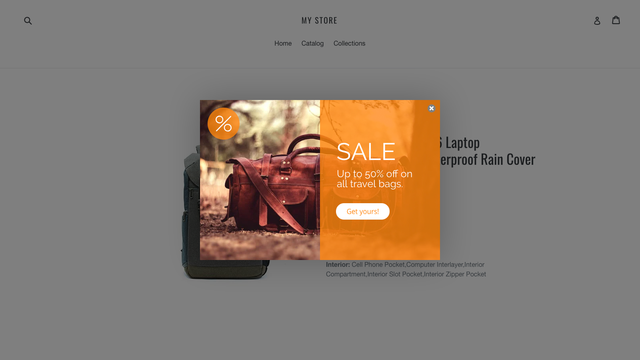
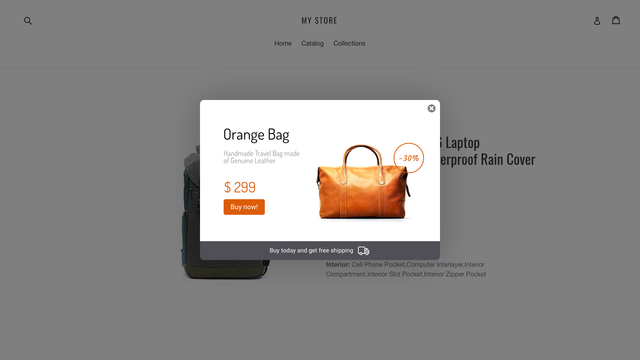
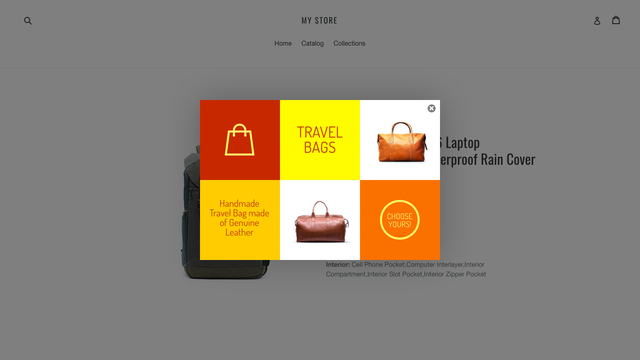
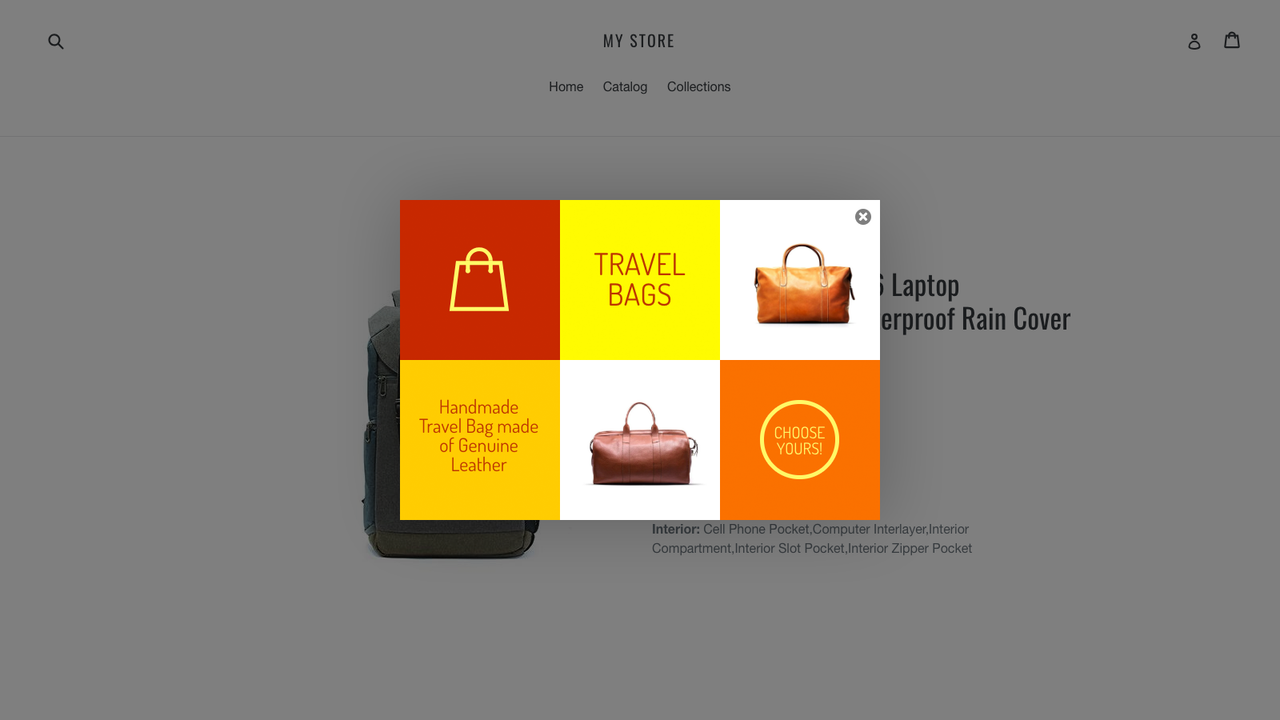
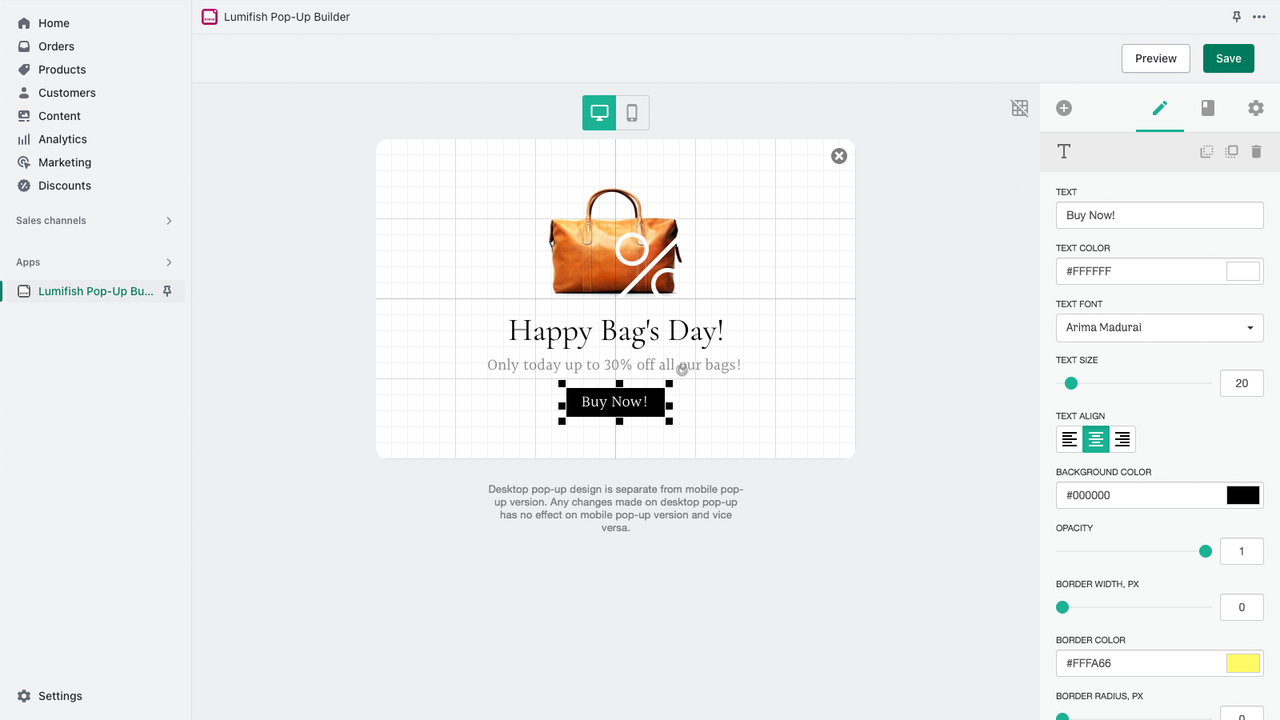
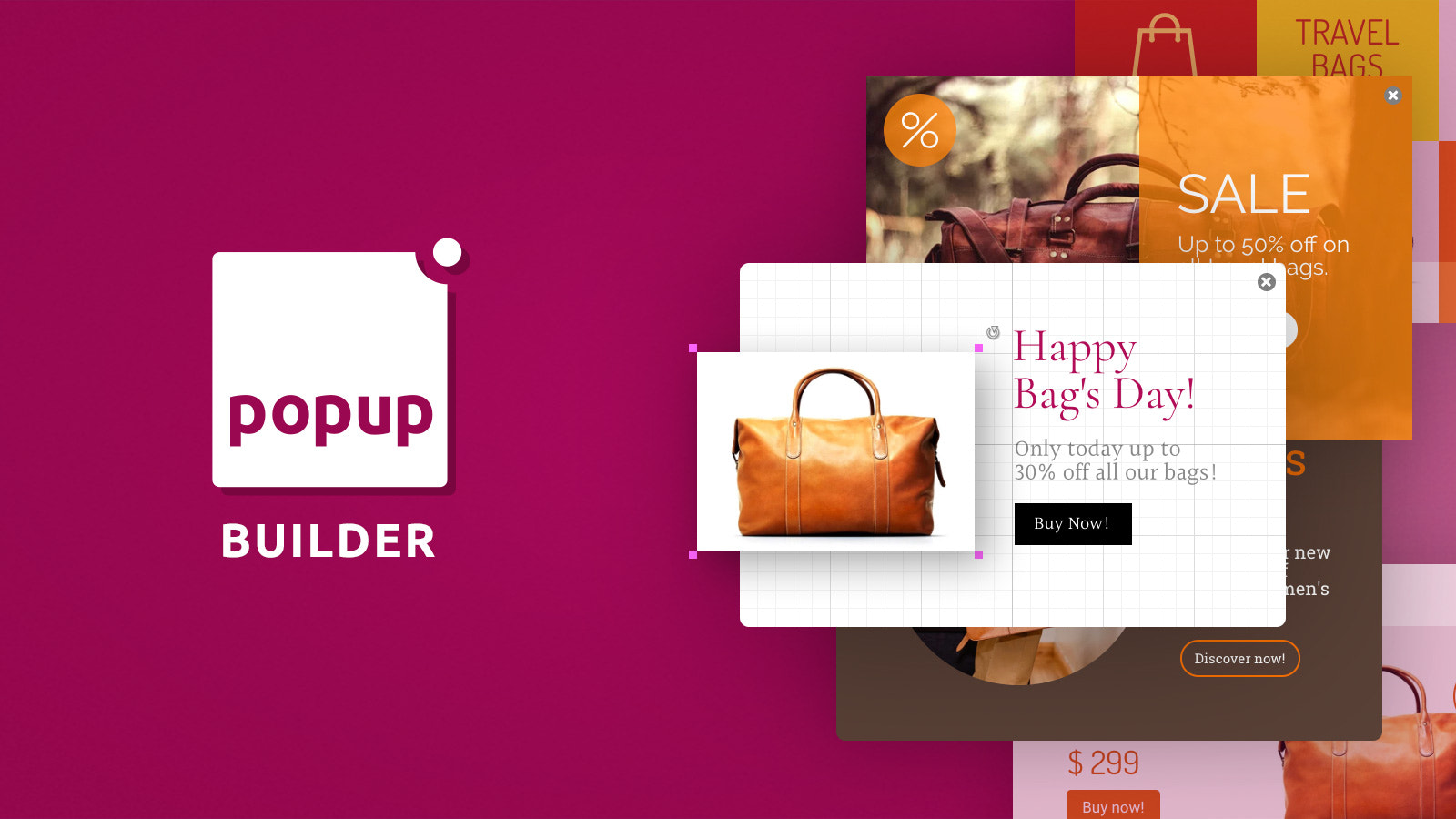
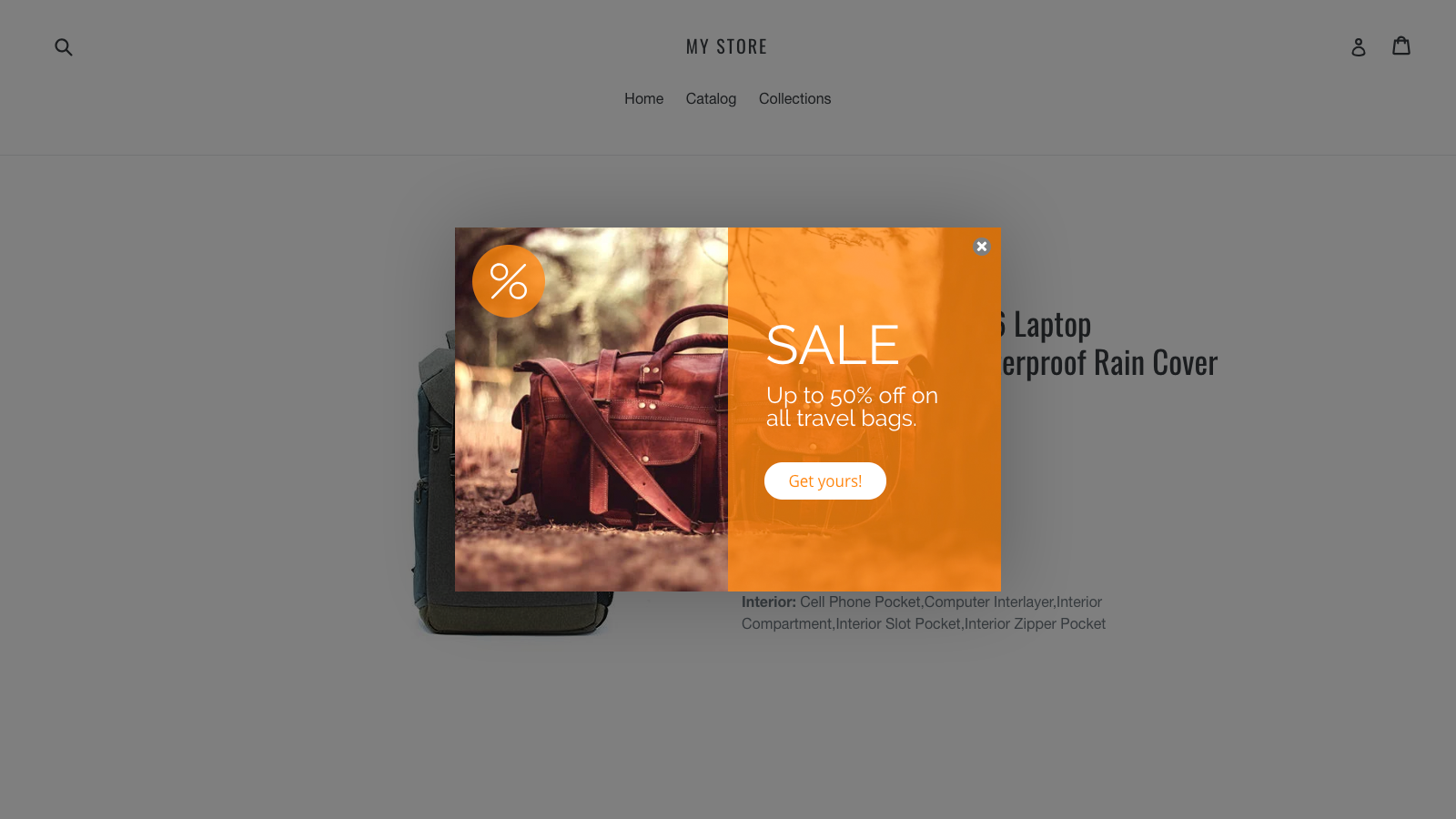
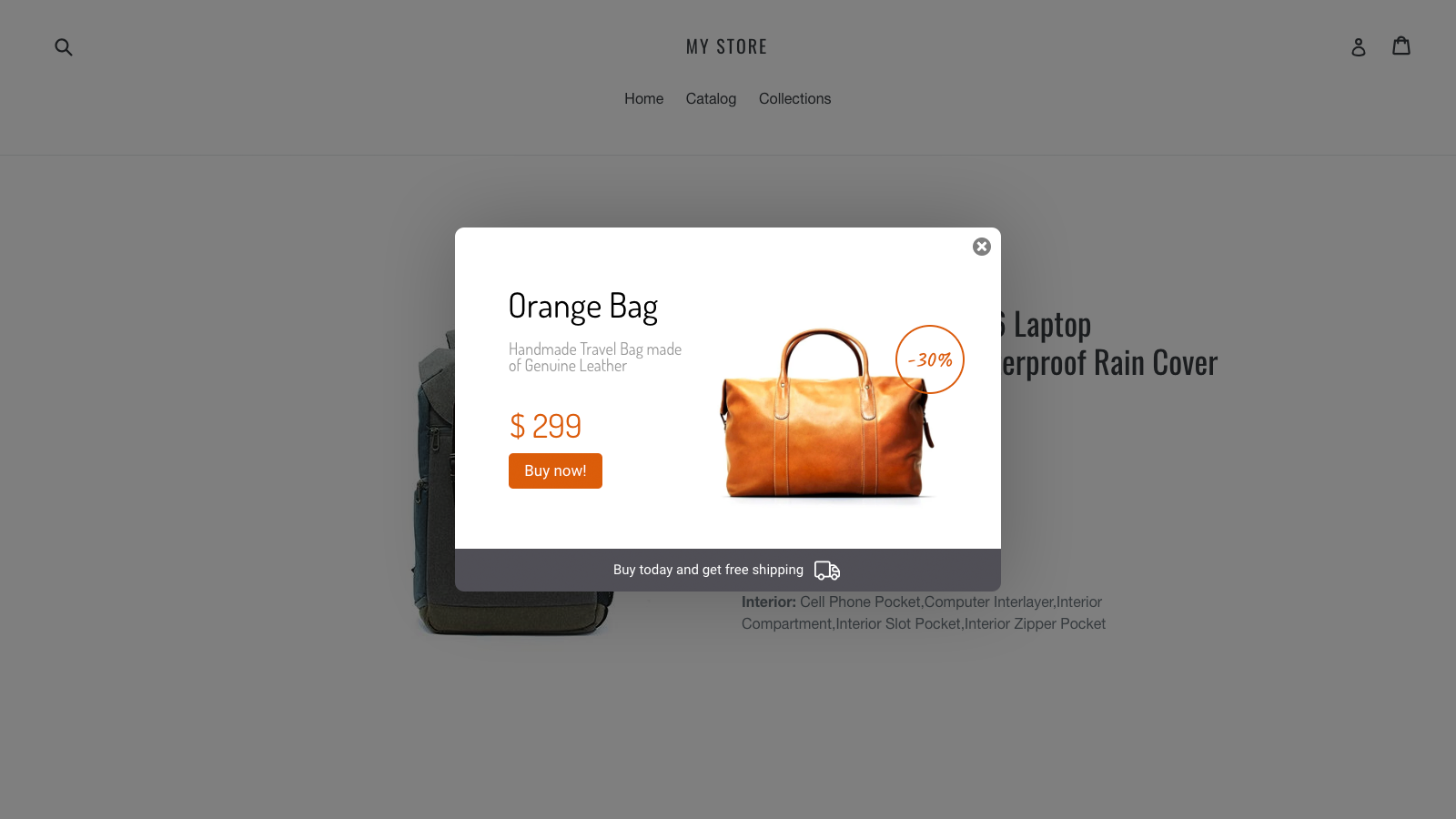
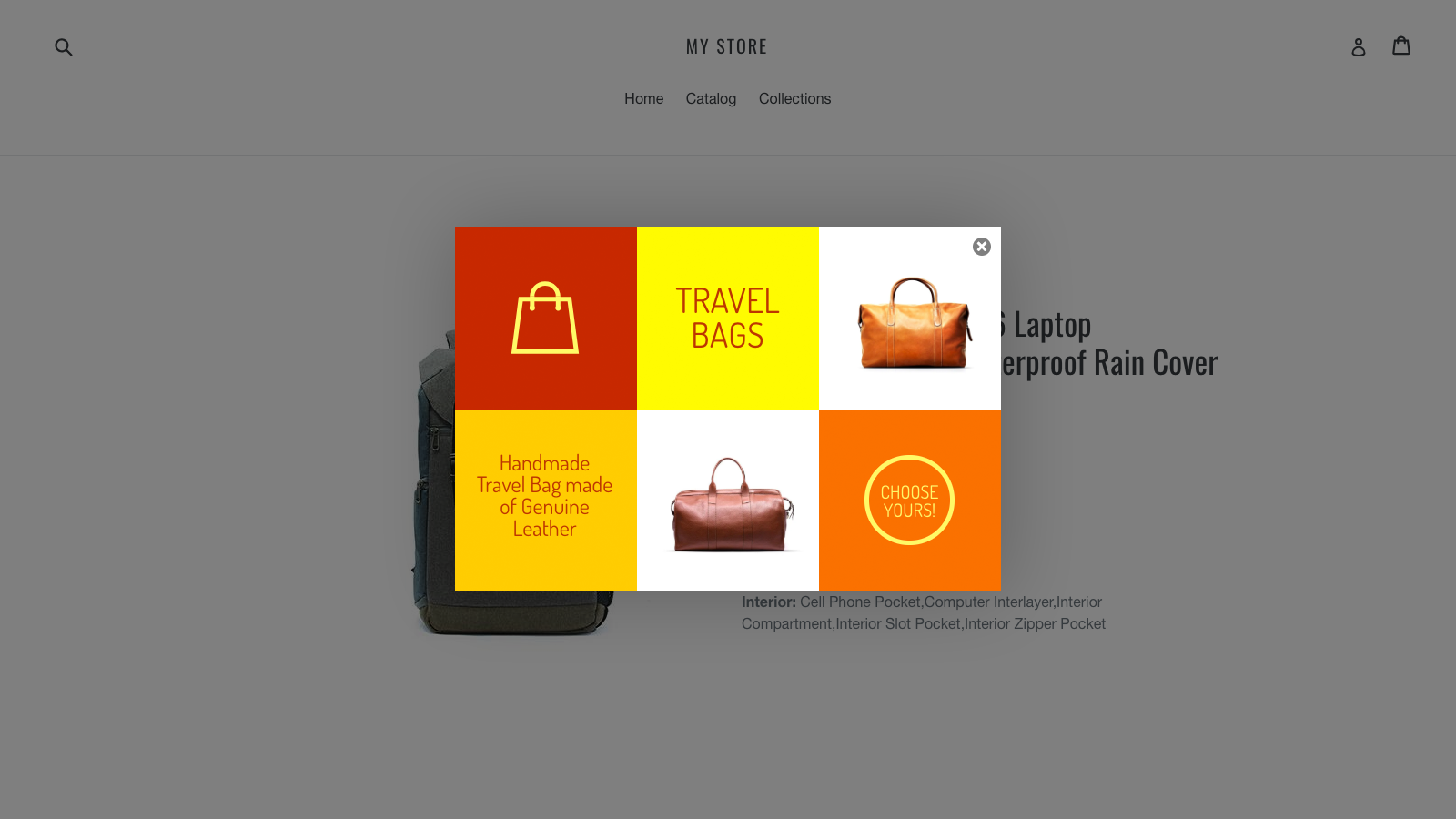
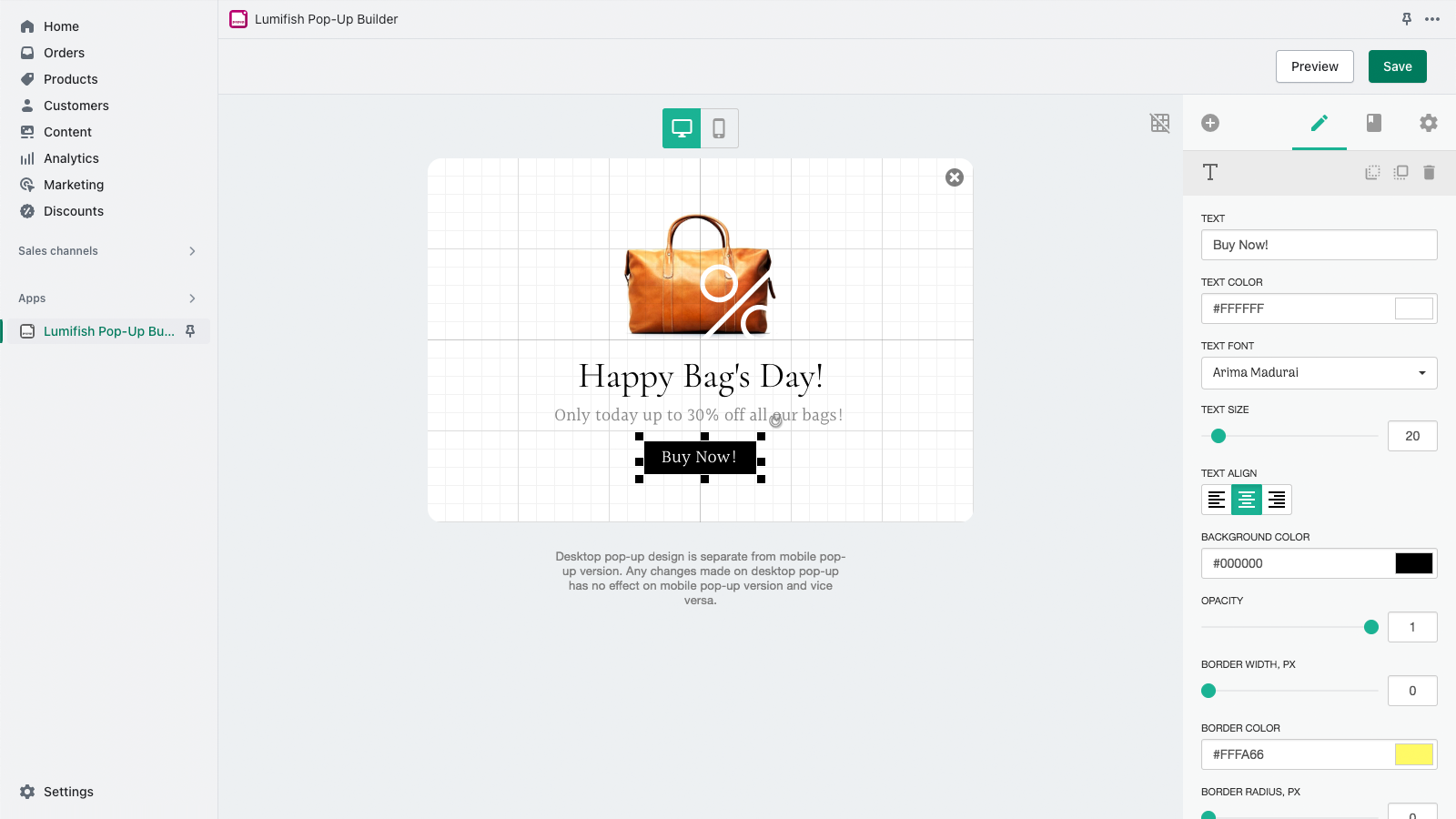
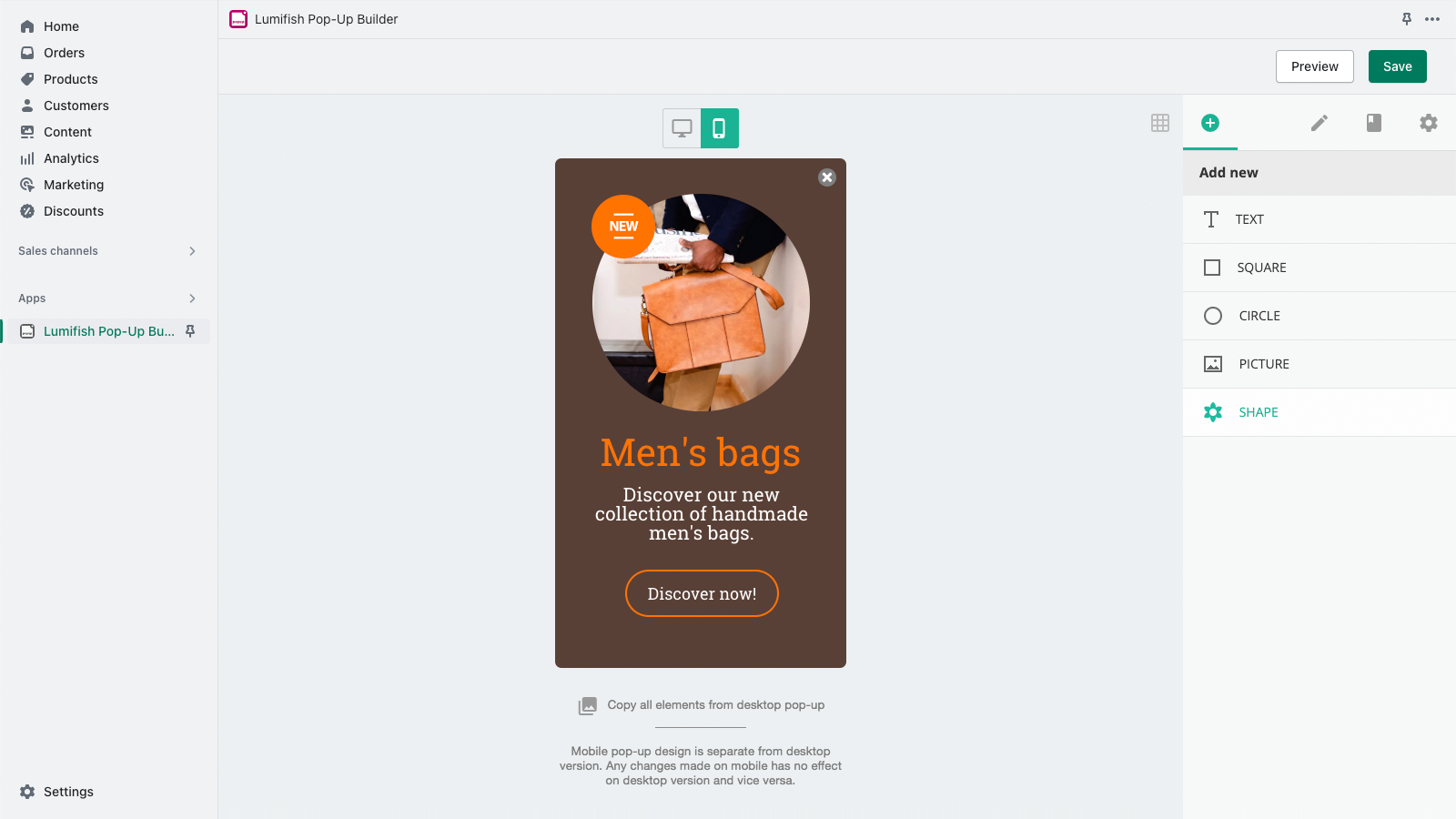
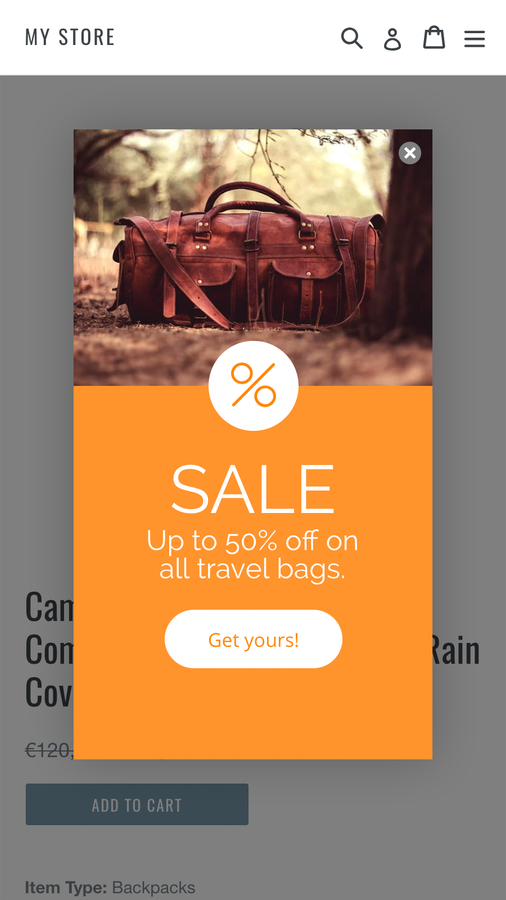
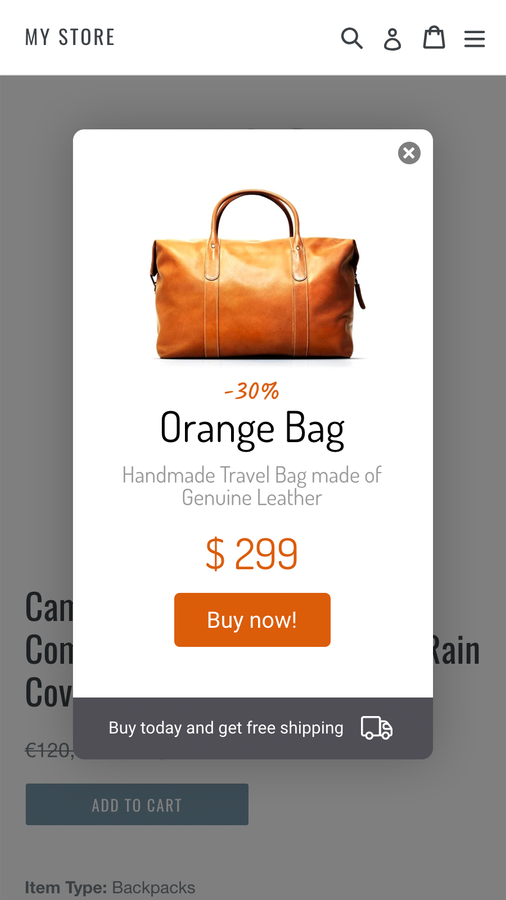
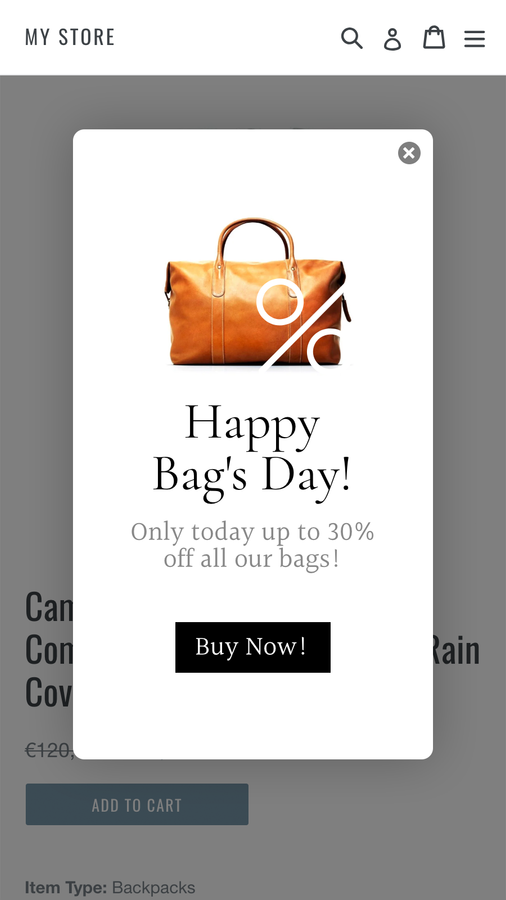
Create simple custom popups. Notify customers about special offers and promotions to capture more leads. Engage with your Shopify store customers the moment they land on your page using easy-to-build custom popups. Our drag-and-drop editor requires no coding skills—build popups from scratch by adding and managing images, shapes, our pre-made icons, text, buttons, and links. Or choose from a range of stunning popup templates to launch your popup in just a few clicks.
Core Functionality
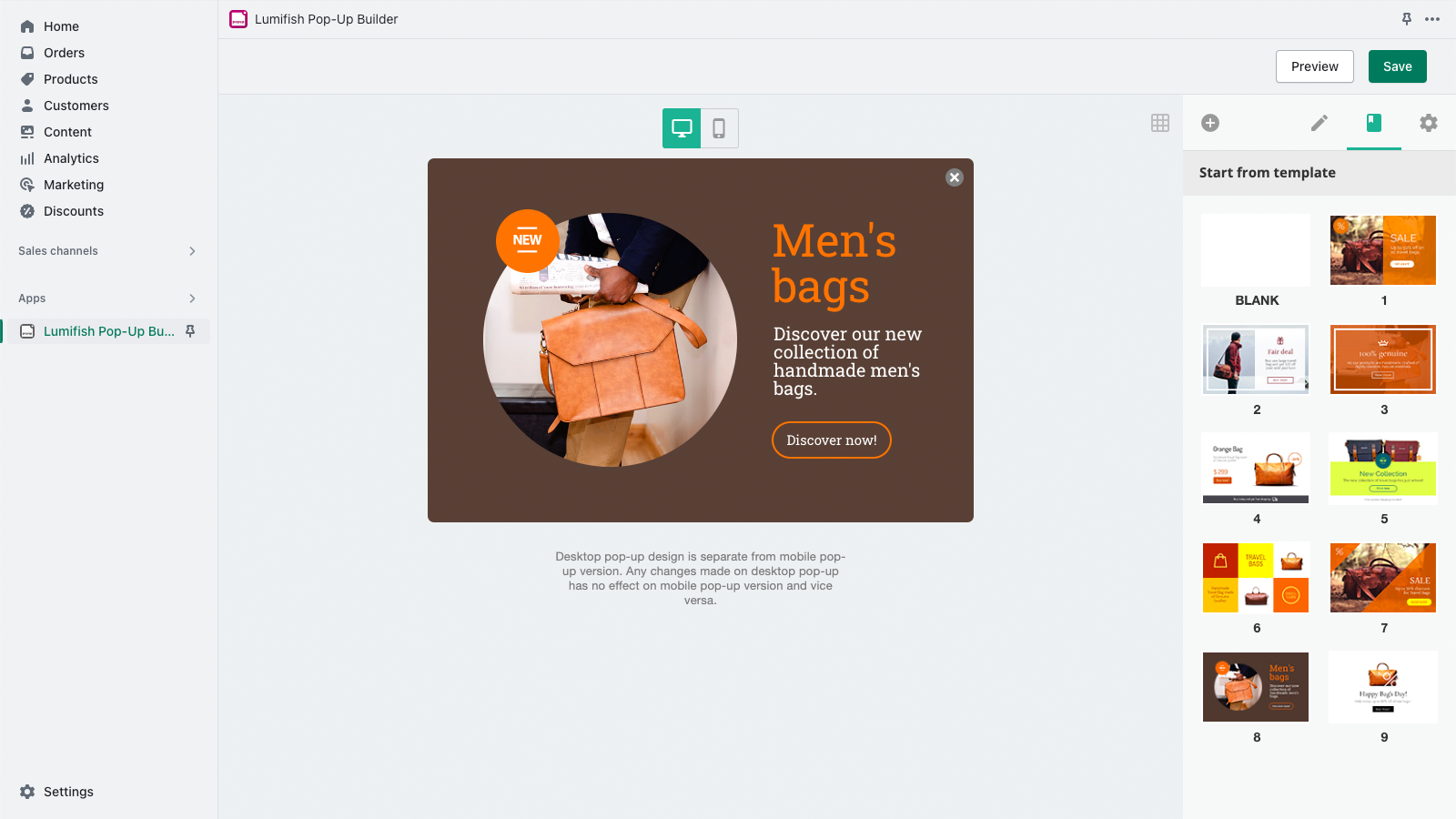
- Use a user-friendly drag-and-drop popup editor.
- Choose from a collection of beautifully designed popup templates.
- Customize your popup timing and other settings.
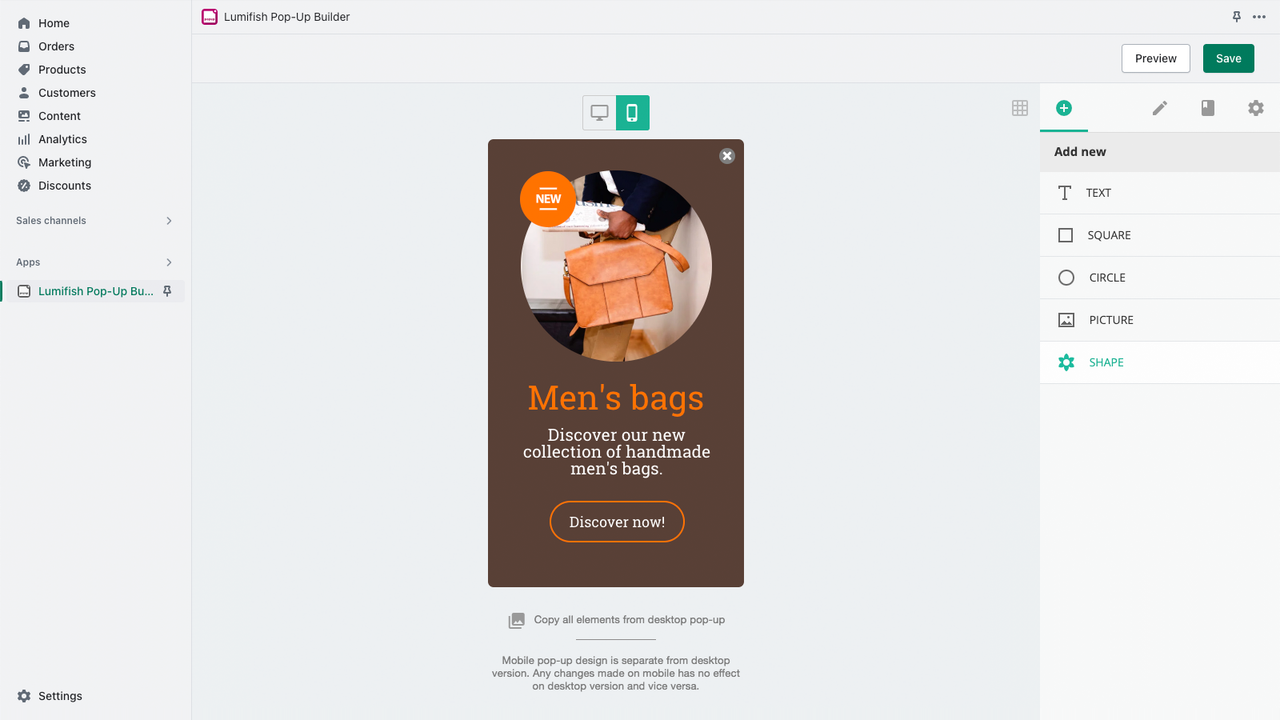
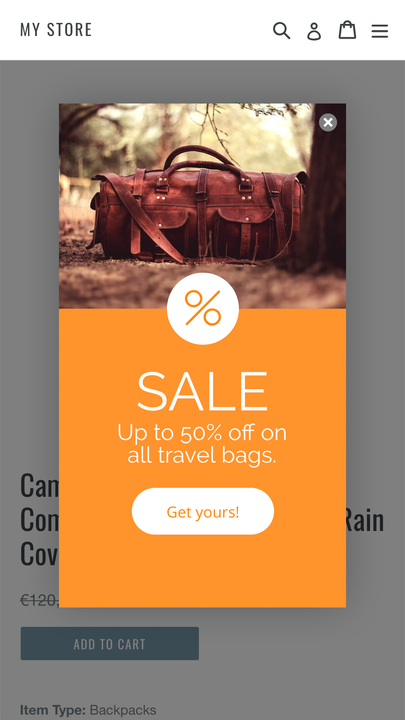
- Build and manage separate popups for desktop and mobile stores.
Merchant-Friendly
- Independent Station Merchants
- Small & Medium E-commerce Sellers
- Brand Retail Merchants
- Mobile-First Merchants
Basic Information
- Developer:MB LUMIUS
- Address:A.Gostauto str. 8-136, Vilnius, 01108, LT
- Price: Free / Free plan
- Rating:3.3 / 5
- Comment Count:7 comment
- Release Date:2017-3-30
- Supported languages:English
- Compatible products:Shopify
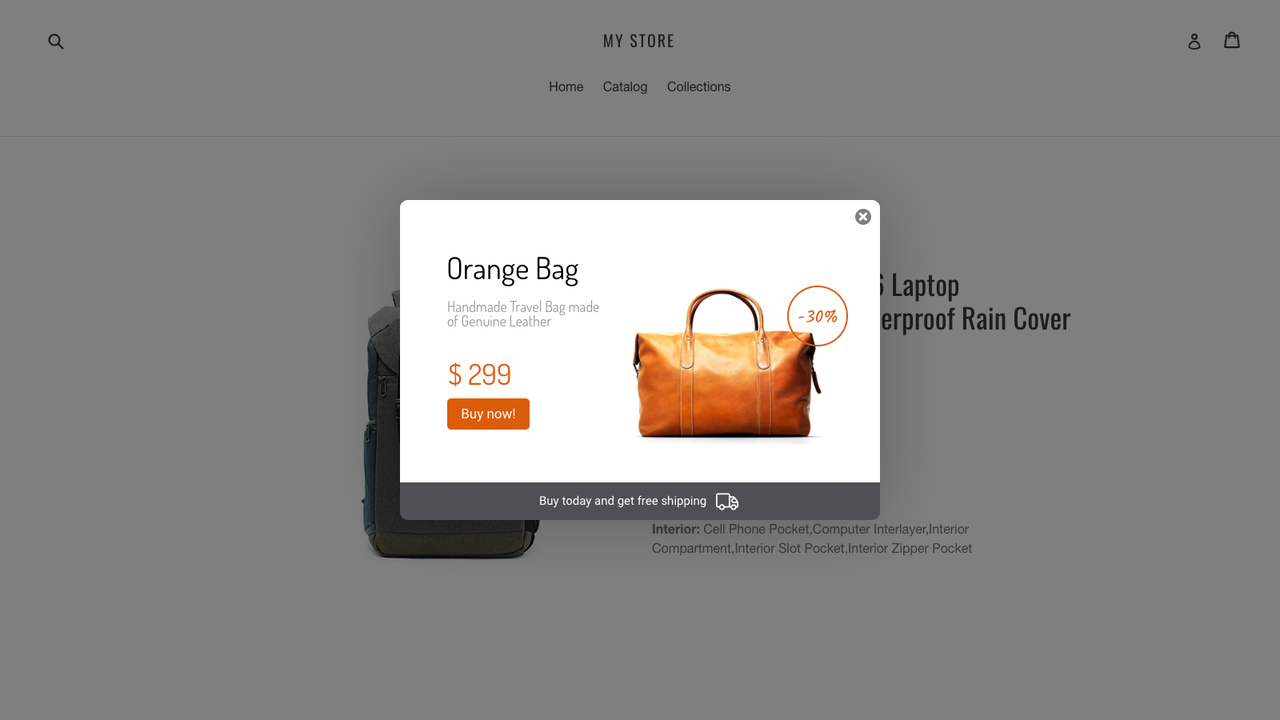
Application Screenshot



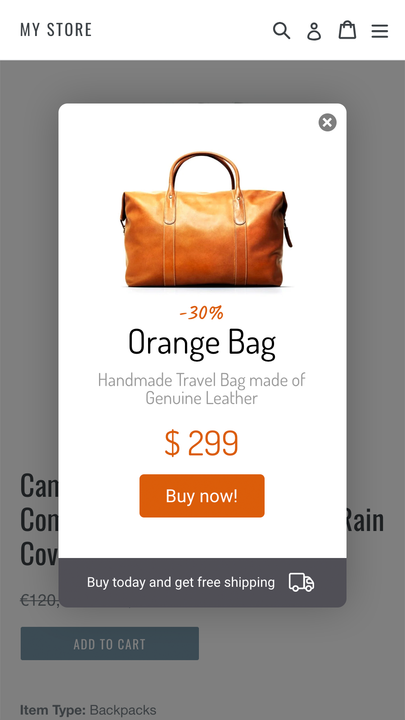
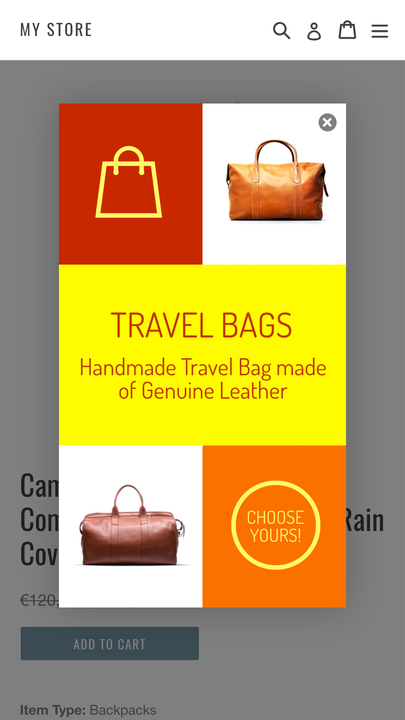
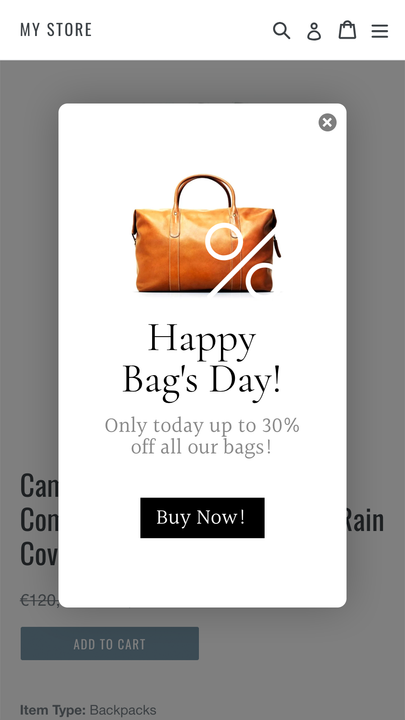

Price Plan
常规
$2.99
User Location & Comments
User Location
Comments
Shopify API Used
- POST /admin/api/popups.json
- PUT /admin/api/popups/{popup_id}.json
- GET /admin/api/popups/{popup_id}/editor_state.json
Permission:write_popups,read_popups,manage_themes
- GET /admin/api/popup_templates.json
- POST /admin/api/popups/from_template.json
- PUT /admin/api/popup_templates/{template_id}/use.json
Permission:read_popup_templates,write_popups,manage_themes
- PUT /admin/api/popups/{popup_id}/timing.json
- GET /admin/api/popups/{popup_id}/timing.json
- POST /admin/api/popups/{popup_id}/trigger.json
Permission:write_popups,read_popups,manage_settings
- PUT /admin/api/popups/{popup_id}/device_rules.json
- GET /admin/api/popups/{popup_id}/device_rules.json
- POST /admin/api/popups/{popup_id}/device_specific.json
Permission:write_popups,read_popups,manage_themes



