
App Introduction
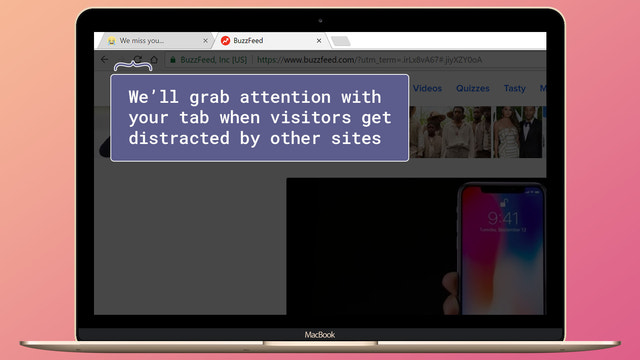
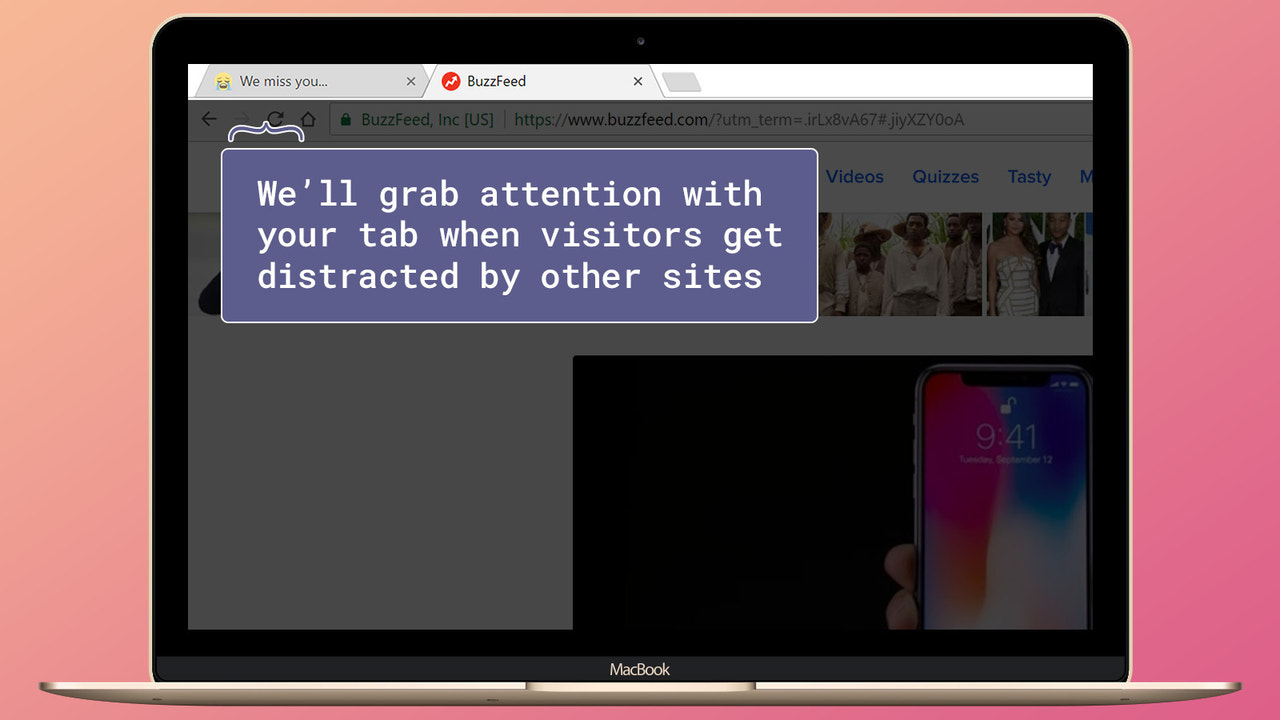
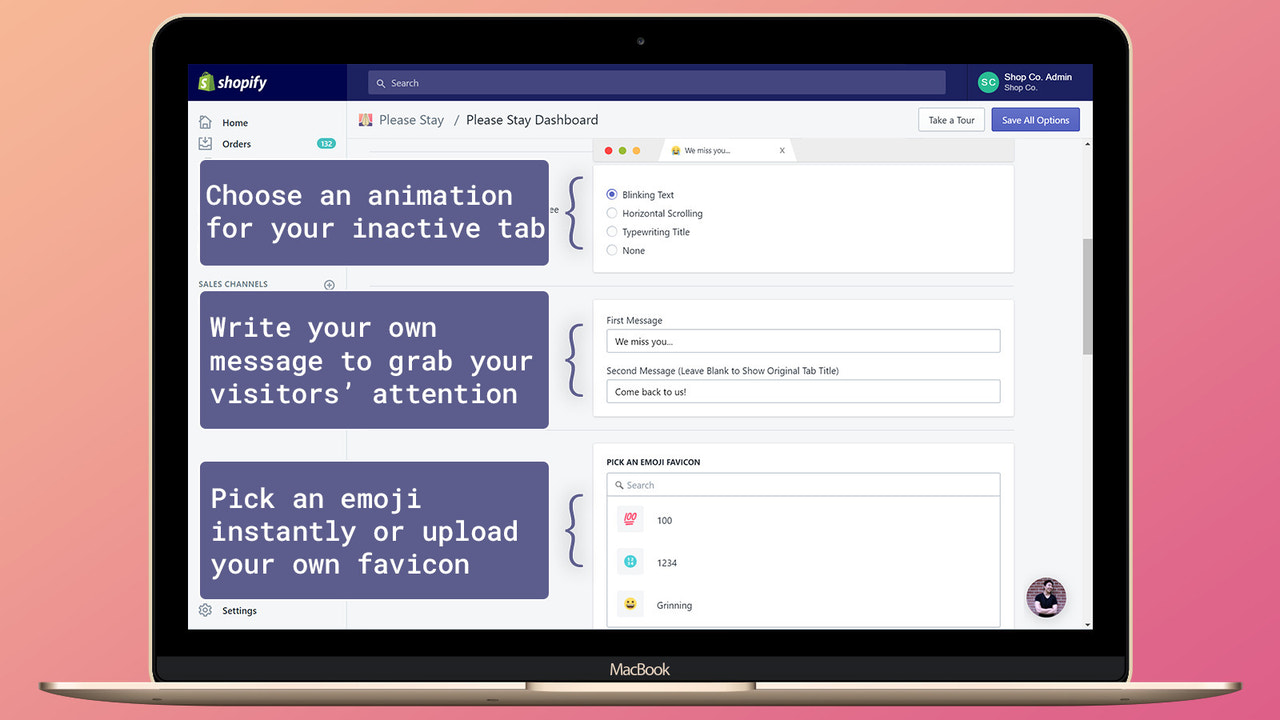
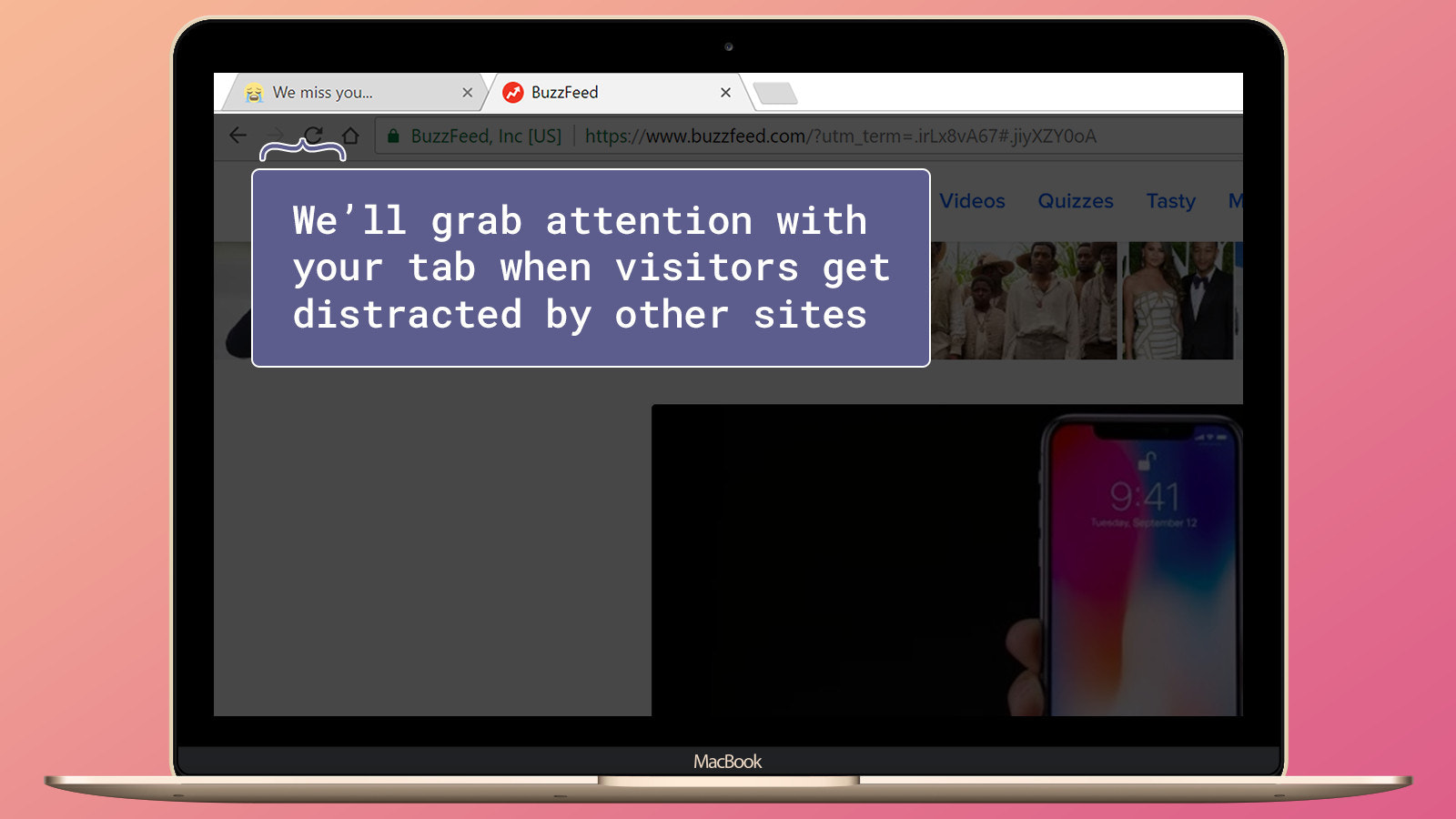
We win back customers using your browser tabs. Add custom tab messages to boost sales. We help you recover abandoned carts via your browser’s title bar. Every day, you lose sales when customers switch tabs… never to see them again. Don’t let those sales slip through your fingers. Please Stay recovers these inactive carts by turning your browser tab into an eye-catching billboard after customers leave. We give you full control to fully customize the tab’s appearance when visitors become inactive. Customize your tabs completely with animations and emojis.
Core Functionality
- Win back inactive customers with messages triggered after they leave your store.
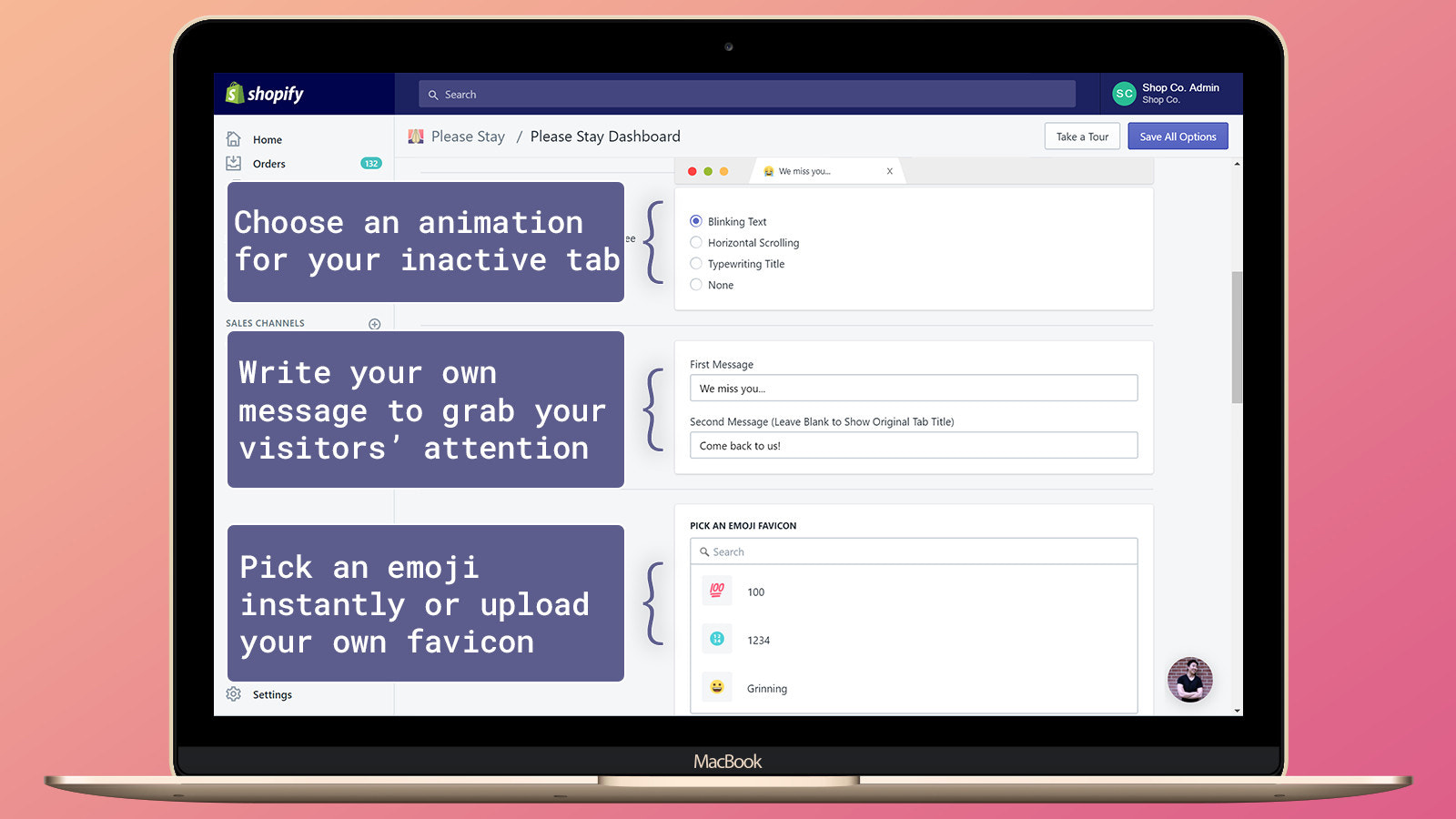
- Fully customize your browser tab with animations, messages, and icons.
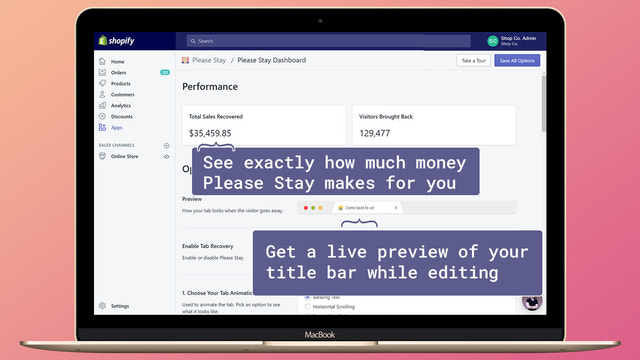
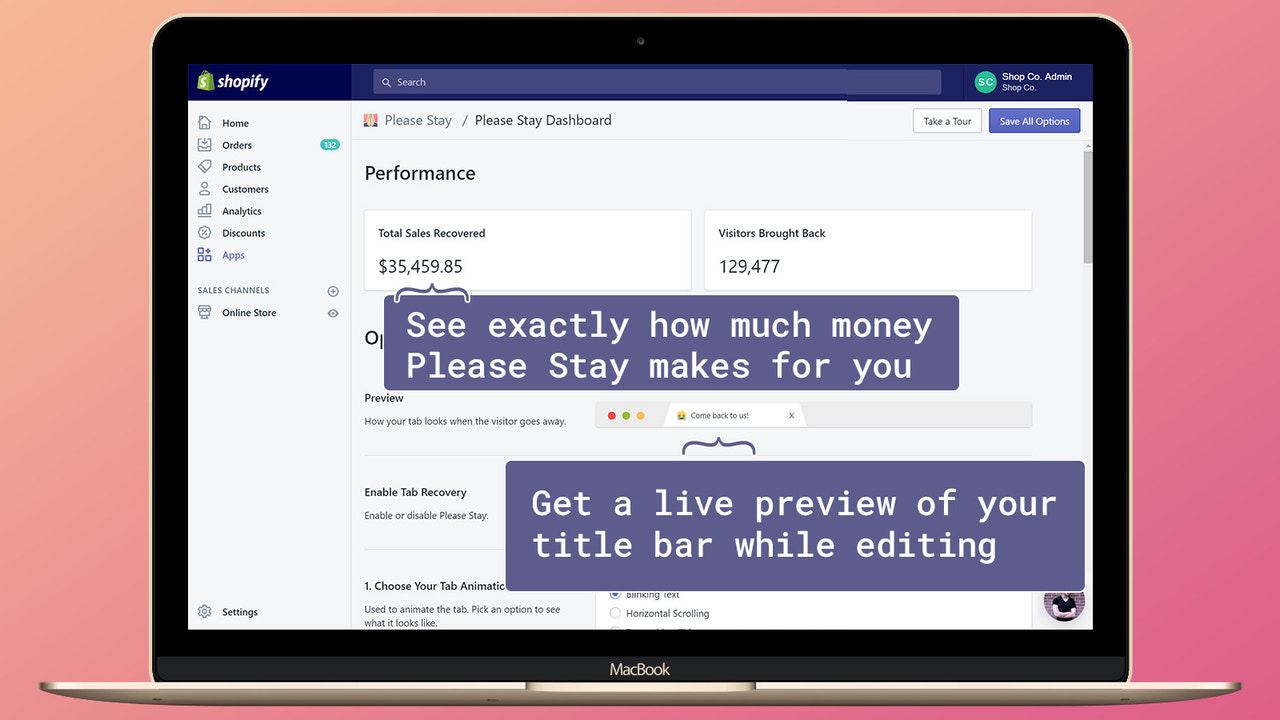
- Track your tab's performance to see how many sales you've recovered.
- Trigger the right message at the right time based on your customers' carts.
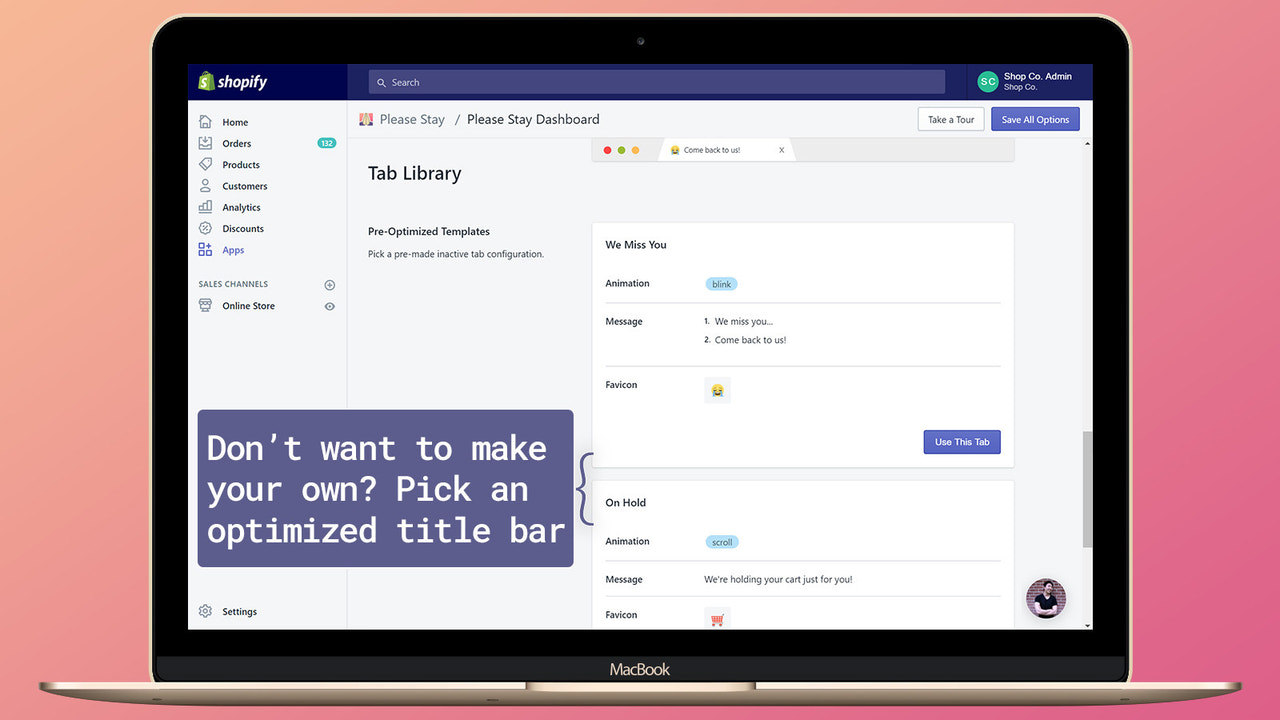
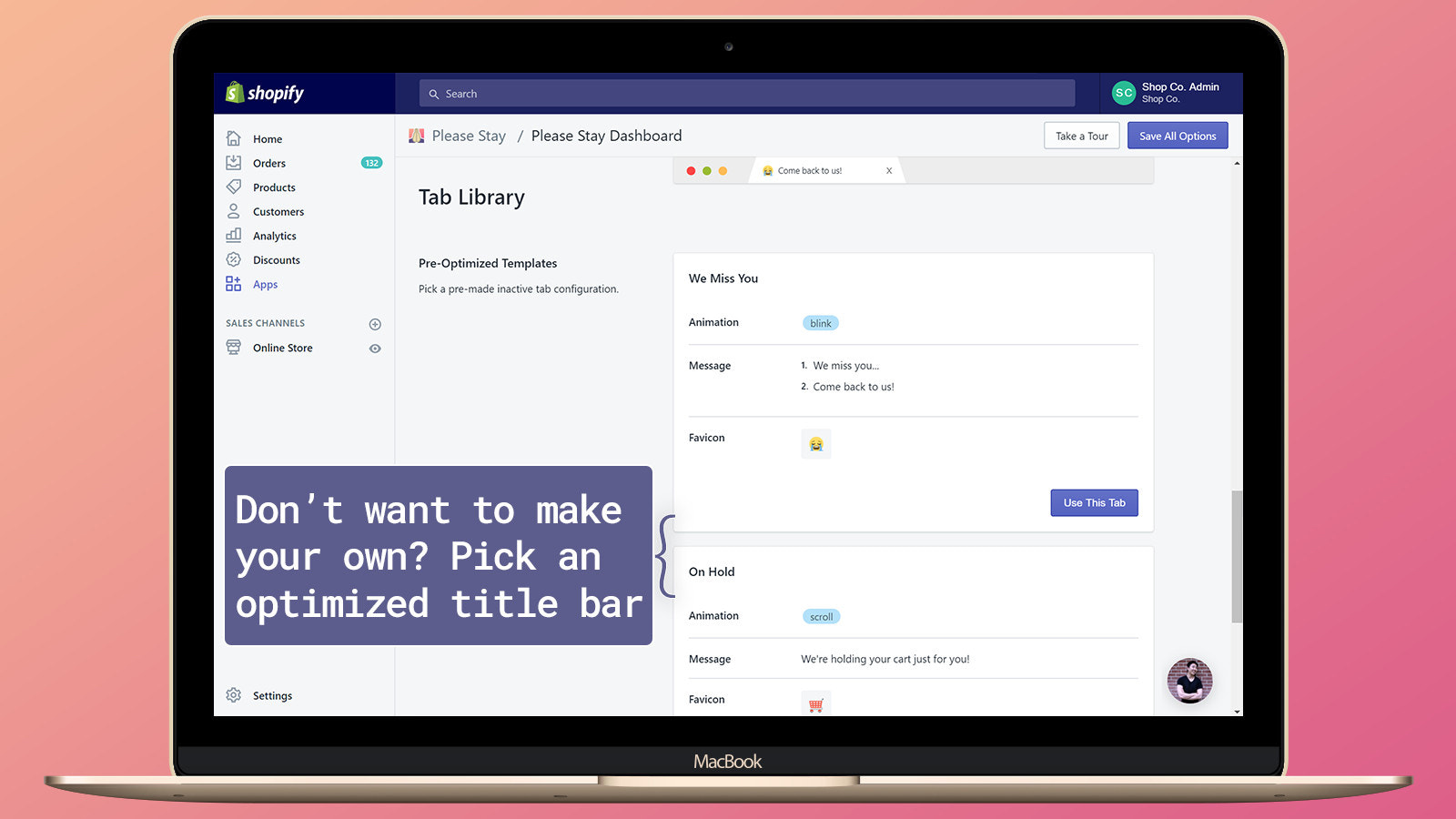
- Get started quickly by choosing from pre-optimized templates.
Merchant-Friendly
- Independent Station Merchants
- Small & Medium E-commerce Sellers
- High-margin Merchants
- Multi-category E-commerce
- Social E-commerce Sellers
Basic Information
- Developer:Lamify
- Address:45 Colonnade Rd., Toronto, ON, M2K 2L6, CA
- Price: Free / Free plan
- Rating:5 / 5
- Comment Count:6 comment
- Release Date:2017-9-22
- Supported languages:English
- Compatible products:Shopify
Application Screenshot


Price Plan
Pro Plan
- Unlimited Tag Messages
- Advanced Visitor Targeting
- High Conversion Recovery Templates
User Location & Comments
User Location
Comments
Shopify API Used
- POST /admin/api/automation_rules.json
- GET /admin/api/customers.json?active=false
- POST /admin/api/marketing_events.json
Permission:write_customers,read_customers,manage_automation
- GET /admin/api/shop.json
- POST /admin/api/themes/{theme_id}/assets.json
- PUT /admin/api/themes/{theme_id}/assets.json
Permission:read_themes,write_themes,manage_shop
- GET /admin/api/reports.json
- GET /admin/api/analytics/events.json
- GET /admin/api/orders.json?status=any
Permission:read_analytics,read_orders,manage_reports
- GET /admin/api/carts/{cart_id}.json
- POST /admin/api/automation_workflows.json
- PUT /admin/api/automation_workflows/{id}.json
Permission:read_carts,manage_automation,write_customers
- GET /admin/api/templates.json
- POST /admin/api/marketing_templates.json
- PUT /admin/api/marketing_templates/{id}.json
Permission:read_templates,write_templates,manage_marketing



