
App Introduction
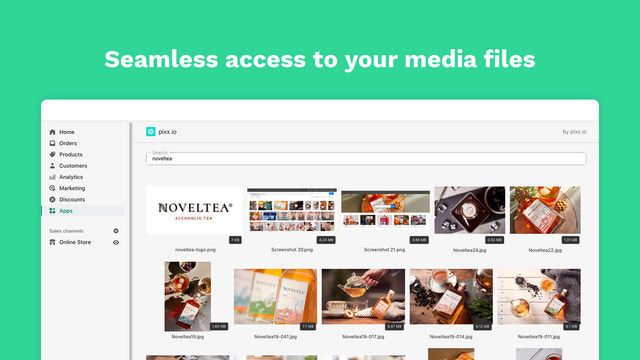
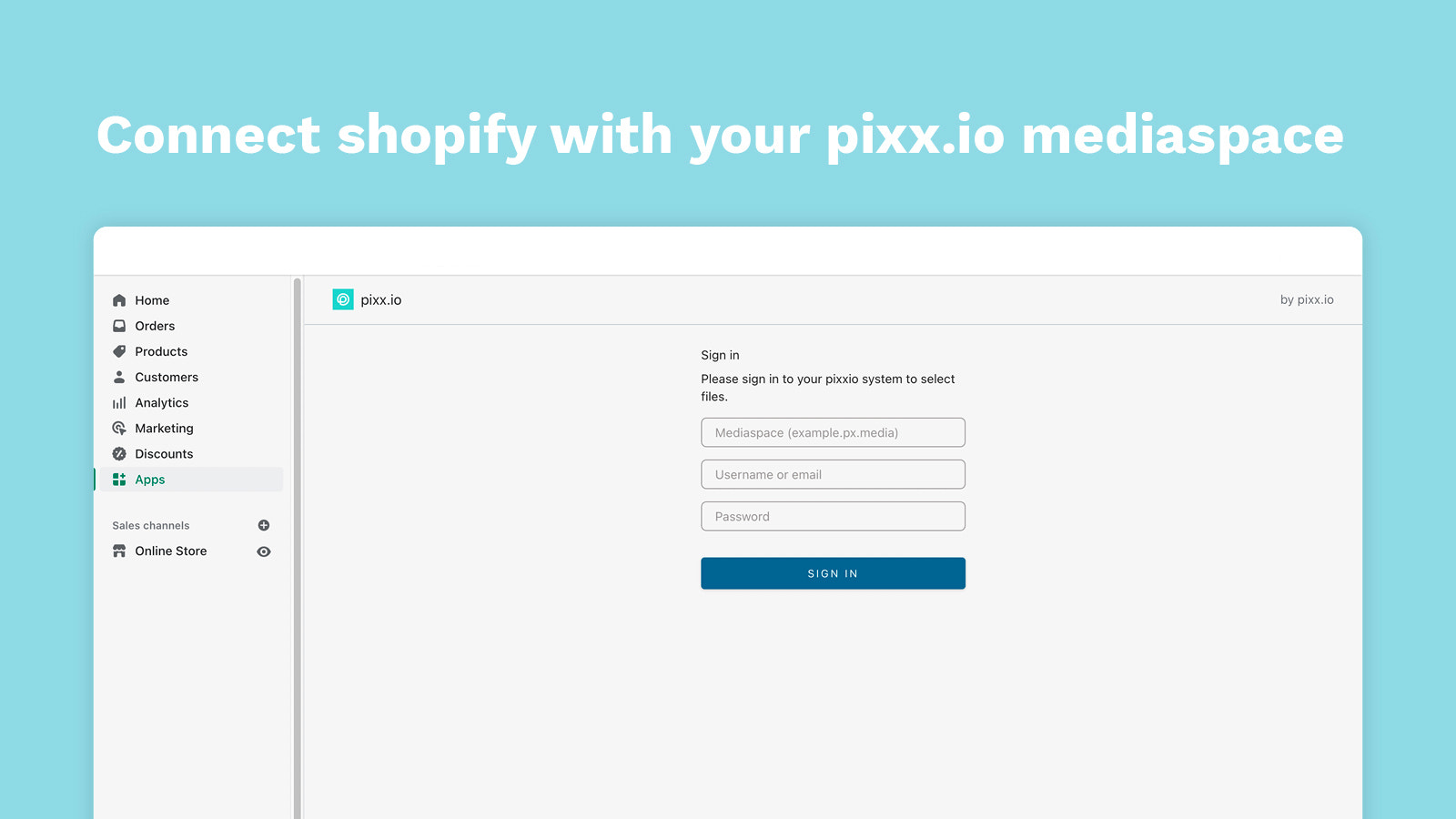
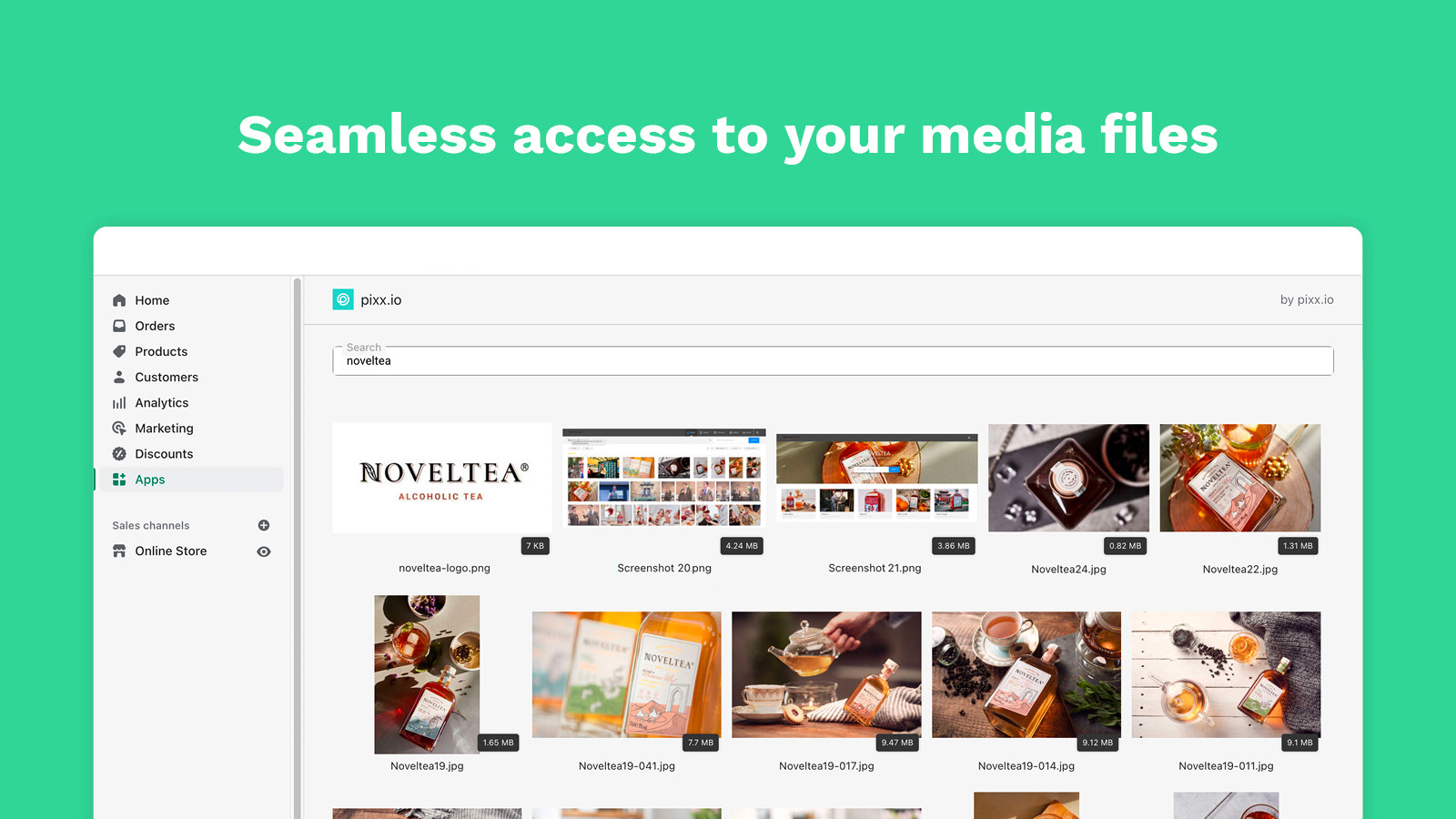
Organize and manage your product images in one central hub with direct access. Save time setting up your online store by accessing product images from your pixx.io media space directly within Shopify. Organize and manage your media images neatly to create an efficient, seamless workflow—no constant switching between tools, no downloading and uploading images first. Find everything you need in one place and deliver an engaging shopping experience for your customers, all thanks to the pixx.io app.
Core Functionality
- Find everything you need quickly with smart search and keywords
- See all critical information at a glance thanks to metadata
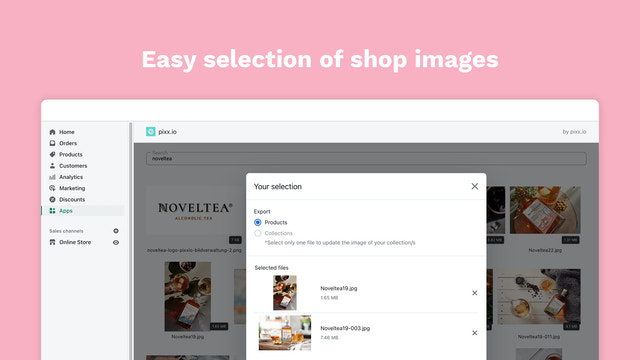
- Select up to 30 media assets at once
- Organize images into collections by product category
Merchant-Friendly
- Product-based Independent Station Merchants
- Multi-category E-commerce Sellers
- Sellers Needing Media Management
Basic Information
- Developer:pixx.io
- Address:Richard-Wagner-Str. 14c, Mühldorf, 84453, DE
- Price: Free / Free plan
- Rating:0 / 5
- Comment Count:0 comment
- Release Date:2022-8-2
- Supported languages:German、English
- Compatible products:Shopify
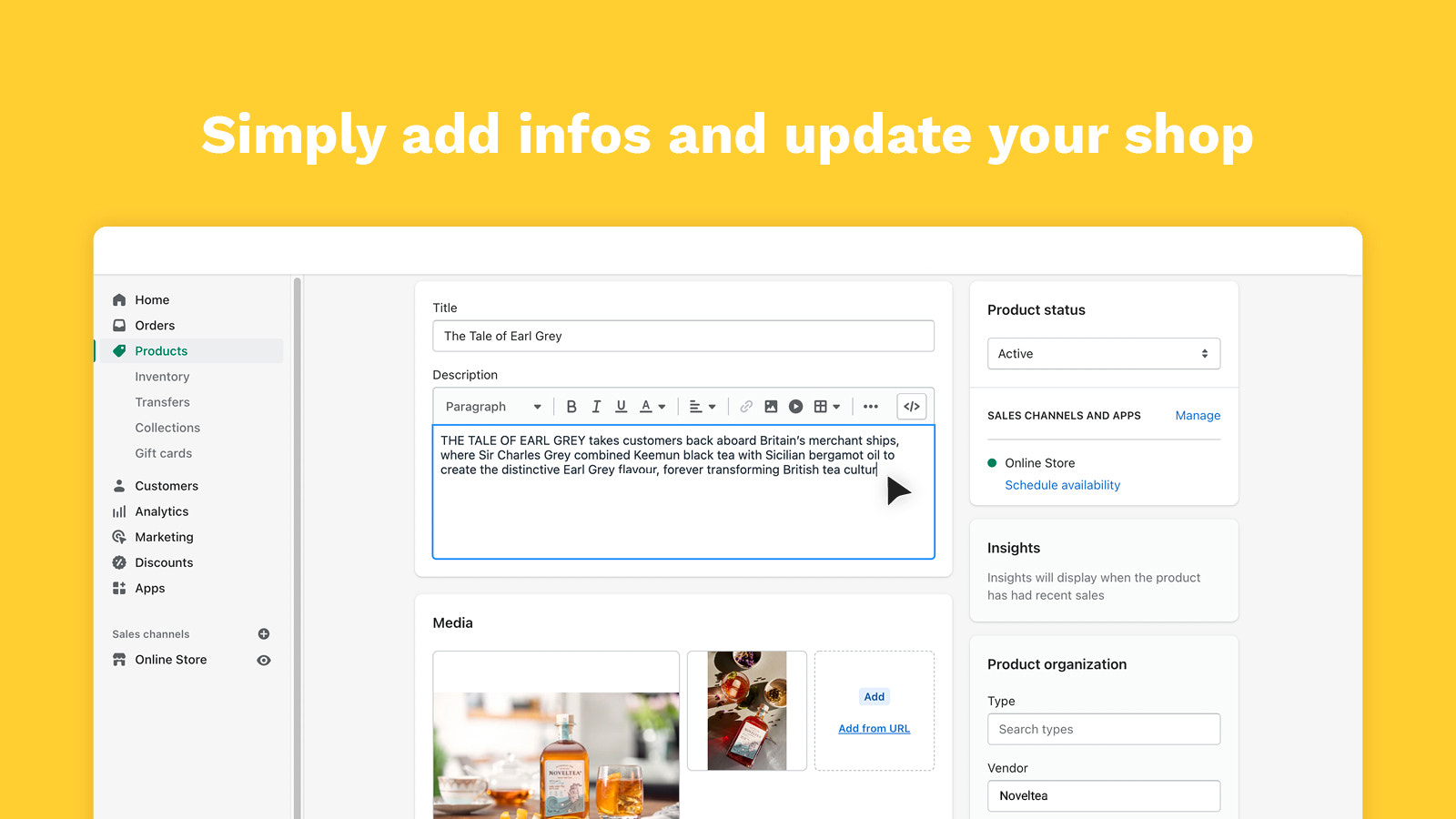
Application Screenshot





Price Plan
Free
免费
User Location & Comments
User Location
Comments
Shopify API Used
- GET /admin/api/media.json?query={keyword}
- GET /admin/api/media/search.json?term={term}
- GET /admin/api/products/{product_id}/media.json?search={keyword}
Permission:read_media,read_products,manage_media
- GET /admin/api/media/{media_id}.json
- GET /admin/api/media.json?fields=metadata
- GET /admin/api/products/{product_id}/media.json?fields=metadata
Permission:read_media,read_products,manage_media
- POST /admin/api/media/bulk.json
- GET /admin/api/media.json?limit=30
- PUT /admin/api/media/bulk/select.json
Permission:read_media,write_media,manage_media
- POST /admin/api/media/{media_id}/collections.json
- GET /admin/api/collections/{collection_id}/media.json
- PUT /admin/api/media/{media_id}/category.json
Permission:read_media,write_media,manage_collections