
App Introduction
Track Conversions with Taboola's Pixel The Taboola Pixel app lets you add your Taboola Tag ID to your store without any coding knowledge. The pixel generates valuable insights when visitors complete one of five distinct actions: website visits, purchases, downloads, sign-ups, or other custom website events. By leveraging tracking data in your ad management account, you can identify where your traffic comes from, where you might lose customers, and where leads go—helping you create ad campaigns with higher conversion rates.
Core Functionality
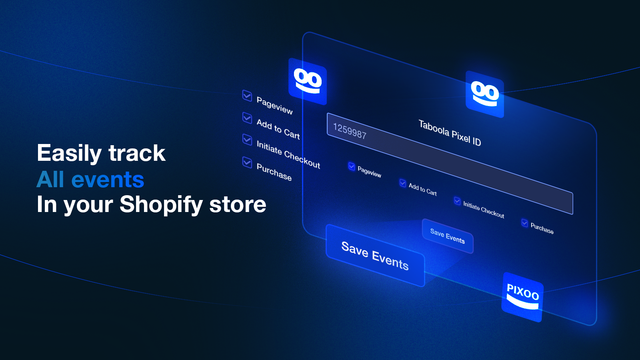
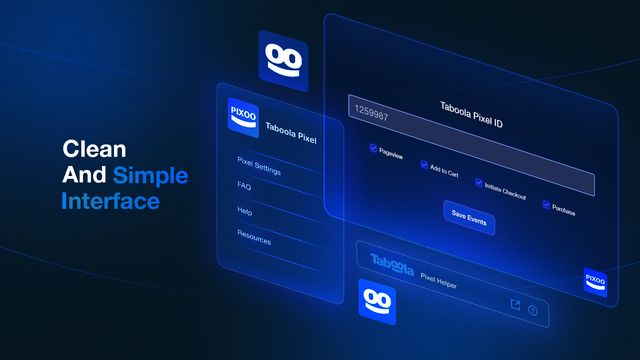
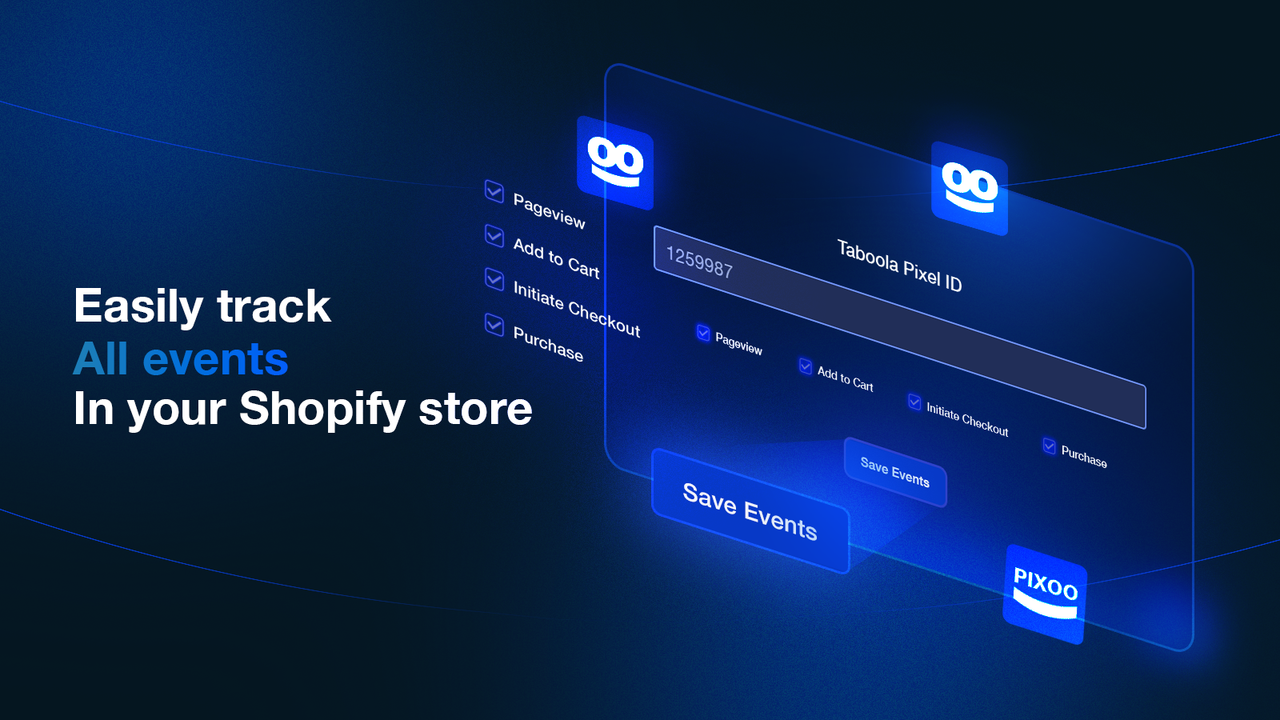
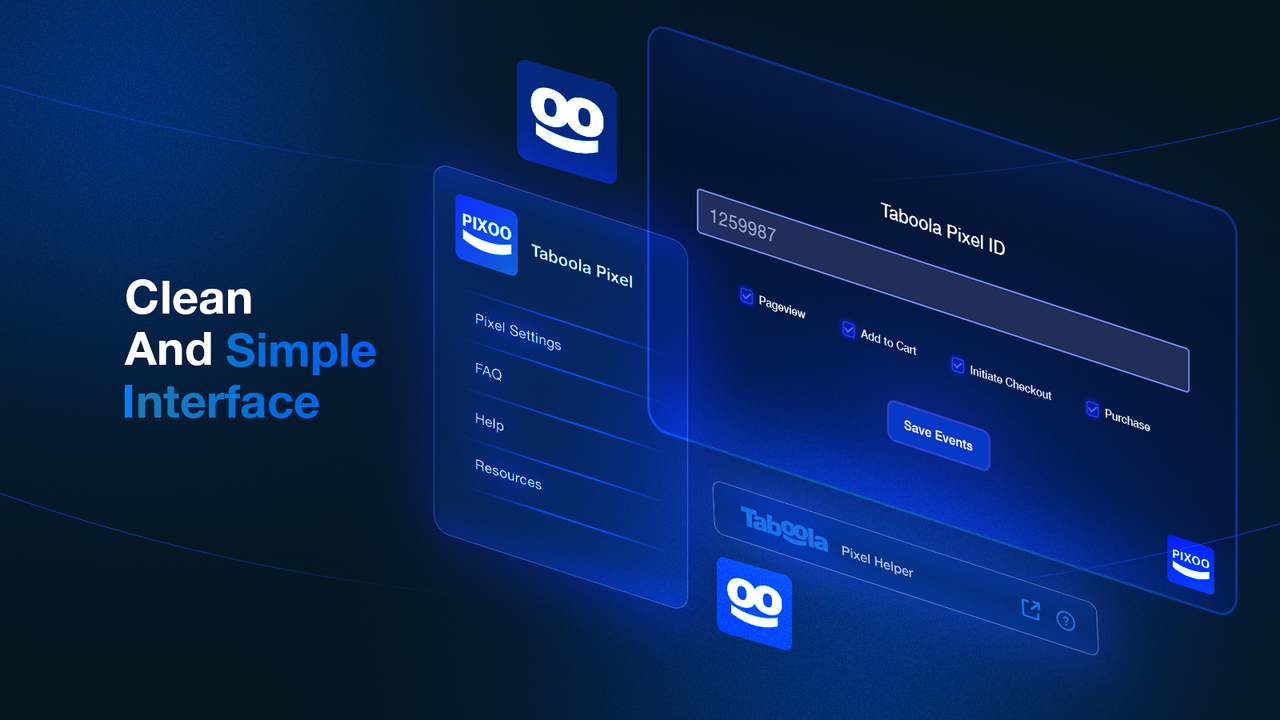
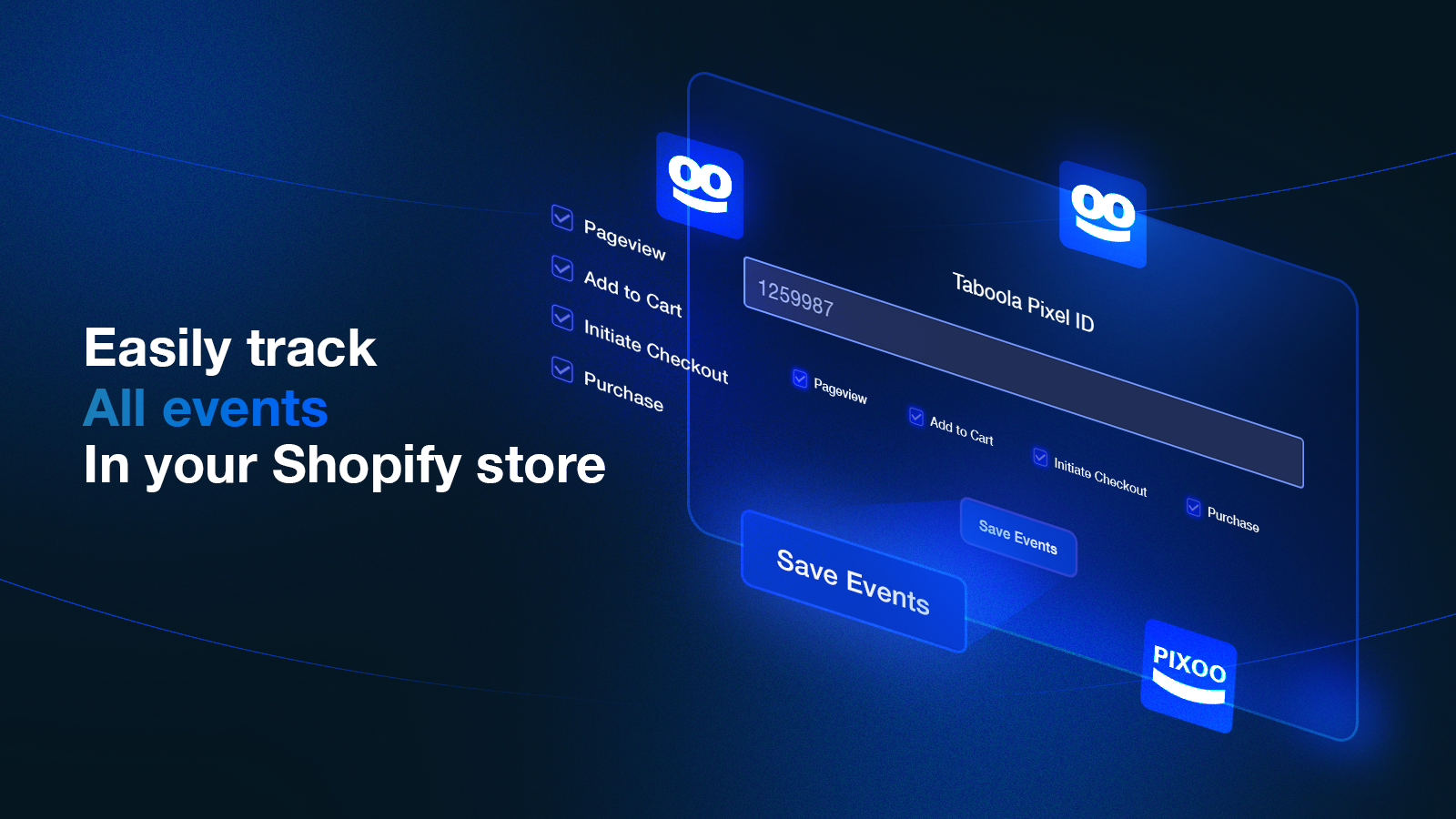
- Enter a pixel ID and track data in your store with one click
- Let you track which ads perform well to optimize your ads
- Help you measure which ad campaigns drive actions to improve your campaigns
- Server-to-server integration
Merchant-Friendly
- Independent Station Merchants
- Ad Placement Merchants
- Data-driven Merchants
- E-commerce Ad Merchants
Basic Information
- Developer:PIXOO
- Address:Str Viitorului bl 27, Sc A ap 16, Săcele, BV, 504600, RO
- Price: Free / Free plan
- Rating:5 / 5
- Comment Count:7 comment
- Release Date:2023-6-8
- Supported languages:English
- Compatible products:Shopify
Application Screenshot


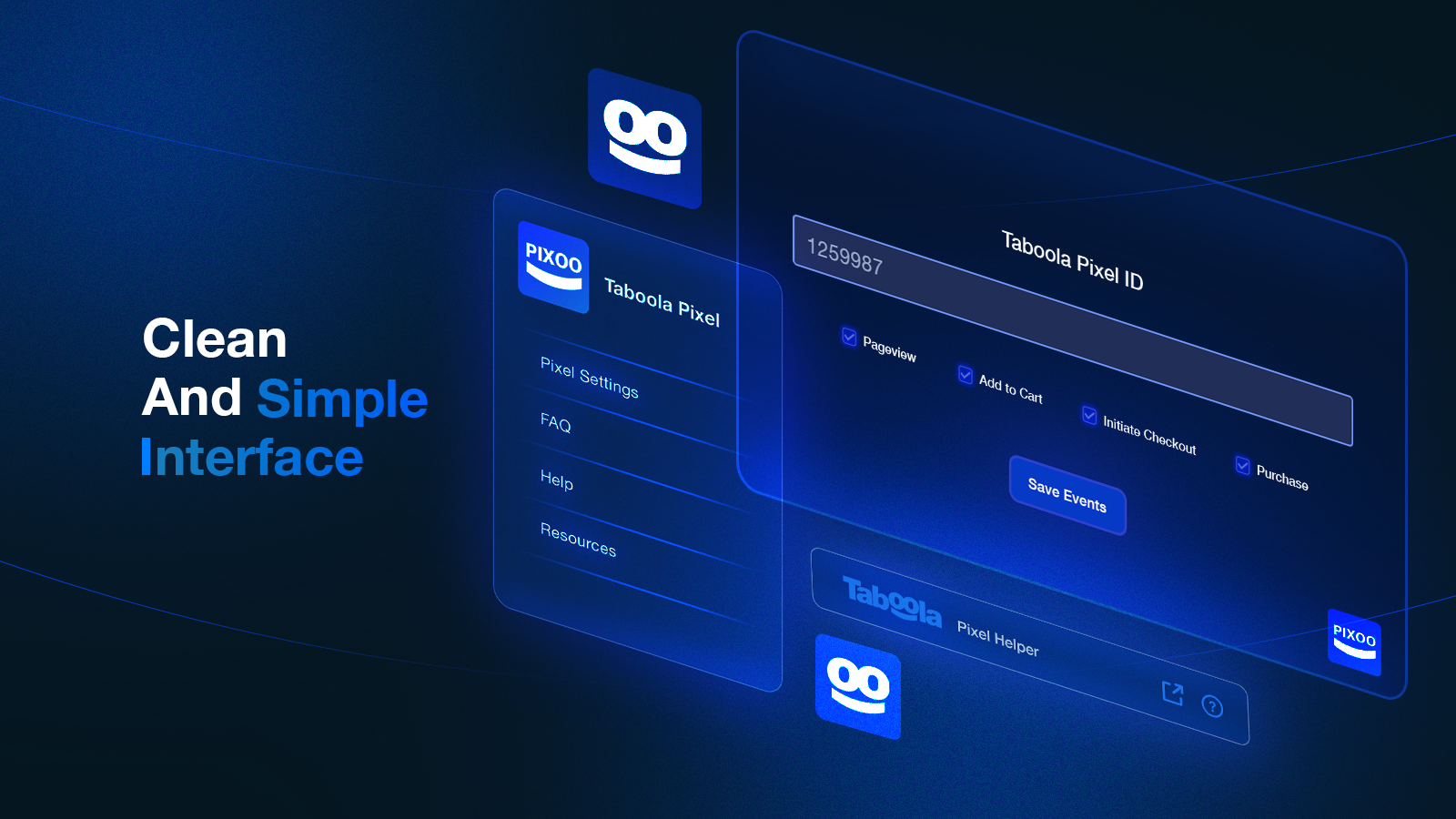
Price Plan
Taboola Pixel
$7.99
- Add Taboola Pixel
- Server-to-Server Integration
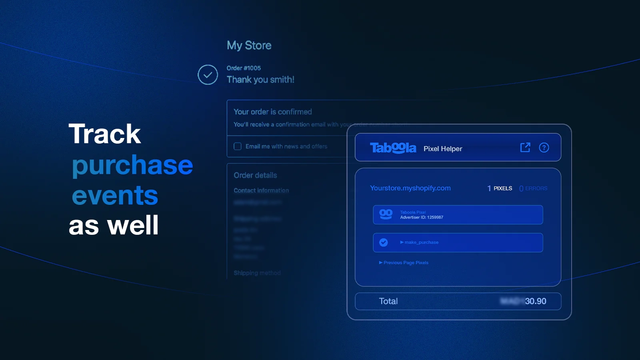
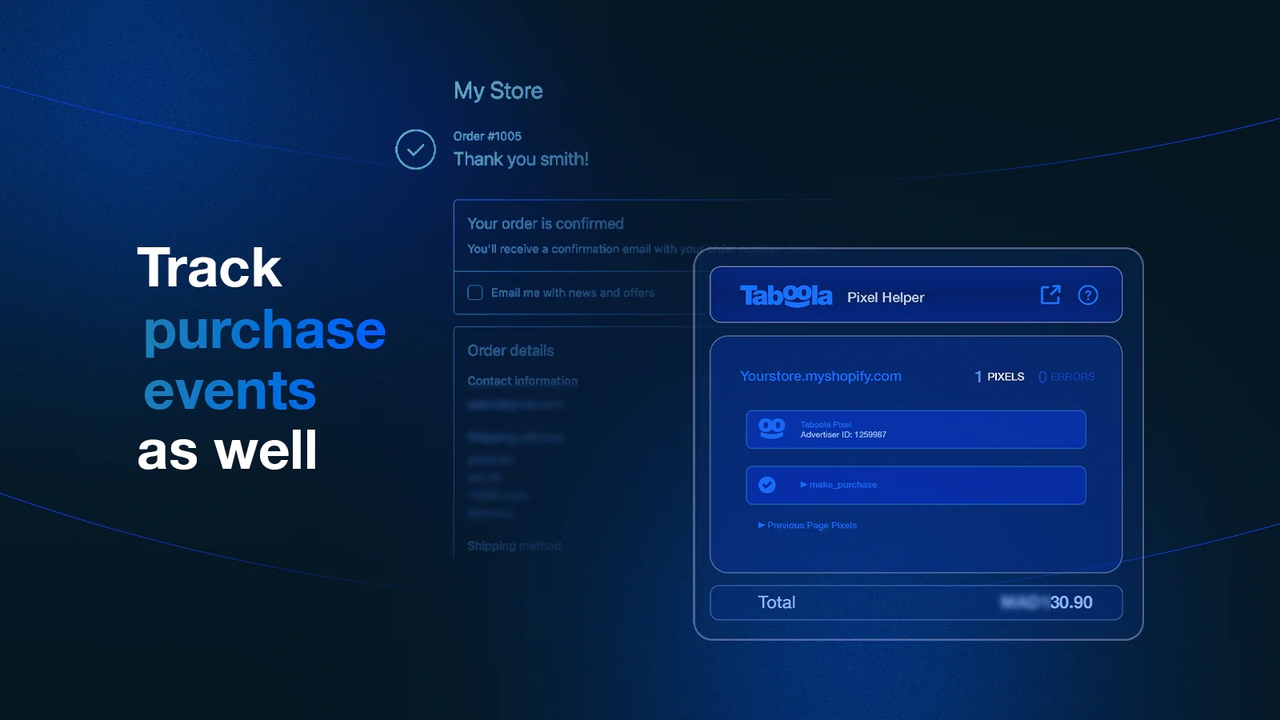
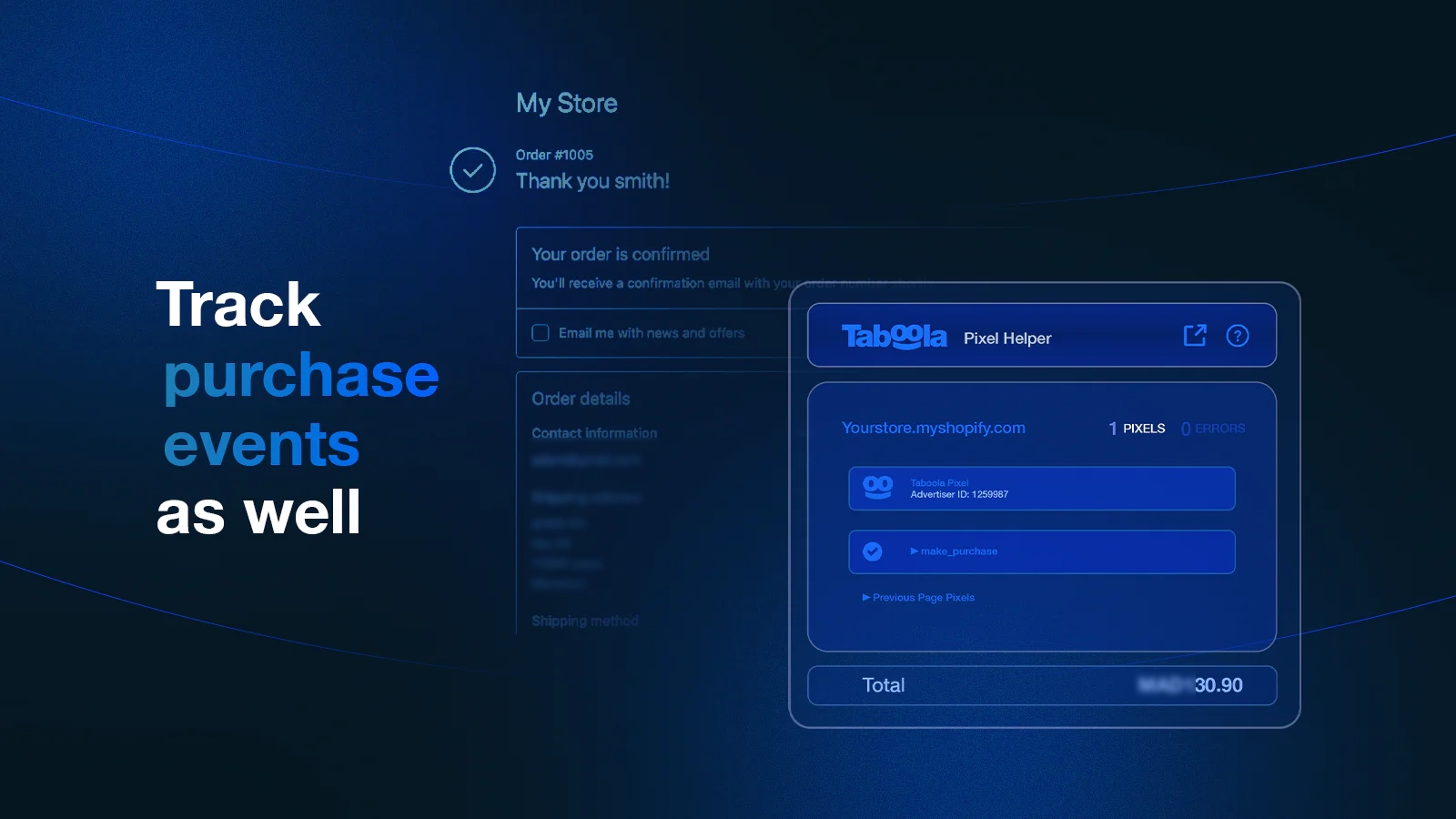
- Purchase Tracking
- Add to Cart Tracking
- Dedicated Support
User Location & Comments
User Location
Comments
Shopify API Used
- POST /admin/api/pixel.json
- PUT /admin/api/pixel/{pixel_id}.json
- GET /admin/api/pixel.json
Permission:write_pixel,read_pixel,manage_analytics
- GET /admin/api/analytics/ad_performance.json
- GET /admin/api/analytics/ad_performance/{ad_id}.json
- POST /admin/api/analytics/ad_performance/filter.json
Permission:read_analytics,read_ad_accounts,manage_ads
- GET /admin/api/analytics/campaign_actions.json
- GET /admin/api/analytics/campaign/{campaign_id}.json
- POST /admin/api/analytics/campaign/action_report.json
Permission:read_analytics,read_ad_campaigns,manage_reports
- POST /admin/api/analytics/server_integration.json
- PUT /admin/api/analytics/server_integration/{id}.json
- GET /admin/api/analytics/server_integration.json
Permission:write_analytics,read_analytics,manage_apps



