
Picsio: Bulk Image Upload
App Introduction
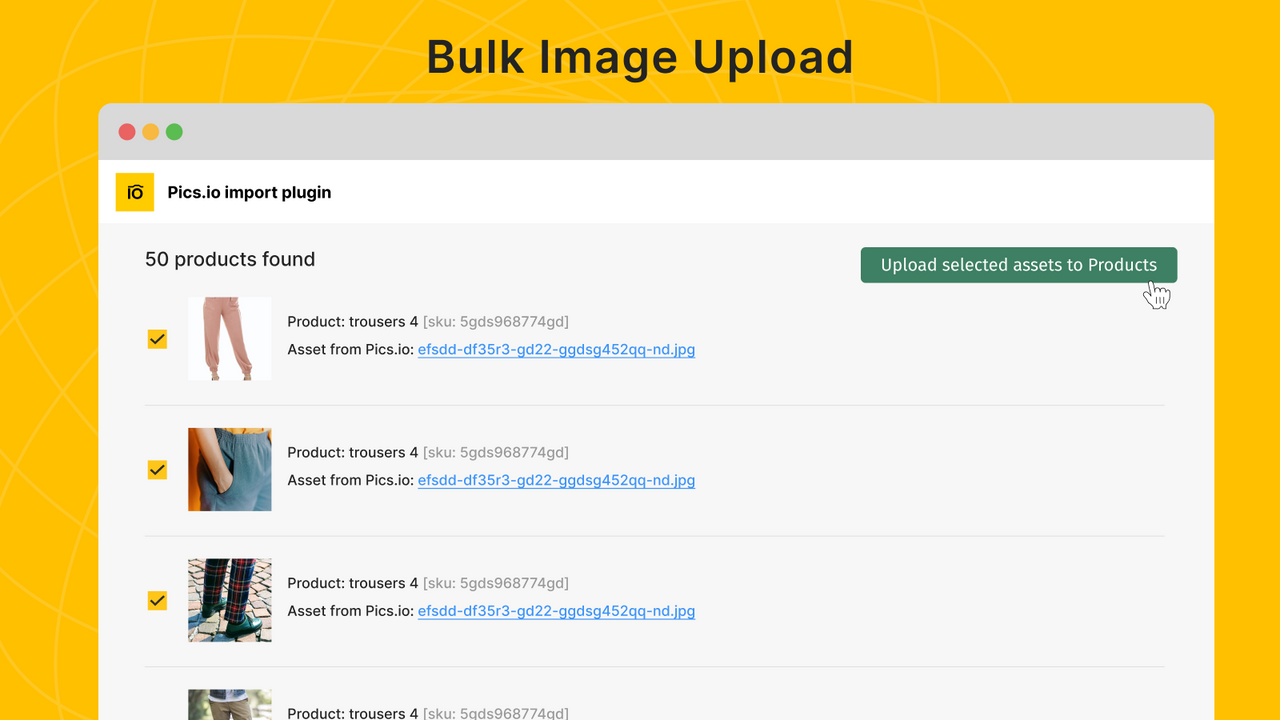
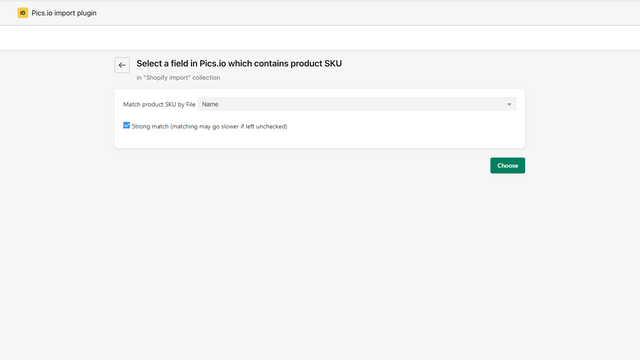
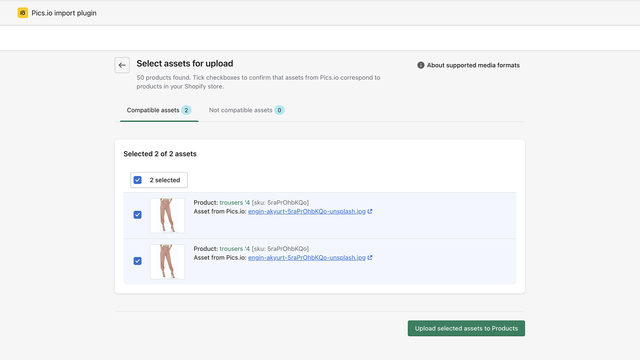
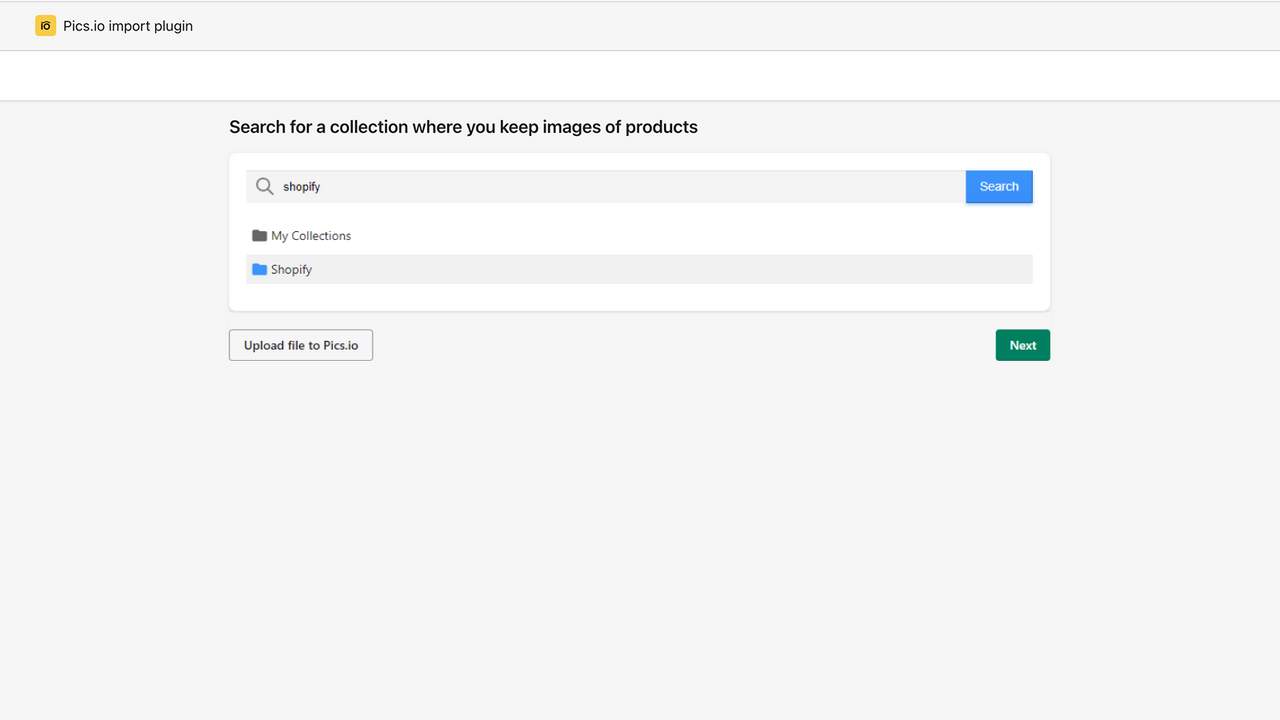
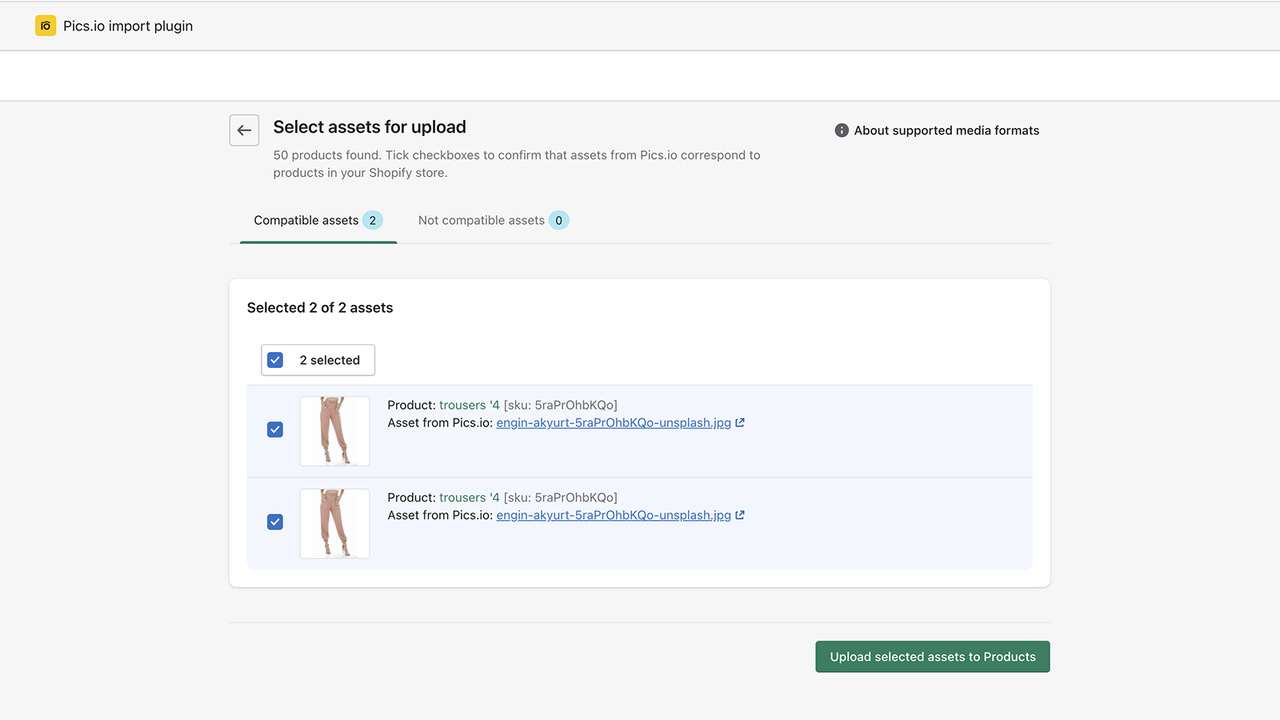
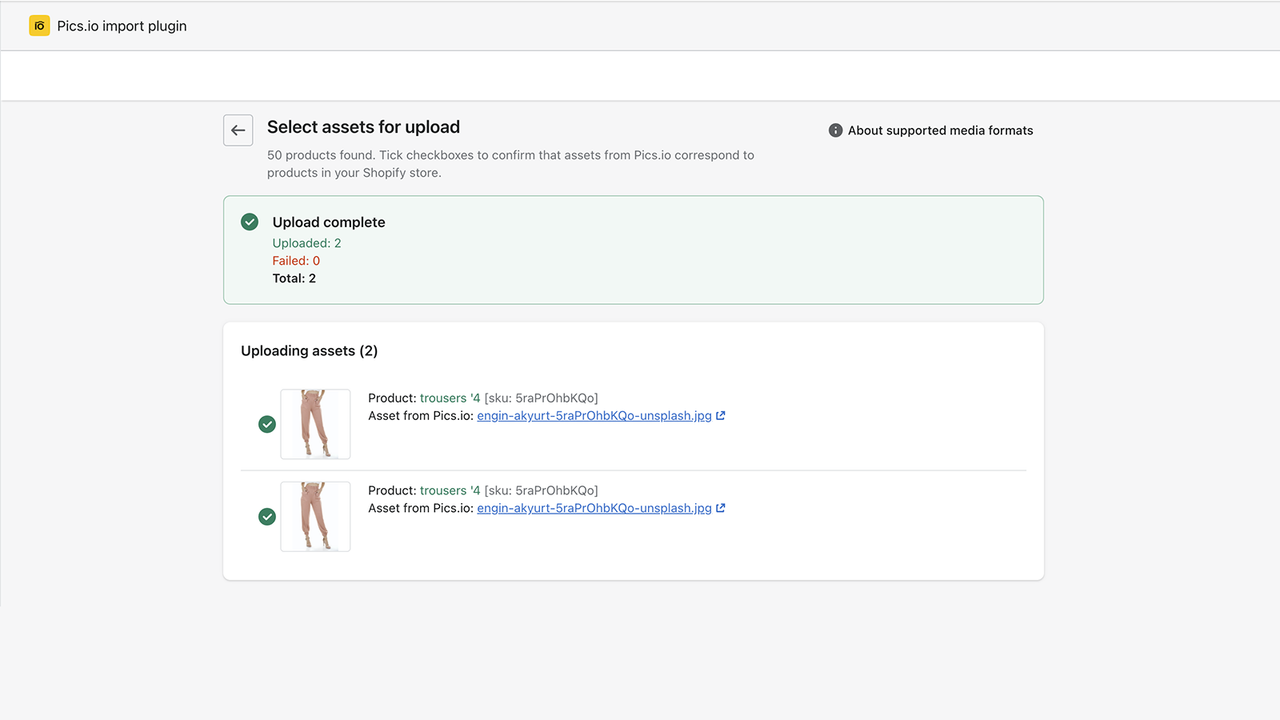
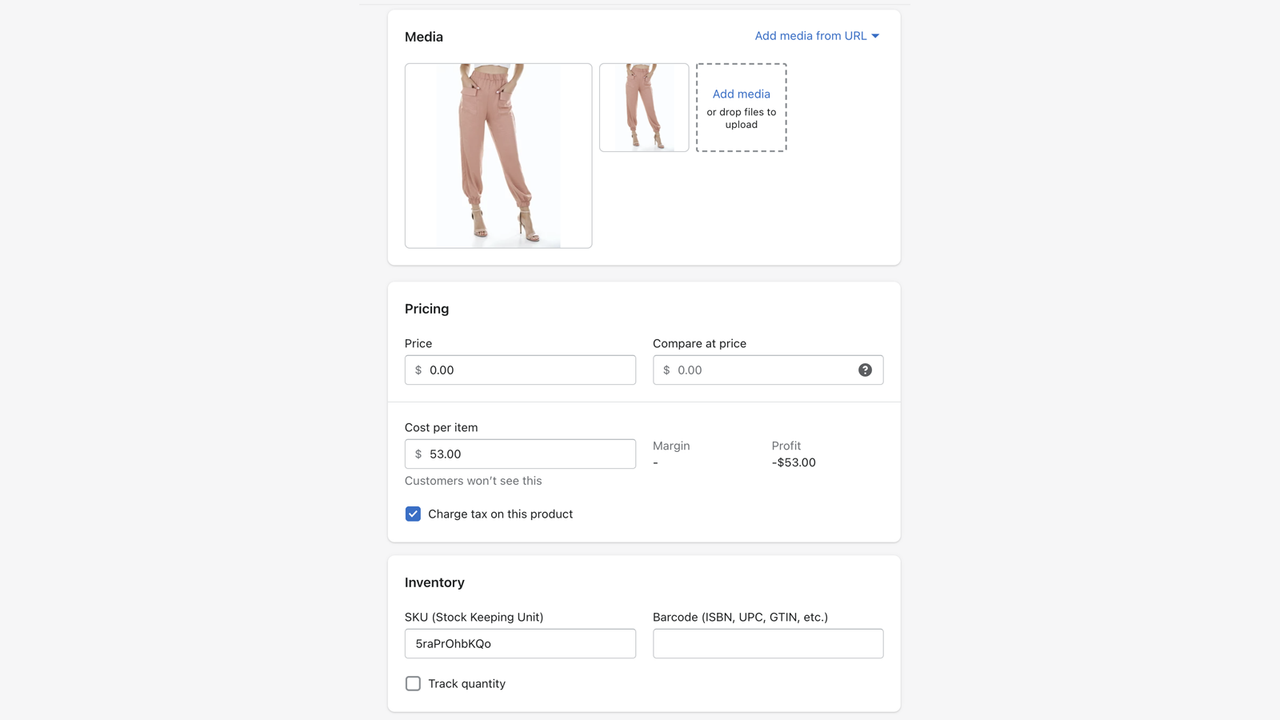
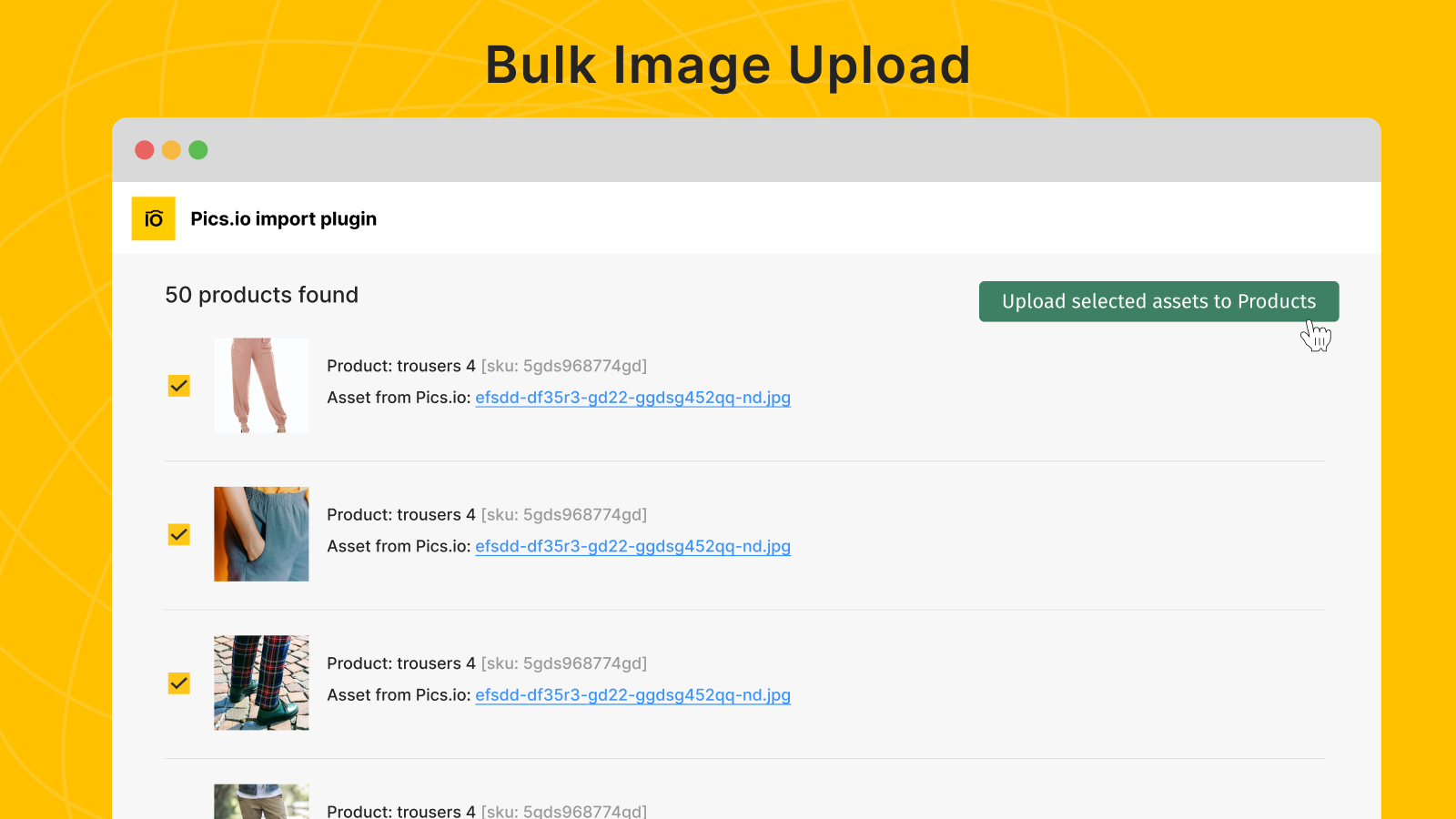
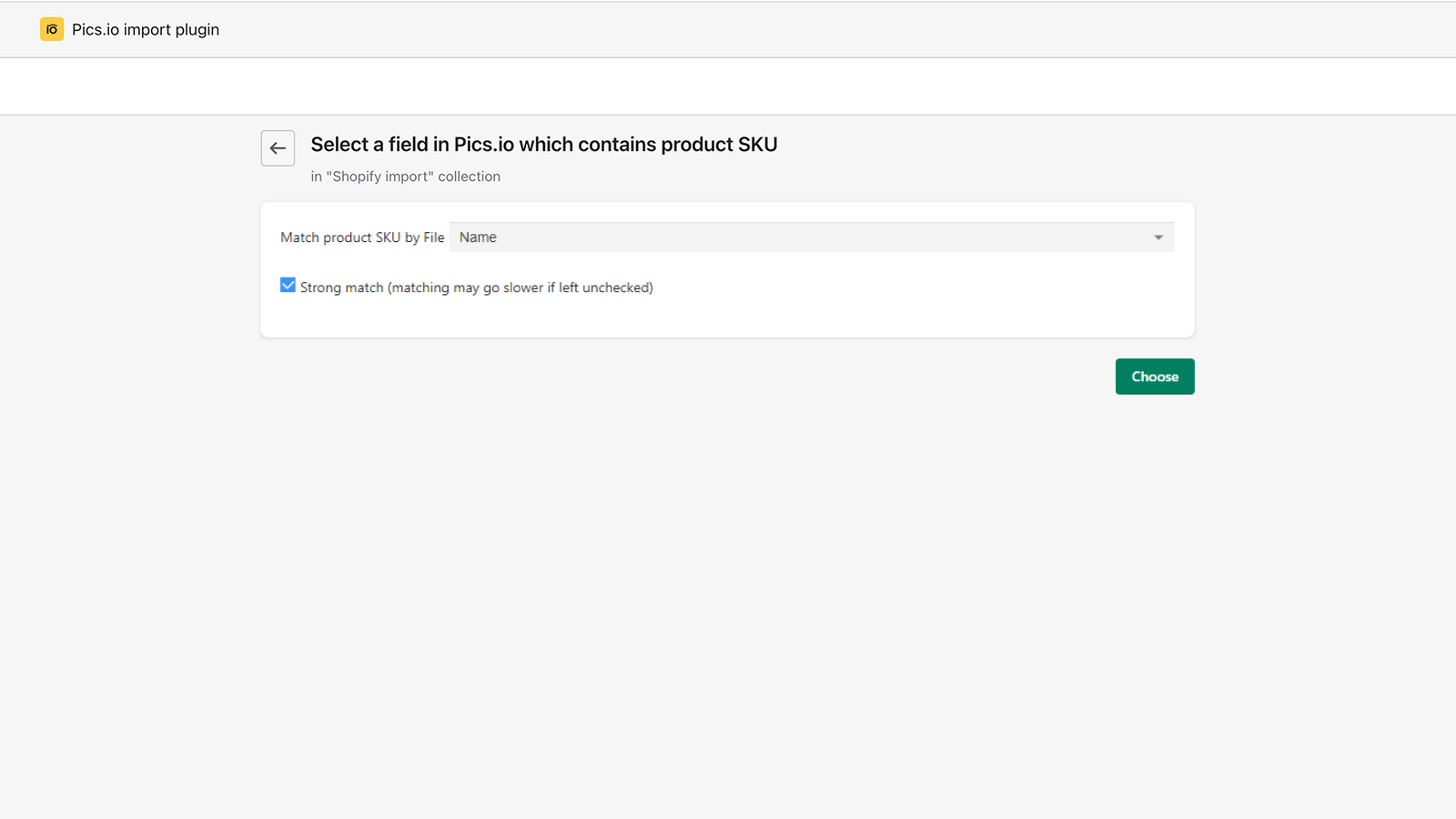
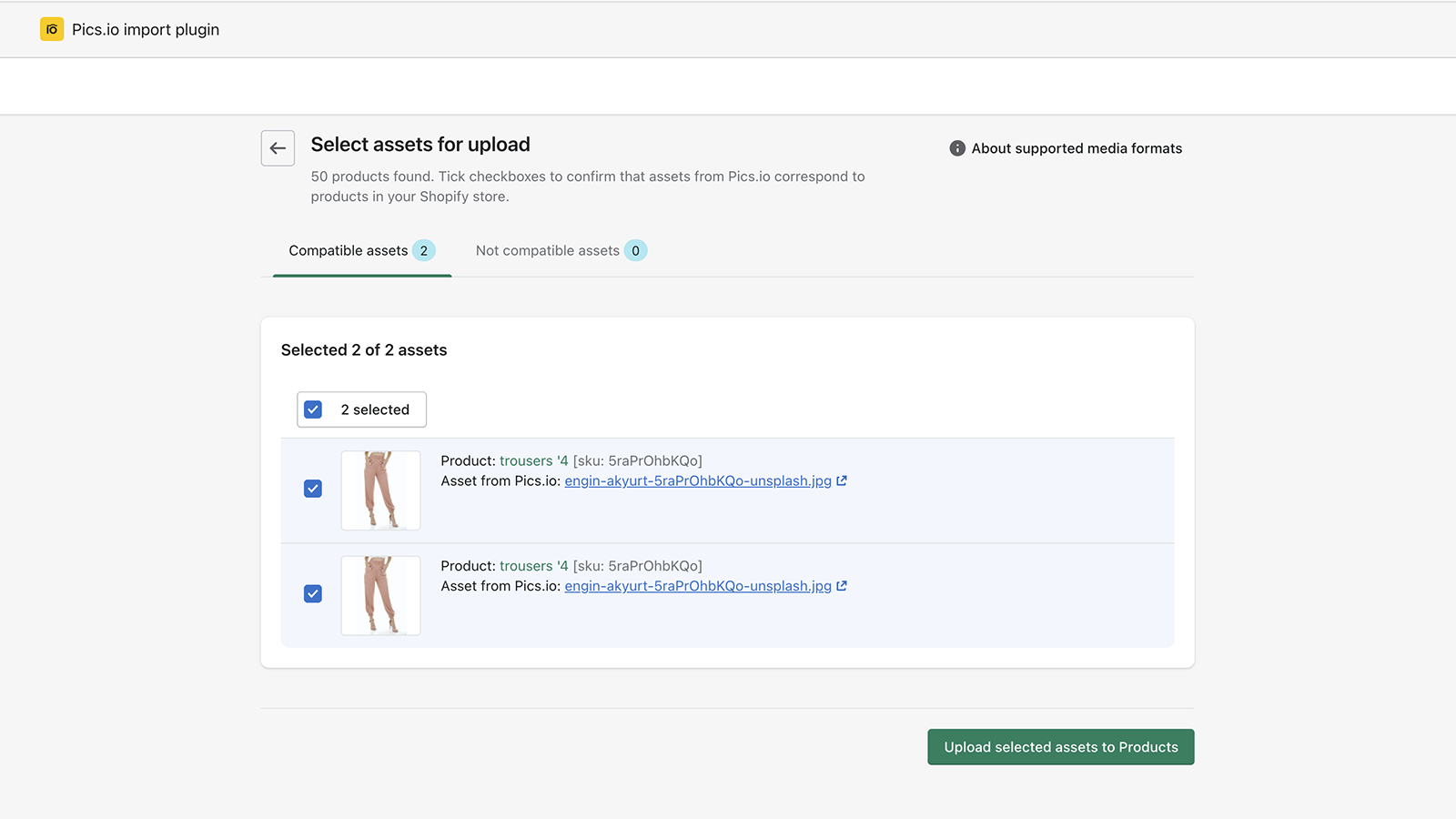
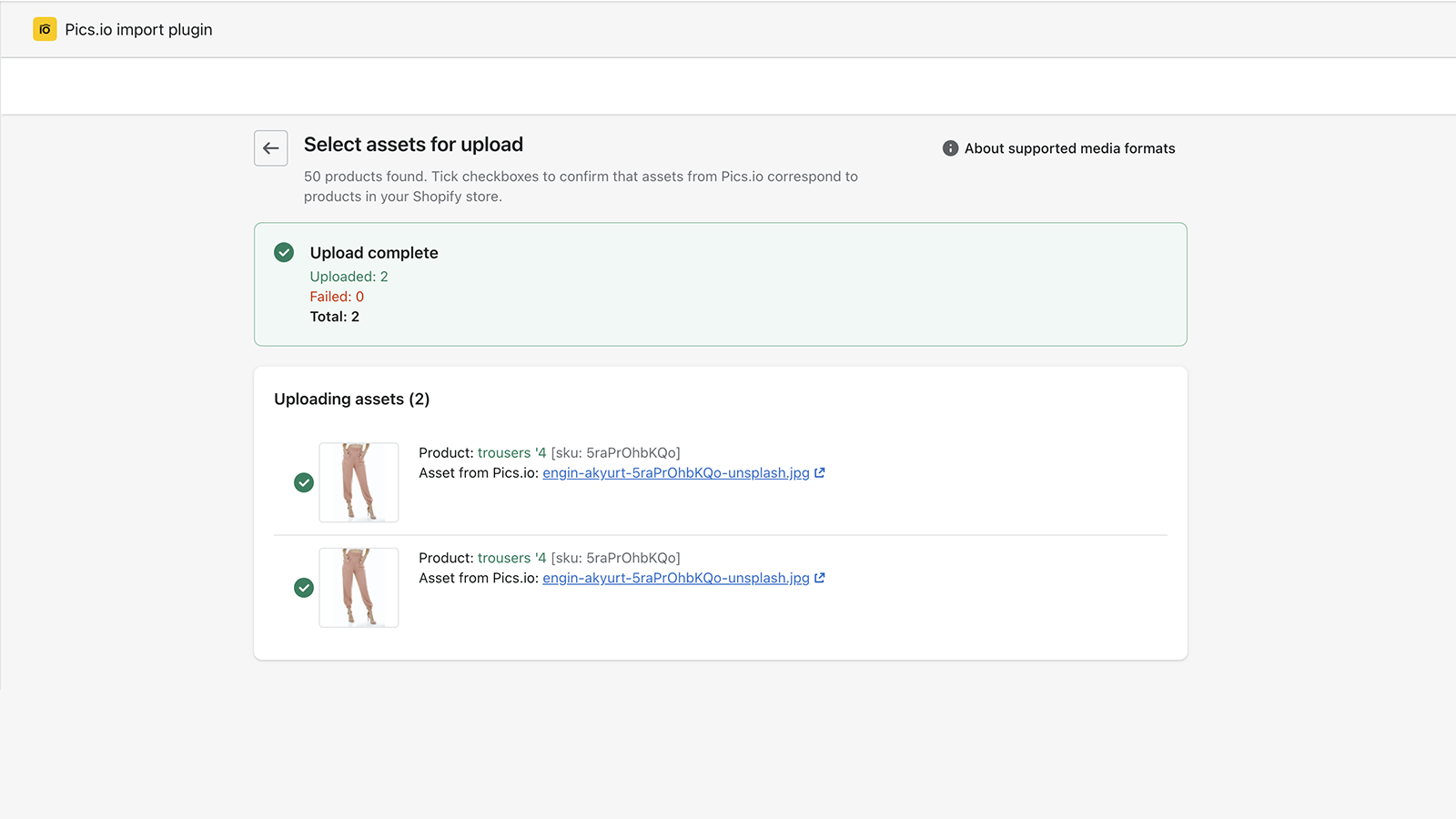
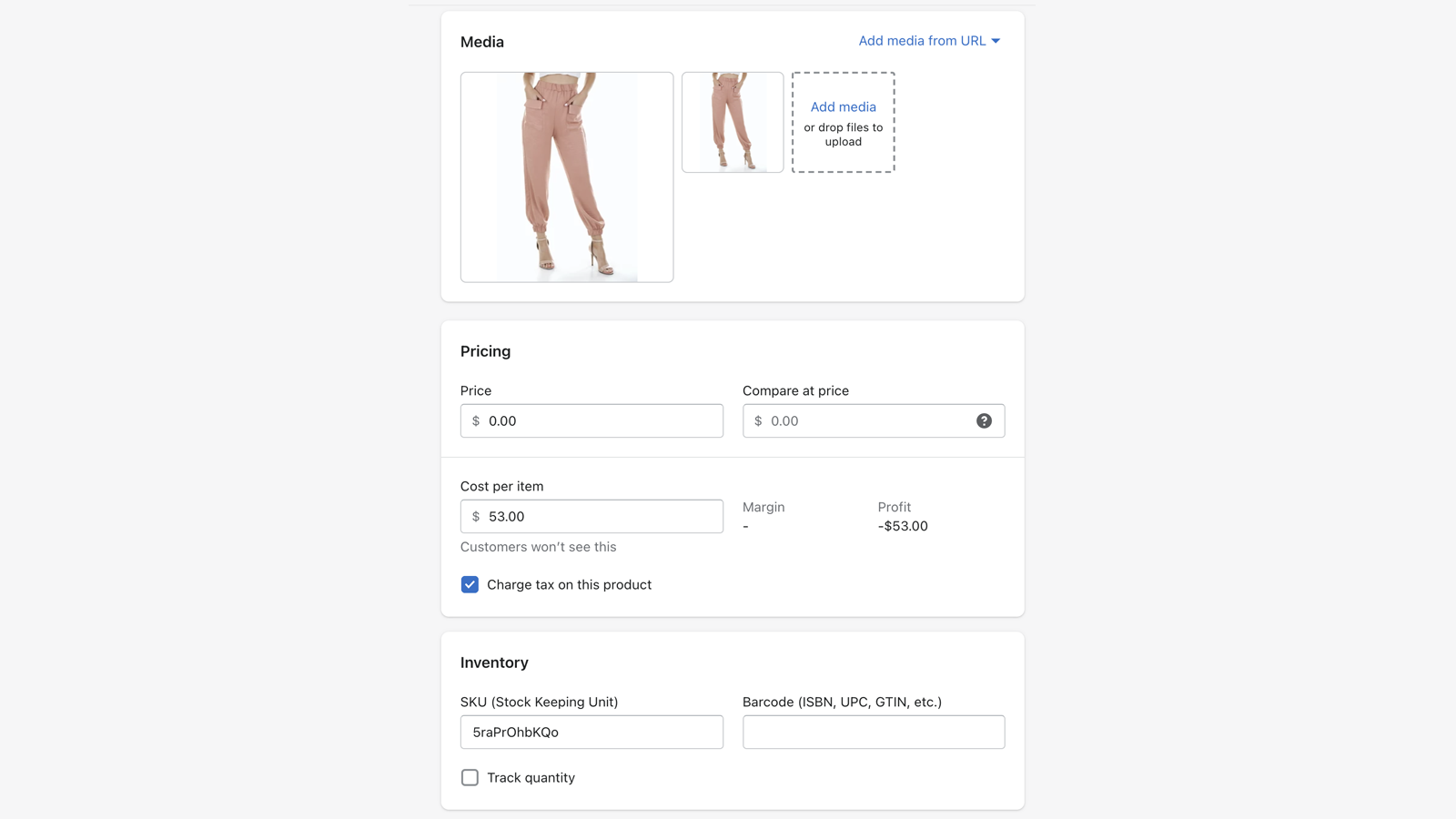
Add SKUs to your image metadata in Pics.io, and the app will automatically match them to your product variants When used with the Pics.io Digital Asset Management (DAM) system, this app becomes a fast bulk image uploader! Subscribe to any Pics.io pricing plan, then connect your Google Drive (GDrive) or Amazon S3 bucket to your product photos. Your original files stay in your storage. Now, simply add SKUs to your image metadata—either in custom fields within the Pics.io DAM or in the file names. The app will locate these SKUs and match them to the product SKUs in your Shopify store. The necessary images will then be uploaded directly to the corresponding product variants.
Core Functionality
- Bulk upload images from Google Drive or Amazon S3
- Library organization and tagging
- Match via filenames or SKUs in custom fields
Merchant-Friendly
- Independent Station Merchants
- Multi-category E-commerce
- Bulk-listing Sellers
- Cross-border E-commerce
Basic Information
- Developer:TopTechPhoto inc.
- Address:641 Lexington Avenue, 14th Floor, New York, NY, 10022, US
- Price: Free / Free plan
- Rating:2.1 / 5
- Comment Count:8 comment
- Release Date:2022-2-24
- Supported languages:English
- Compatible products:Shopify
Application Screenshot



Price Plan
Free
User Location & Comments
User Location
Comments
Shopify API Used
- POST /admin/api/products/bulk_images.json
- POST /admin/api/collections/bulk_images.json
- GET /admin/api/bulk_image_jobs.json
Permission:write_products,write_collections,read_products
- POST /admin/api/library/items/{id}/tags.json
- PUT /admin/api/library/items/{id}/tags.json
- GET /admin/api/library/items.json?tag={tag}
Permission:write_library,read_library,manage_products
- POST /admin/api/products/match_images.json
- PUT /admin/api/products/{id}/match_images.json
- GET /admin/api/products.json?sku={sku}
Permission:write_products,read_products,manage_inventory