
App Introduction
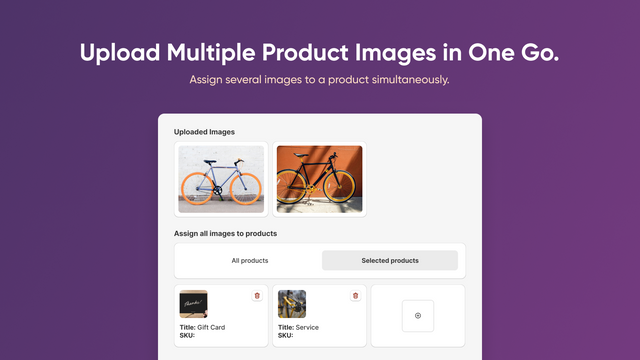
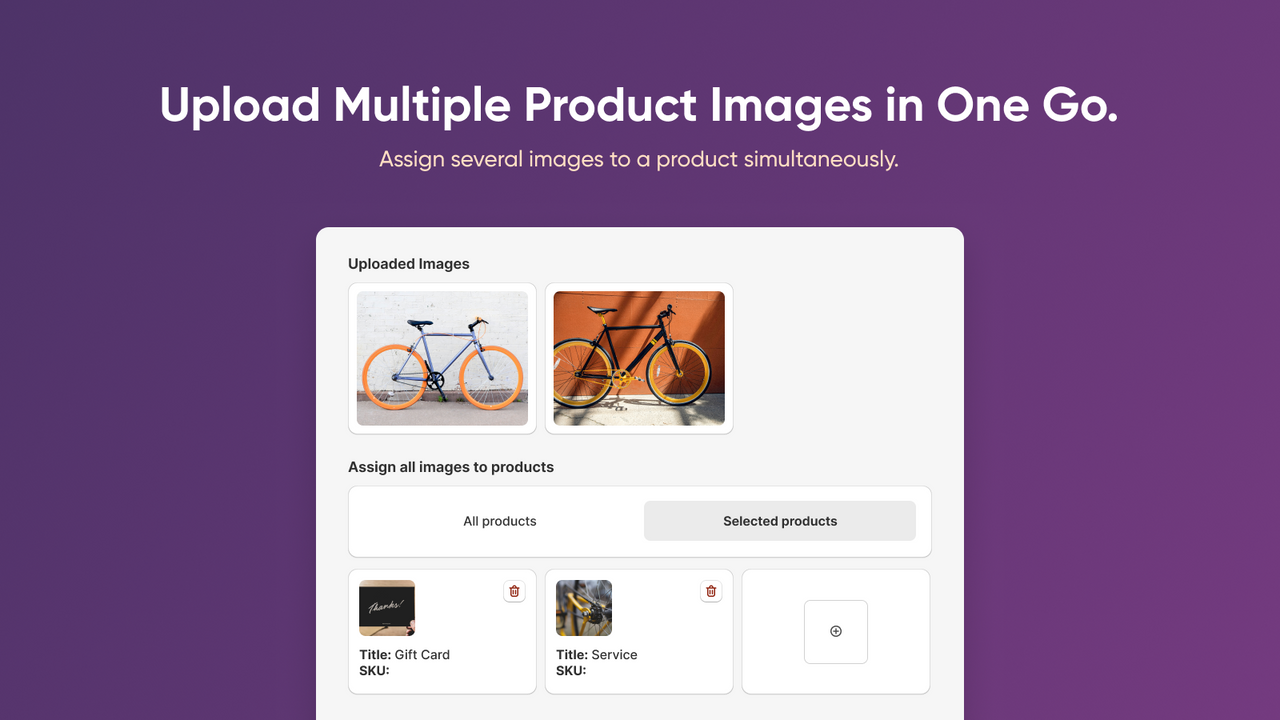
Efficiently manage product images with a user-friendly uploader that makes bulk uploading a breeze! Simplify image uploads like never before! Manually upload in bulk, use ZIP/RAR files, or upload via CSV with image URLs. Quickly assign images and add multiple visuals to a single product. Bulk-upload from Google Drive, Dropbox, or your computer via drag-and-drop. Ensure accuracy for bulk-added images with a photo matching validator, and track upload statuses in detailed reports. Optimize your store’s images and performance: compress, resize, crop, and convert to WebP or JPG formats.
Core Functionality
- Bulk upload images. Upload individually or via ZIP, RAR, or CSV files
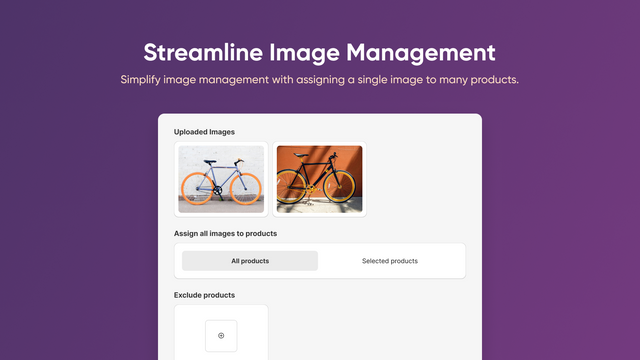
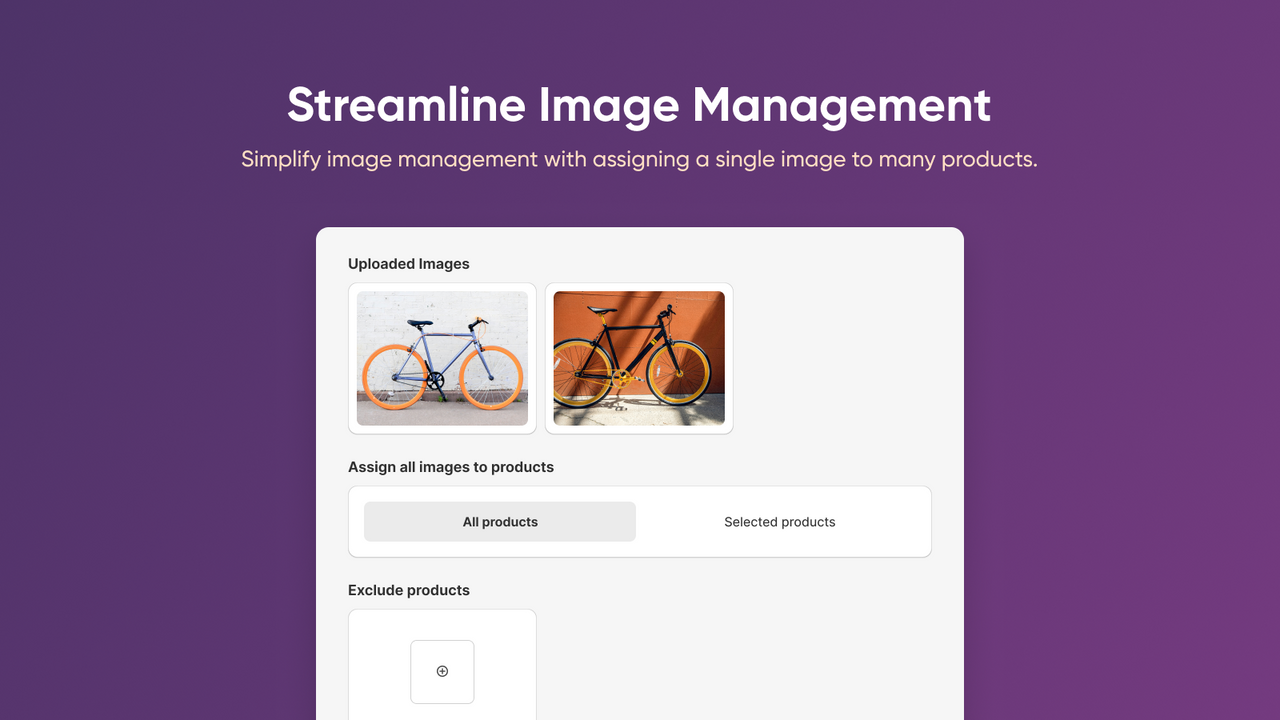
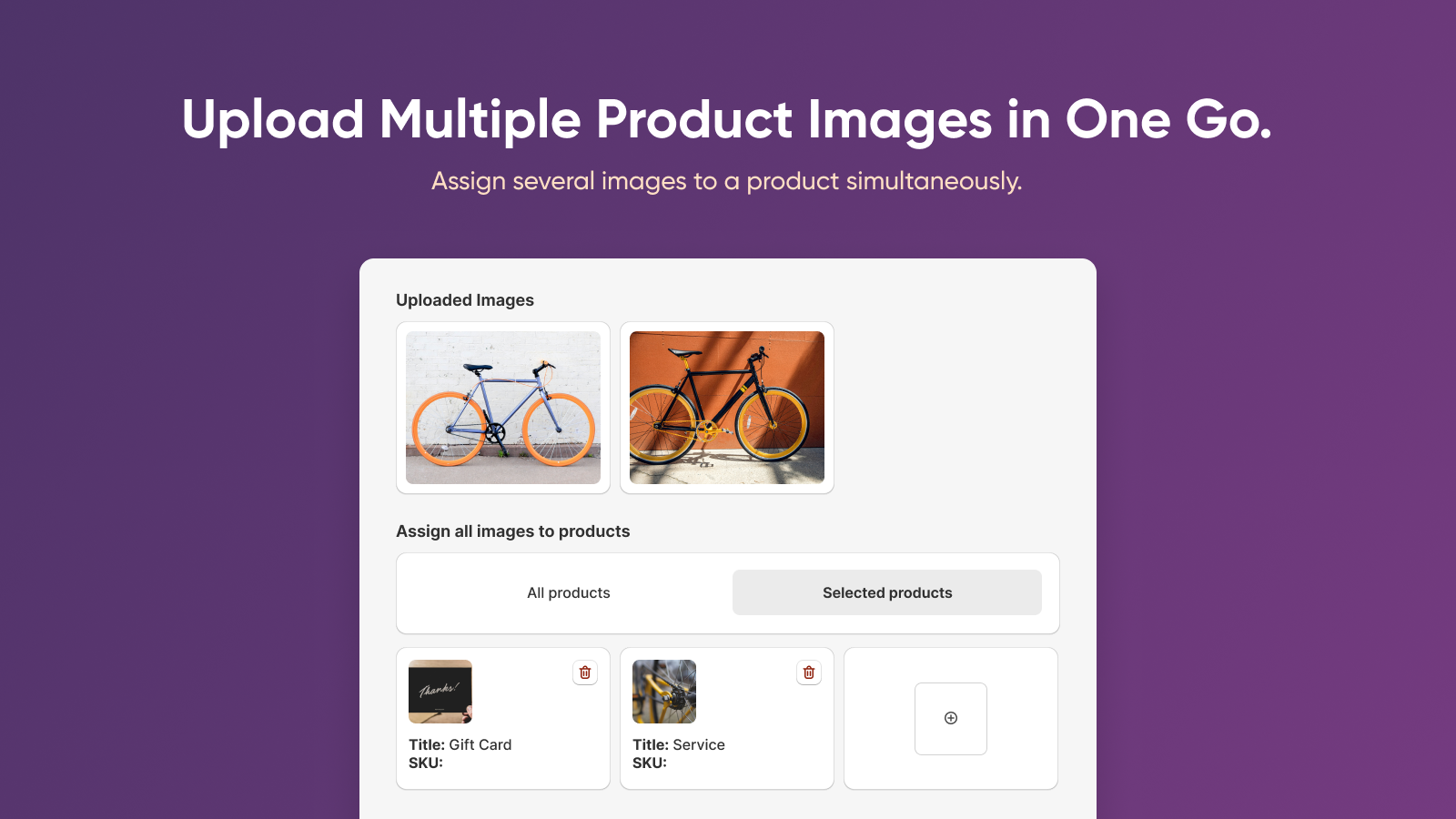
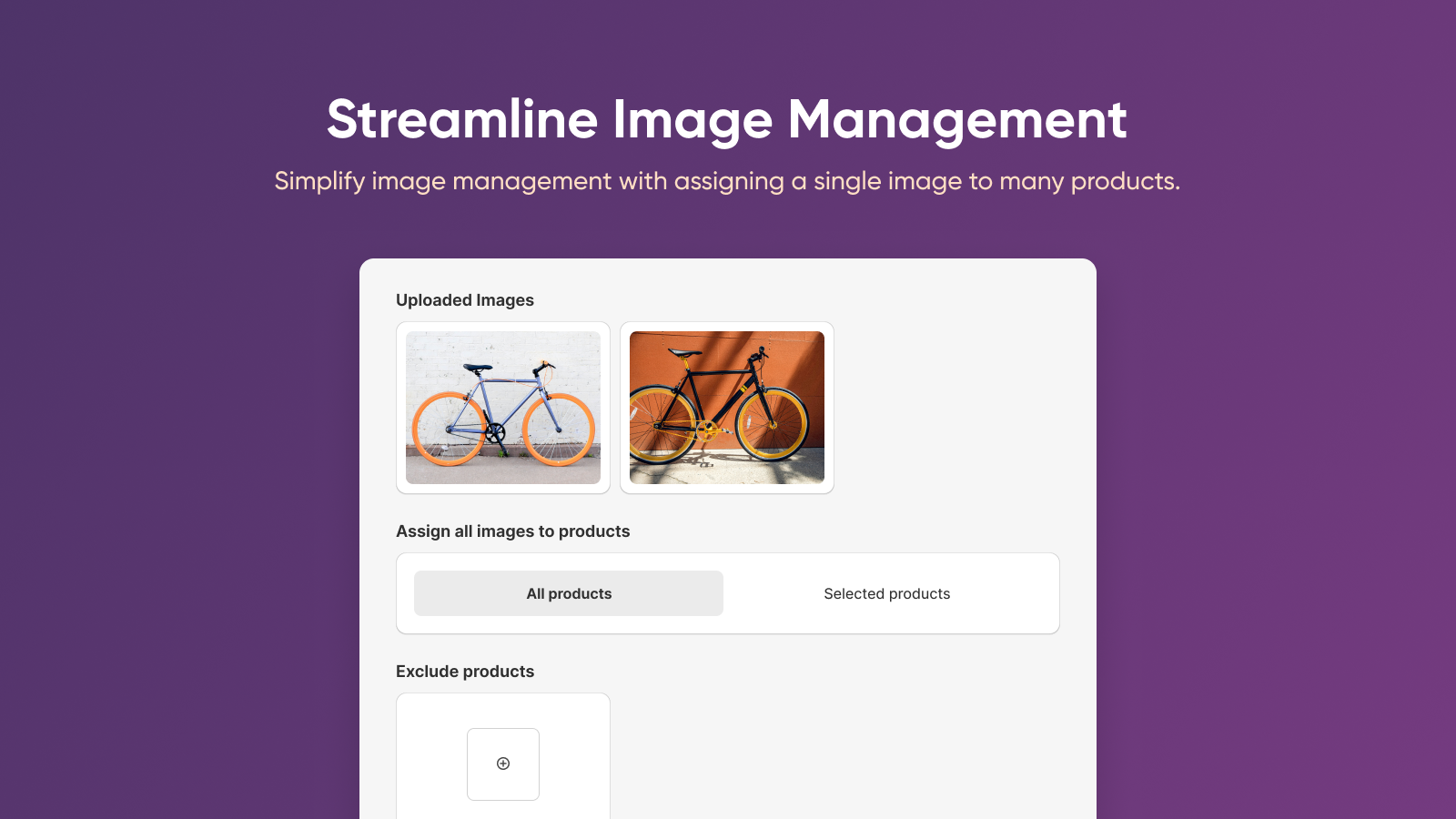
- Use the image manager to assign images to specific products and verify matches
- Manage bulk image imports to add multiple images to a single product at once
- View detailed product image upload reports using a user-friendly dashboard
- Optimize images after upload: compress, resize, crop, and convert to WebP
Merchant-Friendly
- Independent Station Merchants
- Multi-category E-commerce
- Apparel Merchants
- Home Goods Merchants
Basic Information
- Developer:Amasty
- Address:Afroditis, 25, Office 208, Clarion Business Centre, Nicosia, 1060, CY
- Price: Free / Free plan
- Rating:4.5 / 5
- Comment Count:19 comment
- Release Date:2024-2-21
- Supported languages:English
- Compatible products:Shopify
Application Screenshot






Price Plan
Free
- Unlimited Image Uploads
- Up to 1000 Images per Batch
- Auto-Matching by SKU & Title
- Manual Matching
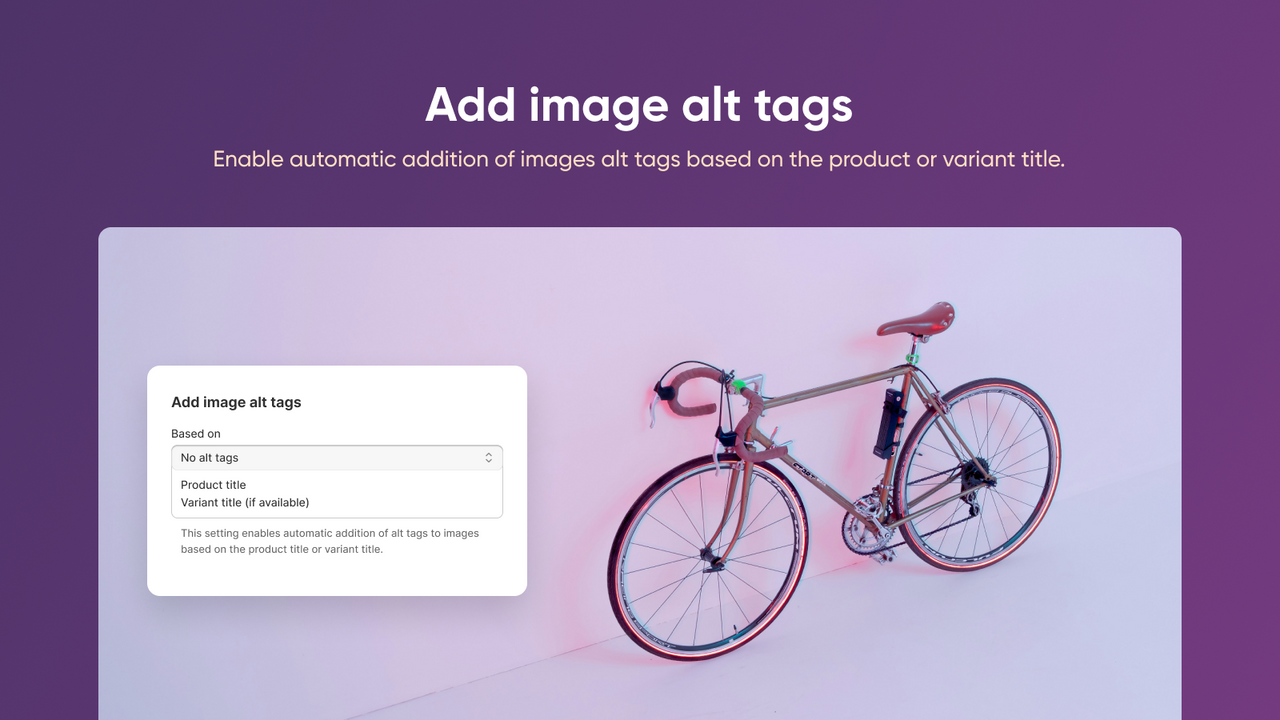
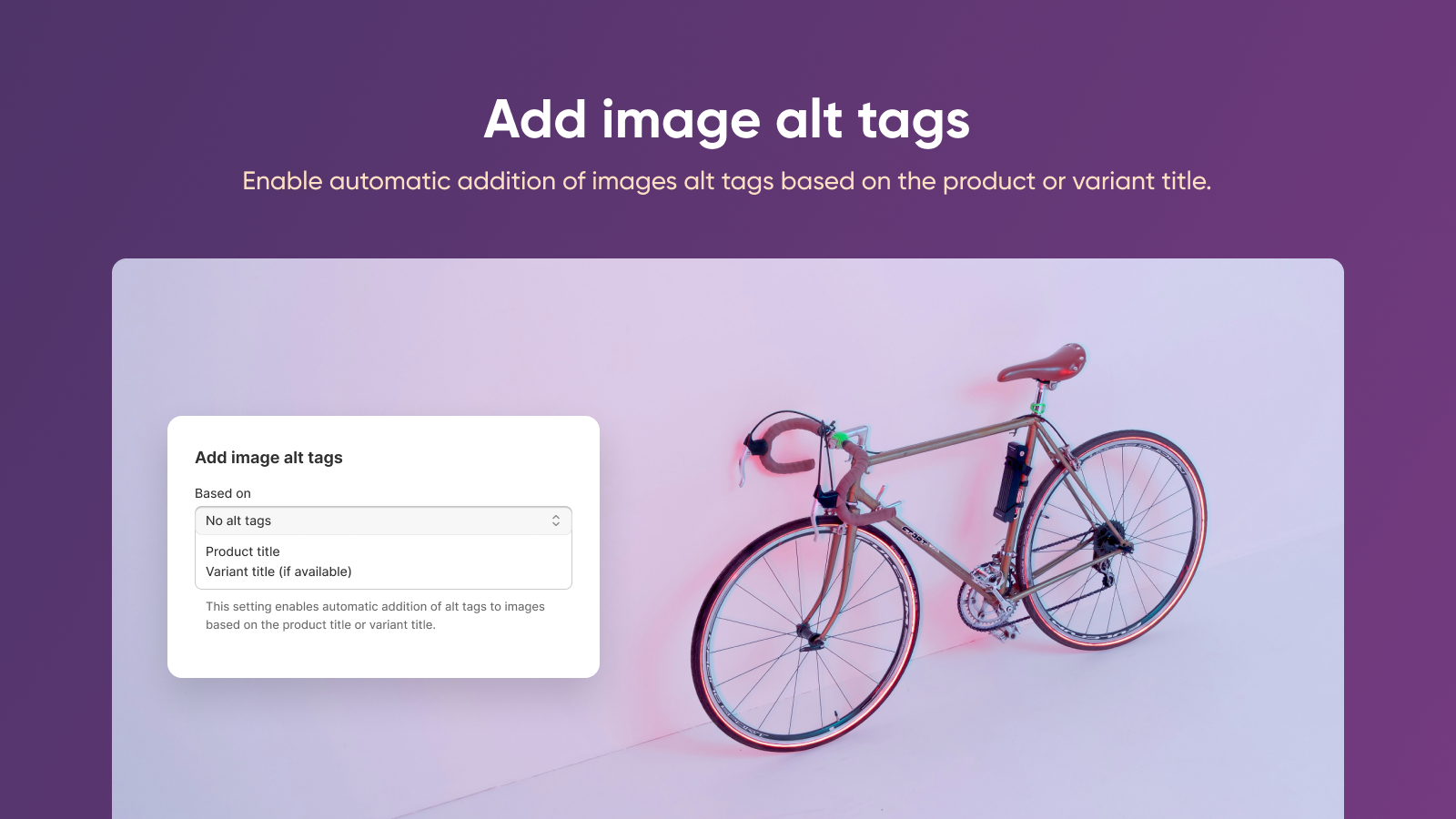
- Alt Text
- Google Drive & Dropbox Integration
- Restore
Standard
- Includes all features from Free
- Upload up to 5000 images per batch
- Optimize 500 images per month:
- Compress images
- Resize and crop
- Convert PNG to JPG/WebP; JPG to WebP
User Location & Comments
User Location
Comments
Shopify API Used
- POST /admin/api/products/bulk_images.json
- POST /admin/api/products/bulk_images/zip.json
- POST /admin/api/products/bulk_images/csv.json
Permission:write_products,read_products,manage_images
- PUT /admin/api/products/{id}/images/assign.json
- GET /admin/api/products/{id}/images/match.json
- POST /admin/api/products/images/validate.json
Permission:write_products,read_products,manage_images
- POST /admin/api/products/{id}/images/bulk.json
- GET /admin/api/products/{id}/images/bulk/status.json
- PUT /admin/api/products/{id}/images/bulk/retry.json
Permission:write_products,read_products,manage_images
- GET /admin/api/reports/product_images.json
- GET /admin/api/reports/product_images/{id}.json
- POST /admin/api/reports/product_images/export.json
Permission:read_reports,read_products,manage_images
- POST /admin/api/images/optimize.json
- PUT /admin/api/images/{id}/optimize.json
- GET /admin/api/images/optimize/status.json
Permission:write_products,read_products,manage_images