
App Introduction
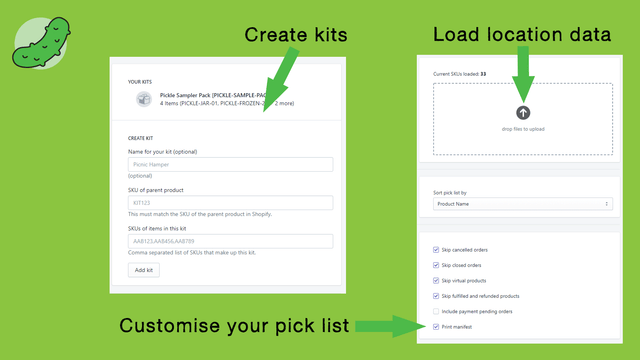
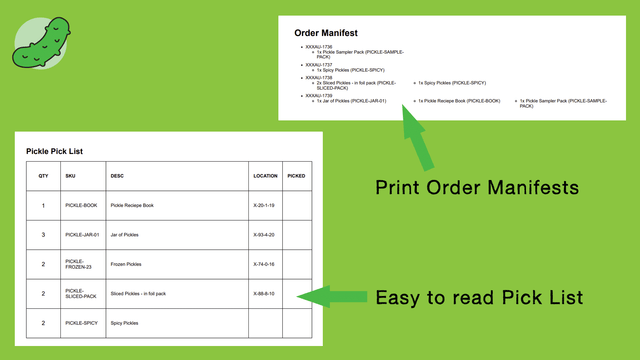
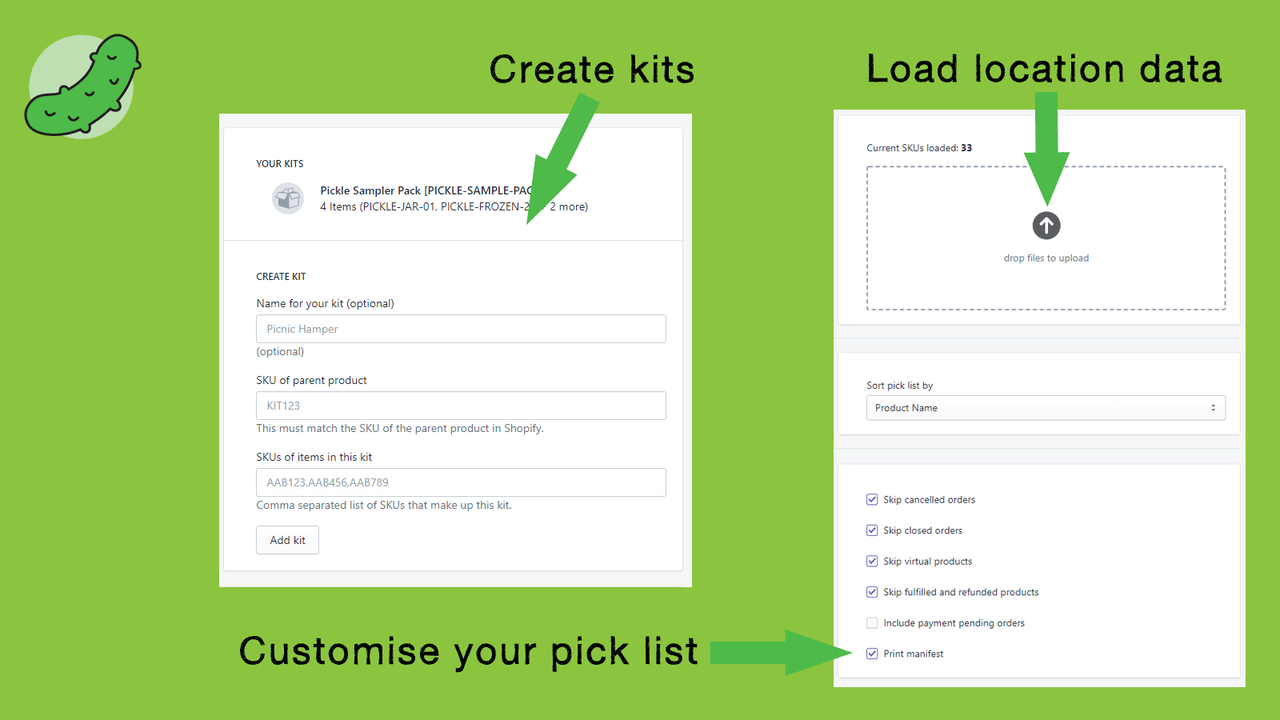
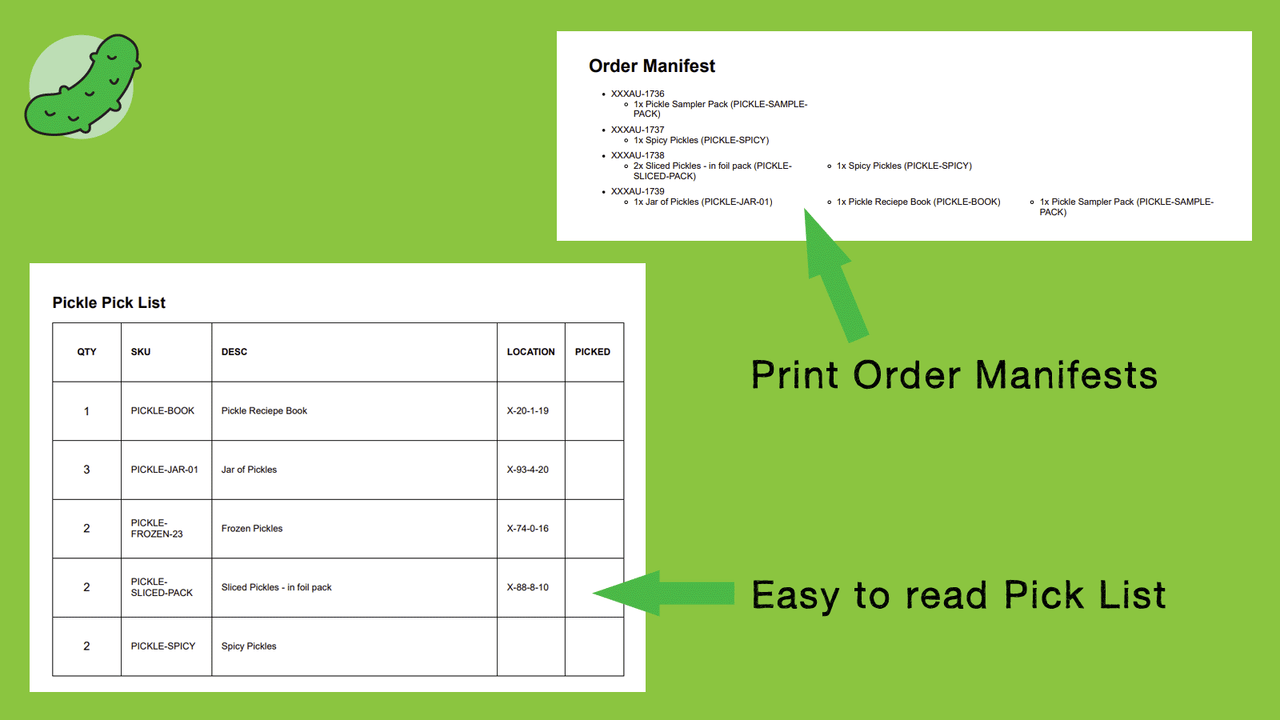
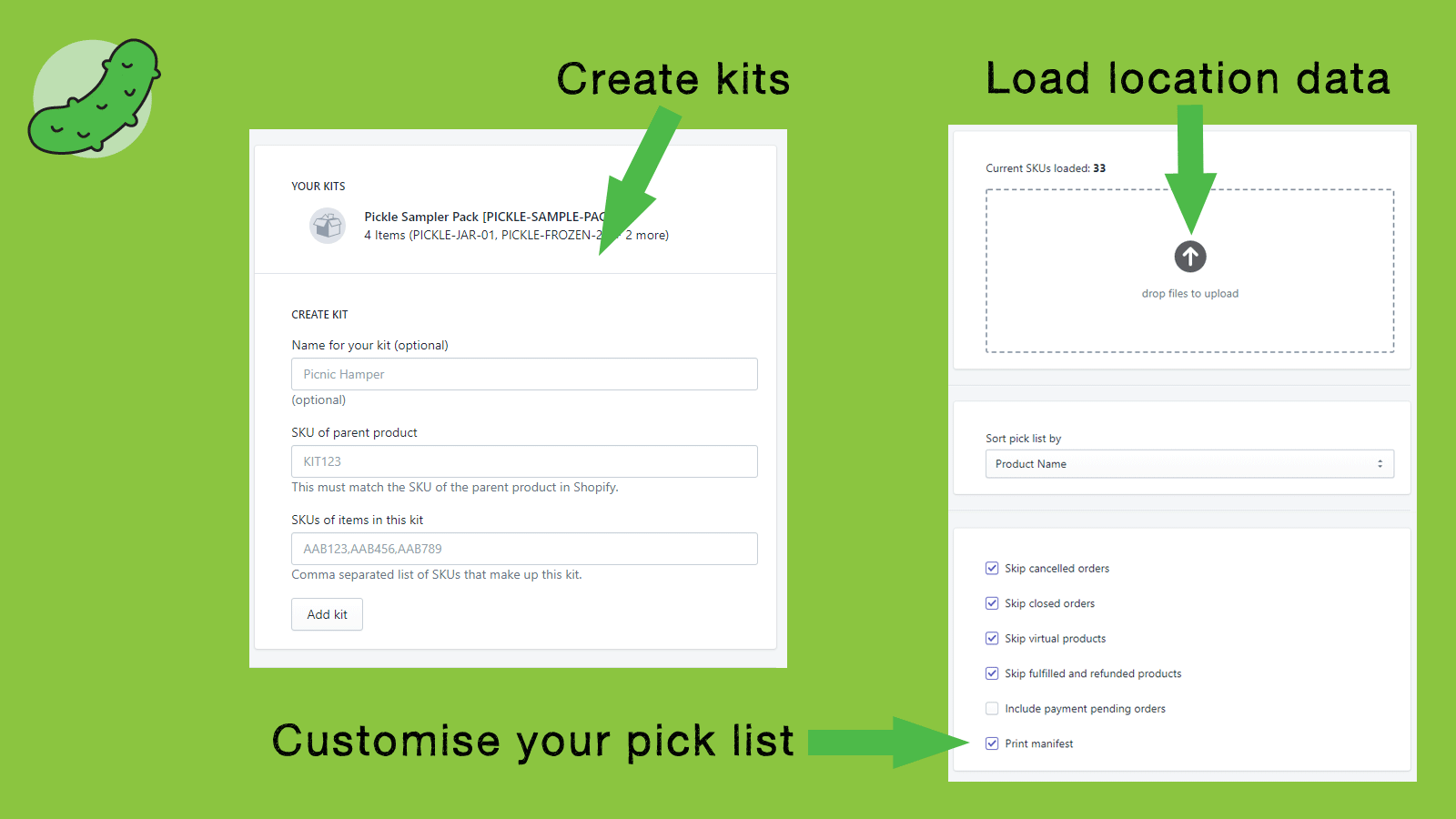
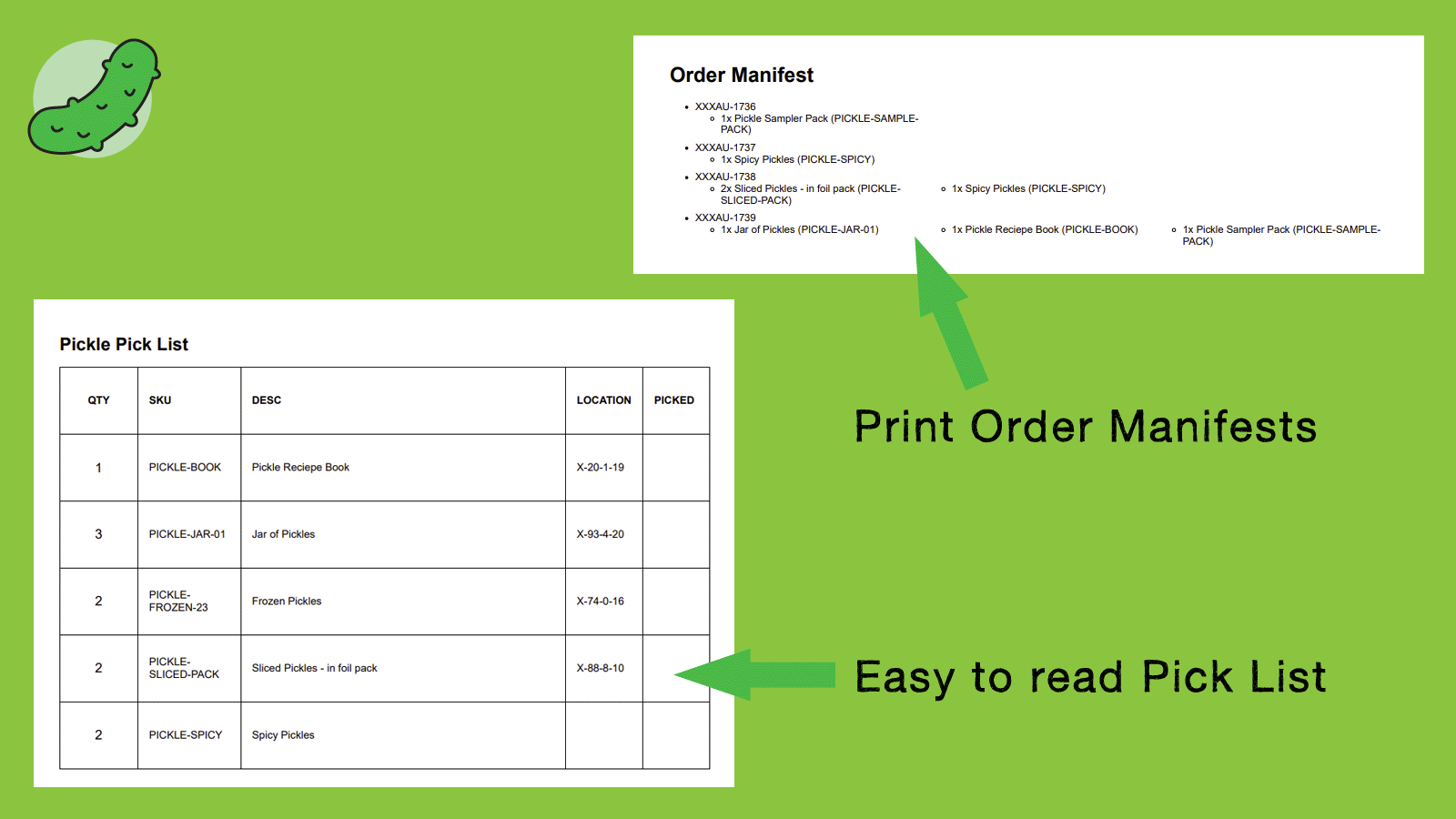
Pick efficiently pick and pack by location. Supports product bundling. Pickle helps you pick and pack! Easy to use, Pickle lets you download your pick list while preparing orders on the Shopify admin order page. Do you sell products made up of multiple individual items, like food gift baskets? When there’s a kit or bundled product in the cart, Pickle automatically adds all related items to your pick list! Assign a location to each product so you know where to find your items, and sort your pick list by location to avoid back-and-forth movement.
Core Functionality
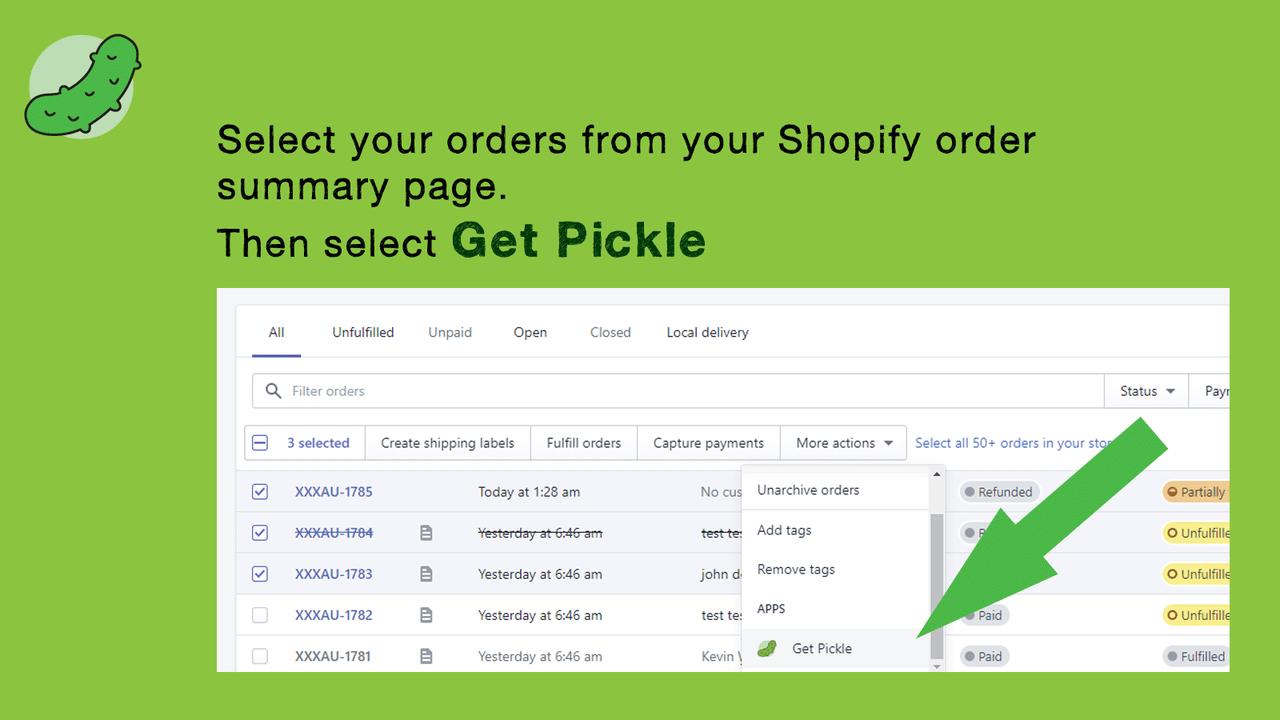
- Easy to use! Select your order from your order page, get Pickle, and print!
- Group items by location for efficient picking.
- Assign individual items to kits and bundled products.
Merchant-Friendly
- Warehousing E-commerce
- Multi-category Retail
- Independent Store Sellers
Basic Information
- Developer:MZL Solutions
- Address:PO Box 526, Glen Waverley, VIC, 3150, AU
- Price: Free / Free plan
- Rating:4.8 / 5
- Comment Count:6 comment
- Release Date:2020-10-13
- Supported languages:English
- Compatible products:Shopify
Application Screenshot


Price Plan
标准
$5
User Location & Comments
User Location
Comments
Shopify API Used
- GET /admin/api/orders/{order_id}.json
- POST /admin/api/orders/{order_id}/pickle.json
- GET /admin/api/orders/pickle/{pickle_id}.json
Permission:read_orders,write_orders,print_orders
- GET /admin/api/orders/{order_id}/line_items.json
- POST /admin/api/orders/{order_id}/grouped_items.json
- GET /admin/api/orders/grouped_items/{group_id}.json
Permission:read_orders,manage_inventory,read_locations
- POST /admin/api/products/{product_id}/kit_items.json
- PUT /admin/api/products/{product_id}/kit_items/{item_id}.json
- GET /admin/api/products/{product_id}/kit_items.json
Permission:manage_products,write_products,read_products