
App Introduction
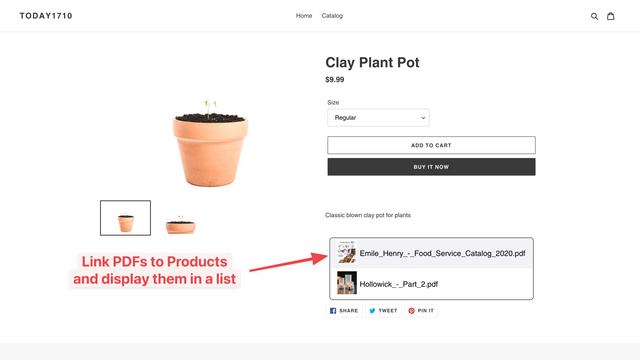
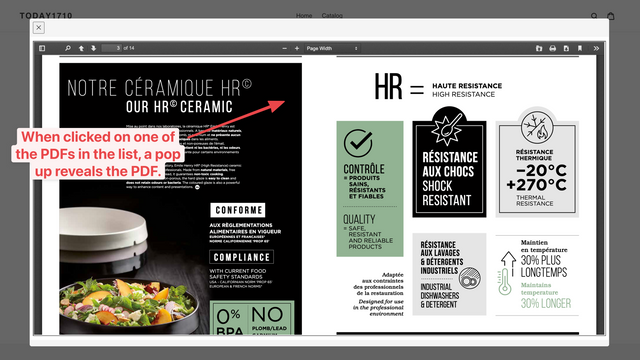
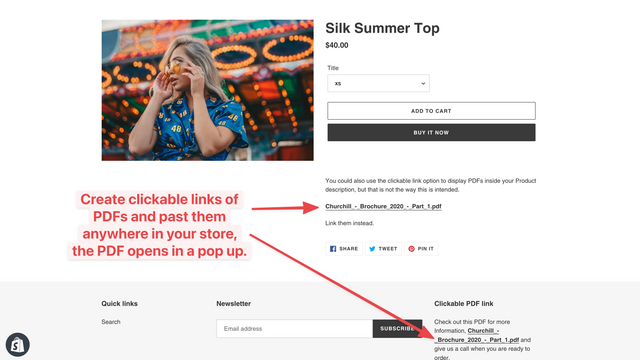
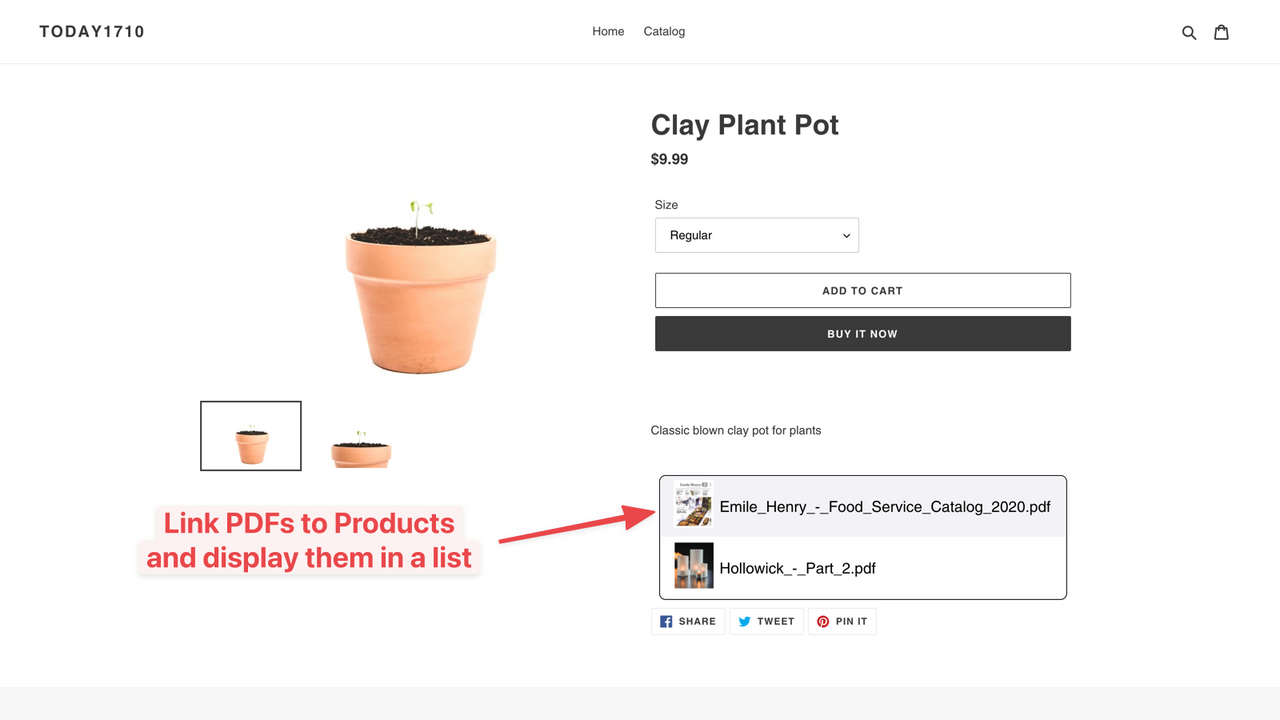
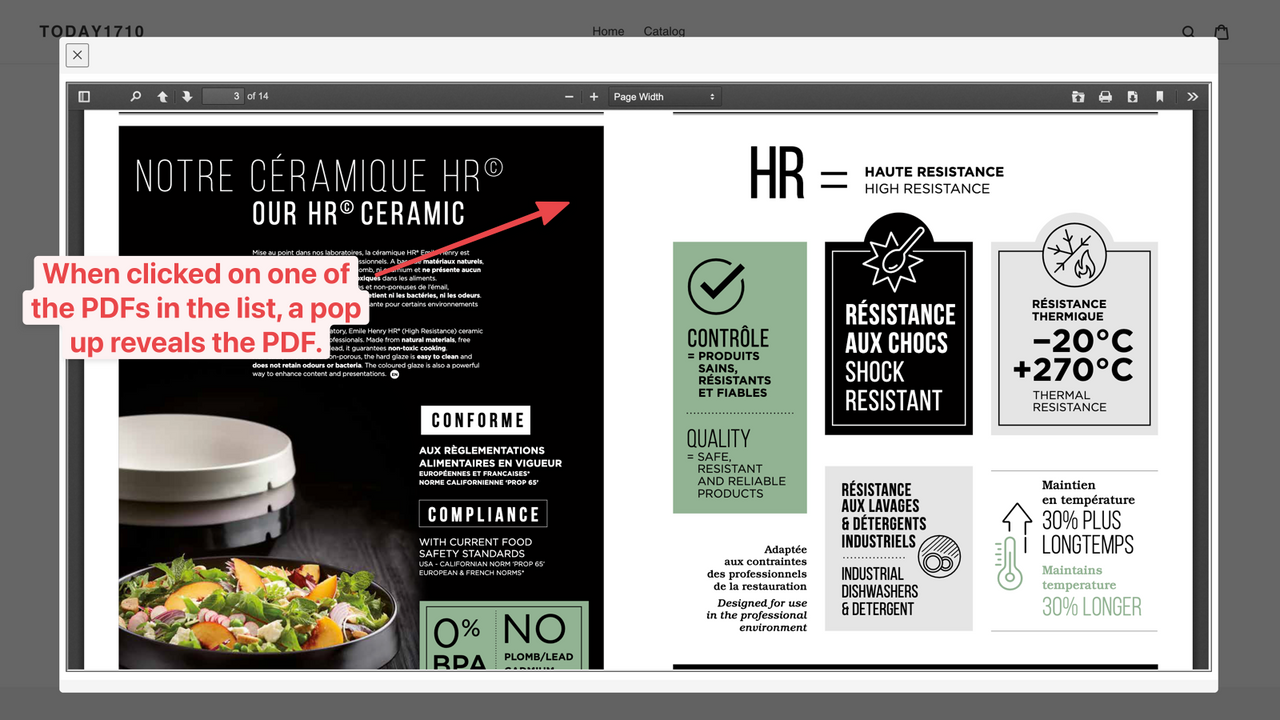
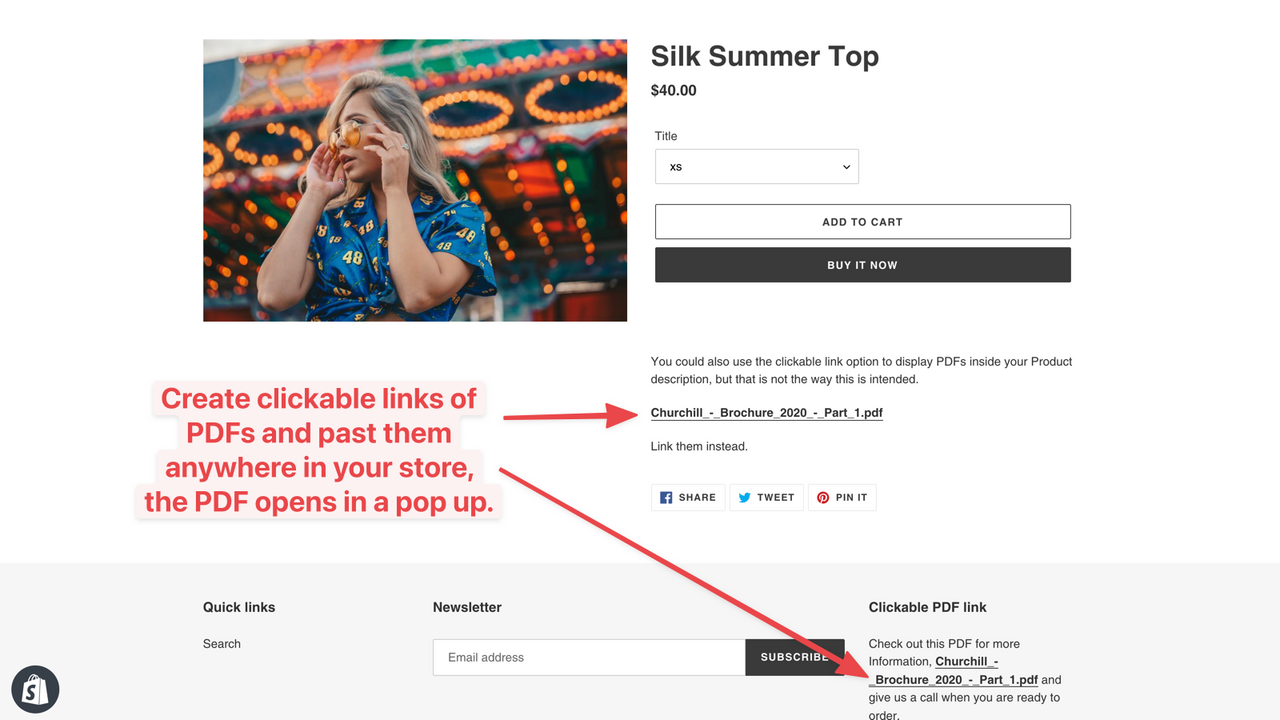
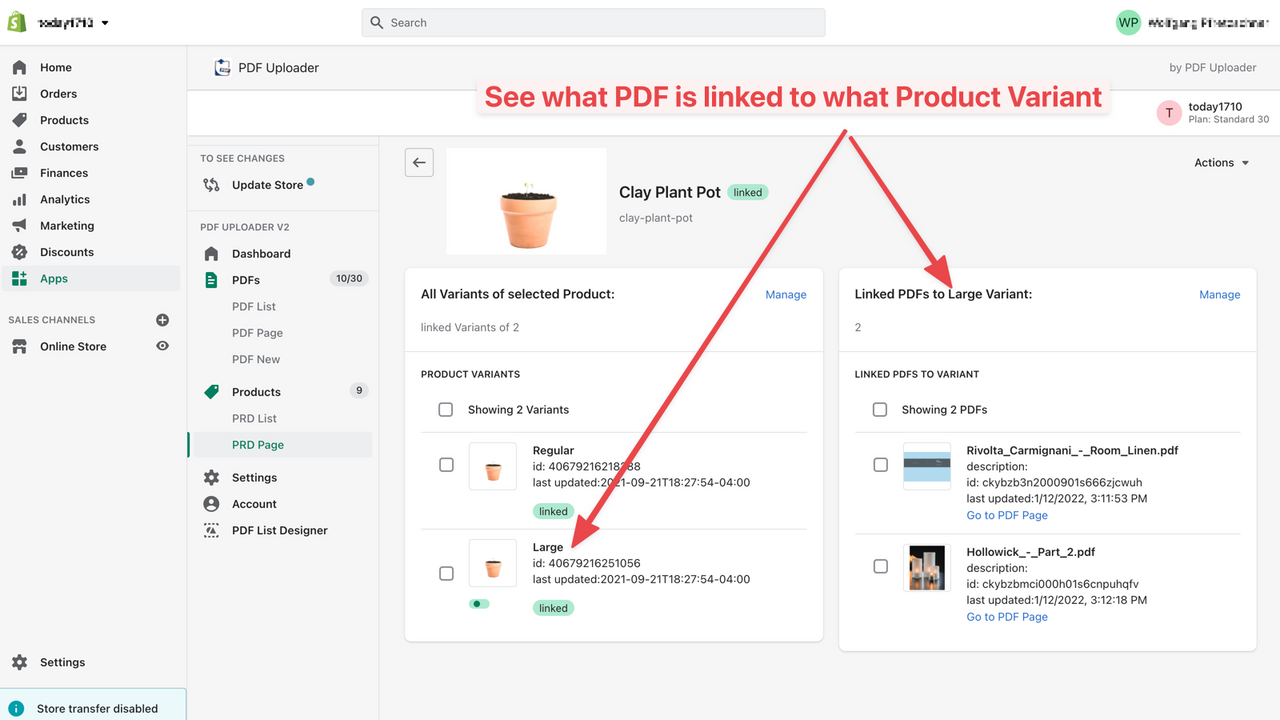
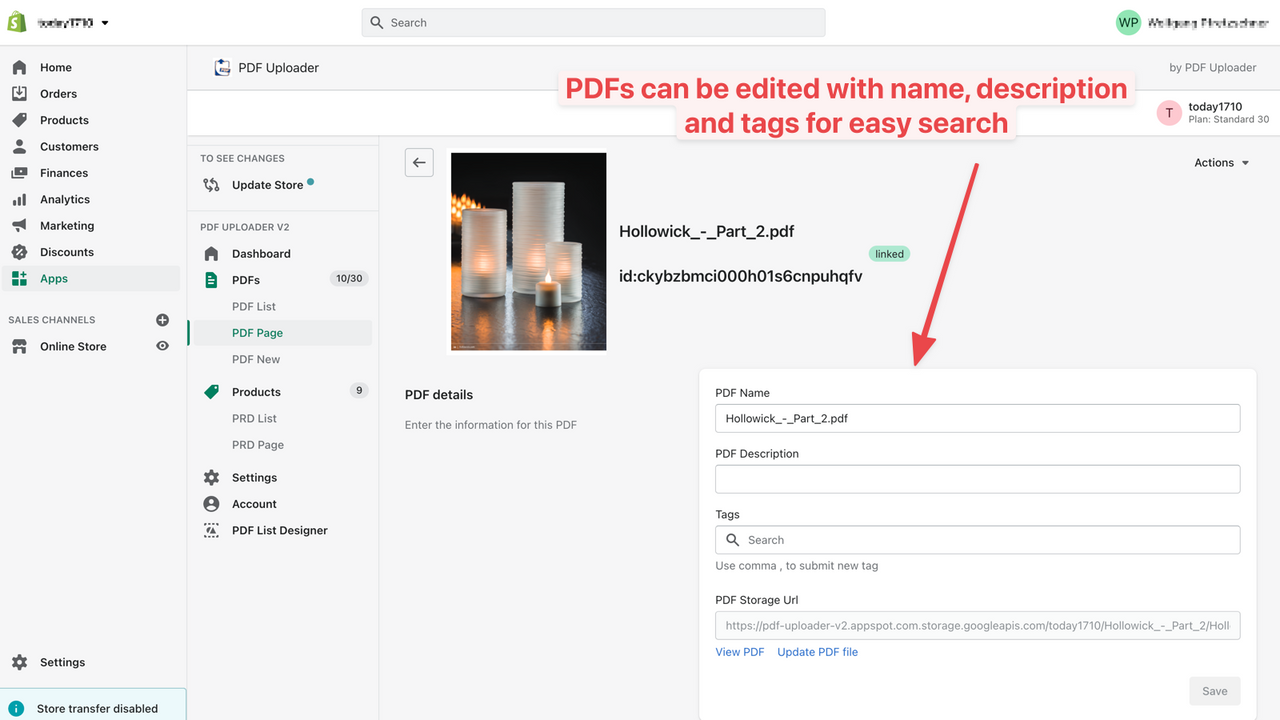
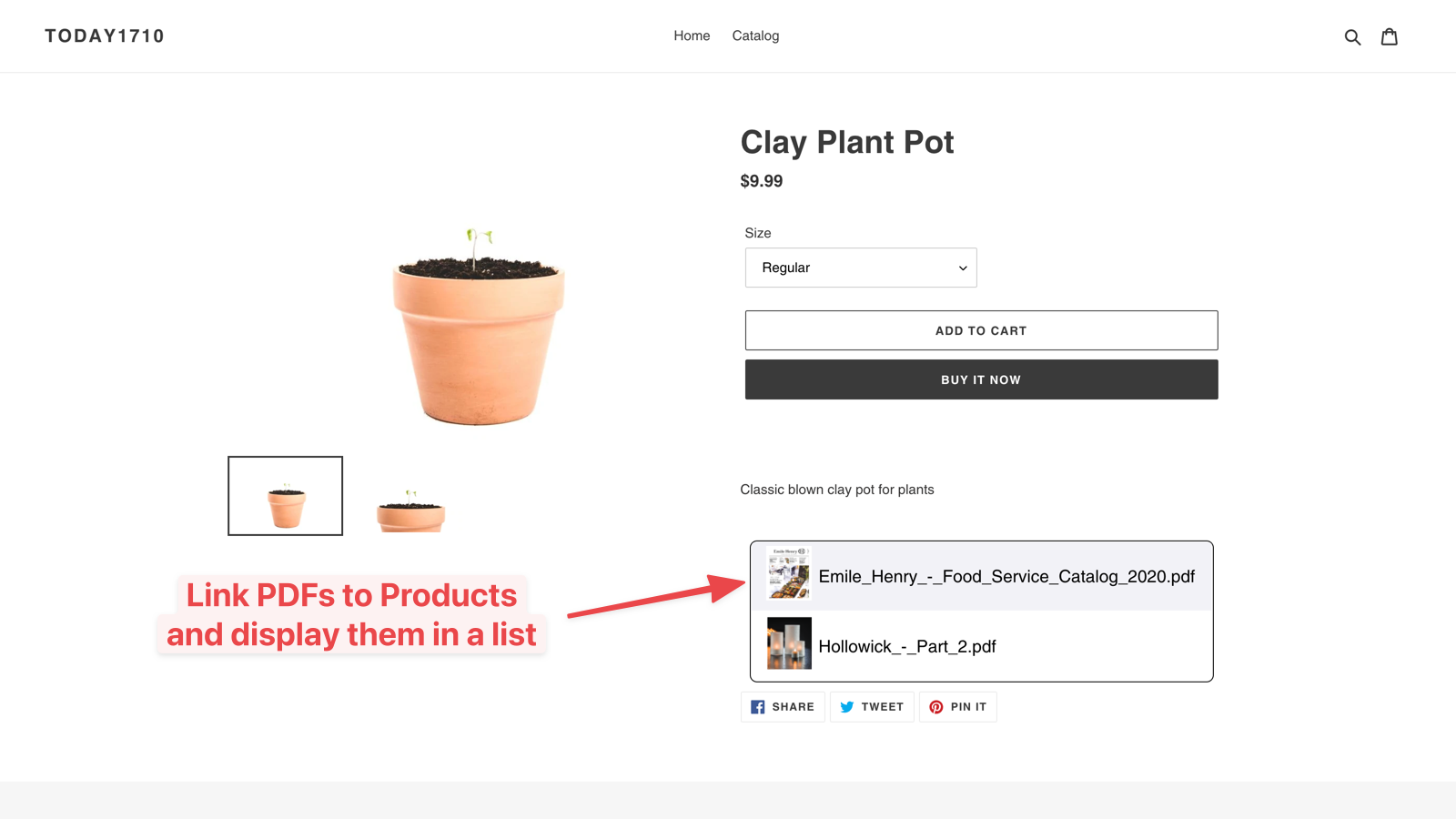
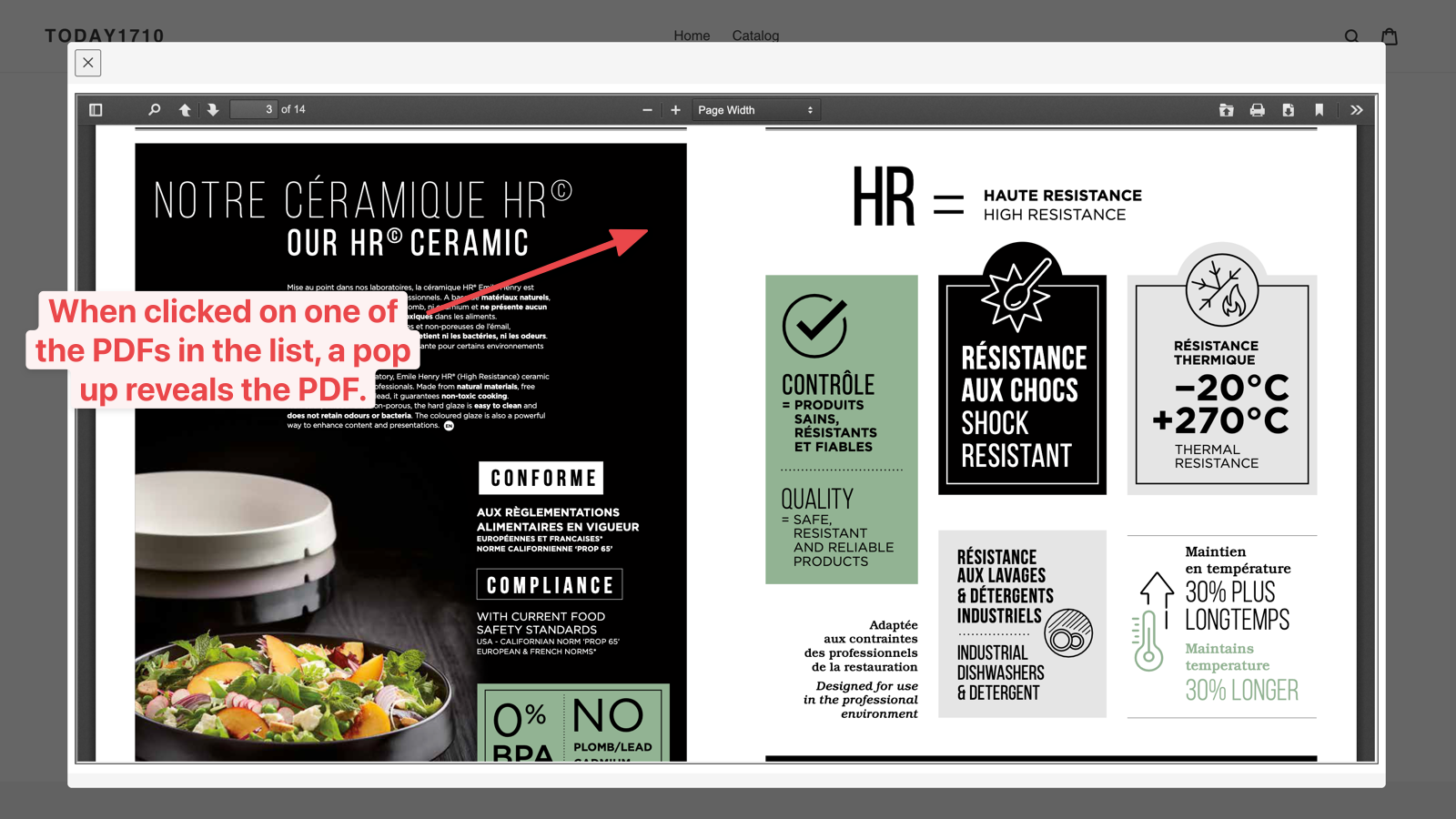
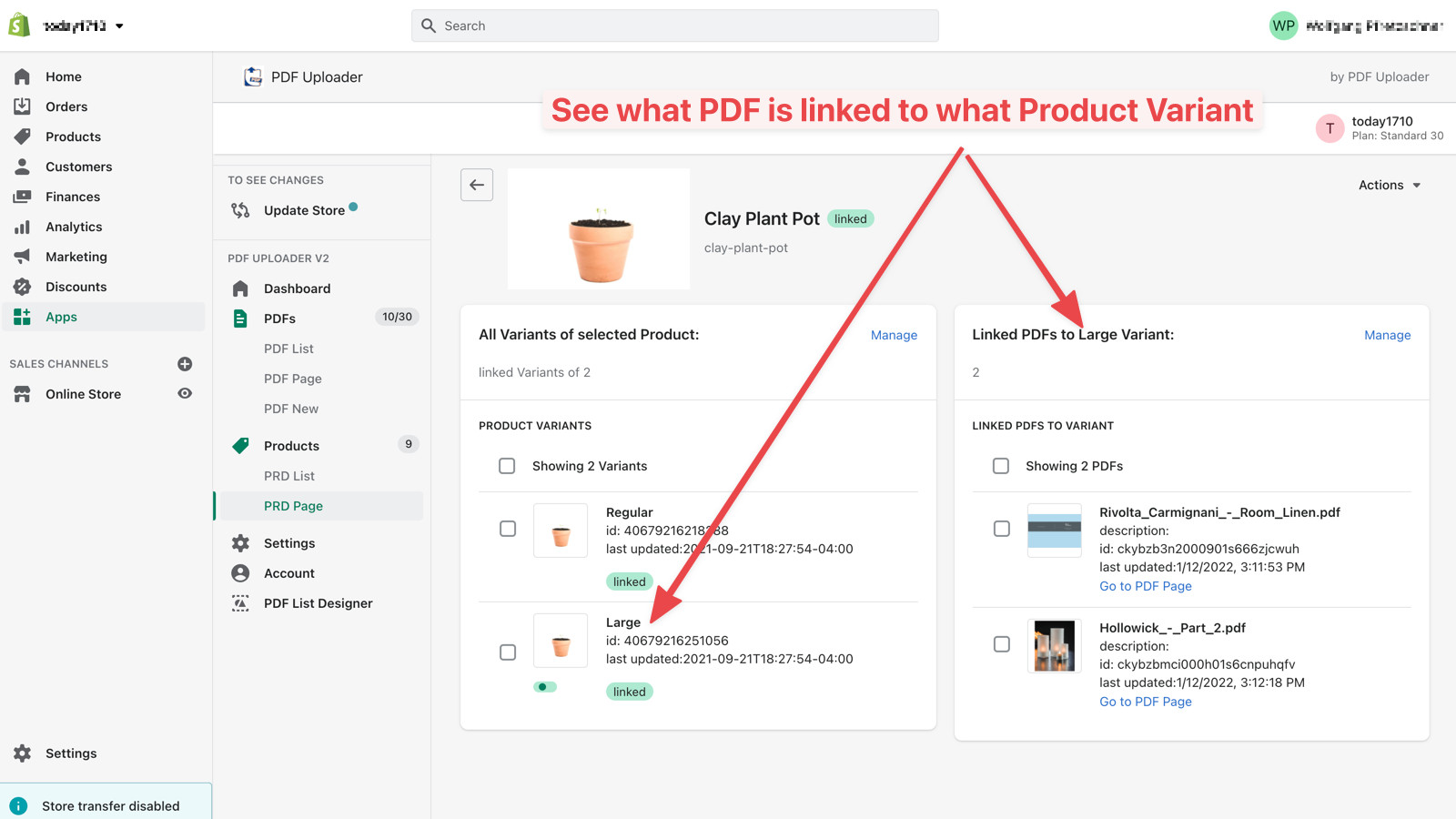
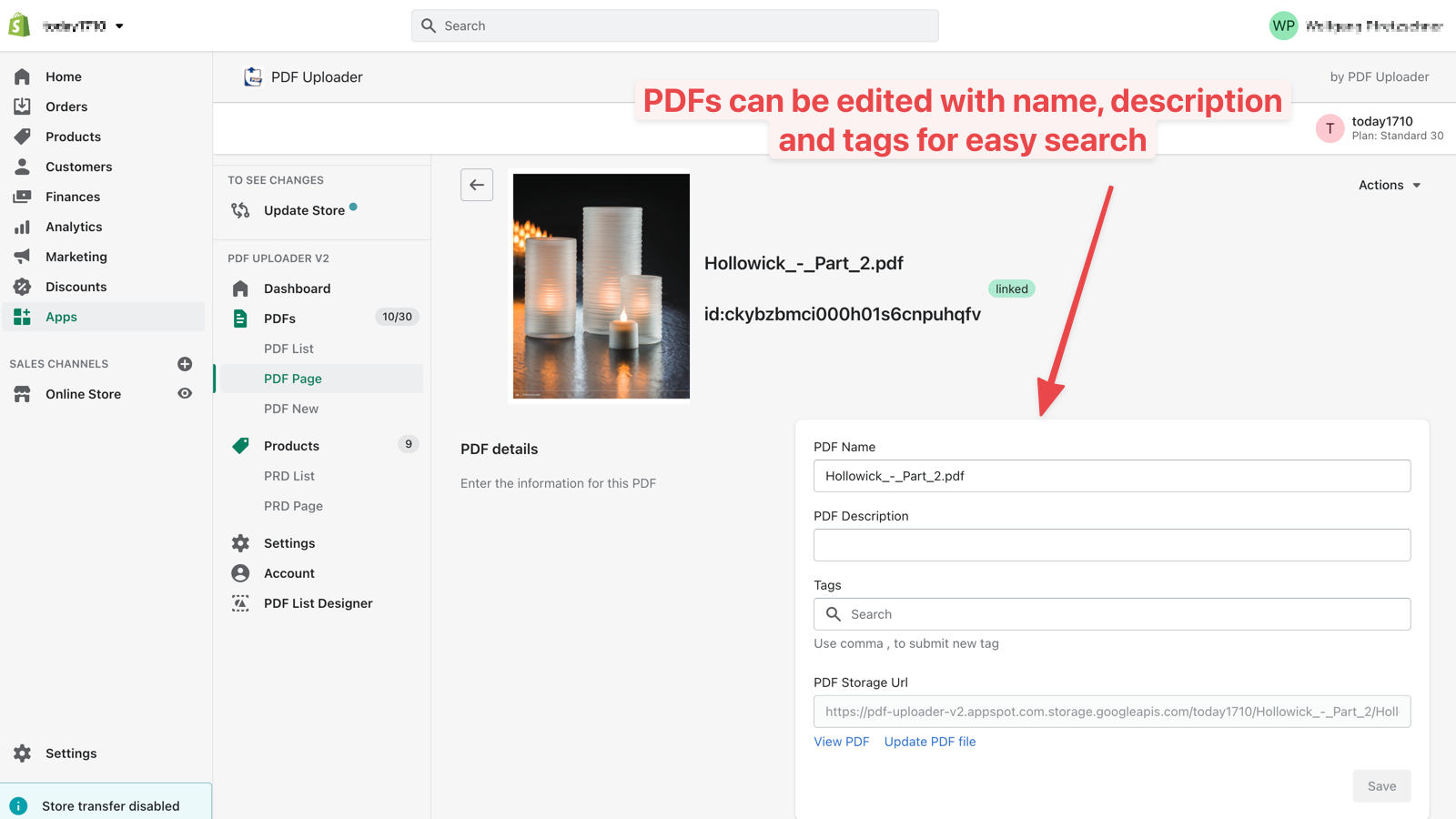
Display PDFs anywhere in your store—either embedded or as a pop-up. Perfect for manuals, certificates, data sheets, and more. Whether you have 1 or 10,000 PDFs, this app helps you easily showcase and manage them. Your customers will enjoy a top-tier PDF viewer packed with useful features: search, zoom, multiple layout and scrolling options, and more. PDFs open **in-page** (no new tab required—visitors never have to leave your store). Manage all your PDFs in the backend with built-in search and sorting. You can also effortlessly link PDFs to product variants or display them anywhere in your store by pasting their IDs.
Core Functionality
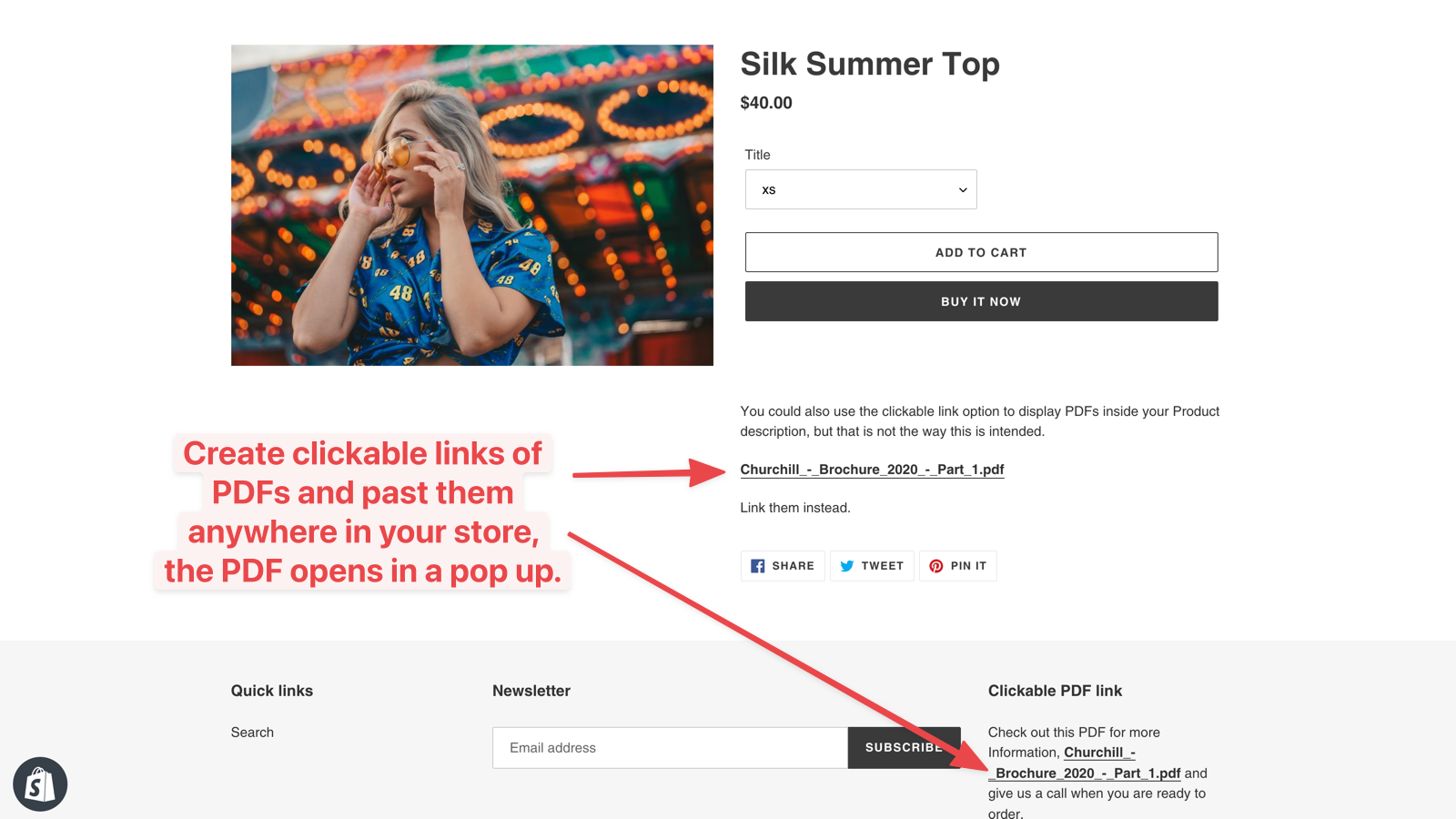
- Add any PDF as a clickable link in any text on your store.
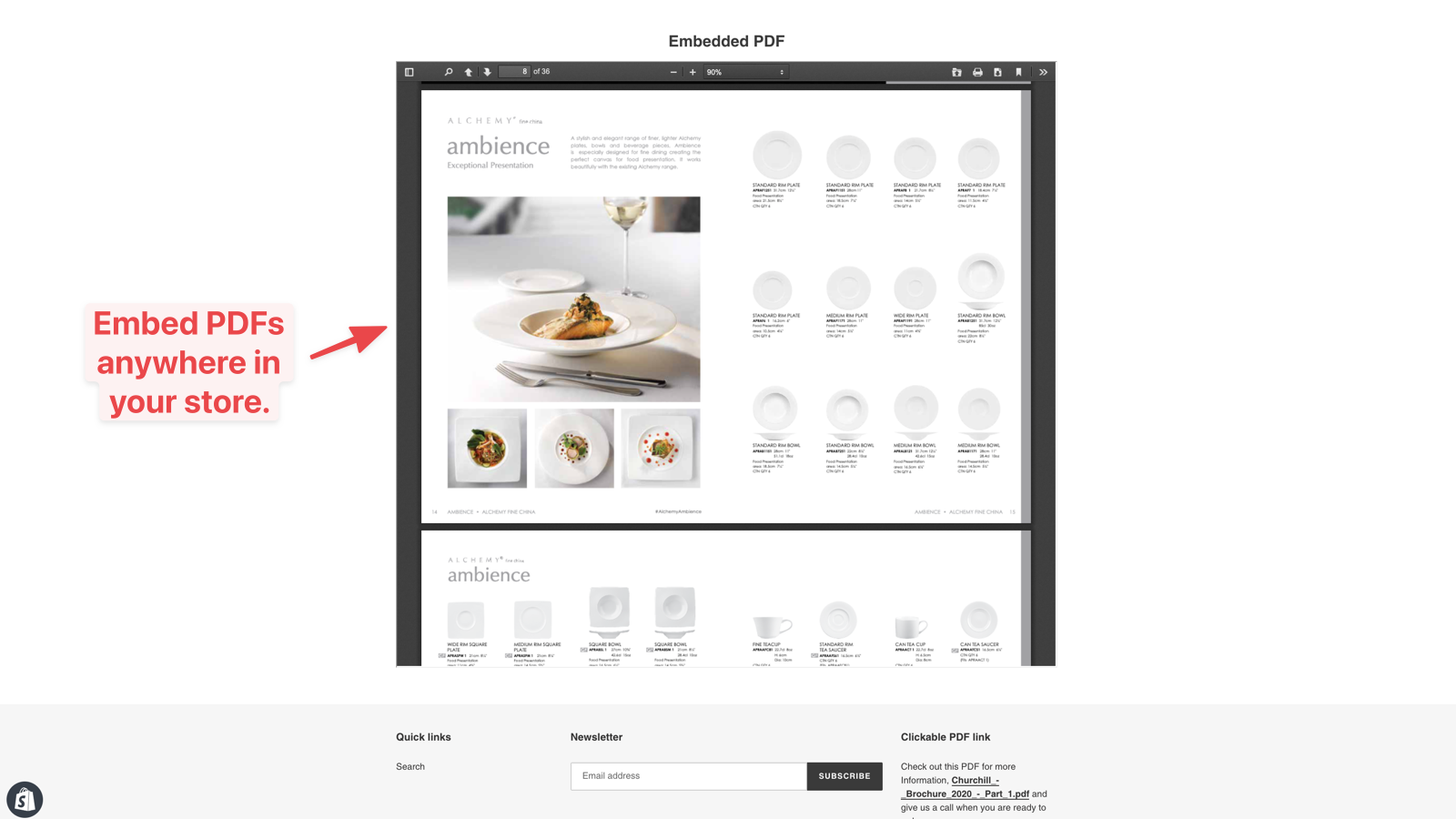
- Embed PDFs in your pages or display them as overlays.
- Unlimited users get a free search page where all PDFs are searchable.
- Link and unlink PDFs to variants, show PDFs to everyone or only to product viewers.
- Manage thousands of PDFs and variants using our spreadsheet integration.
Merchant-Friendly
- Independent Station Merchants
- Multi-category E-commerce
- Content-based E-commerce
- High-margin Merchants
Basic Information
- Developer:PDF Uploader
- Address:10061 Amberwood Rd, Fort Myers, FL, 33913, US
- Price: Free / Free plan
- Rating:4.6 / 5
- Comment Count:6 comment
- Release Date:2021-1-8
- Supported languages:English
- Compatible products:Shopify
Application Screenshot

Price Plan
永久免费
- You can upload 1 PDF and use all features of this app for free. If you need to upload more PDFs, you can upgrade to a paid plan at any time.
基础10
- Upload up to 10 PDFs
- Display PDFs on any product/variant in the store.
- Show PDFs in the viewer as a pop-up or embedded form
标准30
- Upload up to 30 PDFs
- Display PDFs on any product/variant in the store.
- Show PDFs in a viewer as a pop-up or embedded
无限制
- Unlimited PDFs
- Integrated with Custom Search Sites
- Display PDFs on Any Product/Variant in the Store
- Display PDFs
User Location & Comments
User Location
Comments
Shopify API Used
- POST /admin/api/shop/metafields.json
- PUT /admin/api/shop/metafields/{id}.json
- GET /admin/api/shop/metafields.json
Permission:write_shop,read_shop,manage_metafields
- POST /admin/api/pages/metafields.json
- PUT /admin/api/pages/metafields/{id}.json
- GET /admin/api/pages/metafields.json
Permission:write_pages,read_pages,manage_metafields
- POST /admin/api/themes/metafields.json
- PUT /admin/api/themes/metafields/{id}.json
- GET /admin/api/themes/metafields.json
Permission:write_themes,read_themes,manage_metafields
- POST /admin/api/products/variants/metafields.json
- PUT /admin/api/products/variants/metafields/{id}.json
- DELETE /admin/api/products/variants/metafields/{id}.json
Permission:write_products,read_products,manage_metafields
- POST /admin/api/imports.json
- GET /admin/api/imports/{id}.json
- PUT /admin/api/imports/{id}.json
Permission:write_products,read_products,manage_imports



