
App Introduction
Automatically sync all sales, orders, deposits, inventory, and expense records to QuickBooks and Xero PayTraQer automates your bookkeeping with a simple interface, intuitive workflows, and enhanced accuracy. With PayTraQer, you’ll always have perfectly balanced books, updated inventory, and better cash flow visibility. Your reconciliations will run smoothly. With accurate data at your fingertips, you can forecast cash flow and make more informed data-driven decisions. Set up PayTraQer, forget about bookkeeping, and focus on other business priorities that need your attention.
Core Functionality
- Sync all Shopify sales, refunds, deposits, and fees to QuickBooks and Xero
- Record complete order details including customer info, products, shipping costs, and fees
- Advanced sync matches your bank deposits to sales reconciliations
- Sync real-time orders, inventory quantities, and prices to QuickBooks and Xero
- Intuitively calculate and allocate accurate taxes for each order to your accounting system
Merchant-Friendly
- E-commerce Independent Station Merchants
- Small and Medium Cross-border E-commerce
- Multi-platform Sales Merchants
- Merchants Needing Financial Compliance
Basic Information
- Developer:SaasAnt, Inc.
- Address:16192 Coastal Highway, Lewes, DE, 19958, US
- Price: Free / Free plan
- Rating:4.5 / 5
- Comment Count:5 comment
- Release Date:2022-3-14
- Supported languages:English
- Compatible products:Shopify
Application Screenshot
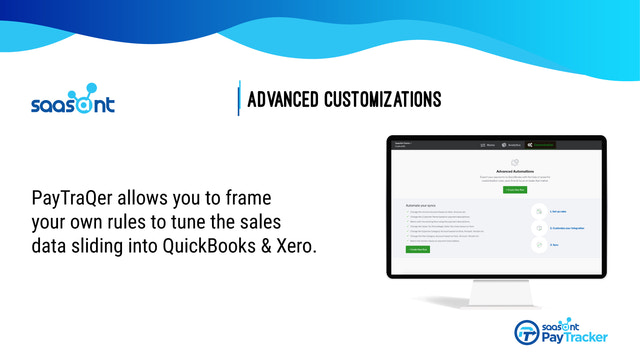



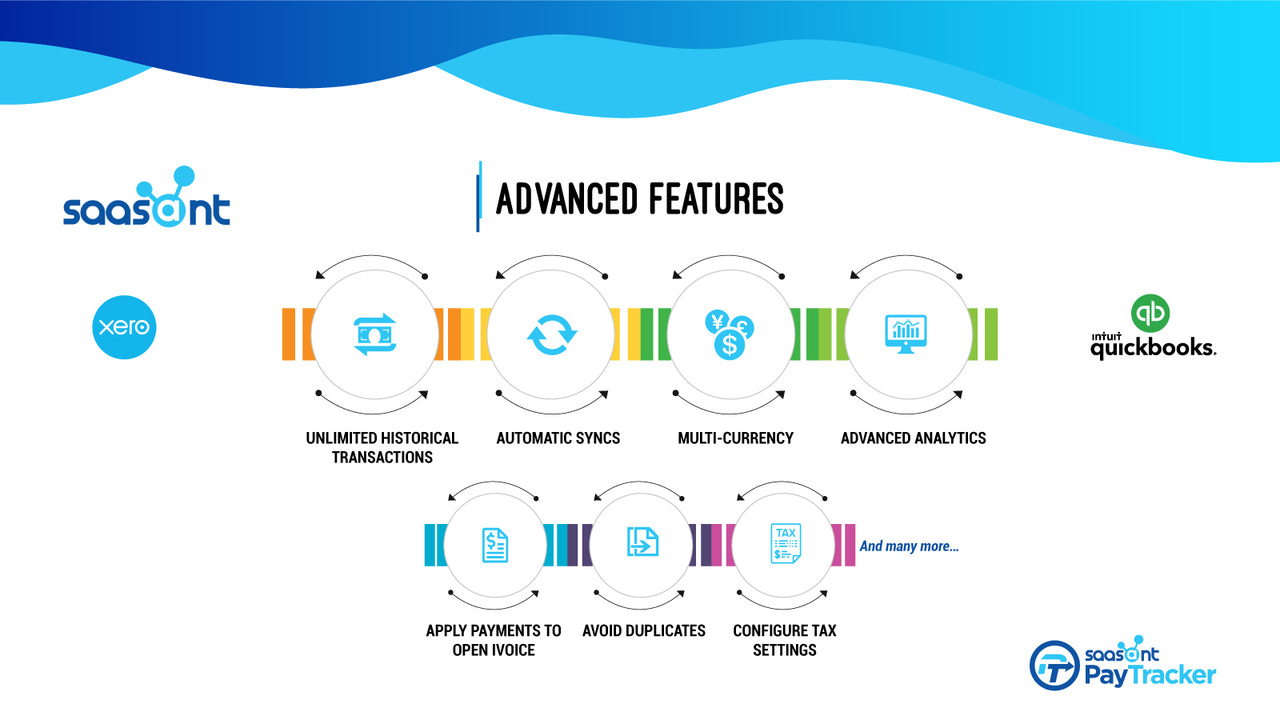

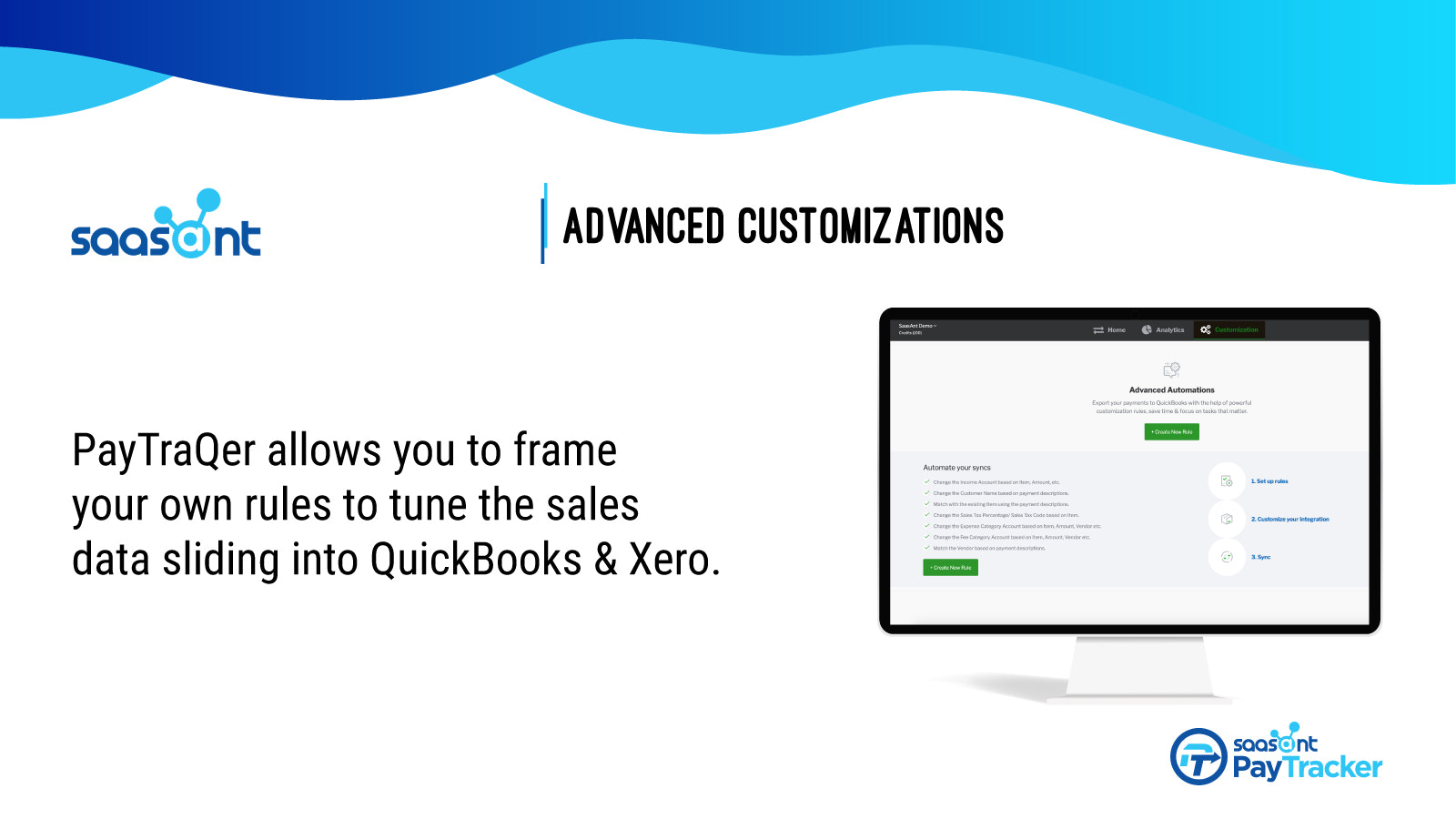


Price Plan
TRIAL
- 10 orders
- 1 user
- Transaction History - 12 Months
- 1 sync rule
- Business Insights
- Email Support
Rise
- 500 Orders
- Fully Automated
- 1 User
- Transaction History - 12 Months
- 2 Sync Rules
- Business Insights
- Support - Email, Chat
Scale
- 1000 Orders
- Fully Automated
- 5 Users
- Unlimited Historical Transactions
- 5 Sync Rules
- Business Insights
- Support - Email, Chat
Large
- 5000 Orders
- Fully Automated
- 10 Users
- Historical Data
- 10 Rules
- Support - Email, Chat, and Phone
- Business Analytics & Free Onboarding
User Location & Comments
User Location
Comments
Shopify API Used
- POST /admin/api/shopify_payments/transactions.json
- GET /admin/api/orders.json
- POST /admin/api/financial_transactions.json
Permission:read_orders,read_shopify_payments_payouts,write_inventory
- GET /admin/api/orders/{order_id}.json
- GET /admin/api/orders/{order_id}/fulfillments.json
- GET /admin/api/orders/{order_id}/transactions.json
Permission:read_orders,read_customers,read_inventory
- GET /admin/api/shopify_payments/payouts.json
- GET /admin/api/orders.json?financial_status=paid
- POST /admin/api/financial_transactions.json
Permission:read_shopify_payments_payouts,read_orders,write_accounting
- GET /admin/api/orders.json?limit=1
- GET /admin/api/products/{product_id}/variants.json
- POST /admin/api/inventory_levels.json
Permission:read_orders,read_inventory,write_inventory
- GET /admin/api/orders/{order_id}.json
- GET /admin/api/taxes.json
- POST /admin/api/financial_transactions.json
Permission:read_orders,read_taxes,write_accounting