
App Introduction
The **Panda Size Chart** app boosts customers’ purchase confidence and reduces return rates. Our size chart app provides customers with accurate measurements and enables merchants to create **custom size charts** tailored to their unique products. Merchants can choose from different measurement units and adjust size charts as needed. This customization feature allows merchants to meet customers’ sizing needs in a personalized way, making our app even more valuable. By using our app, merchants can save time and money, reduce returns, improve customer satisfaction, and ultimately increase sales.
Core Functionality
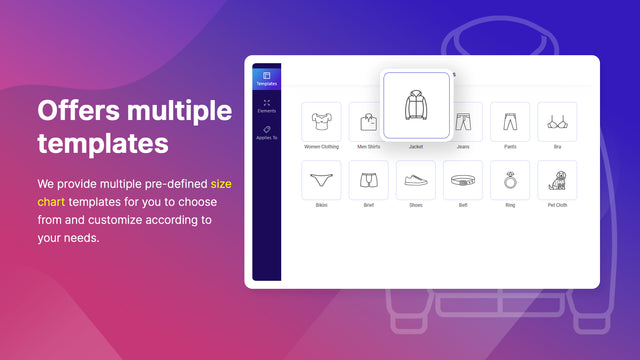
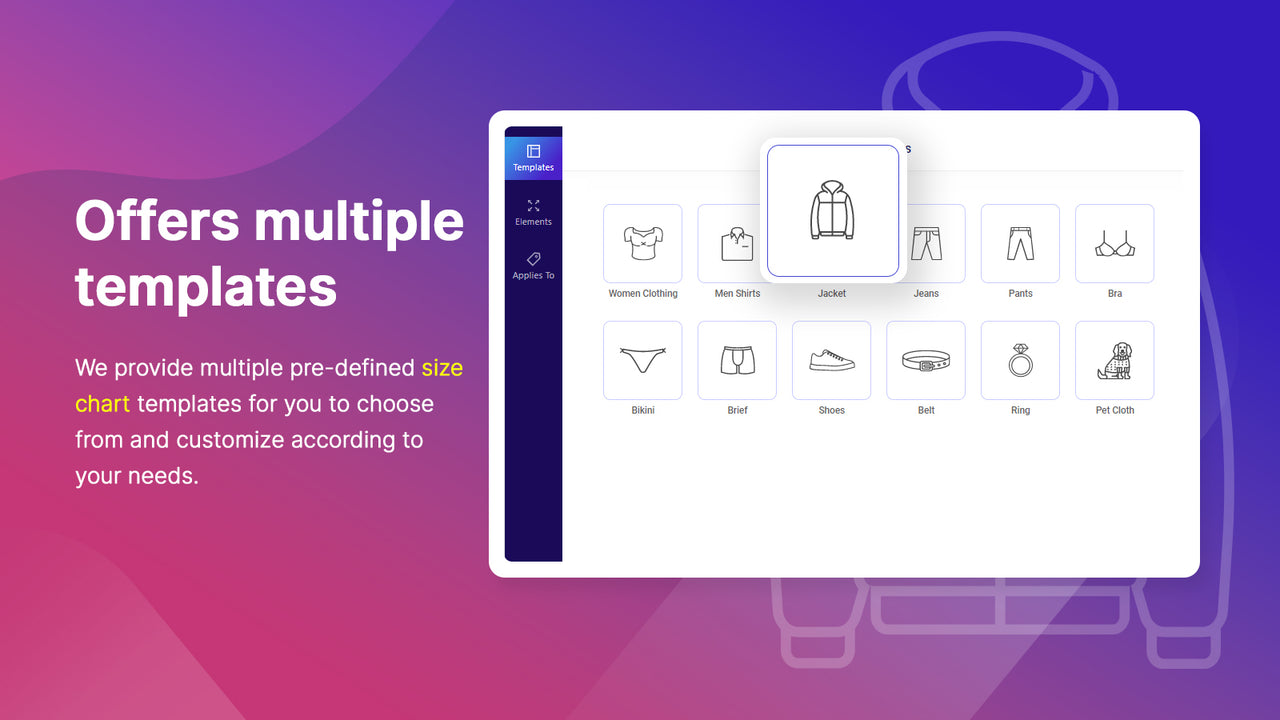
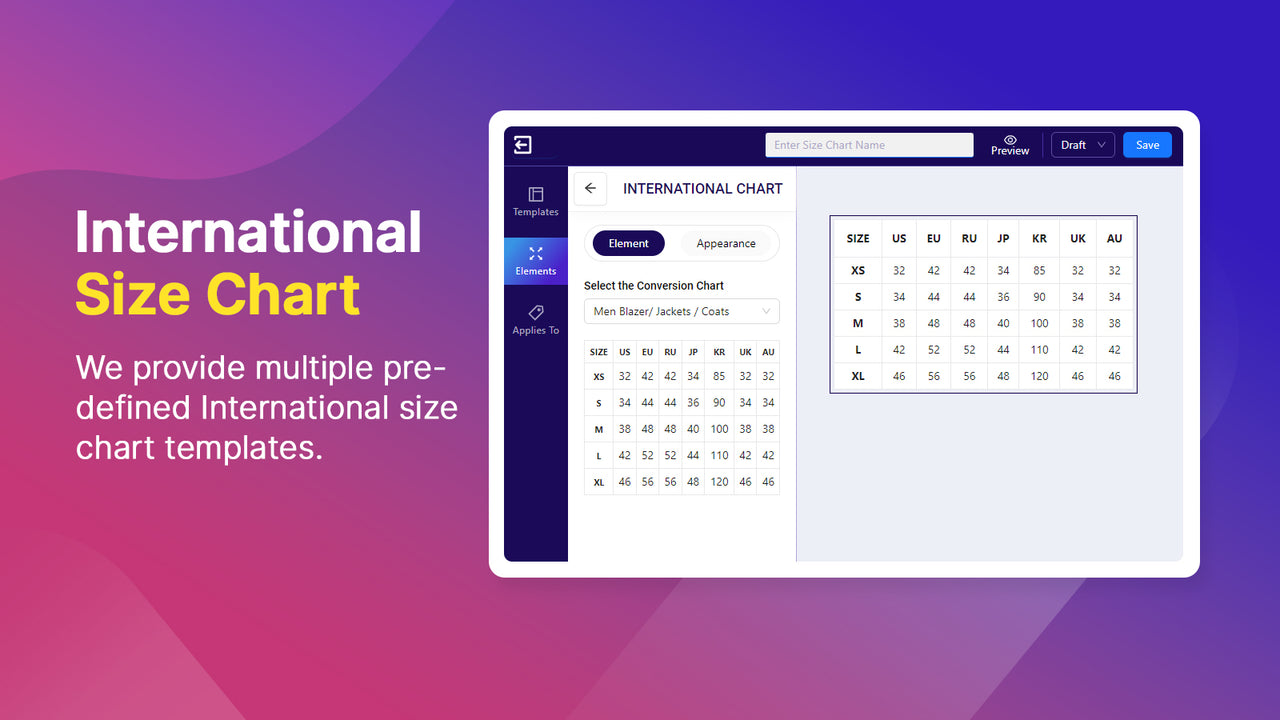
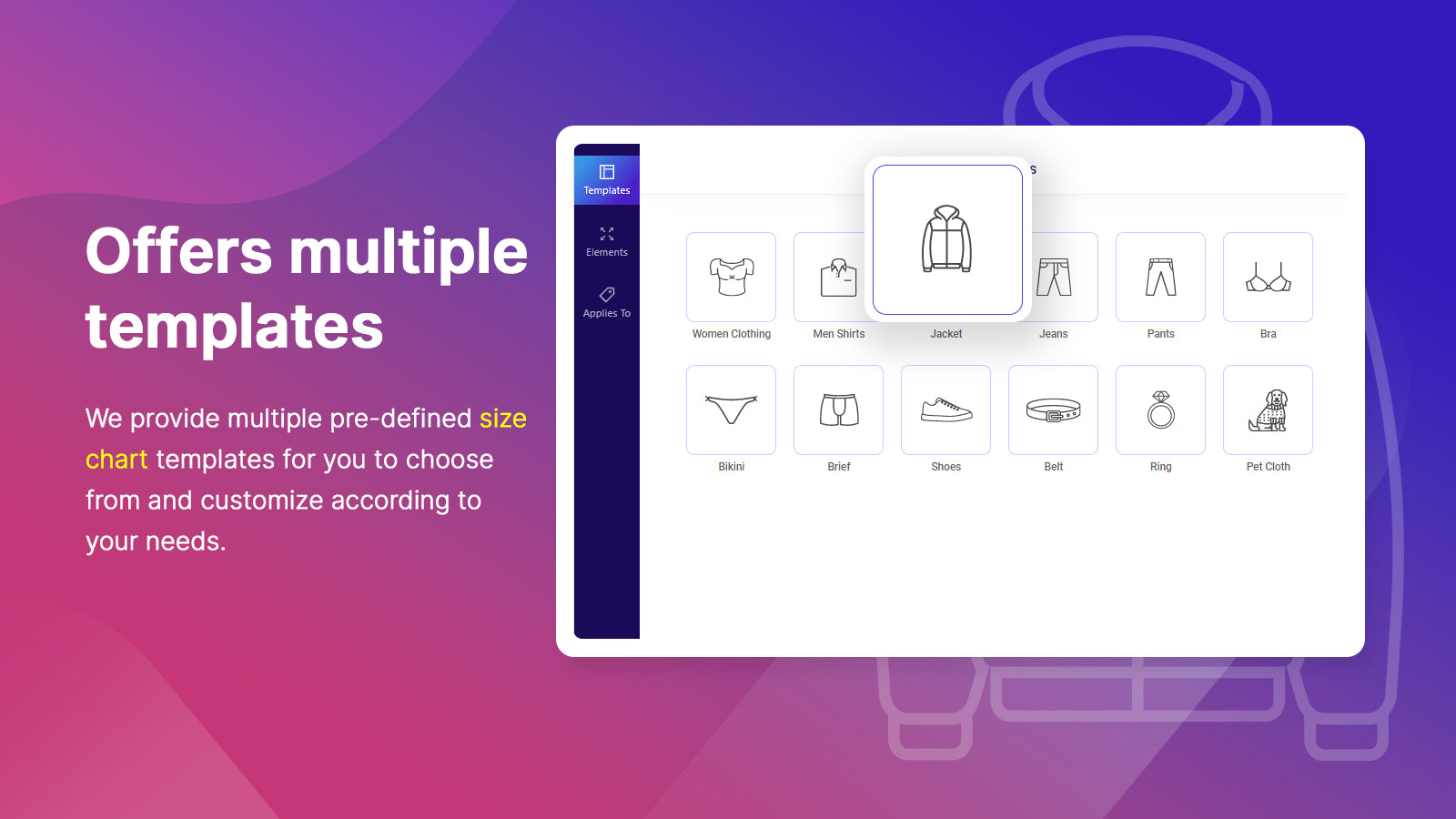
- Multiple ready-to-use predefined professional templates
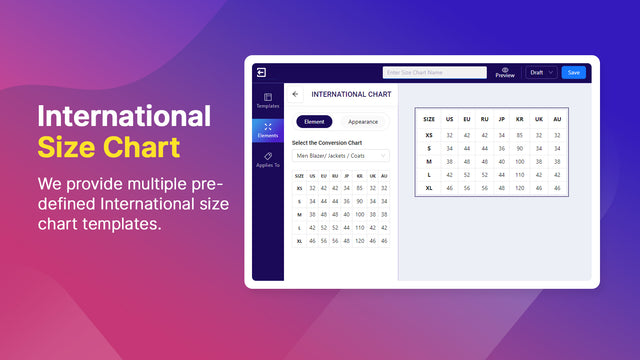
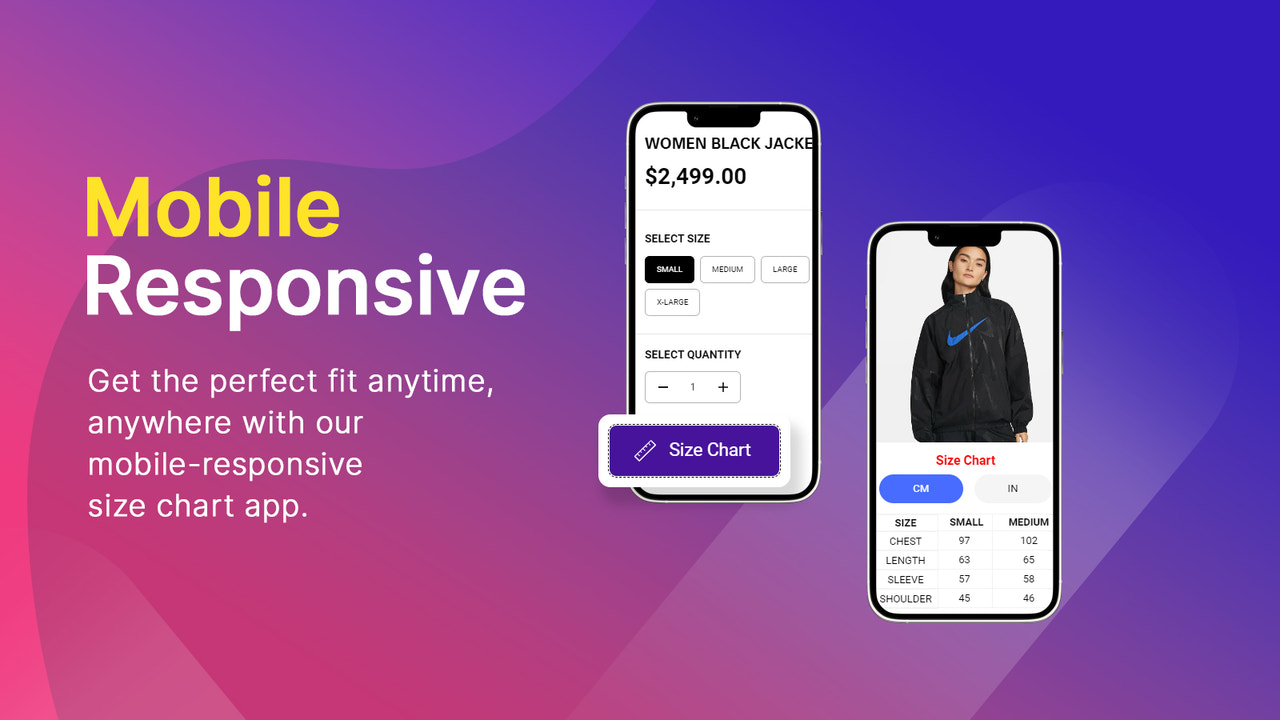
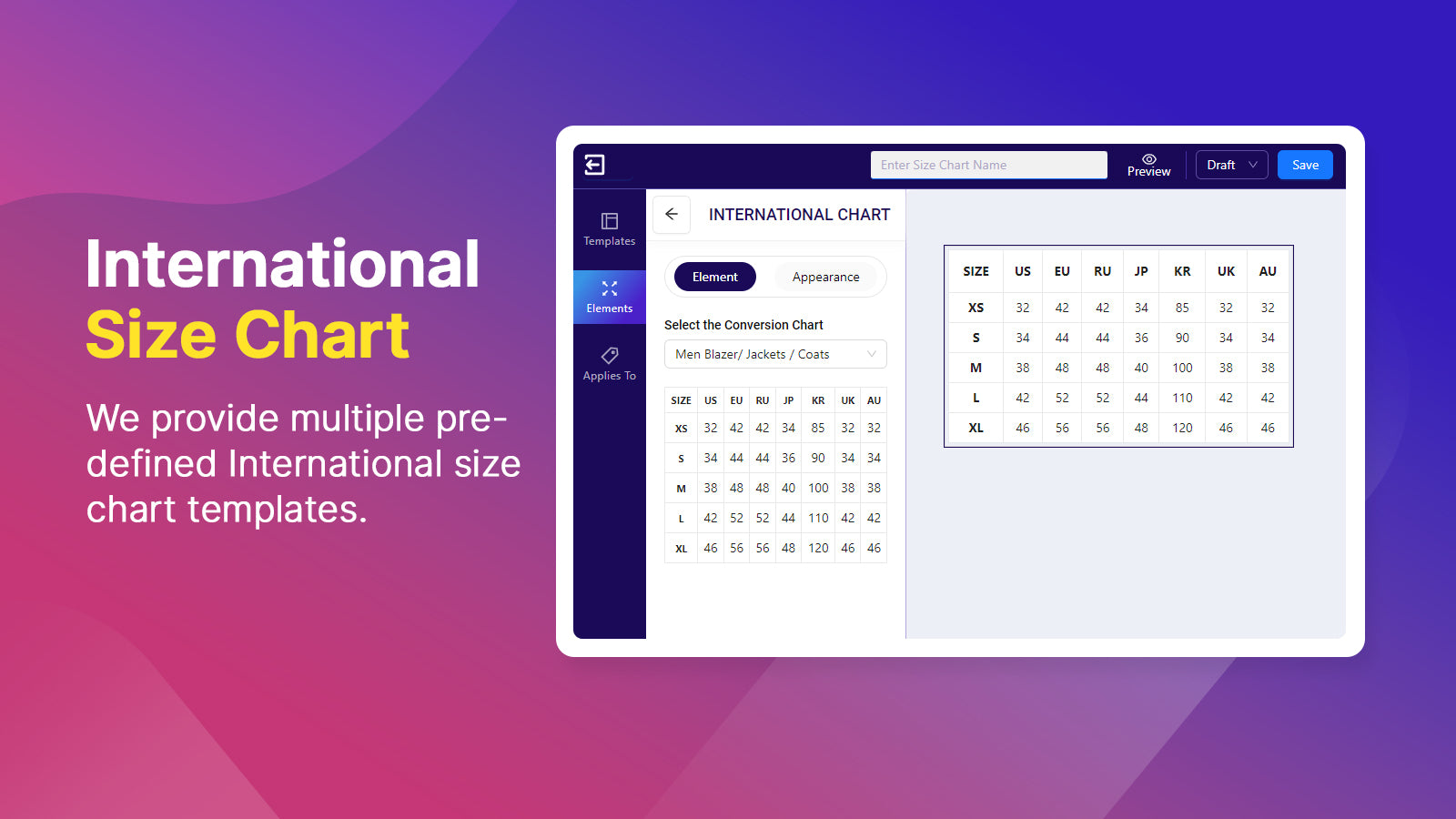
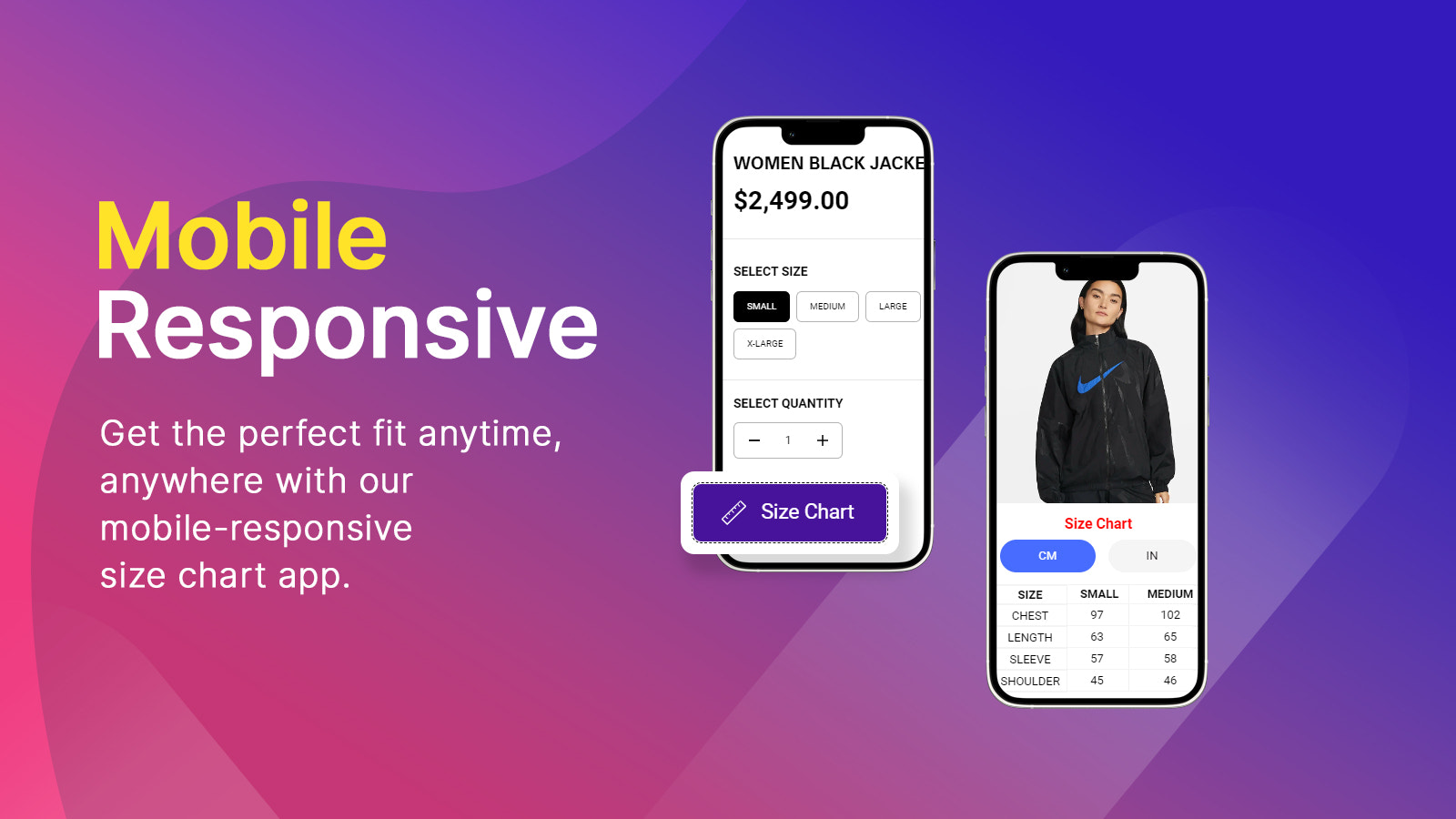
- Automatic unit conversion (cm/inches) + CSV import/export
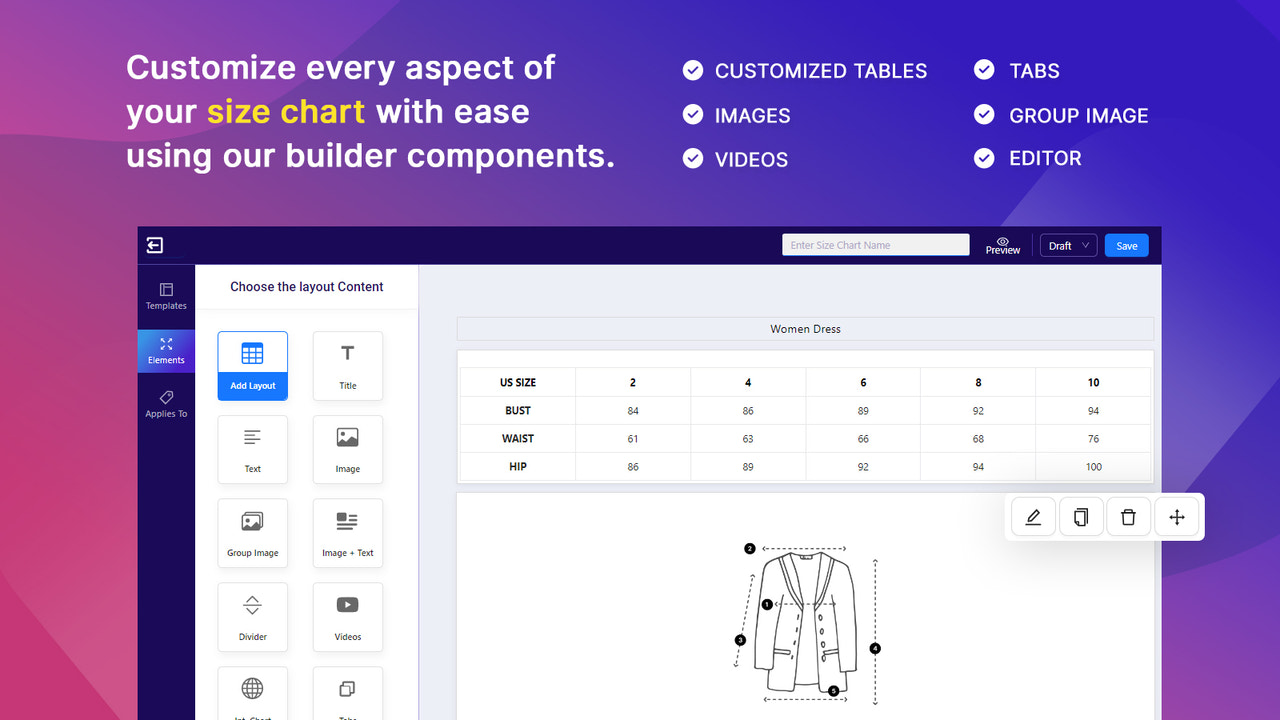
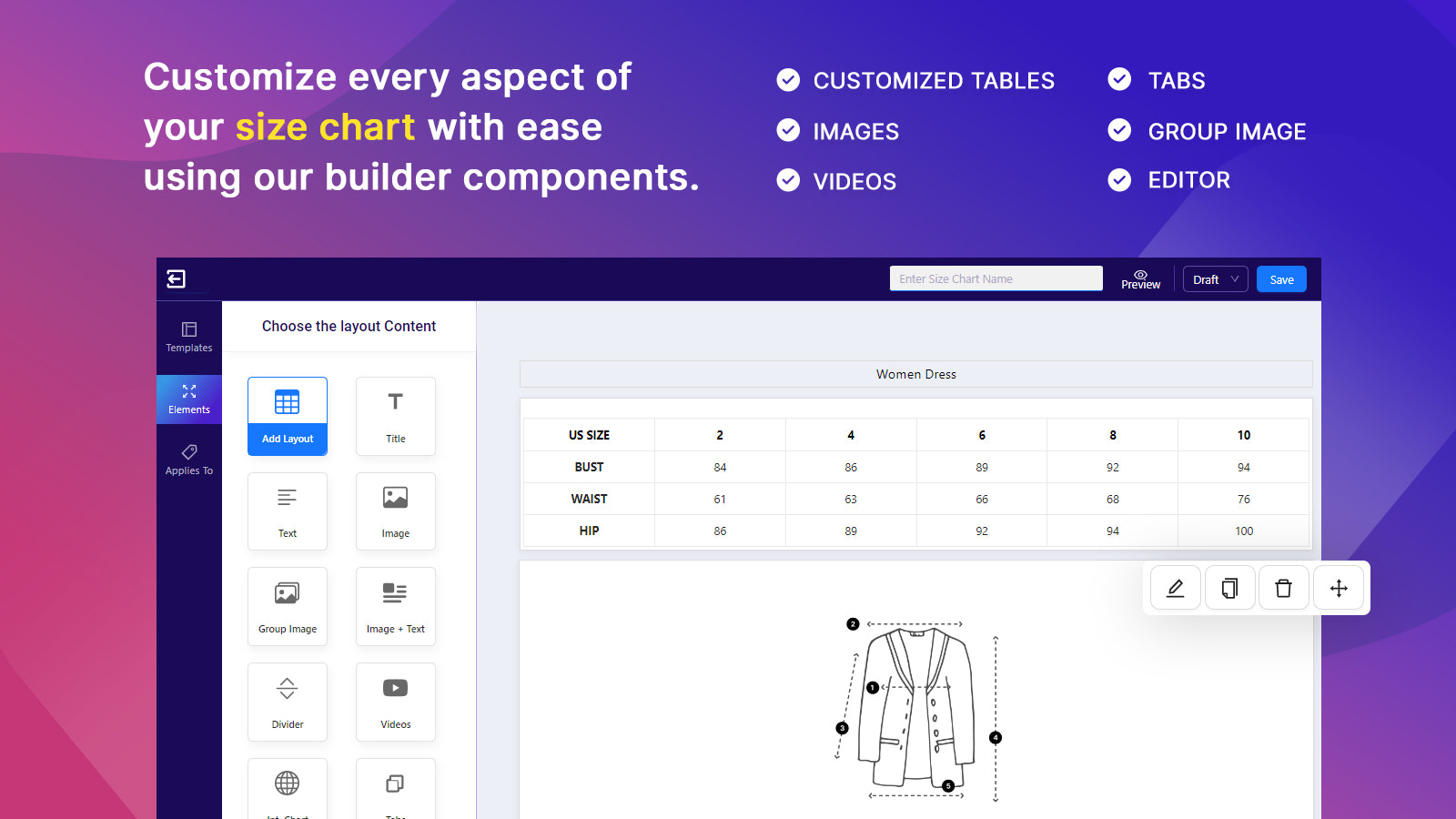
- Create custom size charts with a flexible builder; sync size charts across your store
- Apply size charts to collections and individual products
- Customize colors, text, and image styles to match your store’s theme
Merchant-Friendly
- Apparel Footwear Merchants
- Home Goods E-commerce
- Sports Outdoor Merchants
- Independent Apparel Store
- Multi-category Sellers
Basic Information
- Developer:WHMCS Global Services
- Address:WHMCS Global Services, C177, Uttam Towers, Sector 74, Mohali, PB, 160065, IN
- Price: Free / Free plan
- Rating:4.4 / 5
- Comment Count:22 comment
- Release Date:2023-3-6
- Supported languages:English
- Compatible products:Shopify
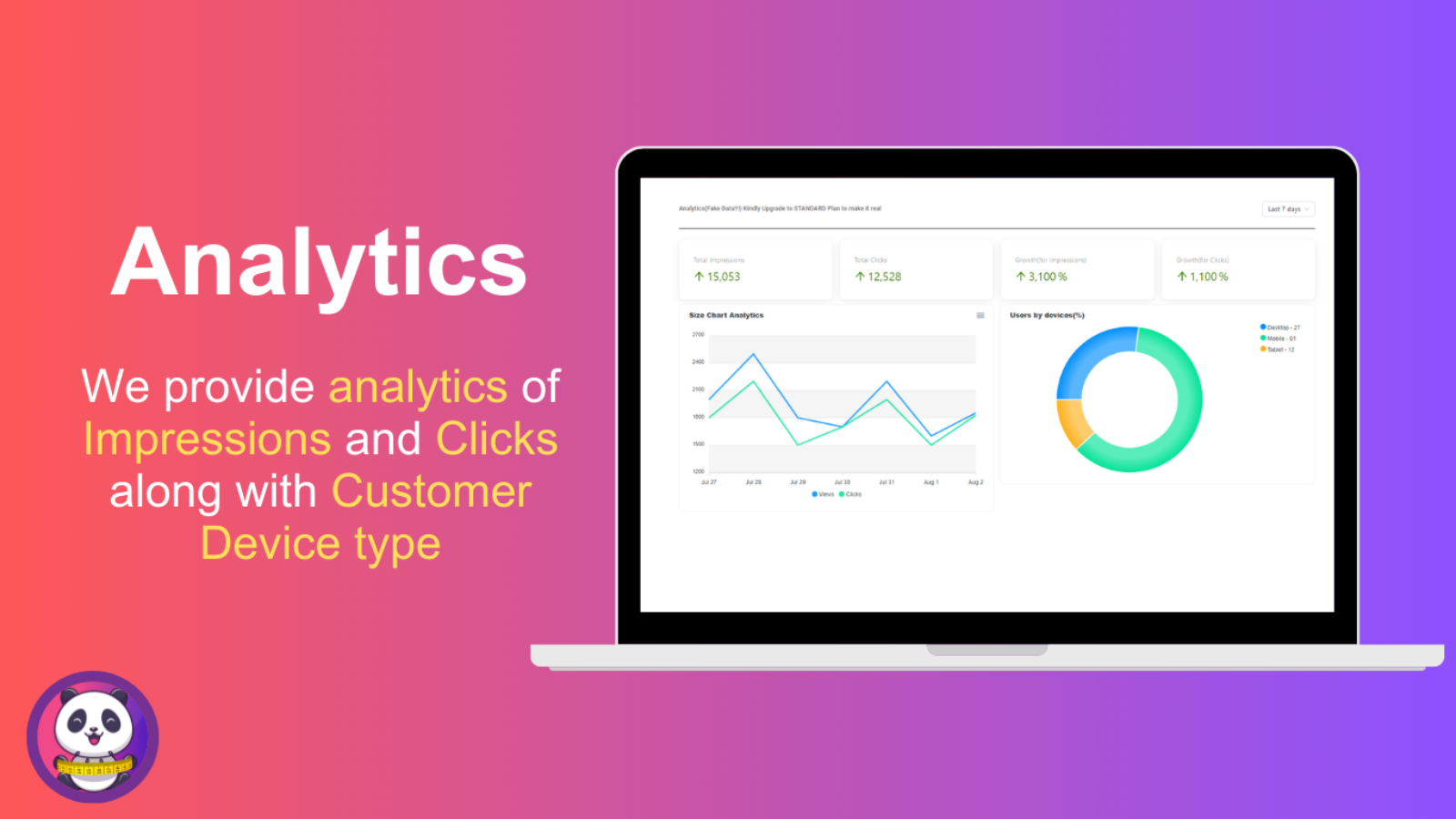
Application Screenshot




Price Plan
免费
User Location & Comments
User Location
Comments
Shopify API Used
- POST /admin/api/size_chart.json?template=predefined
- GET /admin/api/size_chart/template.json
- PUT /admin/api/size_chart/{id}/template.json
Permission:write_size_chart,read_size_chart,manage_products
- POST /admin/api/size_chart/convert.json
- PUT /admin/api/size_chart/{id}/unit.json
- GET /admin/api/size_chart/unit.json
Permission:write_size_chart,read_size_chart,manage_products
- POST /admin/api/size_chart/import.csv
- GET /admin/api/size_chart/export.csv
- PUT /admin/api/size_chart/{id}/export.csv
Permission:write_size_chart,read_size_chart,manage_products
- POST /admin/api/size_chart.json?type=custom
- PUT /admin/api/size_chart/{id}.json
- GET /admin/api/size_chart/{id}.json
Permission:write_size_chart,read_size_chart,manage_products
- POST /admin/api/size_chart/assign.json
- PUT /admin/api/size_chart/{id}/assign.json
- GET /admin/api/size_chart/assigned.json
Permission:write_size_chart,read_size_chart,manage_products
- POST /admin/api/size_chart/style.json
- PUT /admin/api/size_chart/{id}/style.json
- GET /admin/api/size_chart/{id}/style.json
Permission:write_size_chart,read_size_chart,manage_themes