
App Introduction
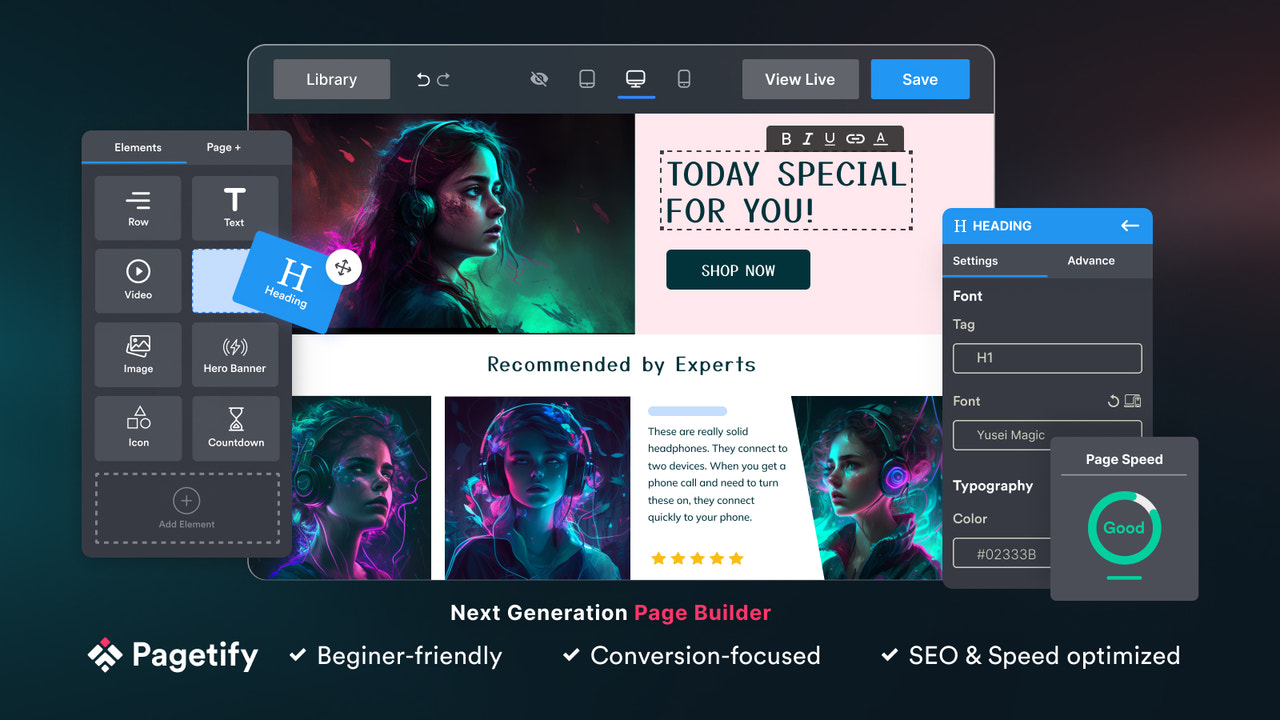
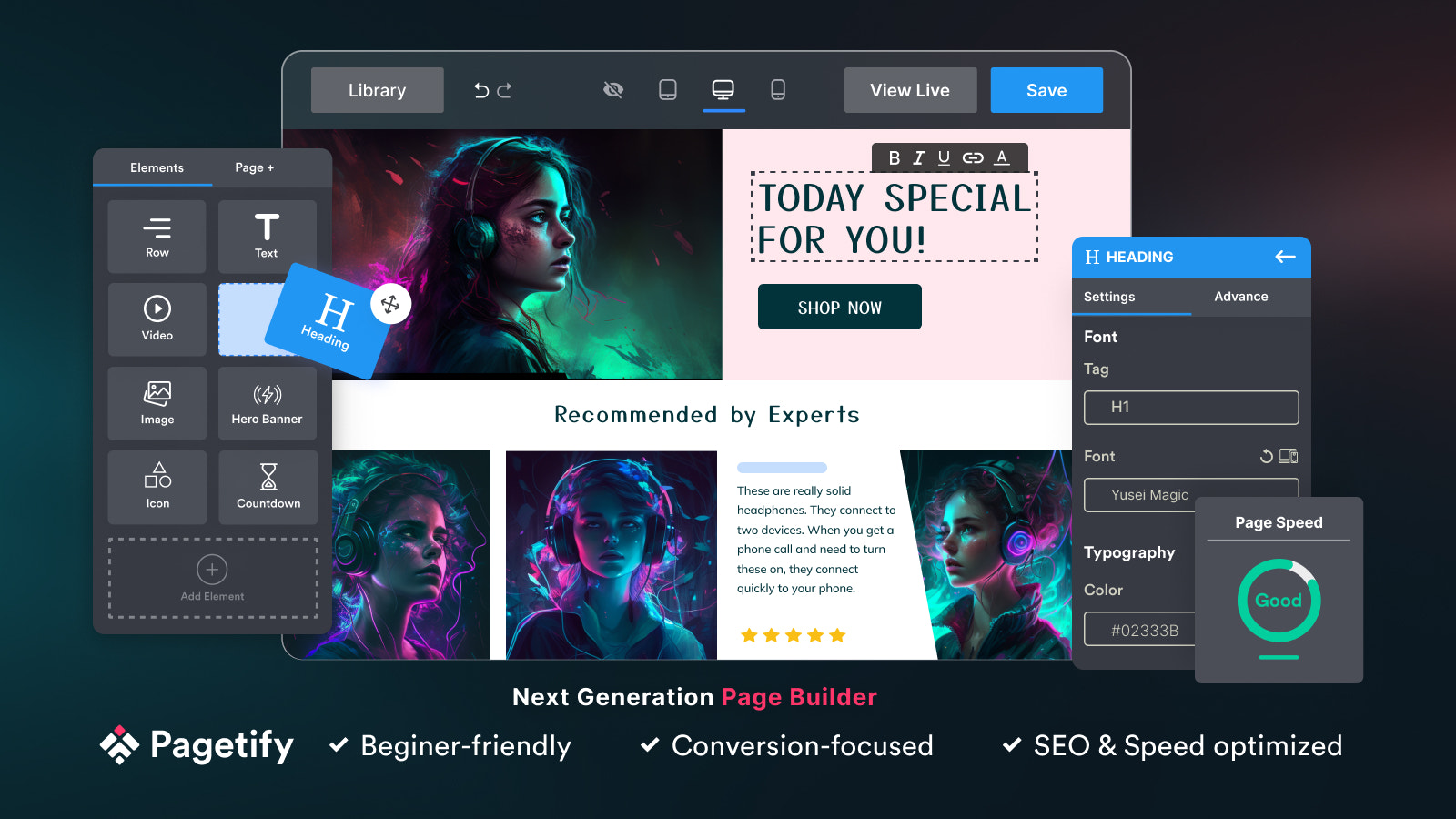
Page Builder: Drag-and-Drop to Build Stunning Store Pages – No Coding Required, Fast Loading, High Conversion Rates Pagetify Page Builder – Effortlessly build code-free store pages! As user-friendly as Pagefly, Gempages, and Shogun. 99+ pre-built sections and templates including sliders, video banners, hero banners, parallax effects, and more. Sales-driving elements include countdown timers, recommendations, scrolling text, lazy loading, etc. Seamlessly integrates with Judgeme, Loox, Ali Reviews, Trustoo, Klaviyo, and more. It also simplifies creating About Us, Contact Us, FAQ, and blog posts. Try it now for your dream store!
Core Functionality
- Powerful real-time drag-and-drop landing page builder with 50+ pre-built elements
- Professional page templates and sections optimized for SEO and page speed
- Compatible with any Shopify theme. Auto-syncs when switching themes
- Flexible responsive design for all devices. Supports custom HTML/Liquid and CSS
- Safe revisions: Save, restore, and reuse blocks, templates, and pages anytime
Merchant-Friendly
- Independent Station Merchants
- E-commerce Startups
- Brand Direct Sales Stores
- Content Marketing Merchants
- Multi-channel Retailers
Basic Information
- Developer:Pagetify
- Address:Ha Noi, VN
- Price: Free / Free plan
- Rating:5 / 5
- Comment Count:81 comment
- Release Date:2022-11-15
- Supported languages:English
- Compatible products:Shopify
Application Screenshot











Price Plan
FREE
- All Features
- 01 Published Page
- Any Page Type
- Any Template
- SEO & Speed Optimization
- Mobile Responsive Design
- Email & Chat Support
BASIC
- Includes all features from FREE:
- Unlimited landing pages and pages
- 05 homepage templates
- 05 blog posts
- 02 product pages
- 02 collection pages
- Live chat support
PRO
- Includes all features of the BASIC plan:
- 3 unlimited page types
- 20 product pages
- 50 collection pages
- Live chat support
PREMIUM
- Includes all features of the PRO plan:
- Unlimited published pages
- Priority support
User Location & Comments
User Location
Comments
Shopify API Used
- POST /admin/api/pages.json
- PUT /admin/api/pages/{page_id}.json
- GET /admin/api/pages.json
Permission:write_pages,read_pages,manage_themes
- GET /admin/api/themes.json
- POST /admin/api/themes/{theme_id}/assets.json
- PUT /admin/api/pages/{page_id}/metafields.json
Permission:read_themes,write_assets,manage_metafields
- GET /admin/api/themes/{theme_id}.json
- PUT /admin/api/themes/{theme_id}/assets.json
- GET /admin/api/pages/{page_id}/assets.json
Permission:read_themes,write_assets,manage_pages
- PUT /admin/api/pages/{page_id}/assets.json
- POST /admin/api/metafields.json
- GET /admin/api/themes/{theme_id}/assets.json
Permission:write_assets,manage_metafields,read_themes
- POST /admin/api/pages/{page_id}/metafields.json
- GET /admin/api/pages/{page_id}/metafields.json
- PUT /admin/api/pages/{page_id}.json
Permission:manage_metafields,read_pages,write_pages



