
App Introduction
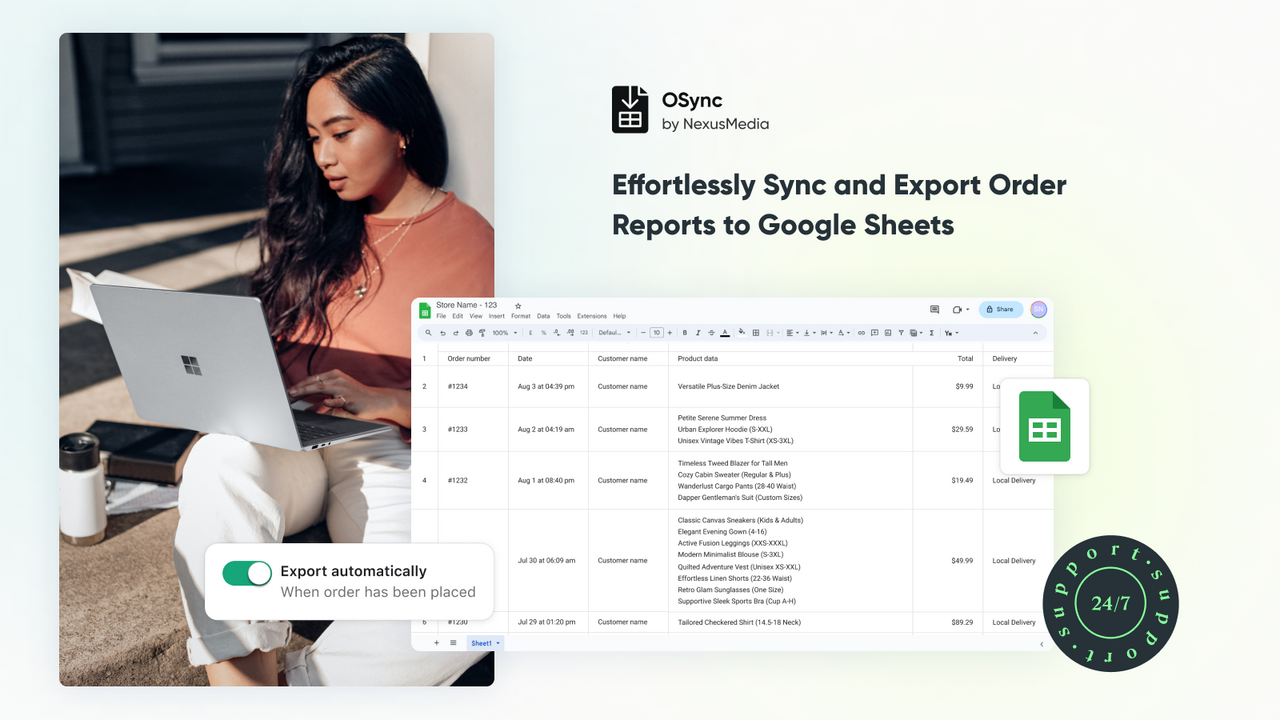
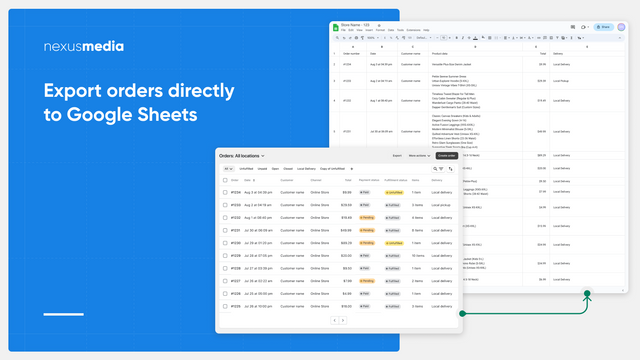
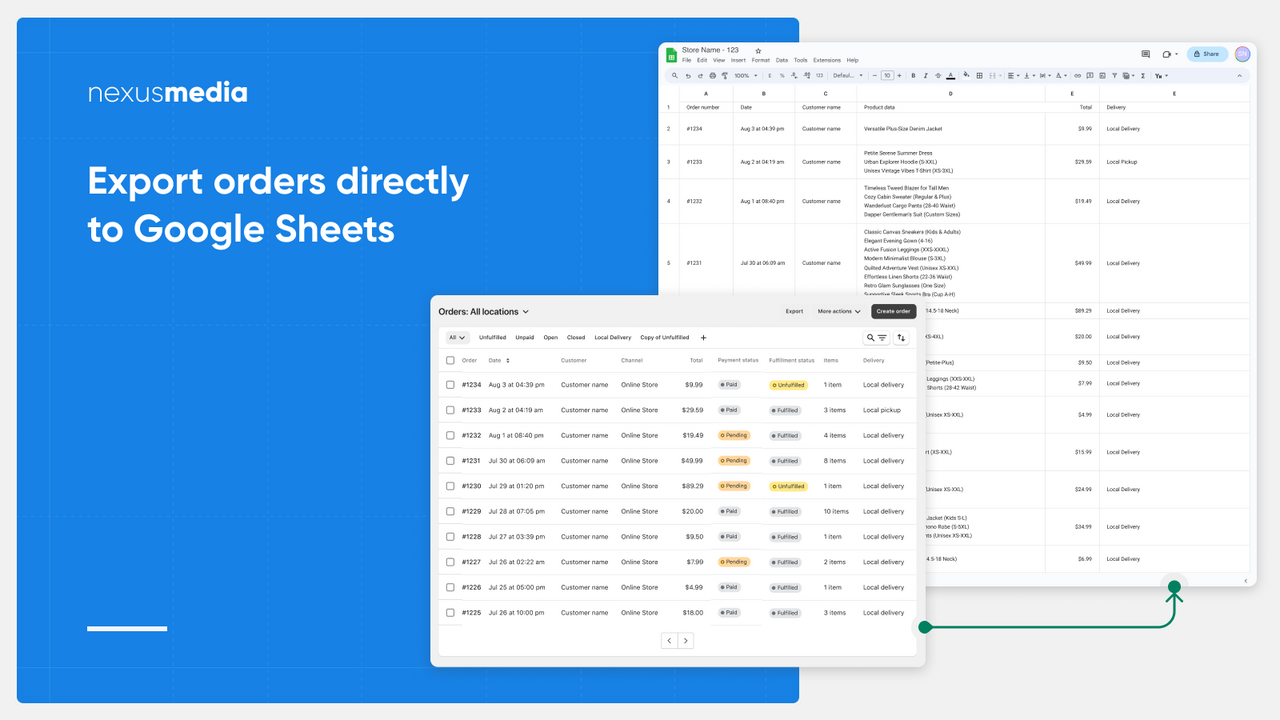
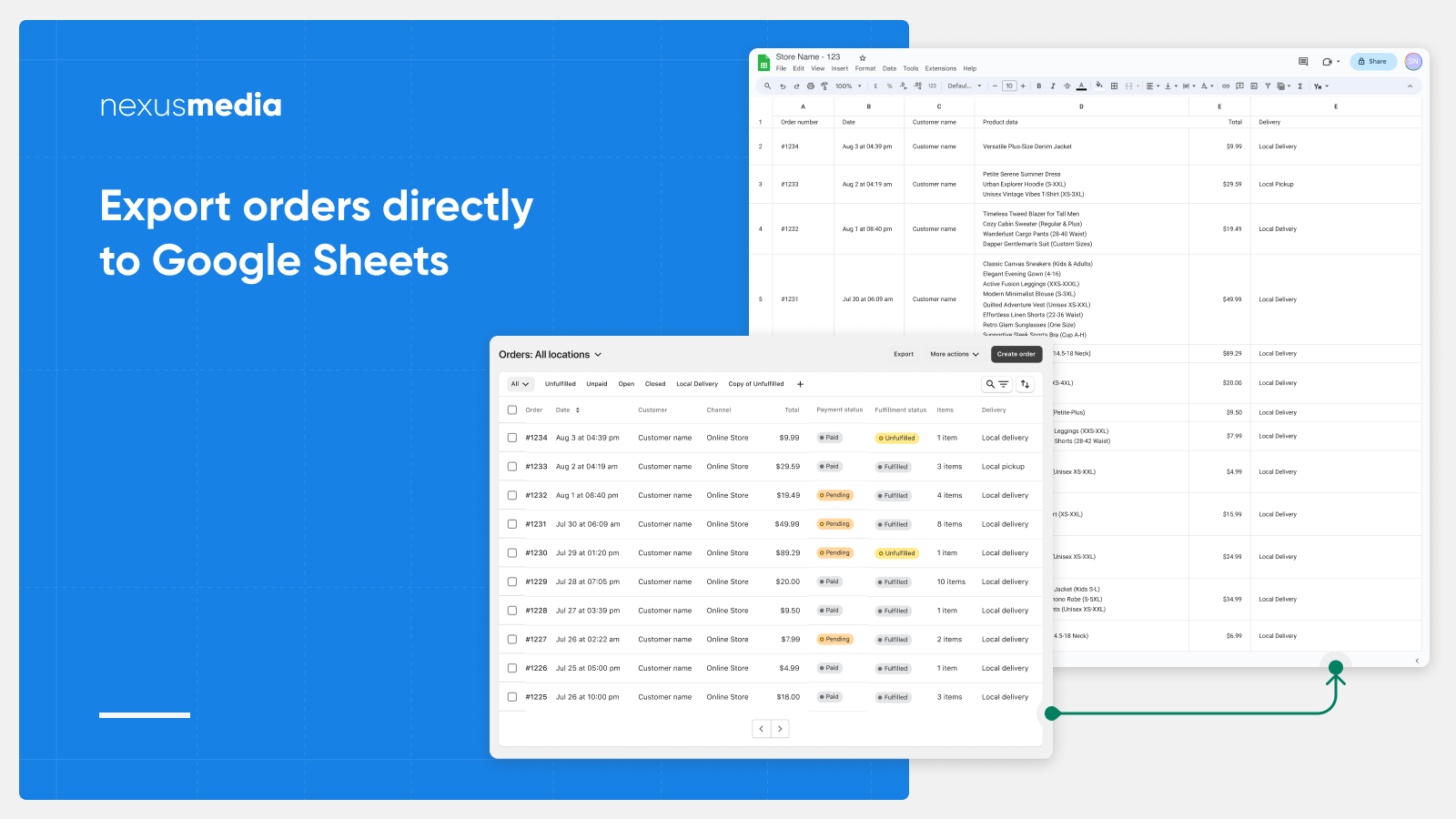
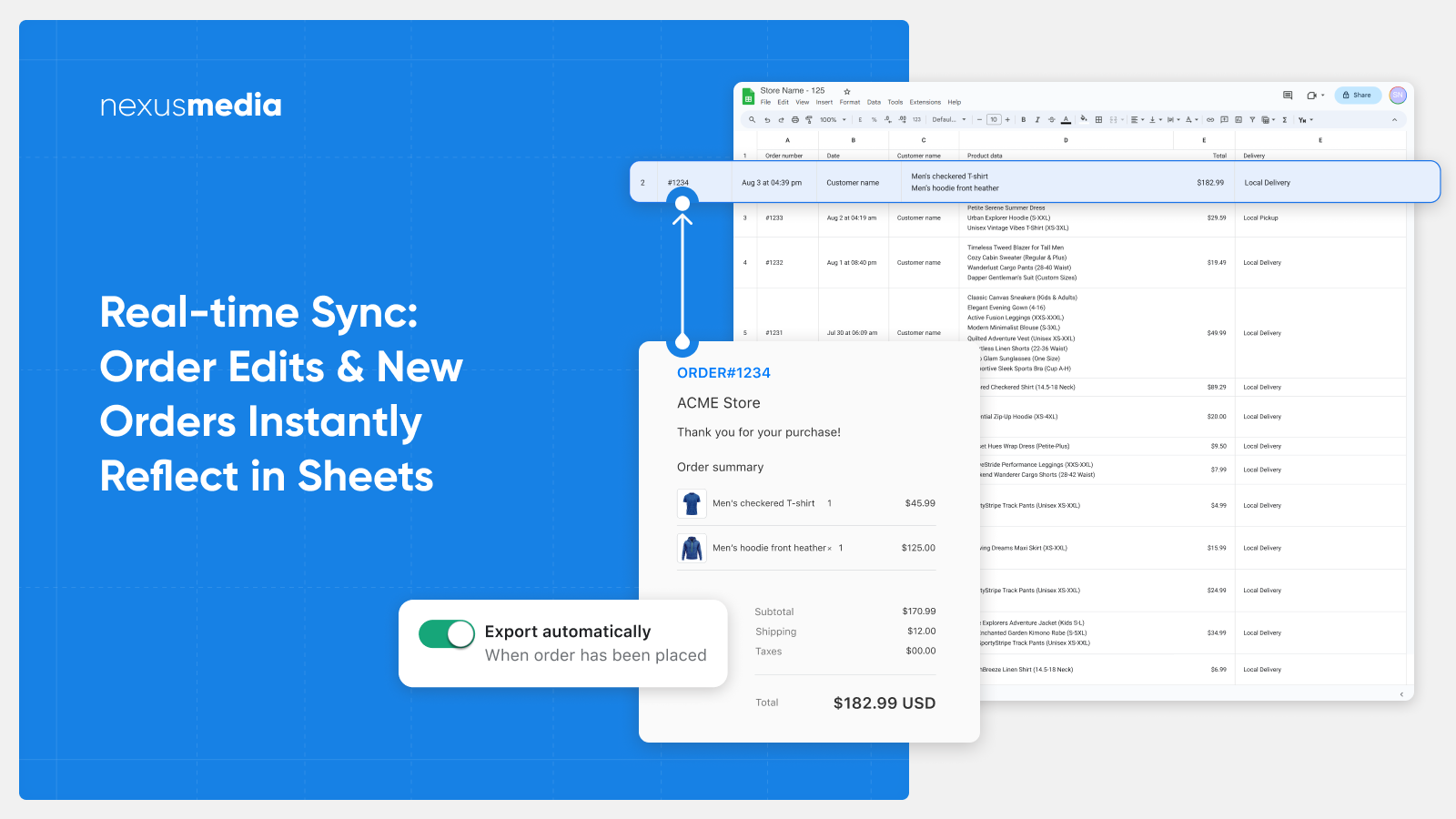
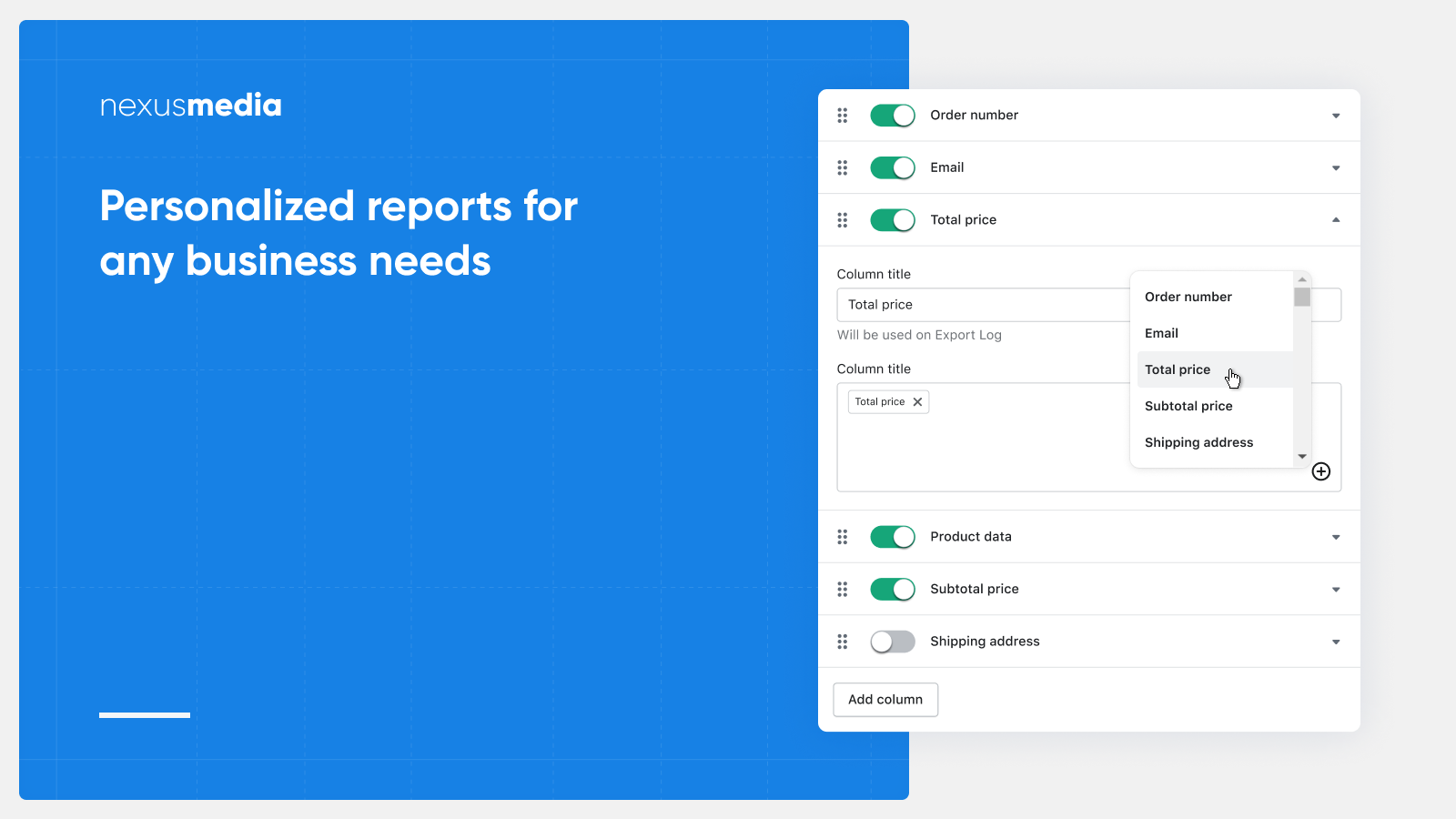
Export Orders to Google Sheets. Build Order Reports That Auto-Update as Order Data Changes Simplify order export and management with OSync. Directly export orders to Google Sheets with customizable column details for precise, granular control. Use our user-friendly column editor to add custom order details like shipping, pricing, and fulfillment status. Automatically export new orders and update modified ones for real-time inventory management and order fulfillment.
Core Functionality
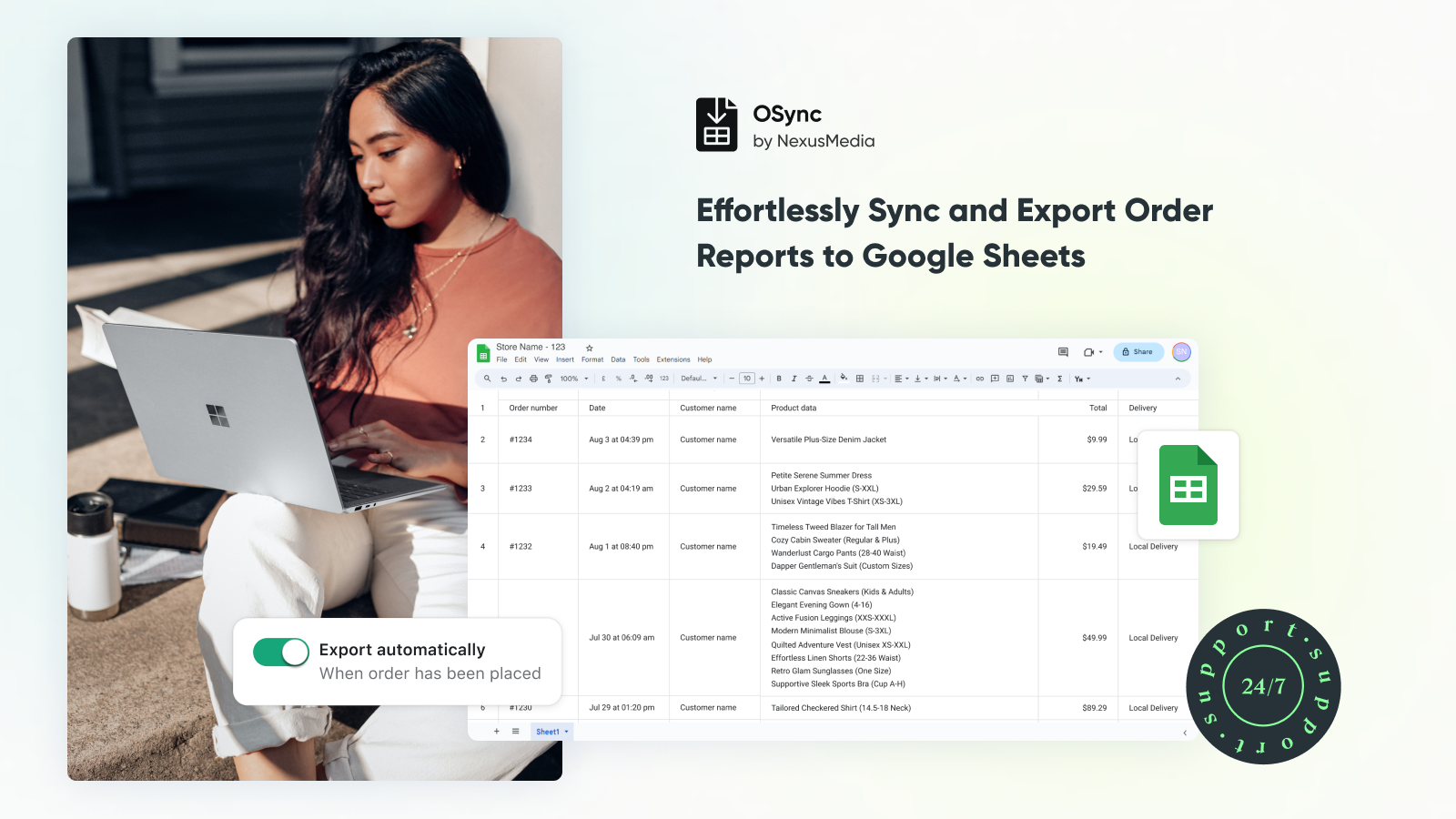
- Export order reports to Google Sheets
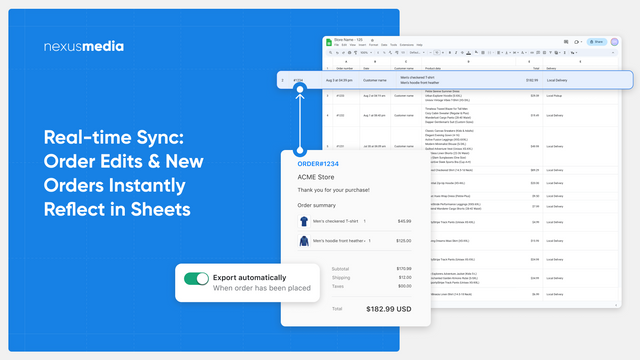
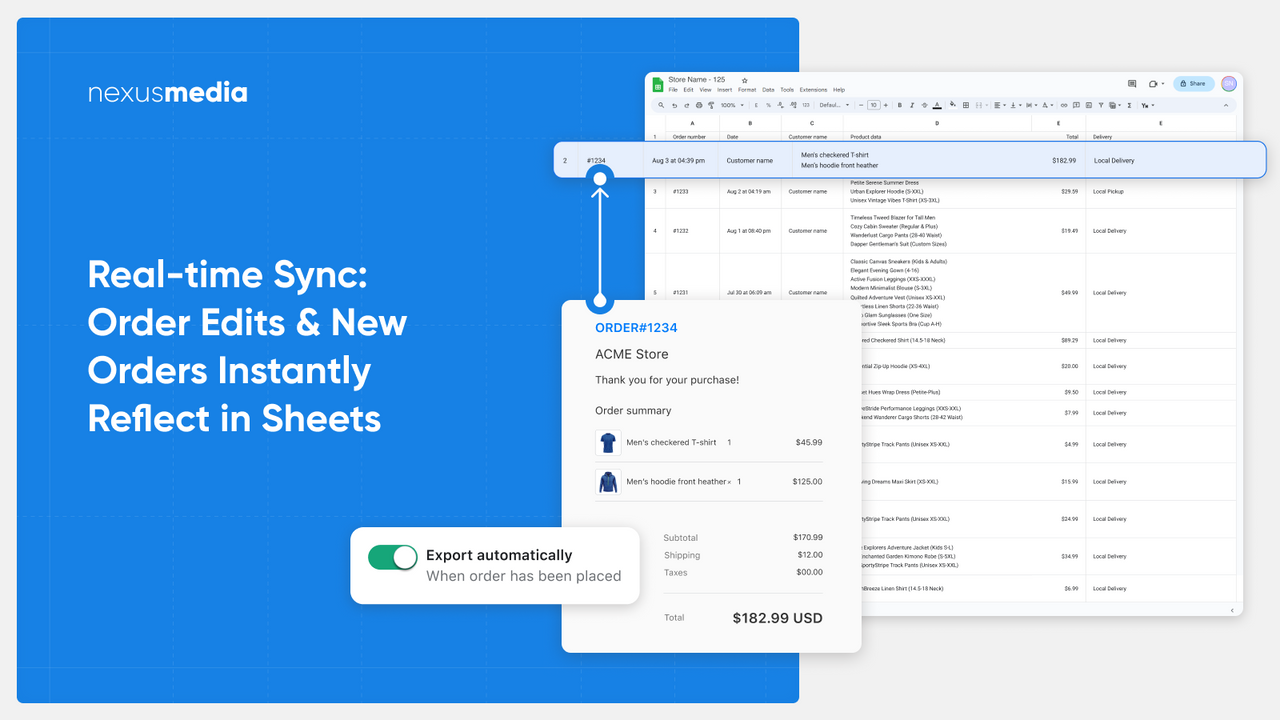
- Automatically update Google Sheets when new orders are placed
- Automatically update Google Sheets if existing order details change
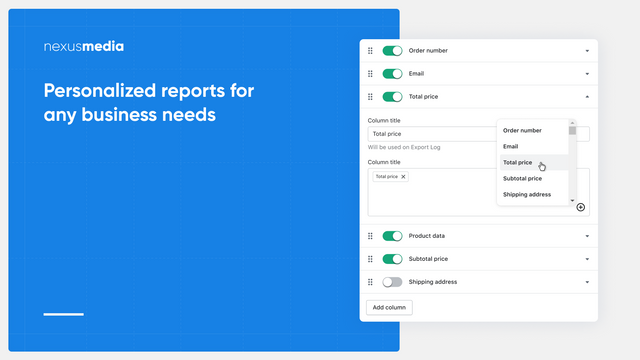
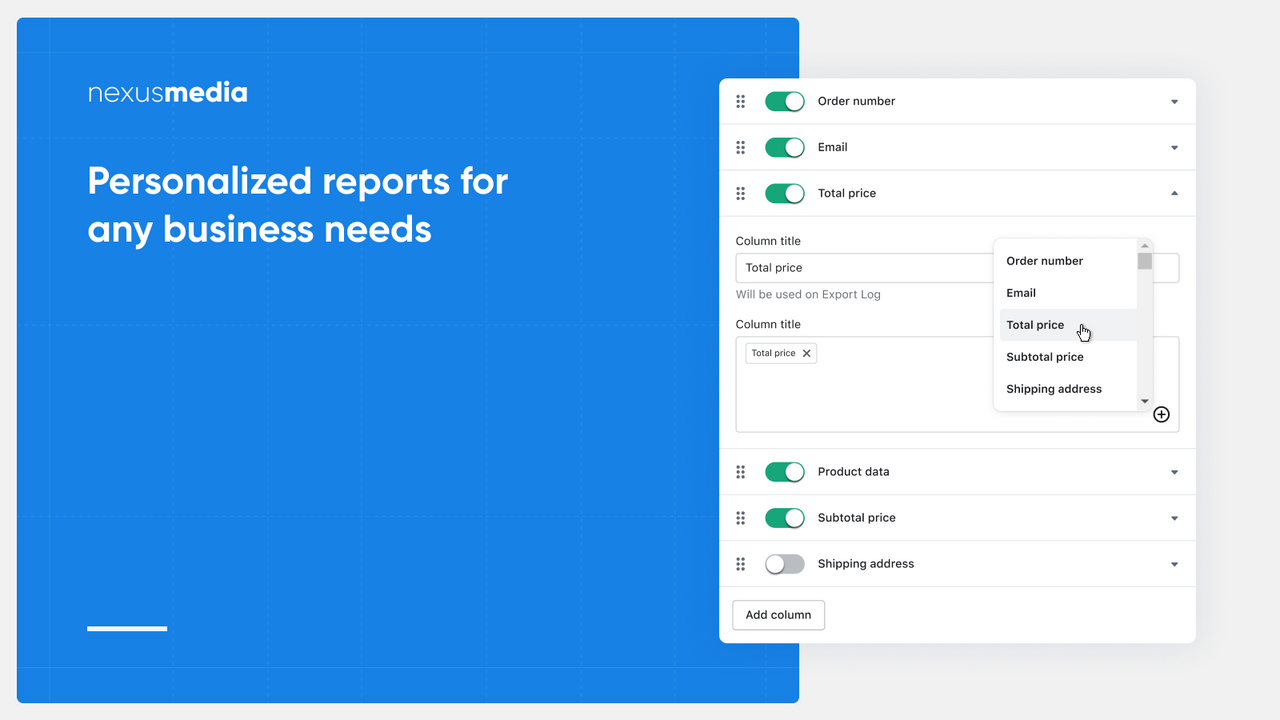
- Supports over 90 order attributes for inclusion in reports
- Easily adjust reports to your needs with a convenient column editor
Merchant-Friendly
- Independent Station Merchants
- Multi-category E-commerce
- Foreign Trade E-commerce
- Small & Medium E-commerce Sellers
- Cross-border E-commerce
Basic Information
- Developer:NexusMedia
- Address:Dziatwy 18B/32, Warsaw, 03-109, PL
- Price: Free / Free plan
- Rating:4.5 / 5
- Comment Count:4 comment
- Release Date:2024-1-23
- Supported languages:English
- Compatible products:Shopify
Application Screenshot
Price Plan
Free
Free Plan
User Location & Comments
User Location
Comments
Shopify API Used
- POST /admin/api/reports.json
- POST /admin/api/orders.json?fields=order_number,created_at,total_price
- POST /admin/api/webhooks.json
Permission:read_orders,write_reports,manage_webhooks
- POST /admin/api/webhooks.json?topic=orders/create
- GET /admin/api/orders/{id}.json
- POST /admin/api/apps/{app_id}/script_tags.json
Permission:read_orders,manage_webhooks,write_script_tags
- POST /admin/api/webhooks.json?topic=orders/updated
- GET /admin/api/orders/{id}.json?fields=*
- PUT /admin/api/apps/{app_id}/extensions.json
Permission:read_orders,manage_webhooks,write_extensions
- GET /admin/api/orders.json?fields=id,email,line_items,shipping_address
- POST /admin/api/reports.json?include=90+attributes
- GET /admin/api/reports/{id}.json
Permission:read_orders,read_reports,write_reports
- PUT /admin/api/reports/{id}.json?update_columns=true
- GET /admin/api/reports/{id}/columns.json
- POST /admin/api/reports/{id}/columns.json
Permission:write_reports,read_reports,manage_products