
App Introduction
Automatically send your new orders to your Google Sheets in an organized manner. Syncly Orders To Google Sheets is a seamless solution that automatically exports your new Shopify orders to Google Sheets. Say goodbye to manual data entry—this efficient tool organizes all your orders in one place, even when you have multiple orders per day. With OrderSheet, you can easily manage your data, allowing you to focus on your core business while streamlining order processing. Let OrderSheet handle data management to fuel your business growth.
Core Functionality
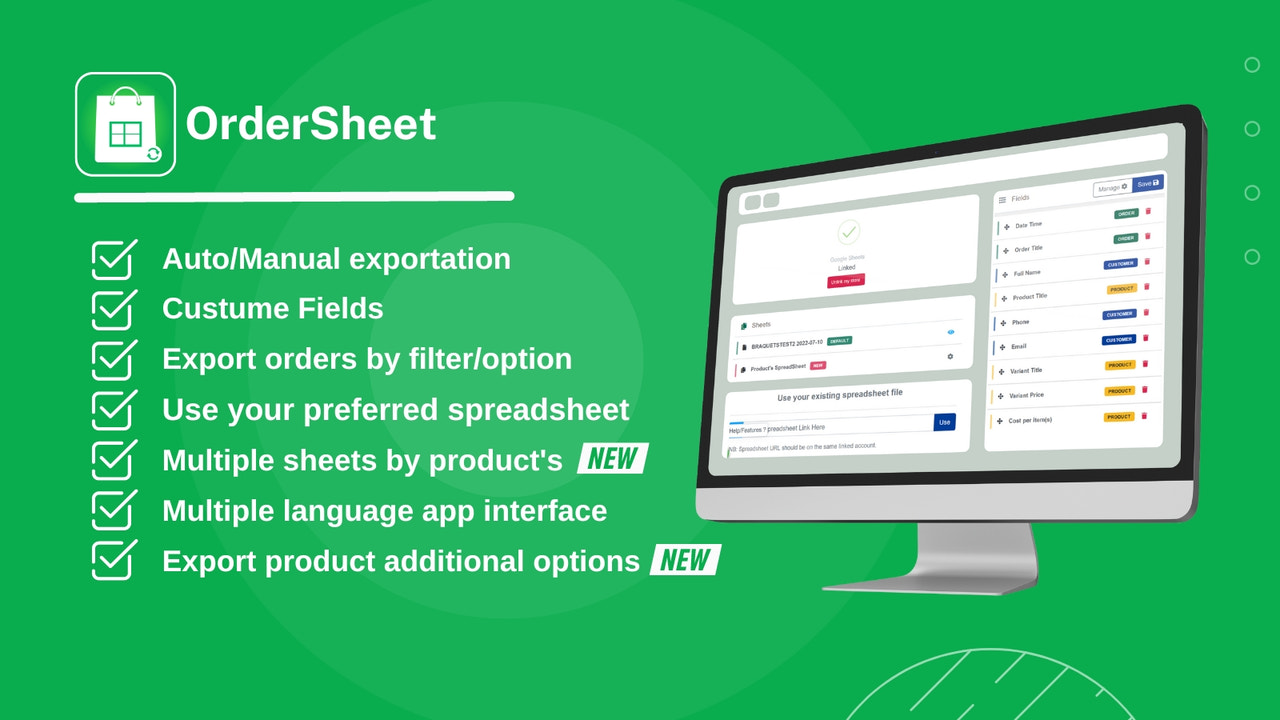
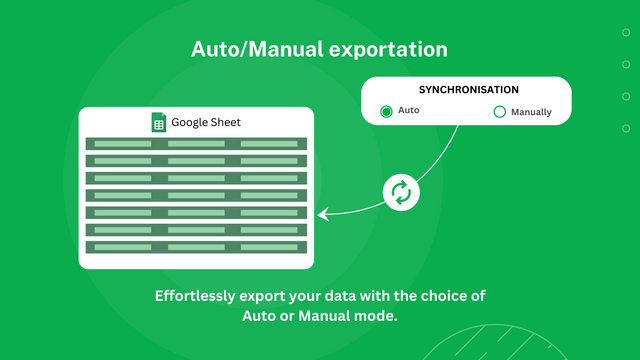
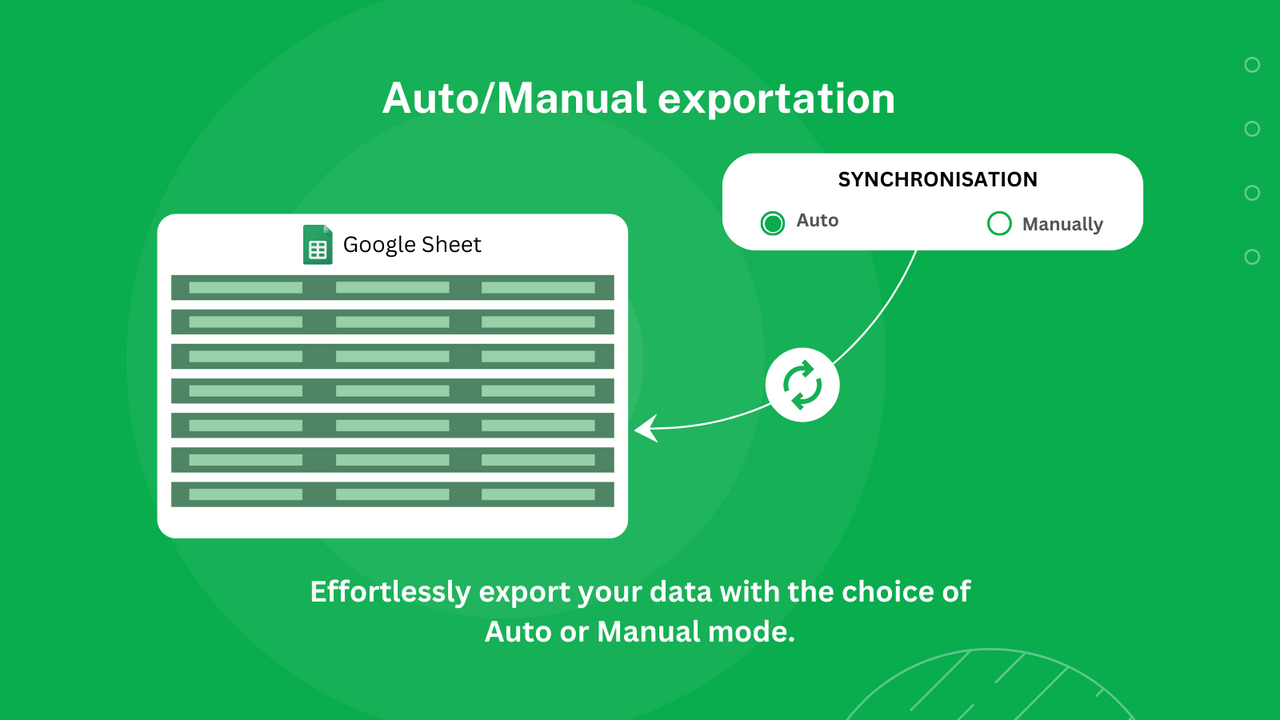
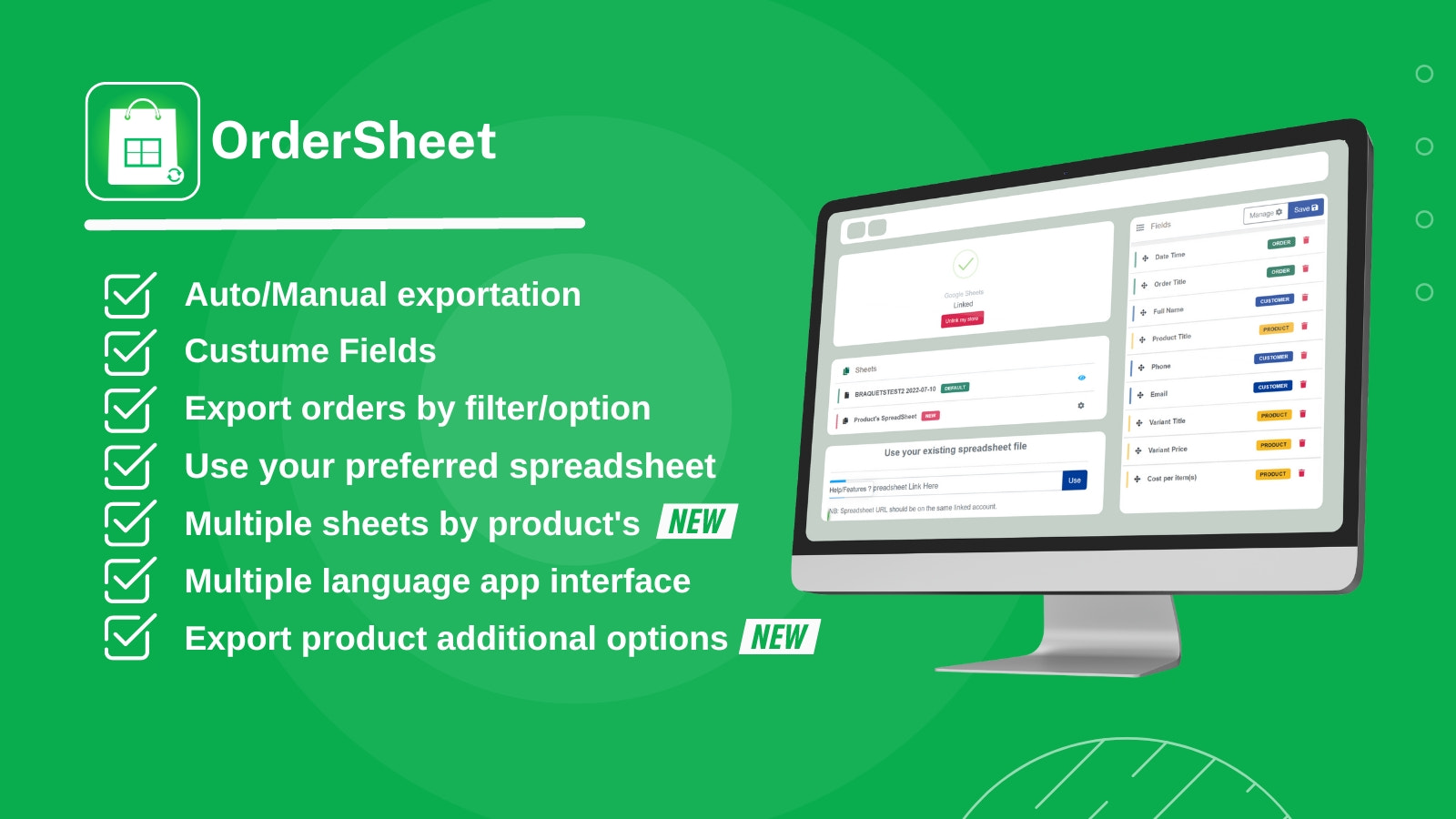
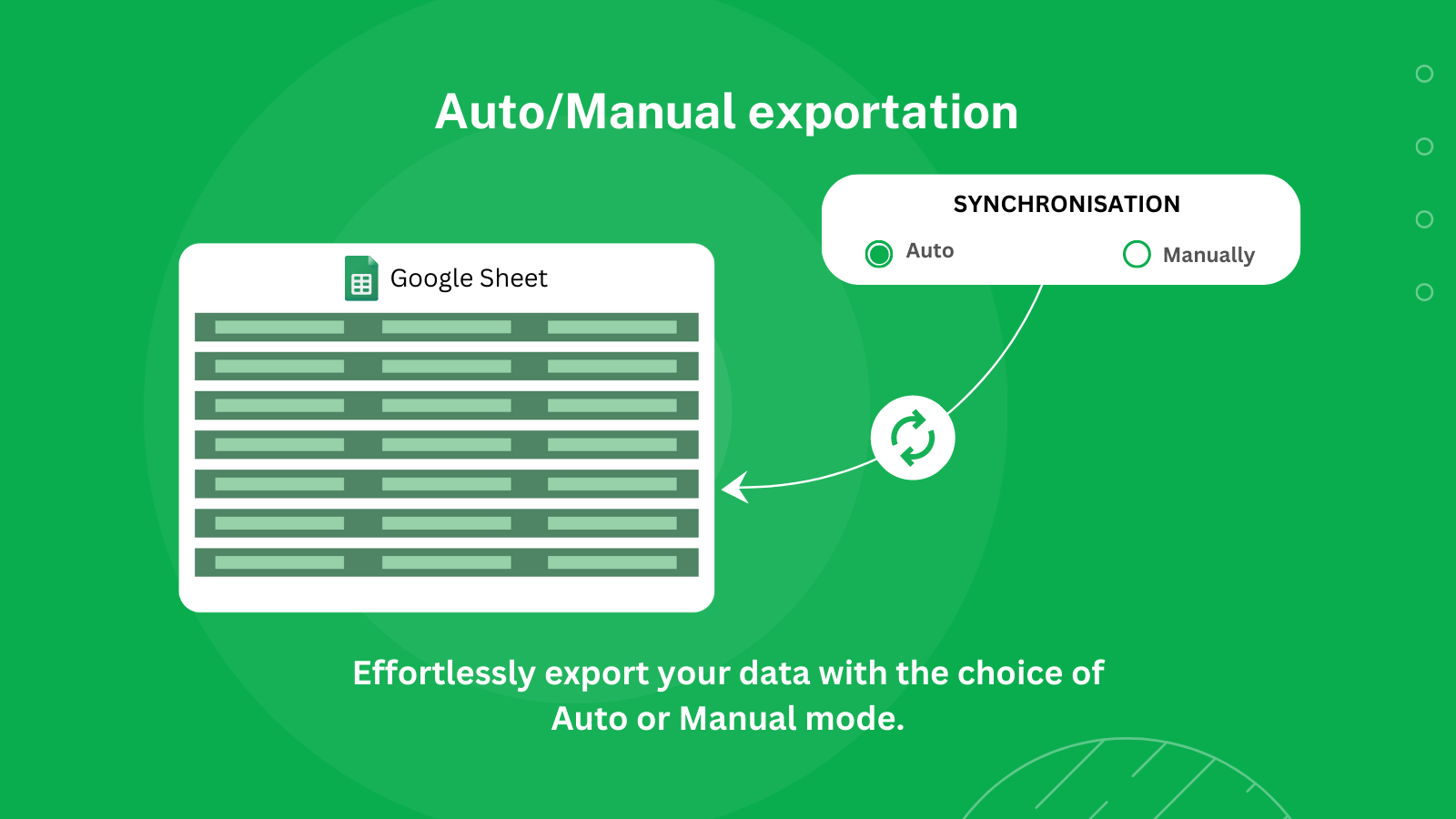
- Auto/manual export
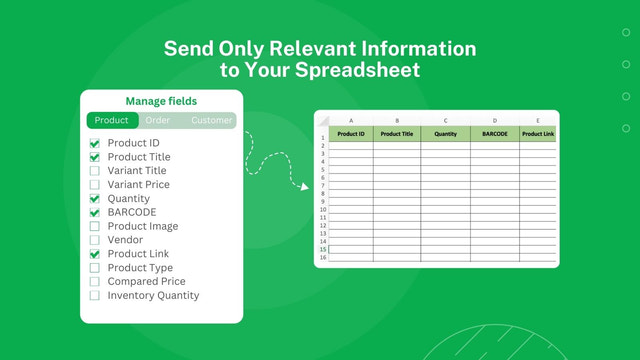
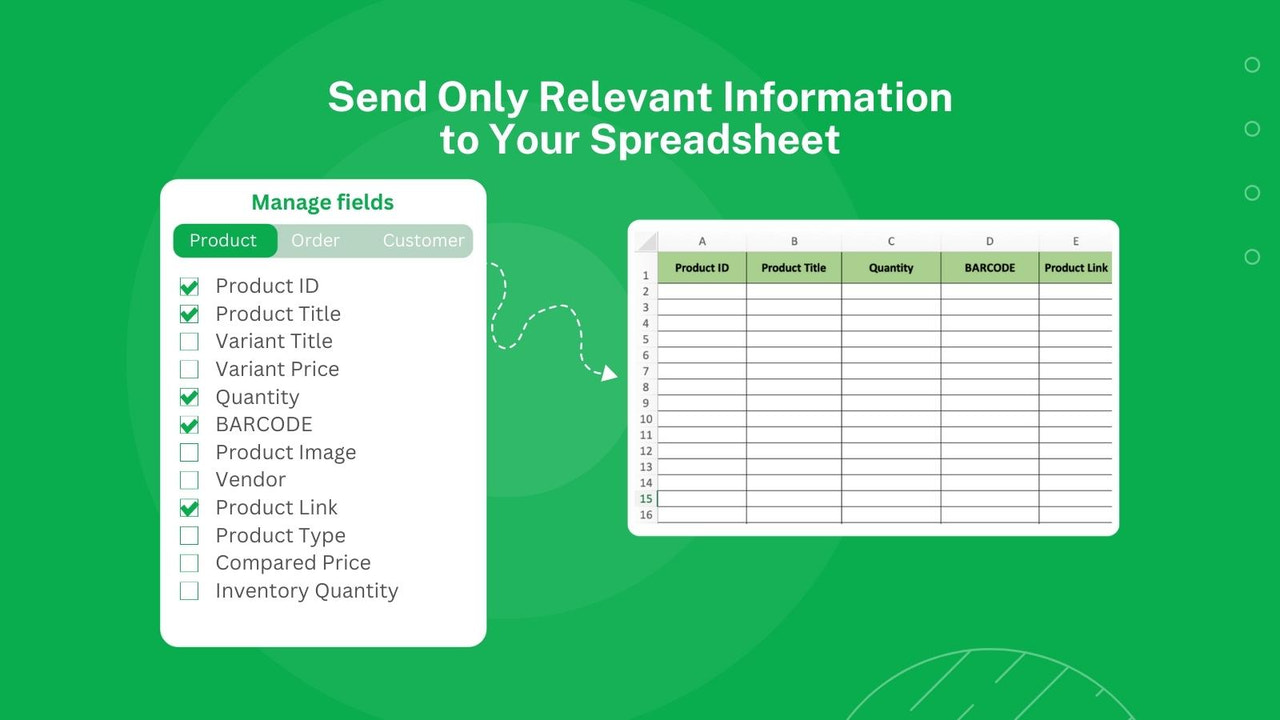
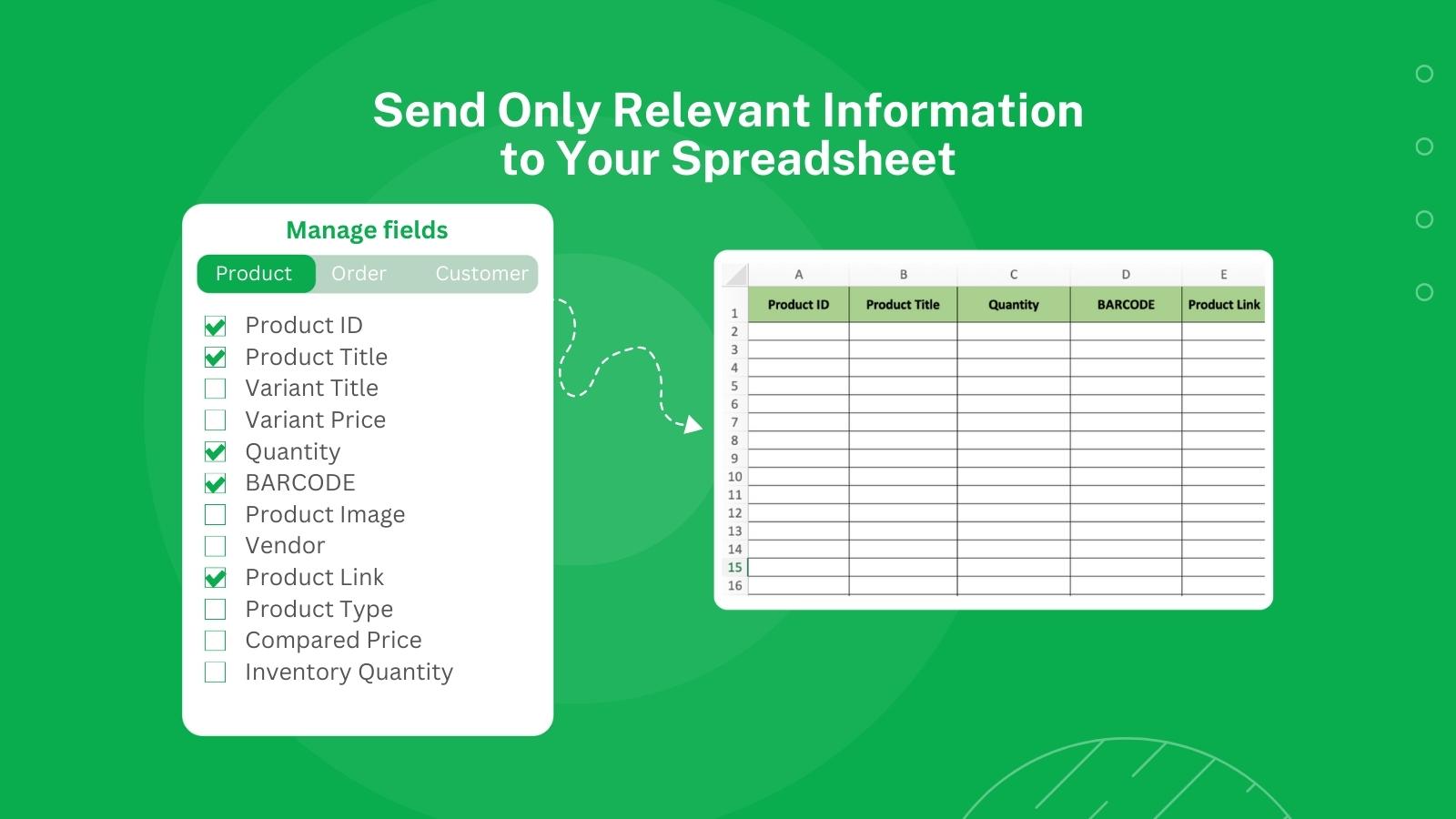
- Send only relevant information to your sheet
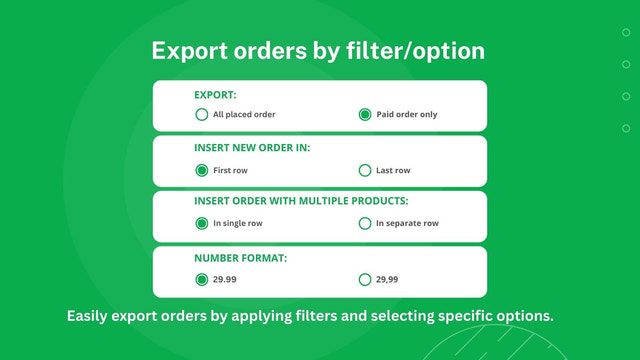
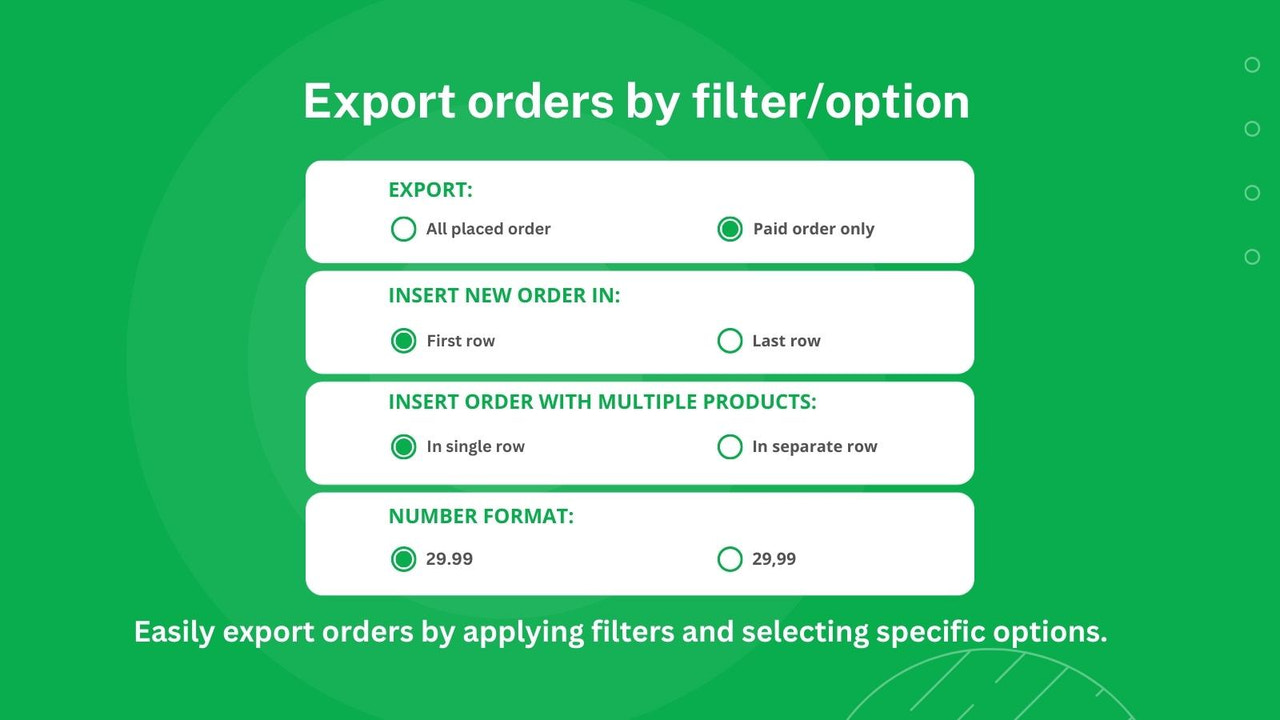
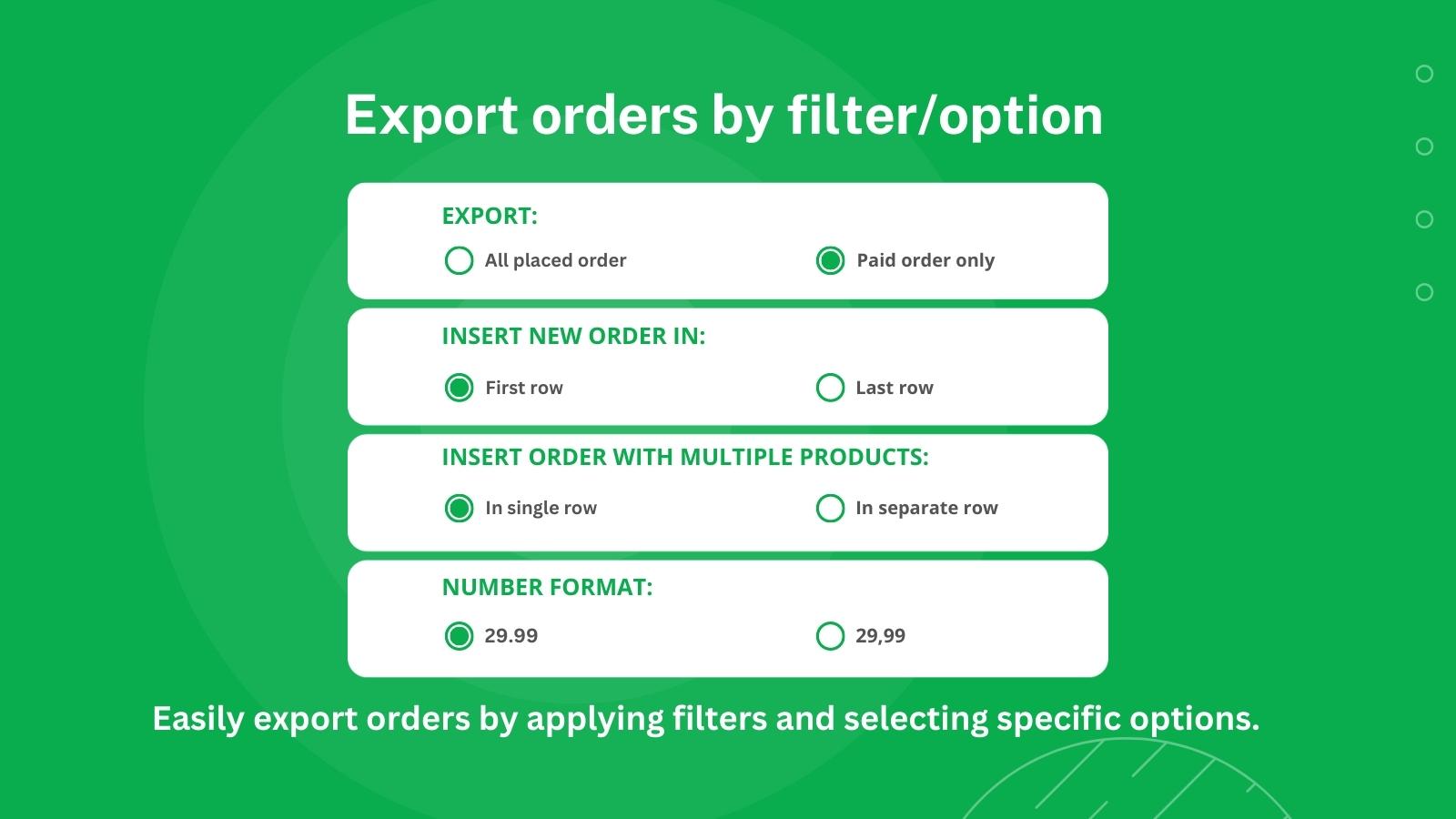
- Export orders by filter/option
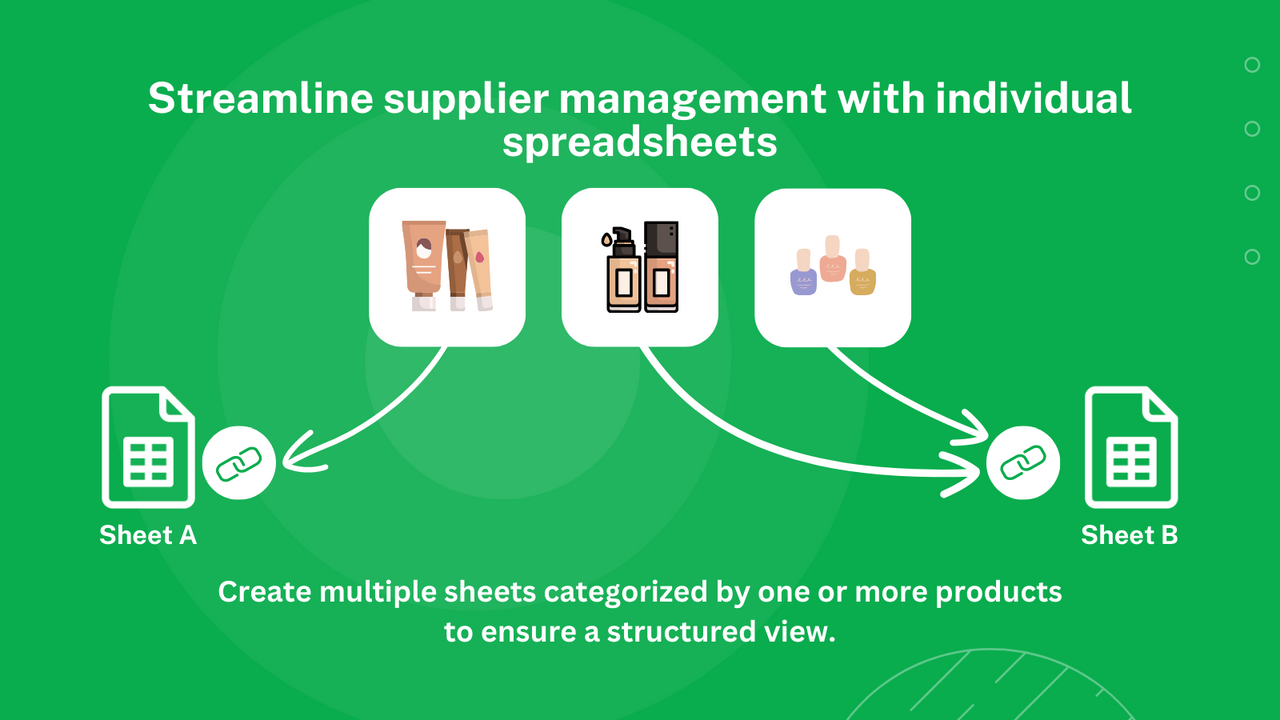
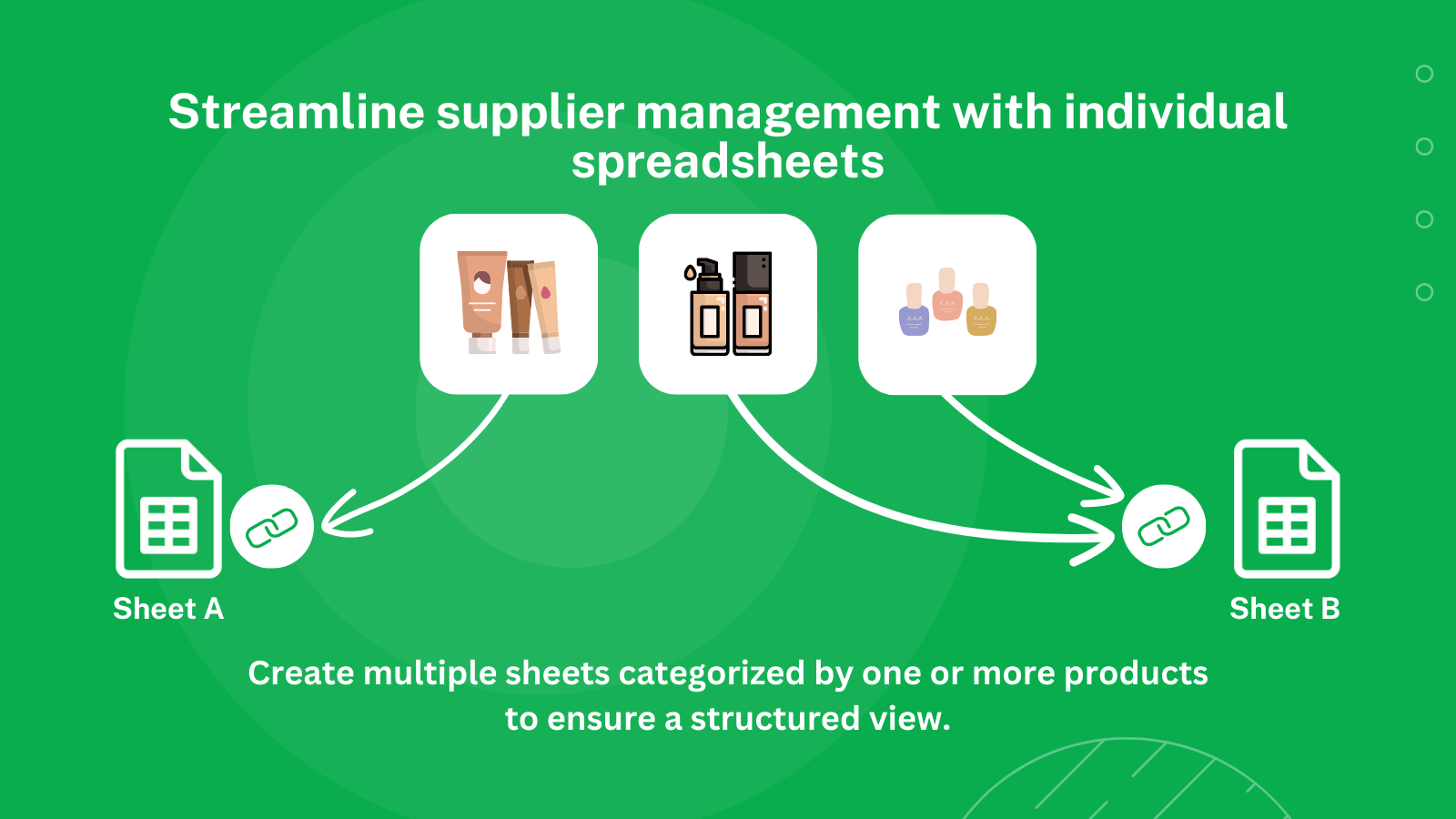
- Simplify supplier management with separate sheets
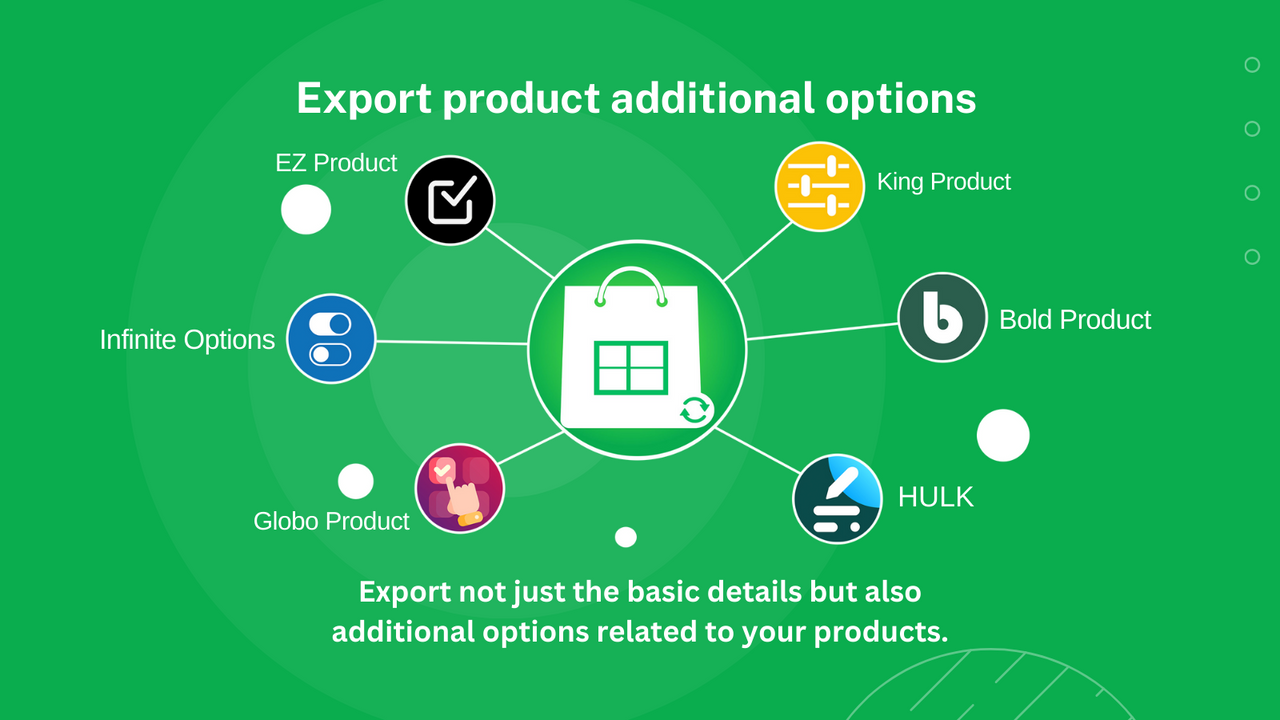
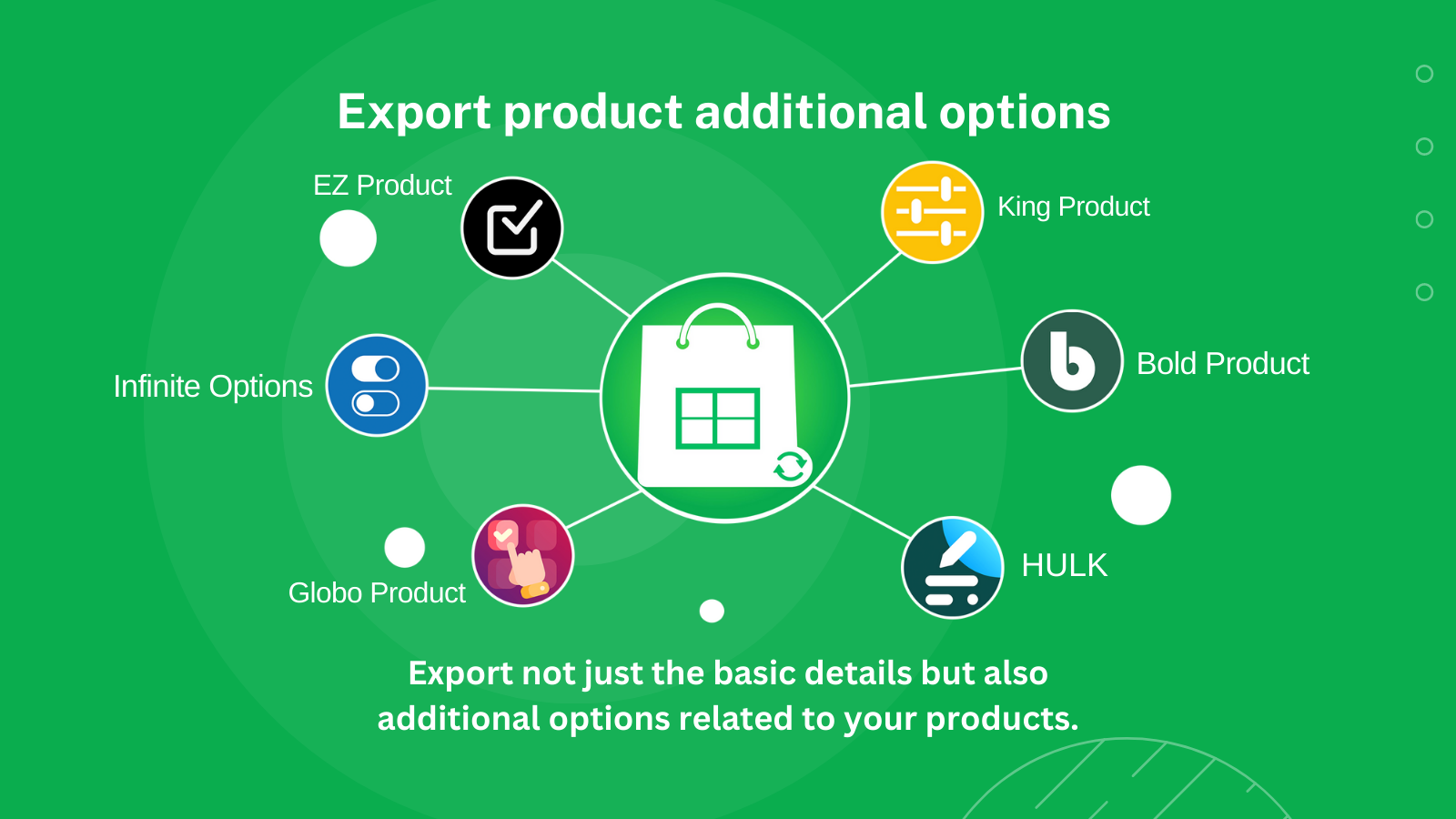
- Export product variant options
Merchant-Friendly
- Small & Medium E-commerce Merchants
- Shopify Independent Sellers
- Multi-channel Retailers
- Supplier-partnered Merchants
Basic Information
- Developer:WebInnovate
- Address:271 W Short St Ste 410, Lexington, KY 40507, USA, Lexington, KY, 40507, US
- Price: Free / Free plan
- Rating:4.4 / 5
- Comment Count:16 comment
- Release Date:2021-7-8
- Supported languages:English、Spanish、French、Arabic
- Compatible products:Shopify
Application Screenshot
Price Plan
UNLIMITED
- Unlimited Orders
- Auto or Manual Order Export
- Export Orders by Custom Filters
- Multiple Tables per Product
- Integration with Product Options Apps
User Location & Comments
User Location
Comments
Shopify API Used
- POST /admin/api/export_jobs.json
- GET /admin/api/export_jobs/{id}.json
- DELETE /admin/api/export_jobs/{id}.json
Permission:read_orders,read_products,write_export_jobs
- POST /admin/api/export_jobs/trigger.json
- GET /admin/api/export_jobs/{id}/results.json
- POST /admin/api/webhooks.json
Permission:read_orders,write_export_jobs,manage_webhooks
- POST /admin/api/export_jobs.json?filters=status:paid
- GET /admin/api/export_jobs/{id}/results.json?filter=date
- PUT /admin/api/export_jobs/{id}/filters.json
Permission:read_orders,write_export_jobs,manage_orders
- GET /admin/api/suppliers.json
- POST /admin/api/export_jobs.json?type=suppliers
- GET /admin/api/suppliers/{id}/products.json
Permission:read_suppliers,read_products,write_export_jobs
- GET /admin/api/products.json?fields=id,options
- POST /admin/api/export_jobs.json?type=product_options
- GET /admin/api/products/{id}/options.json
Permission:read_products,write_export_jobs,manage_products



