
App Introduction
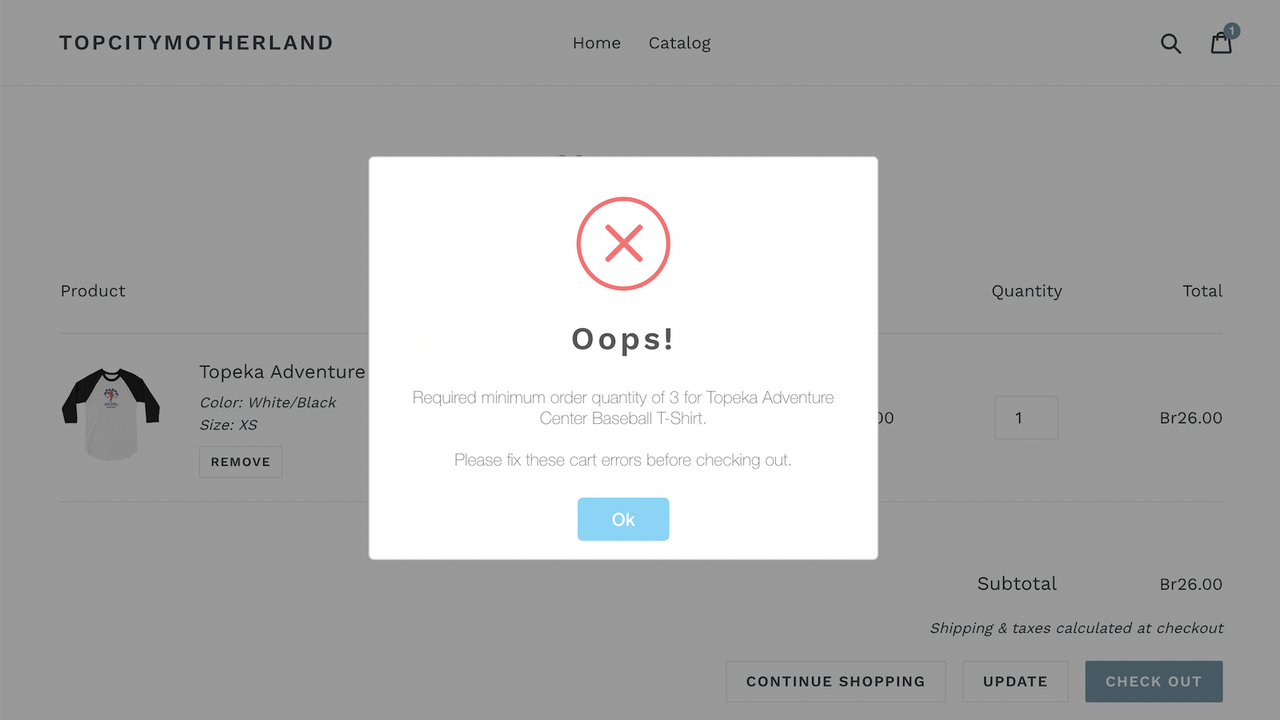
OrderLogic elegantly helps you set order limits, such as minimum or maximum quantities per product. Define minimum and maximum quantities for products, and set customer order restrictions via a simple interface. Selling pre-packaged 6-piece sets? No problem! The Advanced Plan offers support for buy buttons or setting restrictions across a group of products based on product tags. No coding required. Set it up quickly and easily in minutes. A professional and sleek modal pop-up will notify your customers of the cart changes needed, and allow them to adjust cart quantities with a single click whenever possible!
Core Functionality
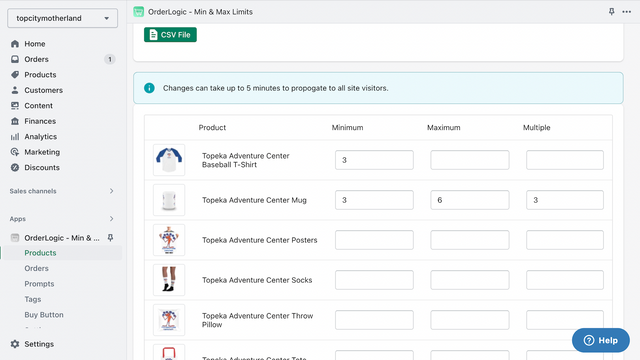
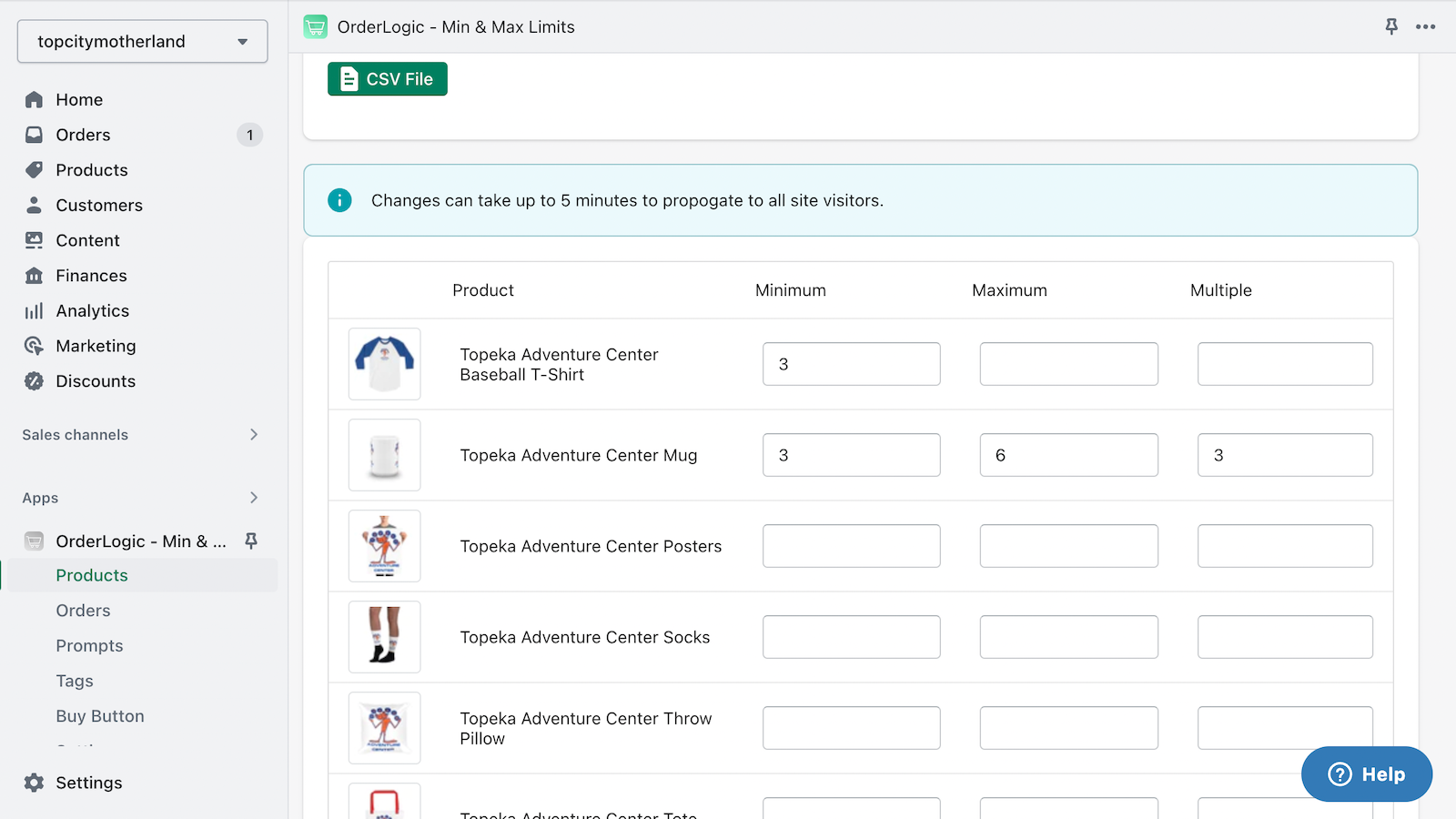
- Specify minimum and maximum constraints for products.
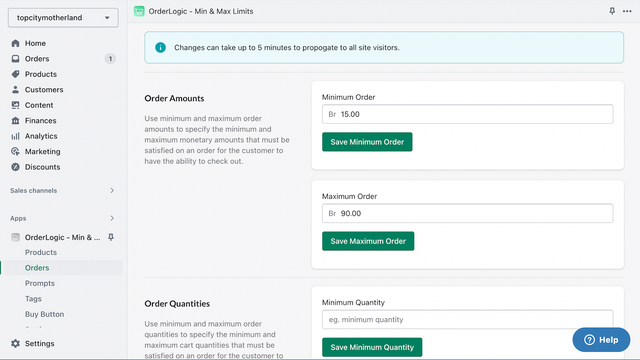
- Set minimum or maximum order limits by price or item quantity.
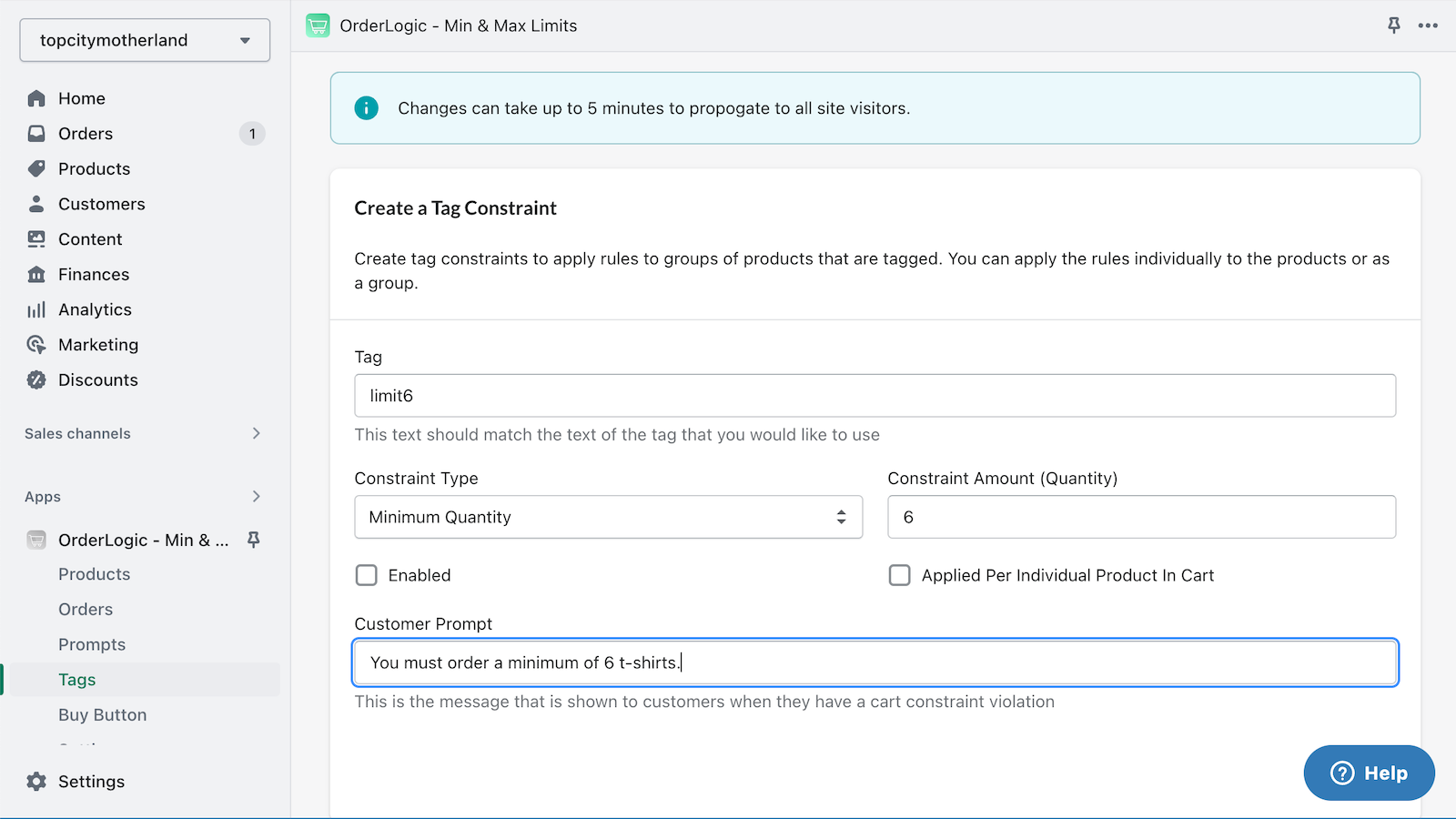
- Create restrictions based on product tags applied individually or as a group.
- Quick and easy setup. No coding required.
Merchant-Friendly
- Independent Station Merchants
- Retail E-commerce Merchants
- Multi-category E-commerce
Basic Information
- Developer:Oiizes
- Address:307 S. Pixley, Orange, CA, 92868, US
- Price: Free / Free plan
- Rating:3.7 / 5
- Comment Count:52 comment
- Release Date:2016-4-13
- Supported languages:English
- Compatible products:Shopify
Application Screenshot
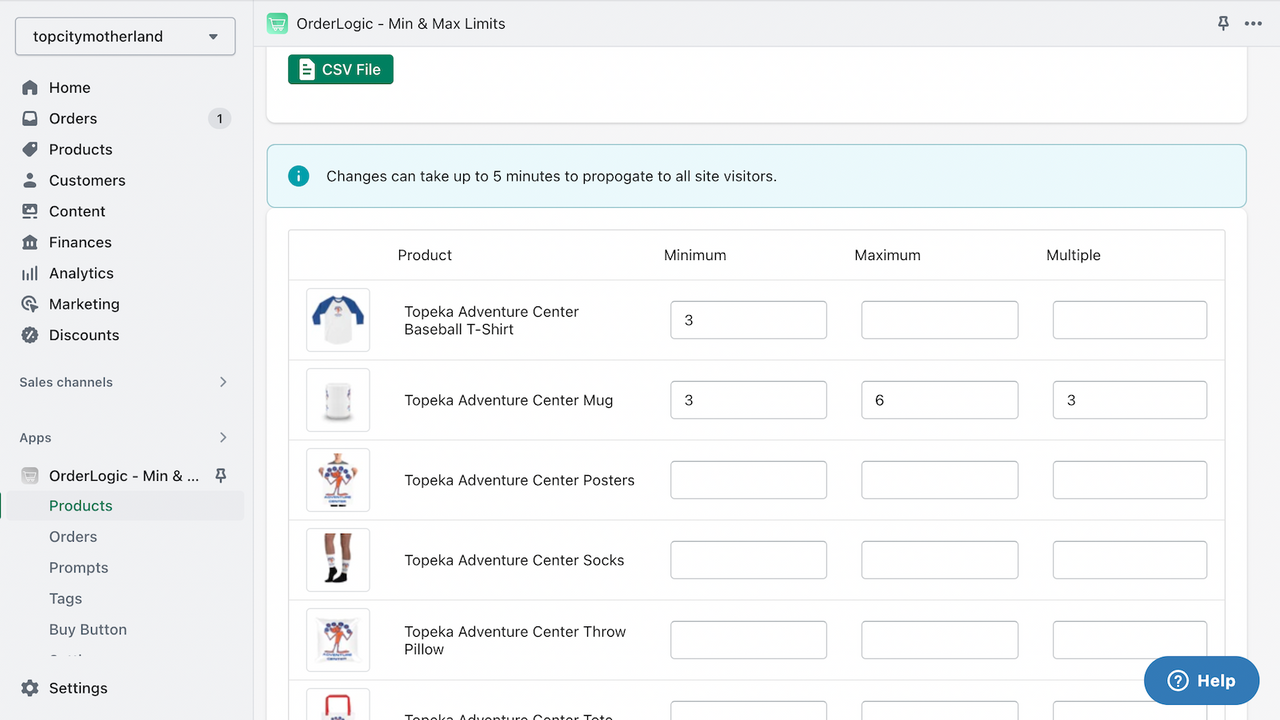
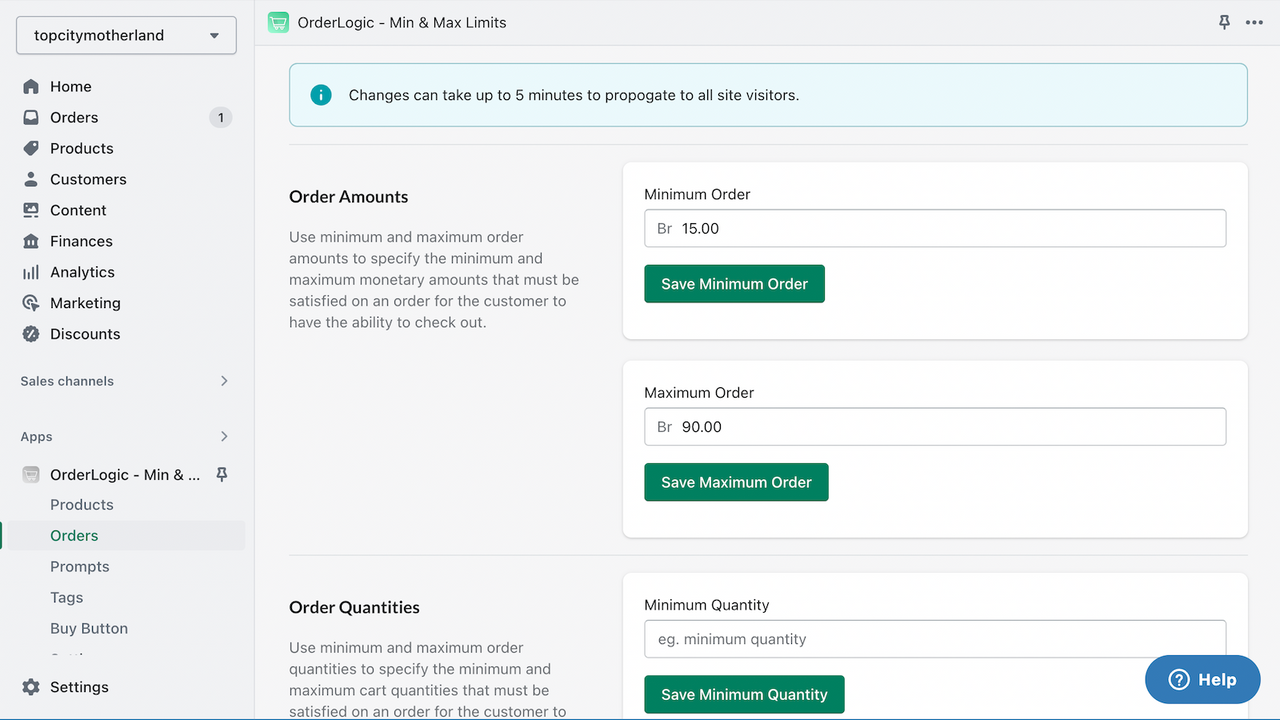
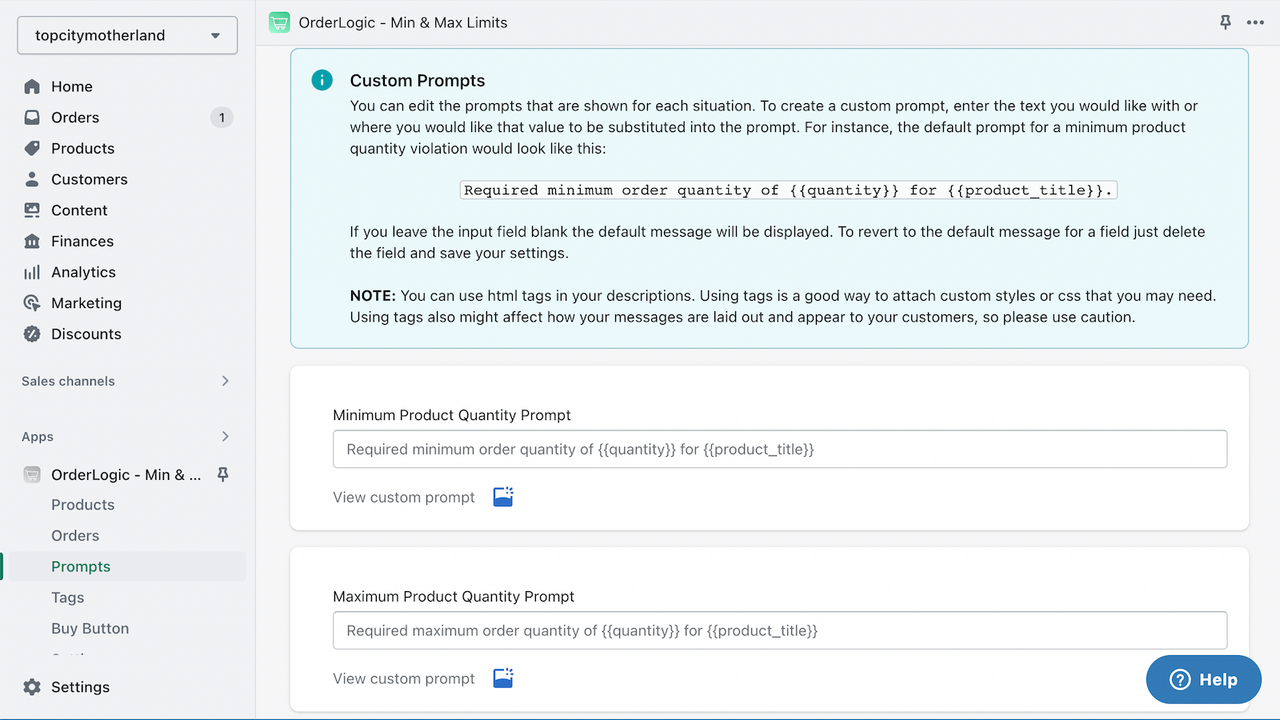
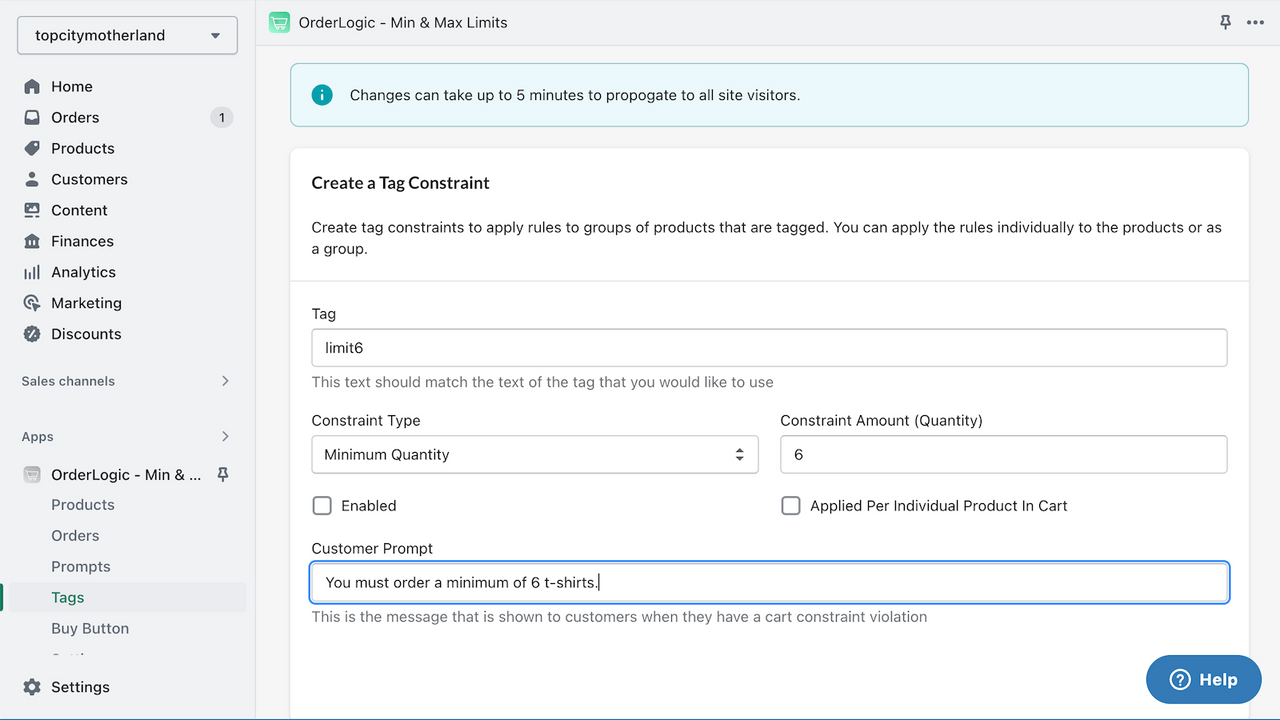


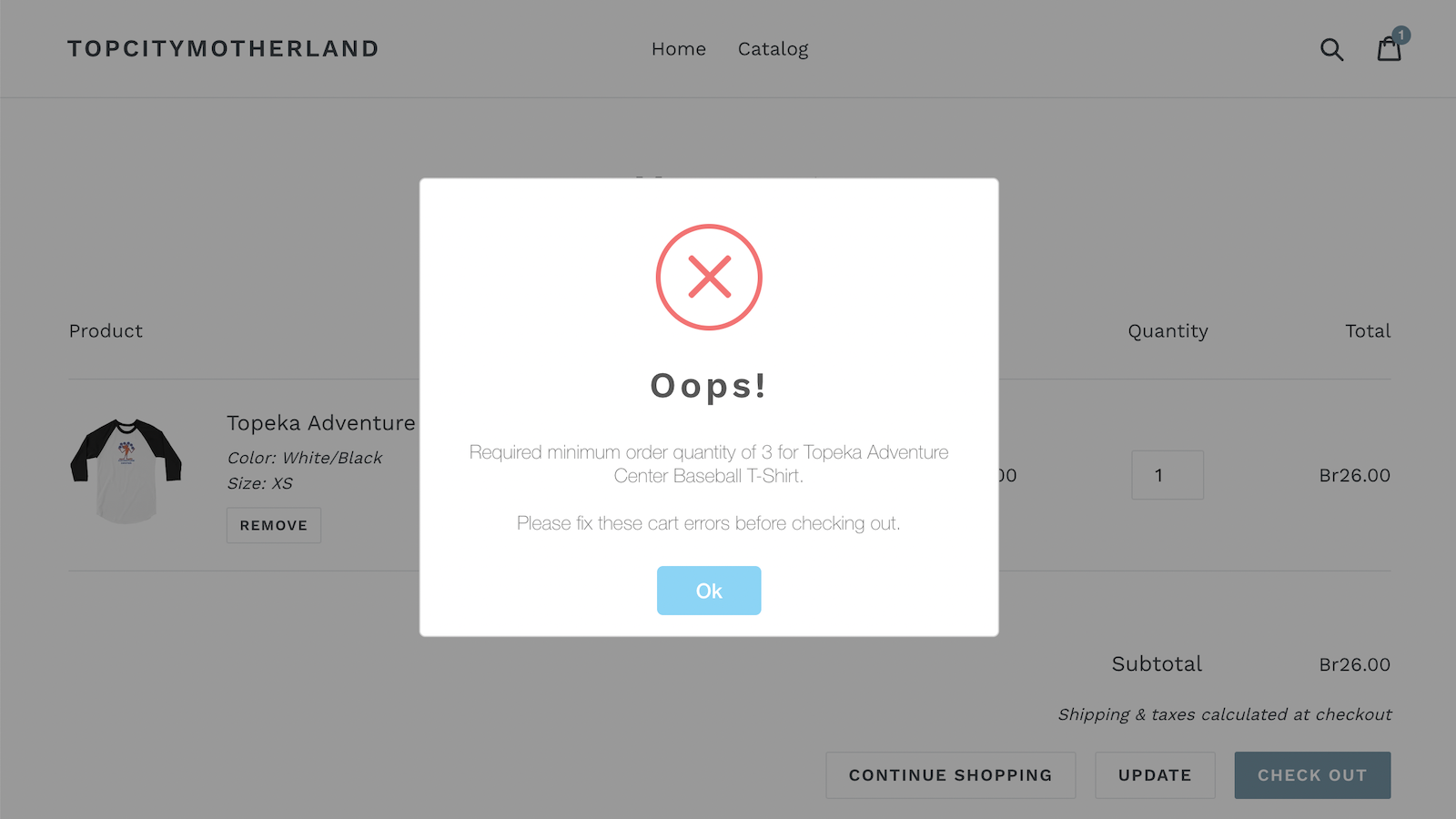
Price Plan
Standard
- Product Constraints
- Order Constraints
Premium
- Product Constraints
- Order Constraints
- Tag Constraints
User Location & Comments
User Location
Comments
Shopify API Used
- POST /admin/api/products/{product_id}/constraints.json
- PUT /admin/api/products/{product_id}/constraints/{id}.json
- GET /admin/api/products/{product_id}/constraints.json
Permission:write_products,read_products,manage_inventory
- POST /admin/api/orders/limits.json
- PUT /admin/api/orders/limits/{id}.json
- GET /admin/api/orders/limits.json
Permission:write_orders,read_orders,manage_orders
- POST /admin/api/limits/tags.json
- PUT /admin/api/limits/tags/{tag}.json
- GET /admin/api/limits/tags.json
Permission:write_tags,read_tags,manage_products



