
App Introduction
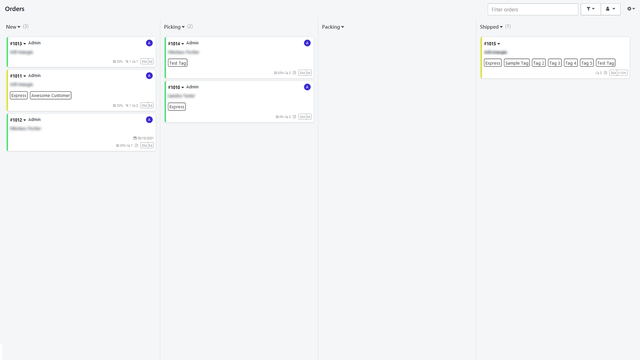
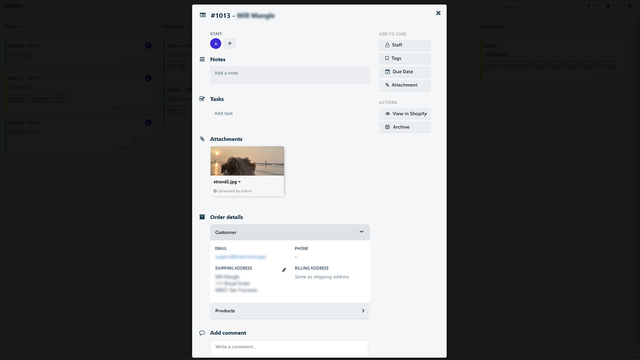
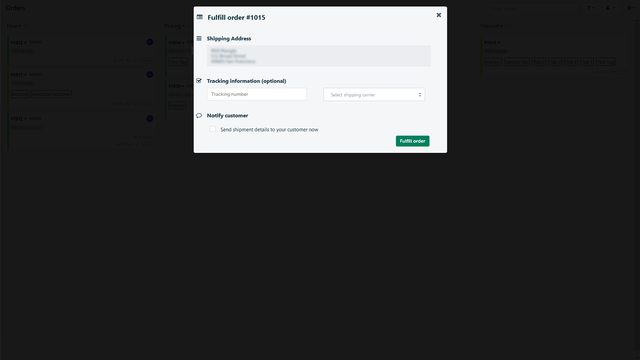
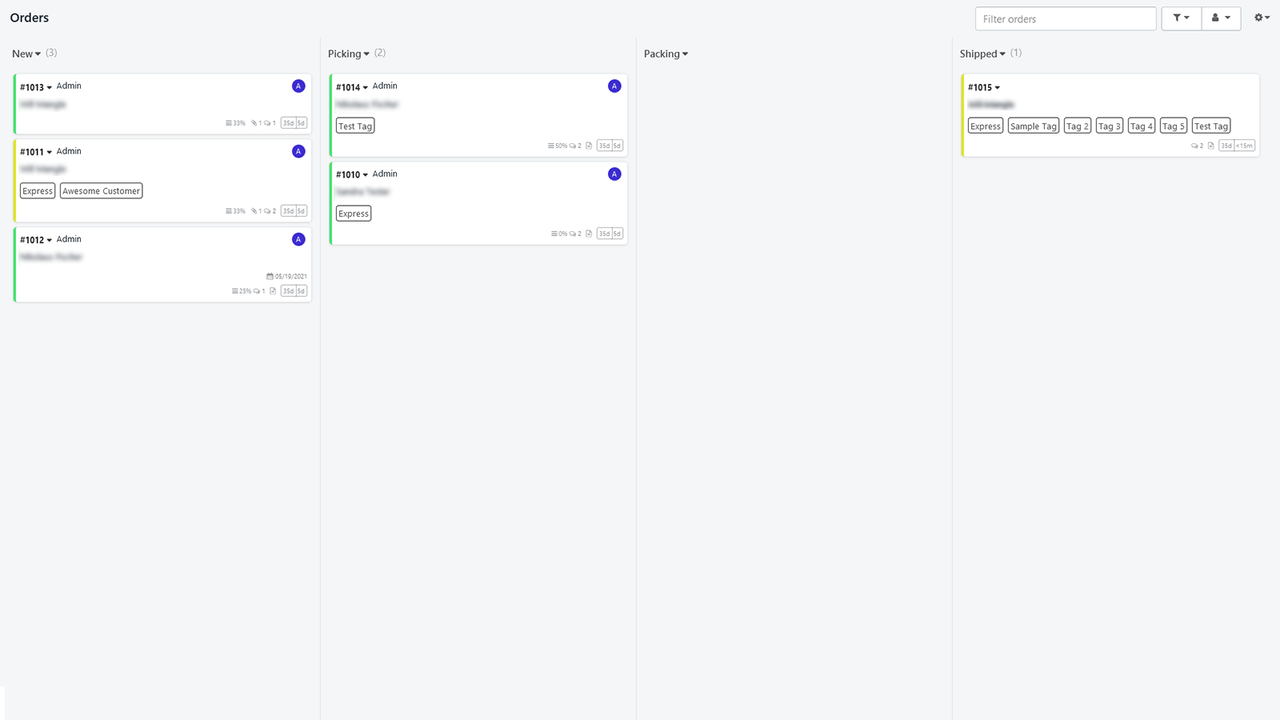
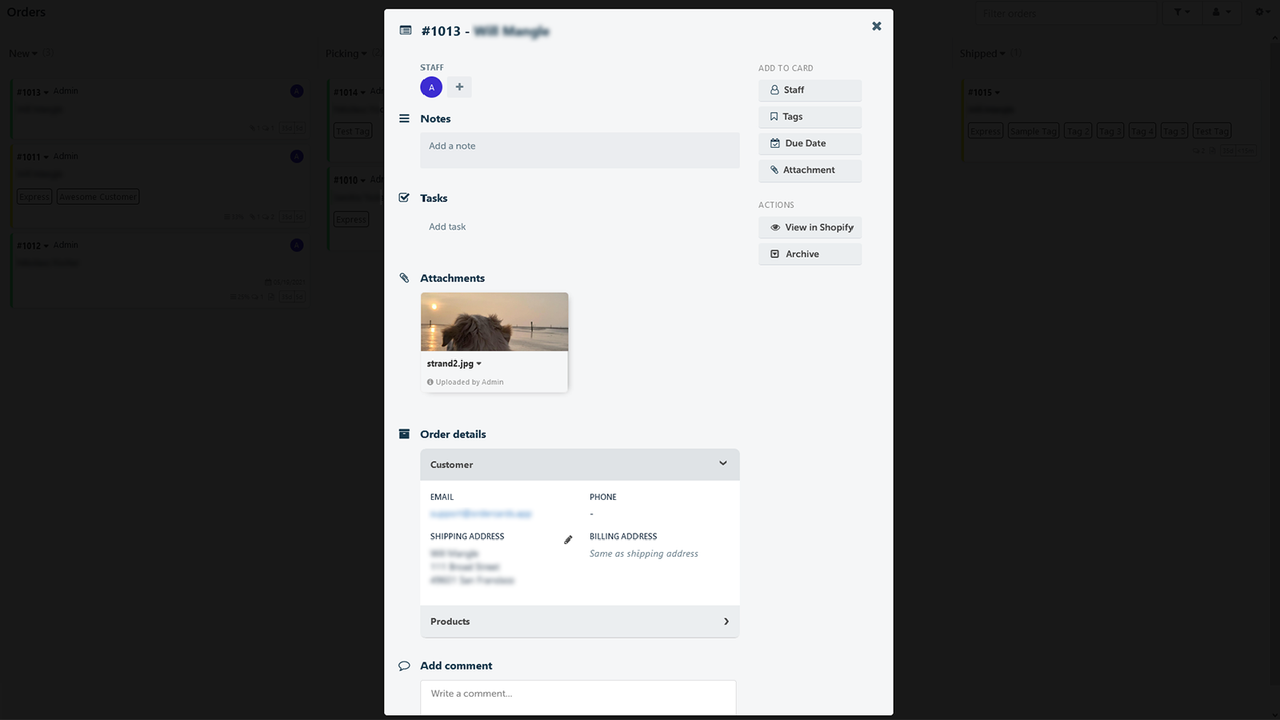
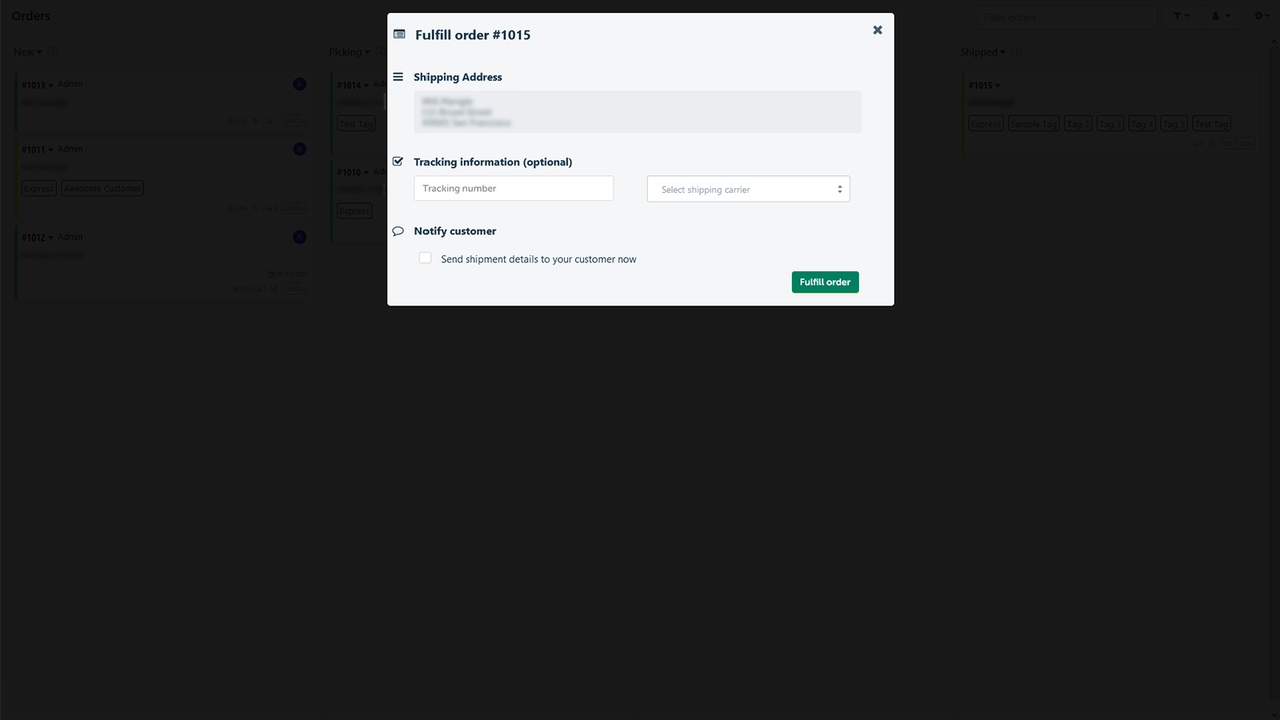
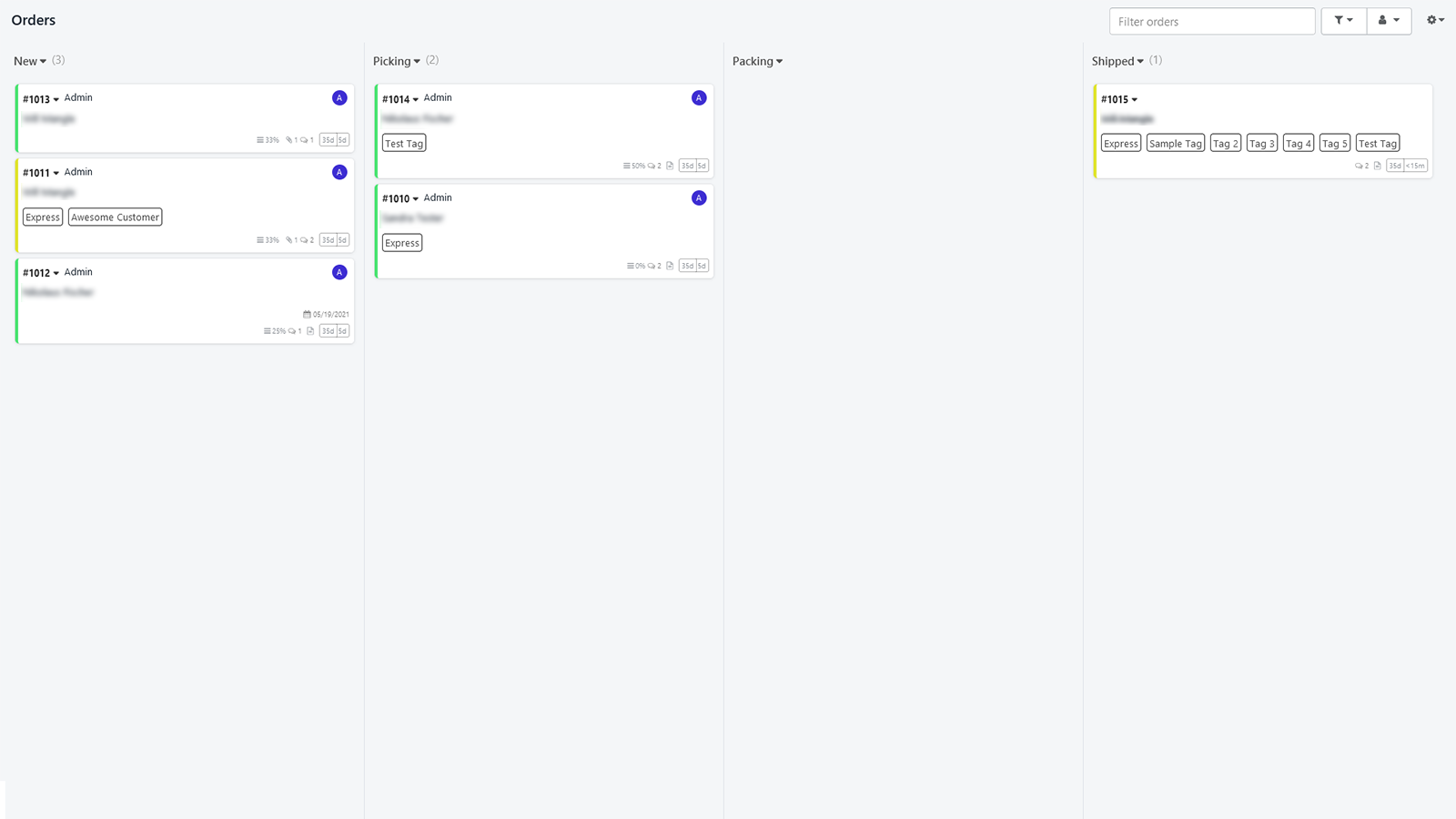
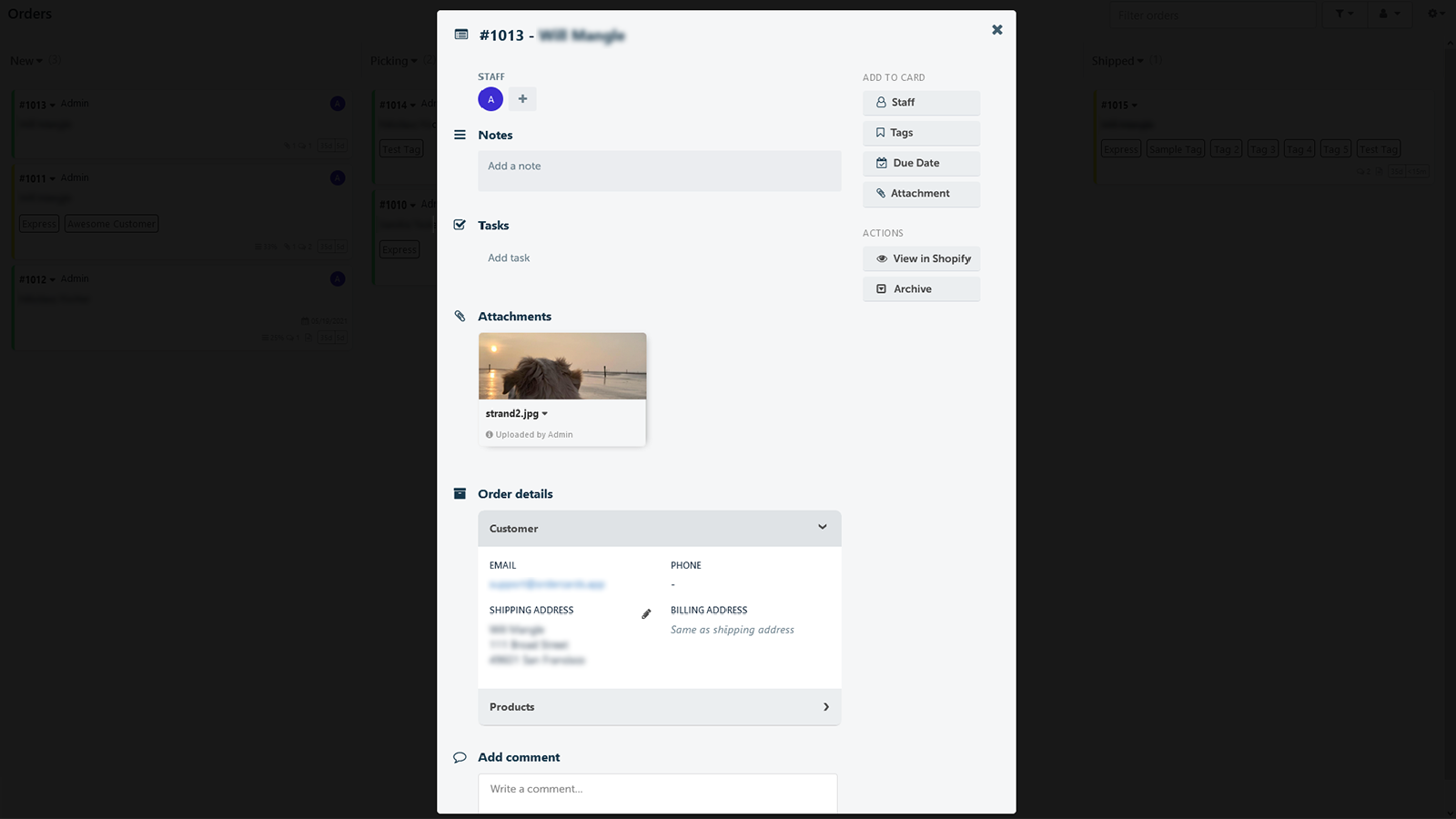
All Orders at a Glance – View All Orders and Move Them Through the Fulfillment Process Ever struggled to track an order’s status? What if you could see all your orders at a glance? OrderCards organizes your orders by their status. You can easily move them through different stages of the fulfillment process. Assign orders to your team members, upload attachments, and add comments and subtasks. Built exclusively for Shopify: you can add notes, tags, and even fulfill orders directly from the app – all changes sync back to Shopify seamlessly.
Core Functionality
- Master your orders - Never lose track of order status again
- Collaborate with your team - Assign orders to members and create staff accounts
- Full integration - No more switching between Trello and your orders
- Unlimited custom columns
- Powerful search and filtering capabilities
Merchant-Friendly
- E-commerce Independent Station Merchants
- Multi-staff E-commerce Stores
- High-order Volume E-commerce Merchants
- Merchants Needing Tool Integration
Basic Information
- Developer:OrderCards
- Address:Wirmerstr. 5, Düsseldorf, 40474, DE
- Price: Free / Free plan
- Rating:1 / 5
- Comment Count:1 comment
- Release Date:2021-5-31
- Supported languages:English
- Compatible products:Shopify
Application Screenshot
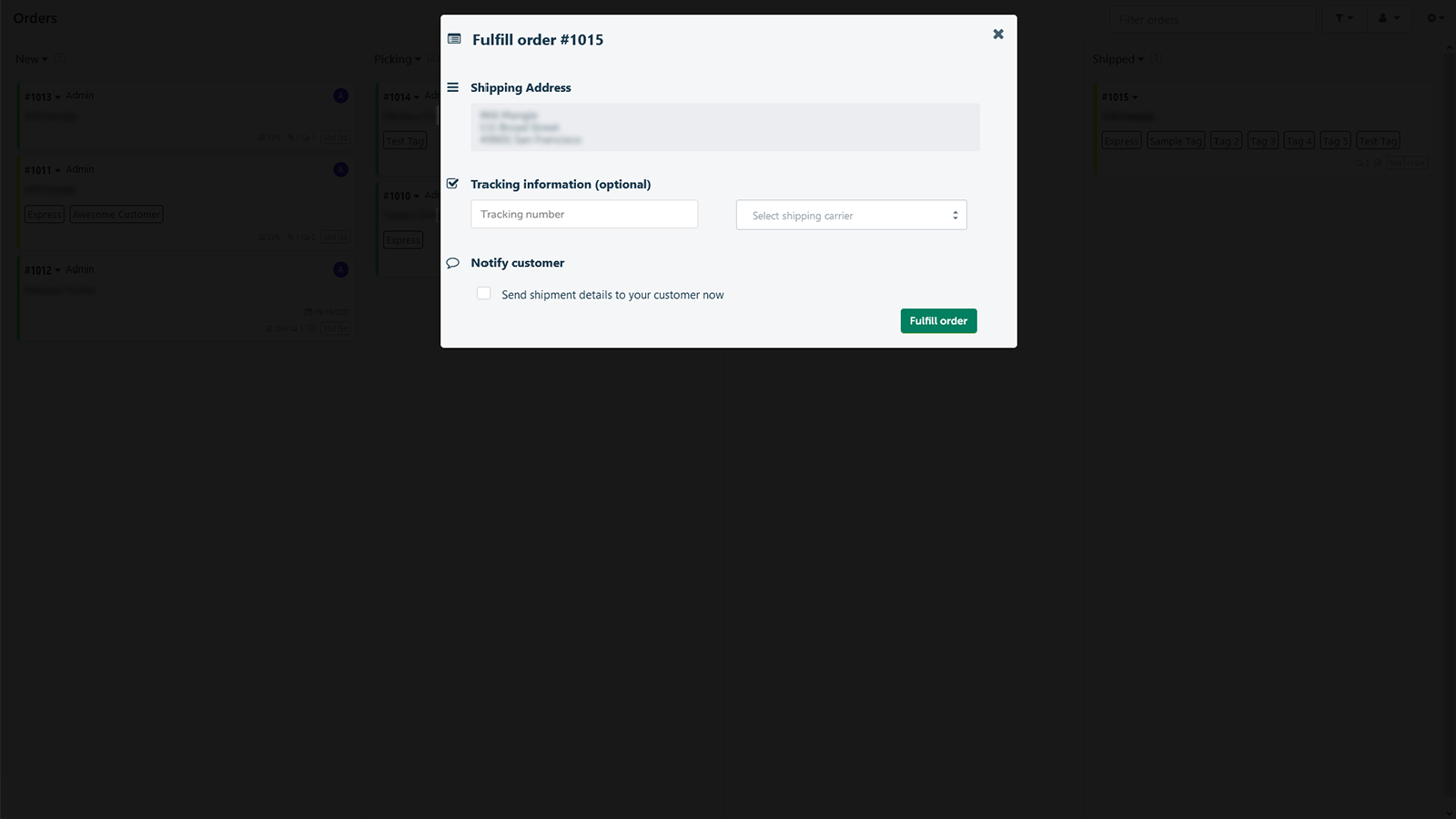
Price Plan
Free forever
- Up to 10 orders per month
- Unlimited staff accounts
- Unlimited columns
- 24/7 email support
Starter
- Up to 50 orders per month
- Unlimited staff accounts
- Unlimited columns
- Additional automation via Make/Zapier
- 24/7 email support
Growth
- Up to 100 orders per month
- Unlimited staff accounts
- Unlimited columns
- Additional automation via Make/Zapier
- 24/7 email support
Scale-up
- 100+ monthly orders
- Unlimited staff accounts
- Unlimited columns
- Additional automation via Make/Zapier
- 24/7 email support
User Location & Comments
User Location
Comments
Shopify API Used
- GET /admin/api/orders.json
- GET /admin/api/orders/{order_id}.json
- PUT /admin/api/orders/{order_id}.json
Permission:read_orders,write_orders,manage_orders
- POST /admin/api/employees.json
- PUT /admin/api/orders/{order_id}/assign.json
- GET /admin/api/employees.json
Permission:write_employees,read_employees,manage_orders
- POST /admin/api/apps/{app_id}/install.json
- GET /admin/api/apps.json
- PUT /admin/api/apps/{app_id}/settings.json
Permission:read_apps,write_apps,manage_apps
- POST /admin/api/orders/columns.json
- PUT /admin/api/orders/columns/{column_id}.json
- DELETE /admin/api/orders/columns/{column_id}.json
Permission:write_orders,read_orders,manage_orders
- GET /admin/api/orders.json?search={keyword}
- GET /admin/api/orders.json?filter={param}
- GET /admin/api/orders.json?sort={field}
Permission:read_orders,manage_orders,view_orders



