App Introduction
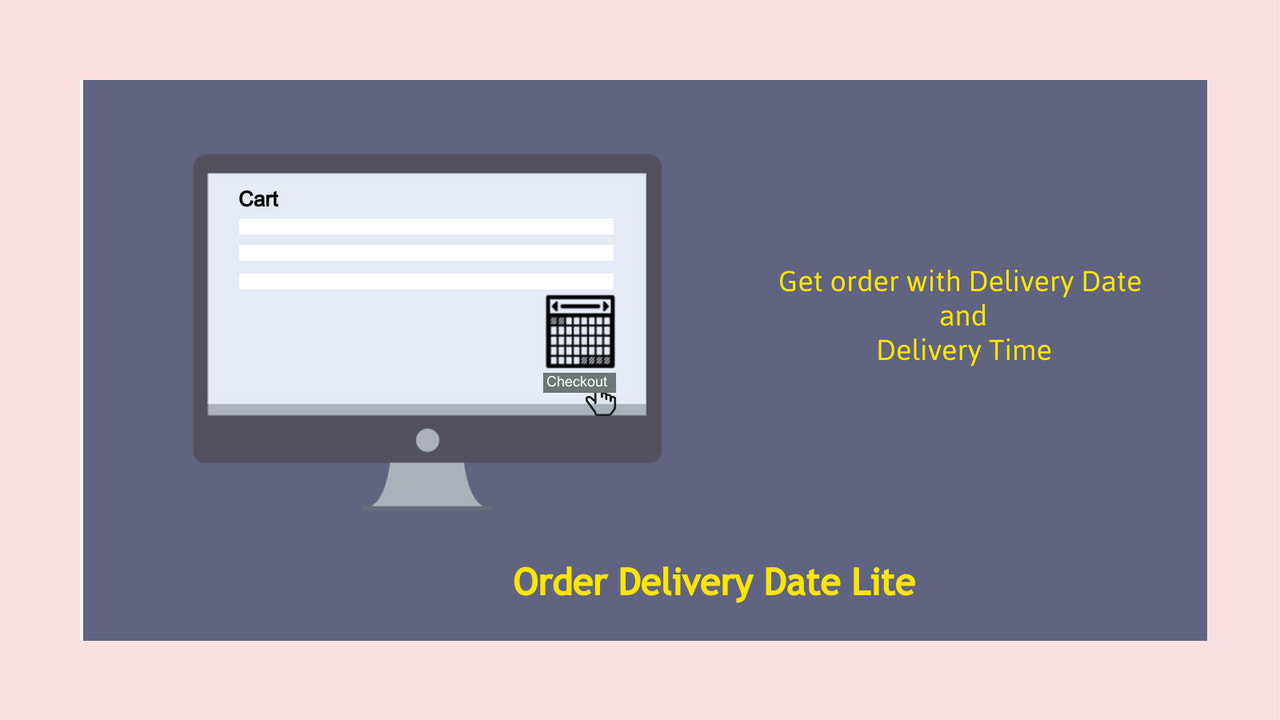
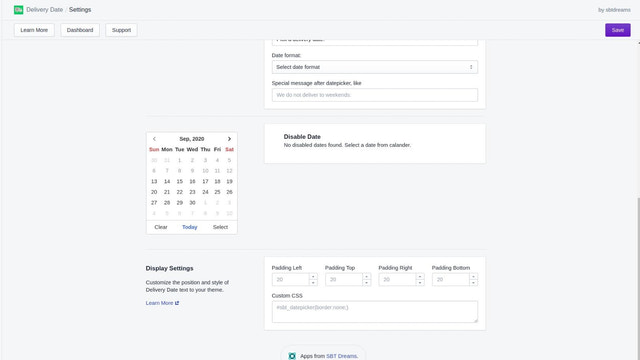
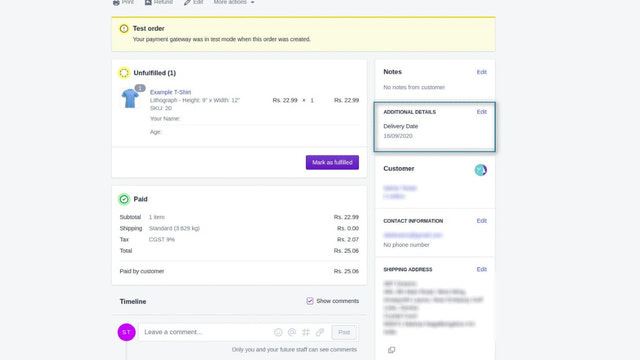
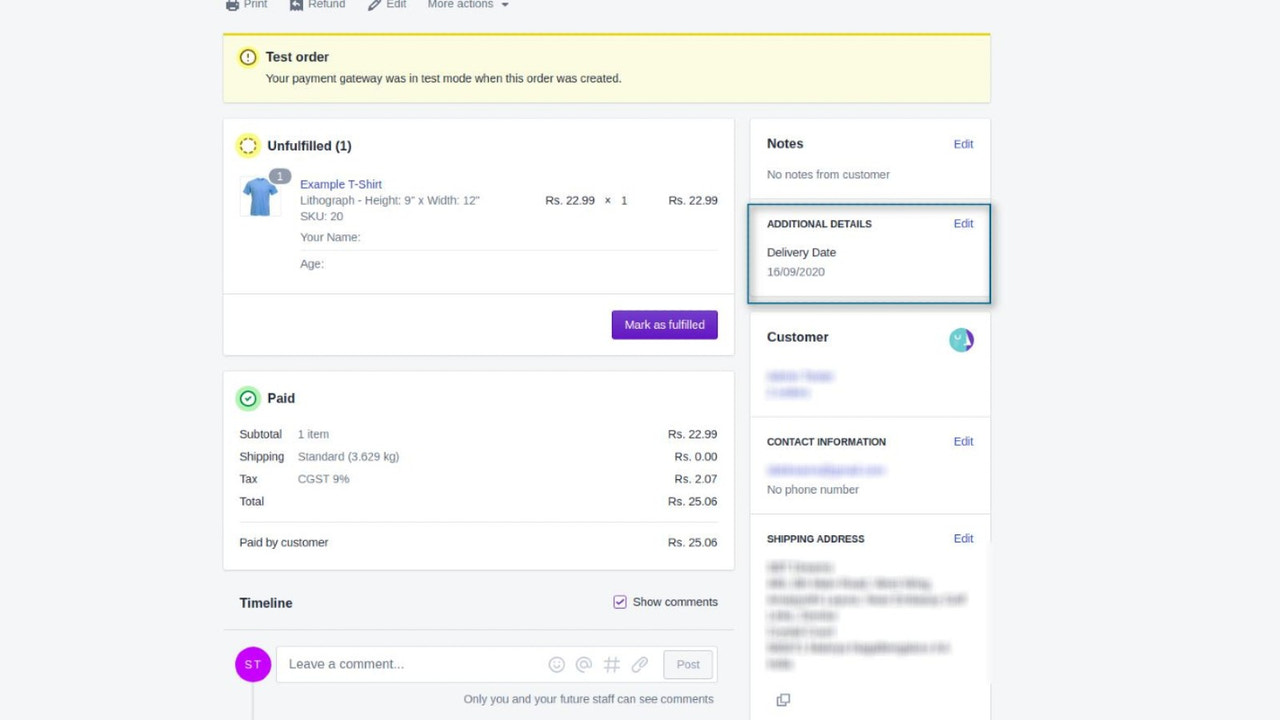
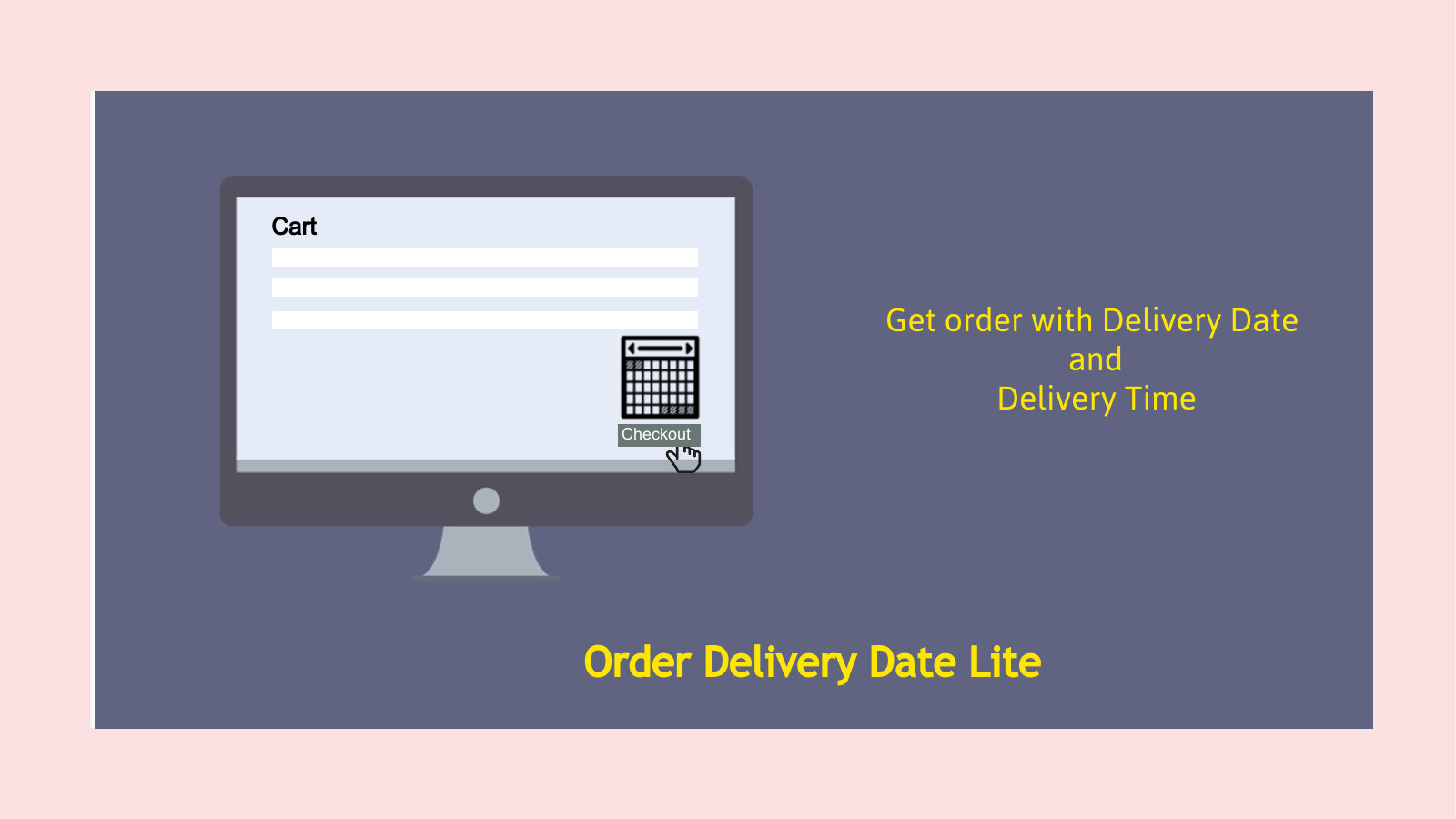
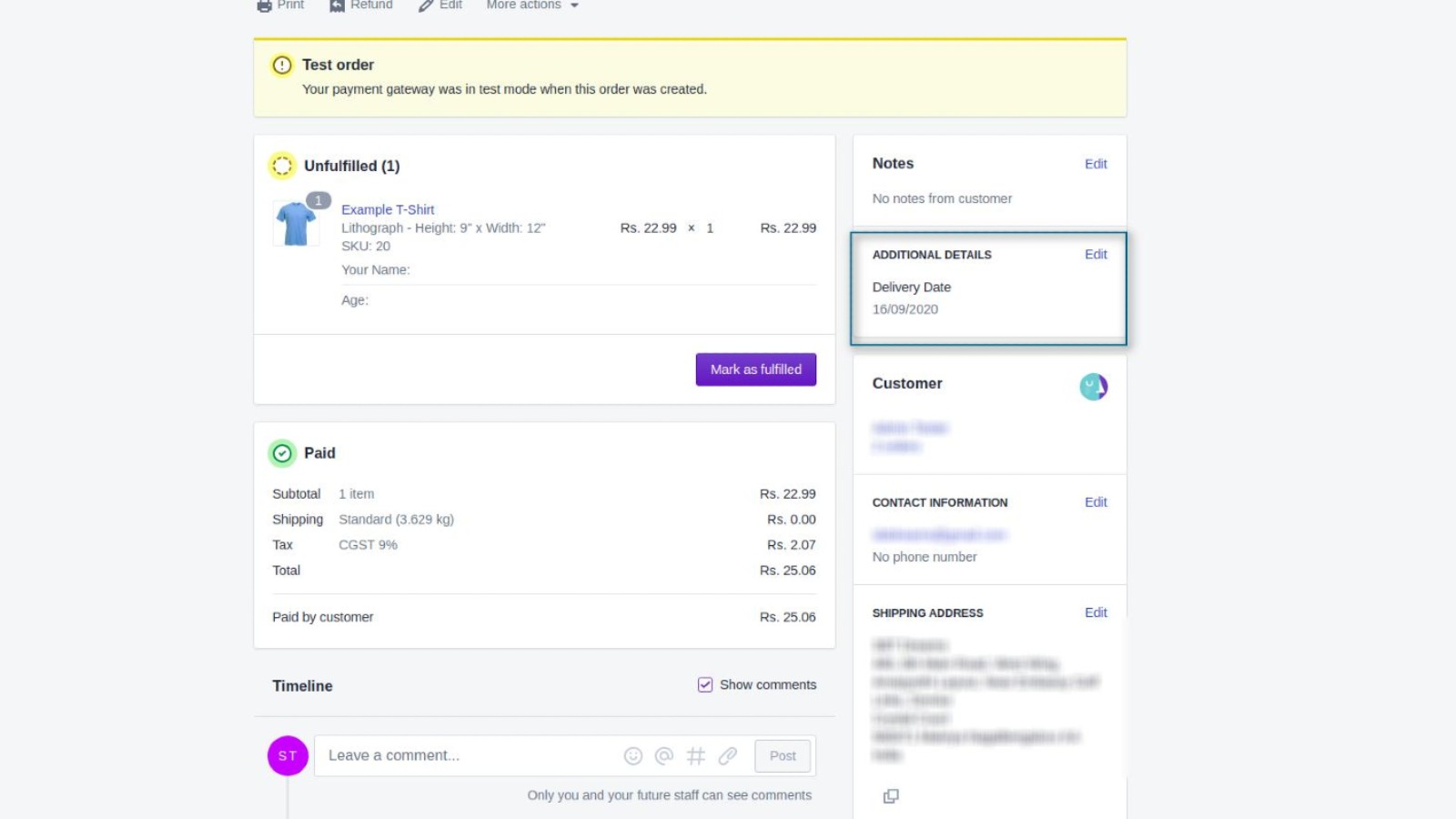
Allow customers to select a date or time period on the cart page. The Order Delivery Date Lite app provides a way to add a calendar to the cart page so customers can choose their preferred delivery date. This "Lite" app includes all customizable features. After installing the app, a calendar will appear on the cart page. The selected date on the calendar will be passed along with the order data, and admins can view the delivery date chosen by the customer on the order page. Based on the delivery date, merchants can prepare for shipment.
Core Functionality
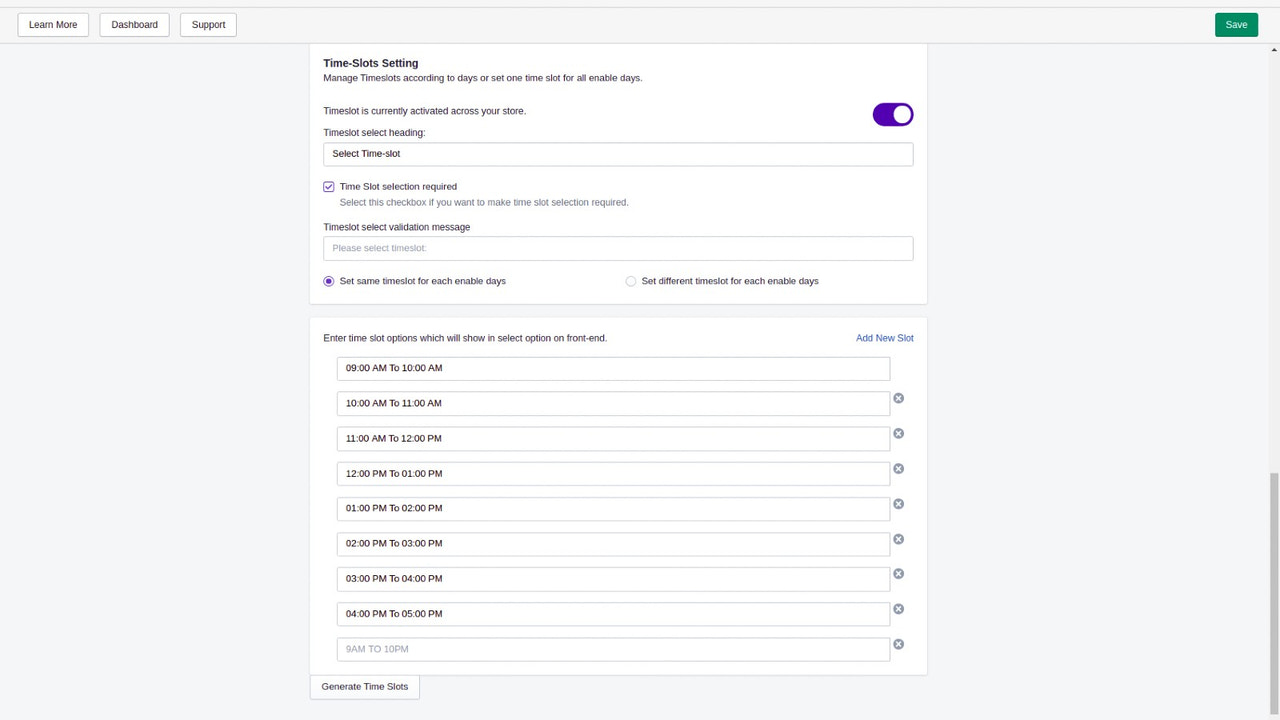
- Select a date and custom time slot on the cart page.
- Disable date/date and deadline options.
- Easy setup.
- Thank you page and order confirmation email support displaying date/time.
- Order history with date and time.
Merchant-Friendly
- Independent Station Merchants
- Appointment-based E-commerce
- Local Service E-commerce
- Customized Goods Merchants
Basic Information
- Developer:sbtdreams
- Address:Jaipur, Jaipur, RJ, 302018, IN
- Price: Free / Free plan
- Rating:4.1 / 5
- Comment Count:10 comment
- Release Date:2020-9-25
- Supported languages:English
- Compatible products:Shopify
Application Screenshot








Price Plan
免费计划
- Build a Free Store
基础计划
- Date Picker on Cart Page
- Enable/Disable Deadline
- Time Period Configuration
- Custom Time Period
- View Dates and Time Periods
- Order Export with Dates
User Location & Comments
User Location
Comments
Shopify API Used
- POST /admin/api/orders/cart_attributes.json
- PUT /admin/api/orders/cart_attributes/{key}.json
- GET /admin/api/orders/cart_attributes.json
Permission:write_orders,read_orders,manage_cart_attributes
- PUT /admin/api/settings/date_time_options.json
- POST /admin/api/settings/date_time_disable.json
- GET /admin/api/settings/date_time_options.json
Permission:write_settings,read_settings,manage_shop
- POST /admin/api/settings/date_time_config.json
- PUT /admin/api/settings/date_time_config/{id}.json
- GET /admin/api/settings/date_time_config.json
Permission:write_settings,read_settings,manage_shop
- POST /admin/api/themes/asset.json
- PUT /admin/api/themes/asset/{key}.json
- GET /admin/api/themes/asset.json
Permission:write_themes,read_themes,manage_orders
- GET /admin/api/orders.json?fields=created_at,updated_at,note_attributes
- PUT /admin/api/orders/{id}/note_attributes.json
- GET /admin/api/orders/{id}.json
Permission:read_orders,write_orders,manage_shop