
App Introduction
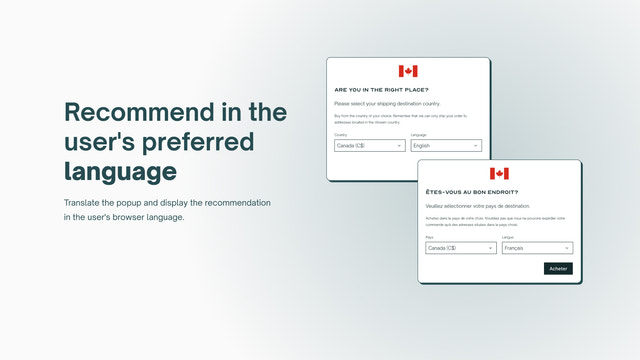
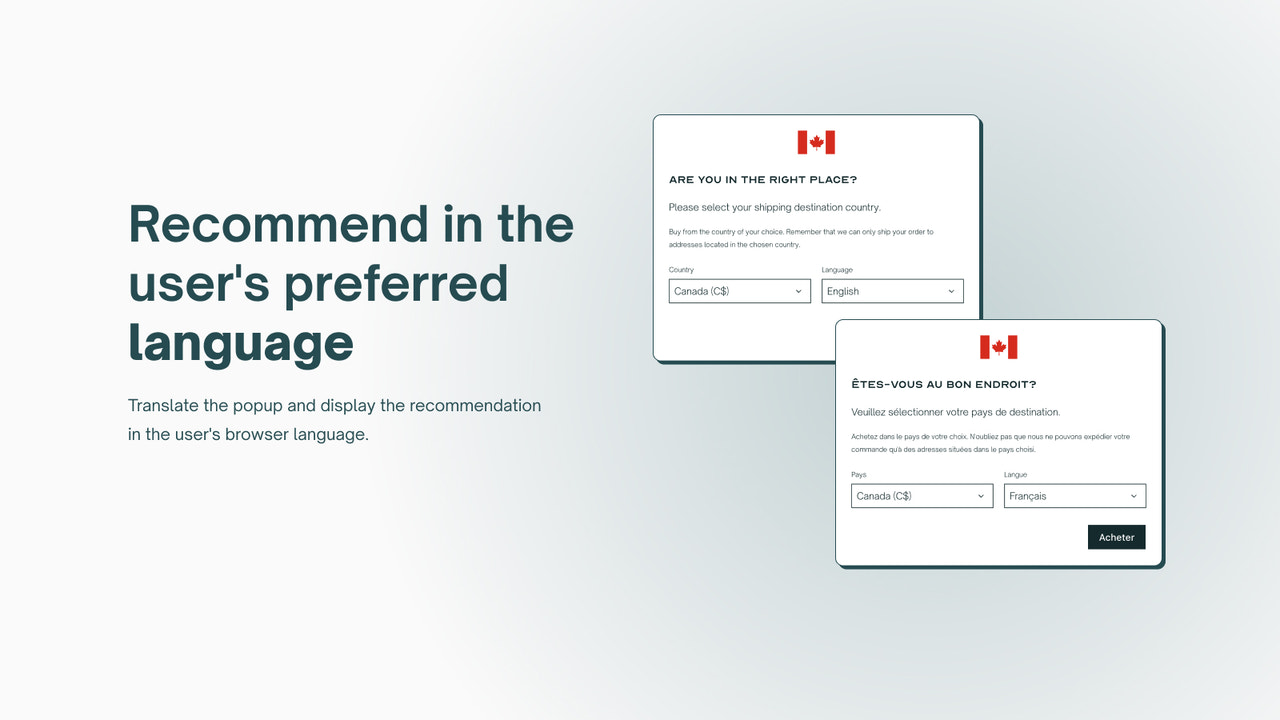
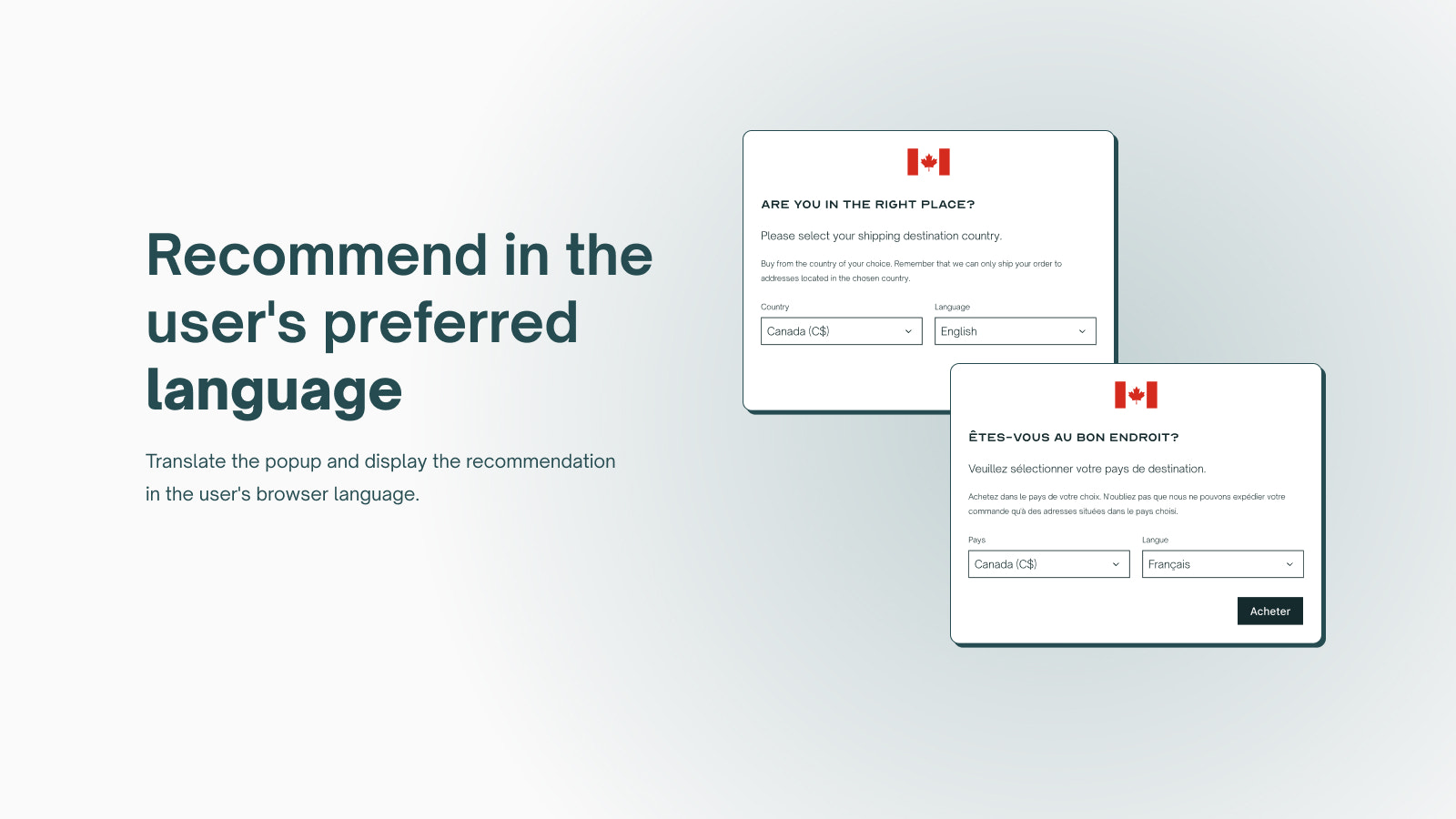
Boost Your Global Sales with Geolocation. Display products, prices, languages, and currencies by country. Orbe automatically integrates with Shopify Markets or Global-e setups and provides geolocation services for multiple extended stores, recommending store versions that match your customers’ geographic IP locations and browser languages. These recommendations appear as customizable geolocation pop-ups, supporting different languages and aligning with each brand’s style for country redirection. Our country selector enables users to proactively adjust their country experience or language preferences.
Core Functionality
- Customize your geolocation pop-up and country selector from the theme editor
- Translate pop-ups, use dynamic variables, and configure market geolocation settings
- Save user preferences and enable automatic geolocation redirection for future visits
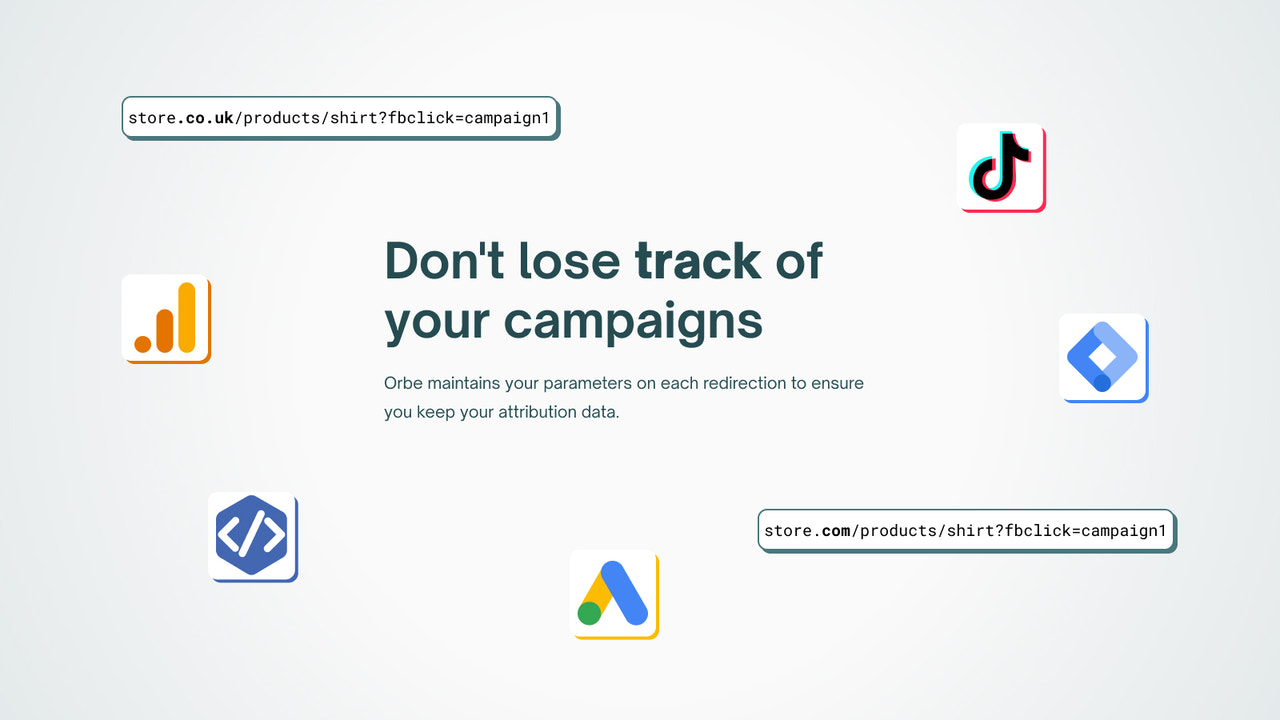
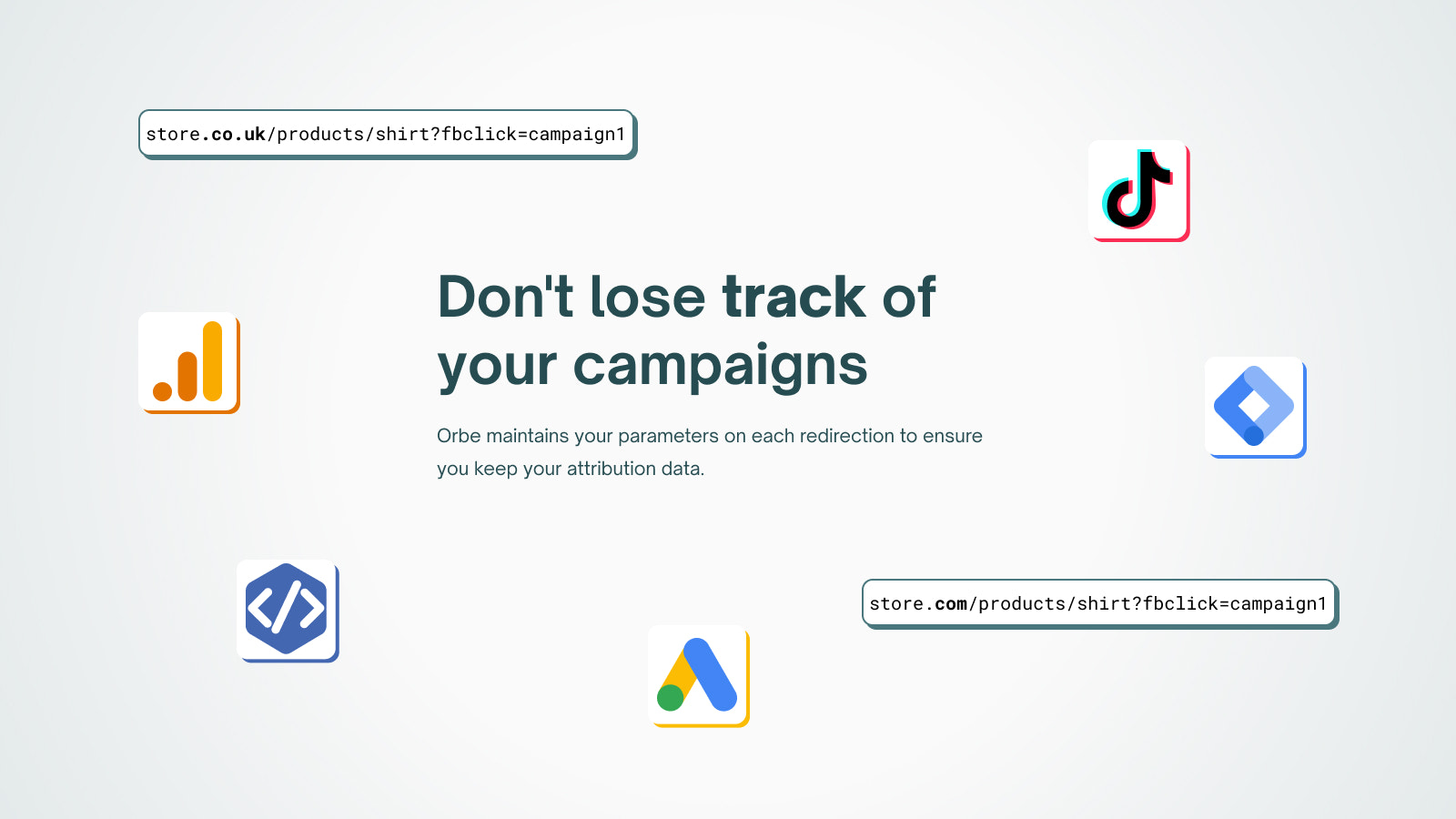
- Redirect while preserving marketing campaign attribution parameters
- Add a country selector and Shopify Markets native language switcher
Merchant-Friendly
- Cross-border E-commerce Merchants
- Multilingual Independent Stations
- Global Market Sellers
- Brand Export Merchants
Basic Information
- Developer:Mushdesk
- Address:Paseo de la Castellana, 194, Madrid, M, 28046, ES
- Price: Free / Free plan
- Rating:5 / 5
- Comment Count:256 comment
- Release Date:2022-4-18
- Supported languages:English、Danish、German、French、Italian、Dutch、Portuguese (Brazil)、Turkish、Swedish、Spanish
- Compatible products:Shopify
Application Screenshot










Price Plan
Basic
- 300 Free Monthly Redirects
- Geolocation Popup
- Unlimited Selectors
- Shopify Markets Integration
- Custom Design
- Auto Redirect
- Redirect Analytics
- UTM Parameters
Advanced
- All Features
- SEO-Friendly Popups
- Unlimited Redirects
- Advanced Geolocation Settings
- Translation Popups
- Klaviyo Integration
- Custom CSS
Plus
- All Features
- Redirect Between Multiple Stores
- Adjust Your Welcome Popup by Country
- Multi-Store Country Selector
User Location & Comments
User Location
Comments
Shopify API Used
- POST /admin/api/themes/{theme_id}/assets.json
- PUT /admin/api/themes/{theme_id}/assets.json
- GET /admin/api/themes/{theme_id}/assets.json
Permission:write_themes,read_themes,manage_markets
- POST /admin/api/translations.json
- PUT /admin/api/translations/{id}.json
- GET /admin/api/translations.json
Permission:write_translations,read_translations,manage_markets
- POST /admin/api/customers/{customer_id}/metafields.json
- PUT /admin/api/customers/{customer_id}/metafields.json
- GET /admin/api/customers/{customer_id}/metafields.json
Permission:write_customers,read_customers,manage_markets
- POST /admin/api/themes/{theme_id}/assets.json
- PUT /admin/api/themes/{theme_id}/assets.json
- GET /admin/api/markets/{market_id}/settings.json
Permission:write_themes,read_themes,manage_markets
- POST /admin/api/themes/{theme_id}/assets.json
- PUT /admin/api/themes/{theme_id}/assets.json
- GET /admin/api/markets.json
Permission:write_themes,read_themes,manage_markets



