
App Introduction
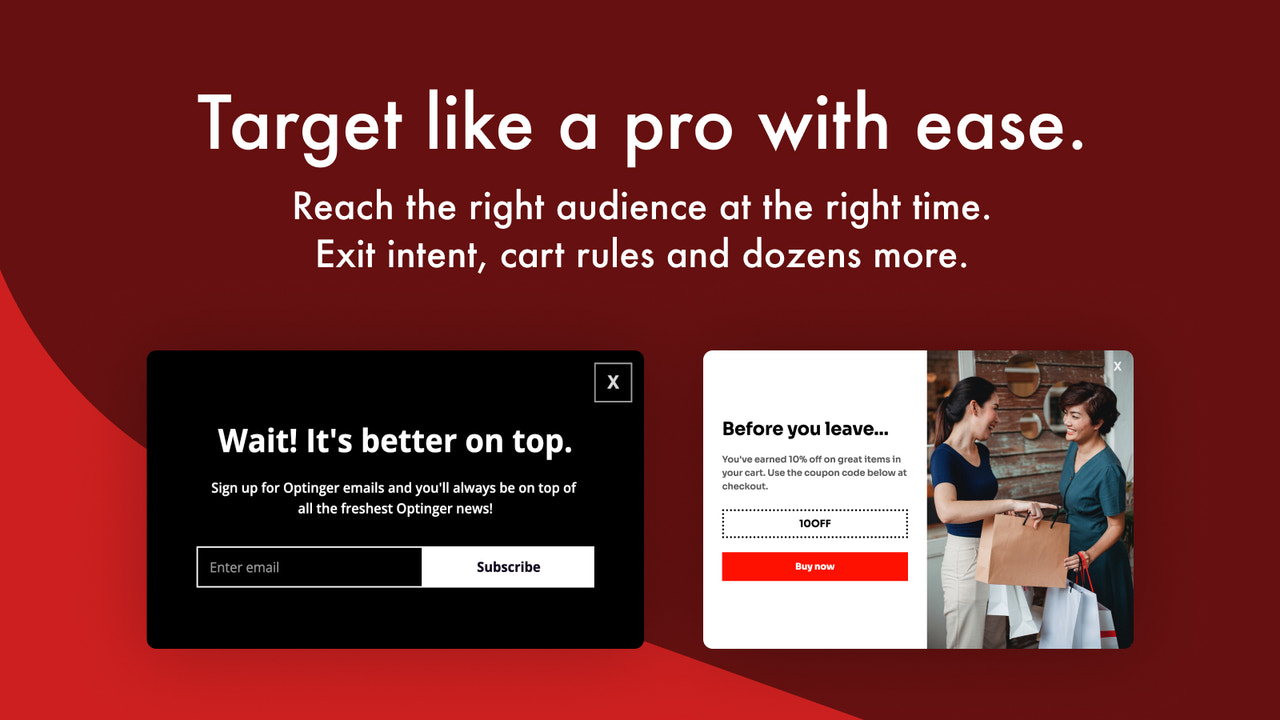
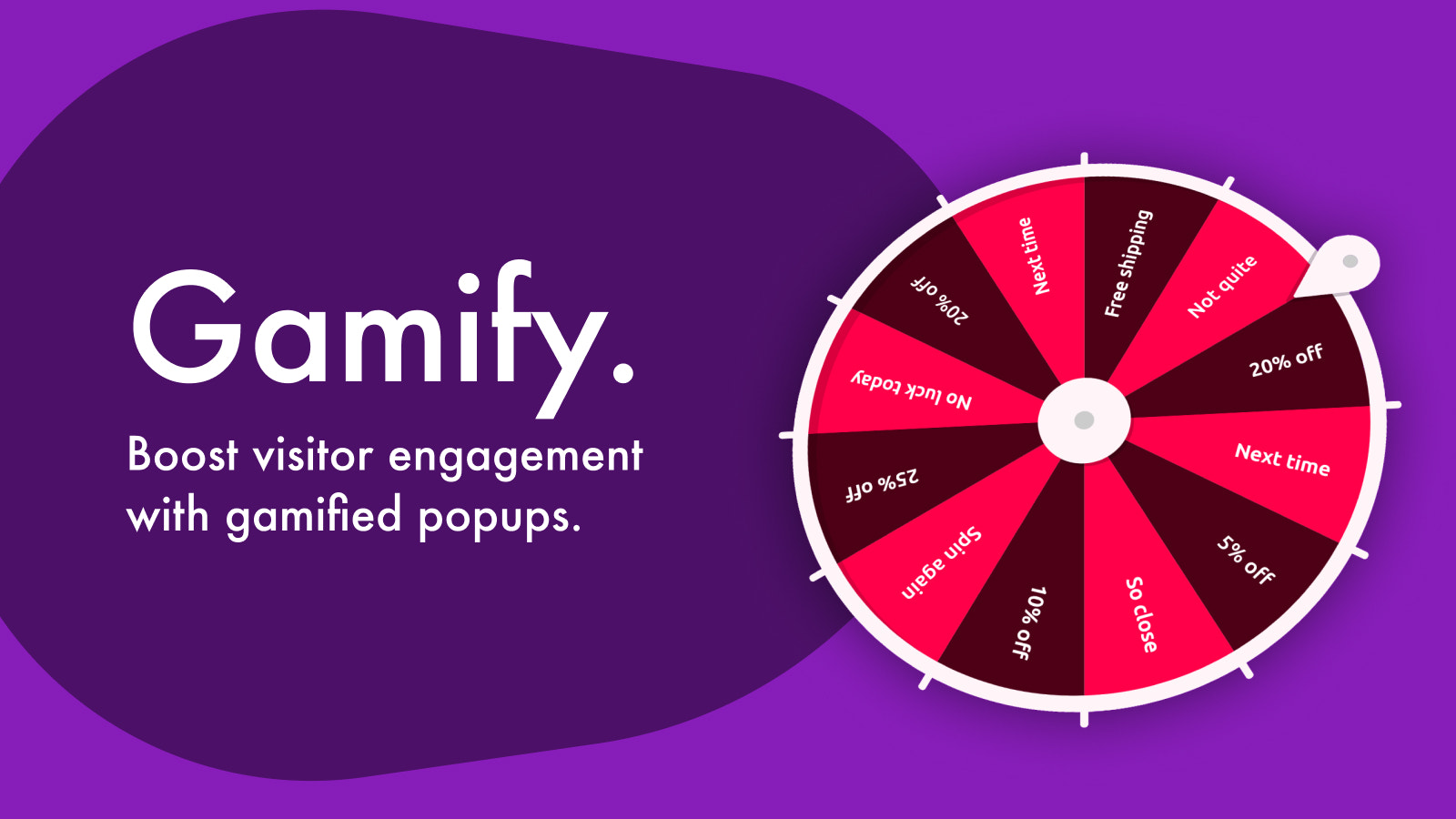
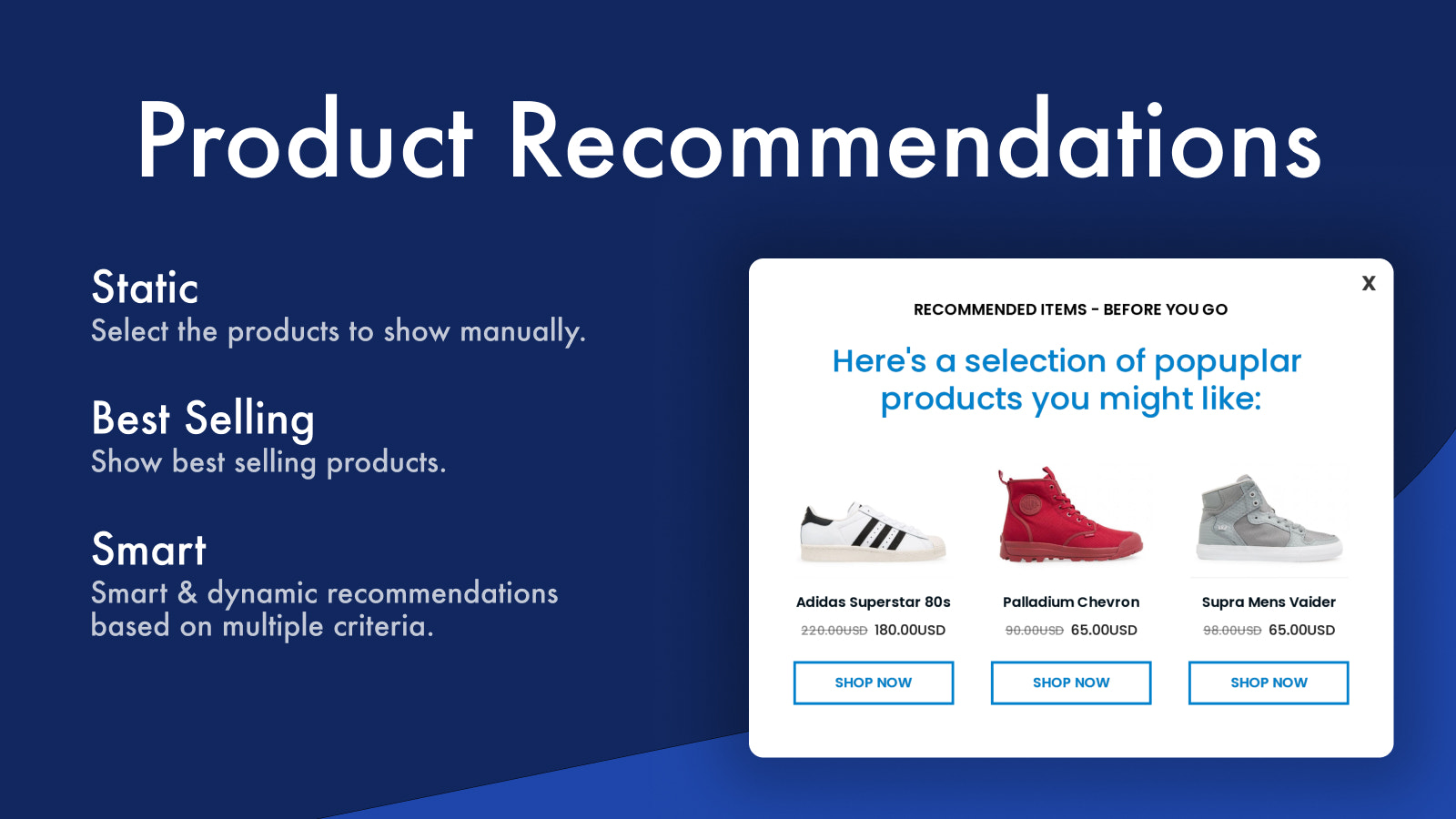
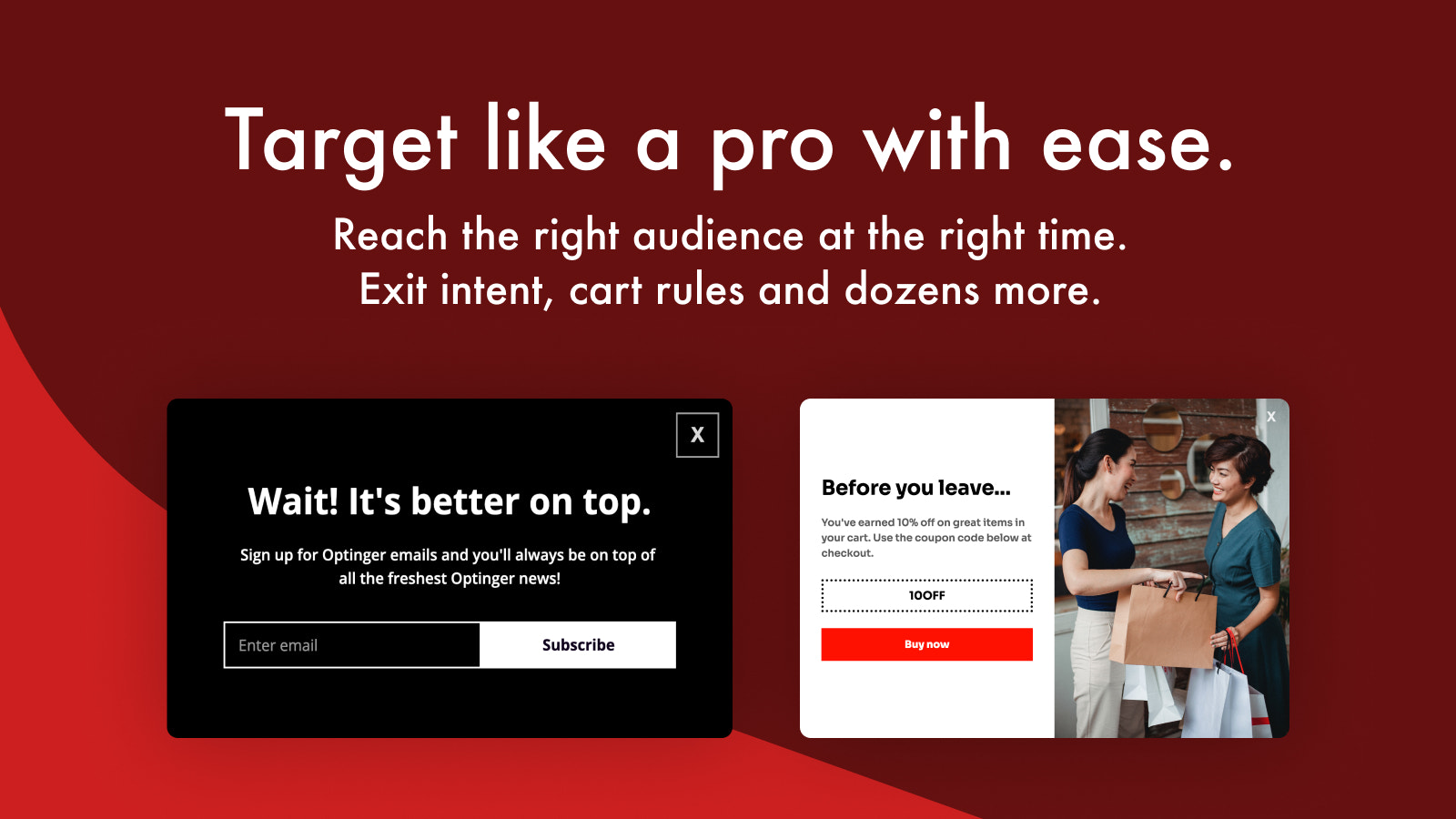
Personalize popups in minutes: Email, Exit Intent, Spin-to-Win, Discount, Upsell, and more. Boost sales, create gamified experiences, collect emails, and sync with your favorite tools. Elevate user engagement with discount and lucky wheel popups. Sell more via smart product recommendations, upsell, and cross-sell popups. A drag-and-drop popup builder gives you full control, while abundant pre-made templates let you launch quickly. Advanced targeting supports rich options like Exit Intent and cart rules. Let’s grow your business together!
Core Functionality
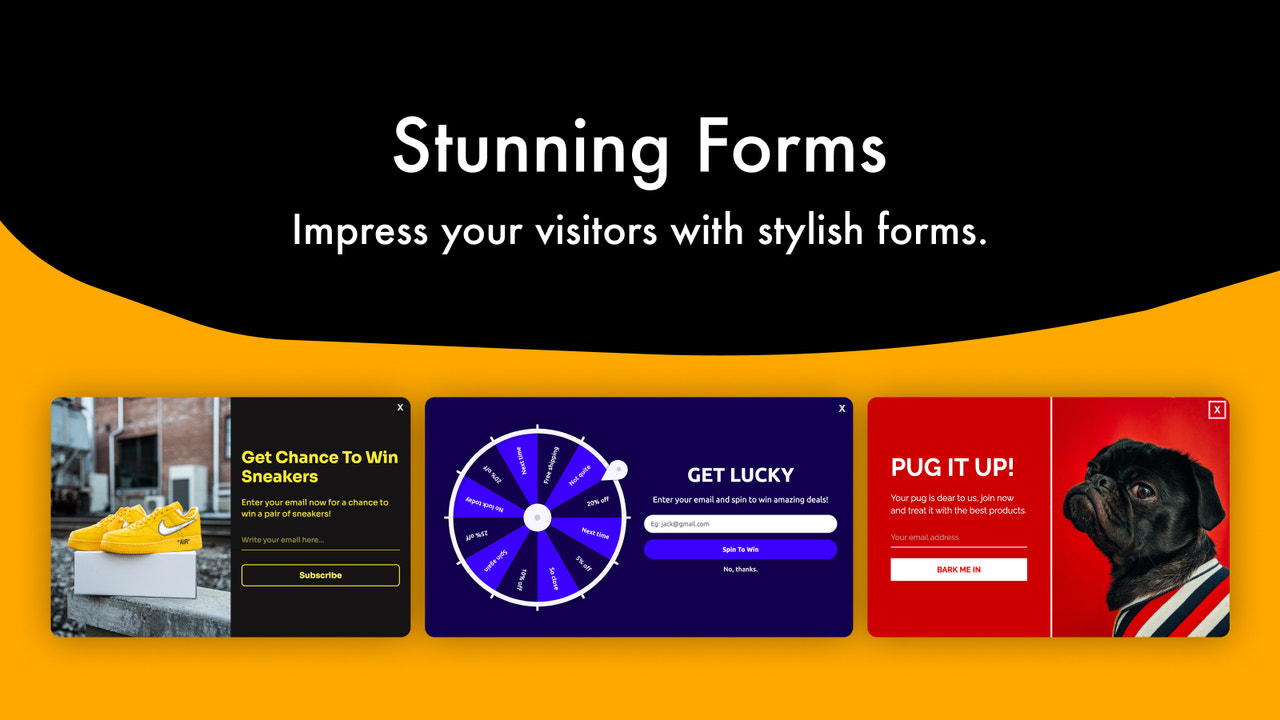
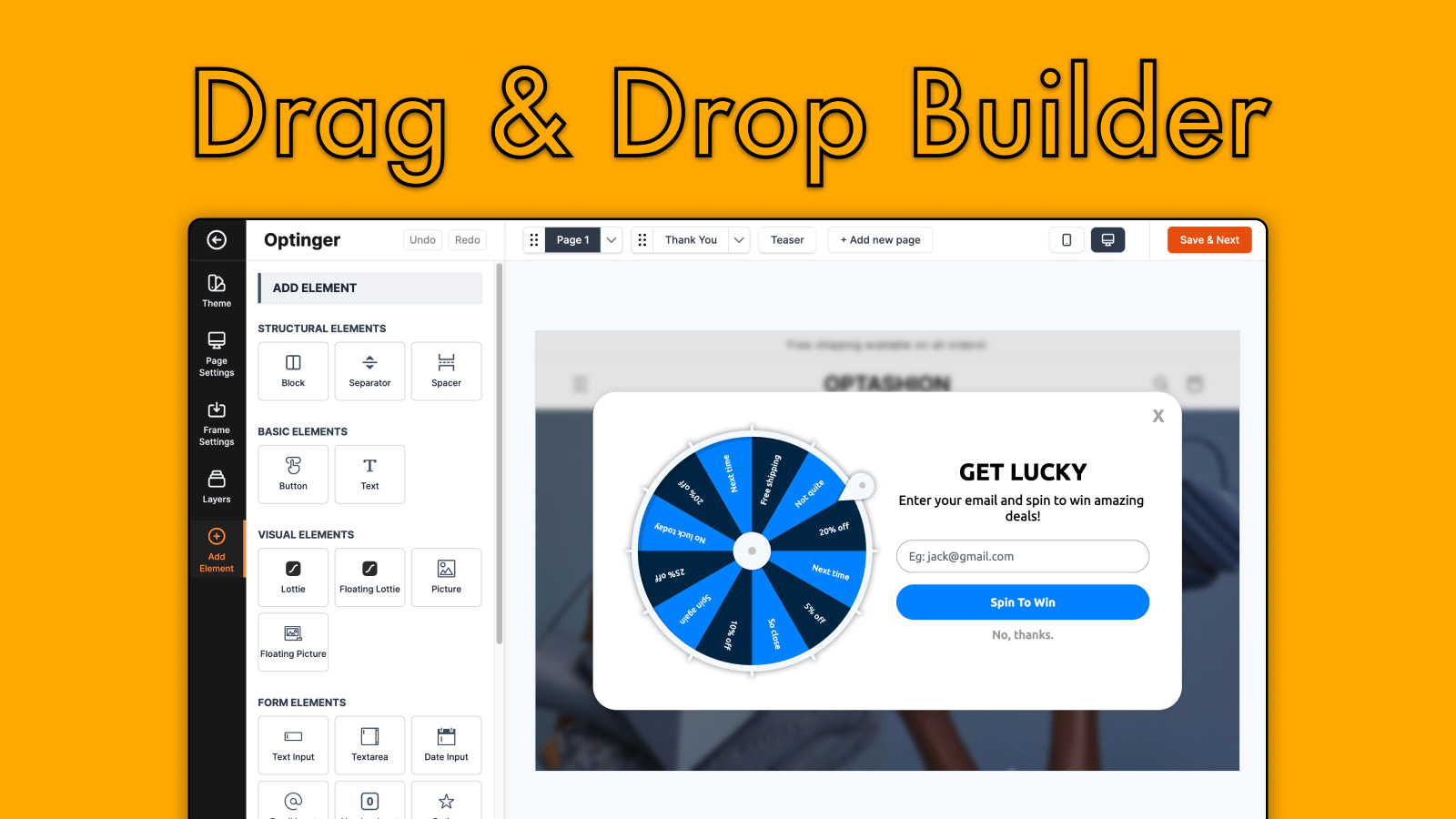
- Drag-and-drop popup builder with a rich template library for easy customization and branding
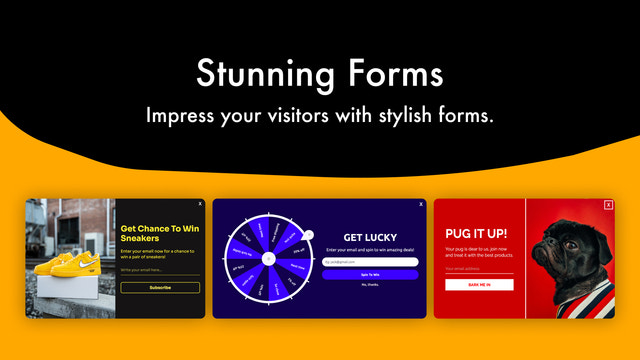
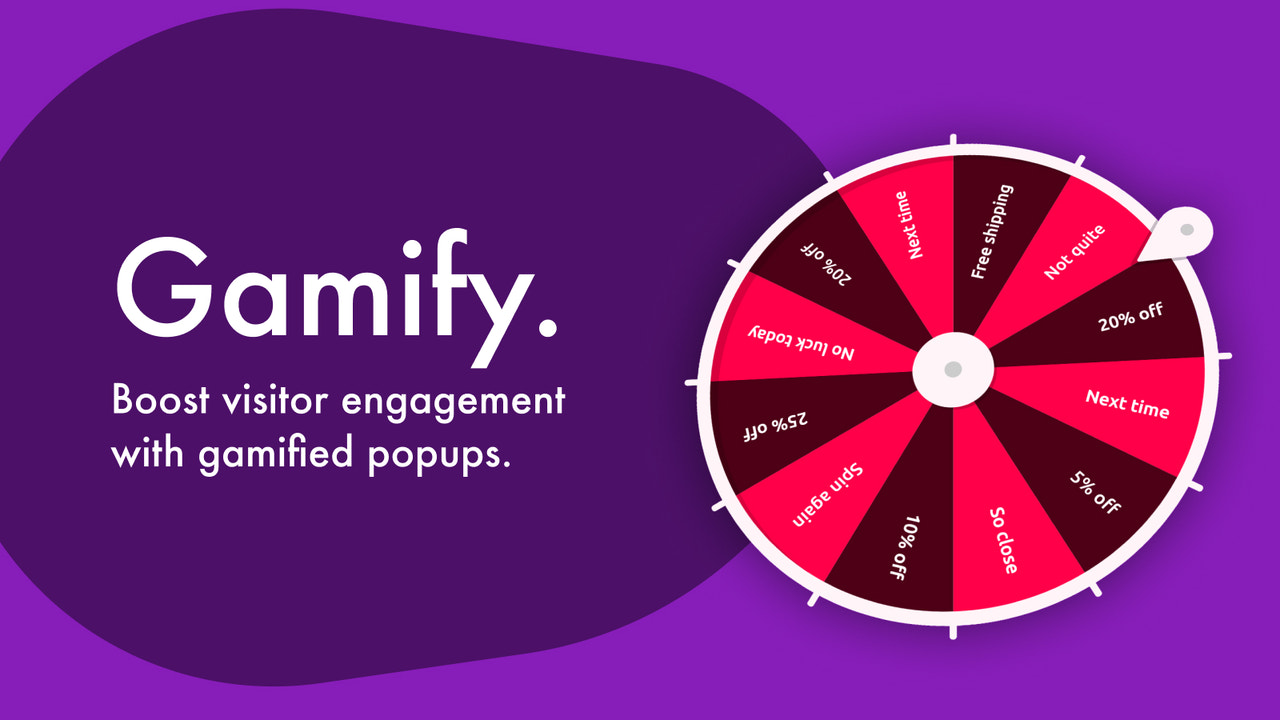
- Email popups with gamified widgets to boost engagement
- Sales popups to promote products, offer discounts, and highlight free shipping thresholds
- Personalized popups with advanced targeting and smart data binding
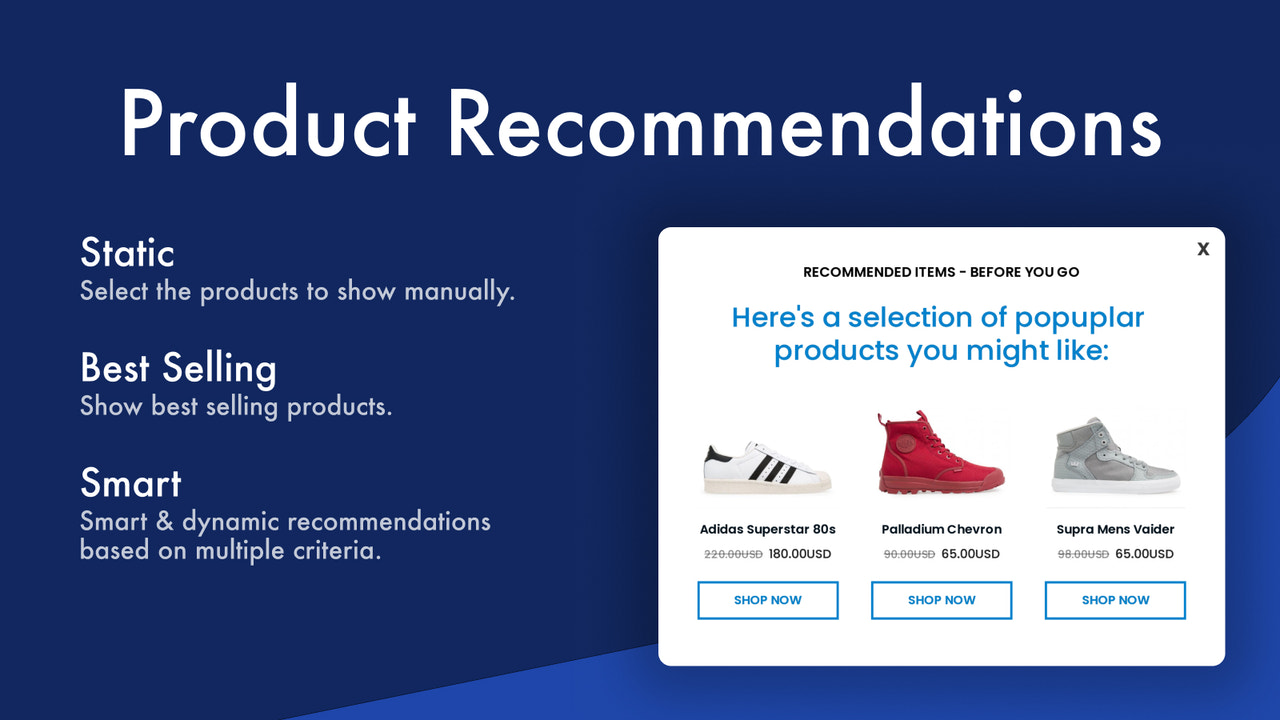
- Intelligent product recommendation popups for upselling and cross-selling
Merchant-Friendly
- Independent Station Merchants
- Multi-category E-commerce
- Growth-oriented Sellers
- Branded E-commerce
- Cross-border E-commerce
Basic Information
- Developer:Optinger
- Address:Bursa, TR
- Price: Free / Free plan
- Rating:5 / 5
- Comment Count:1 comment
- Release Date:2023-4-4
- Supported languages:English
- Compatible products:Shopify
Application Screenshot






Price Plan
Free
- 7,00 Page Views/Month
- 100 Emails/Month
- Unlimited Campaigns
- Unlimited Integrations
Starter
- 50,000 Page Views
- 1,00 Emails/Month
- Unlimited Campaigns
- Unlimited Integrations
Growth
- 200,00 Page Views
- 3,000 Emails/Month
- Unlimited Activities
- Unlimited Integrations
Pro
- 1,000,000 Page Views
- 10,00 Emails/Month
- Unlimited Campaigns
- Unlimited Integrations
User Location & Comments
User Location
Comments
Shopify API Used
- POST /admin/api/popup.json
- PUT /admin/api/popup/{id}.json
- GET /admin/api/popup.json
Permission:write_popup,read_popup,manage_themes
- POST /admin/api/popup/email.json
- PUT /admin/api/popup/email/{id}.json
- GET /admin/api/popup/email.json
Permission:write_popup,read_popup,manage_emails
- POST /admin/api/popup/sales.json
- PUT /admin/api/popup/sales/{id}.json
- GET /admin/api/popup/sales.json
Permission:write_popup,read_popup,manage_discounts
- POST /admin/api/popup/personalized.json
- PUT /admin/api/popup/personalized/{id}.json
- GET /admin/api/popup/personalized.json
Permission:write_popup,read_popup,manage_customer_data
- POST /admin/api/popup/recommendation.json
- PUT /admin/api/popup/recommendation/{id}.json
- GET /admin/api/popup/recommendation.json
Permission:write_popup,read_popup,manage_products



