
App Introduction
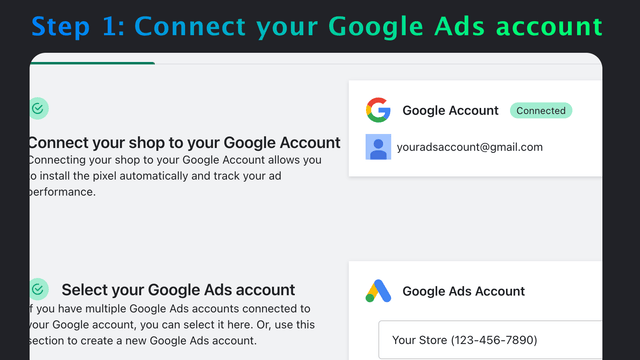
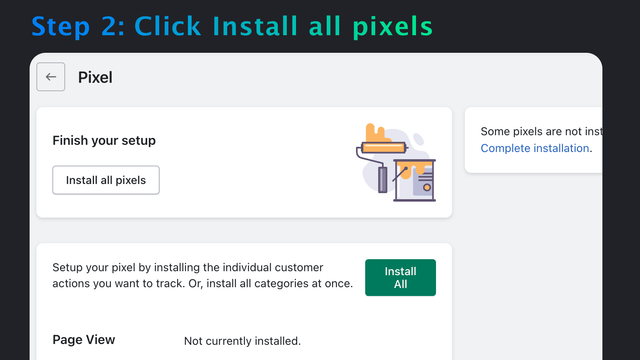
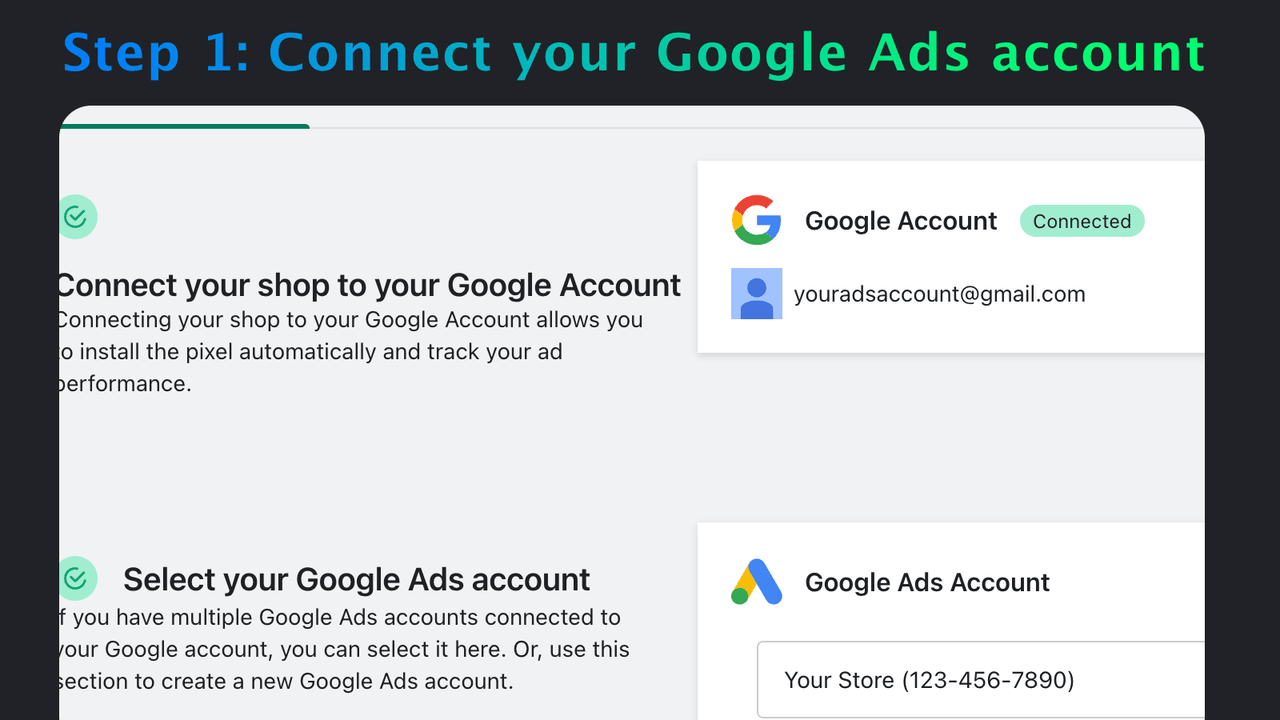
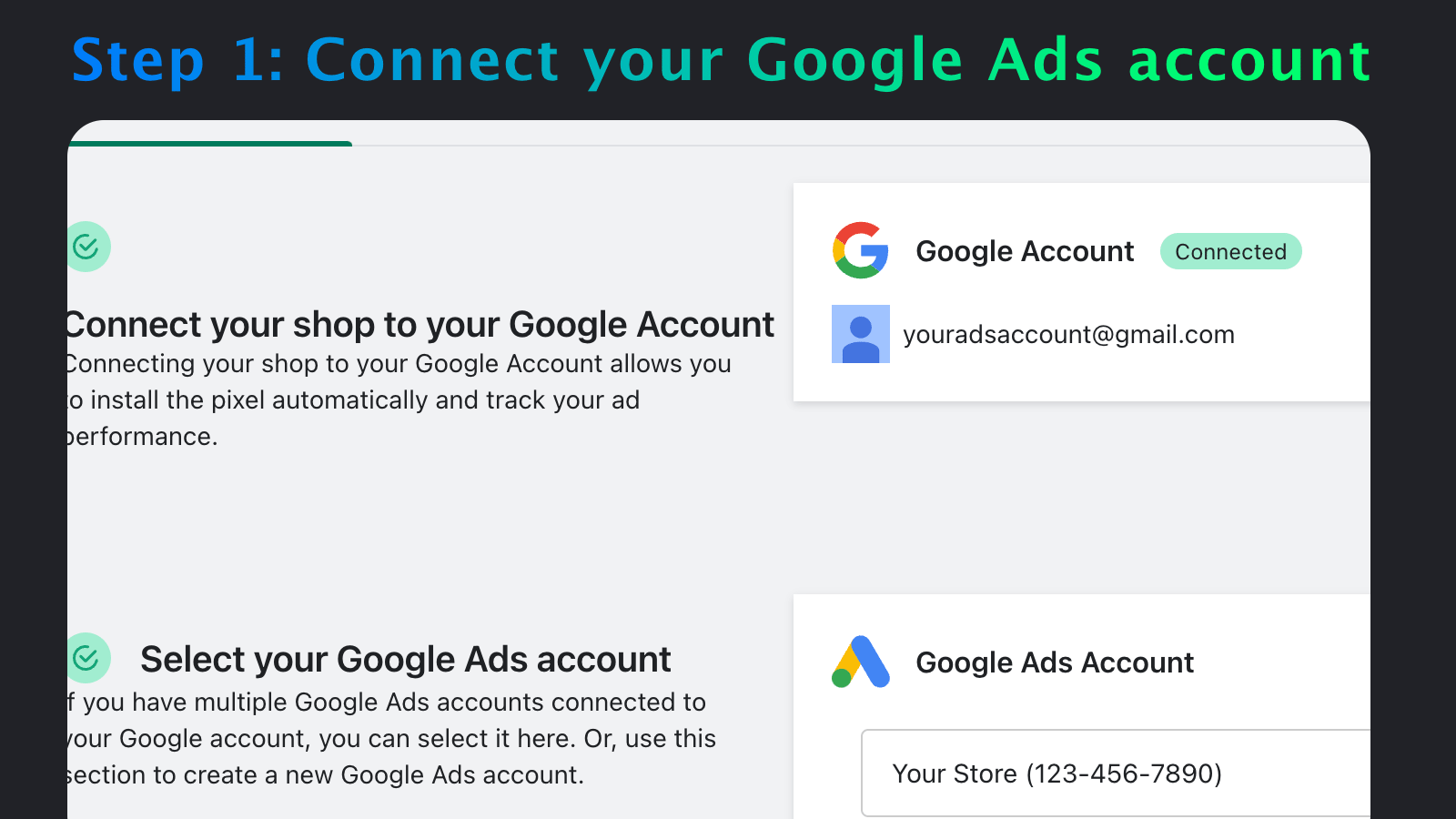
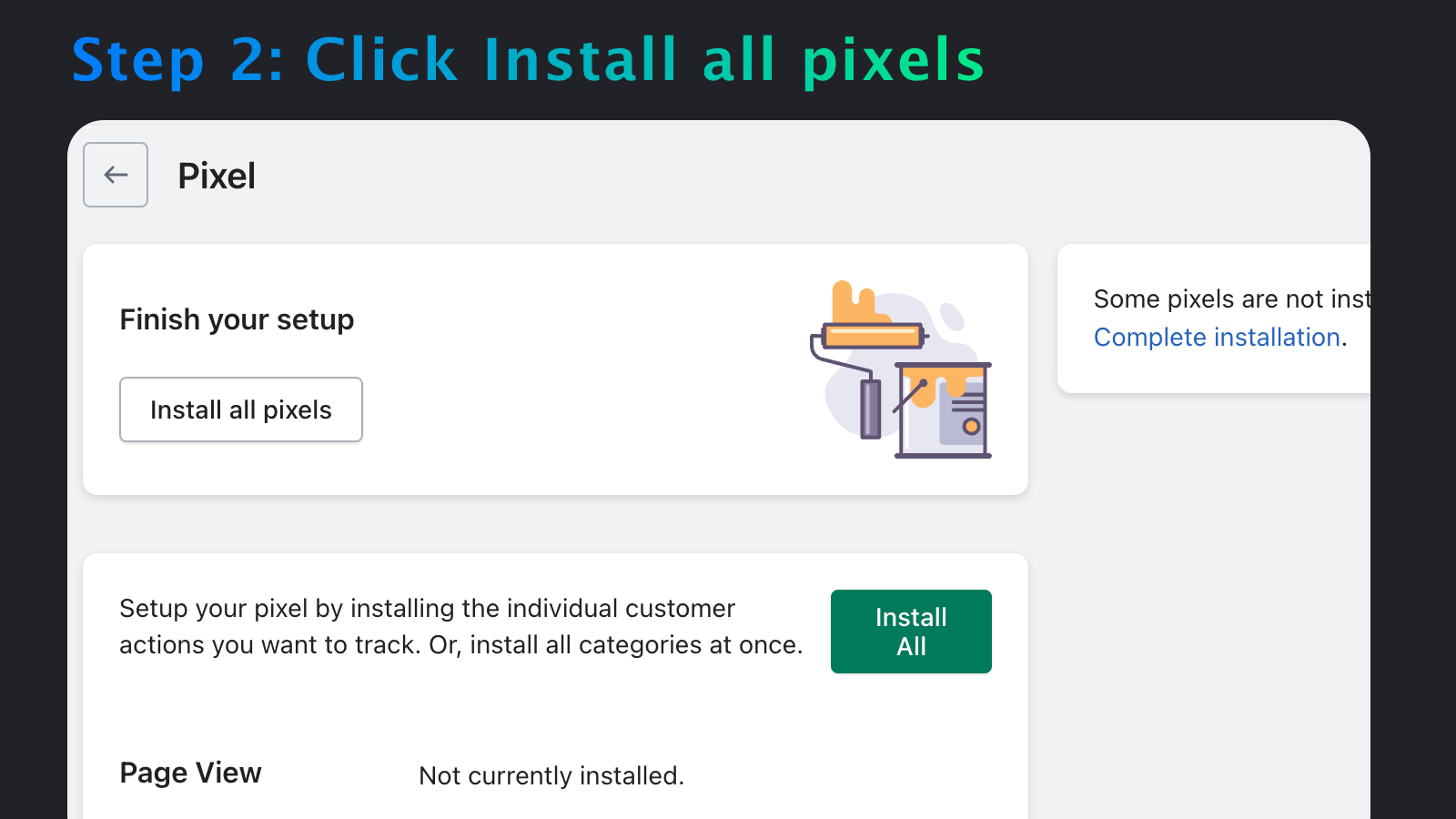
Foolproof Google Ads Conversion Tracking. Install the Google Ads conversion pixel with just one click. Use OneClick Google Ads Conversion Tracking to automatically install the Google tracking pixel in your store. Select "Auto Mode" in the app, log in with Google, then click "Create Pixel." It takes just 2 minutes—super simple. After that, customers who reach your store from Google Ads (formerly Google Adwords) will be tracked. This gives you the data you need to improve your ads, avoid wasting money on ineffective ads, and boost your profits.
Core Functionality
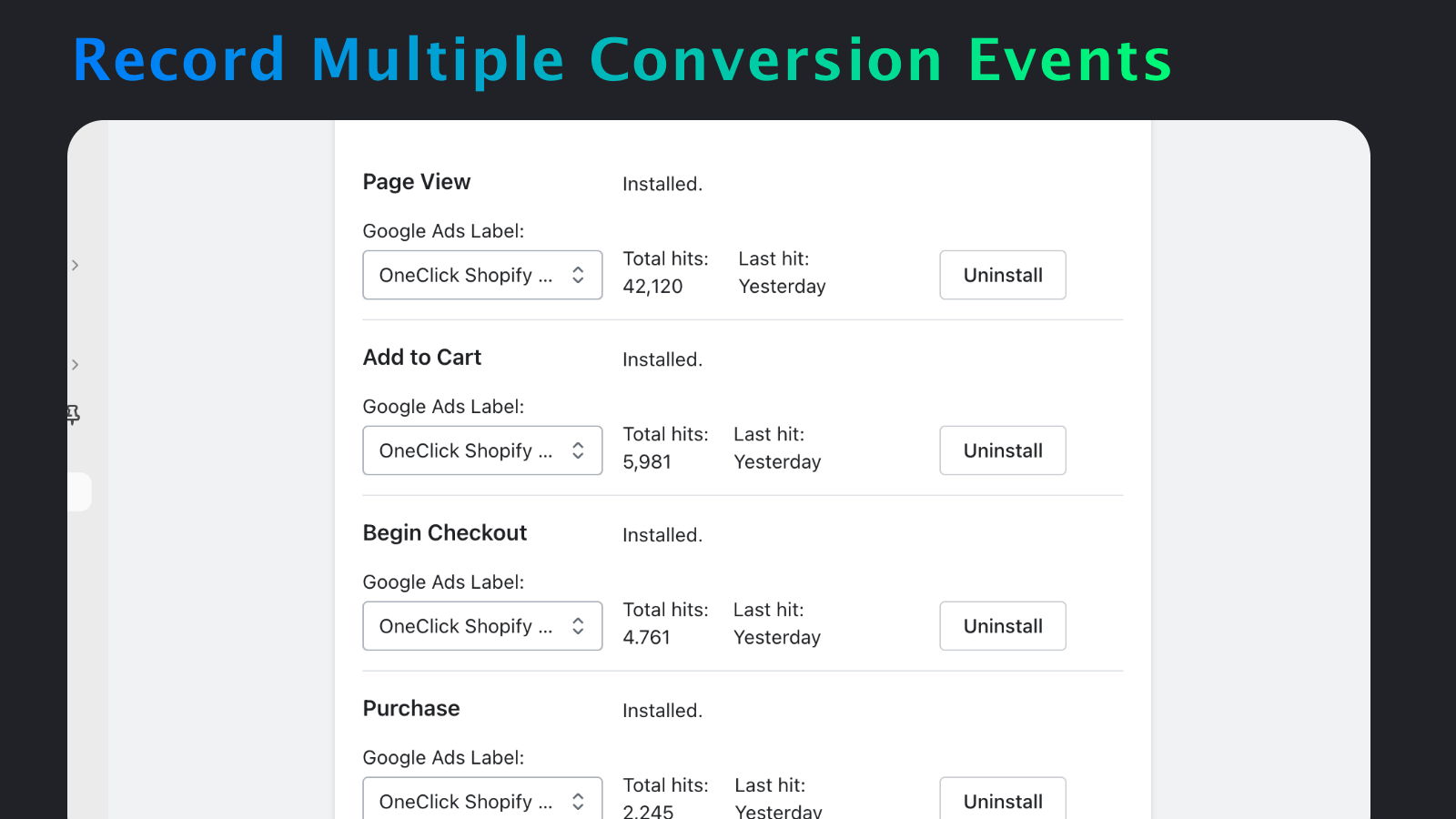
- Track page views, add-to-cart, checkout initiation, purchases, and email sign-up events
- Includes dynamic remarketing and enhanced conversions
- Supports custom checkouts without making changes to your theme
- Foolproof installation — no code writing or copying required
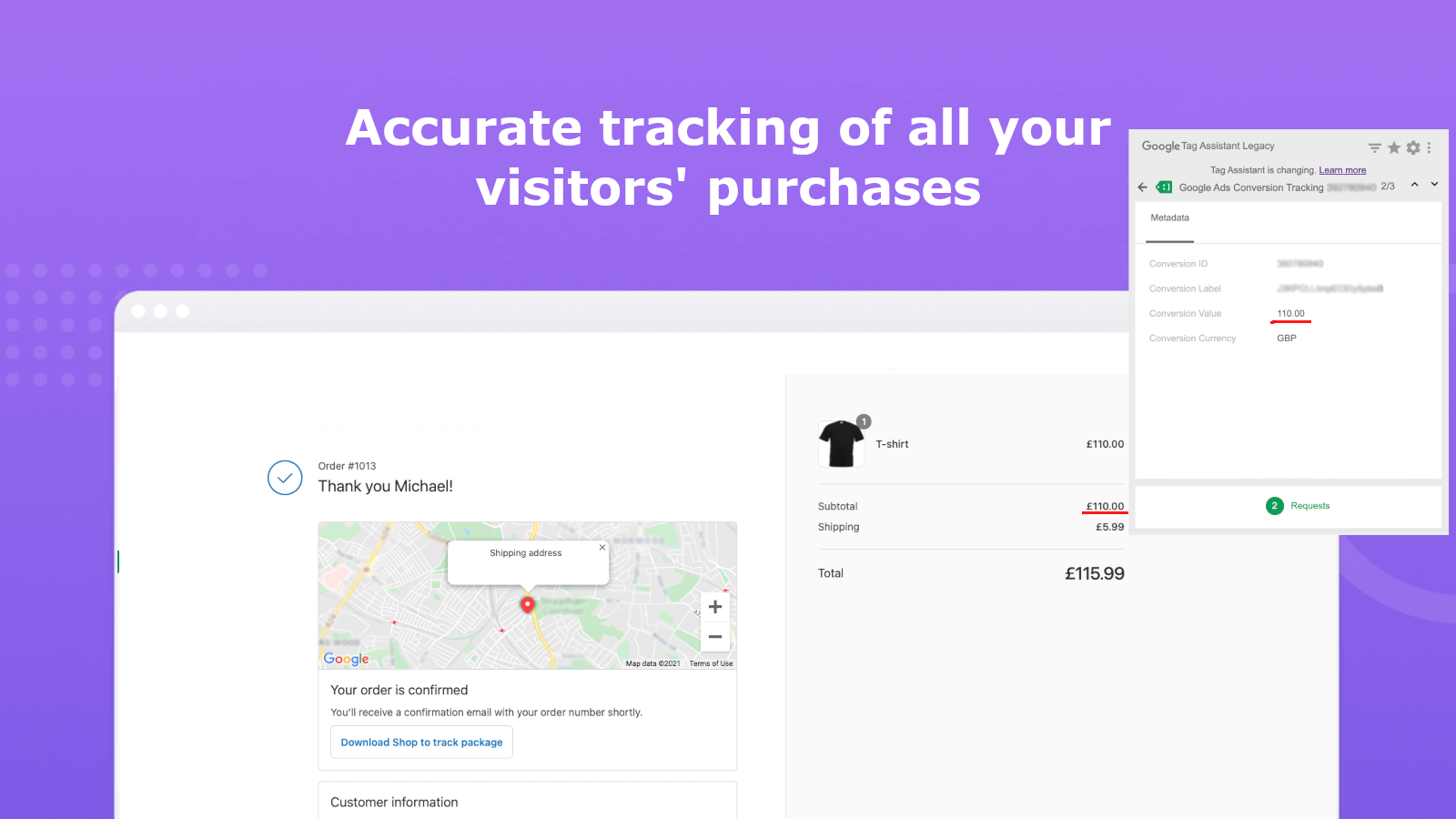
- Guaranteed accurate conversion tracking to avoid duplicate events
Merchant-Friendly
- Independent E-commerce Merchants
- Small & Medium E-commerce Sellers
- Cross-border E-commerce Merchants
- Brand Independent Station Merchants
Basic Information
- Developer:OneClick
- Address:Carmel, IN, US
- Price: Free / Free plan
- Rating:1.5 / 5
- Comment Count:6 comment
- Release Date:2021-7-1
- Supported languages:English
- Compatible products:Shopify
Application Screenshot


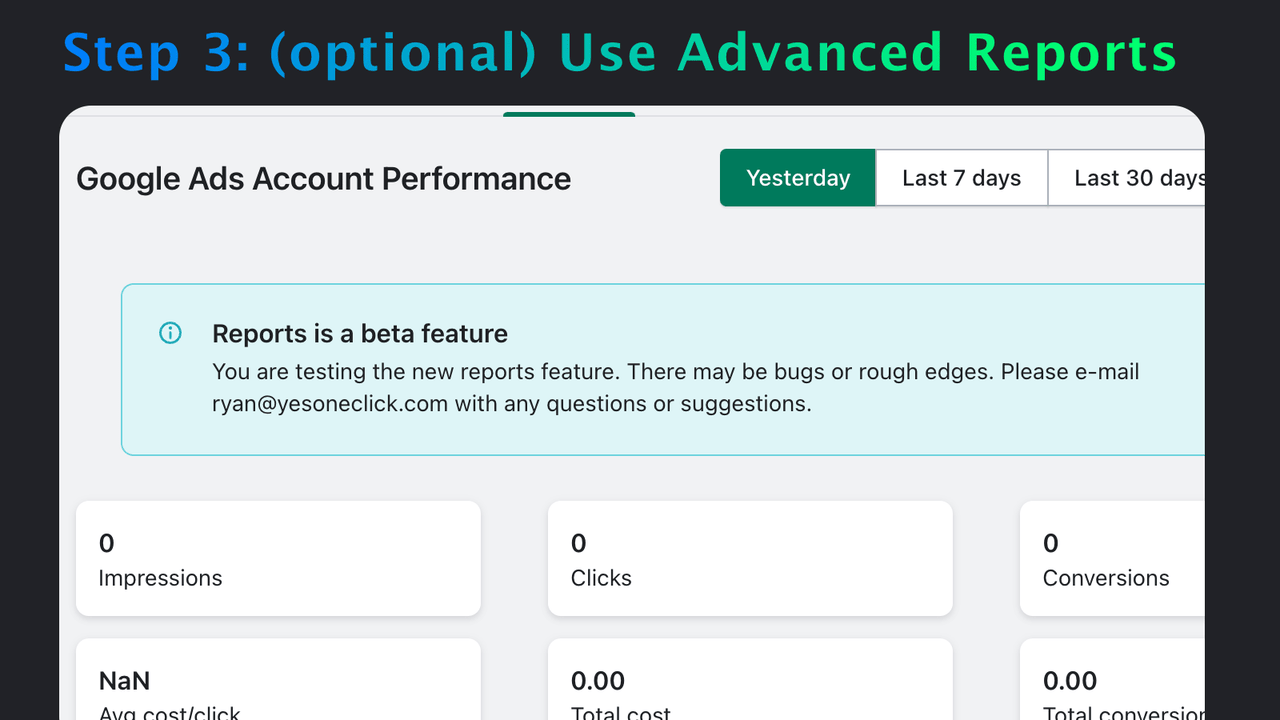
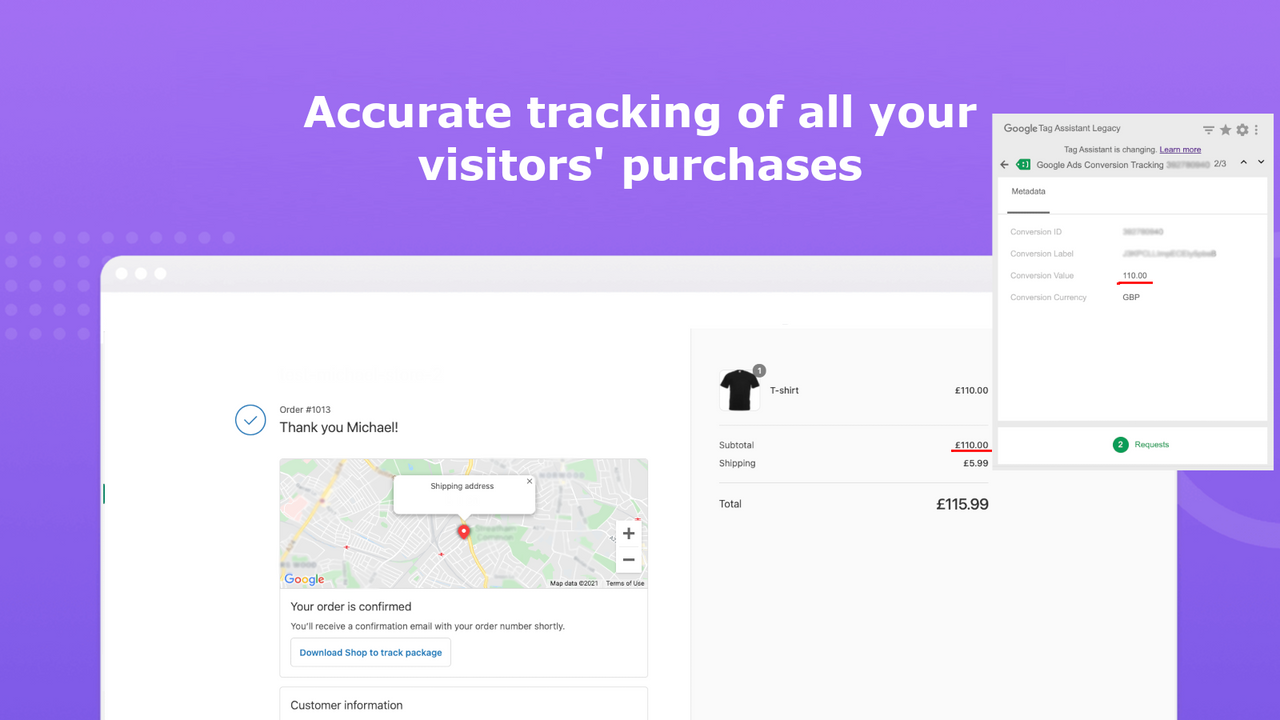
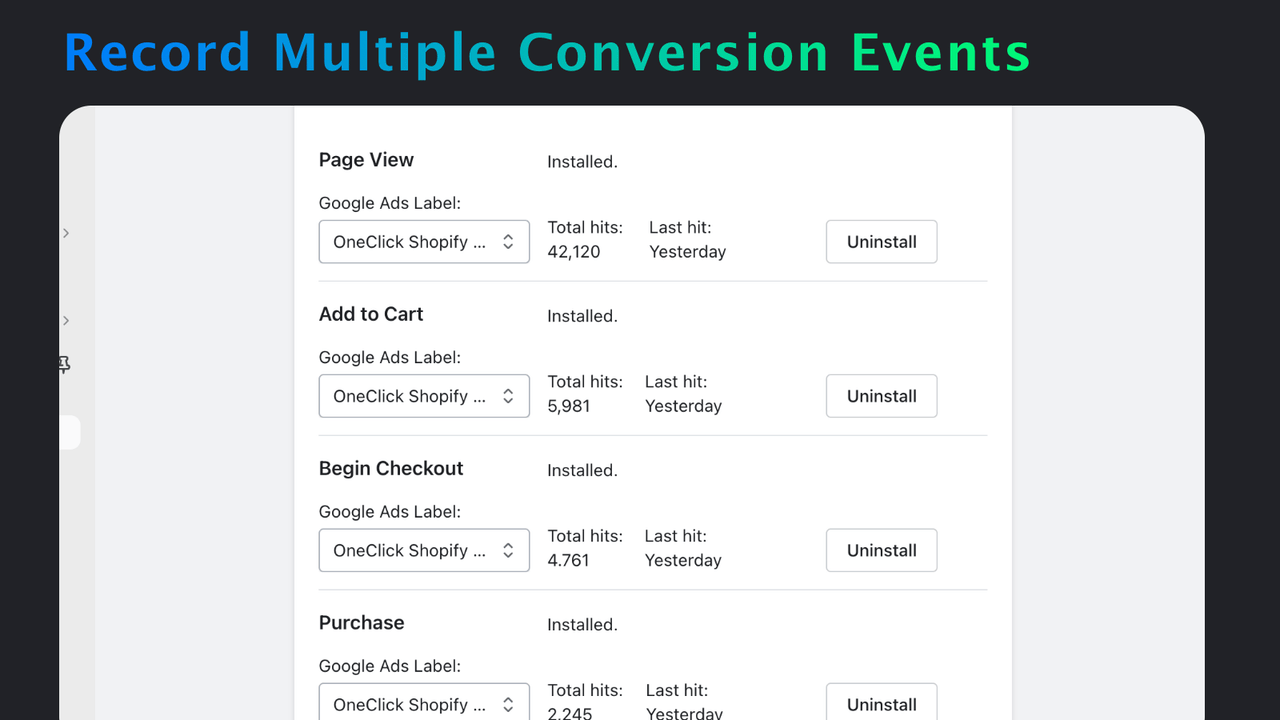

Price Plan
完整跟踪
- Page View, Add to Cart, Checkout, Purchase
- Dynamic Retargeting
- Enhanced Conversion
User Location & Comments
User Location
Comments
Shopify API Used
- POST /admin/api/events.json
- GET /admin/api/events.json
- PUT /admin/api/events/{id}.json
Permission:write_events,read_events,manage_analytics
- POST /admin/api/retargeting_campaigns.json
- GET /admin/api/retargeting_campaigns.json
- PUT /admin/api/retargeting_campaigns/{id}.json
Permission:write_retargeting,read_retargeting,manage_marketing
- POST /admin/api/checkout_settings.json
- GET /admin/api/checkout_settings.json
- PUT /admin/api/checkout_settings.json
Permission:write_checkout,read_checkout,manage_shop
- POST /admin/api/conversion_tracking.json
- GET /admin/api/conversion_tracking.json
- PUT /admin/api/conversion_tracking/{id}.json
Permission:write_analytics,read_analytics,manage_orders



