
App Introduction
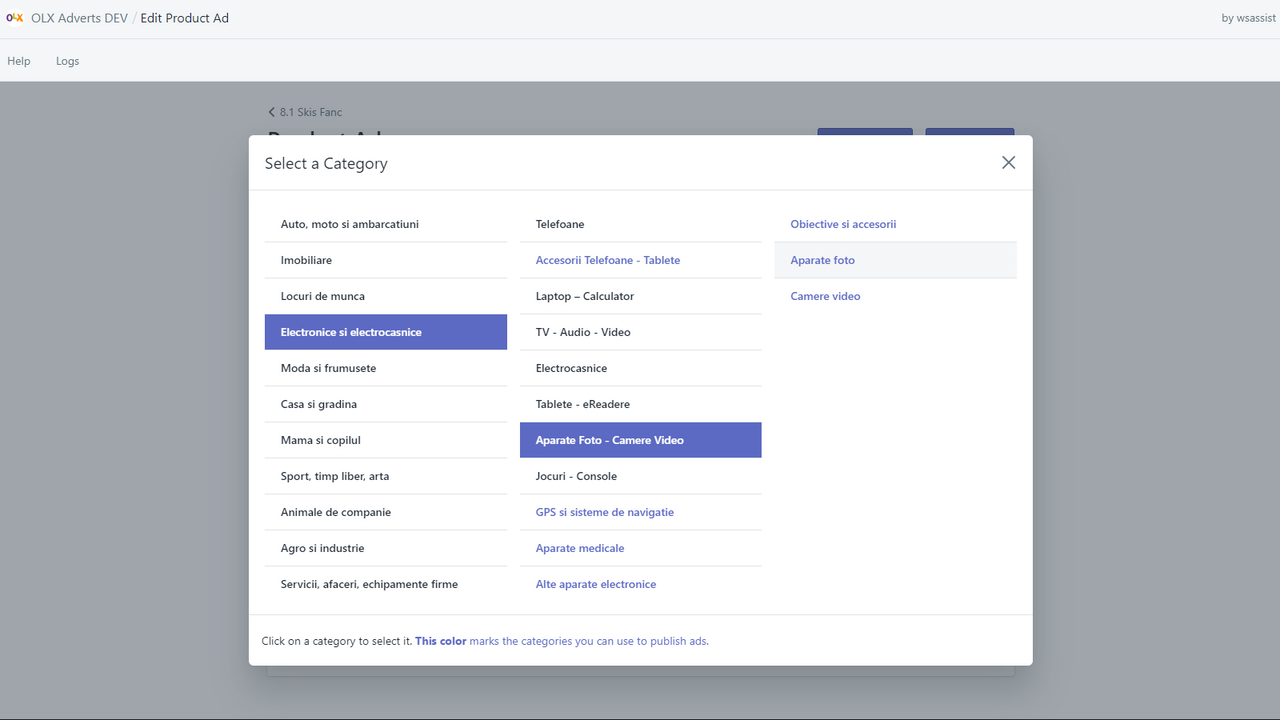
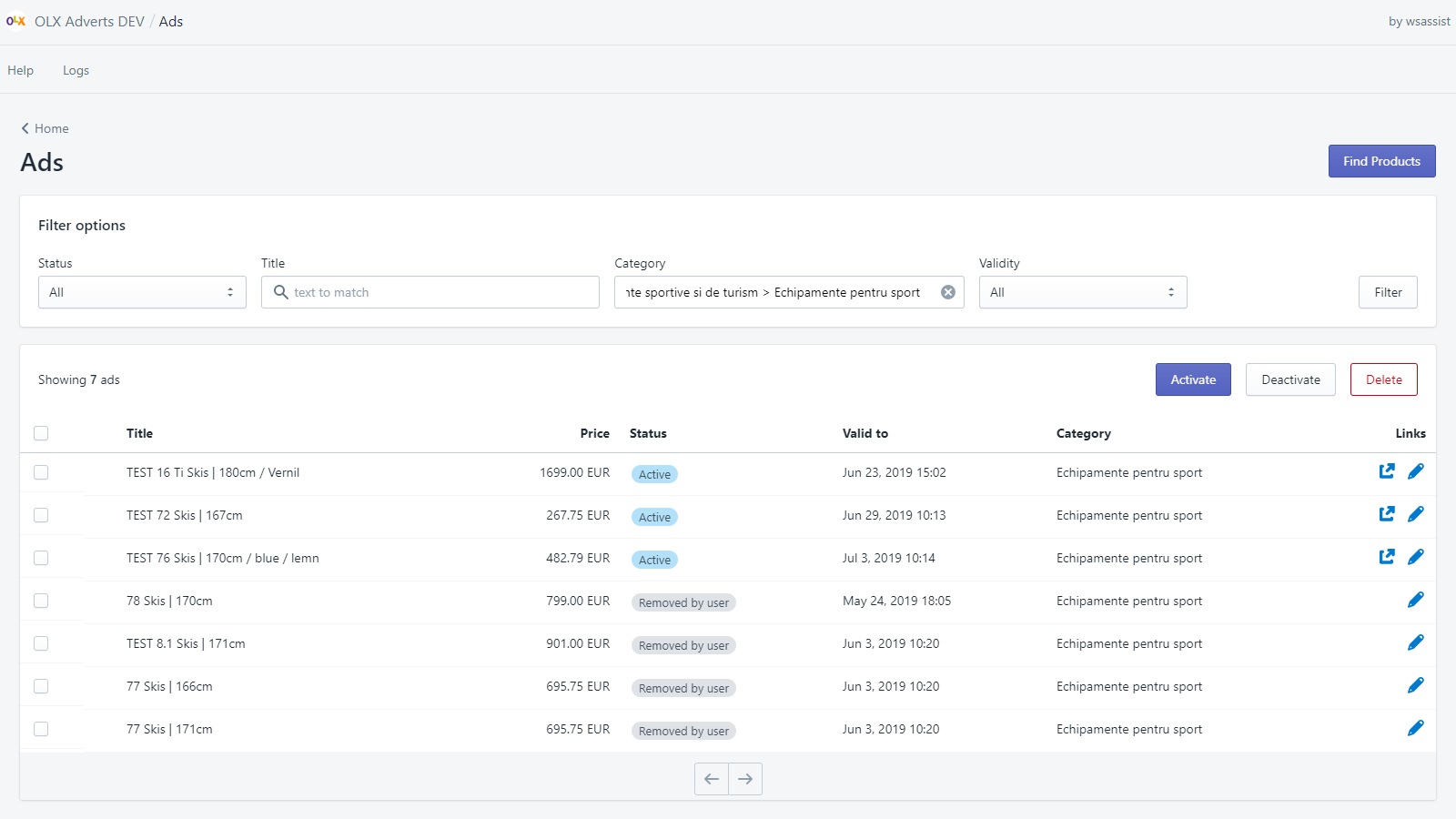
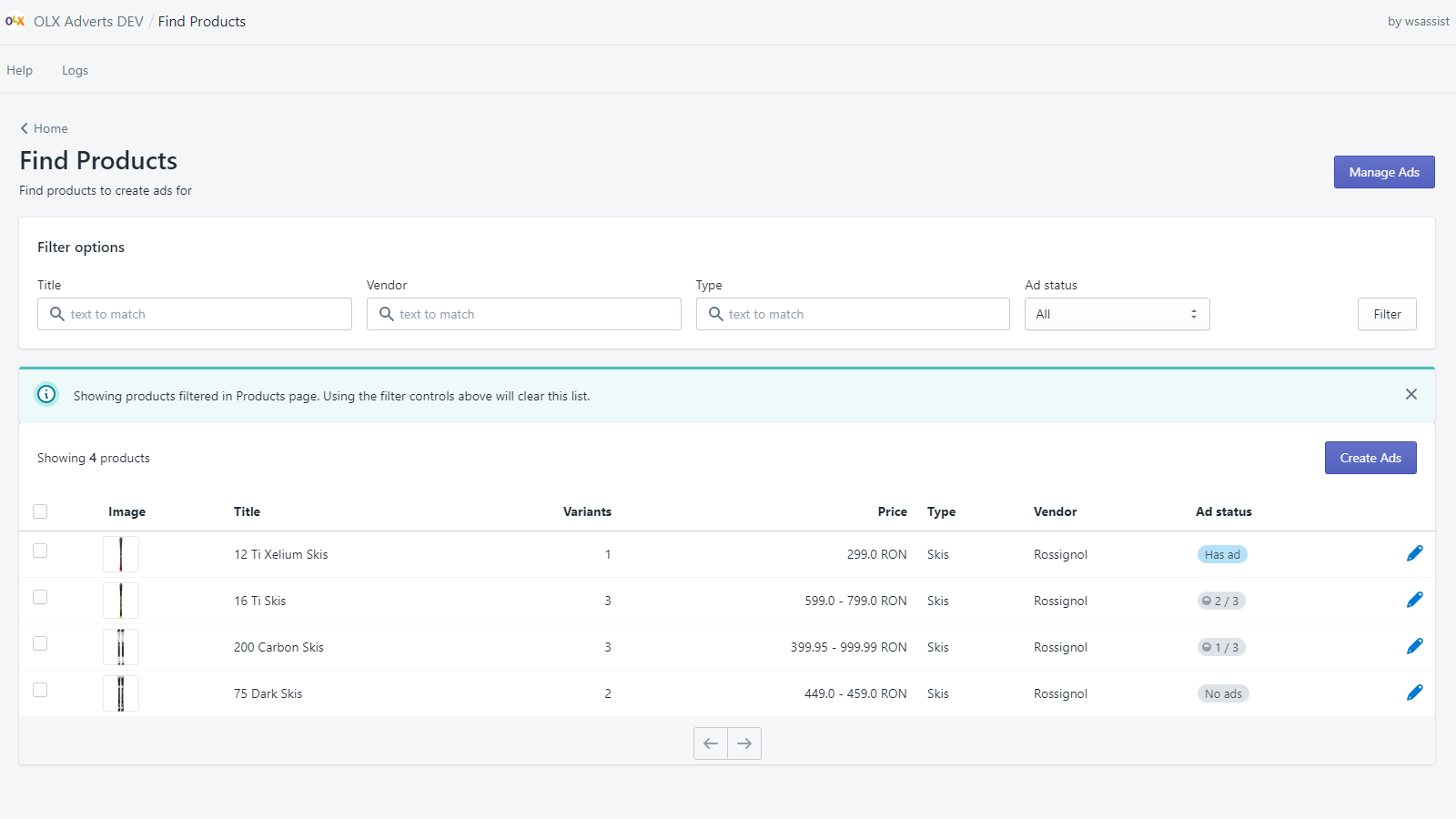
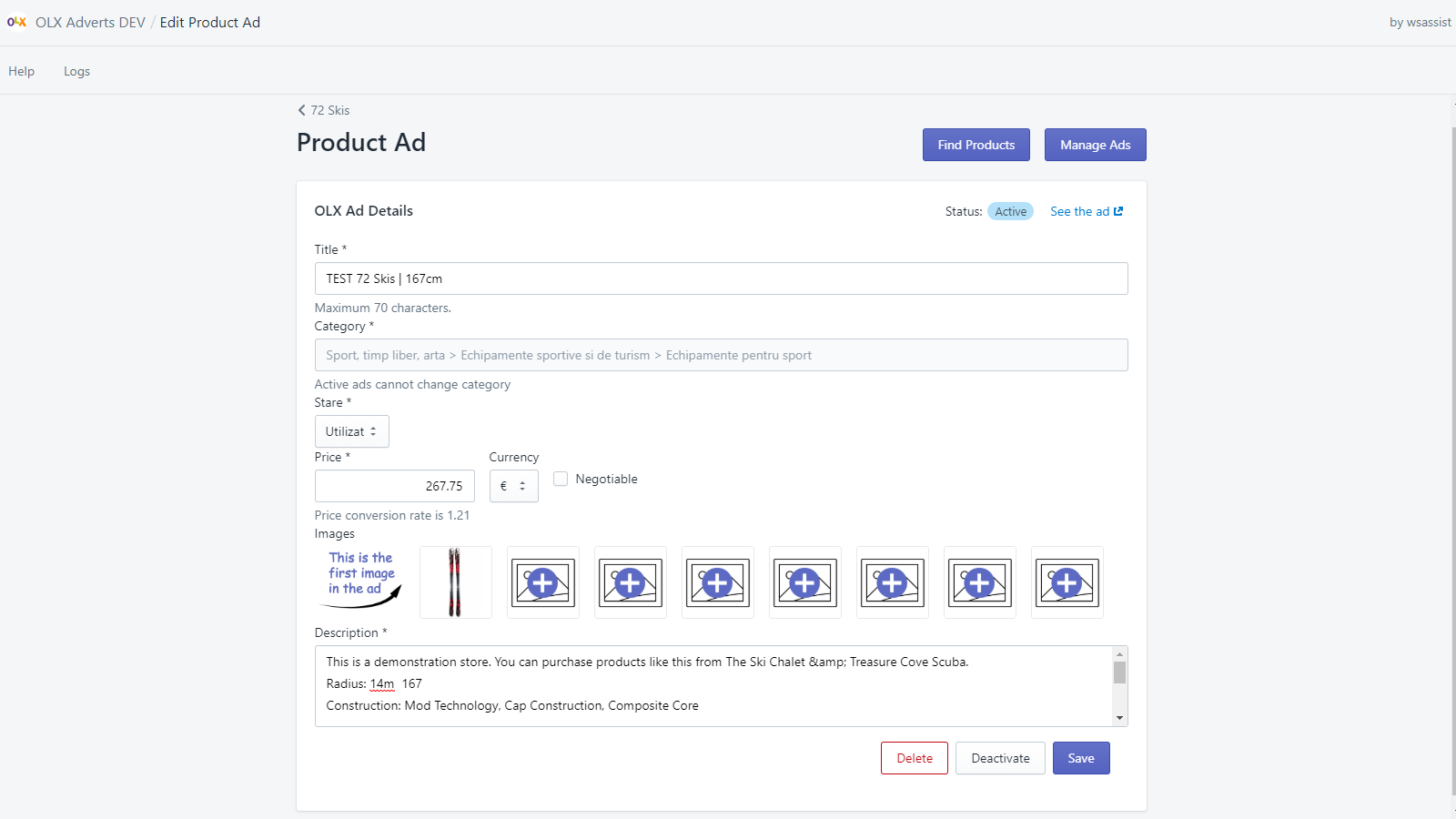
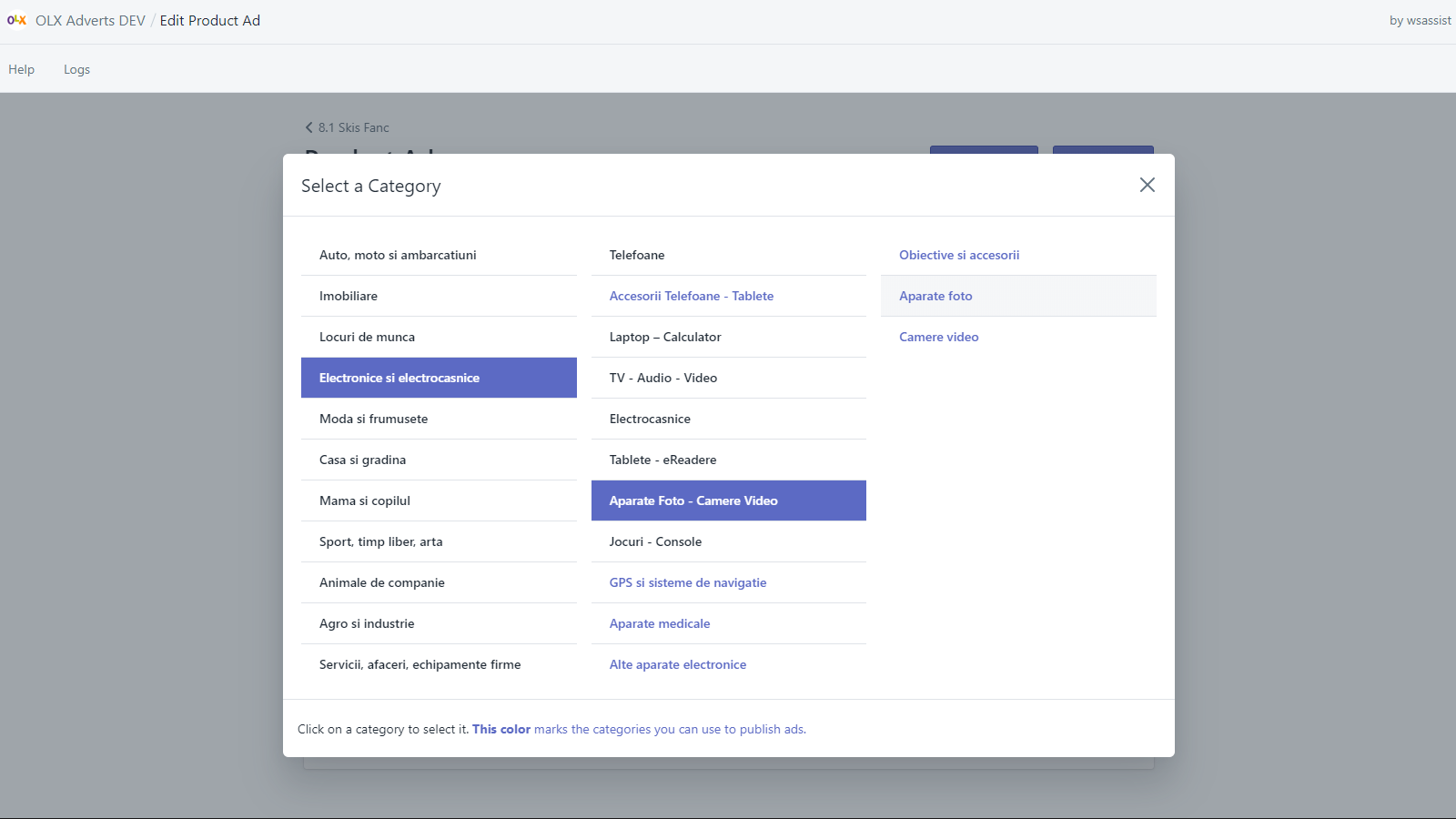
Easily create OLX ads for your products and manage them via bulk actions You can create or edit ads for a single product or its variants, or for multiple products within a single category on the OLX platform. In single-product mode, you have full control over ad details—you can adjust the price, title, description, or other attributes that depend on the selected ad category. In bulk mode, products will be listed under the same OLX category. This app works with OLX Romania, OLX Portugal, OLX Poland, and OLX Bulgaria.
Core Functionality
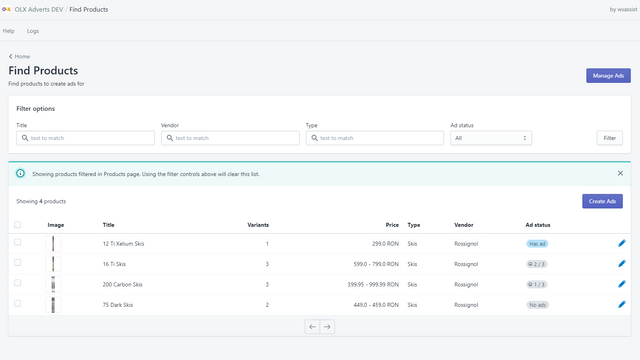
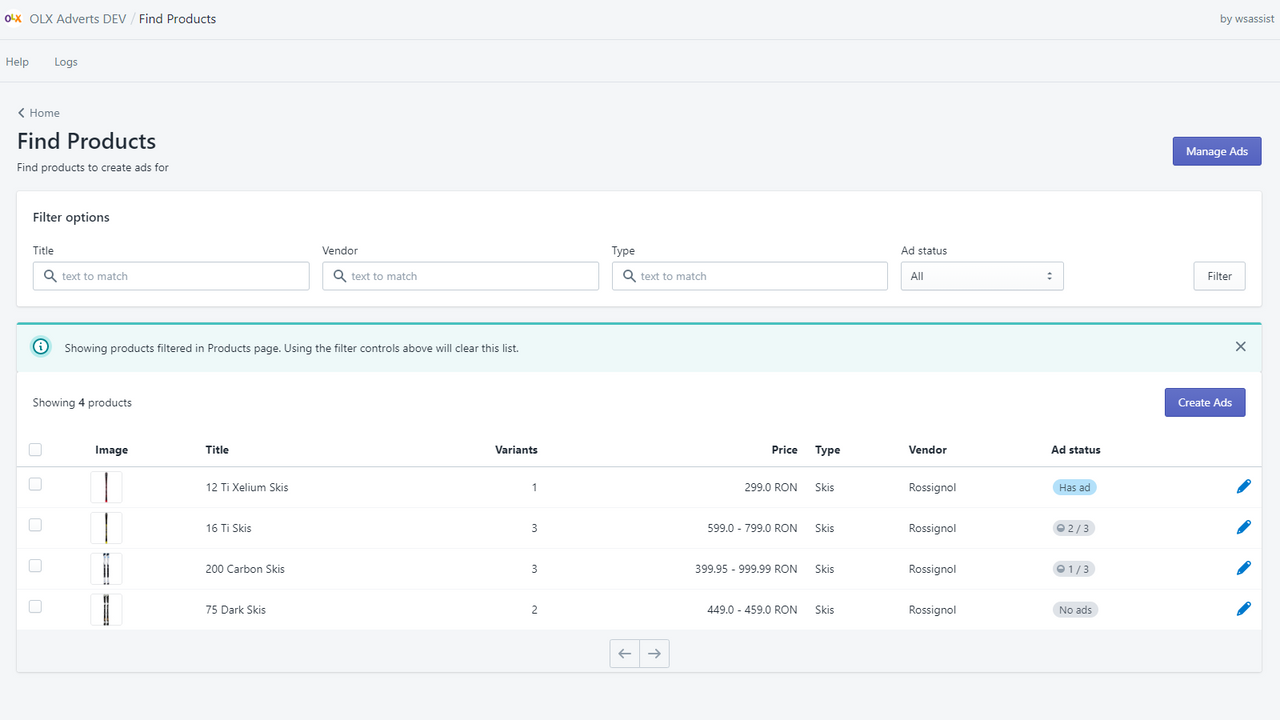
- Create OLX ads for your products
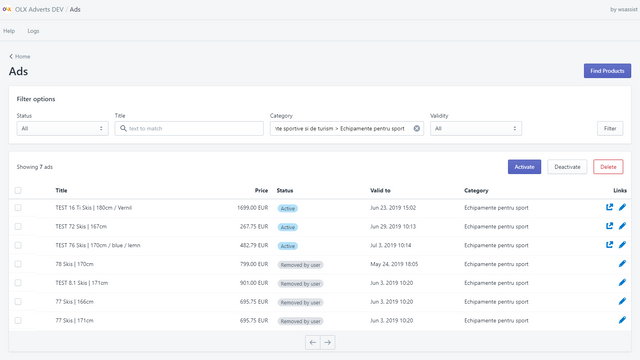
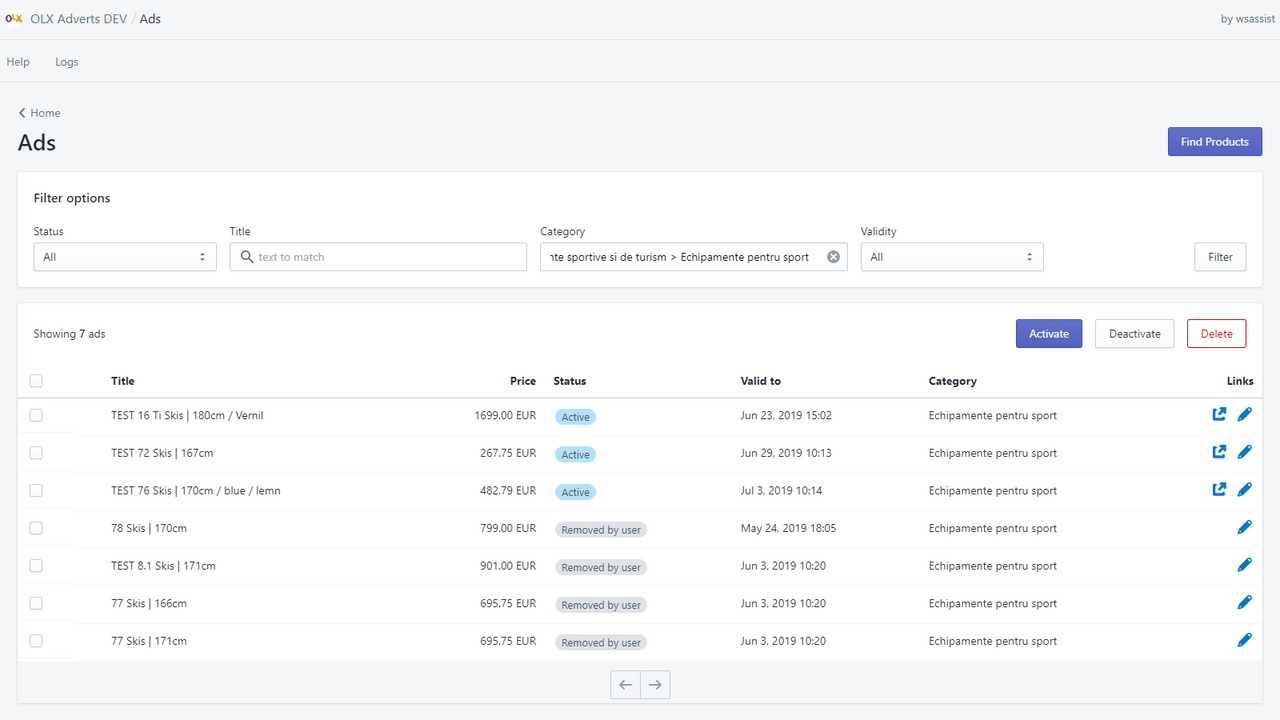
- Manage ads via bulk actions to activate, deactivate, or delete them
- Activate and deactivate ads based on product availability
- Deactivate ads when products are out of stock
- Create ads for multiple products in a single category
Merchant-Friendly
- Independent Station Merchants
- Cross-border E-commerce Sellers
- Multi-platform Listing Merchants
- Category Operation Merchants
- Inventory-sensitive Merchants
Basic Information
- Developer:WebShopAssist
- Address:Str. Livezilor, 35, Mogosoaia, IF, 077135, RO
- Price: Free / Free plan
- Rating:5 / 5
- Comment Count:1 comment
- Release Date:2019-8-6
- Supported languages:English
- Compatible products:Shopify
Application Screenshot






Price Plan
Starter
- Create up to 100 ads per month
Standard
- Create up to 500 ads per month
- Selectively refresh ads from product data
- Automation options
Premium
- Create up to 2000 ads per month
- Selectively refresh ads from product data
- Automation options
Elite
- Unlimited number of ads
- Selectively refresh ads from product data
- Automation options
User Location & Comments
User Location
Comments
Shopify API Used
- POST /admin/api/olx_ads.json
- PUT /admin/api/olx_ads/{ad_id}.json
- GET /admin/api/olx_ads.json
Permission:write_olx_ads,read_olx_ads,manage_products
- POST /admin/api/olx_ads/bulk.json
- PUT /admin/api/olx_ads/bulk/update.json
- DELETE /admin/api/olx_ads/bulk.json
Permission:write_olx_ads,read_olx_ads,manage_ads
- POST /admin/api/olx_ads/activate_by_stock.json
- GET /admin/api/olx_ads/stock_status.json
- PUT /admin/api/olx_ads/stock_trigger.json
Permission:write_olx_ads,read_olx_ads,read_inventory
- POST /admin/api/olx_ads/deactivate_out_of_stock.json
- GET /admin/api/olx_ads/out_of_stock.json
- PUT /admin/api/olx_ads/stock_rule.json
Permission:write_olx_ads,read_olx_ads,read_inventory
- POST /admin/api/olx_ads/bulk_by_category.json
- GET /admin/api/products/category/{cat_id}.json
- PUT /admin/api/olx_ads/category_mapping.json
Permission:write_olx_ads,read_olx_ads,manage_products