
App Introduction
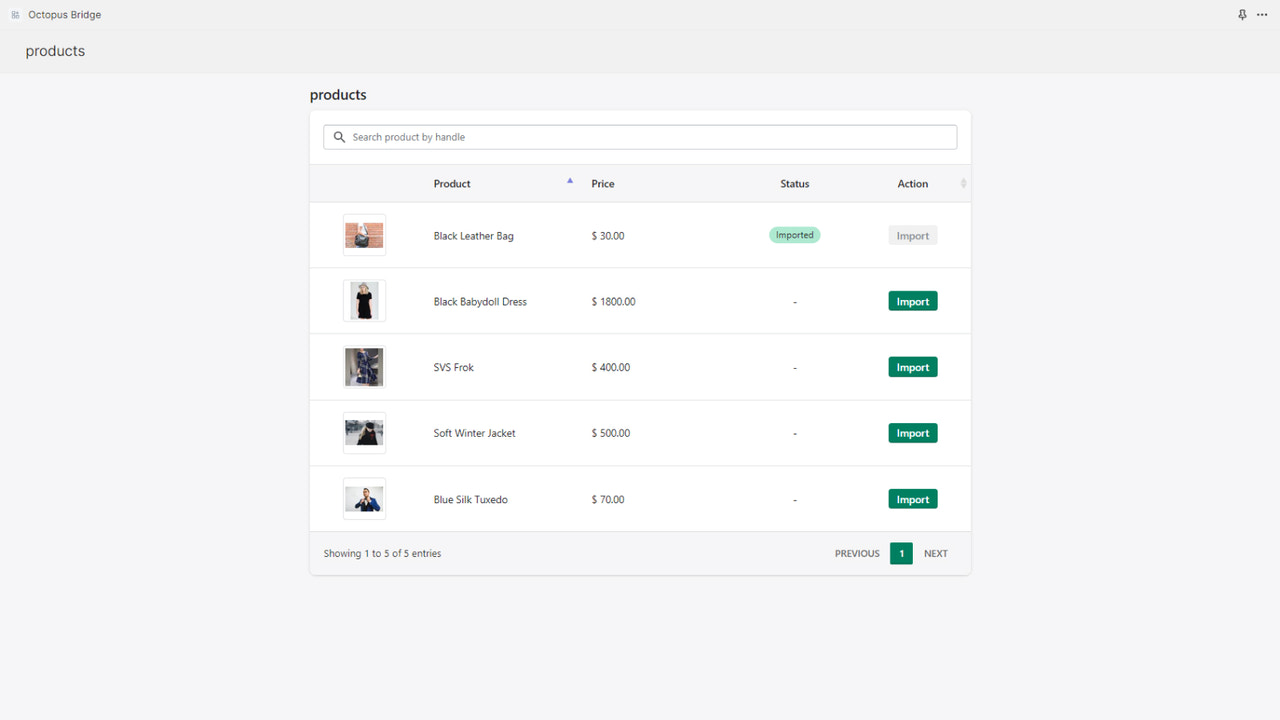
Connect your POS and ERP systems. Sync products, prices, inventory, orders, and customers in near real time. Octopus Bridge connects Shopify with leading POS and ERP systems to enable near real-time synchronization of products, inventory, orders, and customers. Ditch spreadsheets—eliminate manual data entry, reduce errors, and save time. It’s more than just a connector; Octopus Bridge is a robust MarTech tool that helps merchants manage in-store and online sales, prevent overselling, and maintain accurate inventory across multiple locations.
Core Functionality
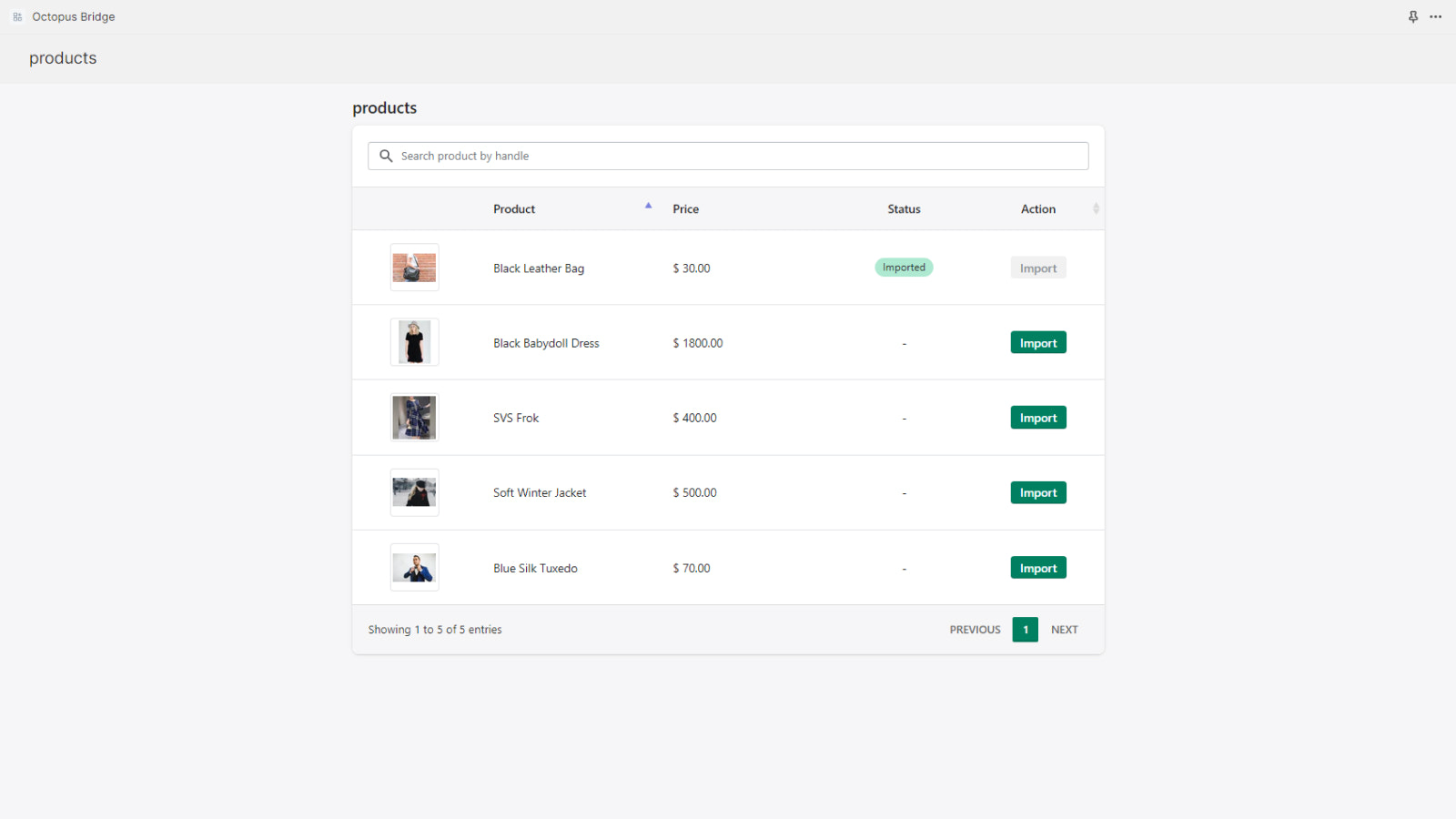
- Synchronize products and inventory levels between POS and Shopify in near real-time.
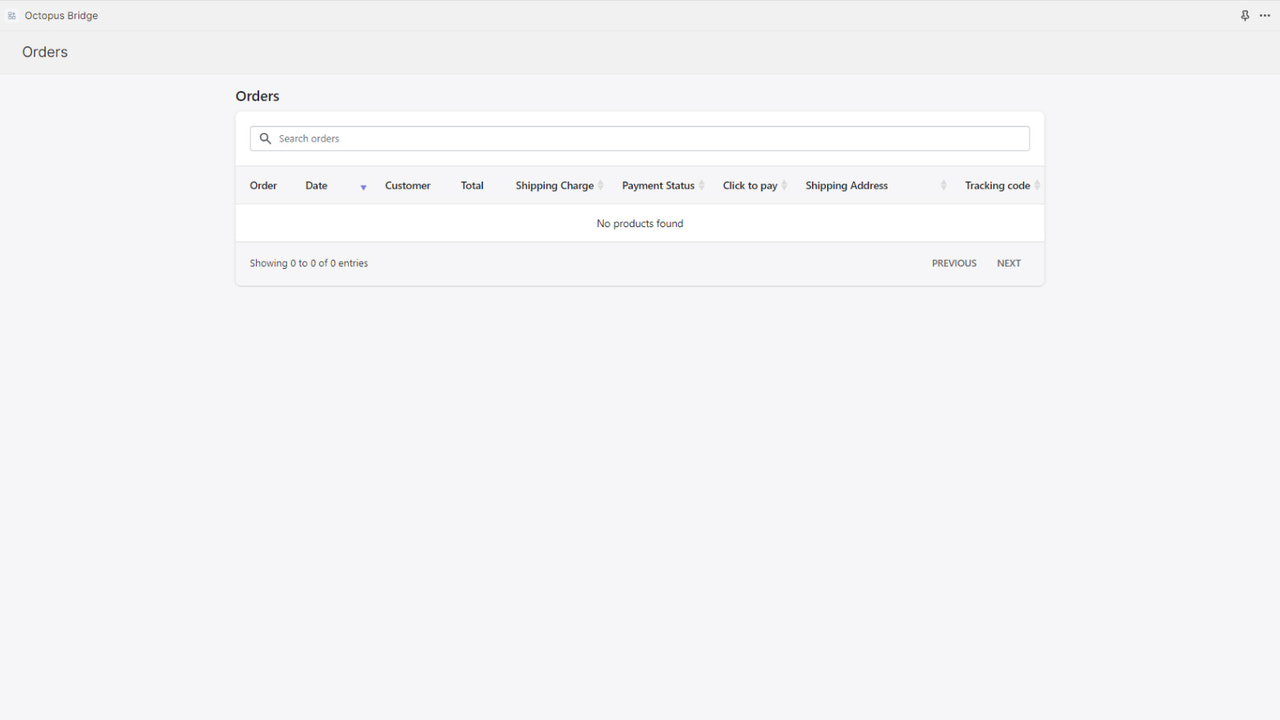
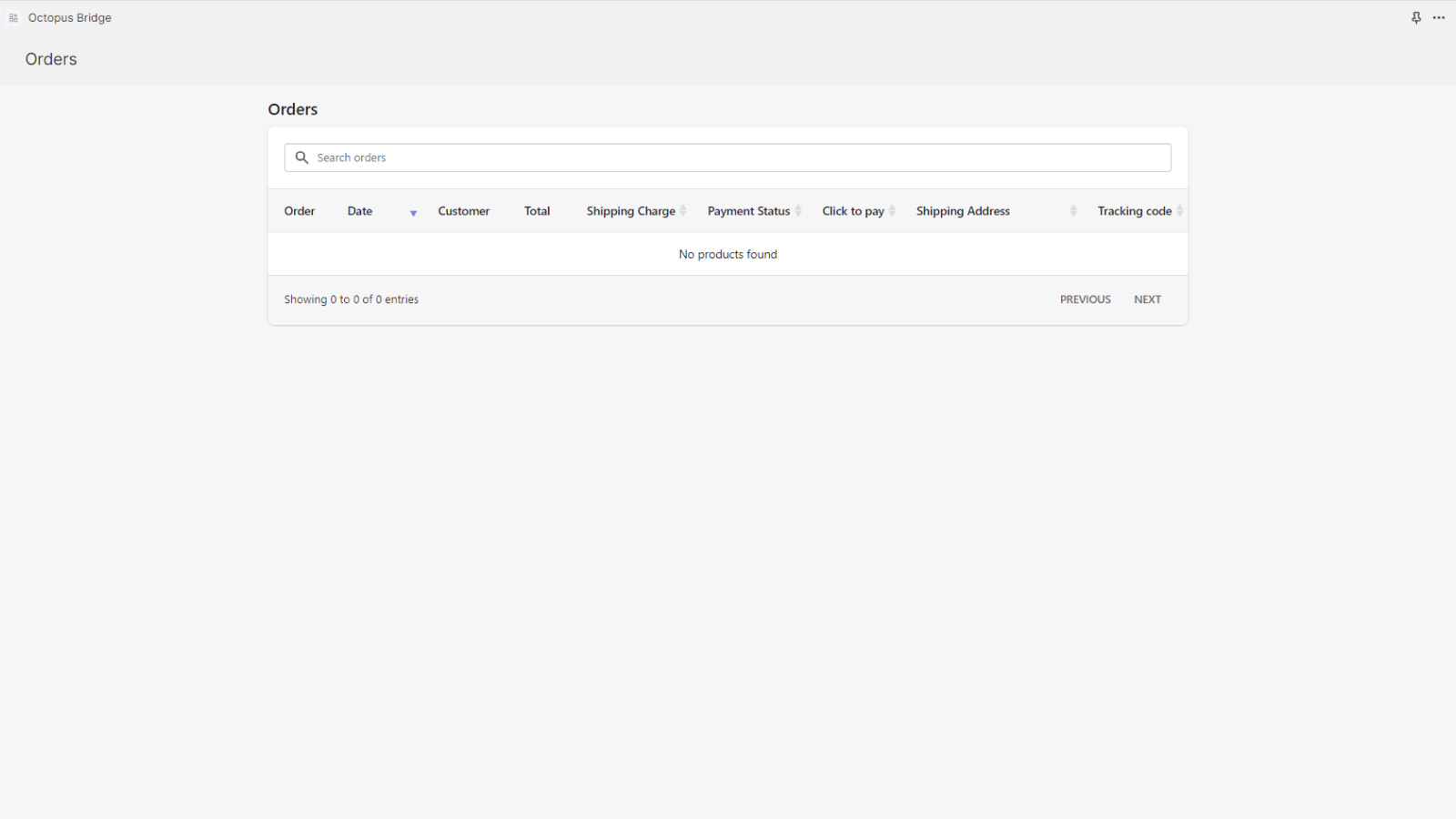
- Automatically download Shopify orders and customers to your POS system.
- Seamlessly sync in-store gift cards with your Shopify store.
Merchant-Friendly
- Offline Retail Merchants
- Omnichannel Merchants
- Multi-channel Sellers
Basic Information
- Developer:Octopus Bridge, Inc
- Address:5655 SILVER CREEK VALLEY RD, 436, San Jose, CA, 95138, US
- Price: Free / Free plan
- Rating:0 / 5
- Comment Count:0 comment
- Release Date:2023-11-16
- Supported languages:English
- Compatible products:Shopify
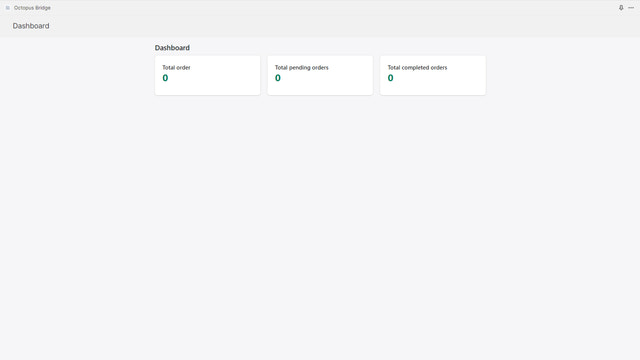
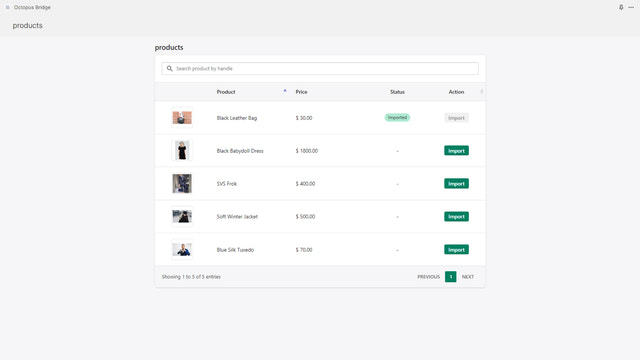
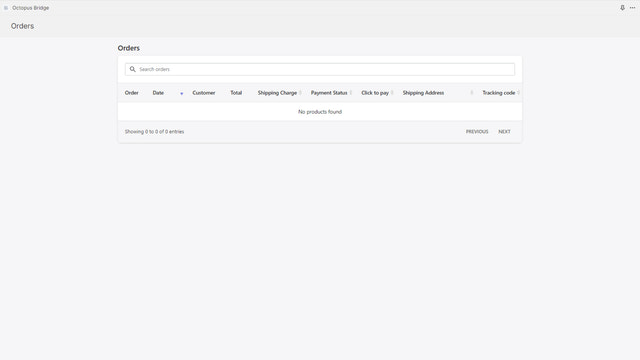
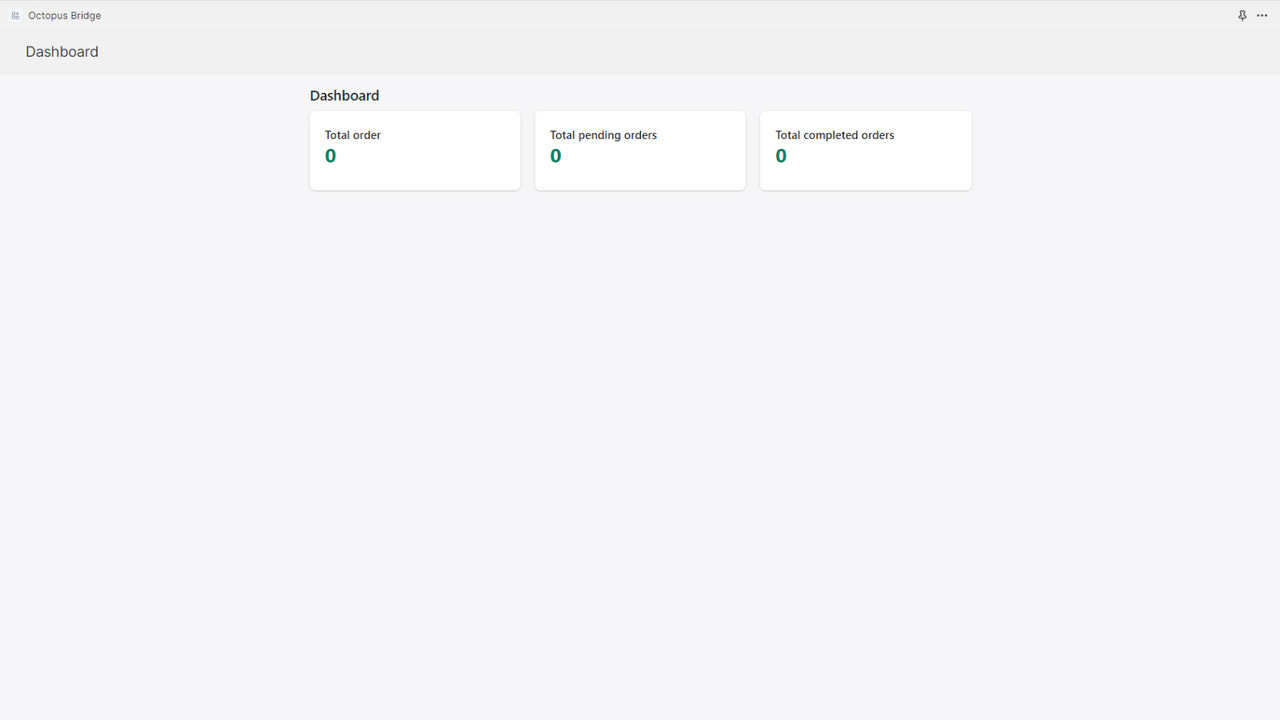
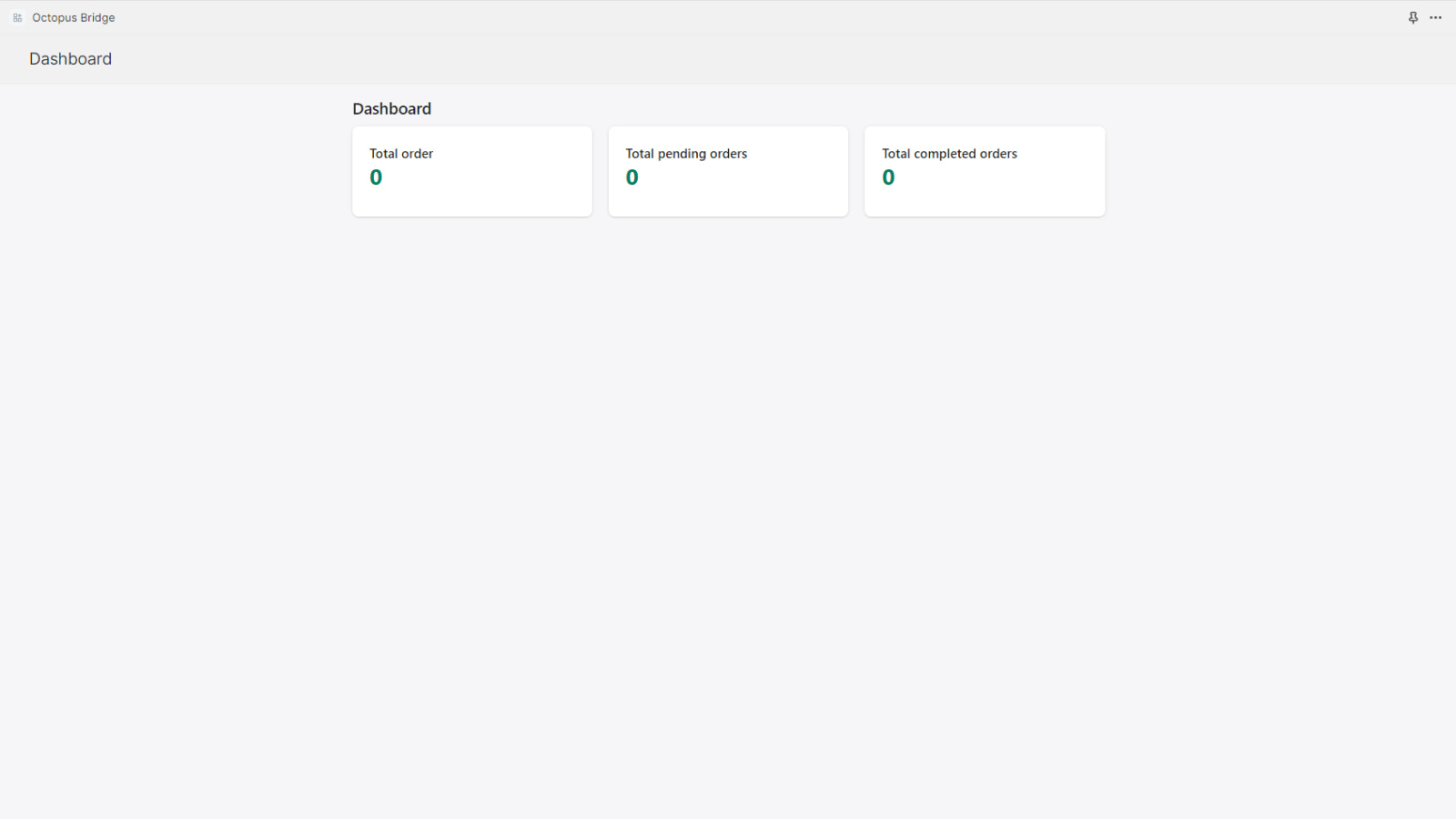
Application Screenshot
Price Plan
Plan Cloud POS (A)
免费
- Setup Fee: $0
- Monthly: $0/month
- Download up to 10 orders per month
- Additional $0.50 per order after that
- Sync 100 products
- Download orders and customers
- Only available for cloud-based POS
Plan Cloud POS (B)
$79 / 或 $708/年(可节省 25%)
- Setting Fee: $0
- Download up to 500 orders per month
- $0.20 per additional order
- Sync unlimited products
- Download orders and customers
- Free white-glove onboarding service
- Only applicable to cloud-based POS
Plan Native POS
$119 / 或 $1,188/年(可节省 17%)
- Setup Fee: Starting at $1000
- Up to 1500 orders downloaded per month
- $0.10 per additional order
- Sync unlimited products
- Download orders and customers
- Free white-glove onboarding service
- Multi-location routing - $59/month/location
- Only for local POS
User Location & Comments
User Location
Comments
Shopify API Used
- POST /admin/api/products/{product_id}/inventory_levels/set.json
- GET /admin/api/inventory_levels.json
- PUT /admin/api/products/{product_id}/inventory_levels.json
Permission:write_inventory,read_inventory,manage_products
- POST /admin/api/orders.json
- GET /admin/api/orders.json
- PUT /admin/api/customers/{customer_id}.json
Permission:write_orders,read_orders,manage_customers
- POST /admin/api/gift_cards.json
- GET /admin/api/gift_cards.json
- PUT /admin/api/gift_cards/{gift_card_id}.json
Permission:write_gift_cards,read_gift_cards,manage_store



