
App Introduction
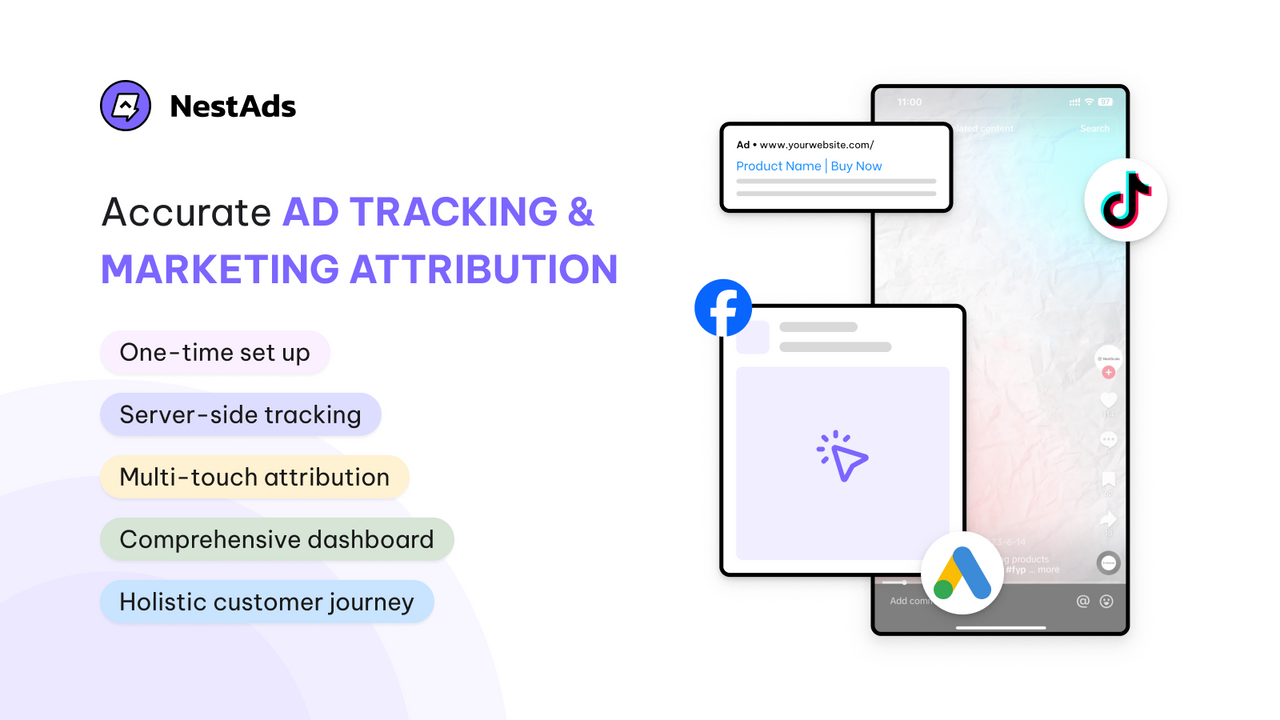
Leverage attribution for accurate cross-channel tracking, better profit analysis, and improved customer LTV. NestAds provides you with a comprehensive view of how each marketing channel (e.g., paid ads, social media, search engines, etc.) drives sales. With server-side tracking pixels, you can eliminate tracking errors caused by iOS 14 restrictions, ad blockers, and cookie limitations. Discover customer journeys through different attribution models to allocate budgets more effectively. Understand the performance of individual ad creatives and nurture winning creatives. One-time setup with dedicated support.
Core Functionality
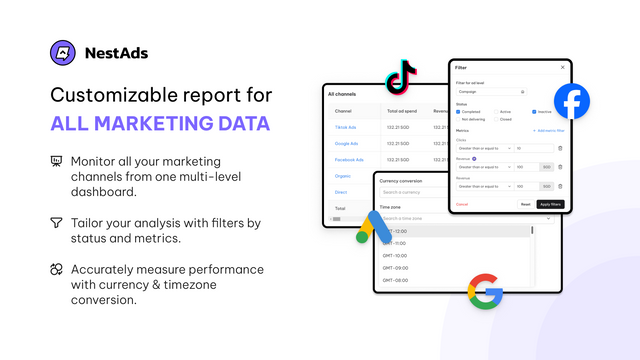
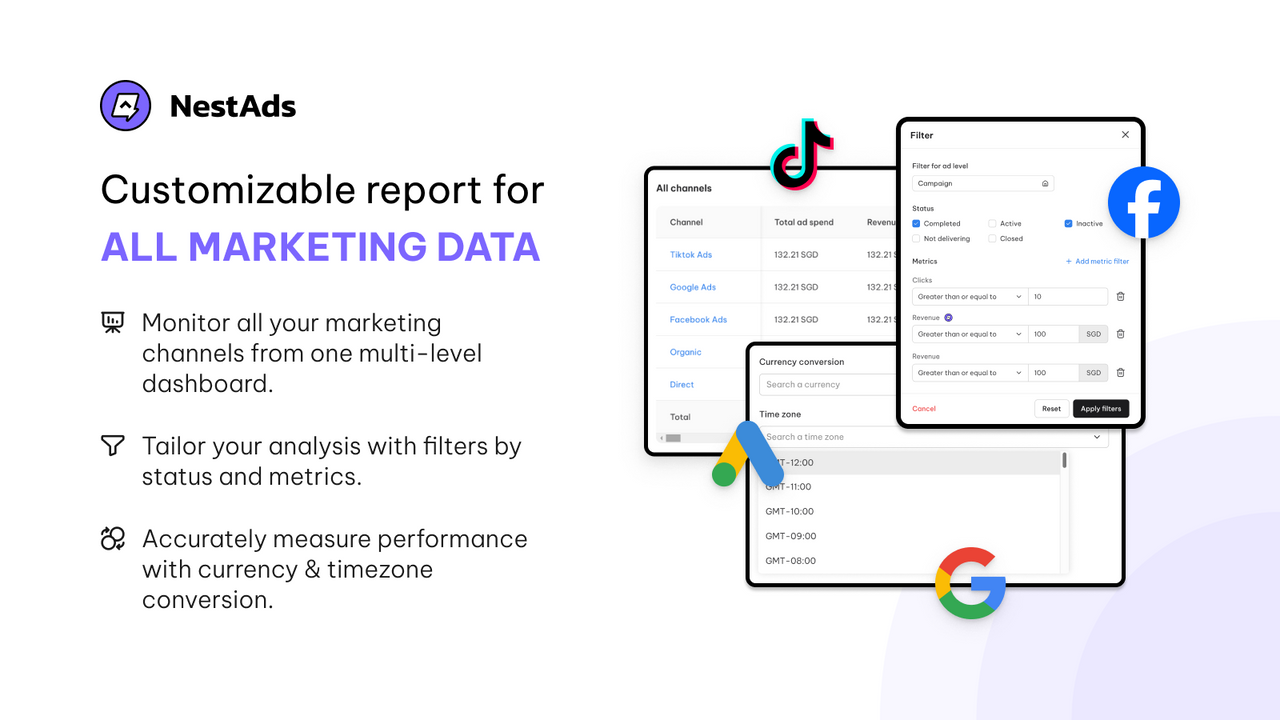
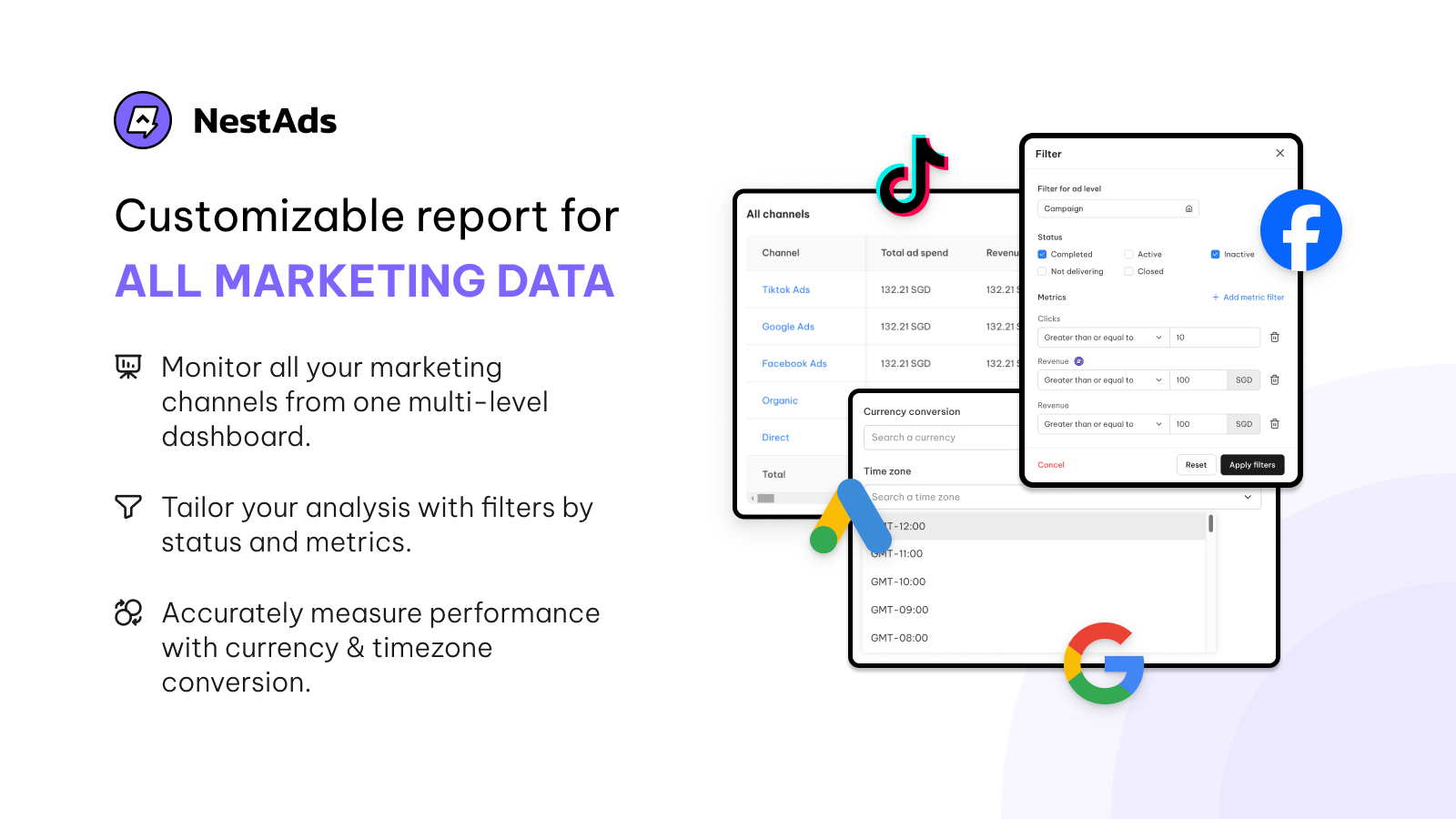
- Unify marketing data across all channels in a visual, customizable dashboard.
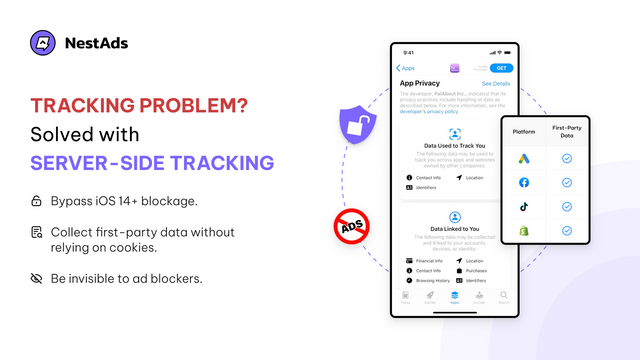
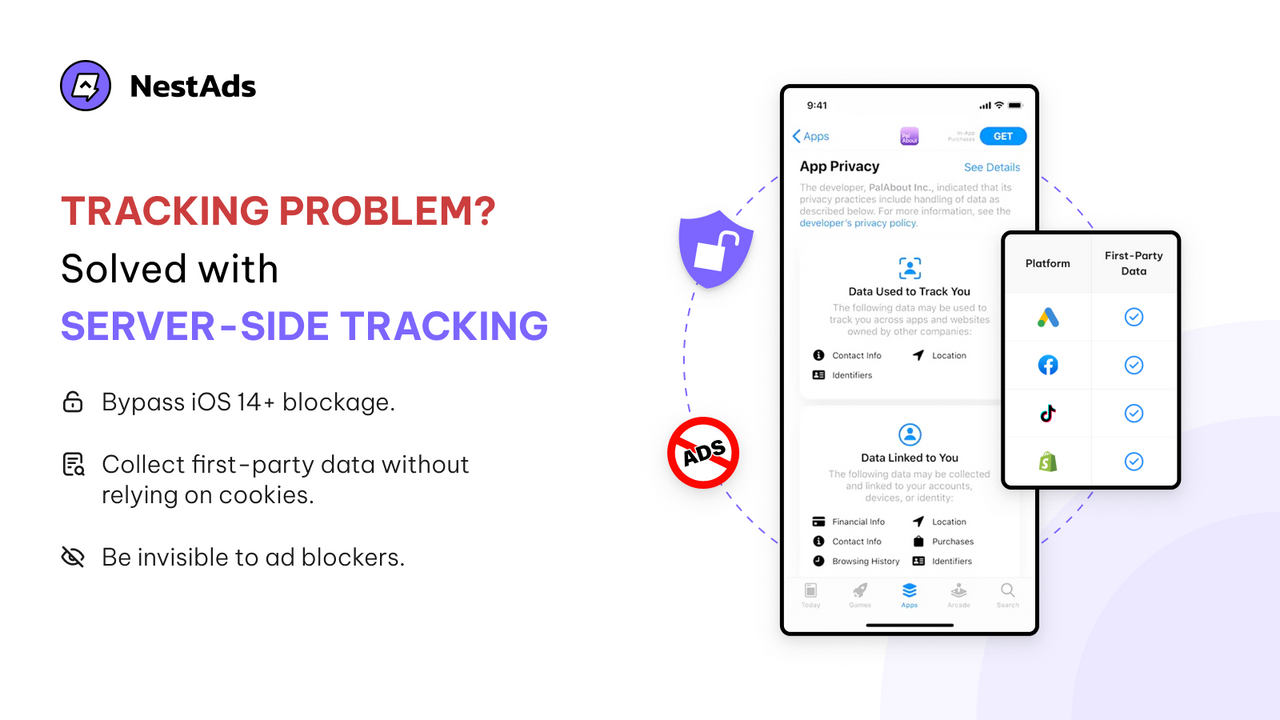
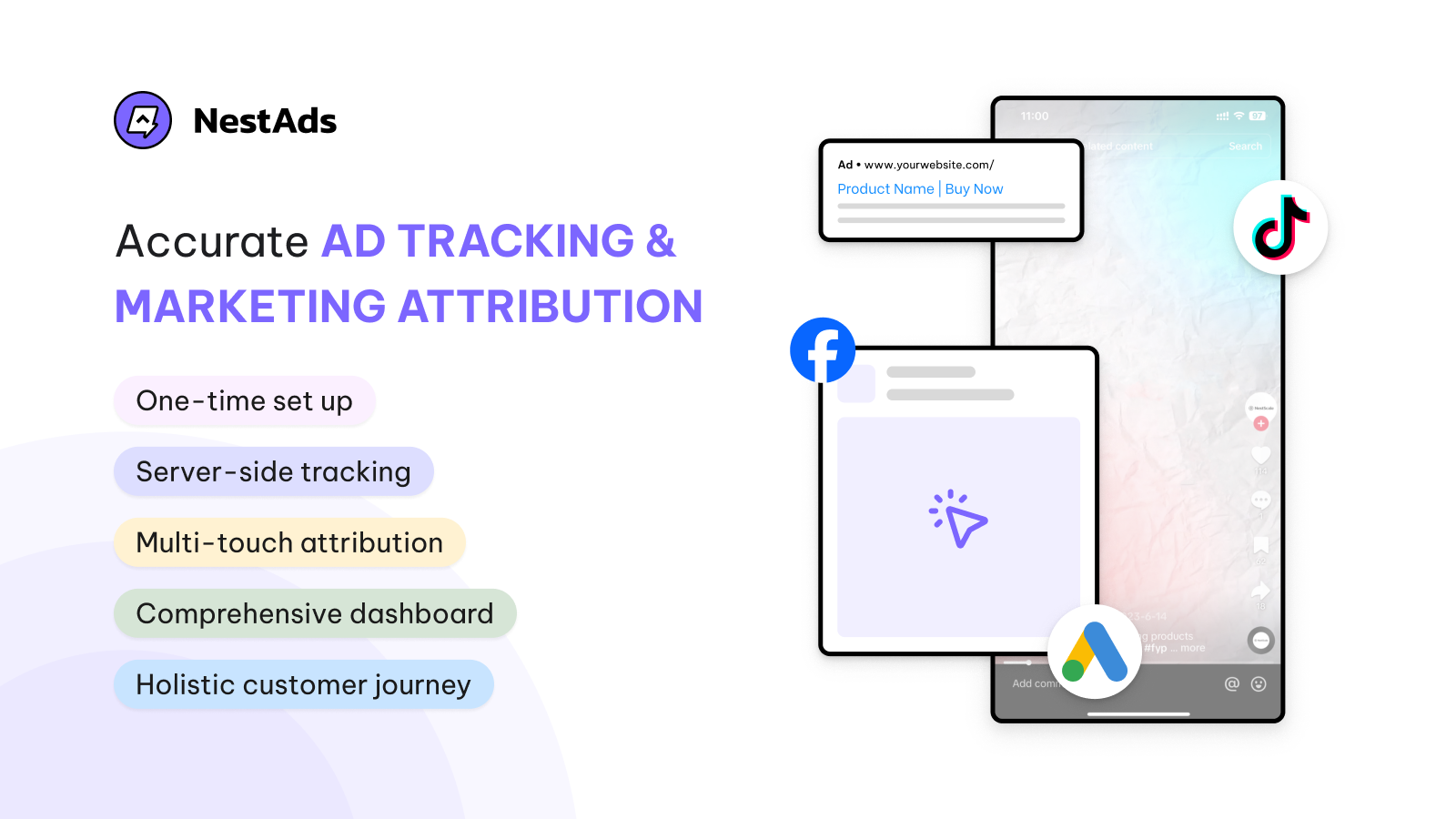
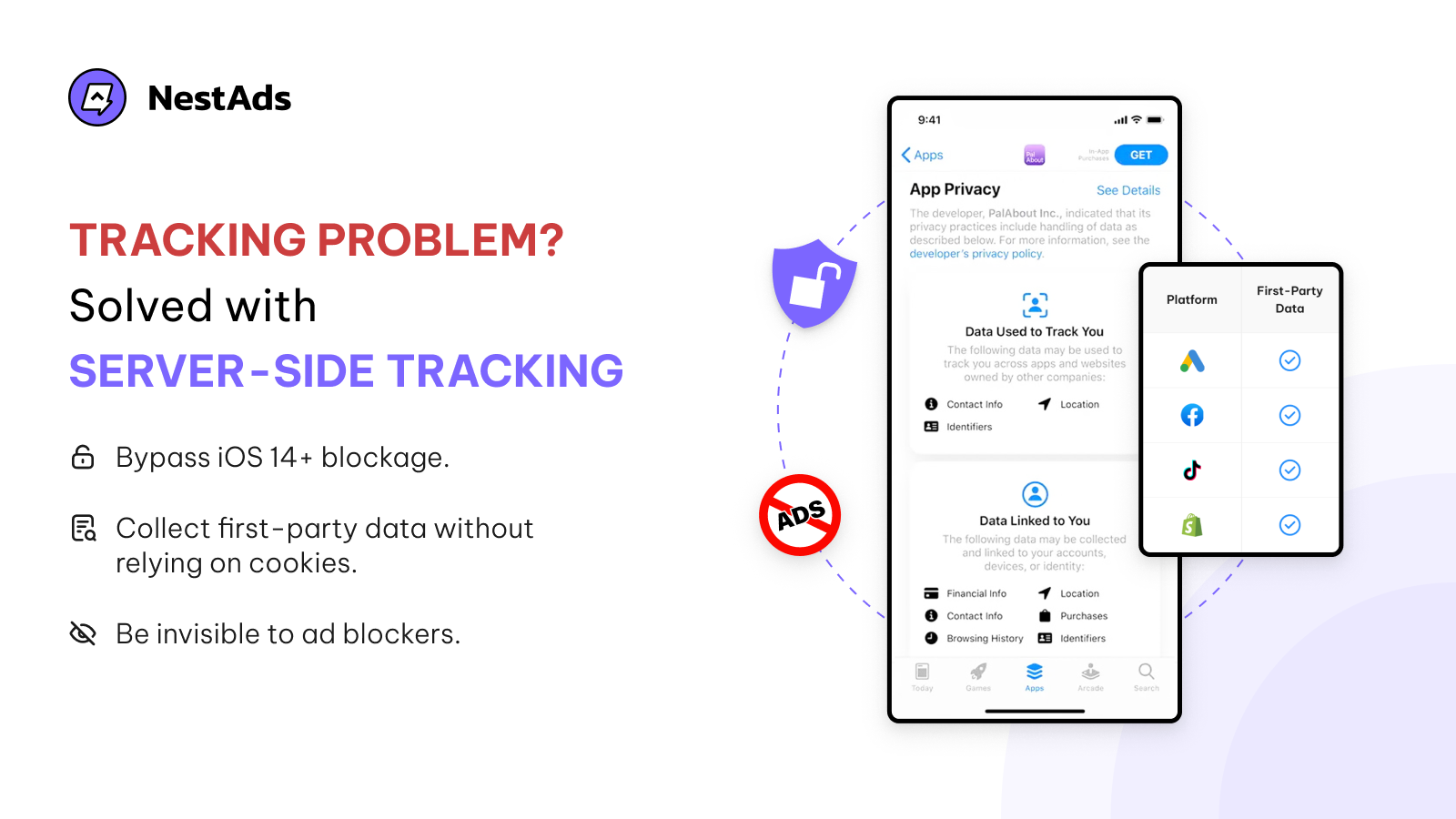
- Avoid iOS 14 blocks and prepare for the cookieless era with server-side tracking pixels.
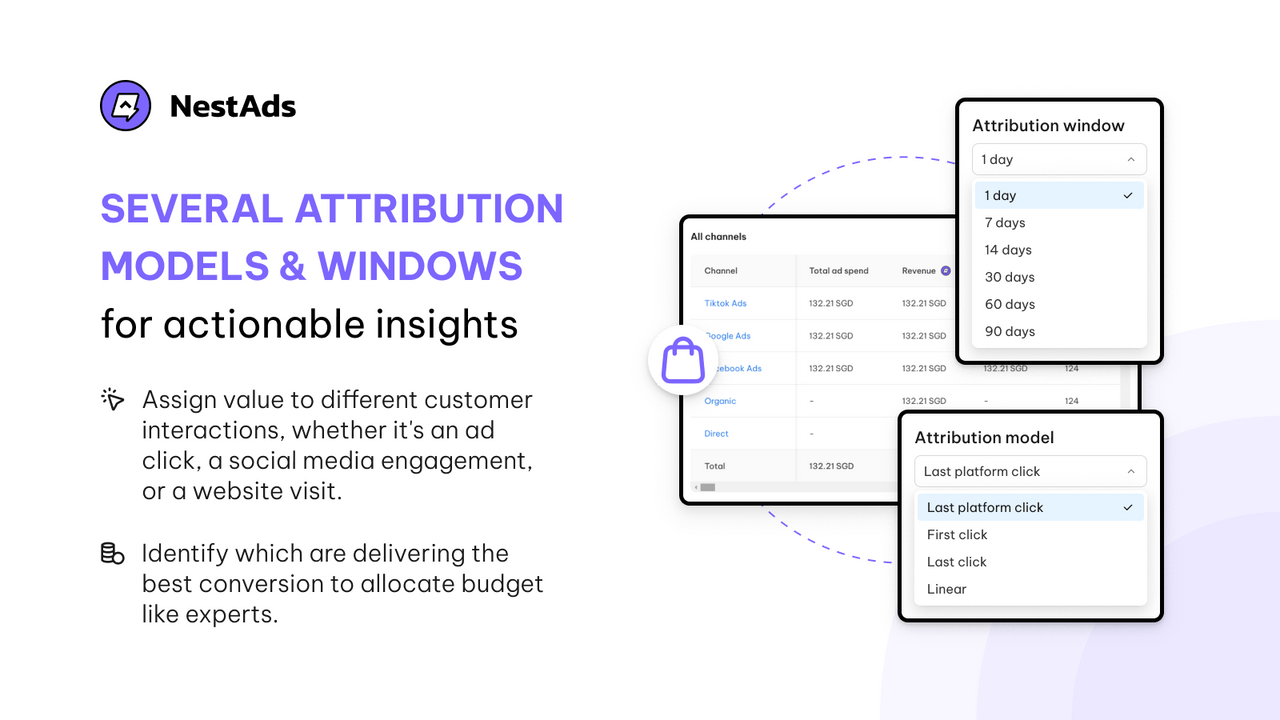
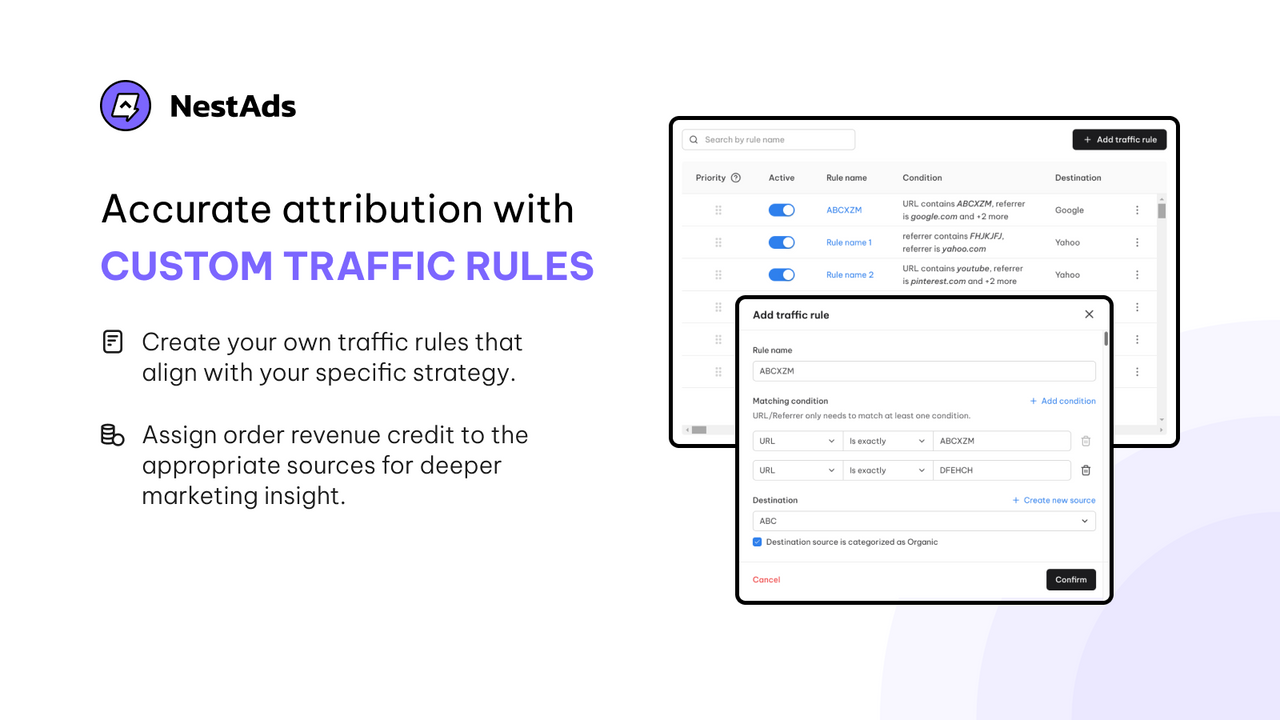
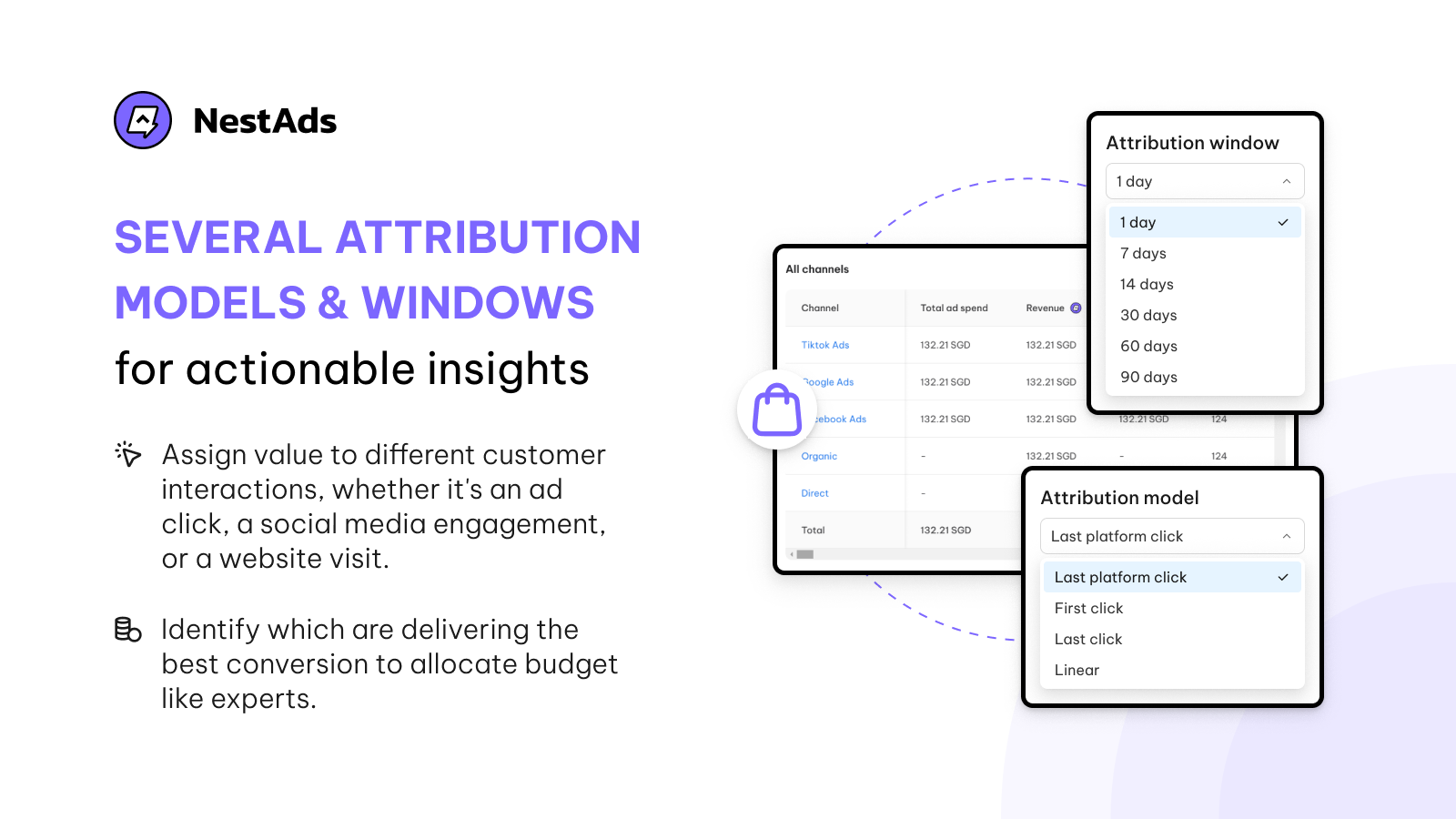
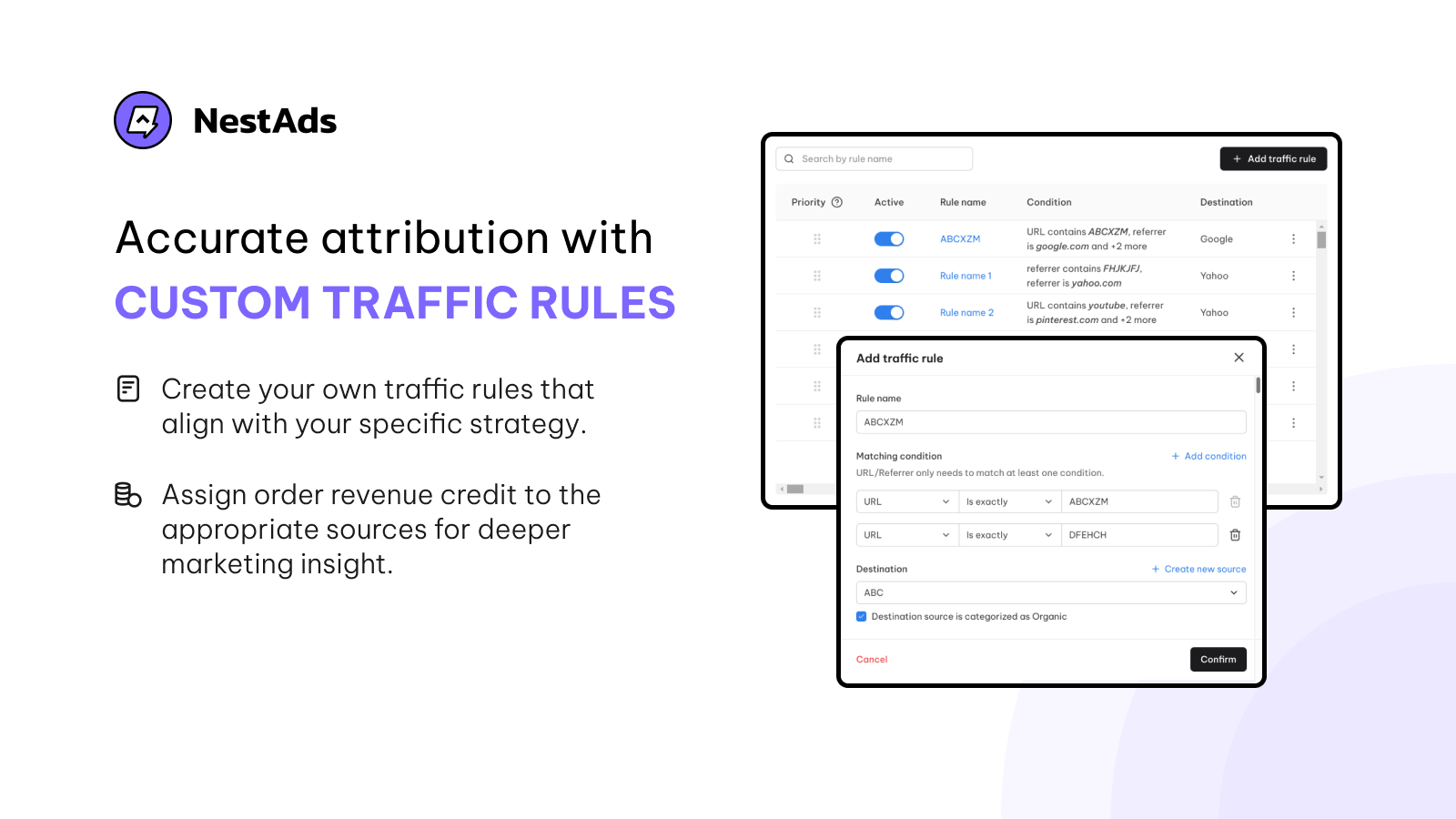
- Identify top touchpoints using different attribution models and custom traffic rules.
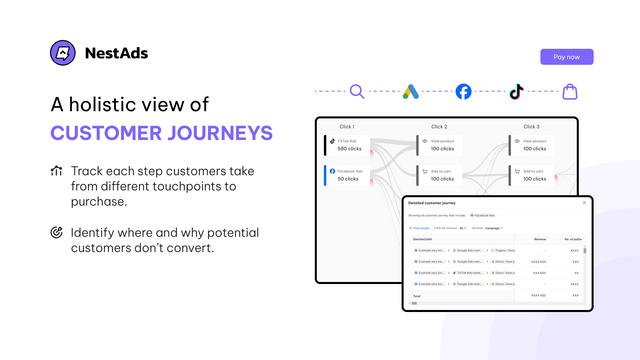
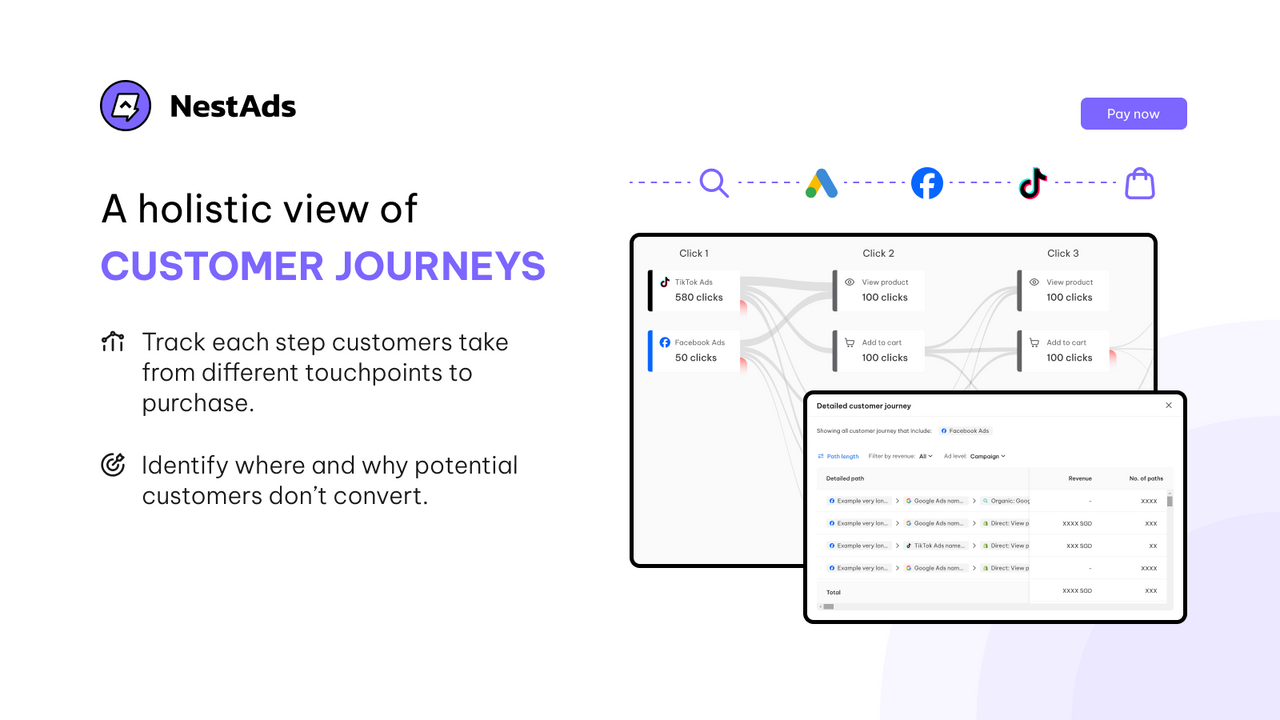
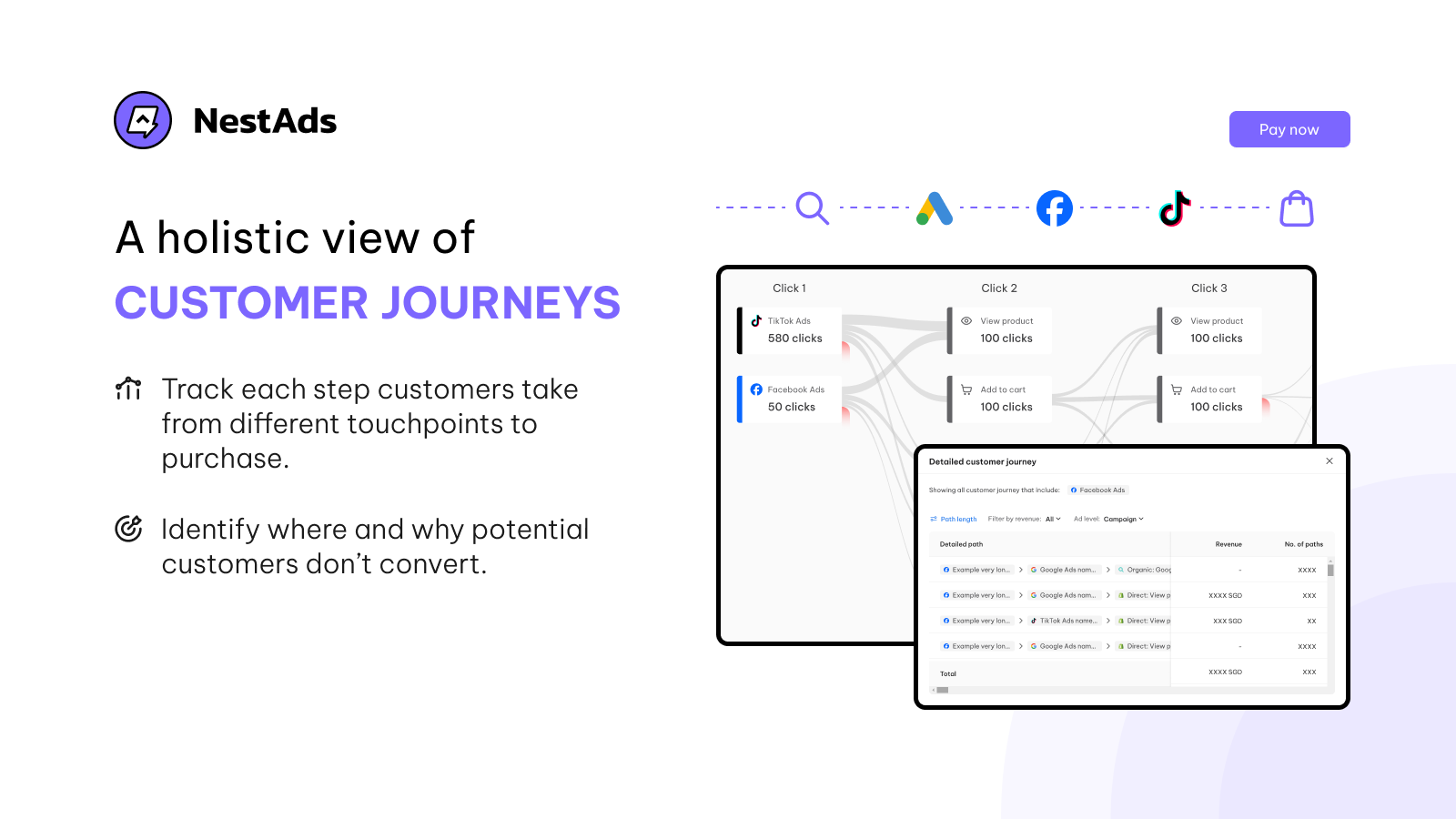
- Track customer journeys, identify drop-off points, and allocate budgets more effectively.
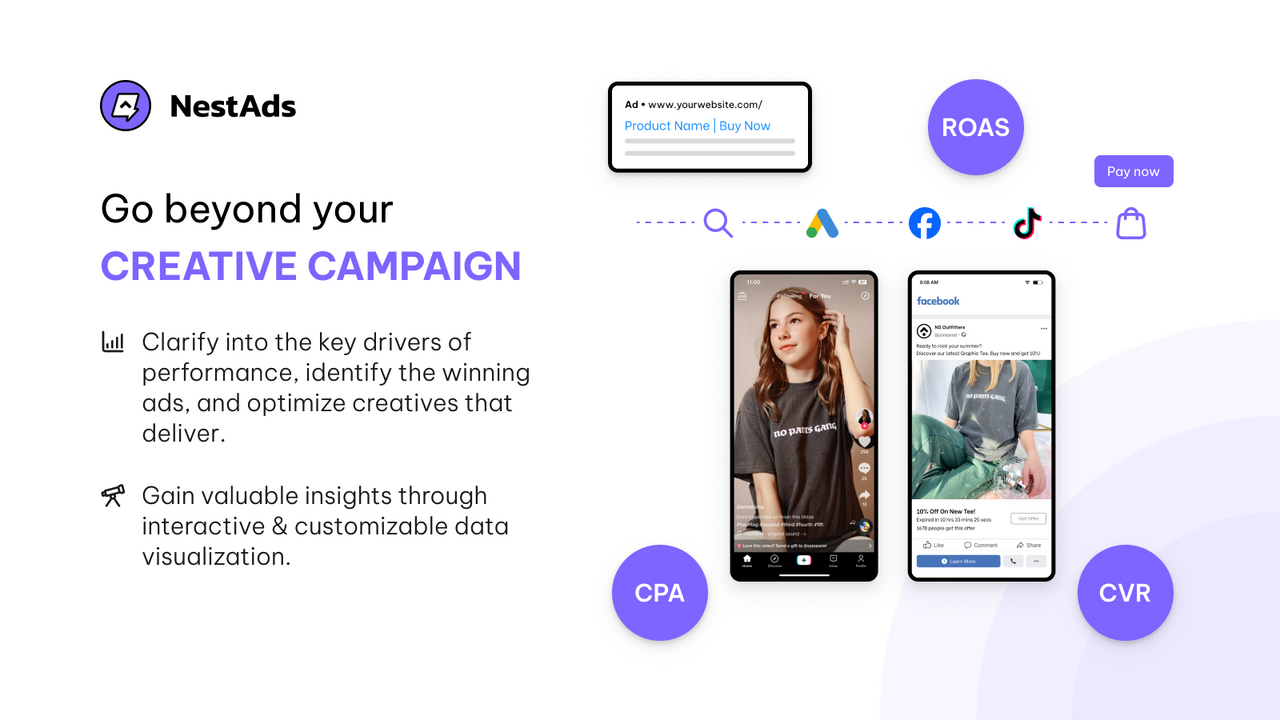
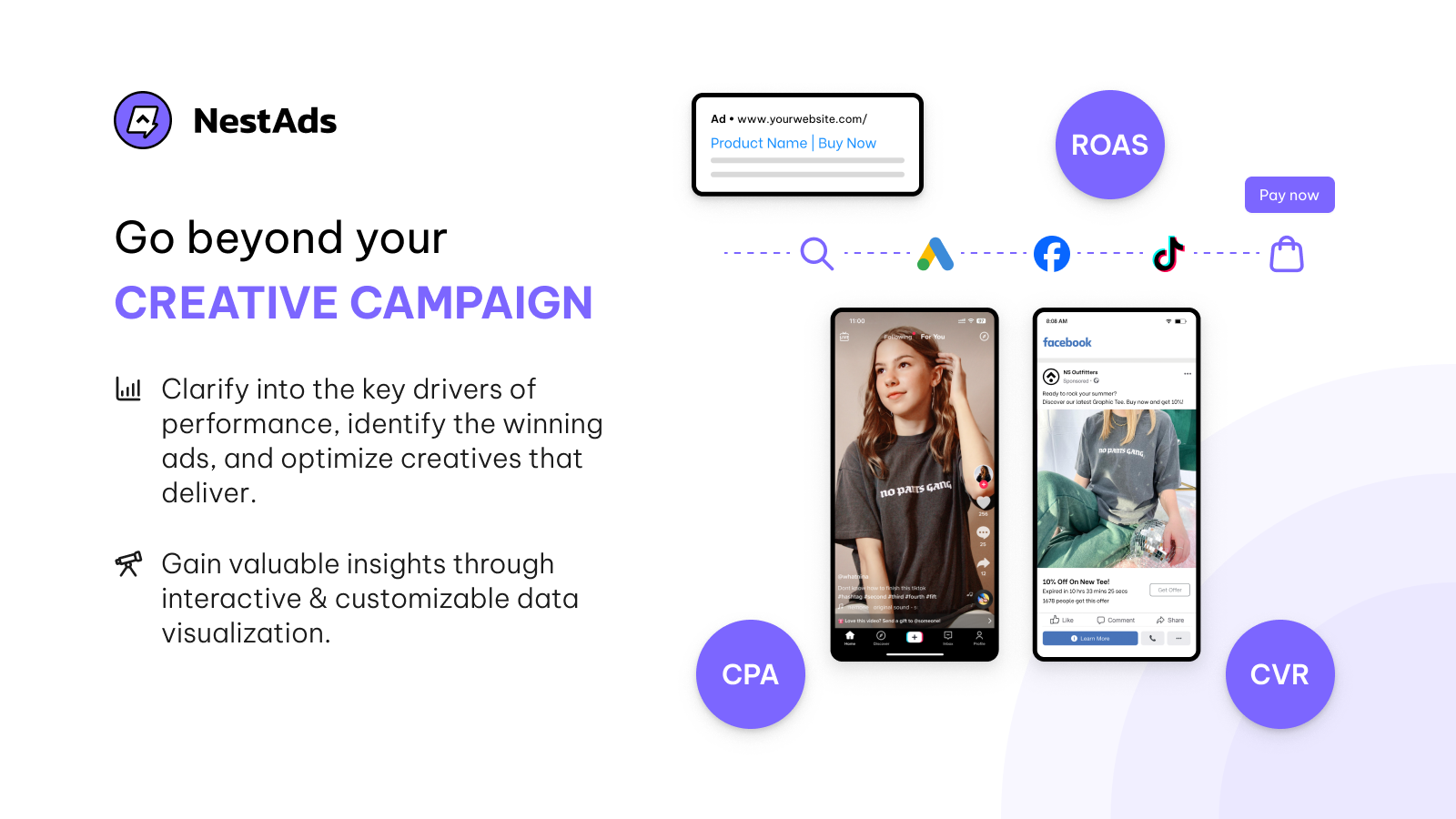
- Gain insights into the creative level through advanced and customized analytical reports.
Merchant-Friendly
- Omnichannel Operators
- Precision Marketing Merchants
- Growth-oriented E-commerce
- Creative Ad Placement Merchants
Basic Information
- Developer:NestScale
- Address:70 Circular Road #02-01, Singapore, 049365, SG
- Price: Free / Free plan
- Rating:5 / 5
- Comment Count:22 comment
- Release Date:2022-11-24
- Supported languages:English
- Compatible products:Shopify
Application Screenshot
Price Plan
STARTER
- Centralized Dashboard for Ad Accounts
- Performance Reports for Ad Management
- Creative Analytics
PRO
- All features in STARTER, plus
- Pixel tracking using first-party data
- Attribution reporting
- Custom channel tracking
- Group analysis for LTV
- Customer journey
- Team members
User Location & Comments
User Location
Comments
Shopify API Used
- GET /admin/api/marketing_channels.json
- POST /admin/api/marketing_dashboard/customization.json
- GET /admin/api/marketing_dashboard/unified_data.json
Permission:read_analytics,manage_marketing,read_orders
- POST /admin/api/analytics/pixels.json
- PUT /admin/api/analytics/pixels/{id}.json
- GET /admin/api/analytics/pixels.json
Permission:write_analytics,manage_analytics,read_shop
- POST /admin/api/analytics/attribution_models.json
- PUT /admin/api/analytics/traffic_rules.json
- GET /admin/api/analytics/top_touchpoints.json
Permission:read_analytics,manage_analytics,read_customers
- GET /admin/api/customers/journey.json
- POST /admin/api/analytics/churn_analysis.json
- GET /admin/api/analytics/budget_allocation.json
Permission:read_customers,read_analytics,manage_budgets
- POST /admin/api/analytics/reports/custom.json
- GET /admin/api/analytics/reports/creative.json
- PUT /admin/api/analytics/reports/settings.json
Permission:read_analytics,manage_reports,read_marketing



