App Introduction
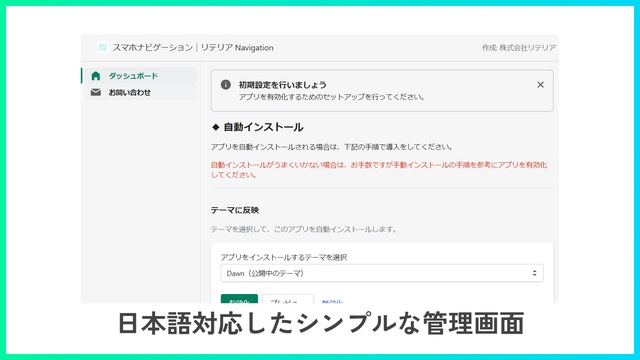
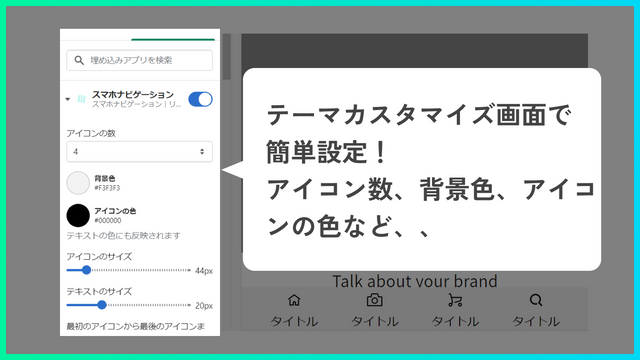
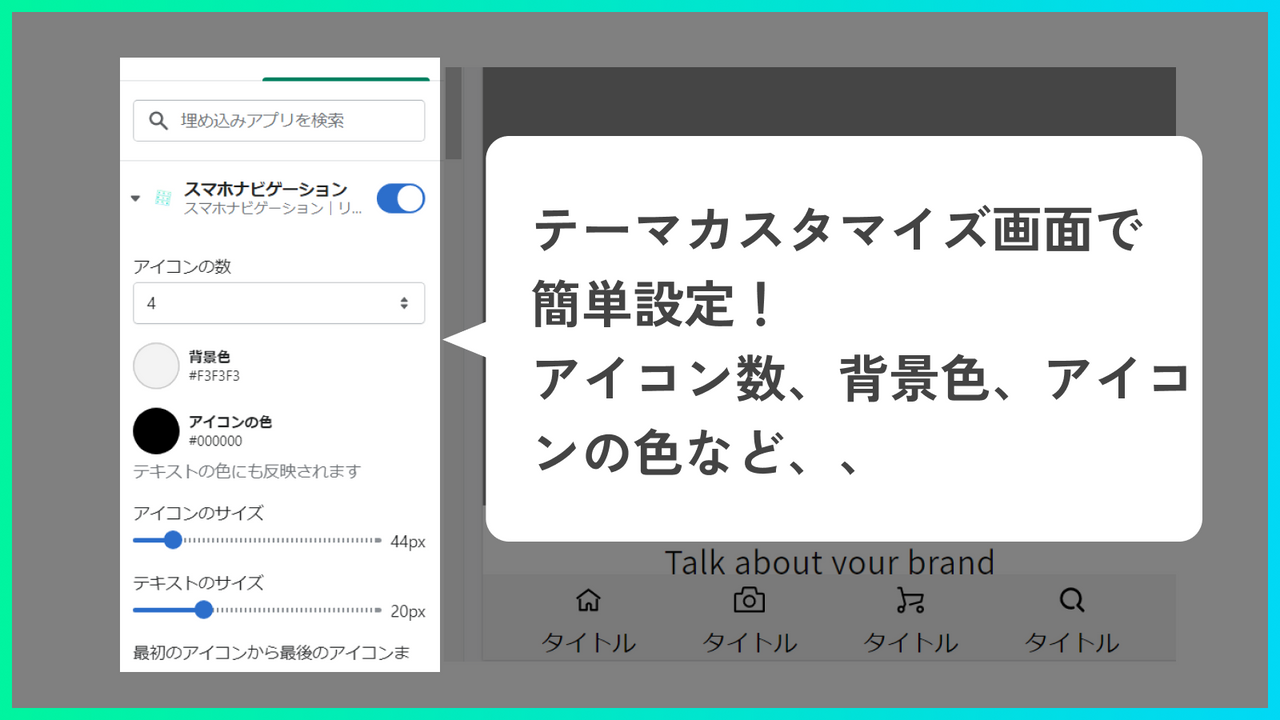
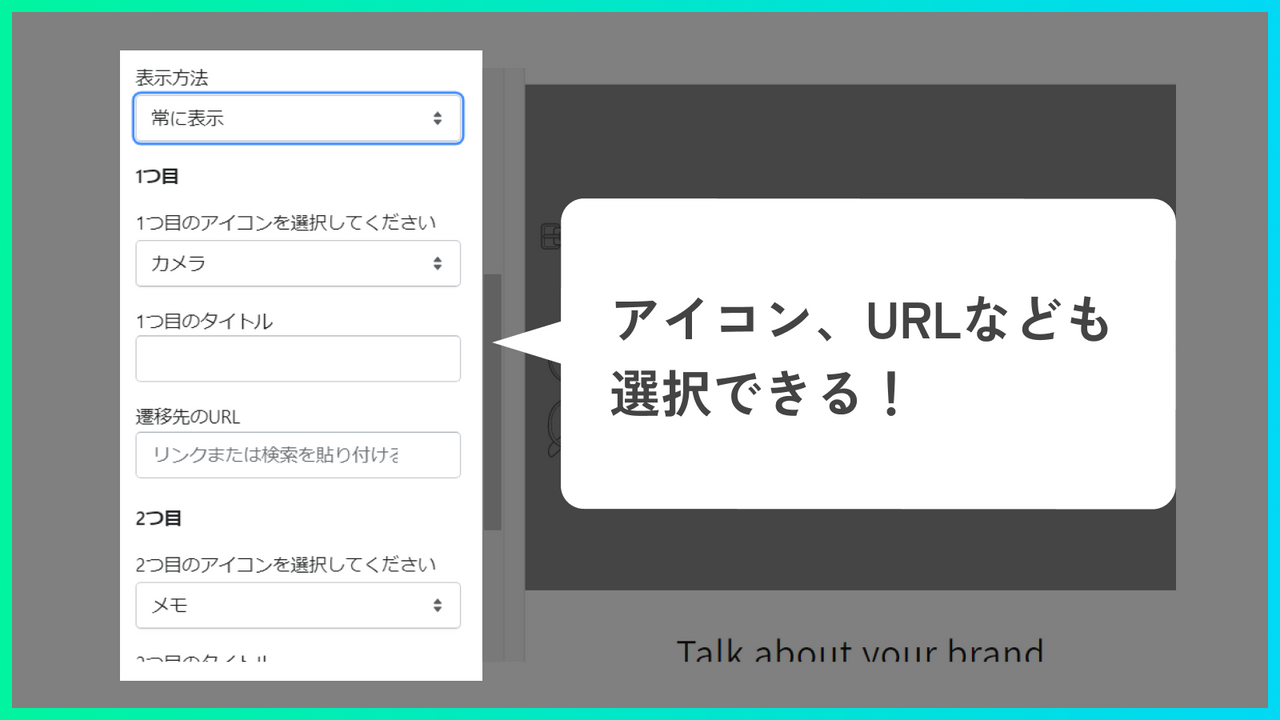
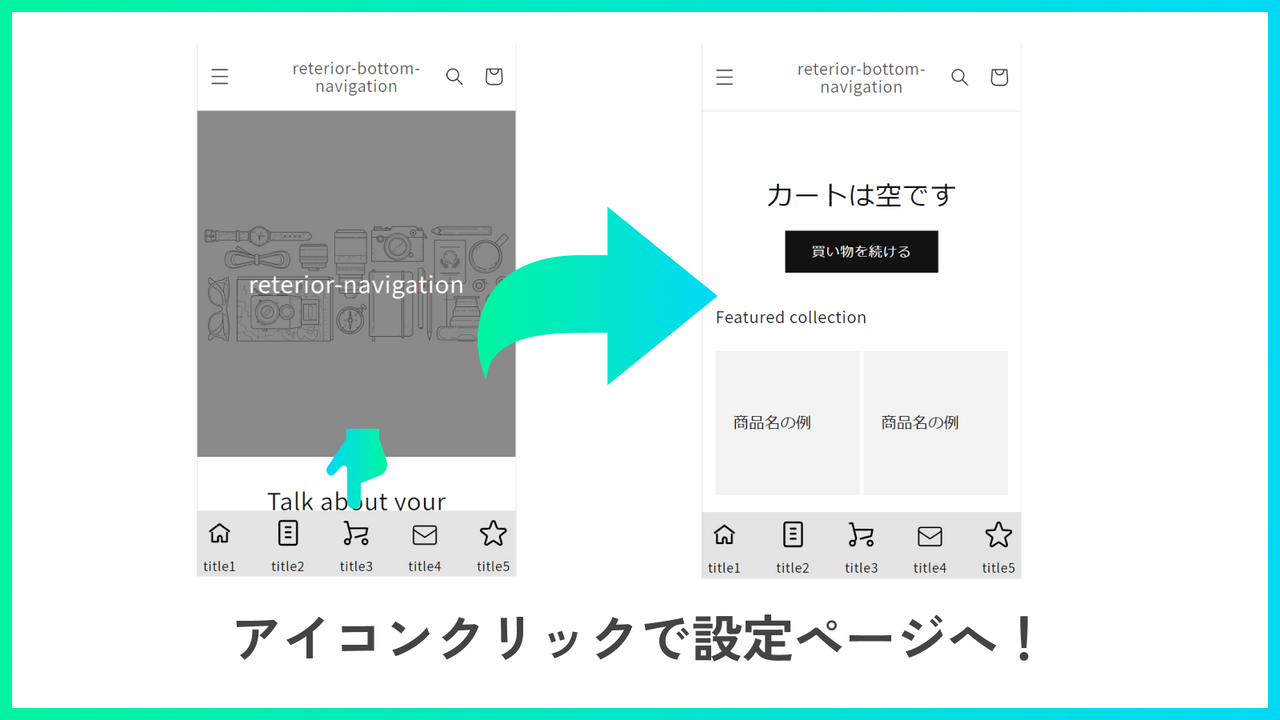
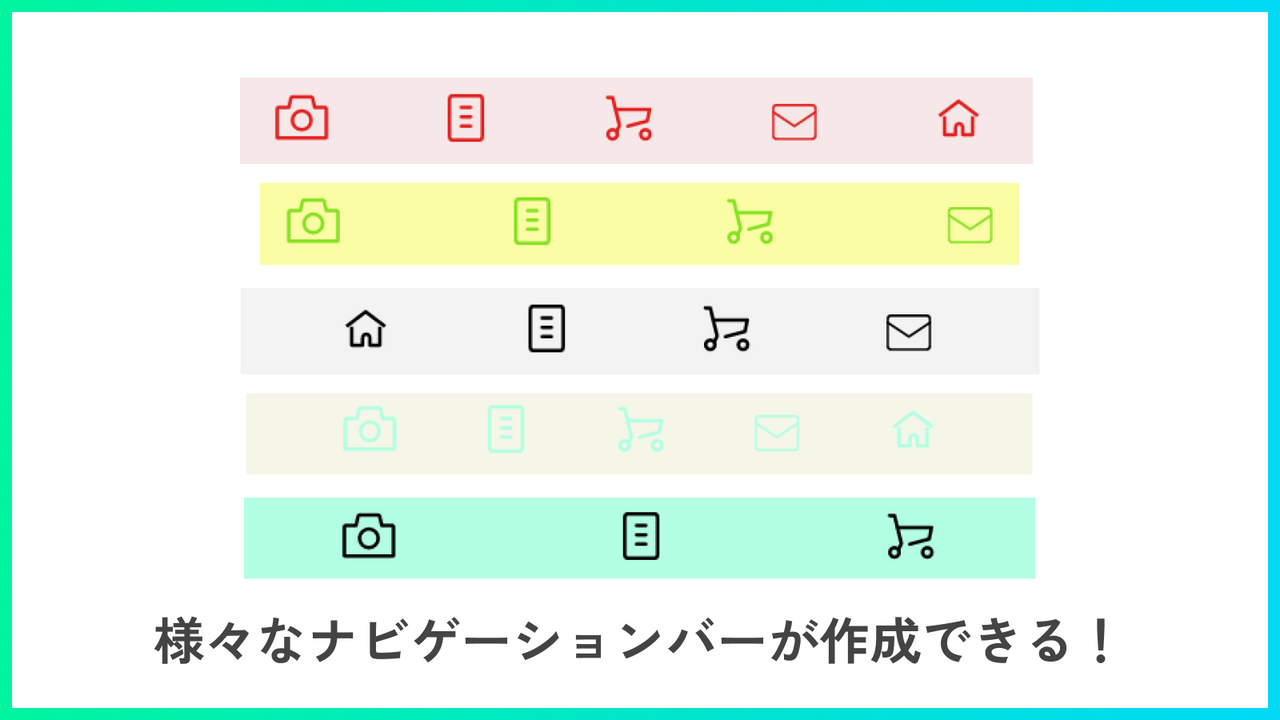
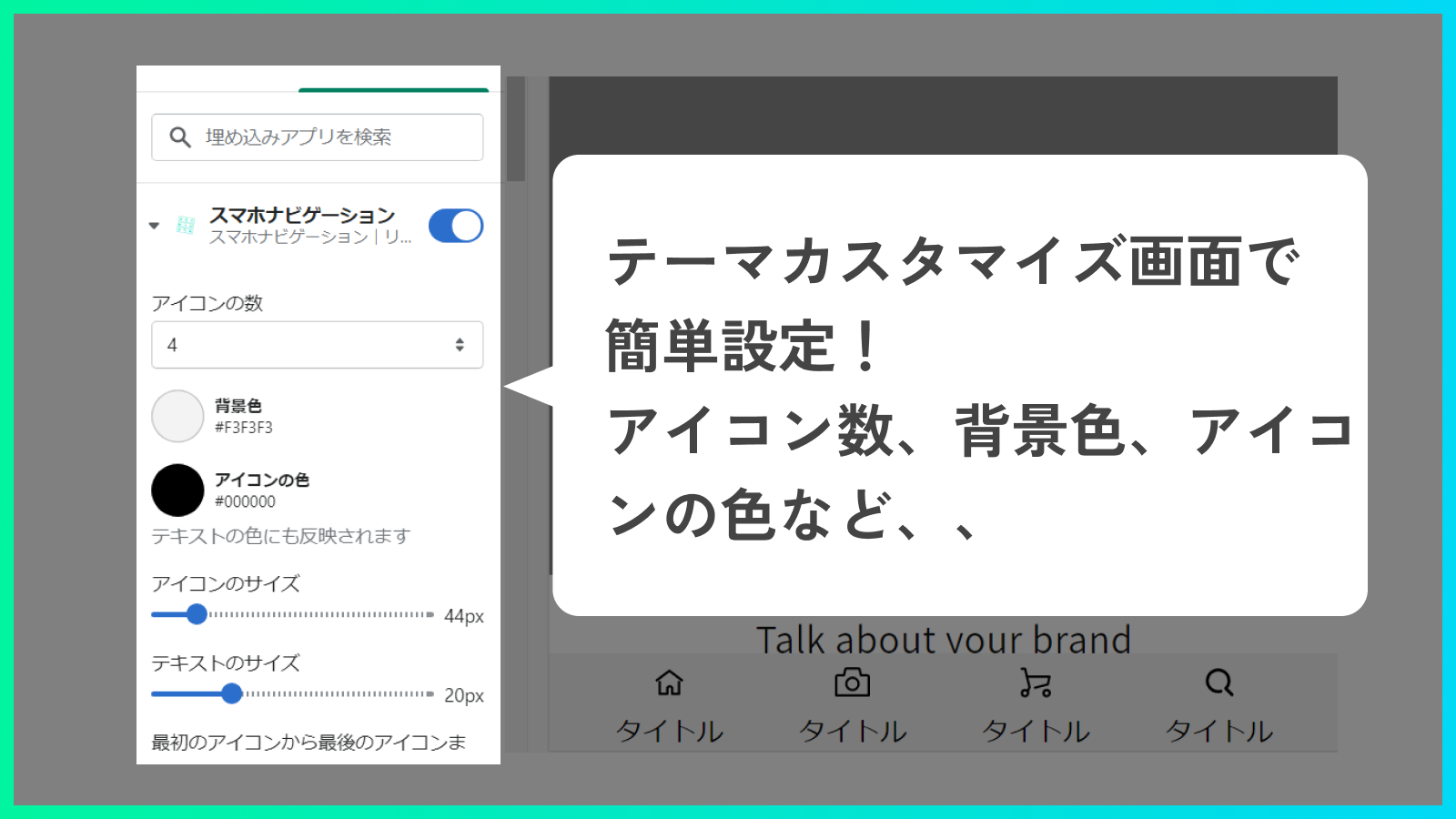
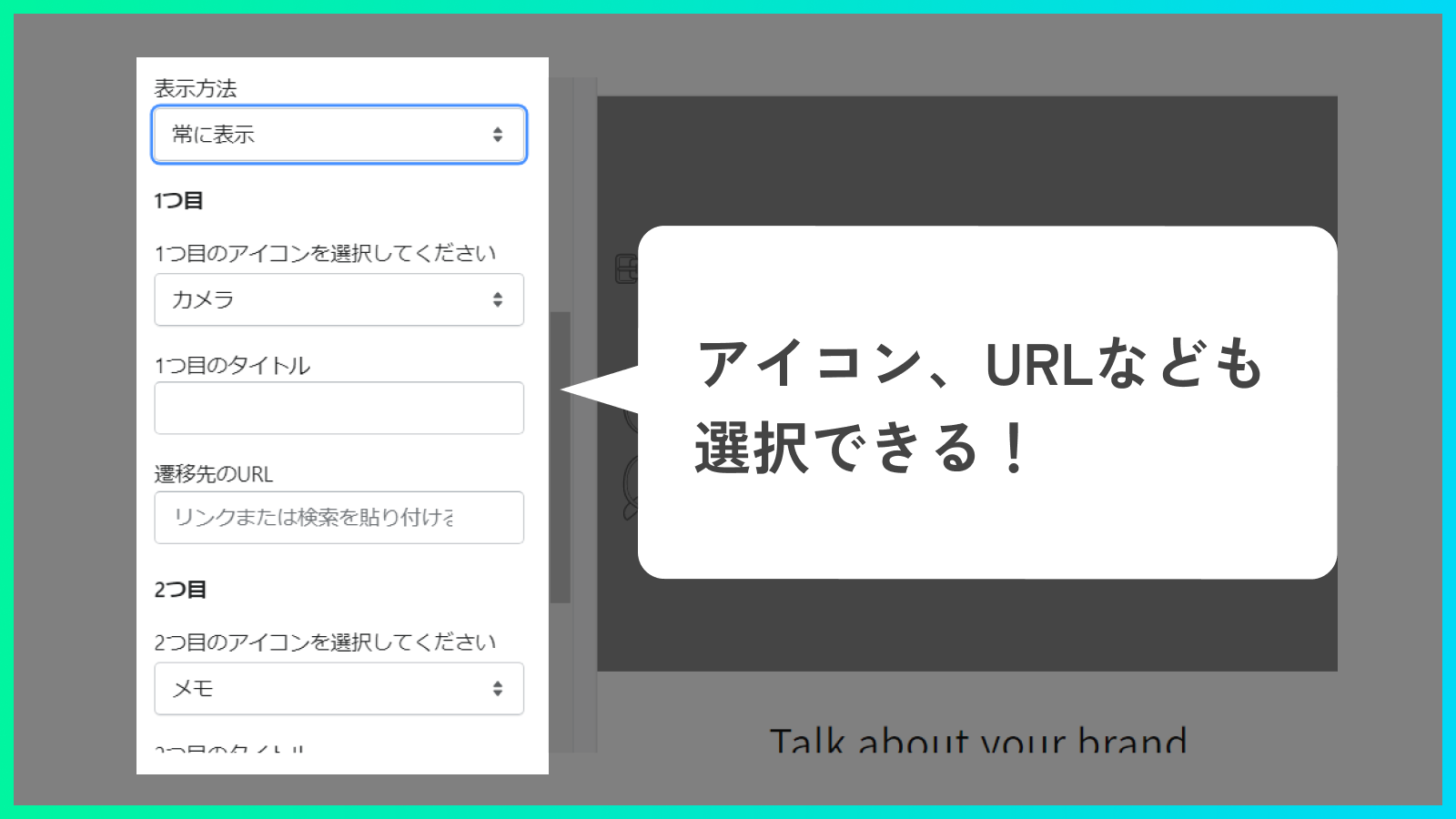
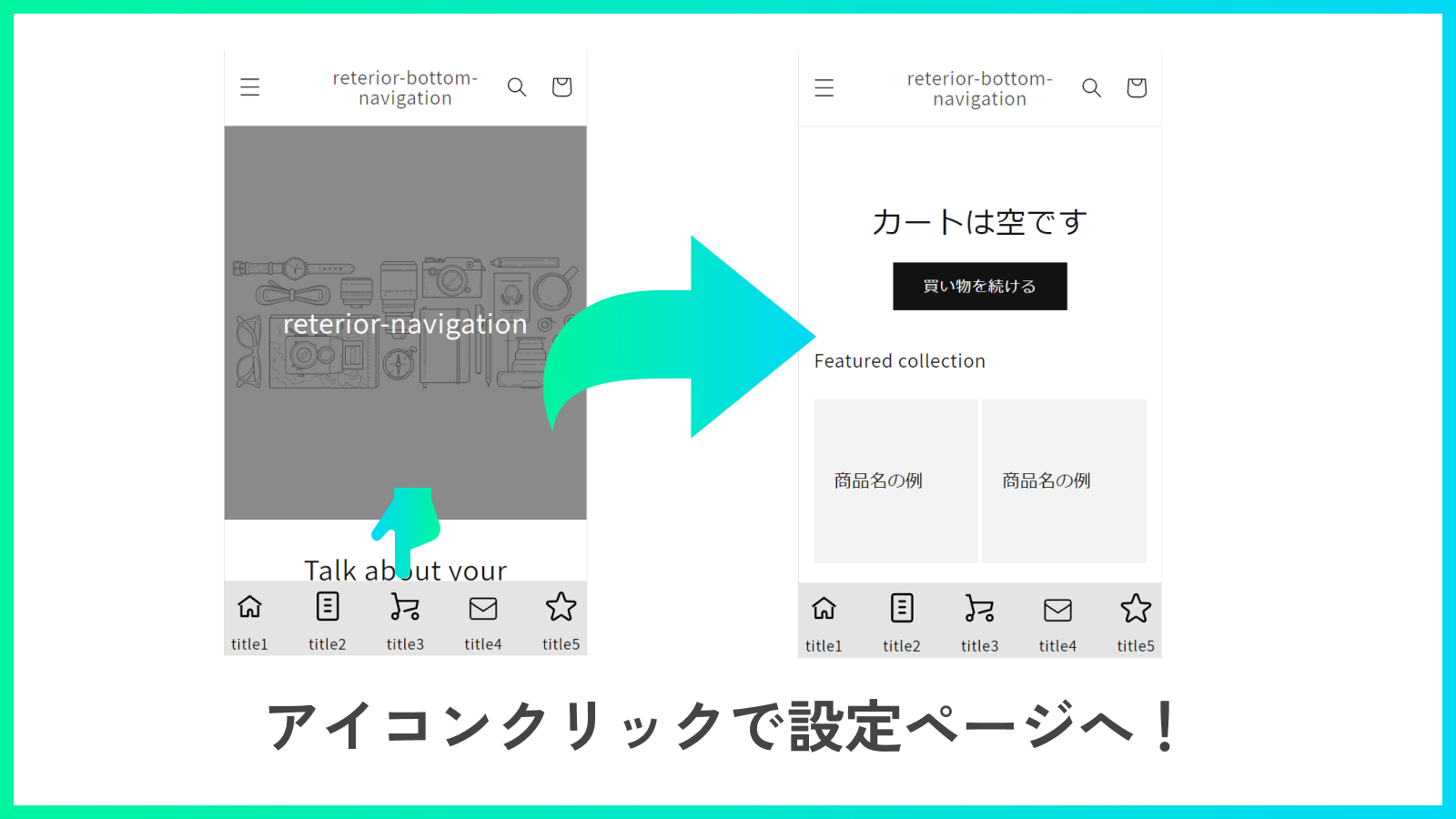
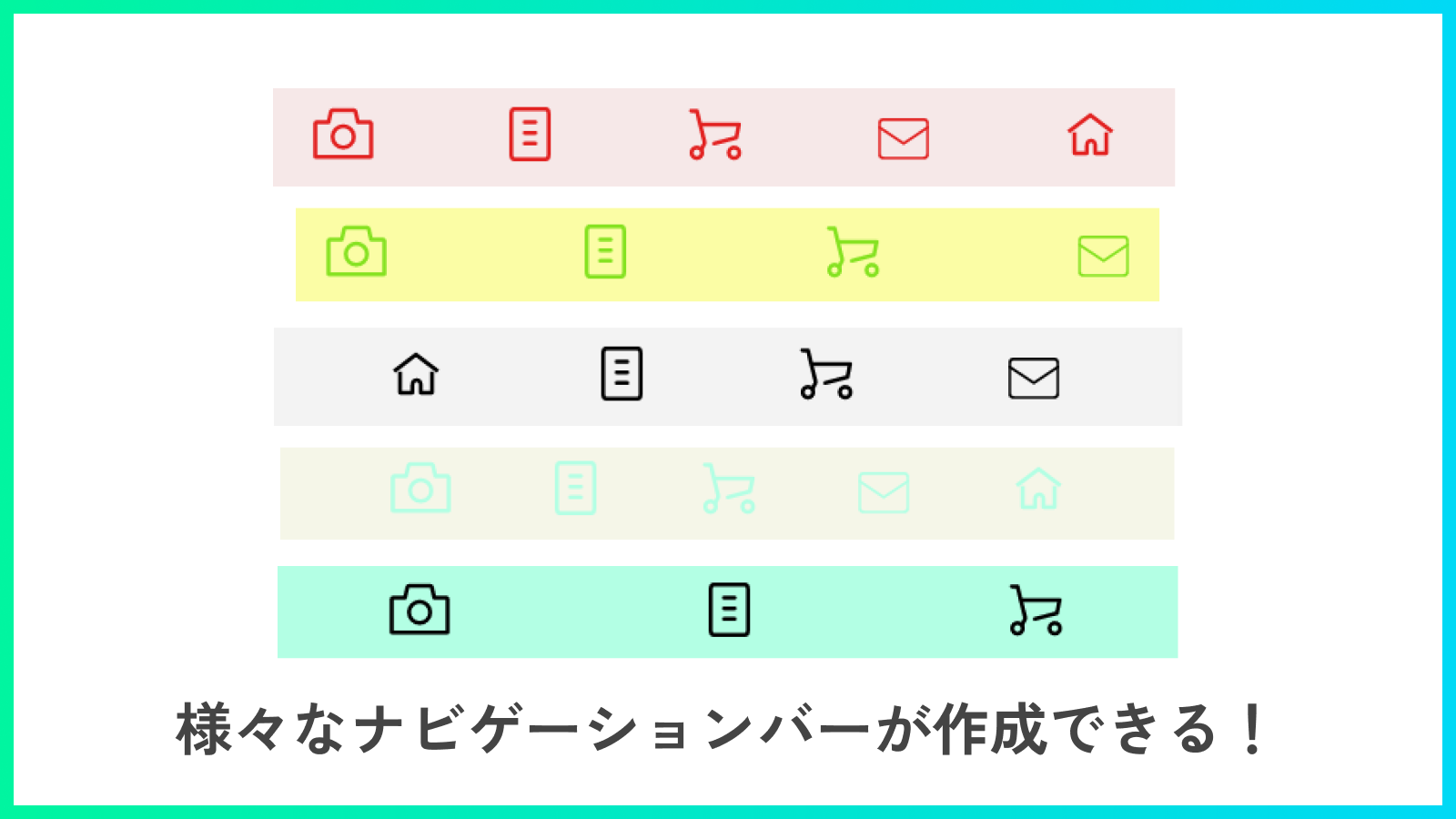
Easy Editing! Add a User-Friendly Navigation Bar to the Bottom of the Screen With this app, you can implement a rich menu without any code editing. Additionally, you can modify icons, the number of icons, background color, URLs, and more directly from the app’s customization screen. Let’s easily create a rich menu with Smartphone Navigation | Retailia Navigation!
Core Functionality
- Customize your navigation bar extensively—adjust margins (top, bottom, left, right) and more to create a slideshow that matches your store’s design and elevates your brand!
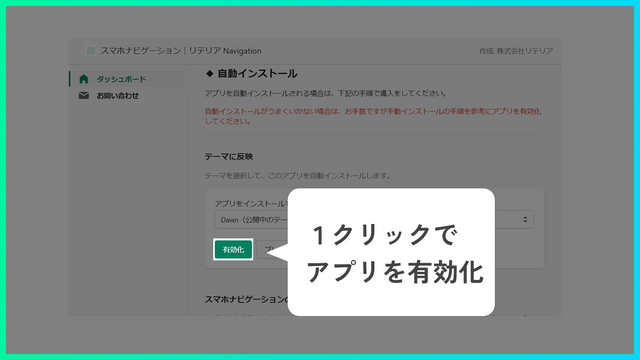
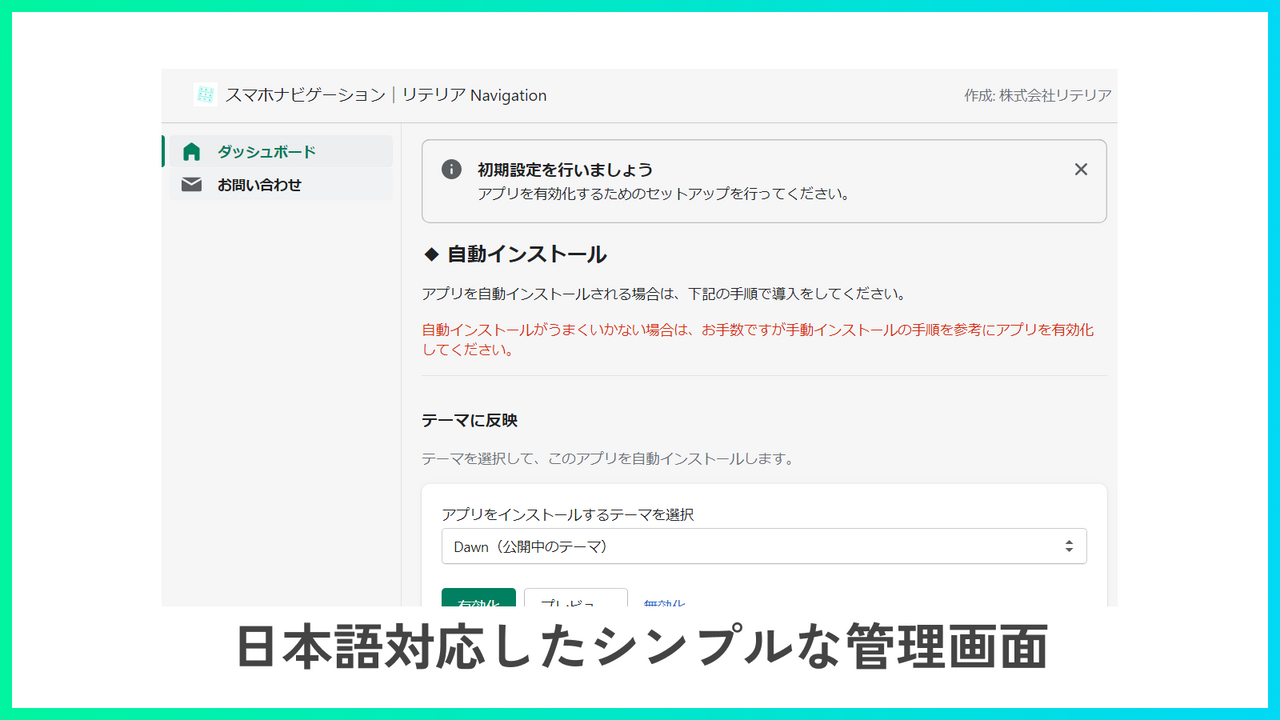
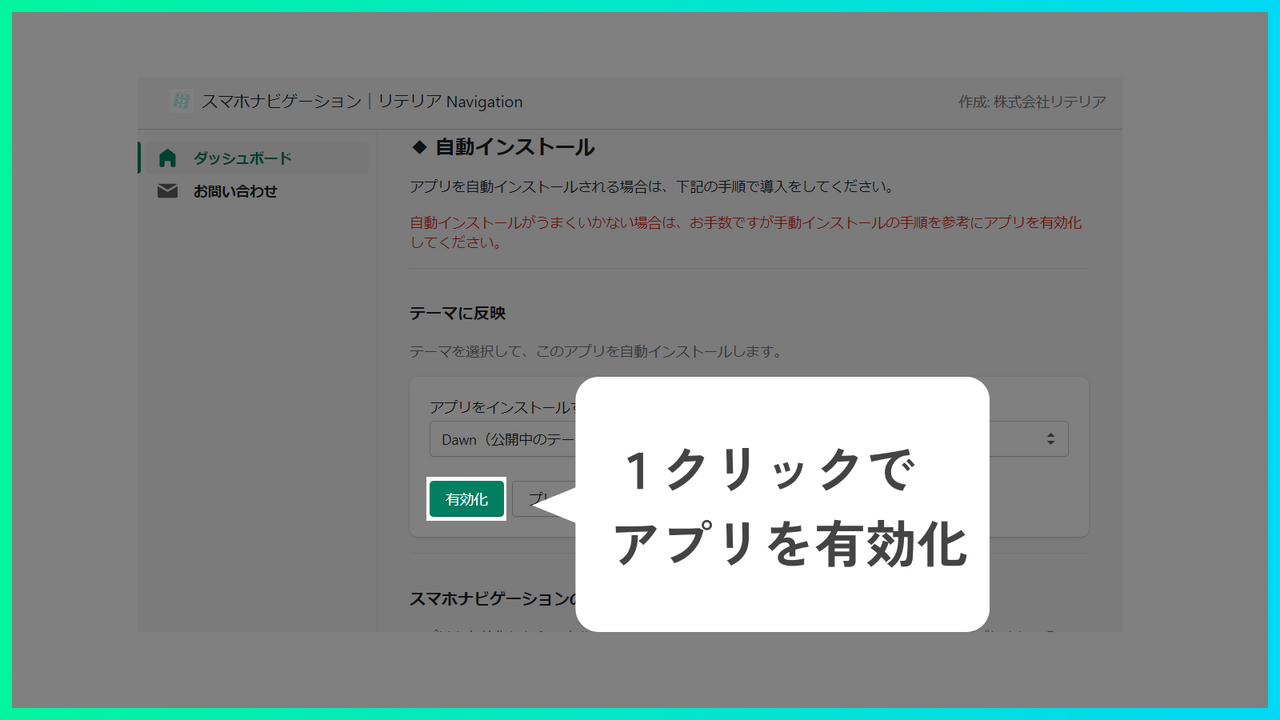
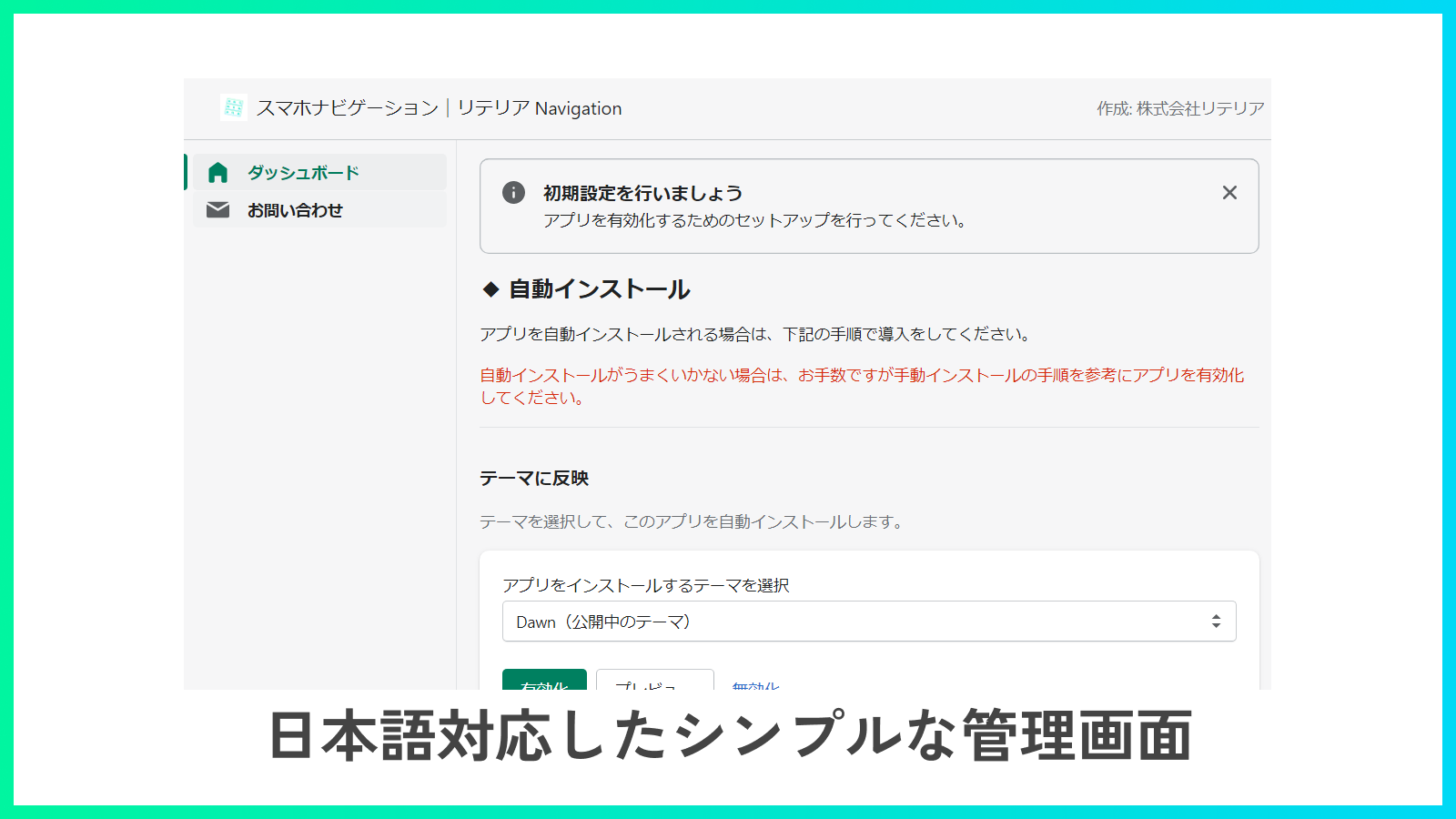
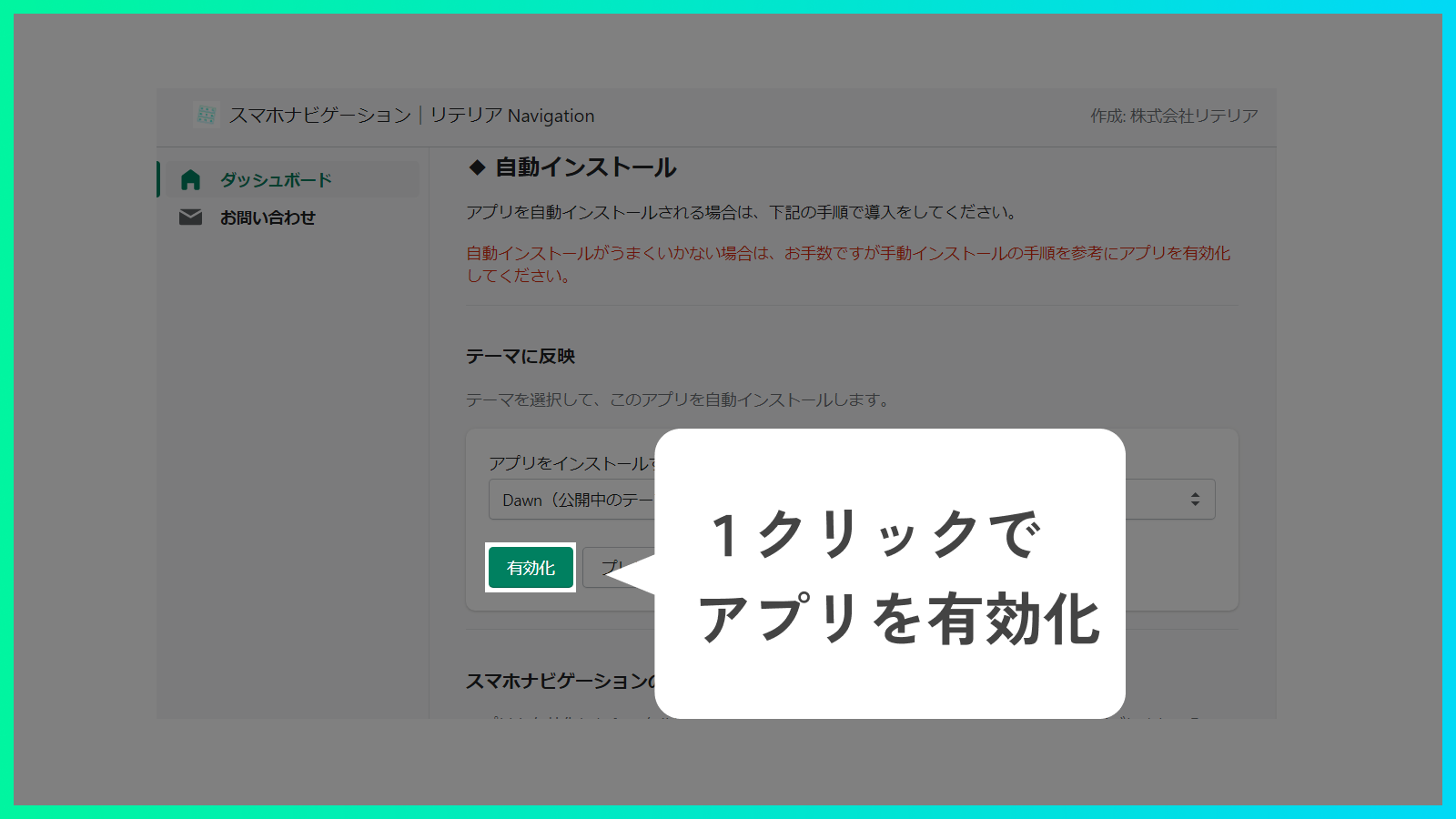
- Effortless setup—just add the app! All you need to do is activate the app and select icons/background colors from the customization screen.
- This app is compatible only with Online Store 2.0. It minimizes code conflicts with your theme or other apps, ensuring safe usage.
Merchant-Friendly
- Brand Independent Store Merchants
- Online Store 2.0 Merchants
- Visual Marketing Merchants
- Lightweight Operation Merchants
Basic Information
- Developer:株式会社リテリア
- Address:三軒茶屋二丁目2番13-11-02号, 世田谷区, JP-13, 154-0024, JP
- Price: Free / Free plan
- Rating:0 / 5
- Comment Count:0 comment
- Release Date:2022-5-30
- Supported languages:Japanese
- Compatible products:Shopify
Application Screenshot


Price Plan
Standard Plan
$4.99
- You can try it for free for 7 days after purchasing the plan.
- For development stores, you can try all features completely free of charge.
User Location & Comments
User Location
Comments
Shopify API Used
- POST /admin/api/themes/{theme_id}/assets.json
- PUT /admin/api/themes/{theme_id}/assets.json
- GET /admin/api/themes/{theme_id}/assets.json
Permission:write_themes,read_themes,manage_online_store
- POST /admin/api/sections.json
- PUT /admin/api/sections/{section_id}.json
- GET /admin/api/sections.json
Permission:write_themes,read_themes,manage_media
- POST /admin/api/apps/{app_id}/enable.json
- GET /admin/api/apps/{app_id}/settings.json
- PUT /admin/api/apps/{app_id}/settings.json
Permission:write_apps,read_apps,manage_online_store