
App Introduction
Add a sticky cart button to your product pages, allowing customers to directly access the cart page or proceed to checkout. When customers scroll up and down the page, the "Add to Cart" / "Buy Now" buttons become invisible. This app solves that by providing a sticky bar with product information and an "Add to Cart" button. It eliminates the need for customers to scroll back to find the add-to-cart option—they can easily locate the button on the sticky bar to add items to their cart or check out.
Core Functionality
- Add a sticky cart bar to product pages to simplify the checkout process.
- Skip the cart and send customers directly to the checkout page.
- One-click installation. No coding required.
Merchant-Friendly
- Independent Station Merchants
- Single-category E-commerce
- FMCG Merchants
- Small E-commerce Sellers
Basic Information
- Developer:Zooomy
- Address:6110 pelican Ln, columbus, IN, 47201, US
- Price: Free / Free plan
- Rating:5 / 5
- Comment Count:3 comment
- Release Date:2019-2-13
- Supported languages:English
- Compatible products:Shopify
Application Screenshot

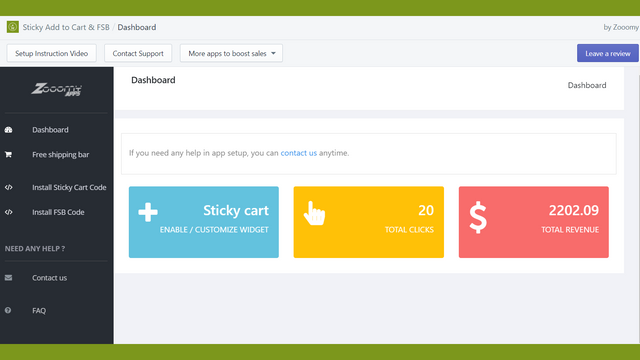

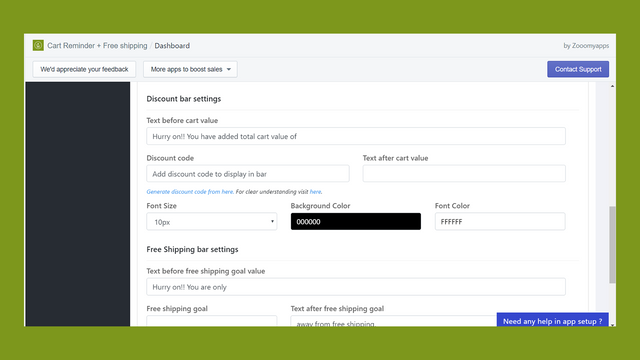
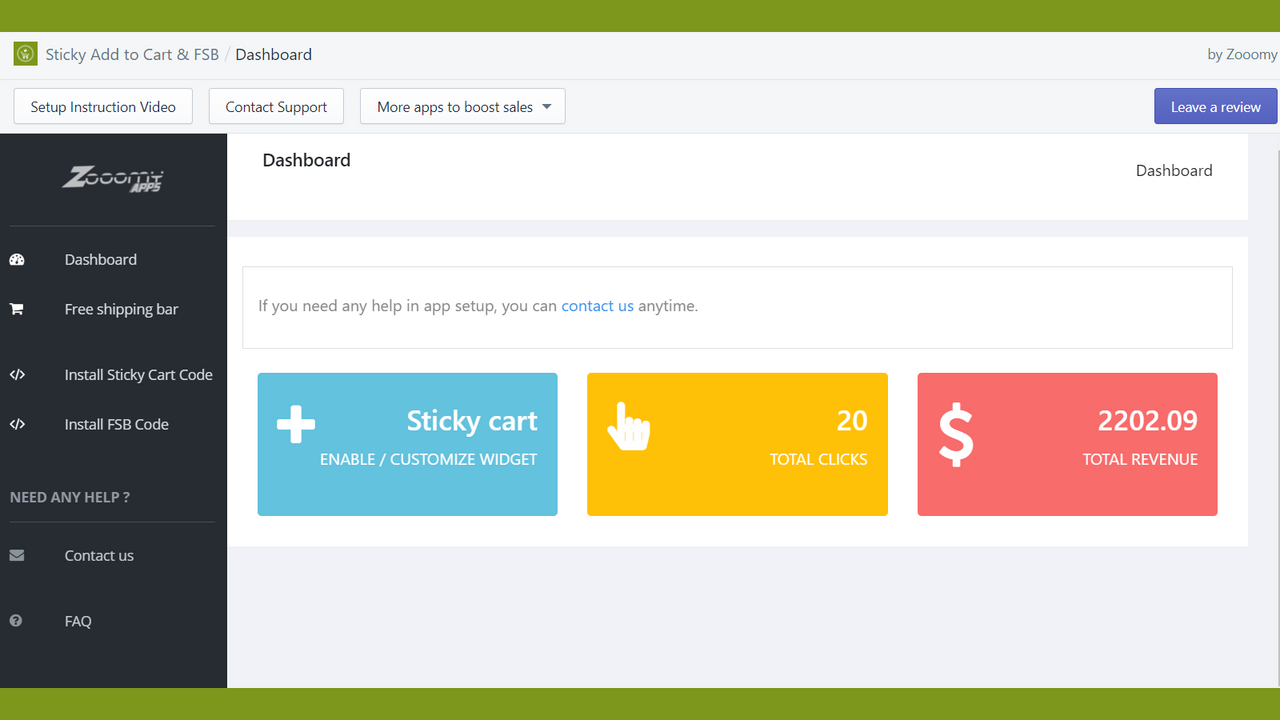

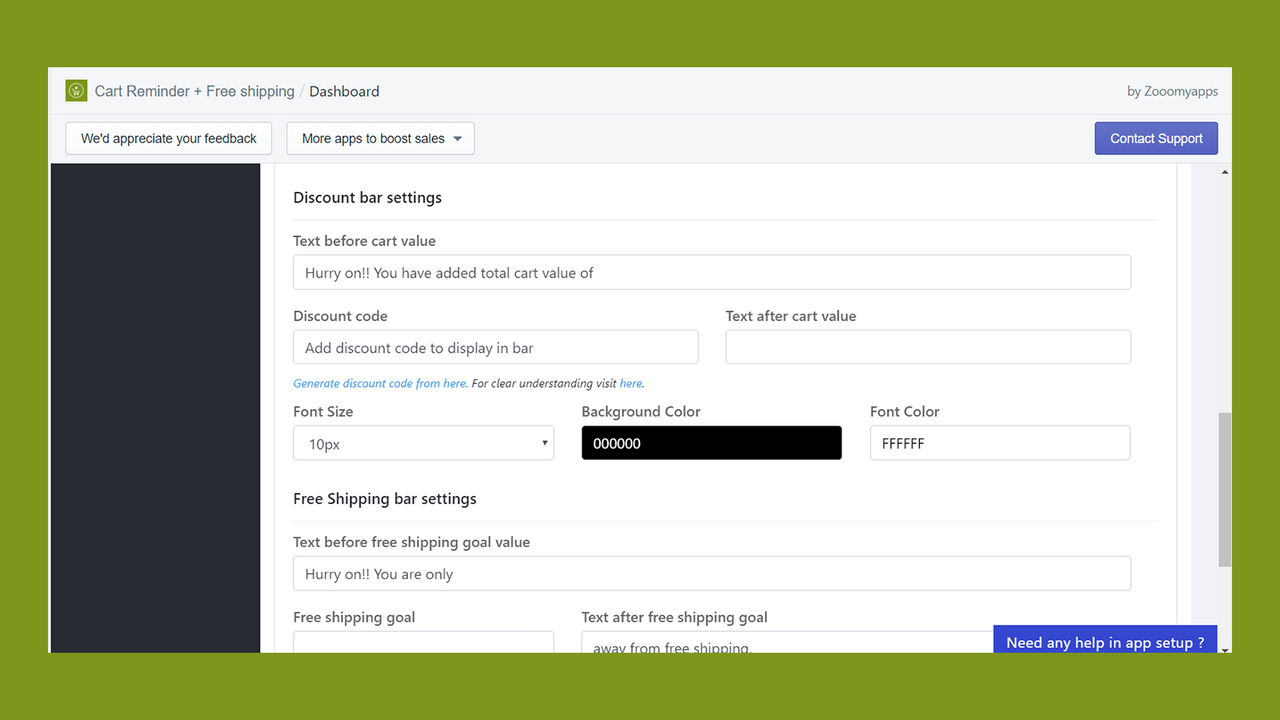

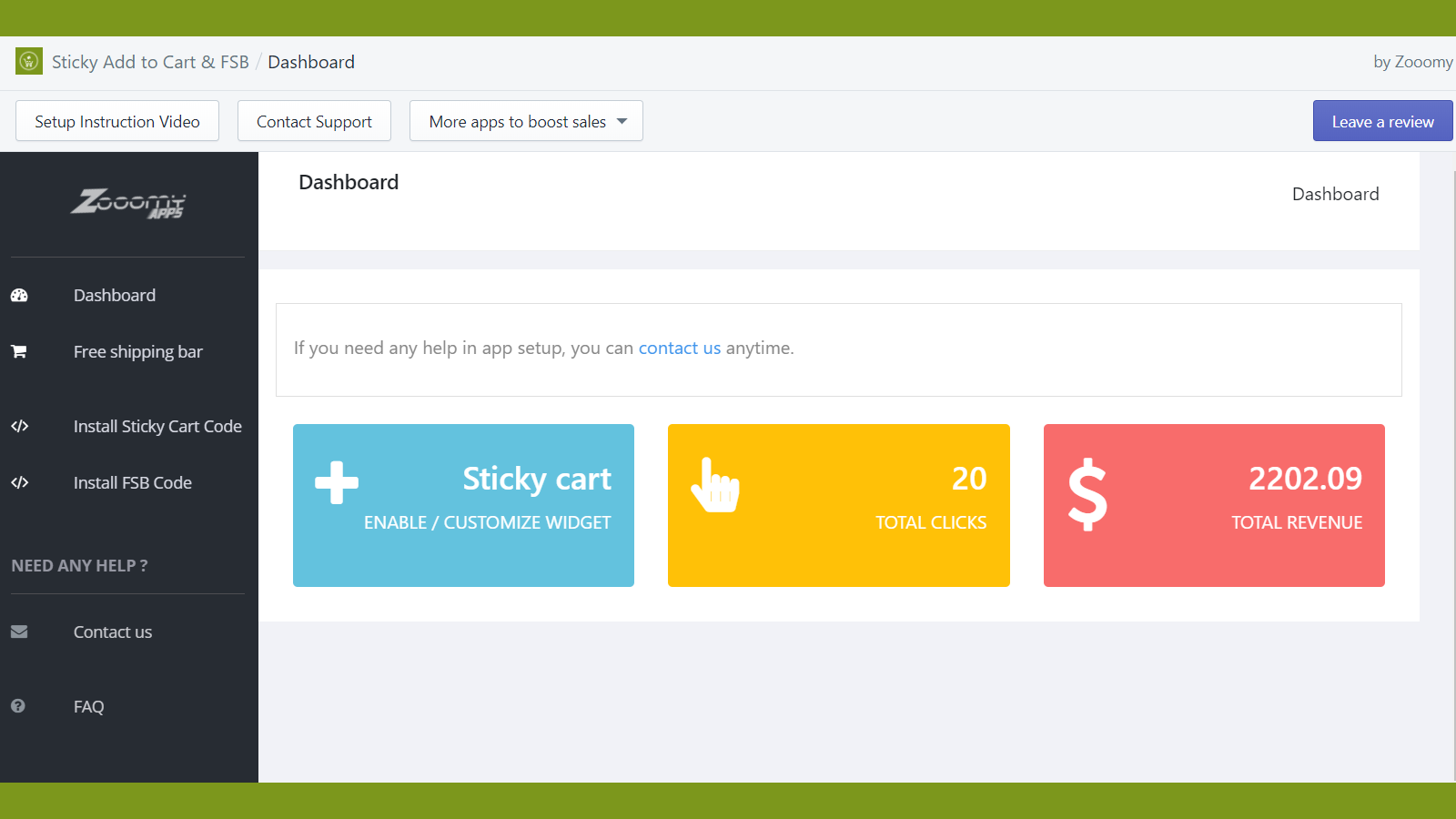

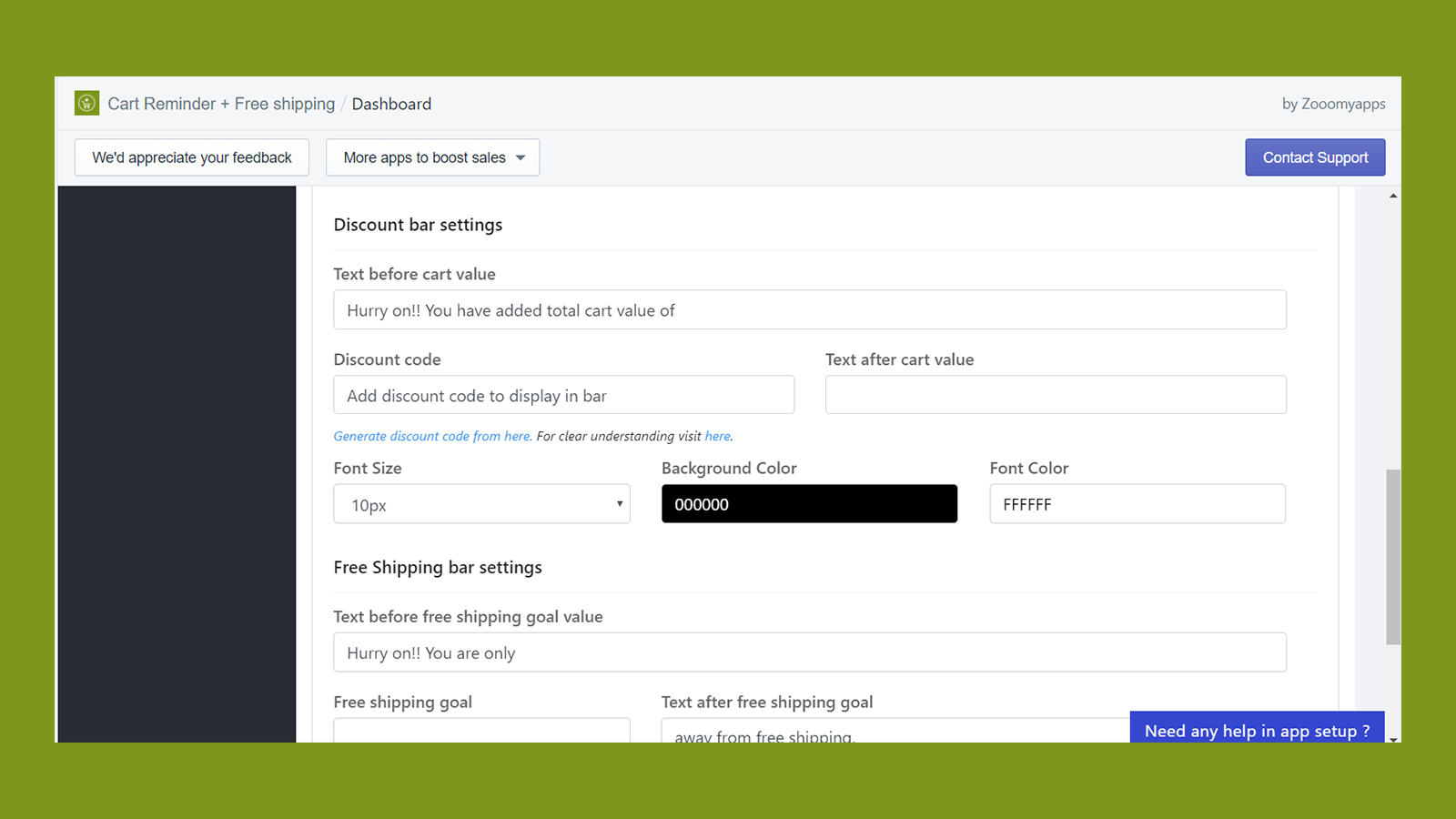
Price Plan
Free
Free Plan
User Location & Comments
User Location
Comments
Shopify API Used
- POST /admin/api/sections.json
- PUT /admin/api/sections/{section_id}.json
- GET /admin/api/sections.json
Permission:write_themes,read_themes,manage_products
- POST /admin/api/cart/update.json
- POST /admin/api/checkouts.json
- GET /admin/api/cart.json
Permission:write_cart,read_cart,manage_checkouts
- POST /admin/api/apps/{app_id}/install.json
- PUT /admin/api/apps/{app_id}/settings.json
- GET /admin/api/apps.json
Permission:install_apps,manage_apps,read_apps