
App Introduction
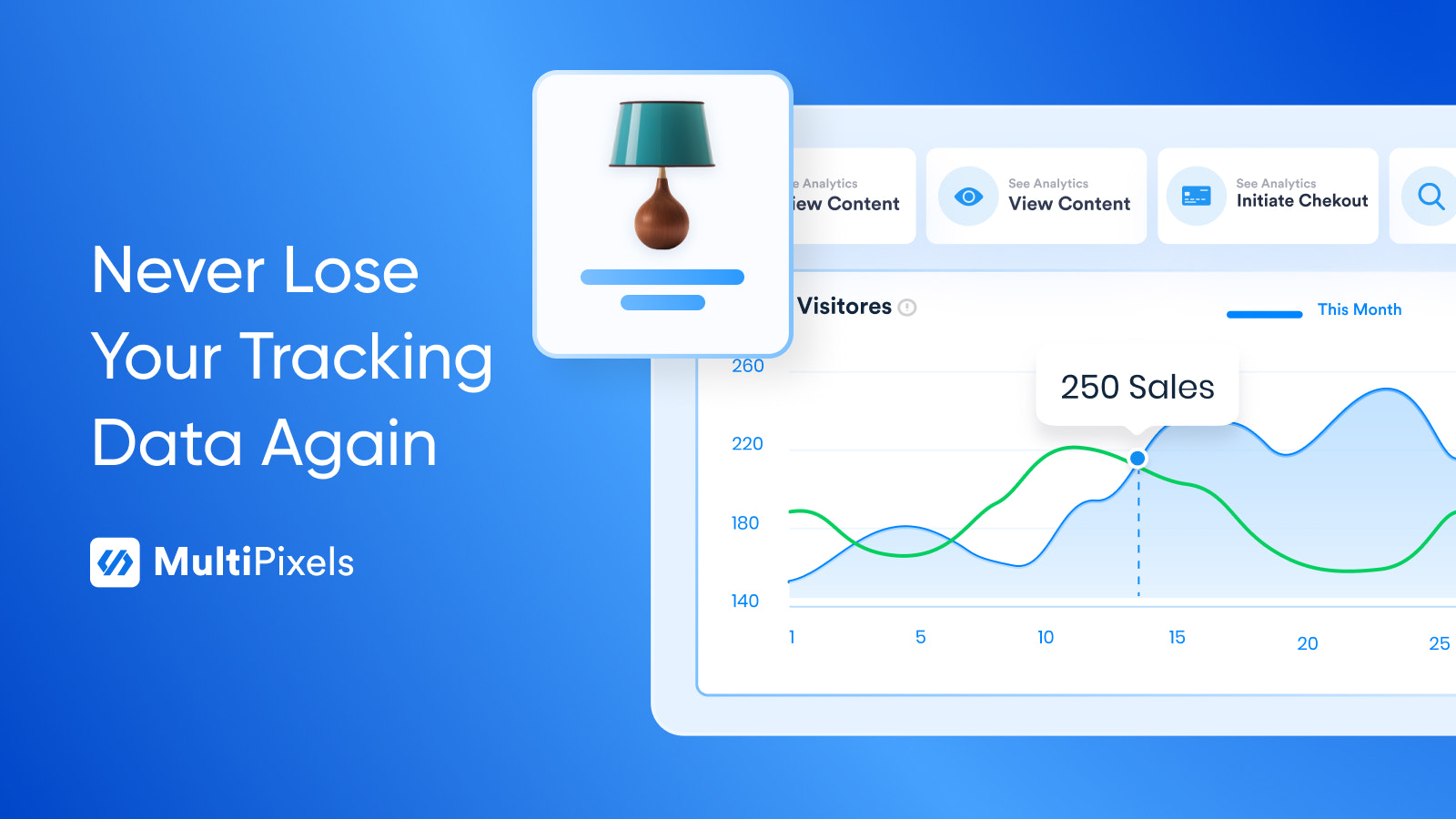
Grow Quickly and Profitably with MultiPixels: No-Code, Hassle-Free Social Media Pixel Tracking MultiPixels lets you easily scale your business with Facebook, IG, TikTok, Snapchat, X, and Pinterest ads. Eliminate the technical hassle of pixel setup, backups, and publishing—so you can focus on your customers. Track ad data accurately in one place with unlimited secure pixels and ultra-simple setup, while driving more sales. Also includes essential growth tools for quick, profitable scaling: custom audience creation, product catalogs, bot management, and more—all backed by our 24/7 support.
Core Functionality
- Easily install multiple social ad pixels to Shopify in minutes
- Supports Facebook, IG, TikTok, Snapchat, X, and Pinterest ad pixels, including iOS compatibility
- Protect your ad data with automatic backups – even if your account is blocked
- Quickly and easily scale pixels across Shopify collections, products, and pages
Merchant-Friendly
- Social Traffic E-commerce
- Multi-platform Ad Merchants
- Independent Station Growth Merchants
Basic Information
- Developer:MultiPixels
- Address:272 Bath Street, Glasgow, SCT, G2 4JR, GB
- Price: Free / Free plan
- Rating:4.7 / 5
- Comment Count:8 comment
- Release Date:2019-2-11
- Supported languages:English
- Compatible products:Shopify
Application Screenshot
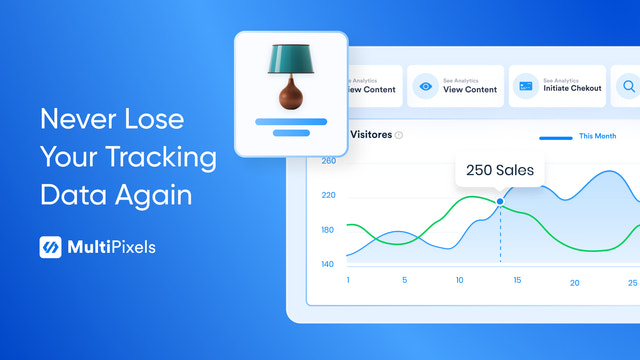
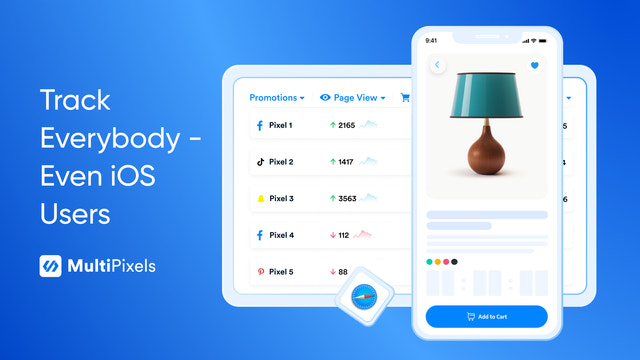

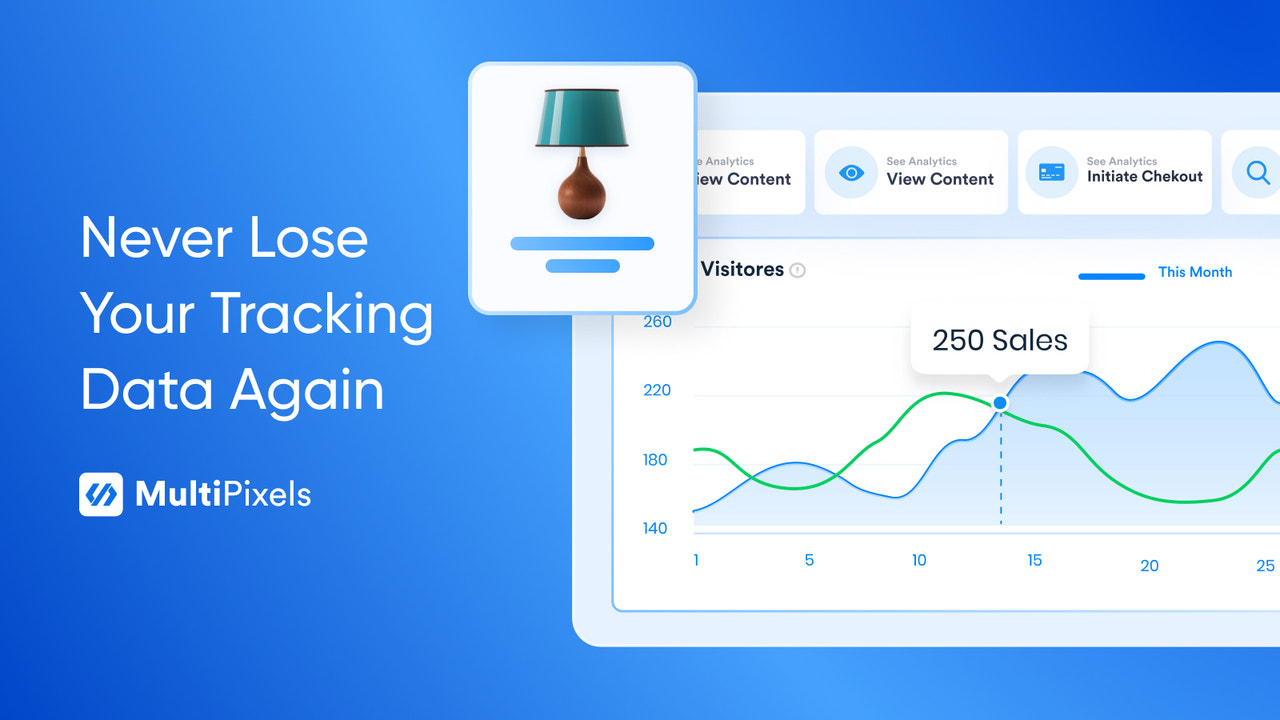
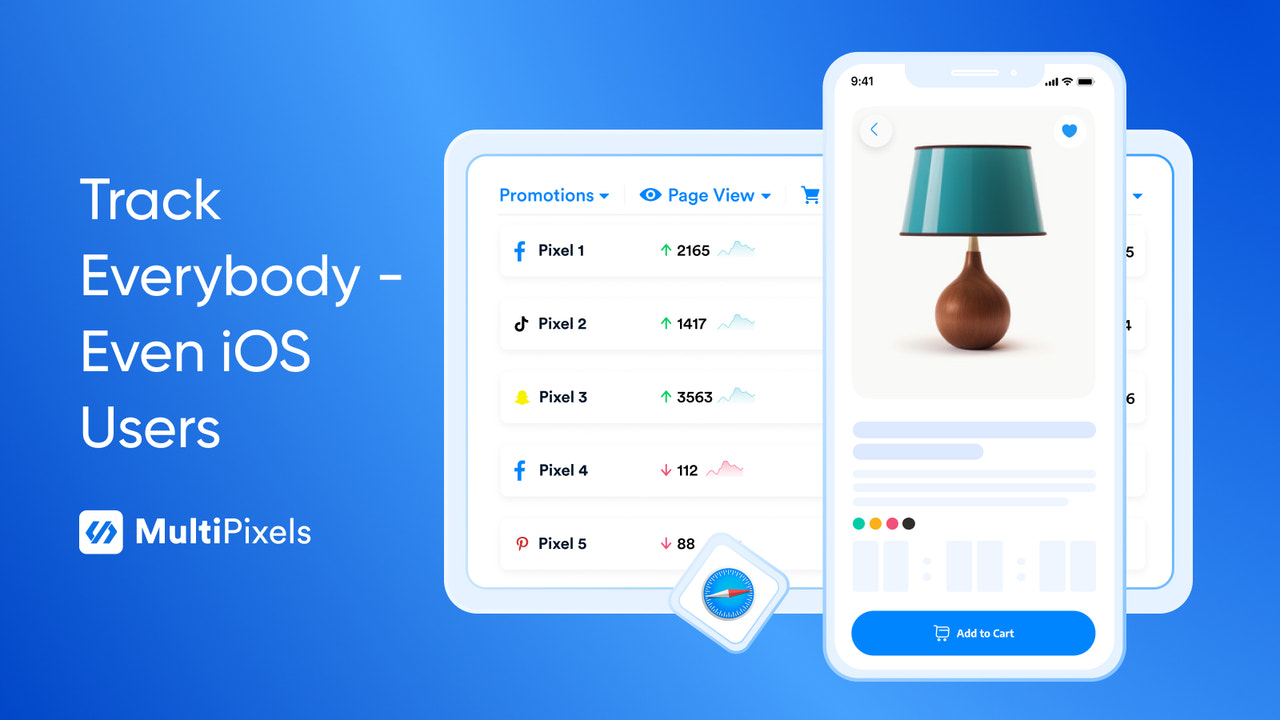






Price Plan
Starter
- Unlimited Pixels: Installation, Tracking, Backup
- Pixels for Collections, Products, Pages
- Auto-update to FB Catalog
Advanced
- All content in "Starter"
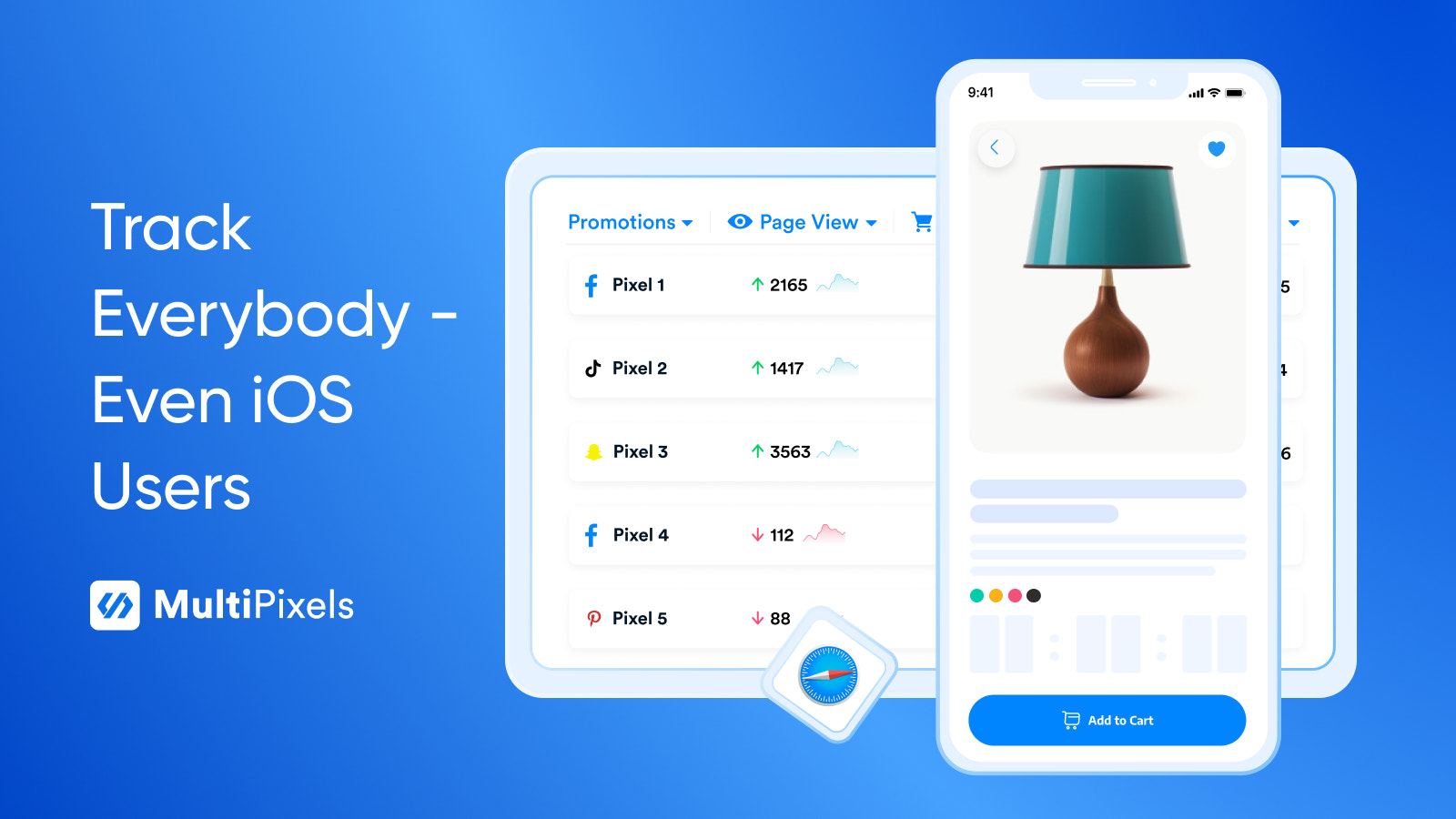
- Track iOS users
- Custom audience builder
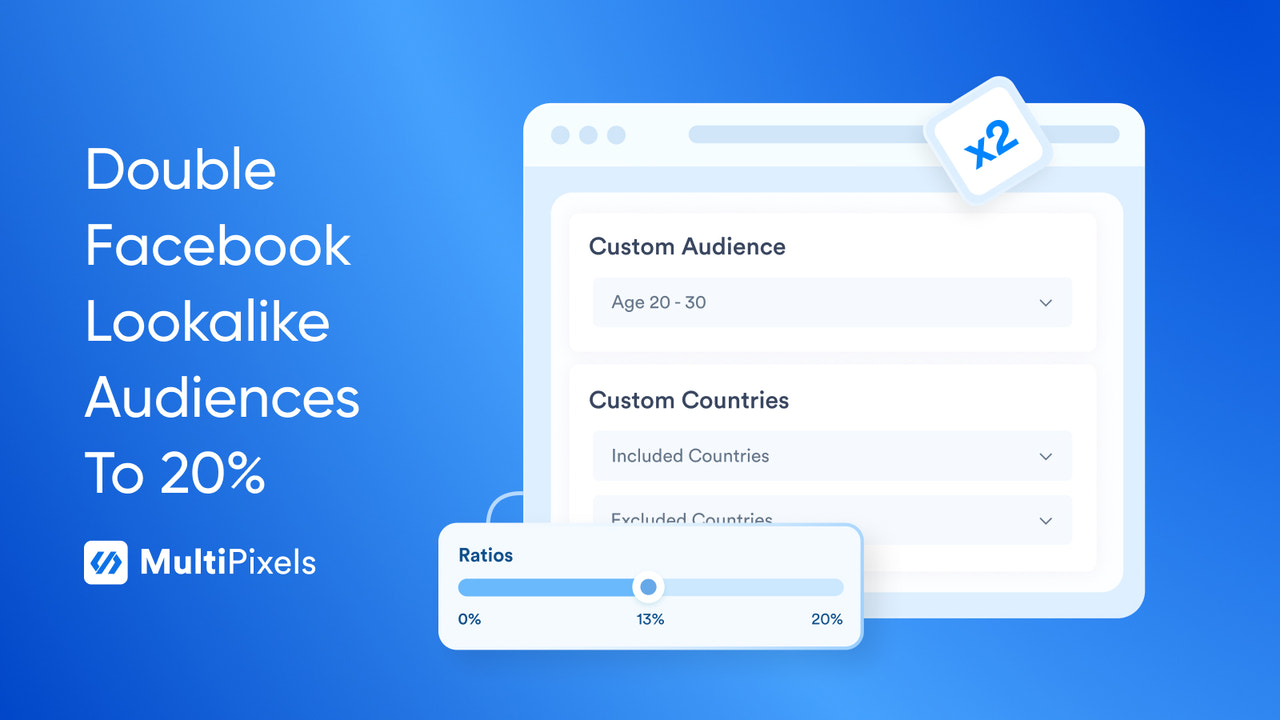
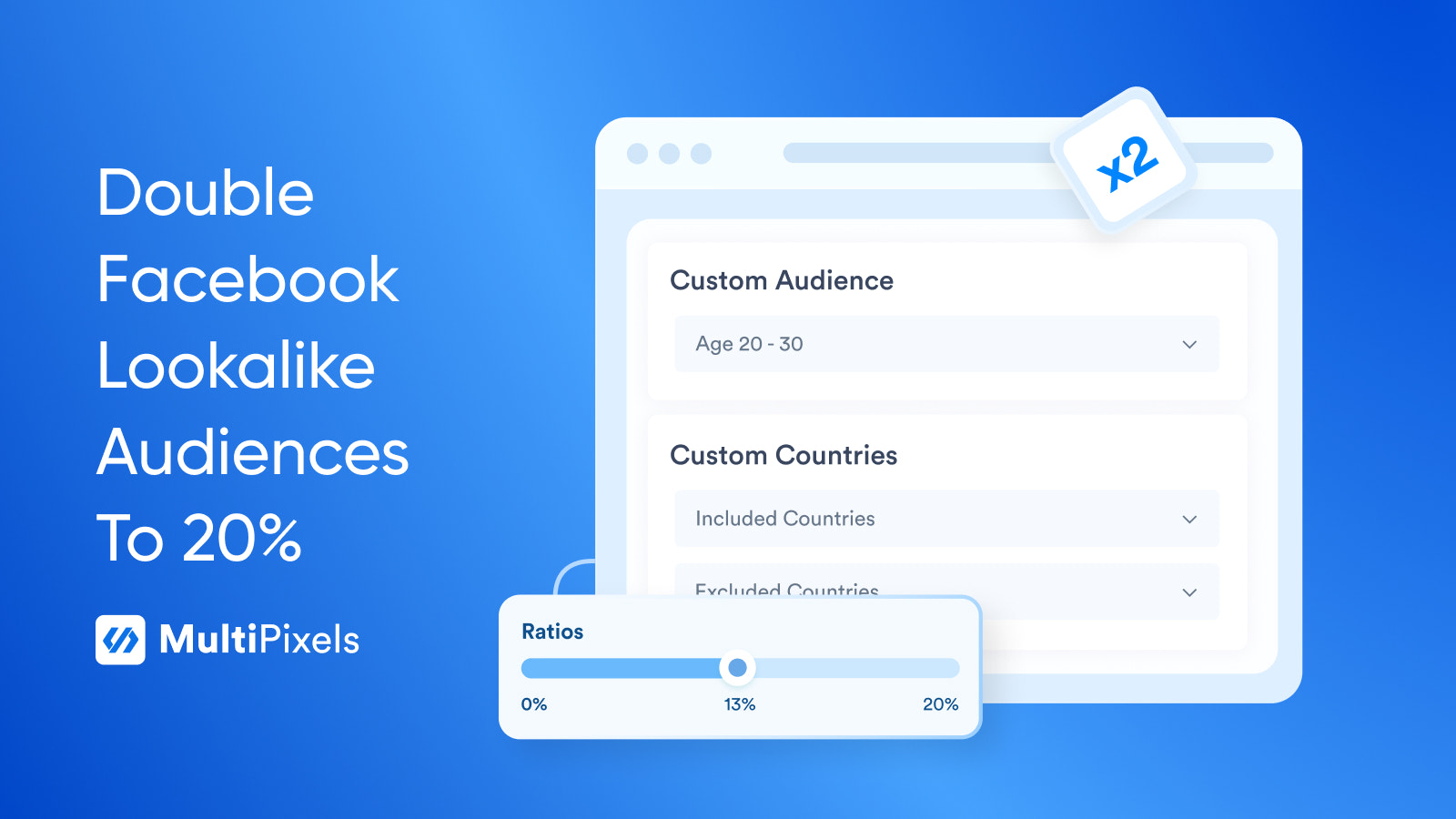
- FB lookalike audience builder: 2x normal rate
Premium
- All content in "Advanced"
- Available for Shopify Plus
User Location & Comments
User Location
Comments
Shopify API Used
- POST /admin/api/pixels.json
- PUT /admin/api/pixels/{pixel_id}.json
- GET /admin/api/pixels.json
Permission:write_pixels,read_pixels,manage_themes
- POST /admin/api/pixels/backup.json
- GET /admin/api/pixels/backup.json
- DELETE /admin/api/pixels/backup/{backup_id}.json
Permission:write_pixels,read_pixels,manage_data
- POST /admin/api/pixels/extension.json
- PUT /admin/api/pixels/extension/{ext_id}.json
- GET /admin/api/pixels/extension.json
Permission:write_pixels,read_pixels,manage_collections



