App Introduction
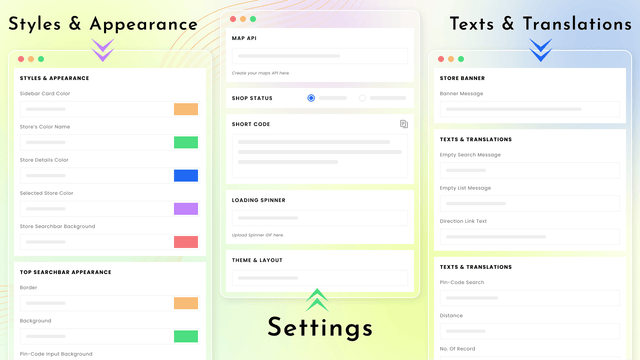
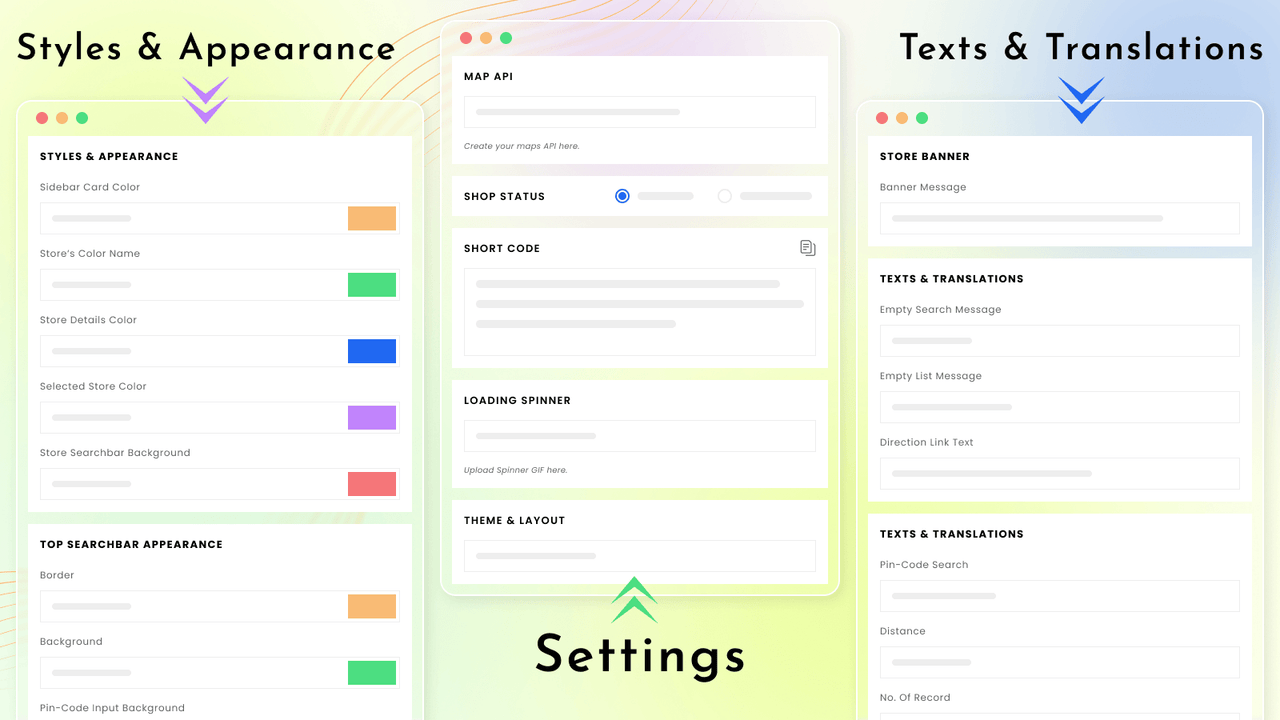
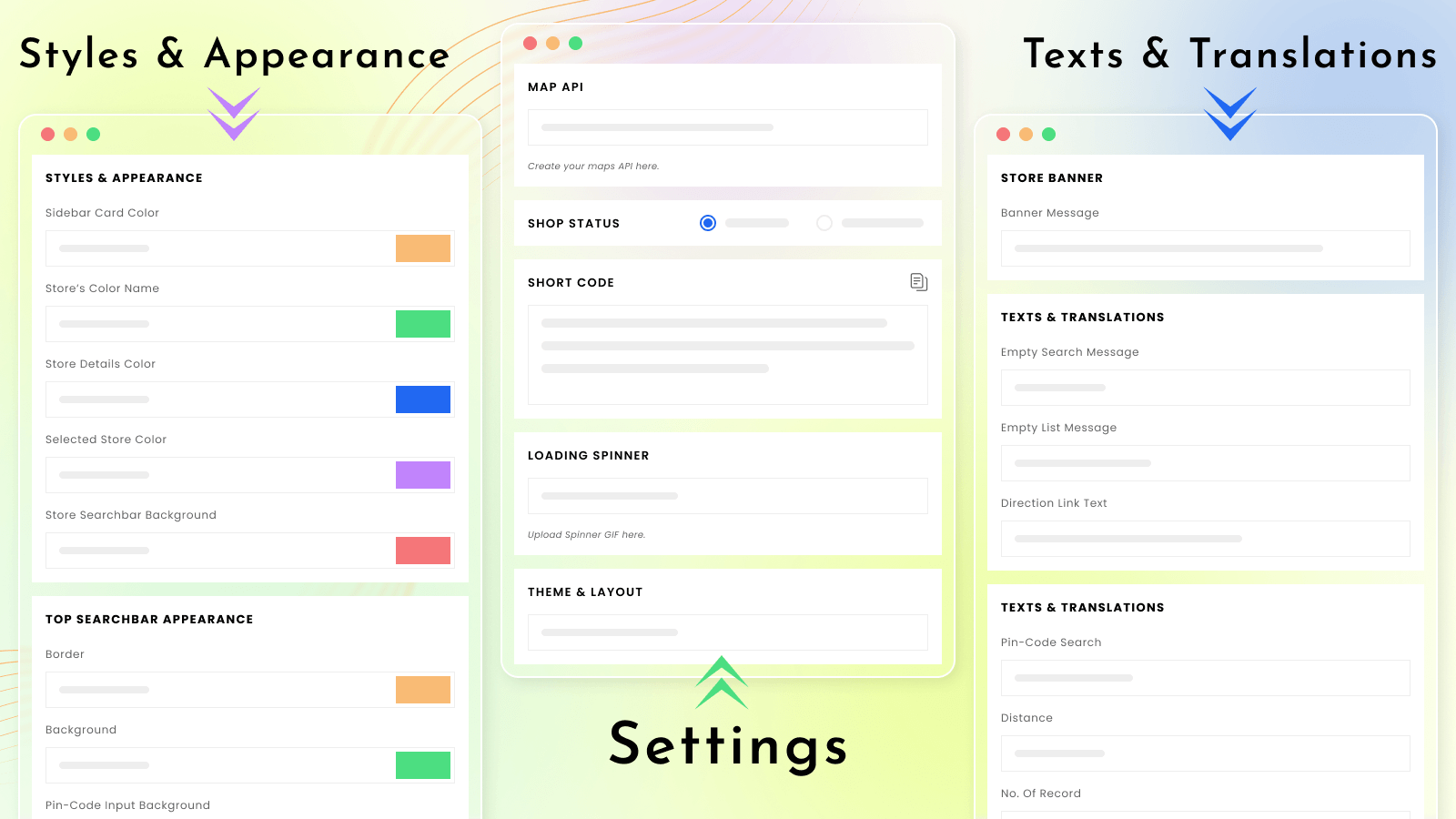
List all your physical stores on a single page to help your customers quickly find nearby locations. If you operate multiple brick-and-mortar stores and want to help your customers easily locate and reach nearby outlets, this game-changing multi-store locator app offers a highly scalable and customizable solution to get your customers where they need to go, fast. Setup is straightforward—just follow a few simple steps, and your store locator map will be live on your store. Customize the display settings to match your theme, and it will blend seamlessly as a native feature of your store’s design.
Core Functionality
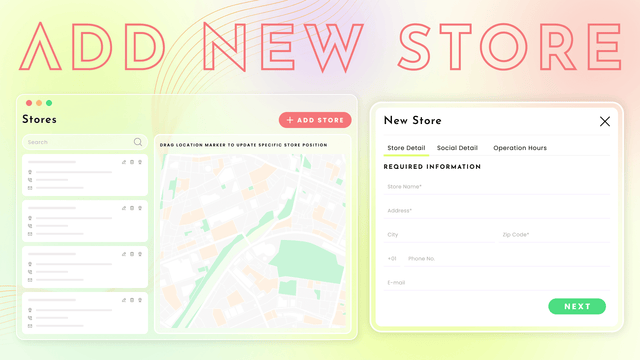
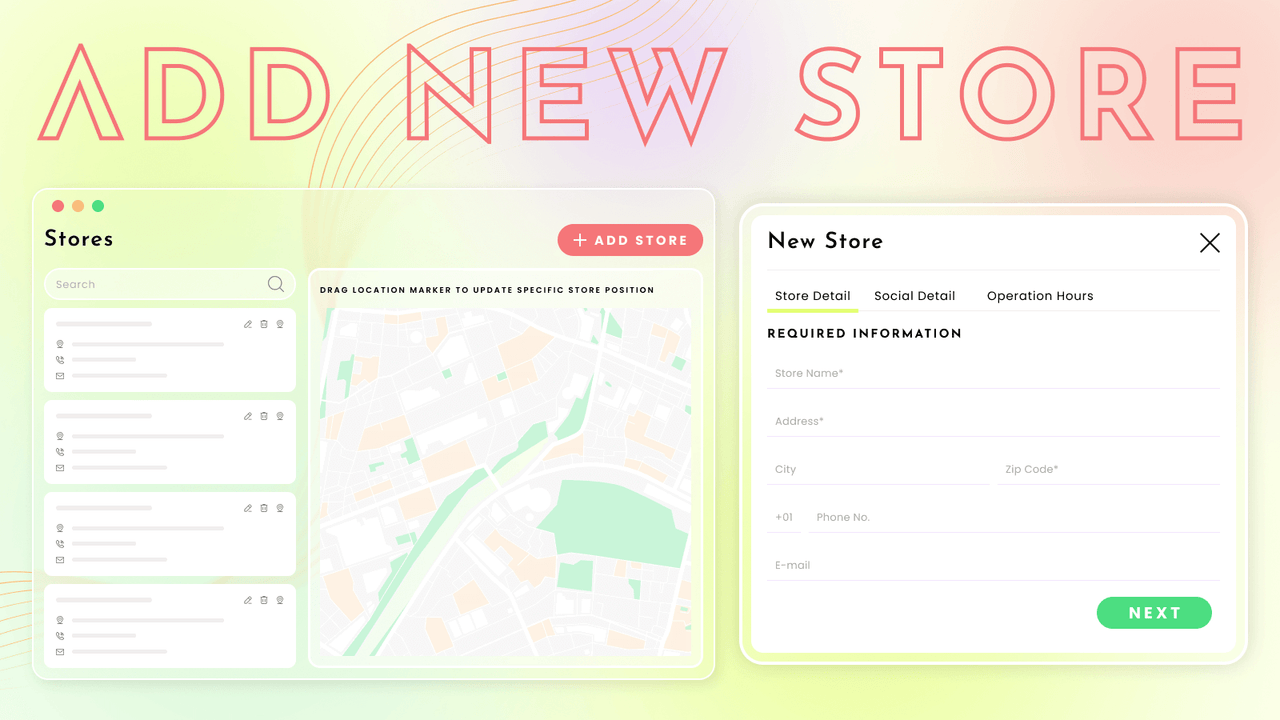
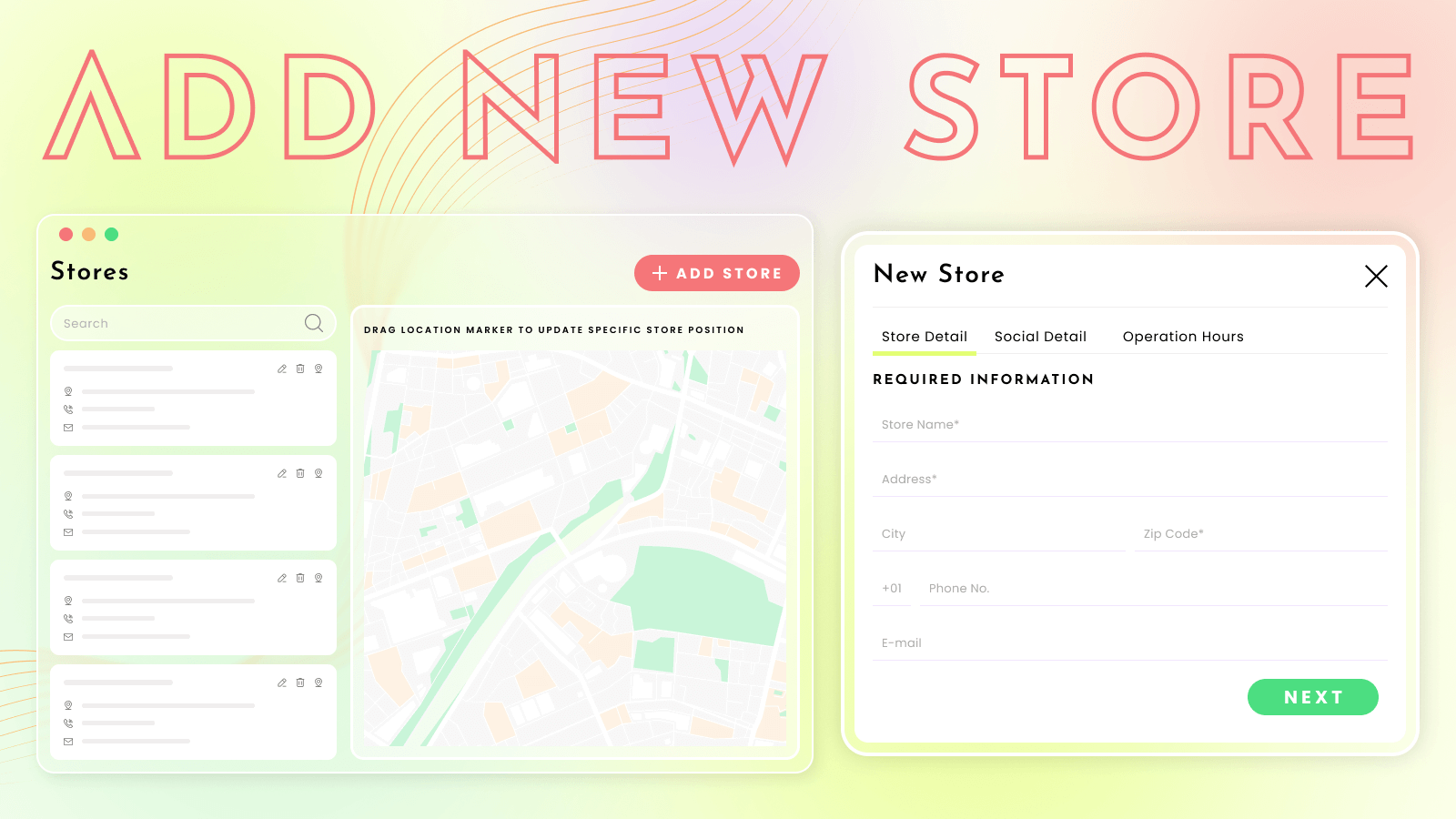
- Easily add, update, and delete stores using the bulk import method
- Set your custom design on the map with your own custom map style JSON
- Clustering feature helps you merge markers into a single cluster
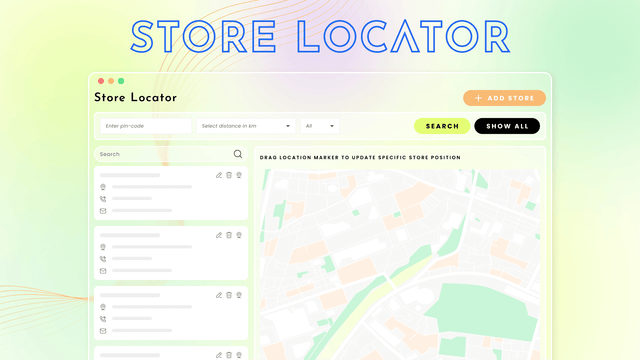
- Easily search for stores in the locator via different filtering options
- Supports all themes. Easy to install.
Merchant-Friendly
- Offline Retail Chains
- Multi-store E-commerce
- Brand Direct Merchants
- Regional Distribution Merchants
Basic Information
- Developer:Cirkle Studio LLC
- Address:1177 6th Ave, 5th Floor, 5005, New York, NY, 10036, US
- Price: Free / Free plan
- Rating:4.8 / 5
- Comment Count:31 comment
- Release Date:2021-7-27
- Supported languages:English
- Compatible products:Shopify
Application Screenshot

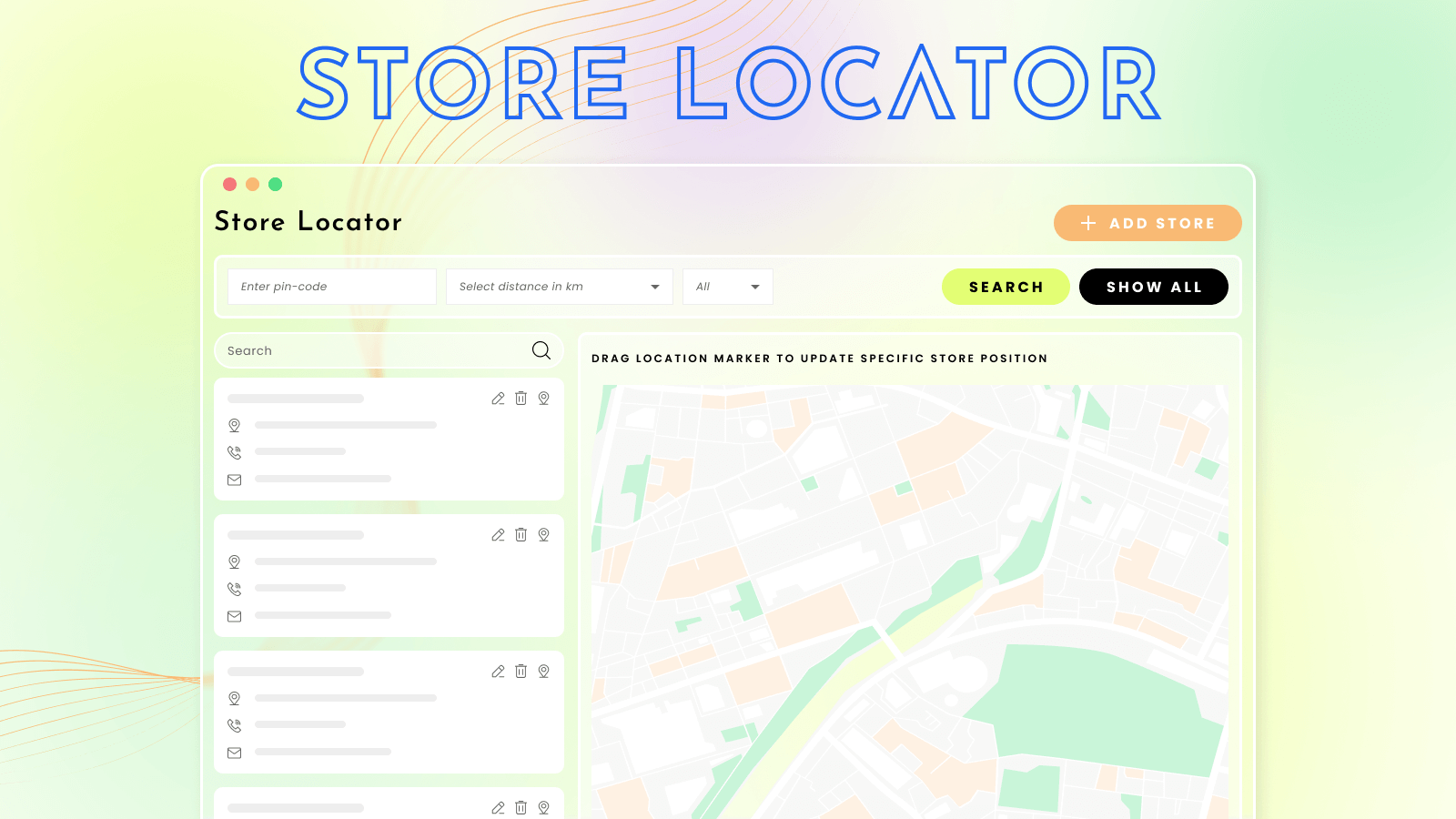
Price Plan
基础计划
- Add up to 5 stores
高级计划
- Unlimited Stores
User Location & Comments
User Location
Comments
Shopify API Used
- POST /admin/api/stores/bulk.json
- PUT /admin/api/stores/bulk.json
- DELETE /admin/api/stores/bulk.json
Permission:write_stores,read_stores,manage_shop_locations
- POST /admin/api/map_styles.json
- PUT /admin/api/map_styles/{id}.json
- GET /admin/api/map_styles.json
Permission:write_map_styles,read_map_styles,manage_shop_locations
- POST /admin/api/map_clusters.json
- PUT /admin/api/map_clusters/{id}.json
- GET /admin/api/map_clusters.json
Permission:write_map_clusters,read_map_clusters,manage_shop_locations
- GET /admin/api/stores/search.json?filters={...}
- GET /admin/api/stores.json?filters={...}
- POST /admin/api/store_search_filters.json
Permission:read_stores,manage_shop_locations,view_shop_locations
- POST /admin/api/apps/install.json?theme_compatible=true
- GET /admin/api/themes.json?app_support=true
- PUT /admin/api/apps/settings.json?theme_support=true
Permission:write_themes,read_themes,manage_apps