
App Introduction
Create Bing, Pinterest, and Google data feeds for different currencies and languages using Markets. Generate and manage product data feeds for multiple platforms including Google Merchant Center, Facebook, Pinterest, and Bing. XML data feed files created by this app automatically update your Shopify products. It supports multi-currency and multi-language data feeds for Shopify Markets, with single or multiple variant options. Ideal for cross-border sales, it delivers accurate pricing and localized product data.
Core Functionality
- Sell cross-border with multi-language, multi-currency, and international pricing data sources
- Easily submit multiple product variants to Google Shopping
- Generate Google Shopping data feeds for each unique language + currency combination
- Submit products with single or all variants (including color, image, and size)
- Works with Google Channel, Facebook, Pinterest, Bing, bol.com, and 50+ other websites
Merchant-Friendly
- Cross-border E-commerce Merchants
- Multi-channel Sellers
- Global Brand Merchants
- Independent Store Sellers
Basic Information
- Developer:Casa: Google Feed & Subscription App
- Address:651 N Broad St, Suite 201, Middletown, DE, 19709, US
- Price: Free / Free plan
- Rating:4.7 / 5
- Comment Count:219 comment
- Release Date:2022-1-24
- Supported languages:English
- Compatible products:Shopify
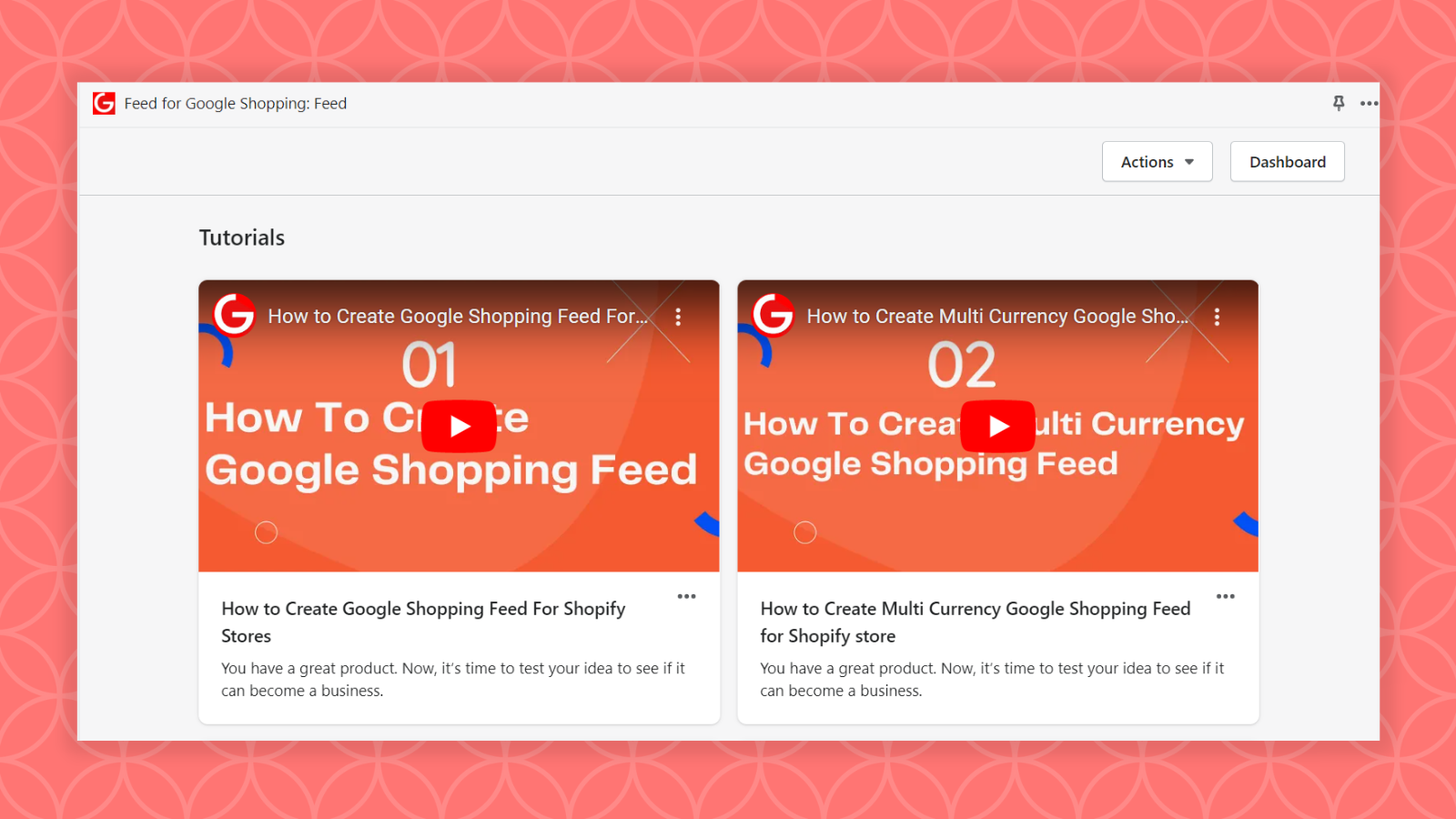
Application Screenshot

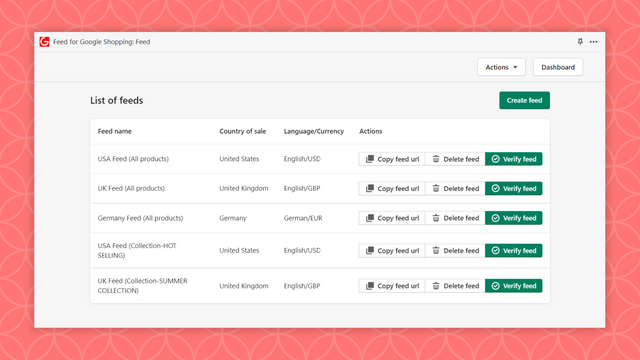
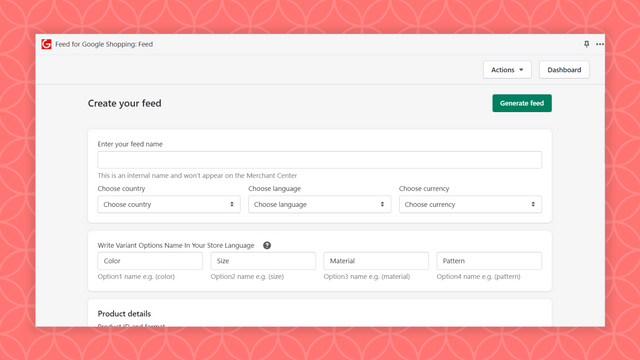
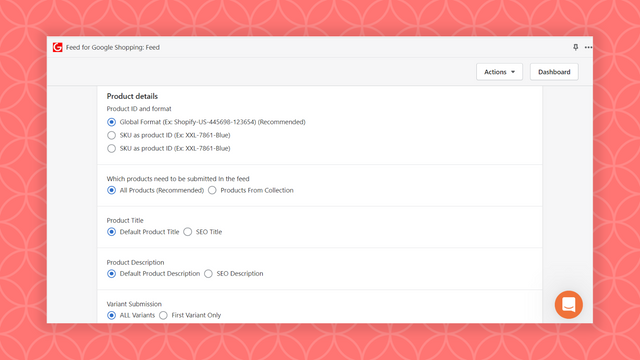
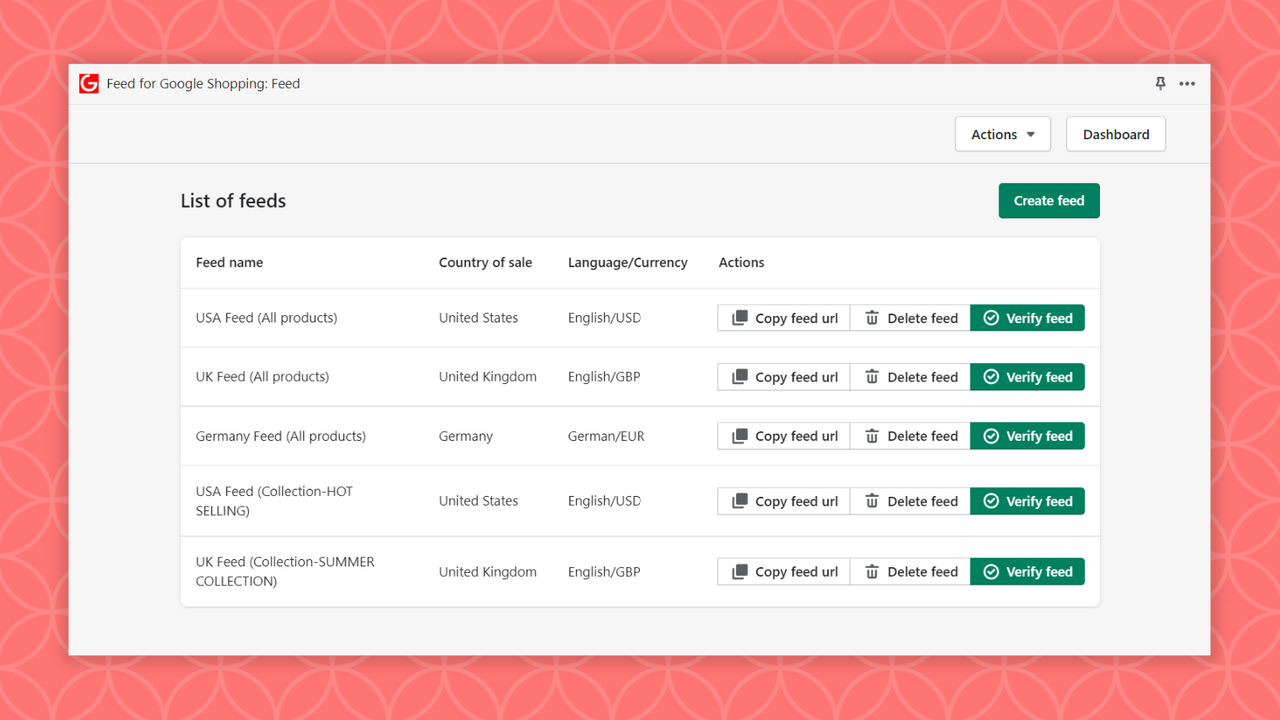
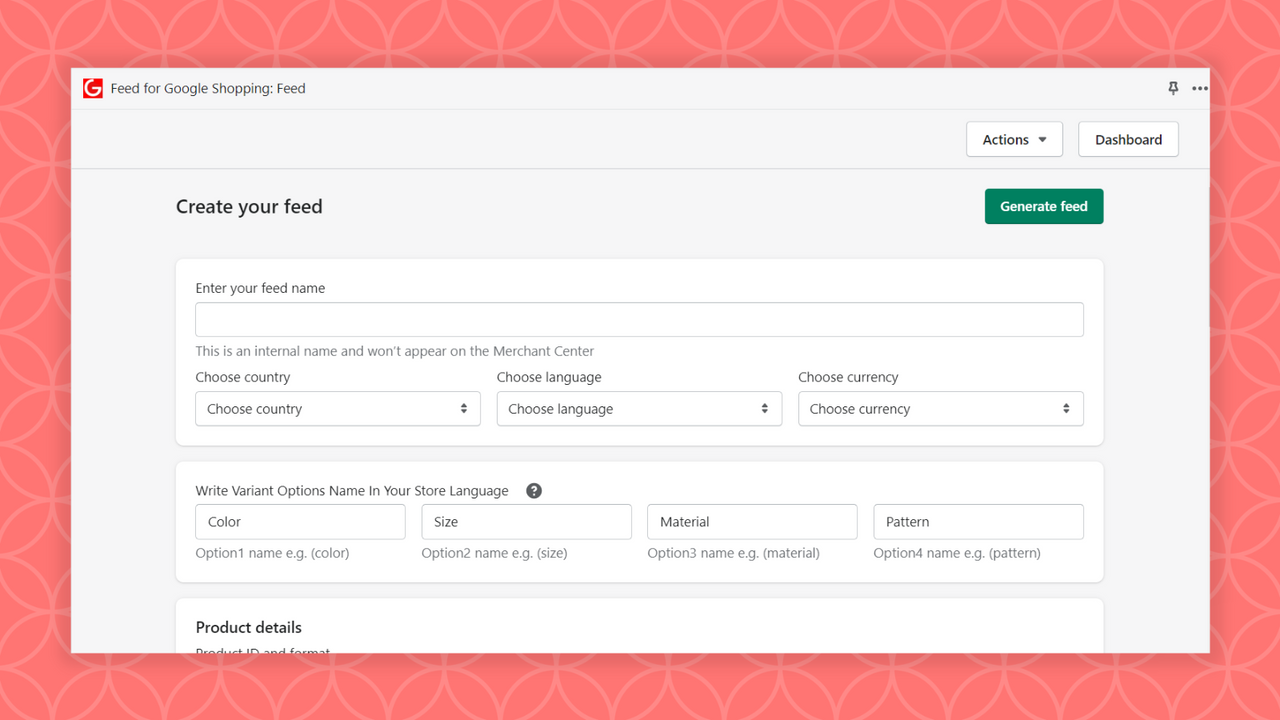
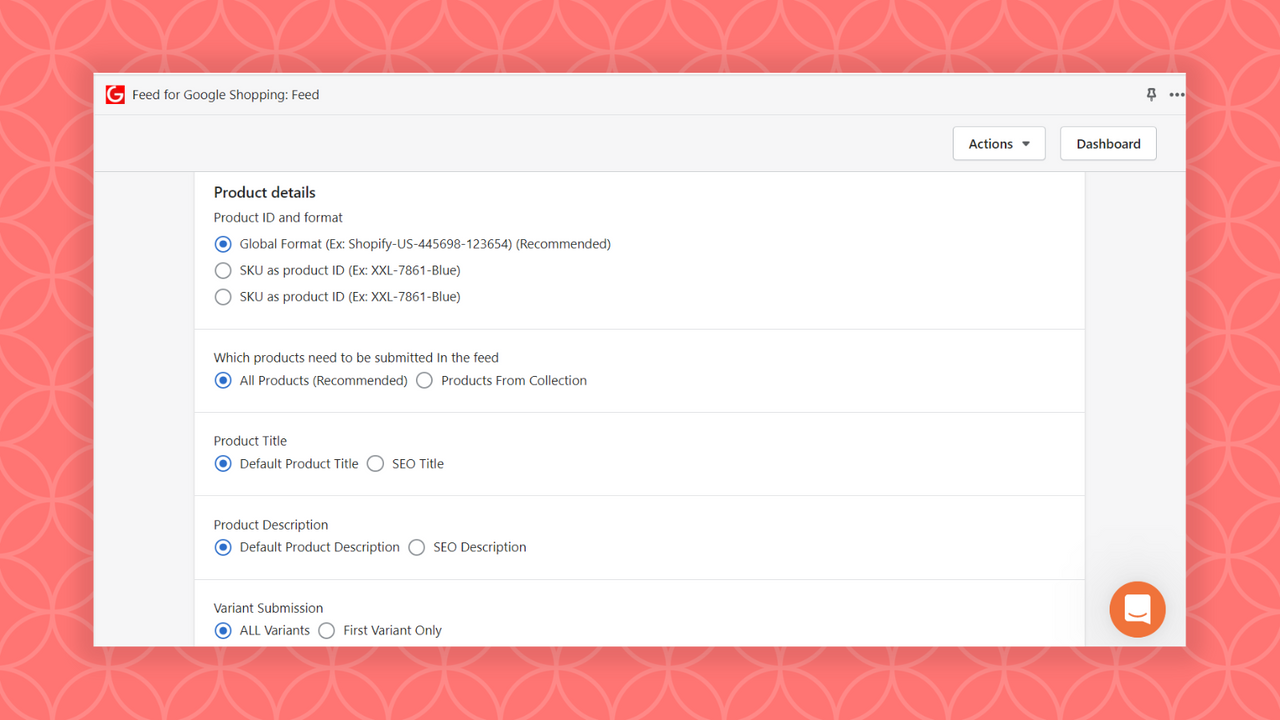
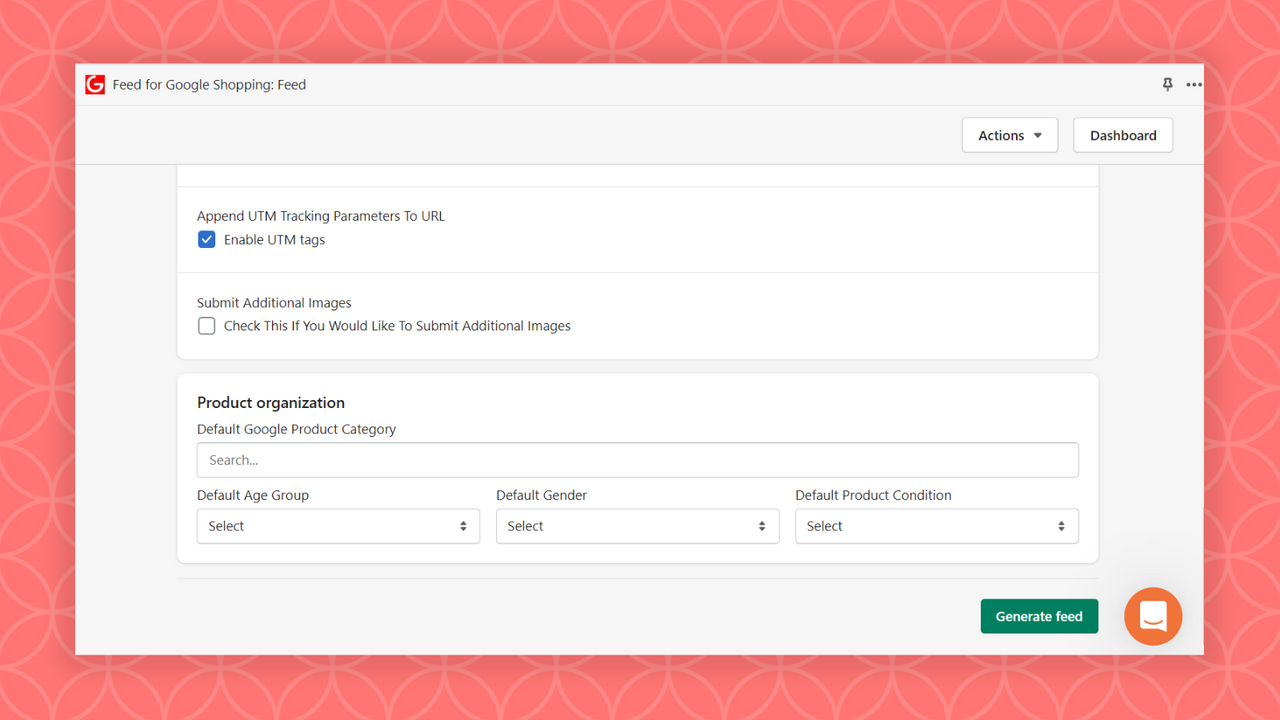
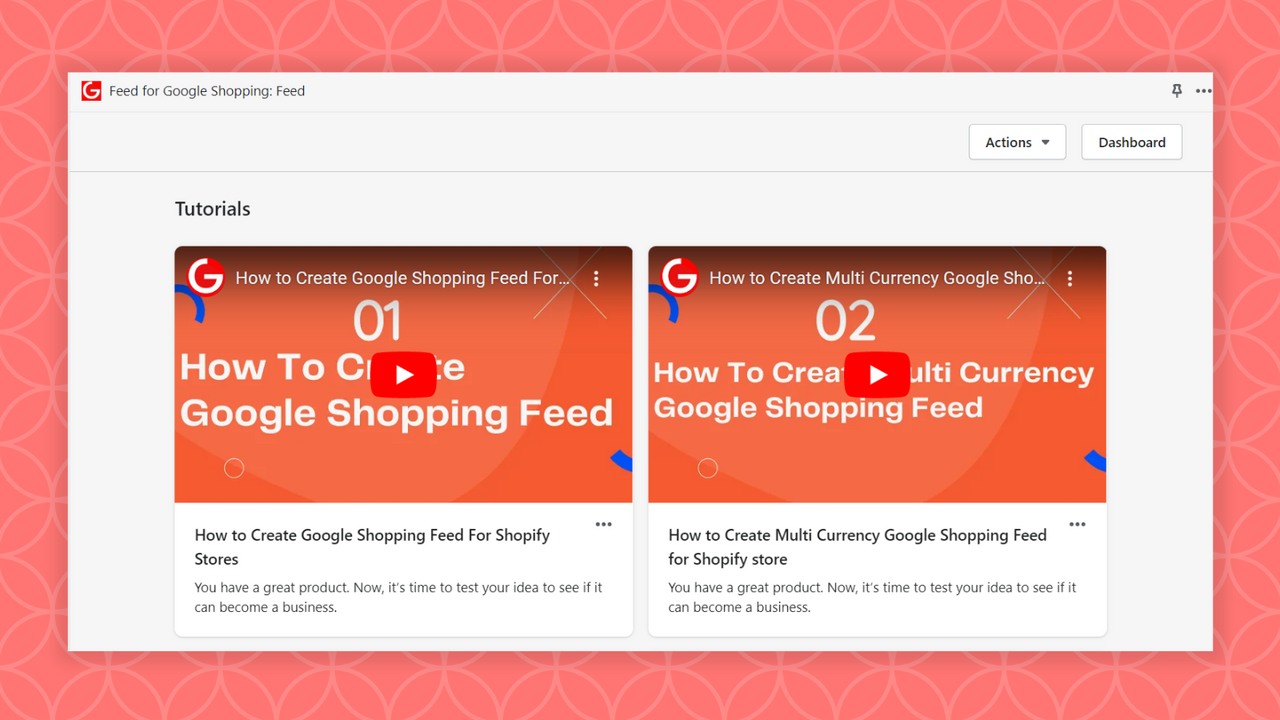

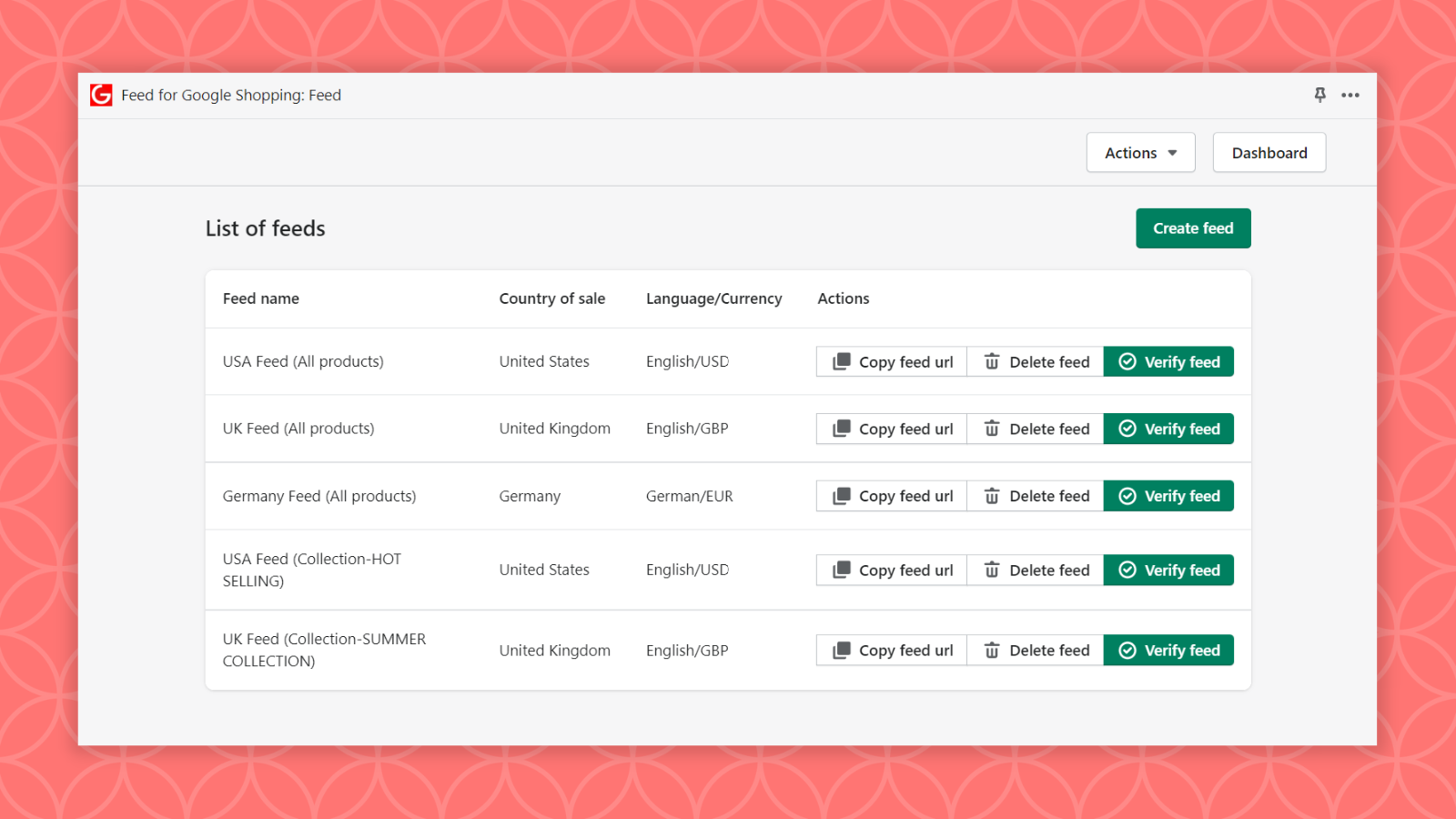
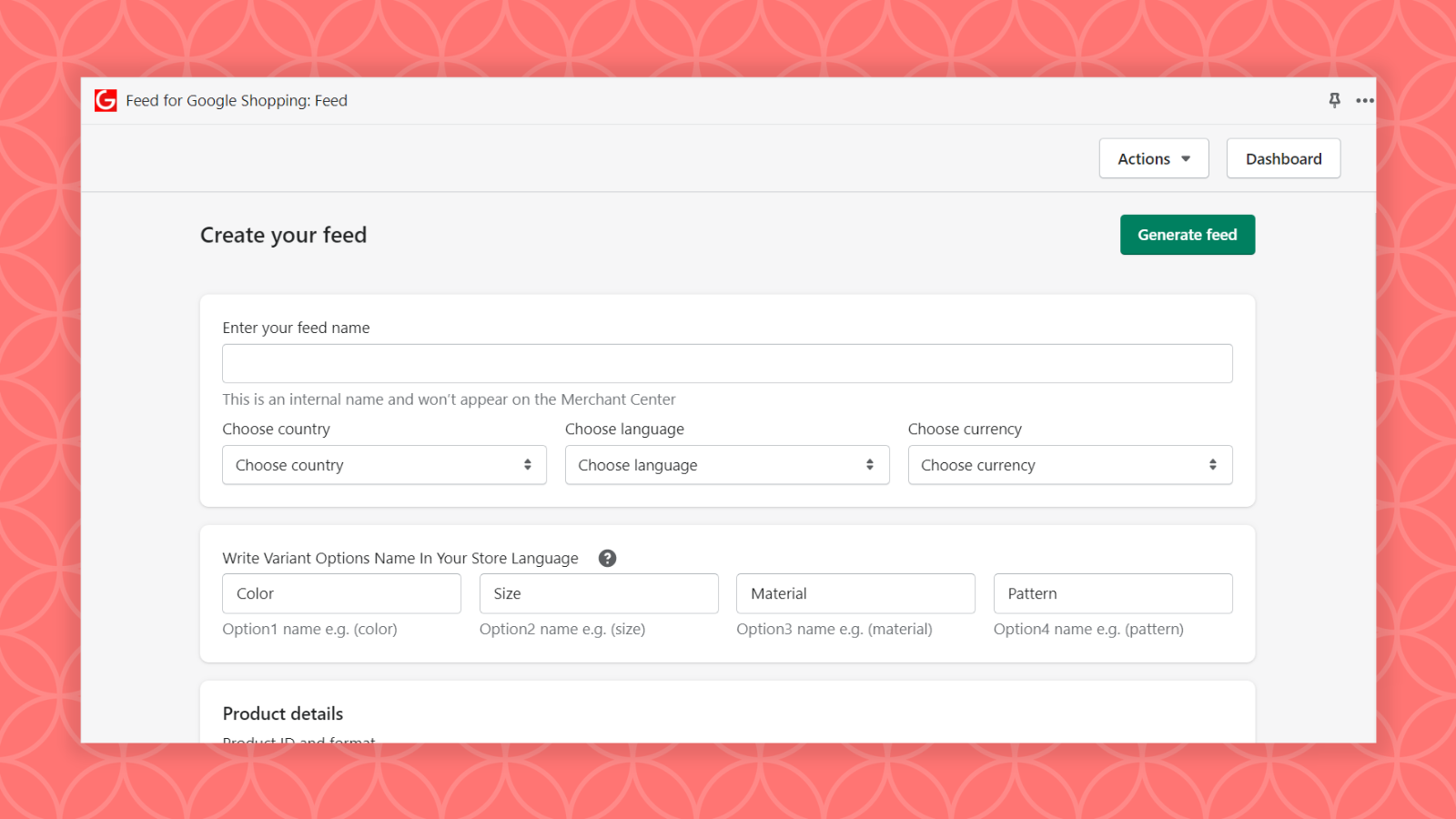
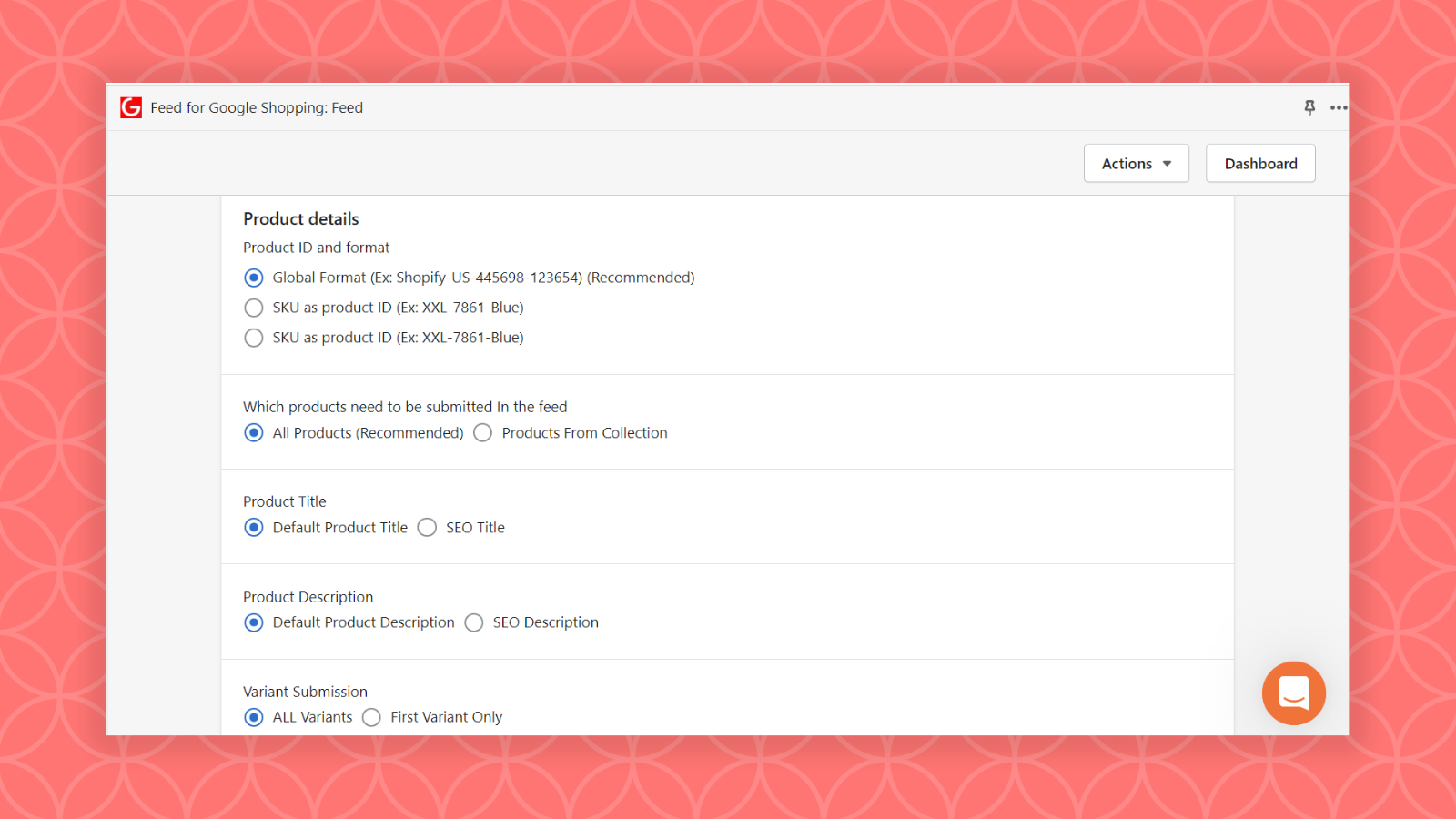
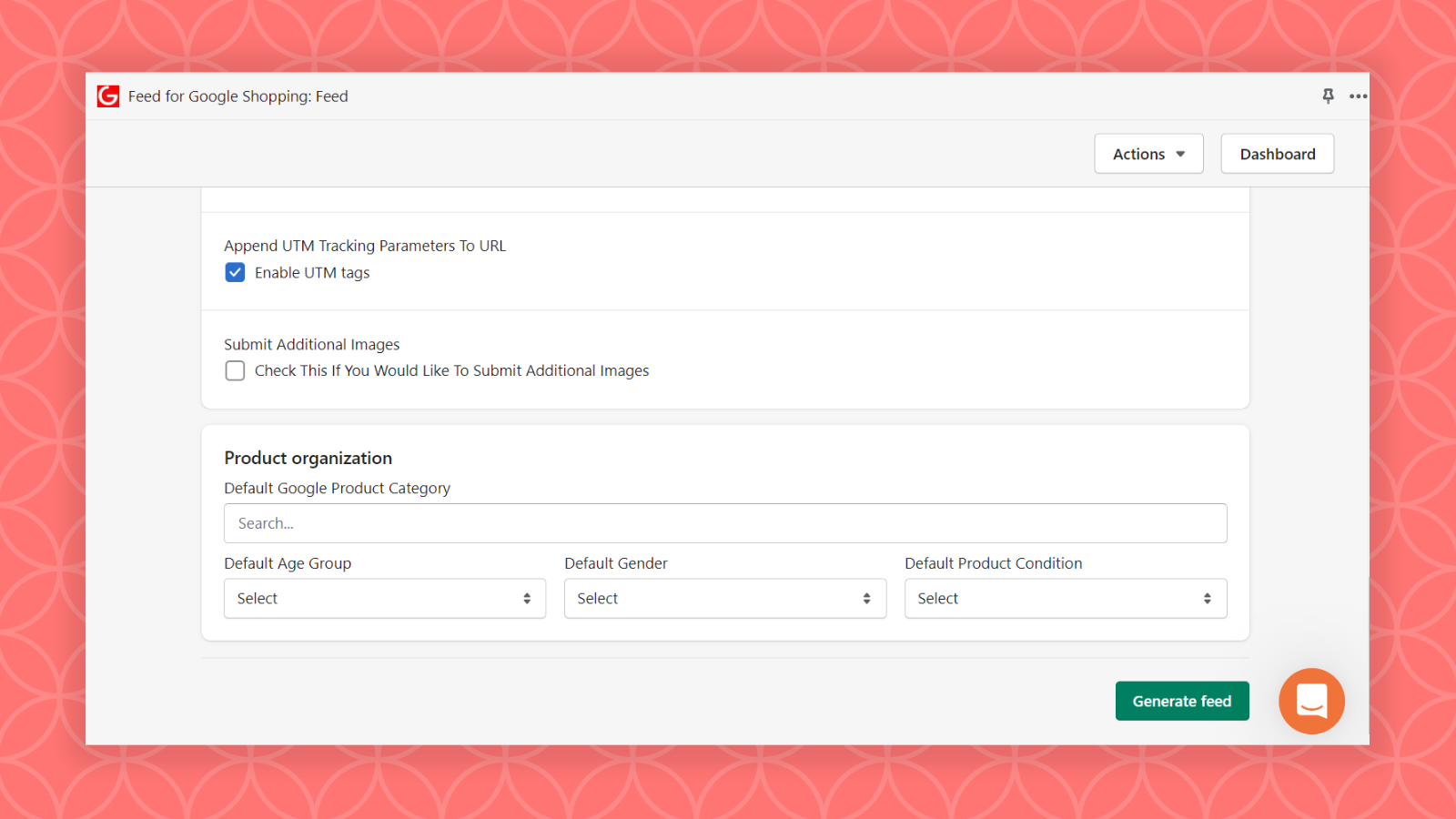
Price Plan
Free
- Up to 20 products
- Weekly synchronization
- Email support
Shopify Basic
- Up to 20 products and 50 variants
- Shopify Marketplace Compatible
- Multi-language
- Multi-currency
- Daily Sync
- Priority Support
- Variant Price Increase
Shopify
- Up to 20 products and 50 variants
- Shopify Marketplace Compatible
- Multi-language
- Multi-currency
- Daily Sync
- Priority Support
- Variant Price Increase
Advanced
- Up to 20 products and 50 variants
- Compatible with Shopify Markets
- Multi-language
- Multi-currency
- Daily Sync
- Priority Support
- Variant Price Increase
User Location & Comments
User Location
Comments
Shopify API Used
- POST /admin/api/shop/settings/international.json
- PUT /admin/api/shop/settings/international.json
- GET /admin/api/shop/settings/international.json
Permission:write_shop_settings,read_shop_settings,manage_translations
- POST /admin/api/marketing/google_shopping_feed.json
- PUT /admin/api/marketing/google_shopping_feed/{id}.json
- GET /admin/api/marketing/google_shopping_feed.json
Permission:write_marketing,read_marketing,manage_products
- POST /admin/api/marketing/channel_feed.json
- PUT /admin/api/marketing/channel_feed/{id}.json
- GET /admin/api/marketing/channel_feed.json
Permission:write_marketing,read_marketing,manage_products
- POST /admin/api/products/{product_id}/price_rules.json
- PUT /admin/api/products/{product_id}/price_rules/{id}.json
- GET /admin/api/products/{product_id}/price_rules.json
Permission:write_products,read_products,manage_price_rules



