
App Introduction
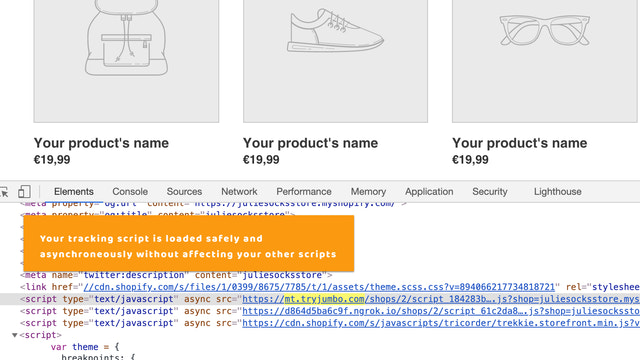
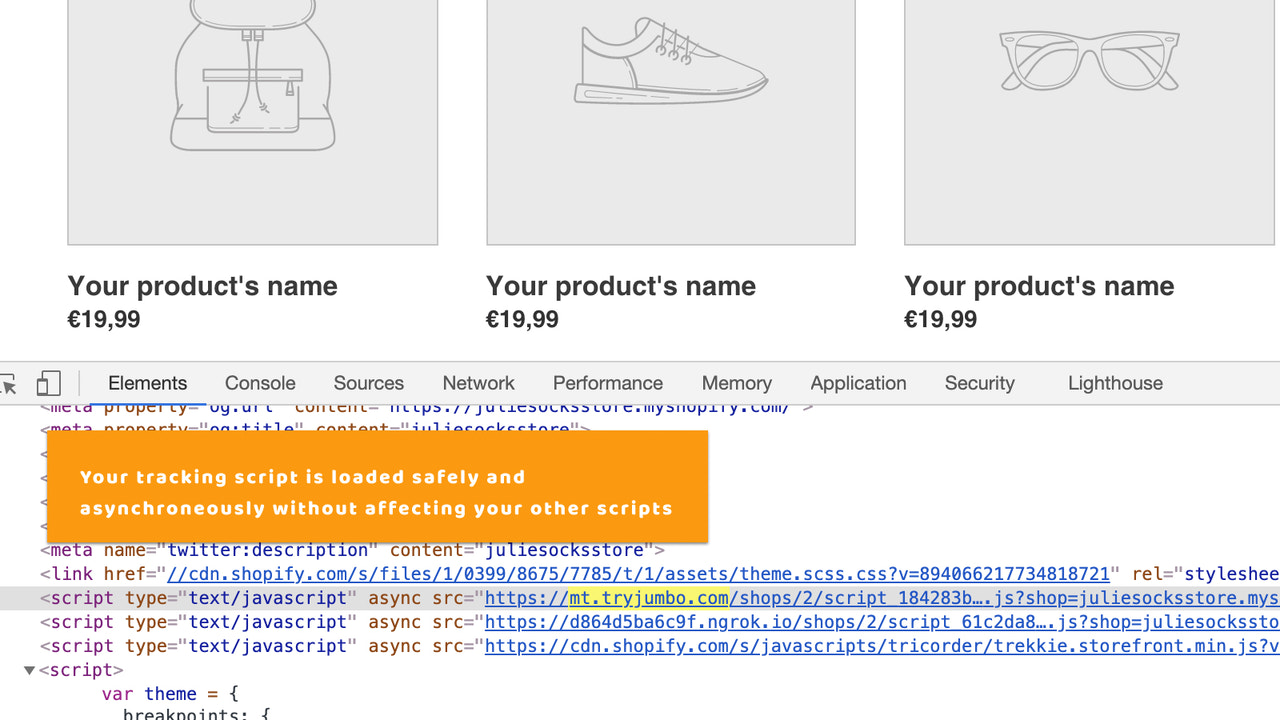
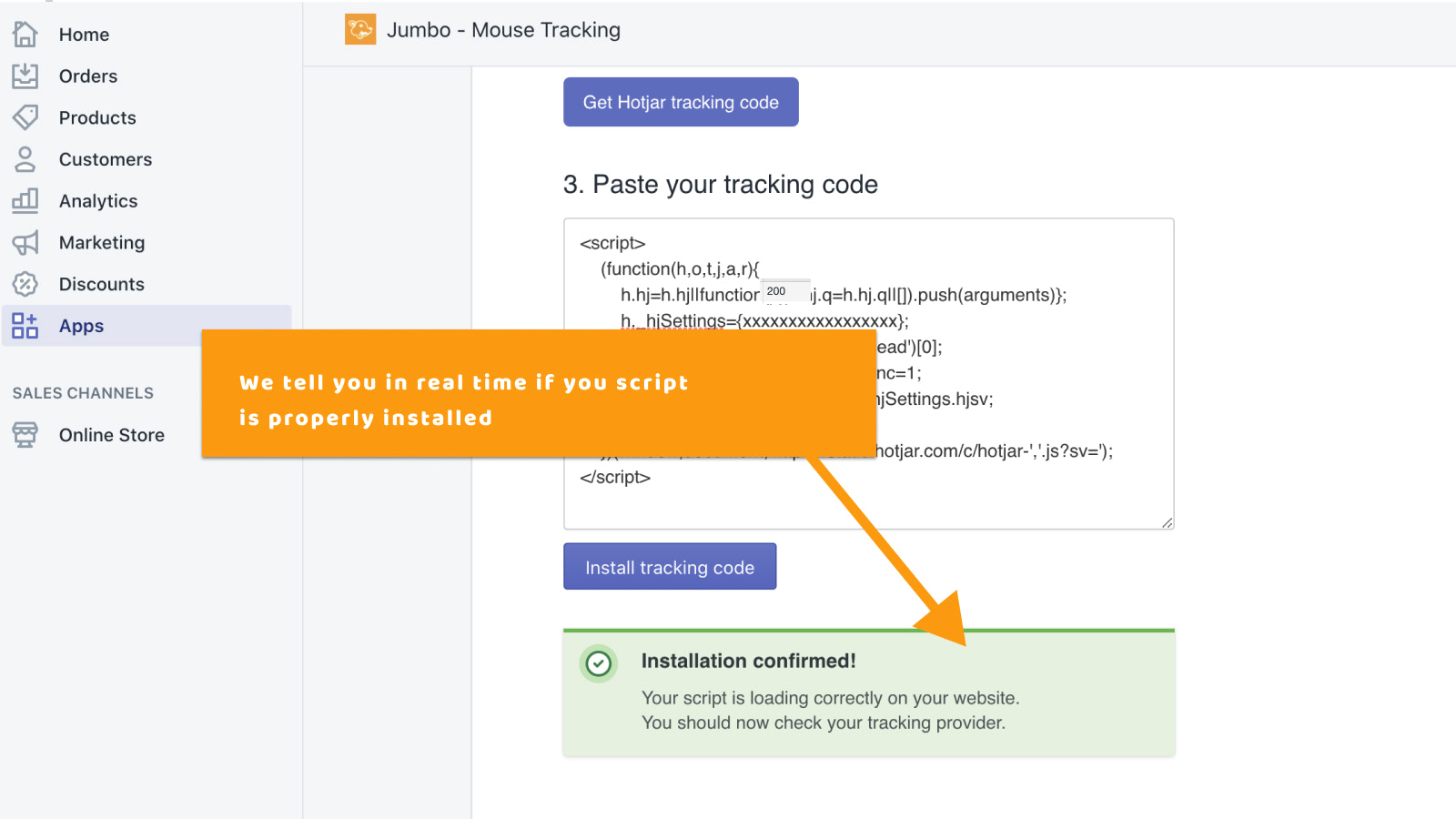
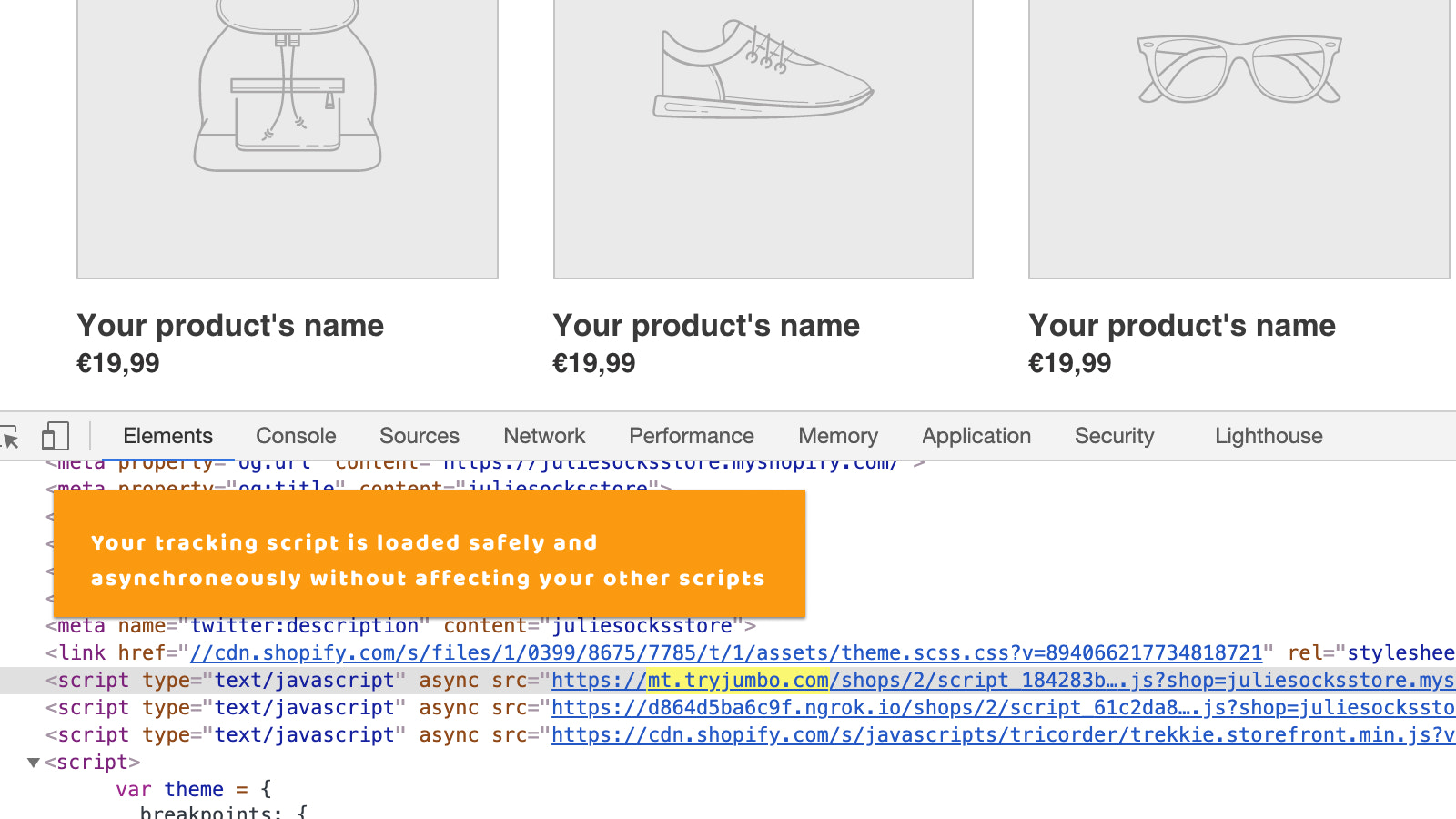
Install Hotjar in your store without writing code or editing your store theme. Are you optimizing your store for conversions? Have you considered Hotjar but aren’t sure how to set it up or don’t want to manually edit your theme? This app lets you install Hotjar in just a few clicks—all you need to do is copy and paste your Hotjar script.
Core Functionality
- Simple: Add your Hotjar script with just one click
- Instant: Your Hotjar integration takes effect immediately
- Secure: Avoid writing custom code to get your script working
Merchant-Friendly
- Data-Driven Merchants
- Small & Medium E-commerce Sellers
- Non-Technical Merchants
Basic Information
- Developer:Jumbo
- Address:RG VENTURES - 14 rue Saussier-Leroy, Paris, 75017, FR
- Price: Free / Free plan
- Rating:1 / 5
- Comment Count:1 comment
- Release Date:2020-10-5
- Supported languages:English
- Compatible products:Shopify
Application Screenshot






Price Plan
Free
Free Plan
User Location & Comments
User Location
Comments
Shopify API Used
- POST /admin/api/script_tags.json
- GET /admin/api/script_tags.json
- PUT /admin/api/script_tags/{id}.json
Permission:write_script_tags,read_script_tags,manage_themes
- PUT /admin/api/script_tags/{id}/enable.json
- GET /admin/api/script_tags/{id}.json
- POST /admin/api/apps/{app_id}/installations.json
Permission:write_script_tags,read_script_tags,manage_apps
- DELETE /admin/api/script_tags/{id}.json
- GET /admin/api/script_tags.json?src=hotjar
- PUT /admin/api/script_tags/{id}/disable.json
Permission:write_script_tags,read_script_tags,manage_themes



