
App Introduction
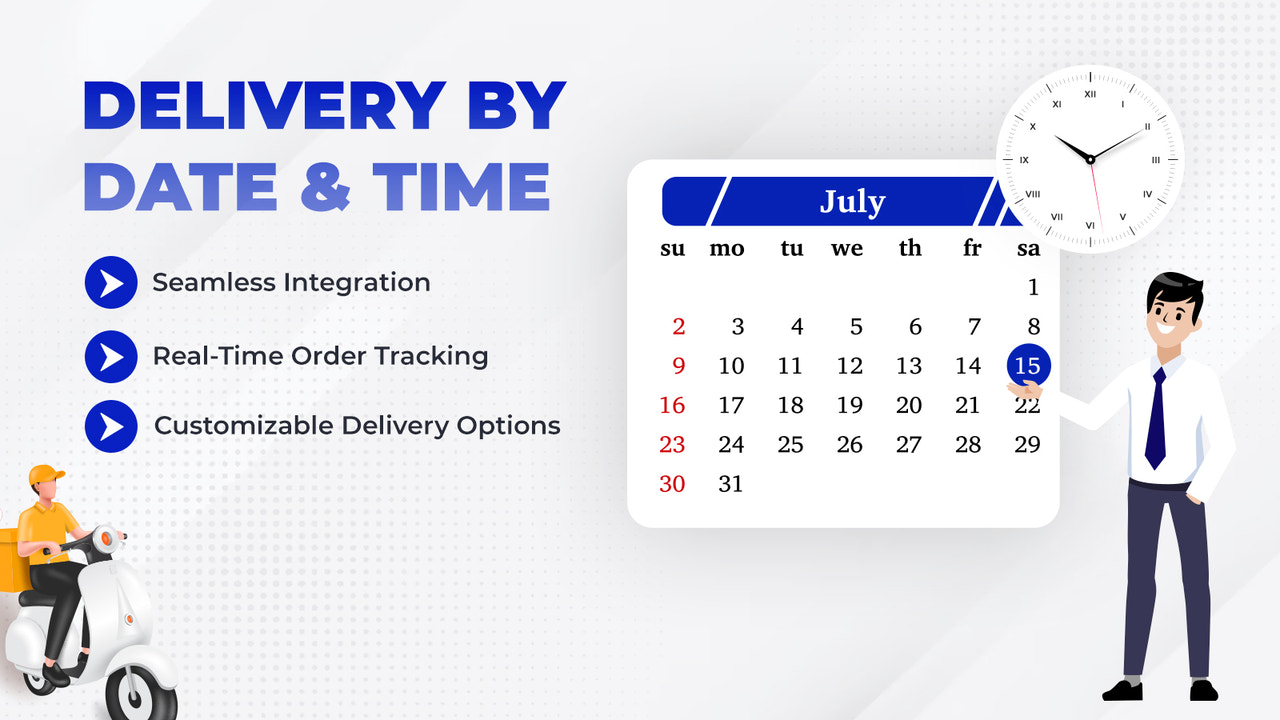
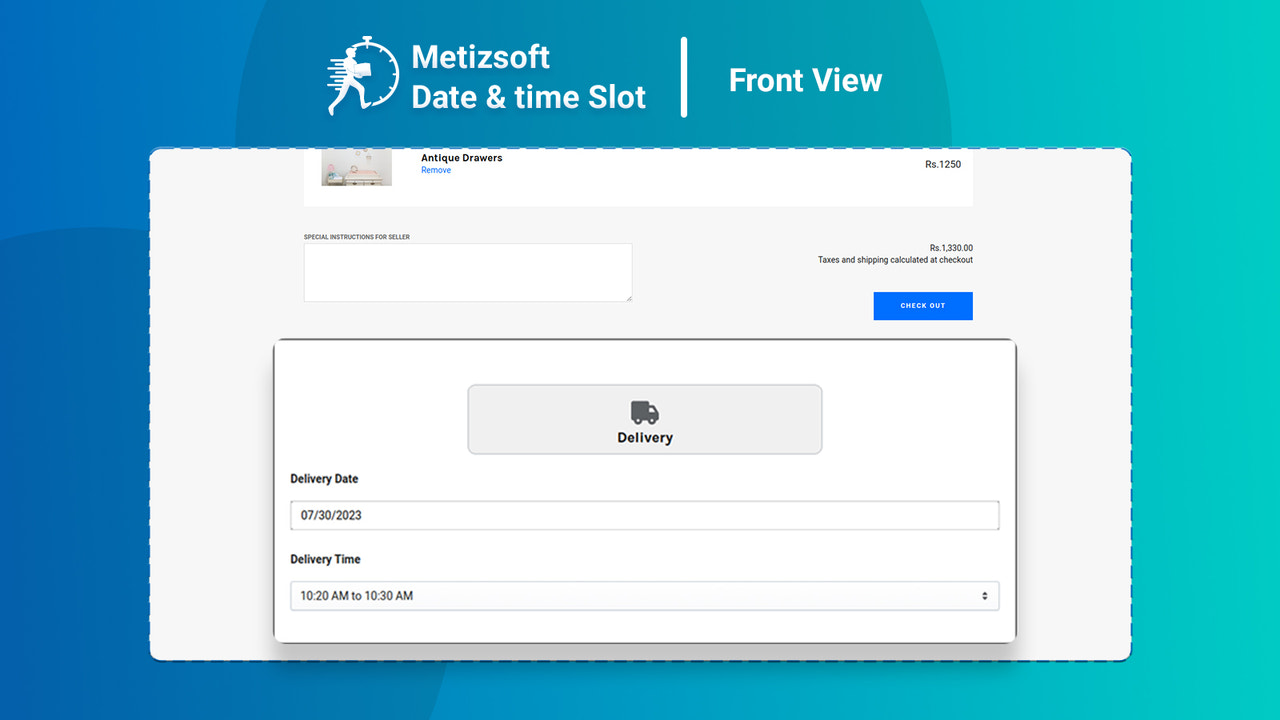
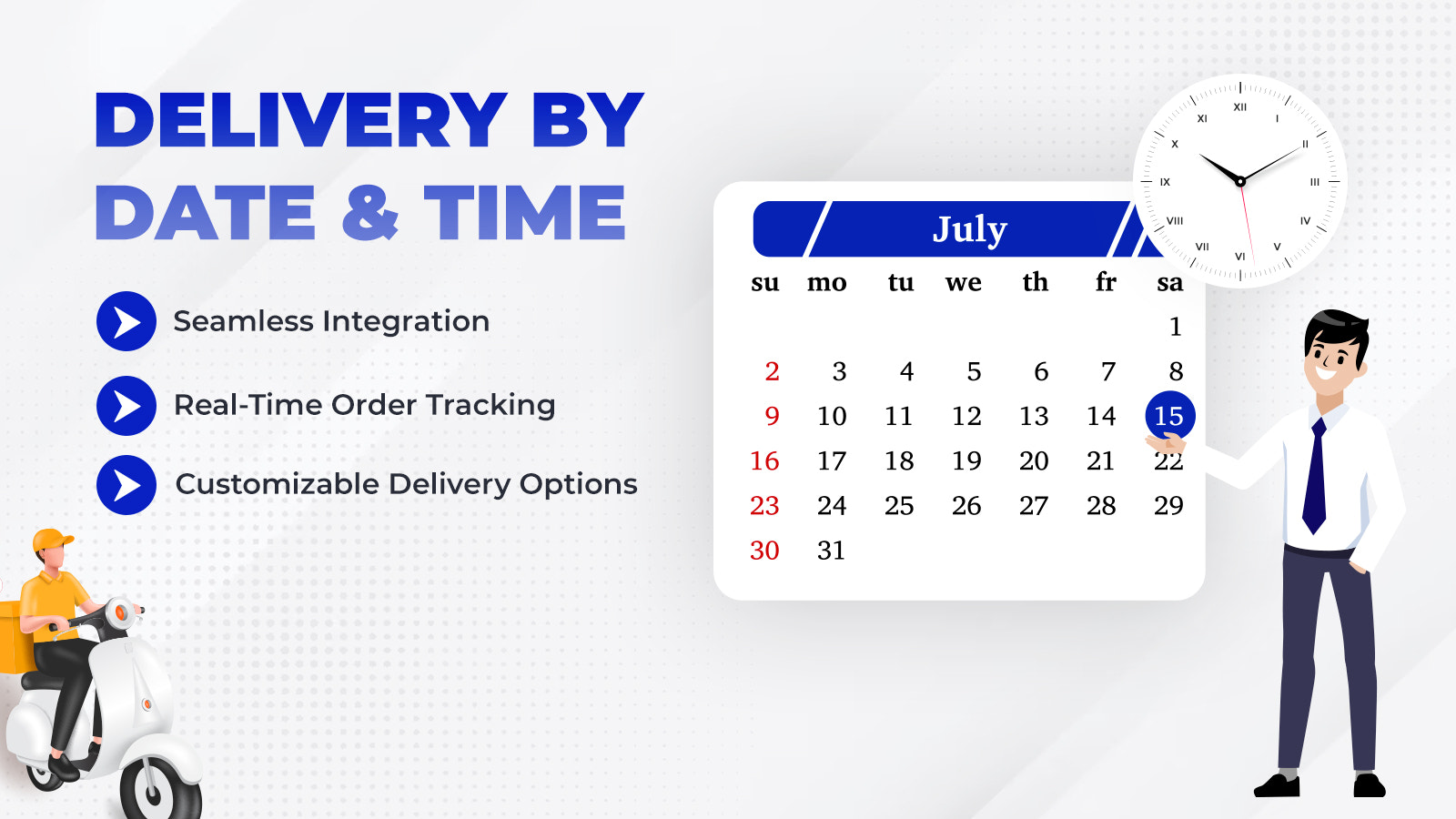
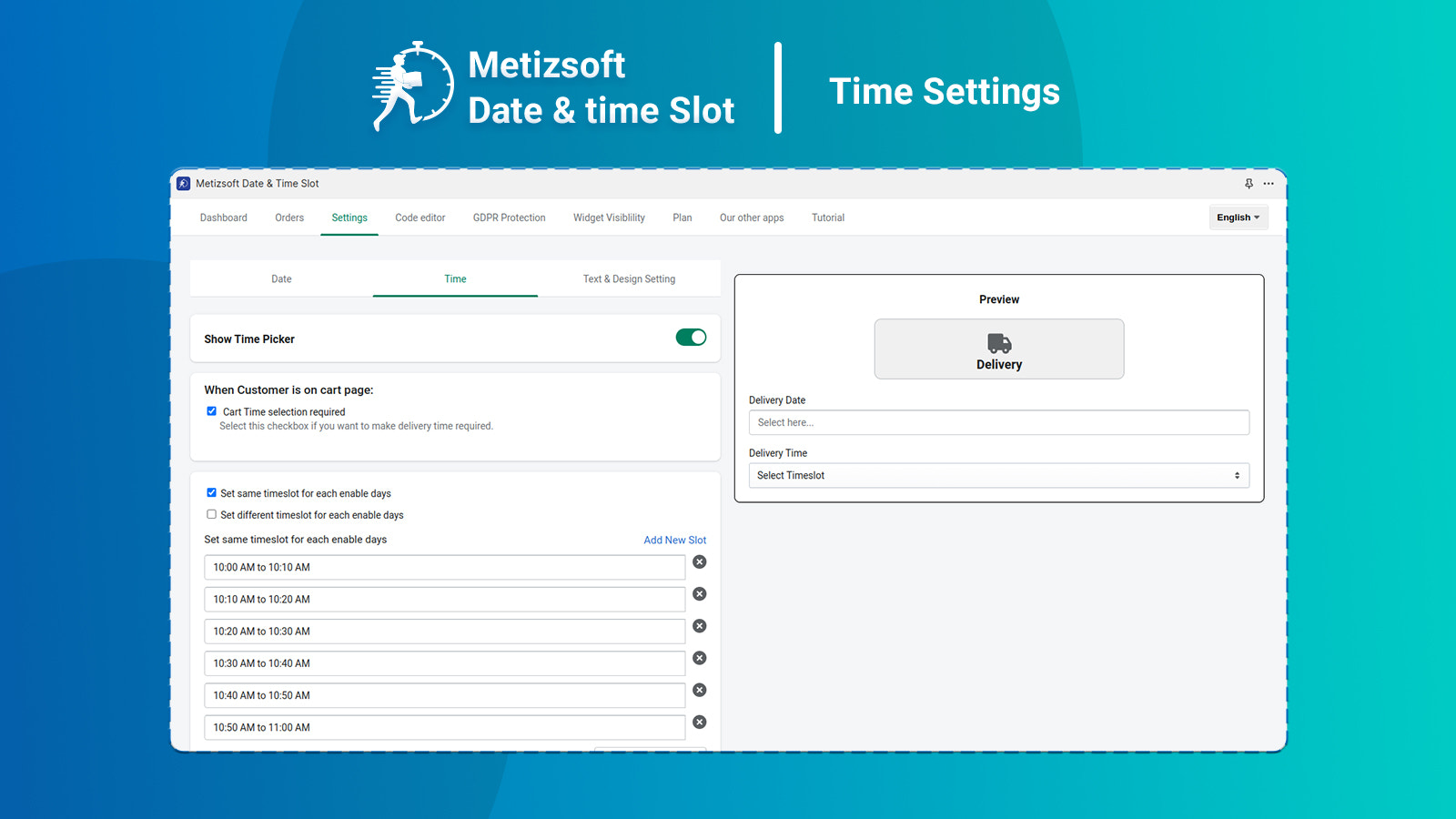
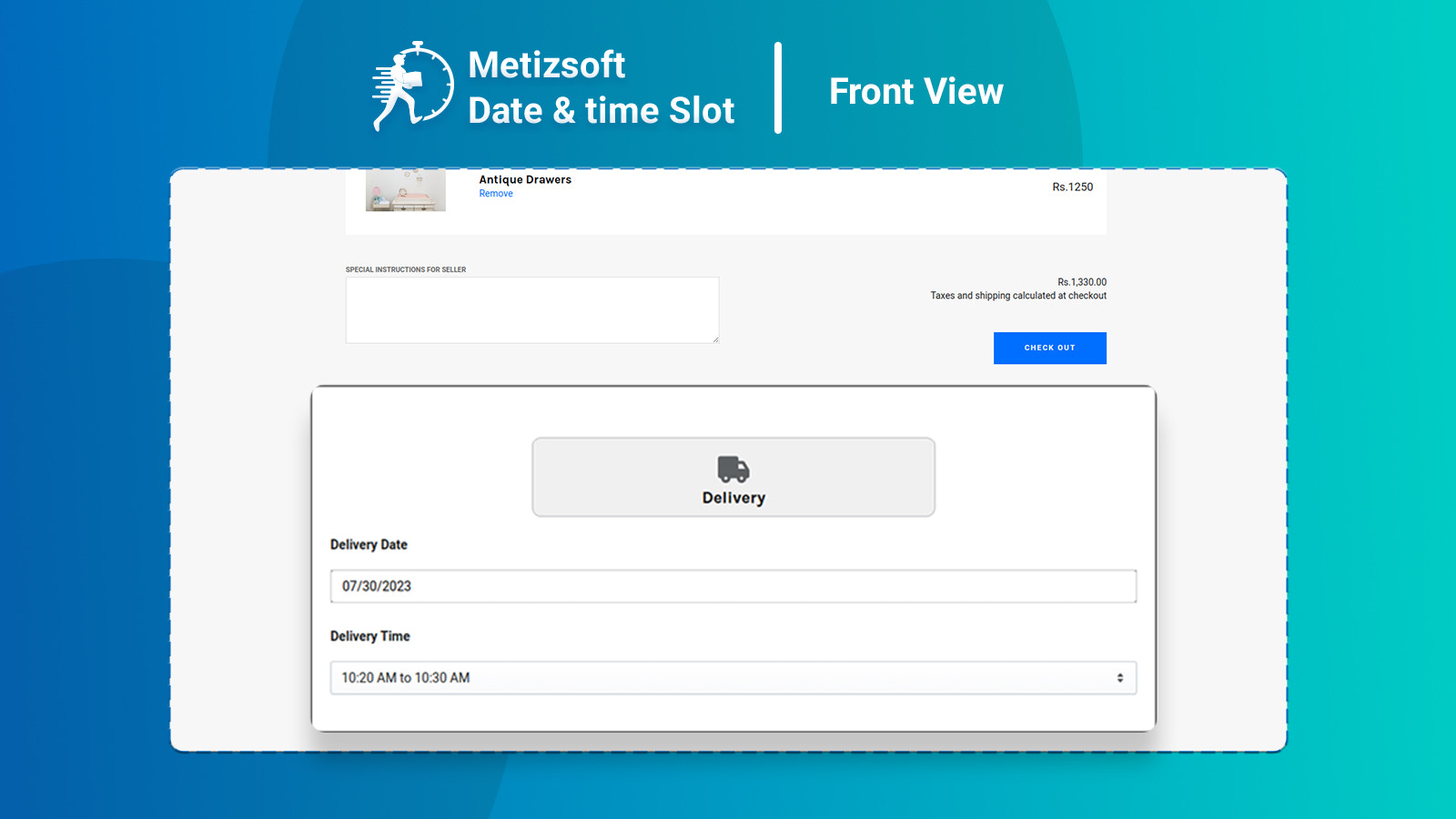
Let customers select a date or time slot directly on the cart page. Use the Metizsoft Date and Time Slot app to give your customers the option to choose their order delivery date. This app features an intuitive user interface that lets customers easily schedule their order deliveries based on their preferences. On the cart page, customers will see a date picker to select their preferred delivery date when placing an order. Once a date is selected, it will be included in the order data.
Core Functionality
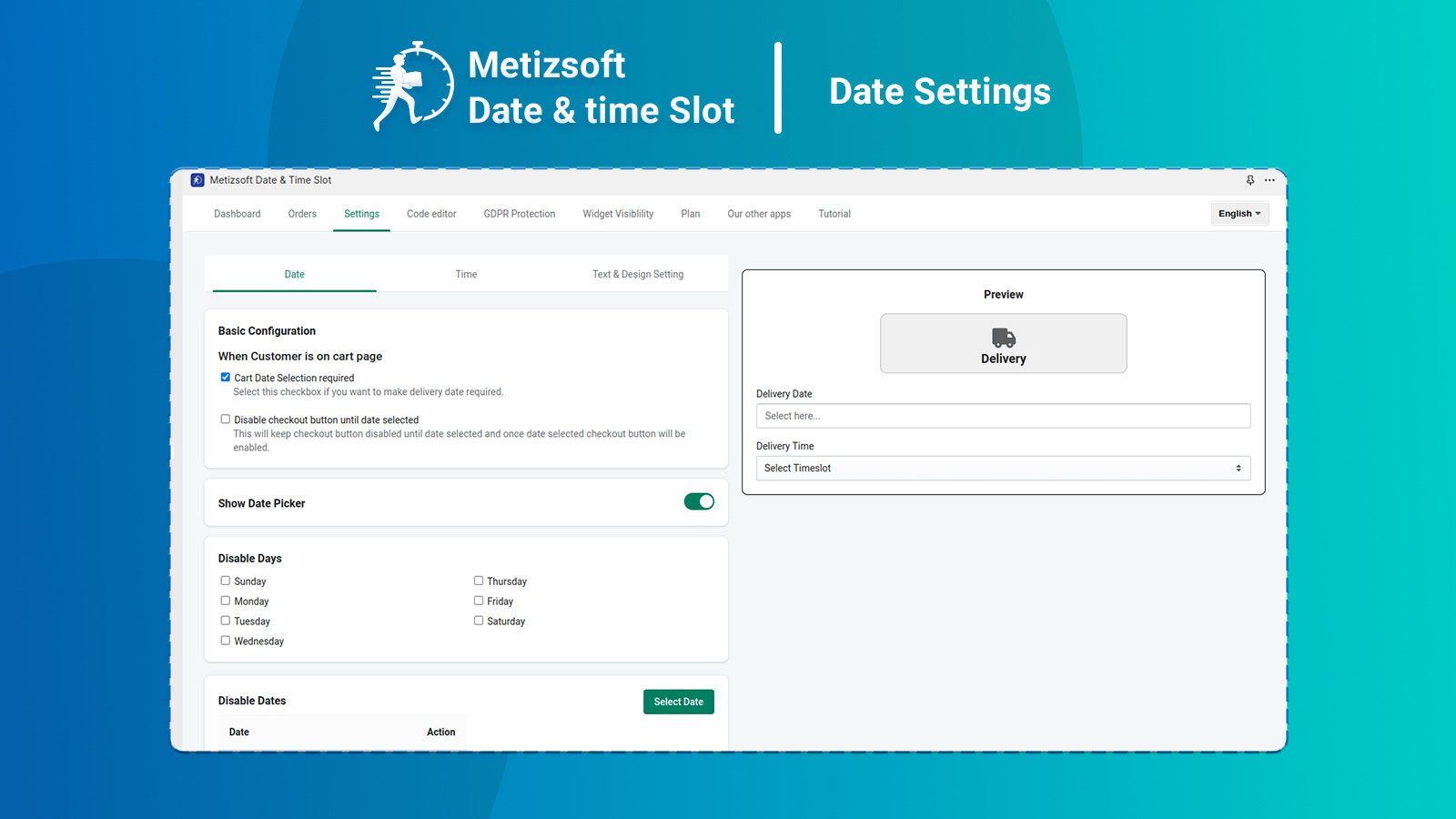
- Set up a calendar to automatically exclude deliveries on holidays and weekends
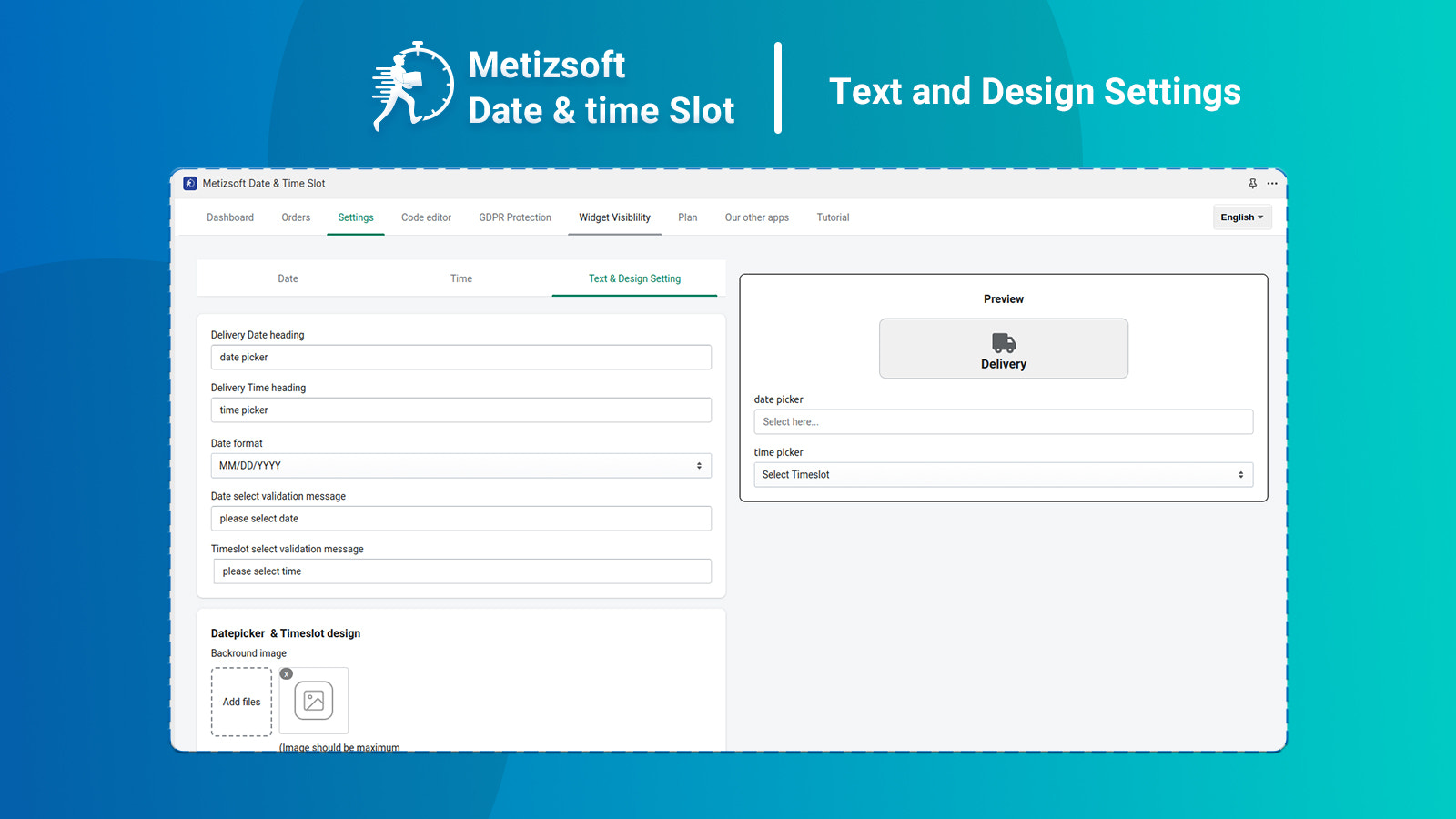
- Define your validation messages in the settings configuration
- Simple app configuration
- Adjust the visual settings of the sticky bar based on the color theme
Merchant-Friendly
- DTC Brand Independent Station
- Small & Medium E-commerce Sellers
- Vertical Category Merchants
Basic Information
- Developer:Metizsoft
- Address:1309 Coffeen Avenue STE 1200, Sheridan, WY, 82801, US
- Price: Free / Free plan
- Rating:0 / 5
- Comment Count:0 comment
- Release Date:2023-11-17
- Supported languages:English
- Compatible products:Shopify
Application Screenshot
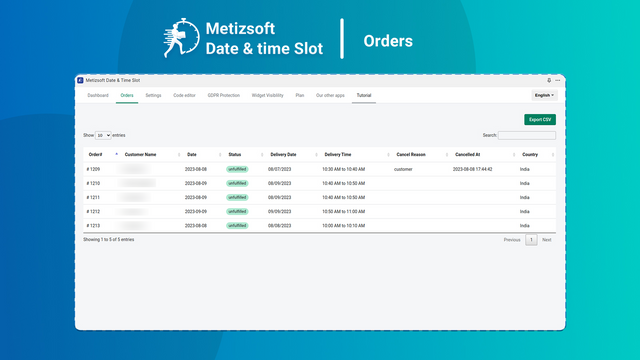
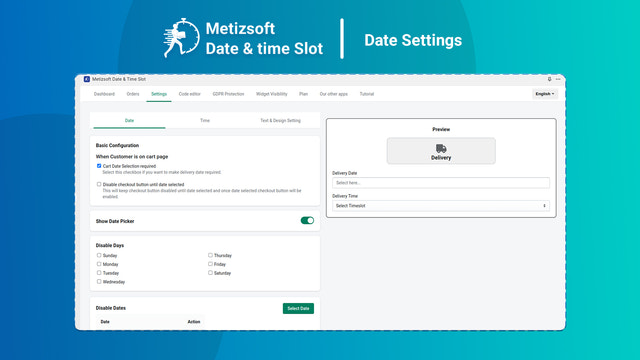
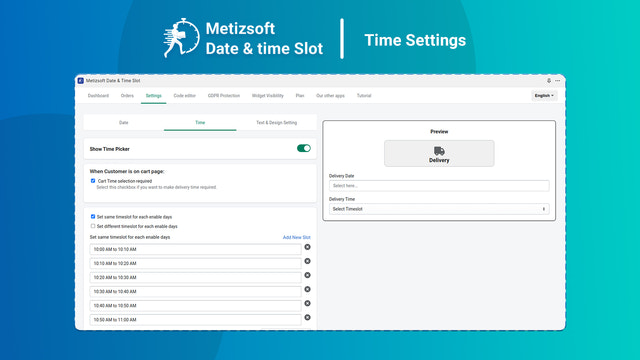
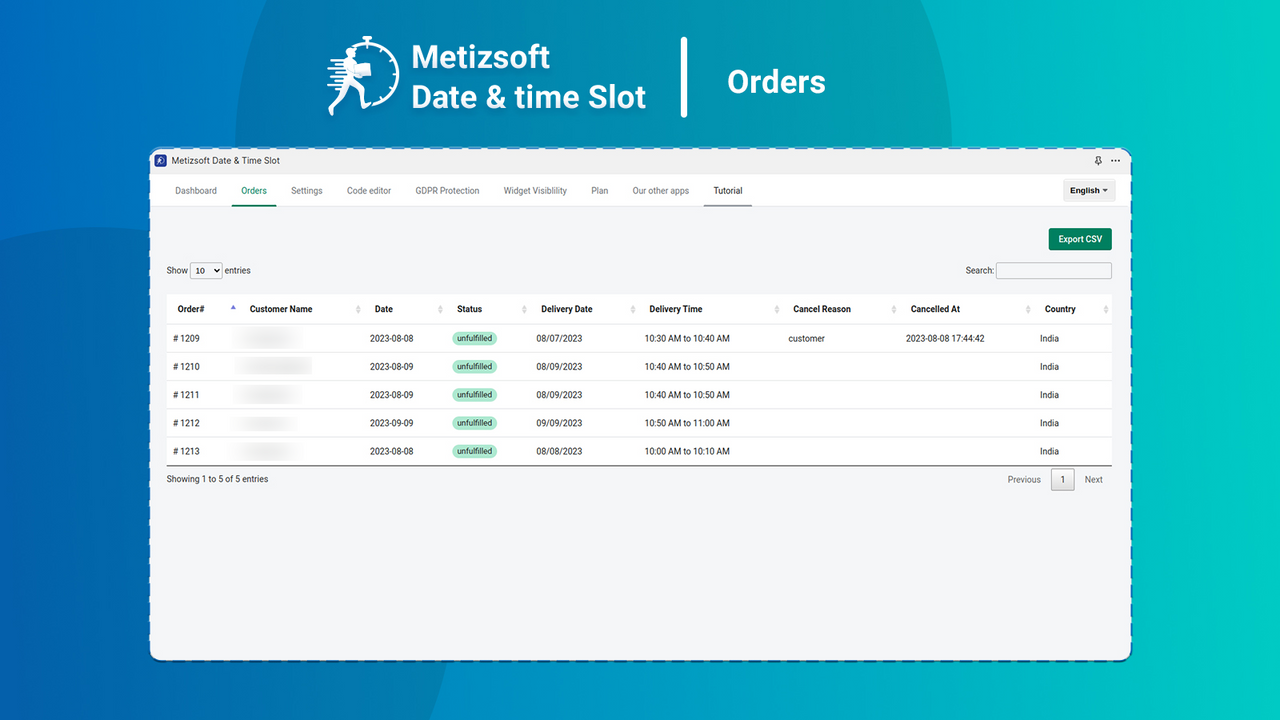
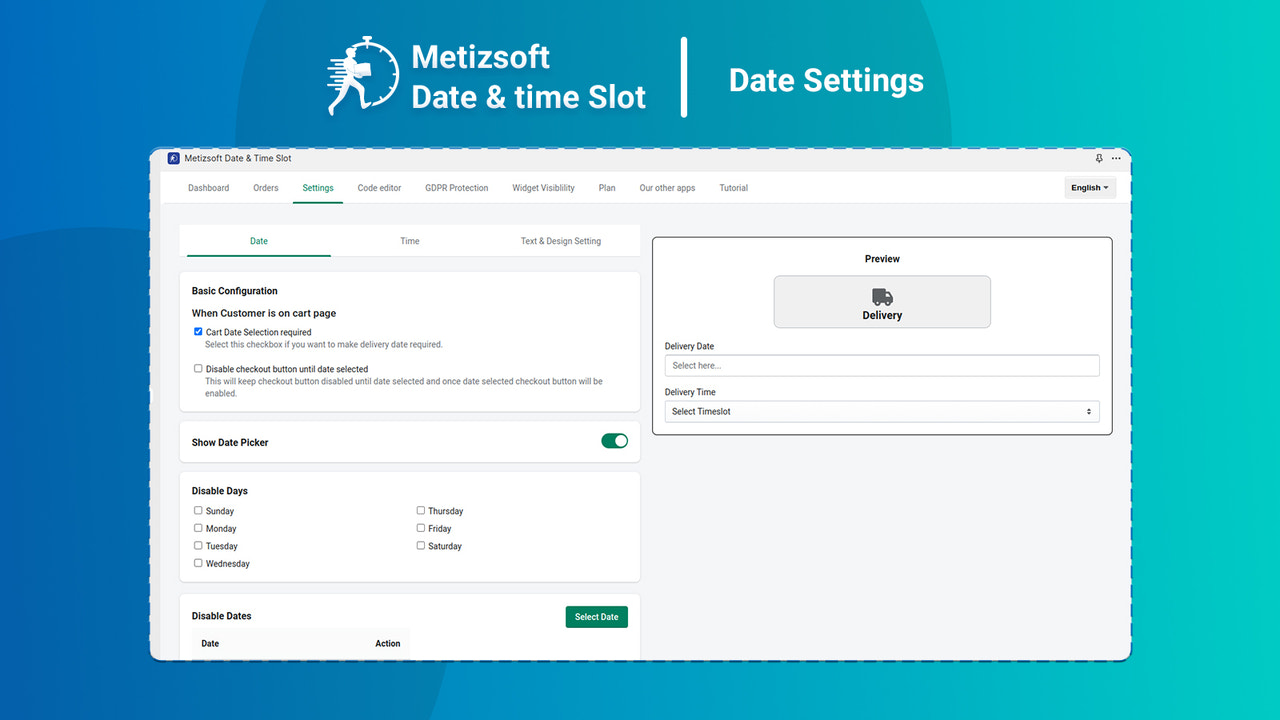
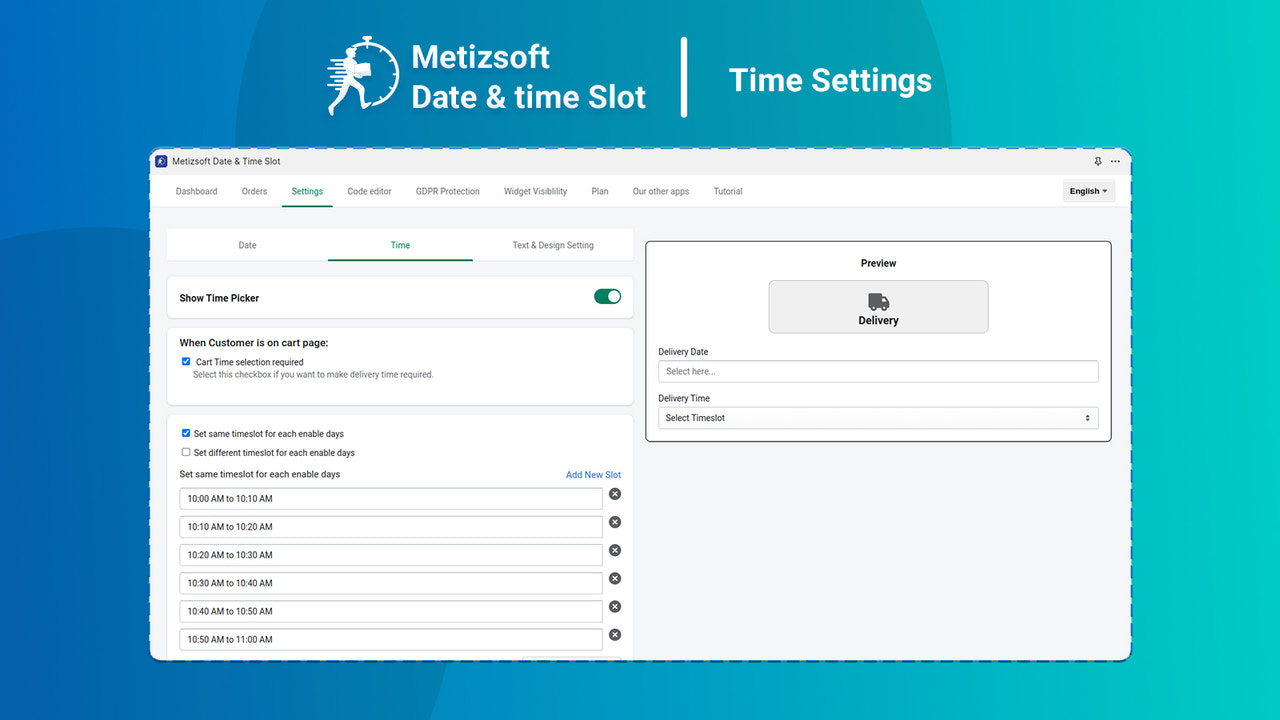
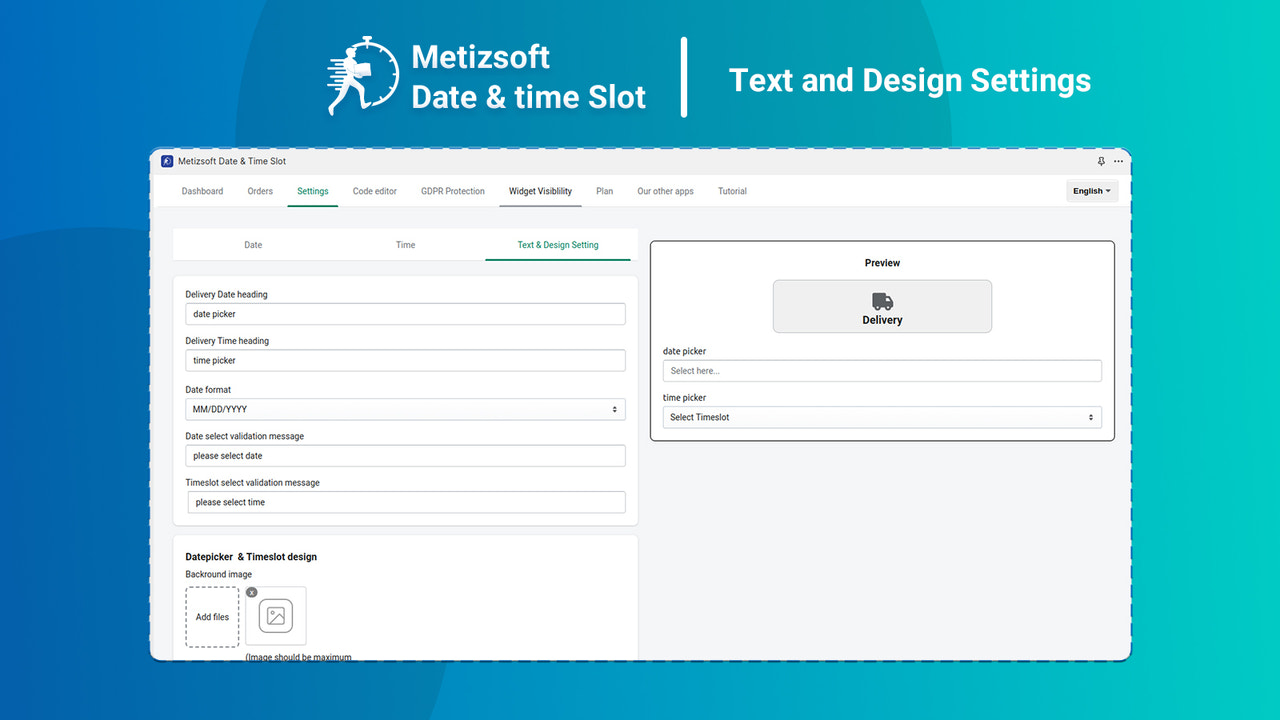
Price Plan
Free
User Location & Comments
User Location
Comments
Shopify API Used
- POST /admin/api/delivery_rules.json
- PUT /admin/api/delivery_rules/{id}.json
- GET /admin/api/delivery_rules.json
Permission:write_delivery_rules,read_delivery_rules,manage_orders
- POST /admin/api/validation_messages.json
- PUT /admin/api/validation_messages/{id}.json
- GET /admin/api/validation_messages.json
Permission:write_validation_messages,read_validation_messages,manage_settings
- POST /admin/api/app_config.json
- PUT /admin/api/app_config.json
- GET /admin/api/app_config.json
Permission:write_app_config,read_app_config,manage_apps
- POST /admin/api/sticky_bar/settings.json
- PUT /admin/api/sticky_bar/settings.json
- GET /admin/api/sticky_bar/settings.json
Permission:write_sticky_bar_settings,read_sticky_bar_settings,manage_themes