
App Introduction
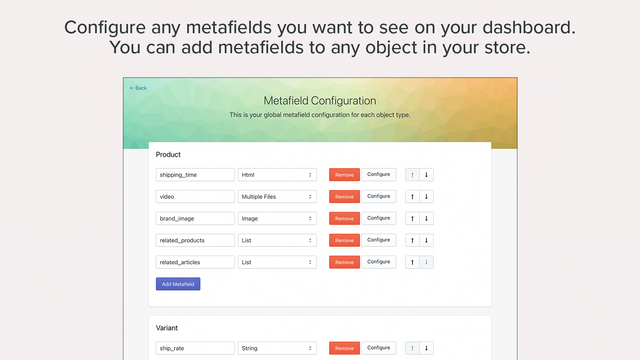
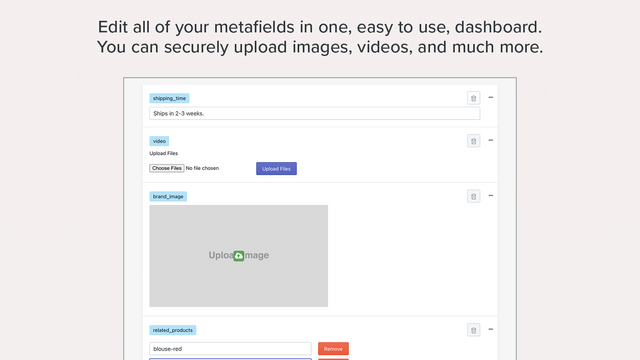
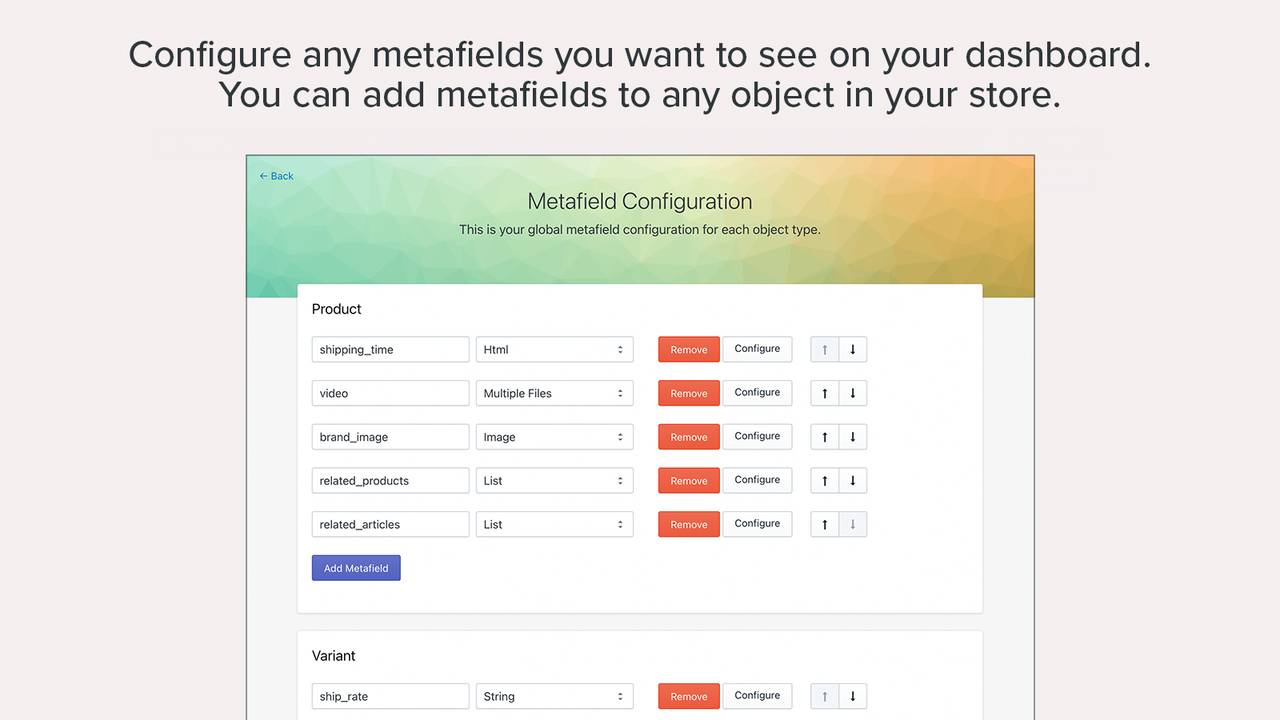
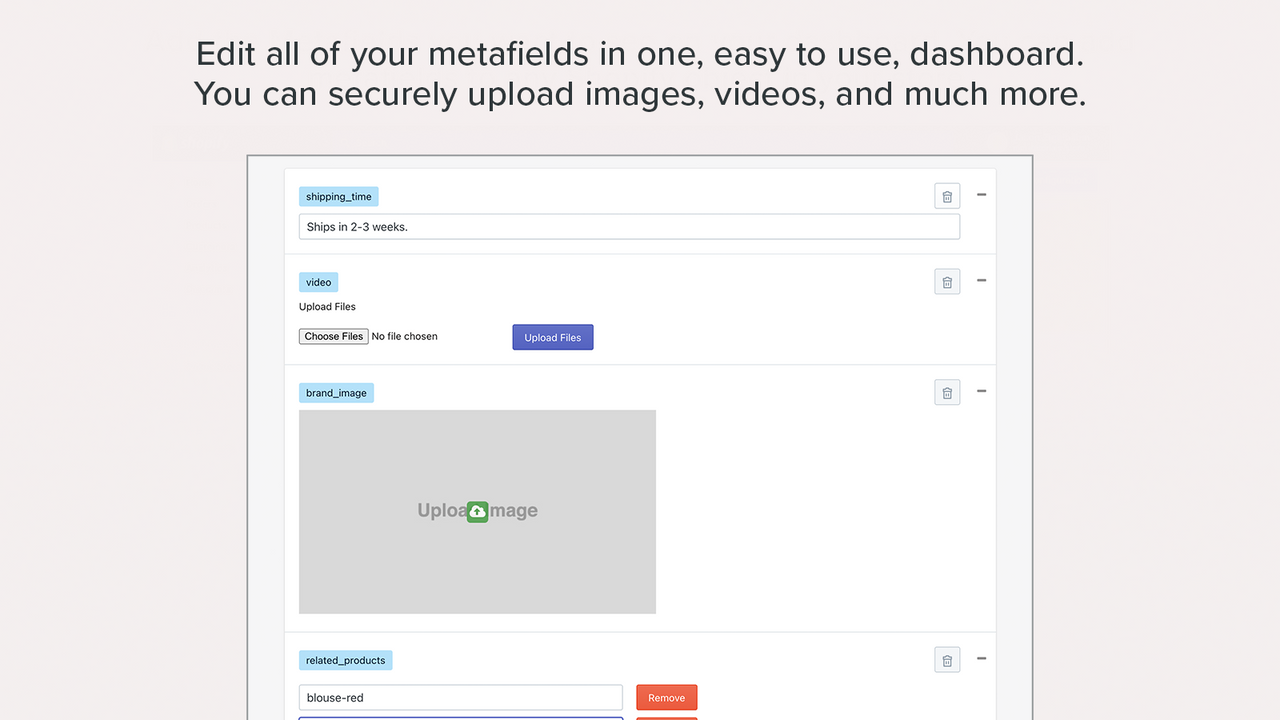
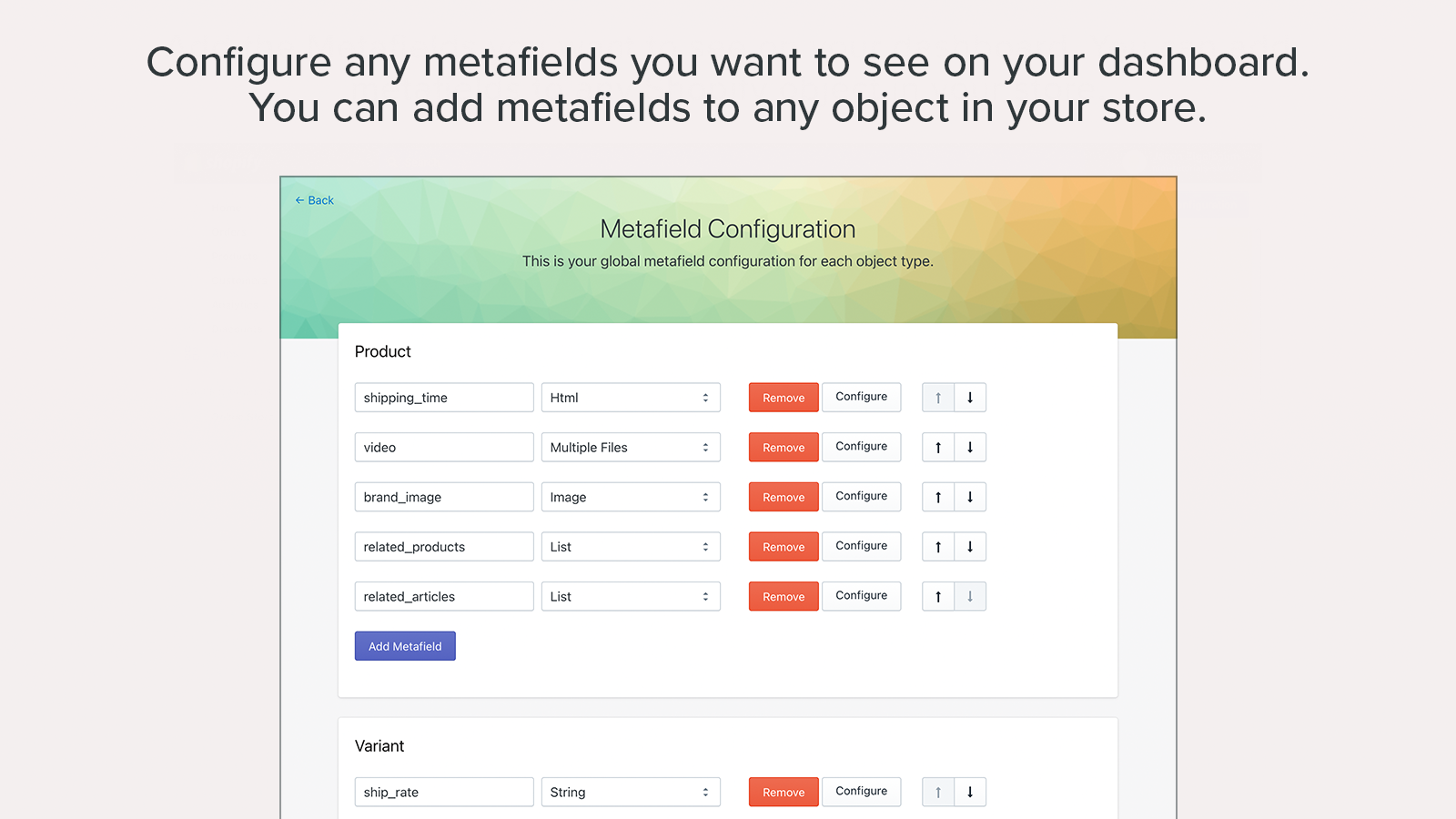
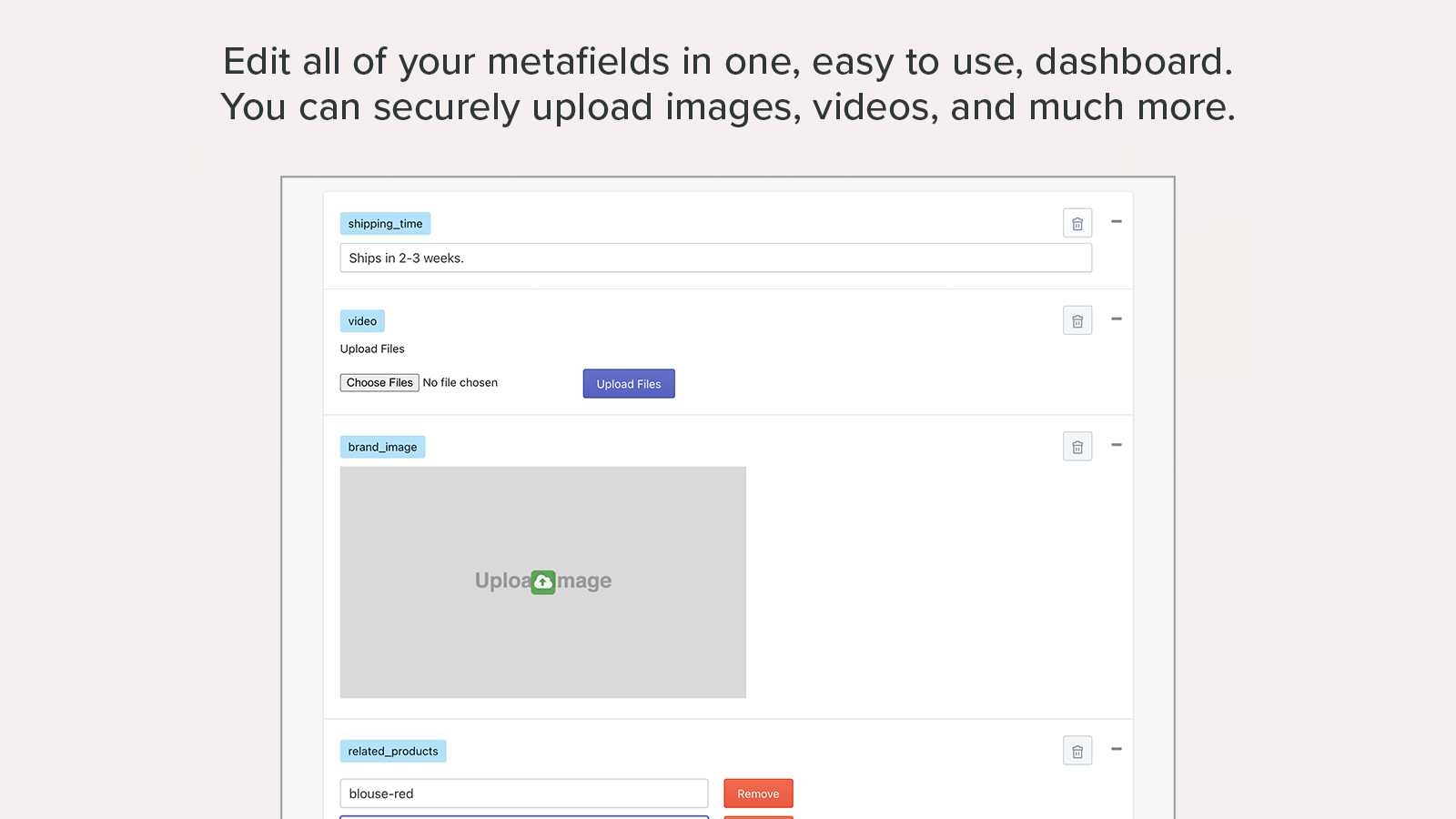
Take control of your metafield data with our intuitive dashboard and CSV import/export tools. Expand your store’s frontend functionality and stand out by leveraging Shopify’s built-in metafields. Metafields Manager lets you create, maintain, bulk update, import, and export metafields simply, quickly, and reliably. You can add metafields to products, articles, blogs, collections, pages, and your entire store. Once your setup is complete, our intuitive dashboard makes maintenance a breeze—no more back-and-forth with developers for content updates!
Core Functionality
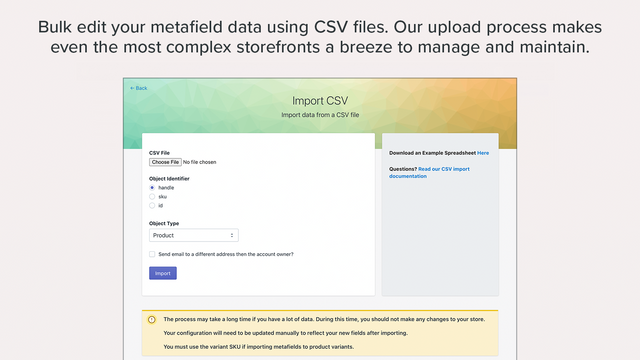
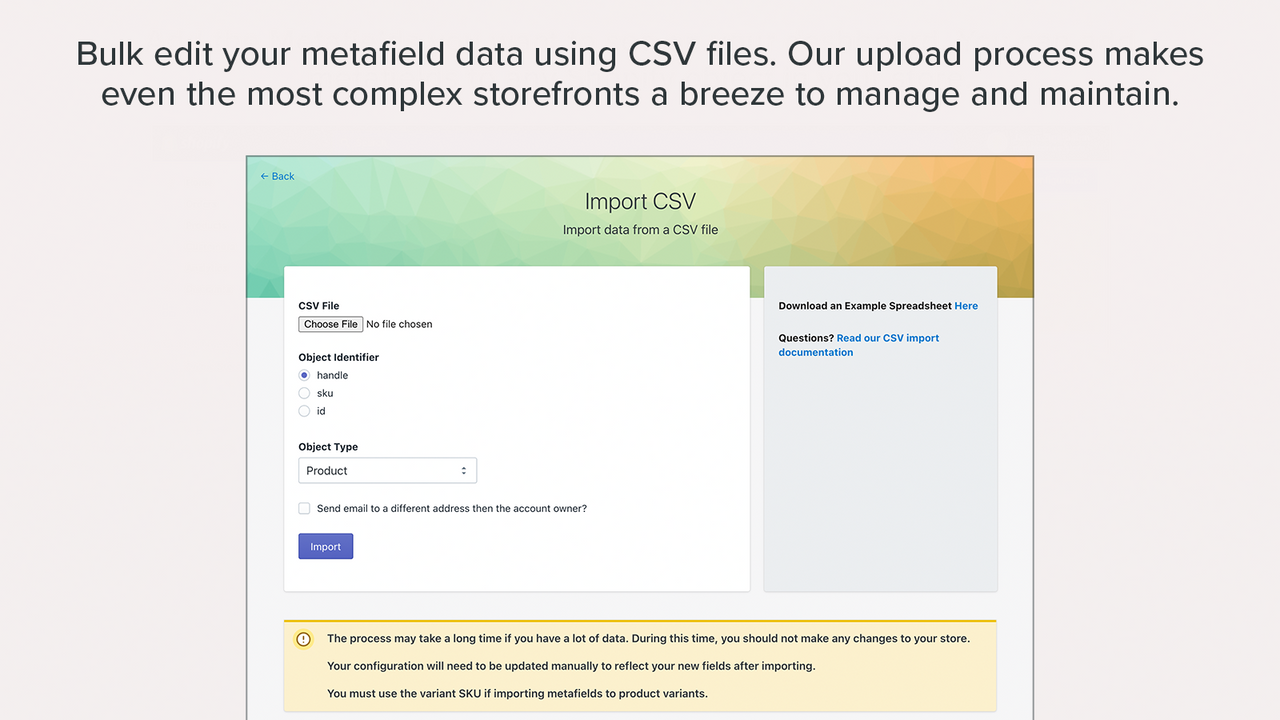
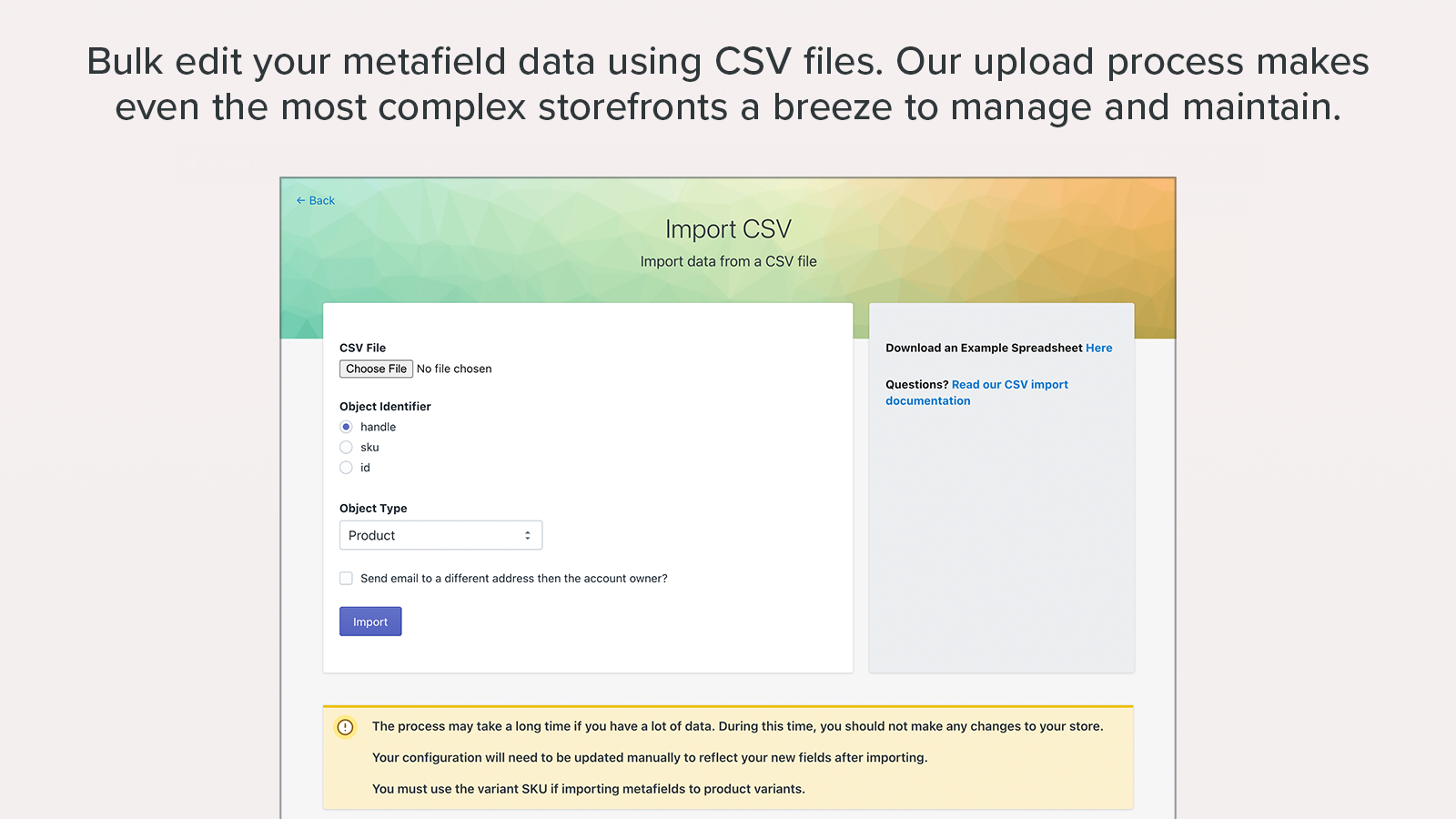
- Easily bulk update all metafield data with CSV import and export.
- Import, export, and back up metafield data across multiple Shopify stores
- Simplify your stack and host data directly on Shopify or your own AWS S3 account.
Merchant-Friendly
- Multi-Store Operators
- Data-Driven E-commerce
- Cross-Border Merchants
- Independent Station Developers
Basic Information
- Developer:Argonautic Labs
- Address:400 E 67th Street, New York, NY, 10065, US
- Price: Free / Free plan
- Rating:4.9 / 5
- Comment Count:70 comment
- Release Date:2016-6-13
- Supported languages:English
- Compatible products:Shopify
Application Screenshot
Price Plan
生产计划
$20
- Easily add/edit all metafields
- Bulk import/export metafields via CSV
- Full control over your store's data
User Location & Comments
User Location
Comments
Shopify API Used
- POST /admin/api/metafields/bulk_operations.json
- GET /admin/api/metafields/bulk_operations/{id}.json
- POST /admin/api/metafields/imports.json
Permission:write_metafields,read_metafields,manage_products
- GET /admin/api/metafields.json
- POST /admin/api/metafields.json
- DELETE /admin/api/metafields/{id}.json
Permission:write_metafields,read_metafields,manage_shop
- POST /admin/api/metafields/hosting/settings.json
- GET /admin/api/metafields/hosting/settings.json
- PUT /admin/api/metafields/hosting/settings.json
Permission:write_metafields,read_metafields,manage_apps