
App Introduction
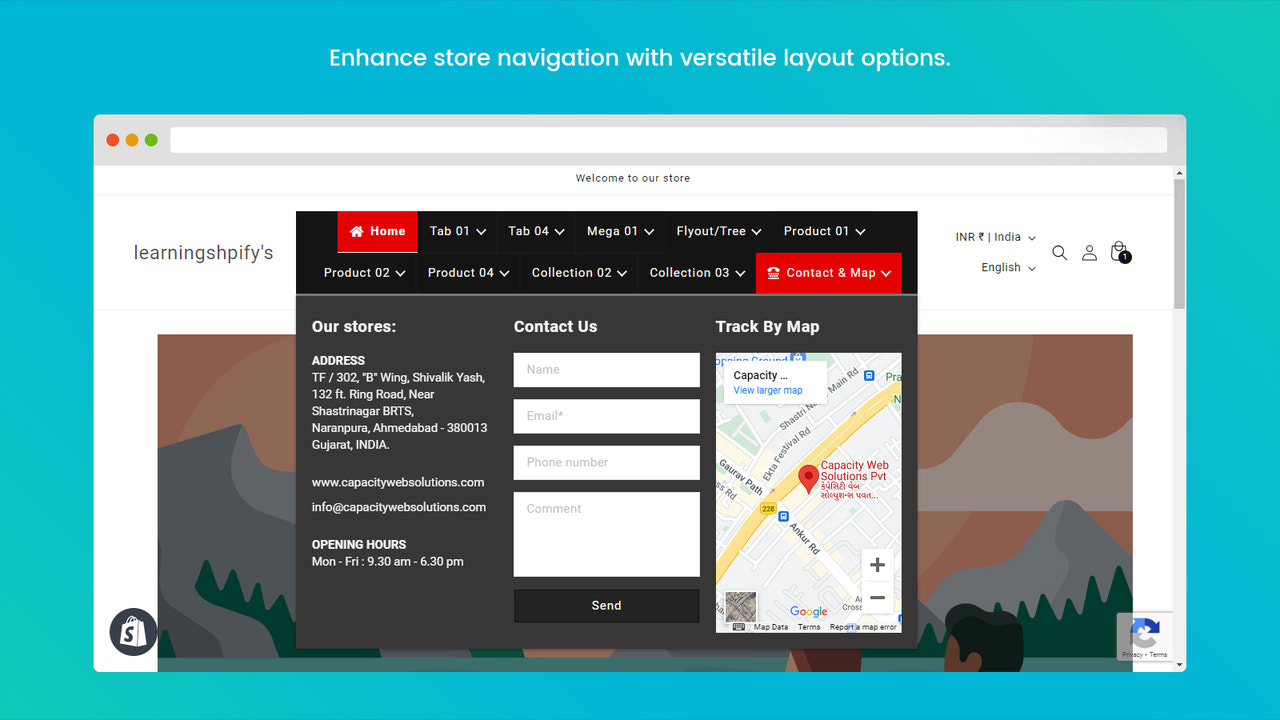
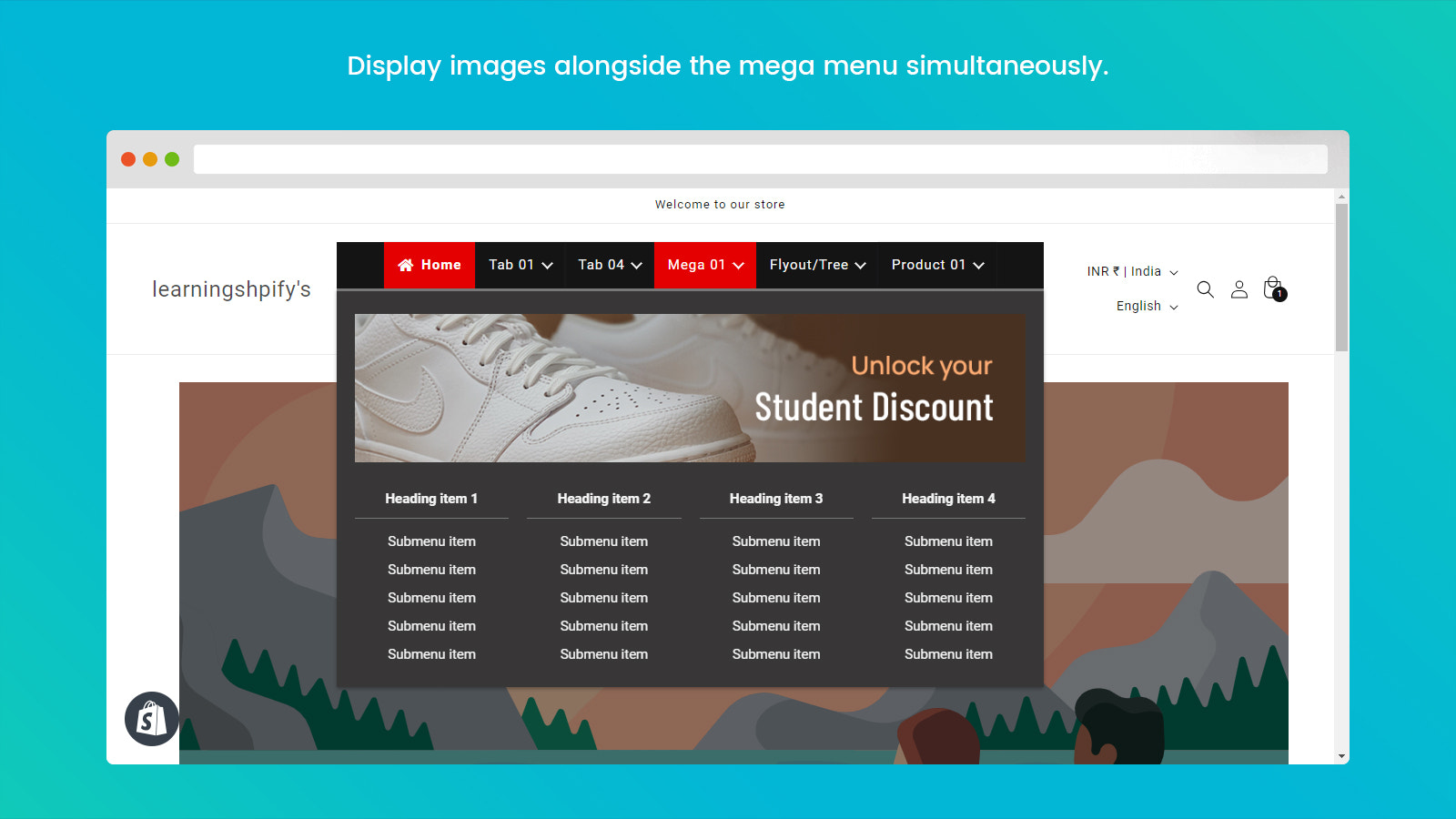
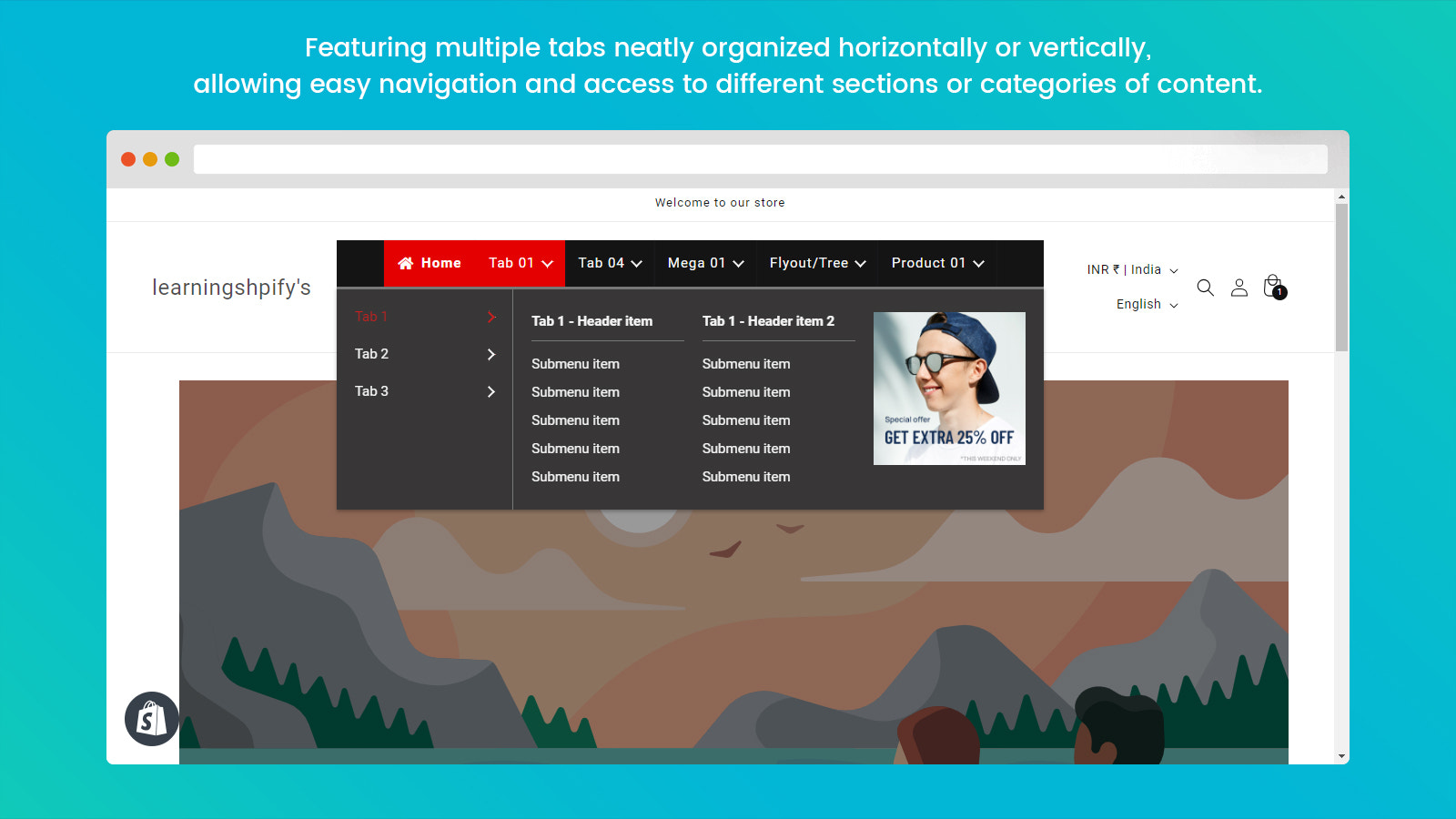
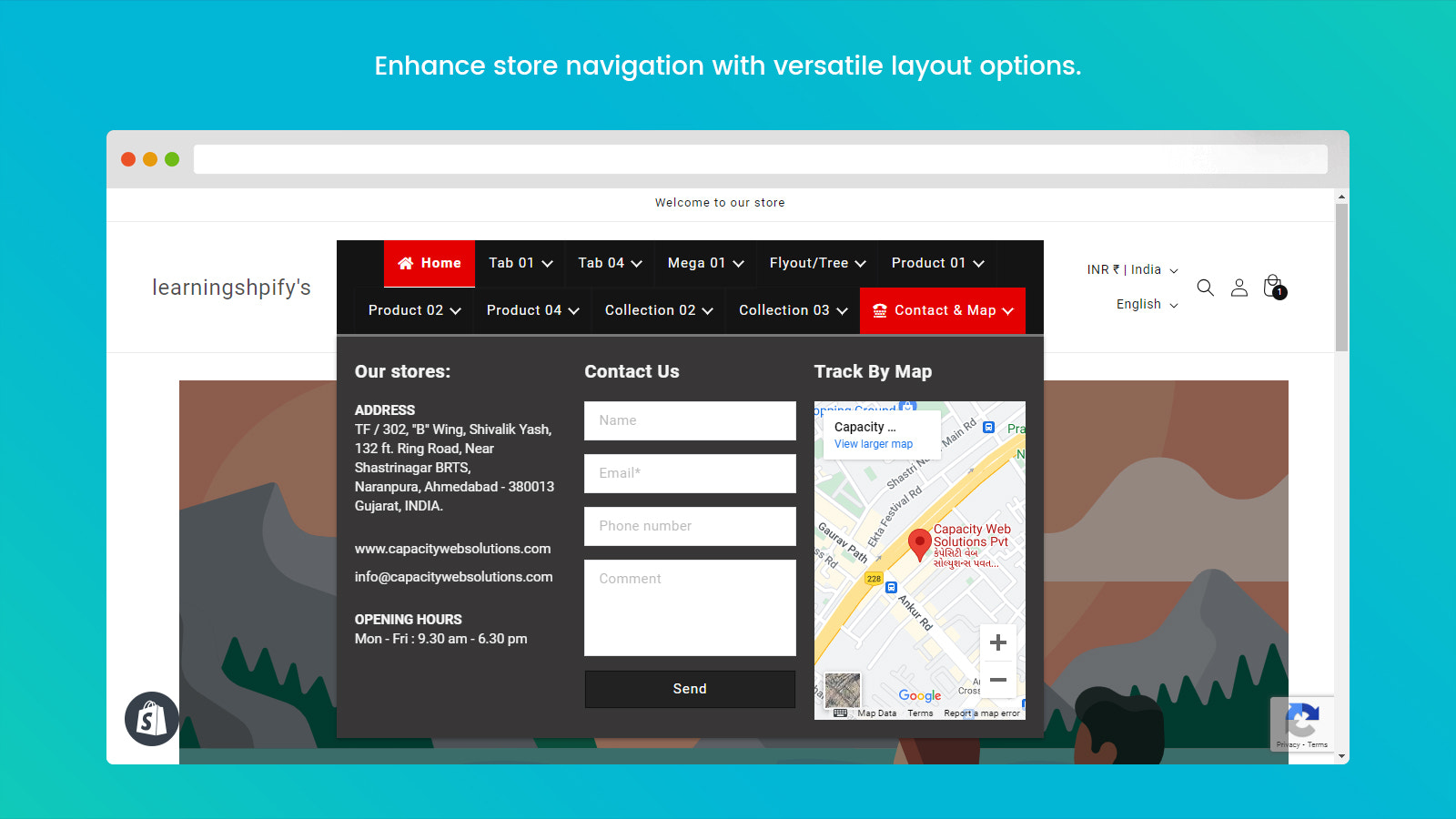
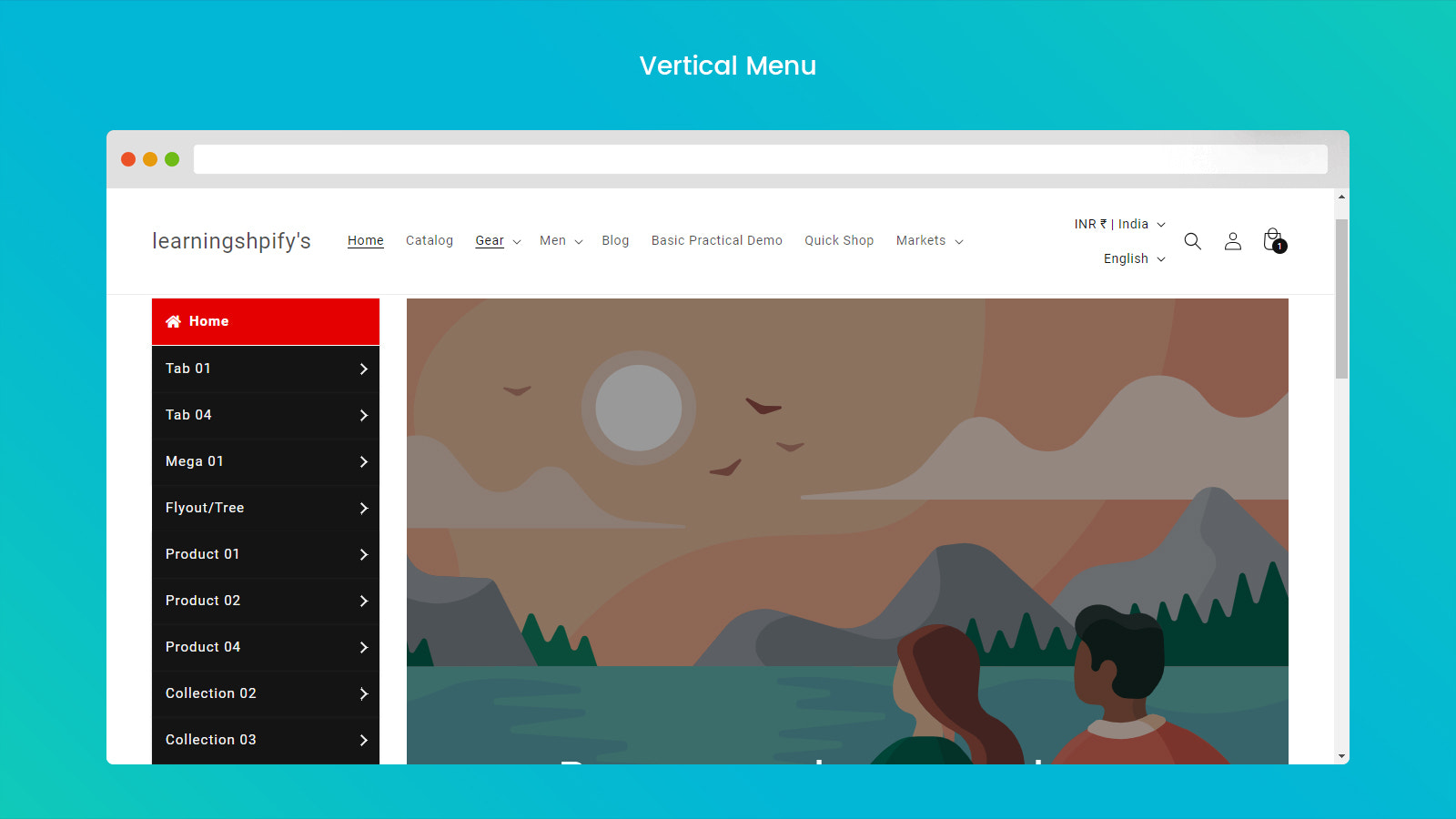
Create stunning mega menus with images, multi-level dropdowns, and mobile-friendly navigation! Easily enhance your store’s navigation with our C: Mega Menu app. Build eye-catching multi-level dropdowns, tabs, and tree-style mega menus to organize your store’s collections and products. Fully customizable with unlimited menu items and design settings. Boost sales with widgets for featured products, collections, and banners. Streamline navigation and improve efficiency through easy product access—customers find what they need quickly, enhancing accessibility, with no complex setup or extra pages required.
Core Functionality
- Add products, collections, pages, blogs, banners, and custom links to the megamenu
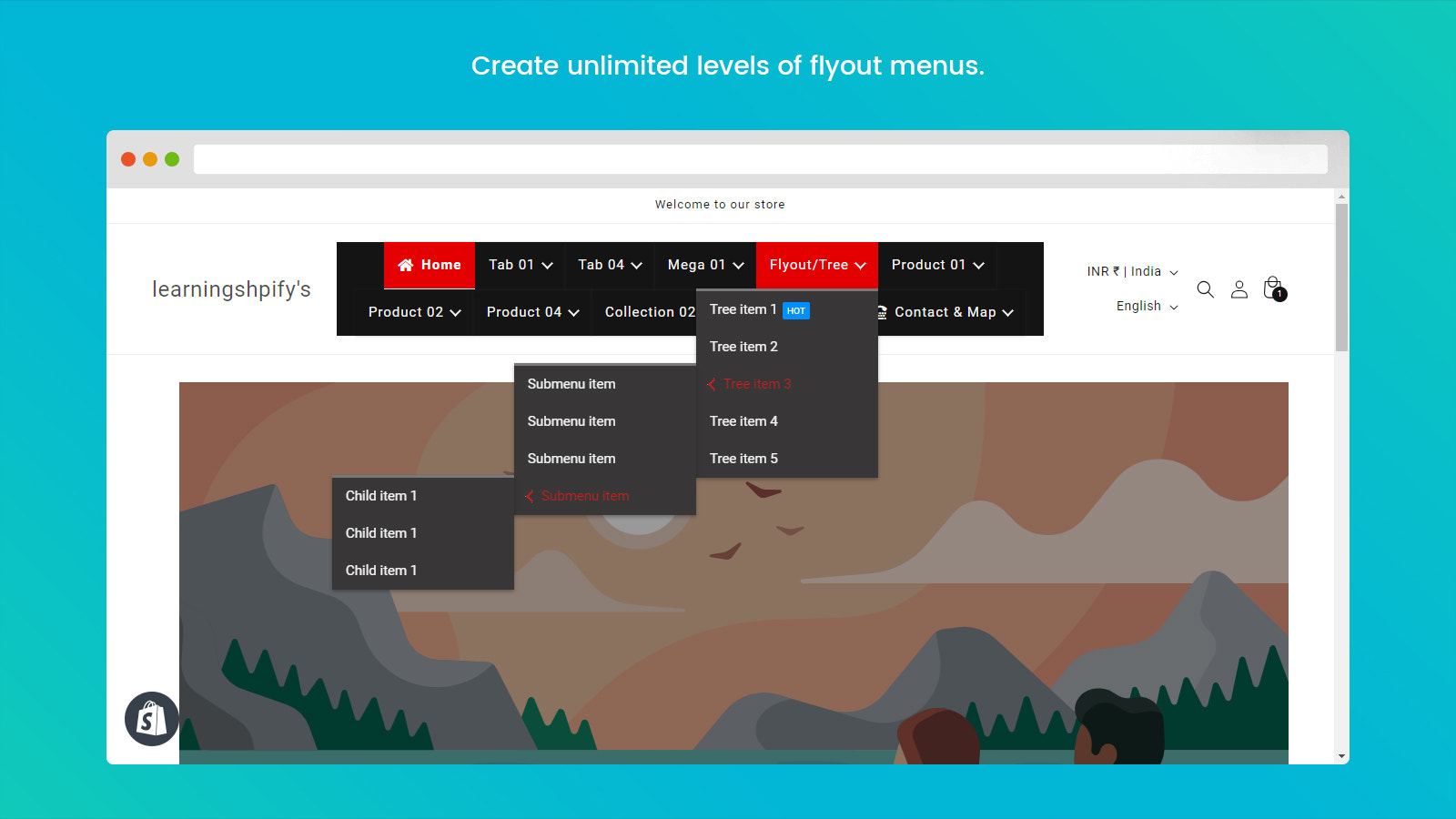
- Unlimited menu items and levels with advanced customization options.
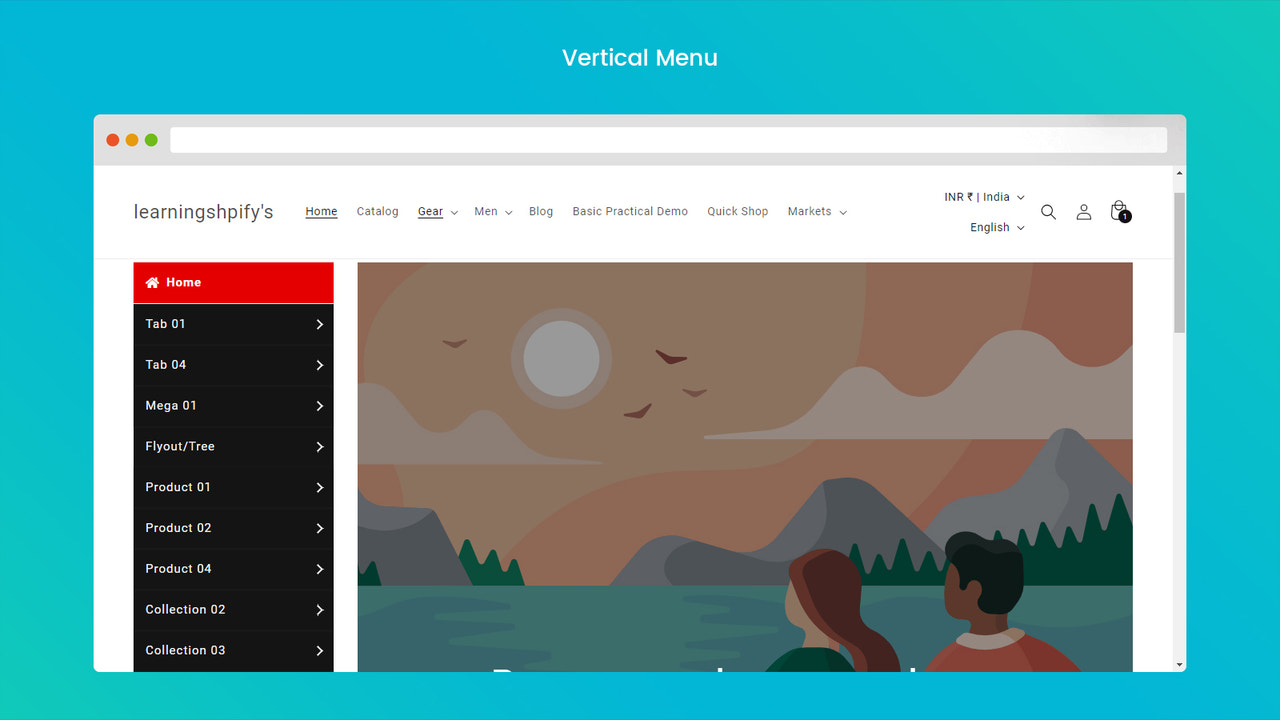
- Design menus using pre-built templates: Megamenu, Tabbed Menu, and Tree Menu.
- Fully customize colors, sizes, animations, hover effects, and hamburger (mobile) menus.
- Eye-catching badges and icons for special offers, with multi-language menu support.
Merchant-Friendly
- Independent Station Merchants
- Multi-category E-commerce
- Cross-border E-commerce
- Brand E-commerce
Basic Information
- Developer:Capacity Web Solutions Pvt Ltd
- Address:TF / 302, “B” Wing, Shivalik Yash, 132 ft. Ring Road, Near Shastrinagar BRTS, Naranpura, Ahmedabad, GJ, 380013, IN
- Price: Free / Free plan
- Rating:4.1 / 5
- Comment Count:4 comment
- Release Date:2023-4-27
- Supported languages:English
- Compatible products:Shopify
Application Screenshot




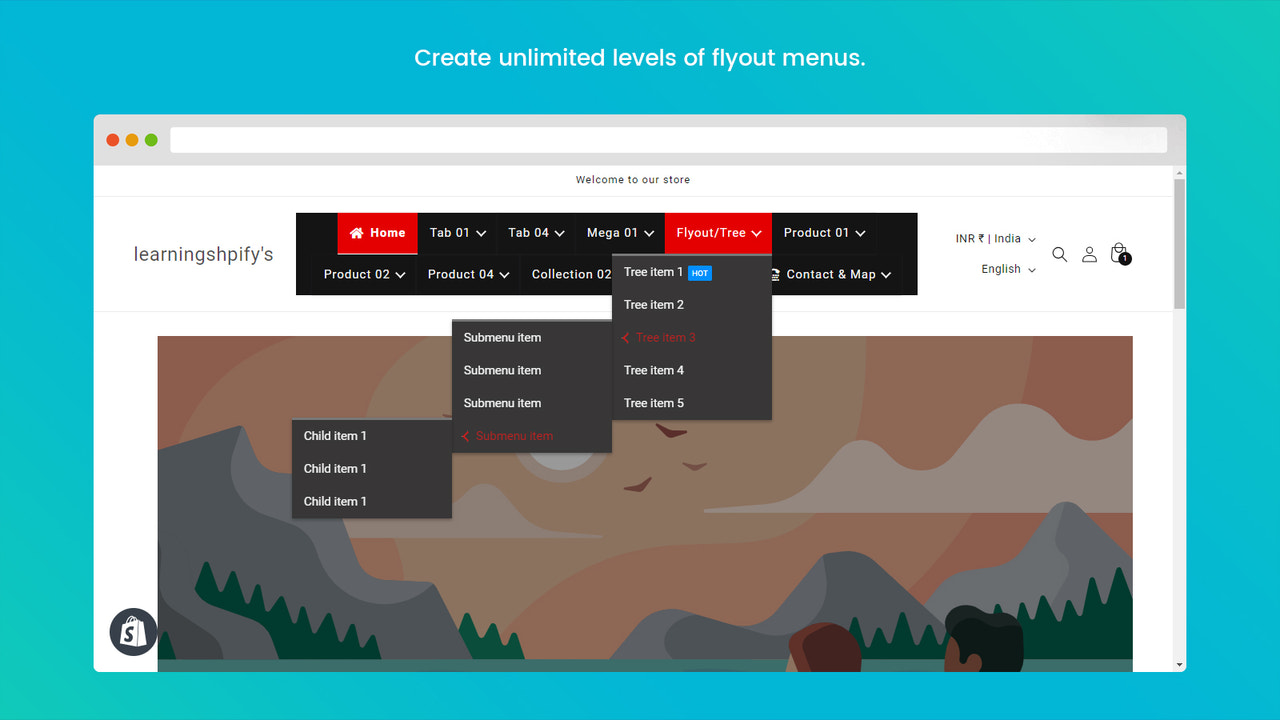
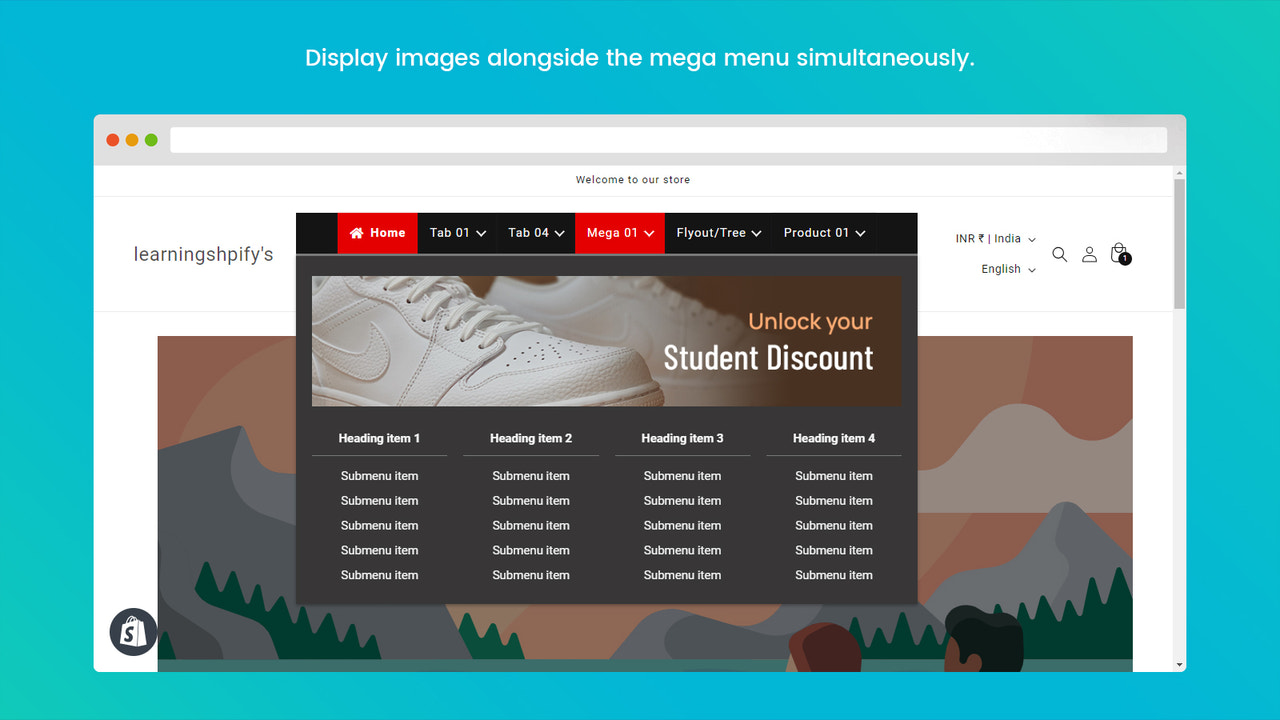
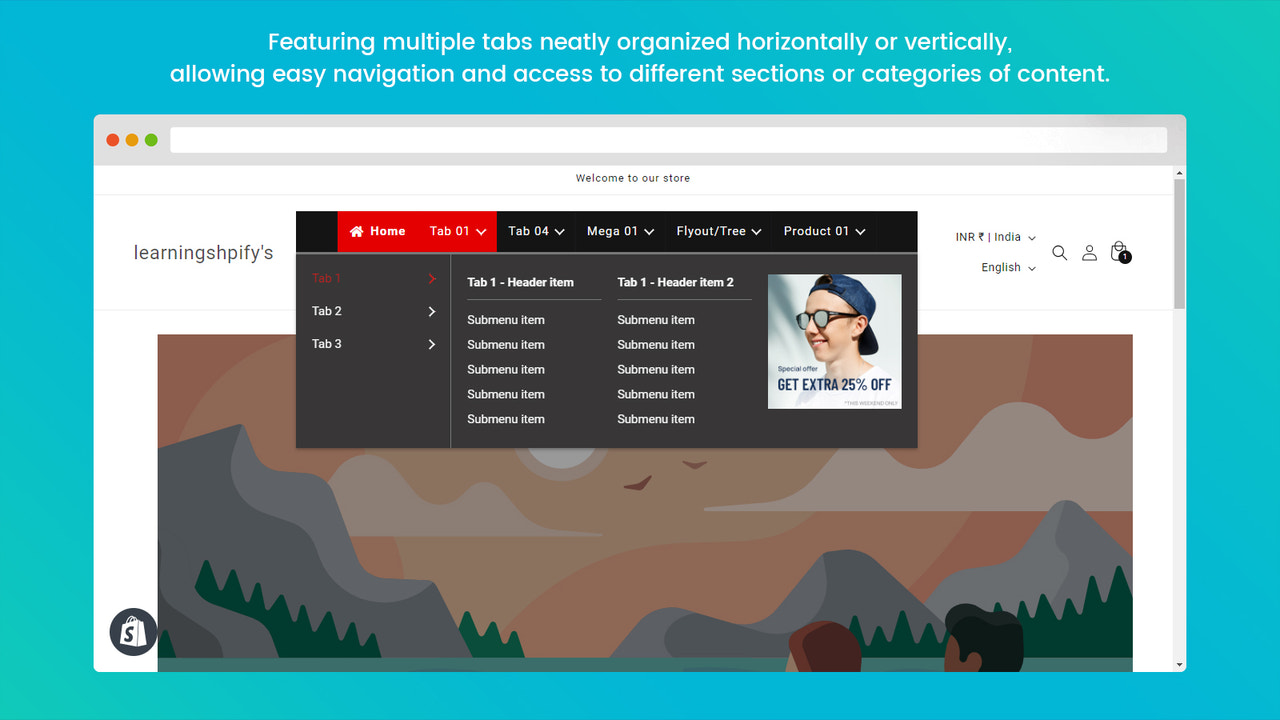



Price Plan
Standard
- Unlimited Menu Items
- Mega Menu, Tab, and Popup Menu Types
- Menu Animations
- Add Products, Collections, and Images with Links
- Contact Form and Custom HTML
- Import/Export
- Multiple Design Options
- Translation and Others
Shopify Plus
- Unlimited Menu Items
- Mega Menu, Tab, and Popup Menu Types
- Menu Animations
- Add Products, Collections, and Images with Links
- Contact Form and Custom HTML
- Import/Export
- Multiple Design Options
- Translation and Others
User Location & Comments
User Location
Comments
Shopify API Used
- POST /admin/api/menu_items.json
- PUT /admin/api/menu_items/{id}.json
- GET /admin/api/menus/{menu_id}/menu_items.json
Permission:write_menu,read_menu,manage_pages
- POST /admin/api/menu_items.json
- PUT /admin/api/menu_items/{id}/move.json
- GET /admin/api/menus/{menu_id}/menu_items.json
Permission:write_menu,read_menu,manage_navigation
- POST /admin/api/menus.json
- PUT /admin/api/menus/{id}.json
- GET /admin/api/menus.json
Permission:write_menu,read_menu,manage_themes
- PUT /admin/api/themes/{theme_id}/assets.json
- POST /admin/api/menu_items/{id}.json
- GET /admin/api/themes/{theme_id}/assets.json
Permission:write_themes,read_themes,manage_navigation
- PUT /admin/api/menu_items/{id}.json
- POST /admin/api/menu_items/{id}/metafields.json
- GET /admin/api/menu_items/{id}/metafields.json
Permission:write_menu,read_menu,manage_metafields