
App Introduction
Create a stylish, multi-functional image slider section for your store to showcase products and promotions. Mega Image Slider lets you add a sleek, versatile image slider to your website. Customize the slider to fit your theme and showcase your favorite images compellingly. This app integrates seamlessly with any Shopify theme, making it perfect for highlighting products, promotions, or visual content. Enjoy smooth performance and easy customization to match your store’s design. Boost your store’s visual appeal and create an engaging browsing experience for customers.
Core Functionality
- Boost your store’s visual appeal and captivate customers with image sliders.
- Transform your product showcases into engaging visual journeys with stylish sliders.
- Create a memorable shopping experience by adding sleek image sliders.
- Highlight your best content with customizable, integrated image sliders.
- Enjoy image sliders built for fast performance and lightweight functionality.
Merchant-Friendly
- Visual Independent Station
- Fashion E-commerce
- High-conversion Store
- Multilingual Cross-border Store
Basic Information
- Developer:Mega Profit Apps
- Address:2 New Montgomery St, SAN FRANCISCO, CA, 94105, US
- Price: Free / Free plan
- Rating:1 / 5
- Comment Count:1 comment
- Release Date:2024-8-12
- Supported languages:English
- Compatible products:Shopify
Application Screenshot
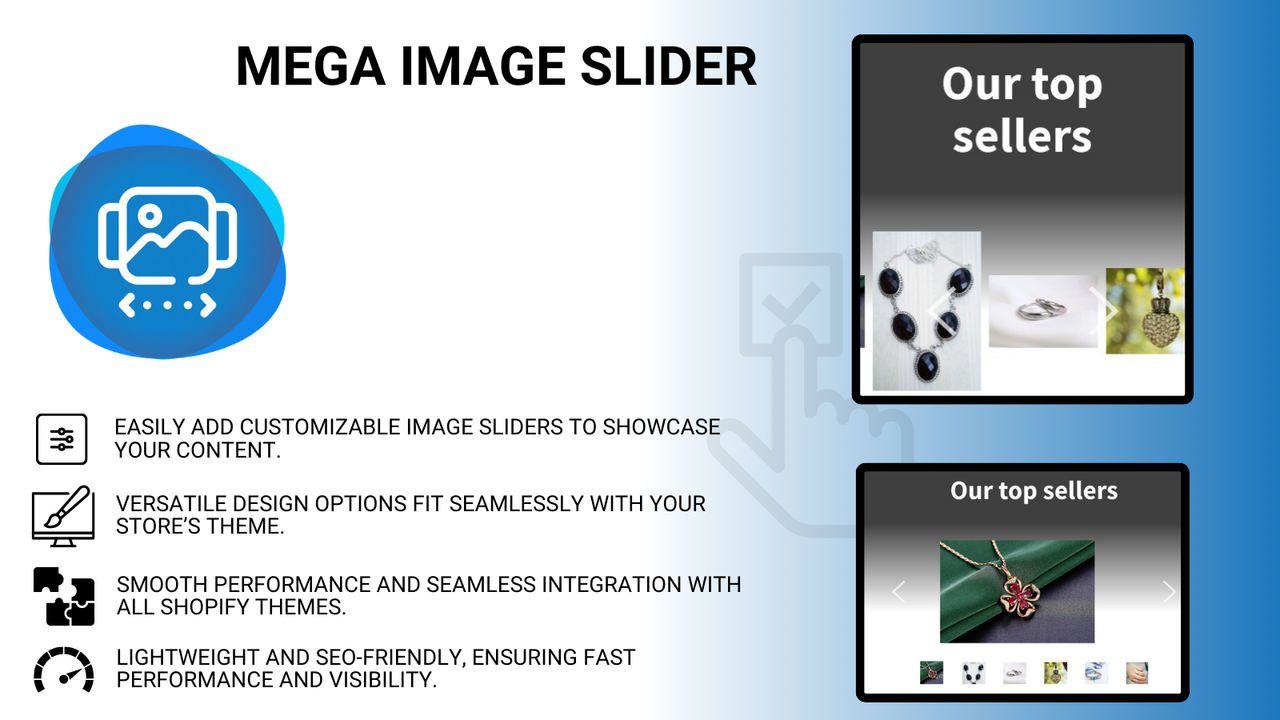


Price Plan
FREE PLAN
- All partner development stores are free.
- Test the app on the development store before publishing
PRO ANNUAL
- Save 2 months
- Create stunning image sliders.
- Fully responsive on all devices.
- Supports unlimited images.
- Supports Online Store 2.0.
PRO MONTHLY
- Create stunning image sliders.
- Fully responsive on all devices.
- Supports unlimited images.
- Compatible with Online Store 2.0.
User Location & Comments
User Location
Comments
Shopify API Used
- POST /admin/api/sections.json
- PUT /admin/api/sections/{section_id}.json
- GET /admin/api/sections.json
Permission:write_themes,read_themes,manage_online_store
- POST /admin/api/sections/{section_id}/blocks.json
- PUT /admin/api/sections/{section_id}/blocks/{block_id}.json
- GET /admin/api/sections/{section_id}/blocks.json
Permission:write_themes,read_products,manage_online_store
- PUT /admin/api/sections/{section_id}/settings.json
- GET /admin/api/sections/{section_id}/settings.json
- POST /admin/api/themes/{theme_id}/assets.json
Permission:write_themes,read_themes,manage_online_store
- POST /admin/api/translations.json
- PUT /admin/api/translations/{translation_id}.json
- GET /admin/api/sections/{section_id}/translations.json
Permission:write_translations,read_themes,manage_online_store



