
App Introduction
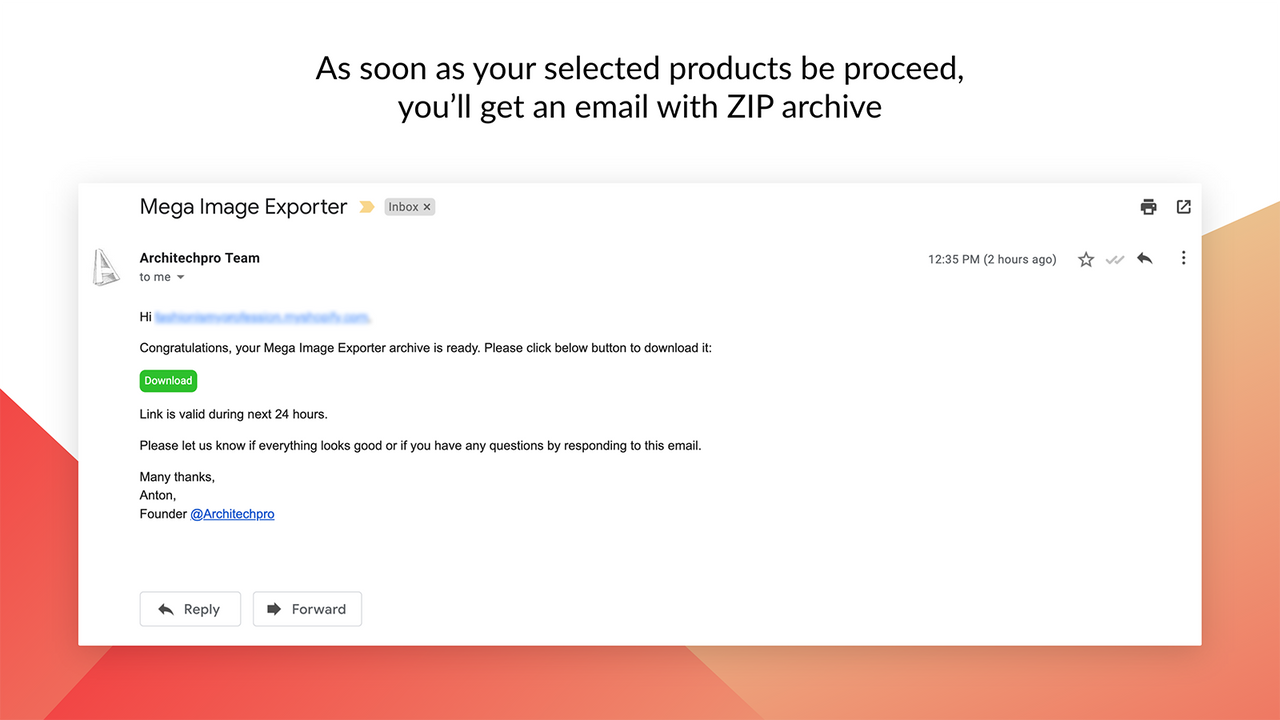
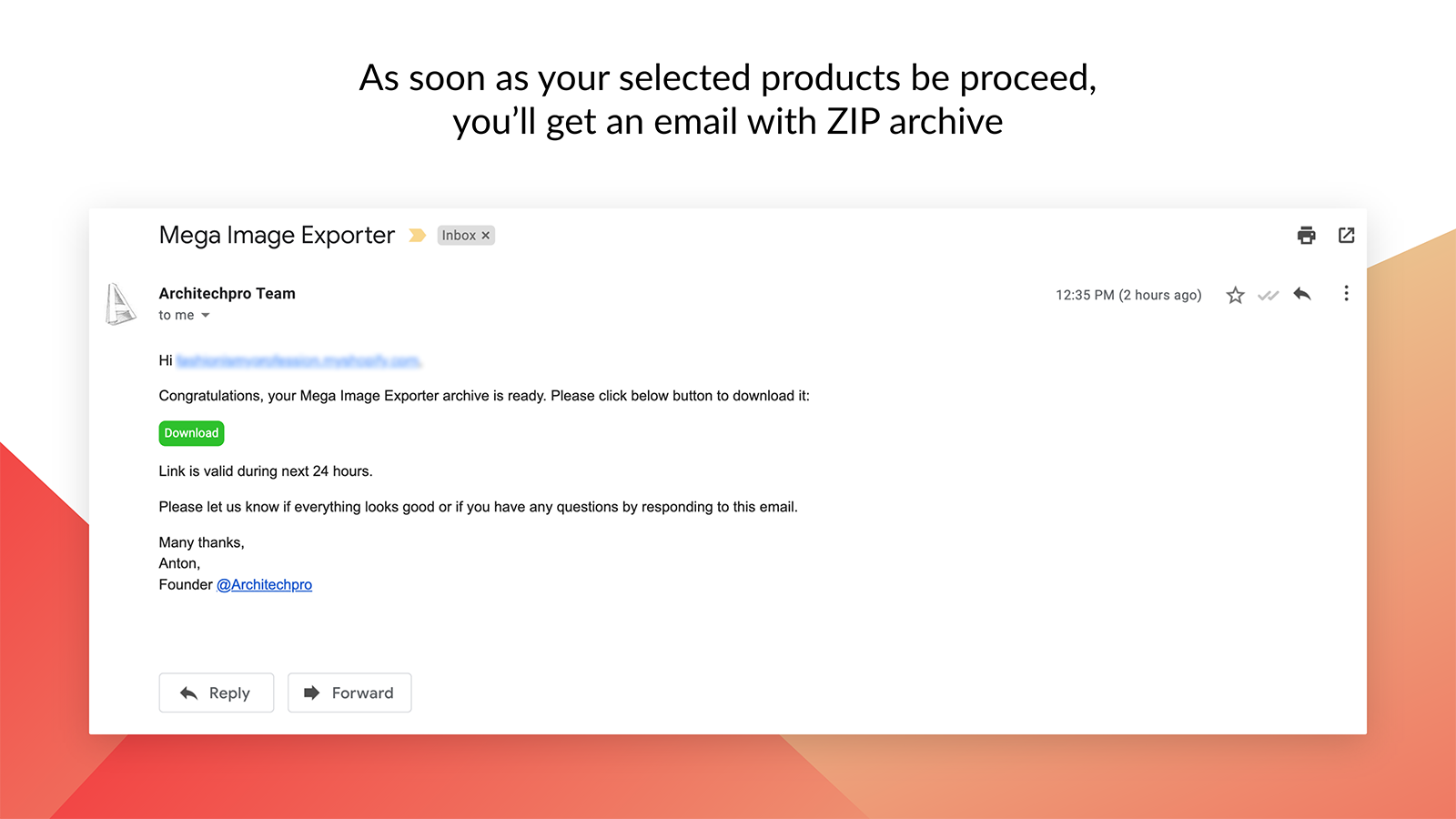
Export your store media instead of manually saving images and downloading them one by one. The Mega Media Exporter app offers a simple, code-free way to export every product image uploaded to your store. Mega Image Exporter scans your store and organizes all images (JPG, PNG, WEBP, JPEG) for all products (or only your selected products) into a single directory. Use it for Instagram/Facebook campaigns, as a backup, or for store migration. Each Shopify product can have up to 250 images. If you have a large number of products, saving images one by one can become a challenge.
Core Functionality
- Automatically bulk download media (images, videos) from your store
- Select all or specific images and videos you want to export
- Save work time and reduce human error with automated export processes
- Set up a reliable backup strategy for your inventory
- Simplify migration operations for large-scale inventory and product catalogs
Merchant-Friendly
- Independent Station Merchants
- Multi-category E-commerce
- Cross-border E-commerce Sellers
- Big Promotion Merchants
- Brand E-commerce
Basic Information
- Developer:Architechpro OÜ
- Address:Sepapaja 6, Tallin, 15551, EE
- Price: Free / Free plan
- Rating:4.8 / 5
- Comment Count:9 comment
- Release Date:2019-7-10
- Supported languages:English
- Compatible products:Shopify
Application Screenshot





Price Plan
演示
- Export images for up to 10 products
- Export videos for 2 products
- High quality
- Support for large image datasets
- Free customer support
基础
- Export images for up to 100 products
- Export videos for 20 products
- High quality
- Support for large image datasets
- Free customer support
专业
- Export images for up to 1000 products
- Export videos for 200 products
- Highest quality
- Support for large image datasets
- Free customer support
企业
- Export unlimited product images
- Export unlimited product videos
- Highest quality
- Support for large image datasets
- Free customer support
User Location & Comments
User Location
Comments
Shopify API Used
- POST /admin/api/media/bulk_actions.json
- GET /admin/api/media/bulk_actions/{id}.json
- GET /admin/api/media.json
Permission:read_media,manage_products,read_files
- POST /admin/api/media/bulk_actions.json?filters=tags,type
- GET /admin/api/media/bulk_actions/{id}/results.json
- GET /admin/api/media.json?type=image,video
Permission:read_media,manage_products,read_files
- POST /admin/api/bulk_operations.json
- GET /admin/api/bulk_operations/{id}.json
- PUT /admin/api/bulk_operations/{id}/schedule.json
Permission:read_media,manage_products,write_files
- POST /admin/api/inventory_items/bulk_actions.json
- GET /admin/api/inventory_items/bulk_actions/{id}.json
- GET /admin/api/inventory_levels.json
Permission:read_inventory,manage_inventory,read_products
- POST /admin/api/products/bulk_actions.json
- GET /admin/api/products/bulk_actions/{id}/results.json
- POST /admin/api/transfers.json
Permission:read_products,manage_products,write_inventory