
App Introduction
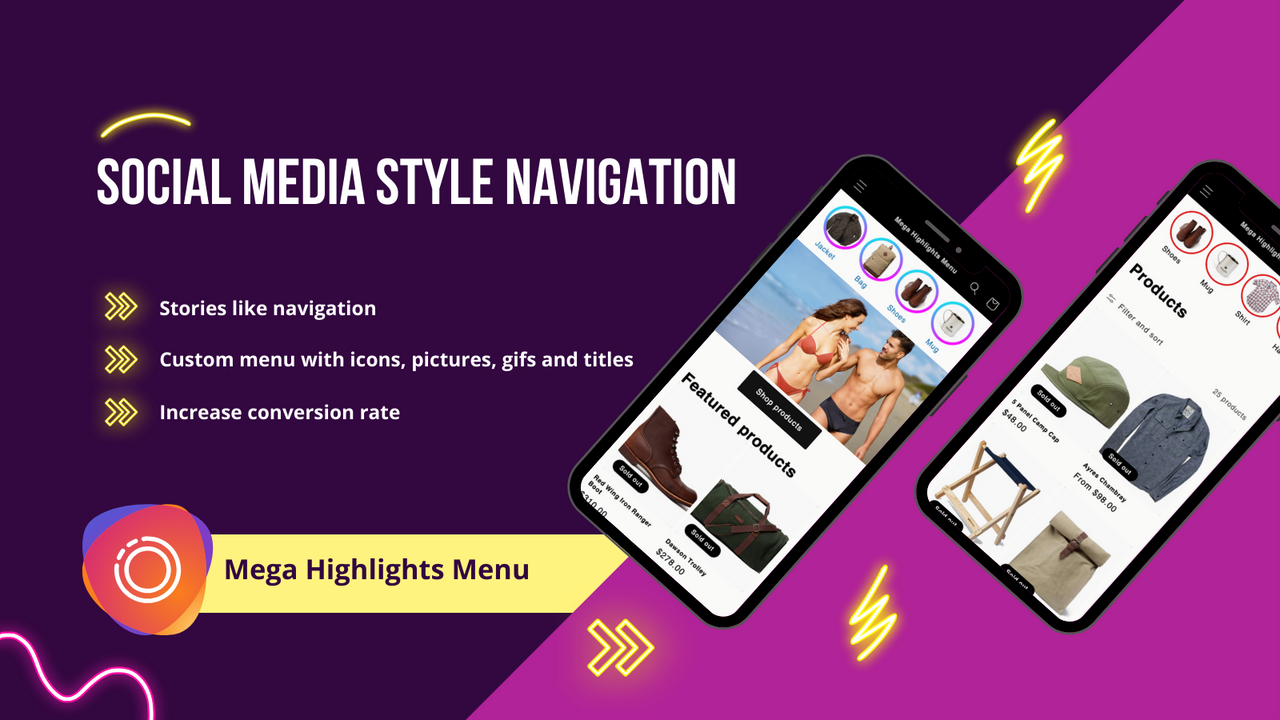
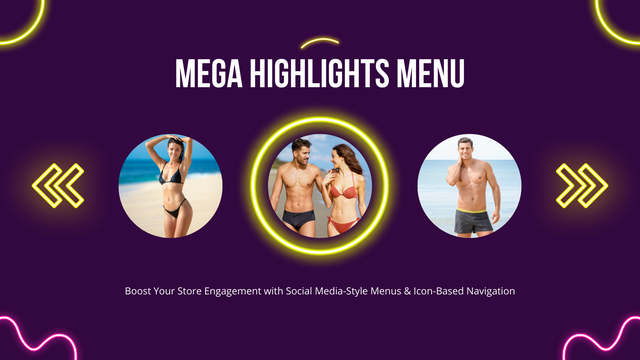
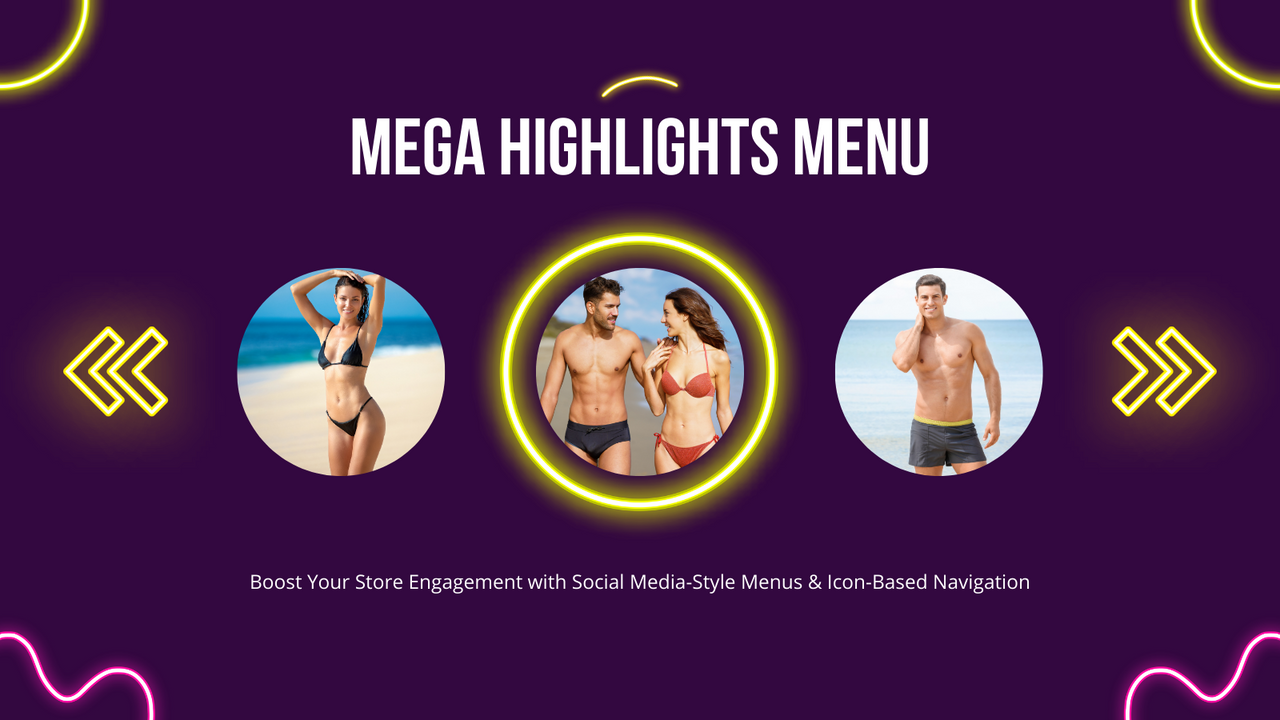
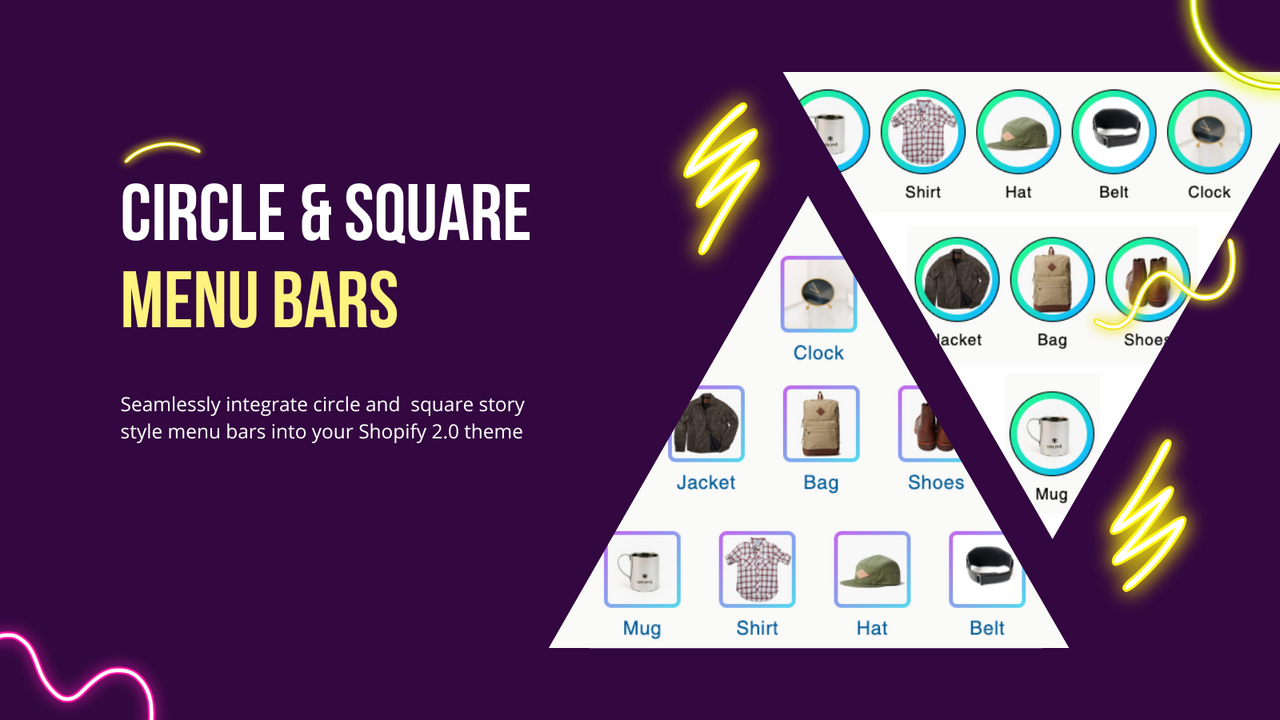
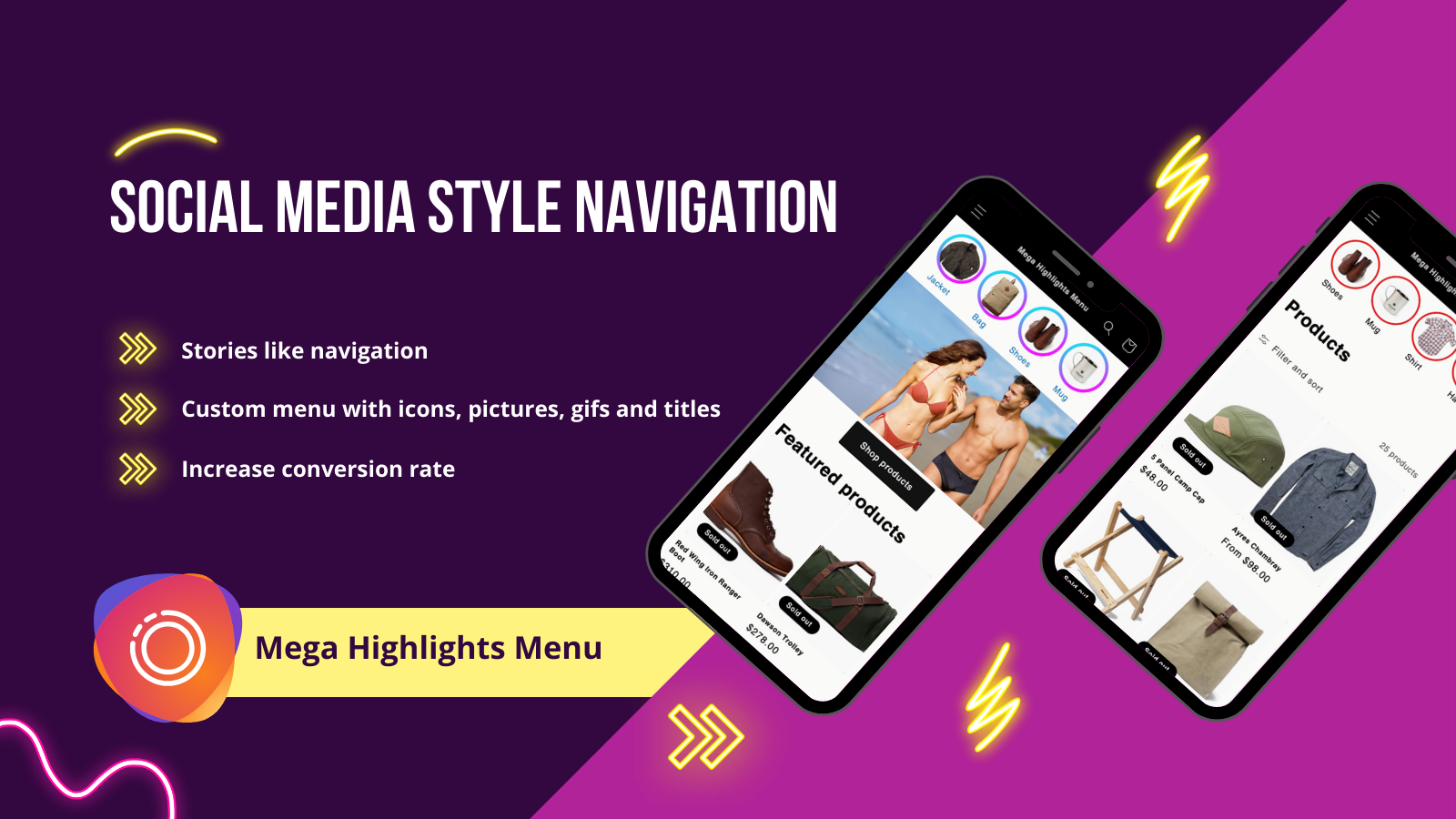
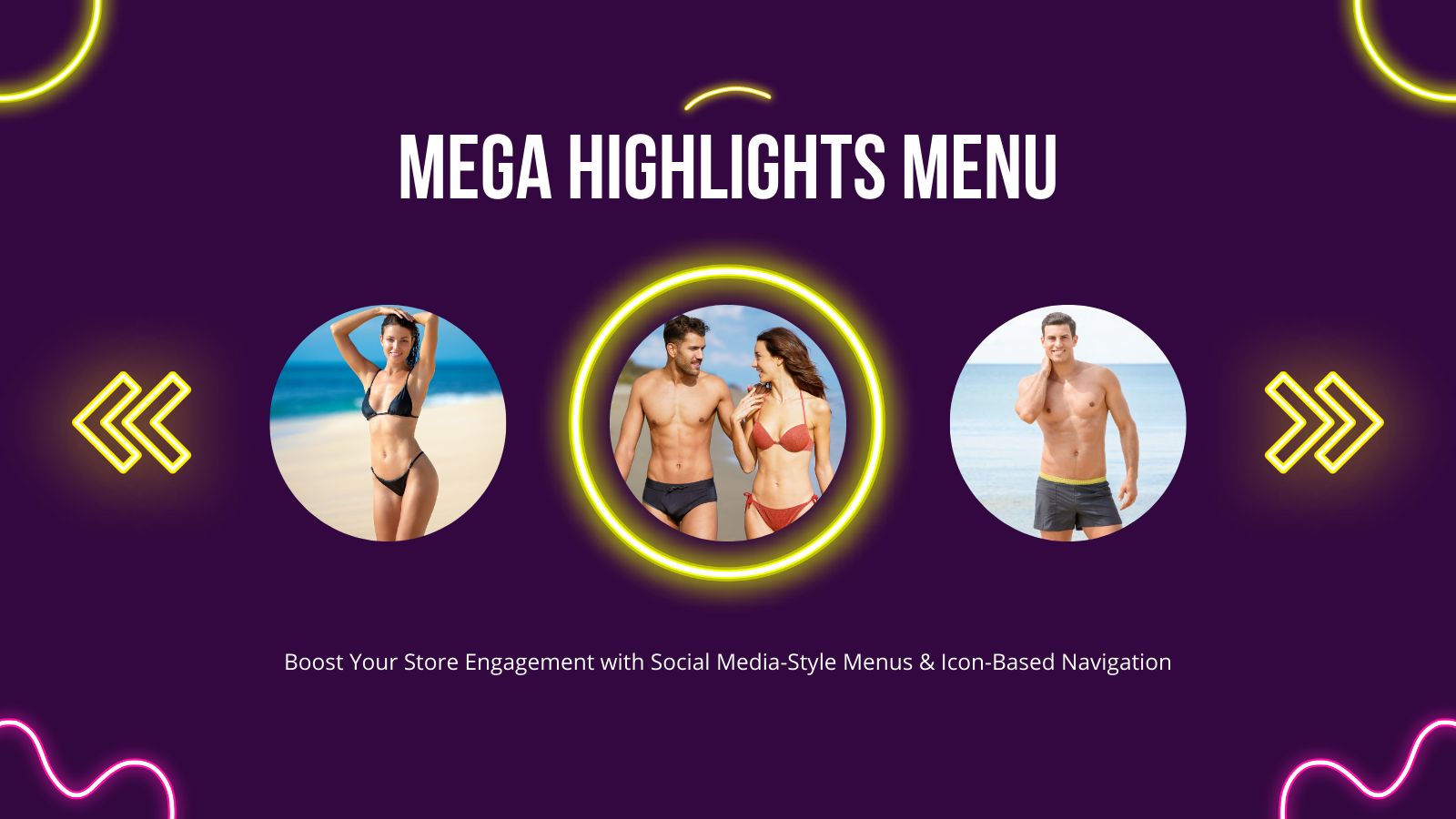
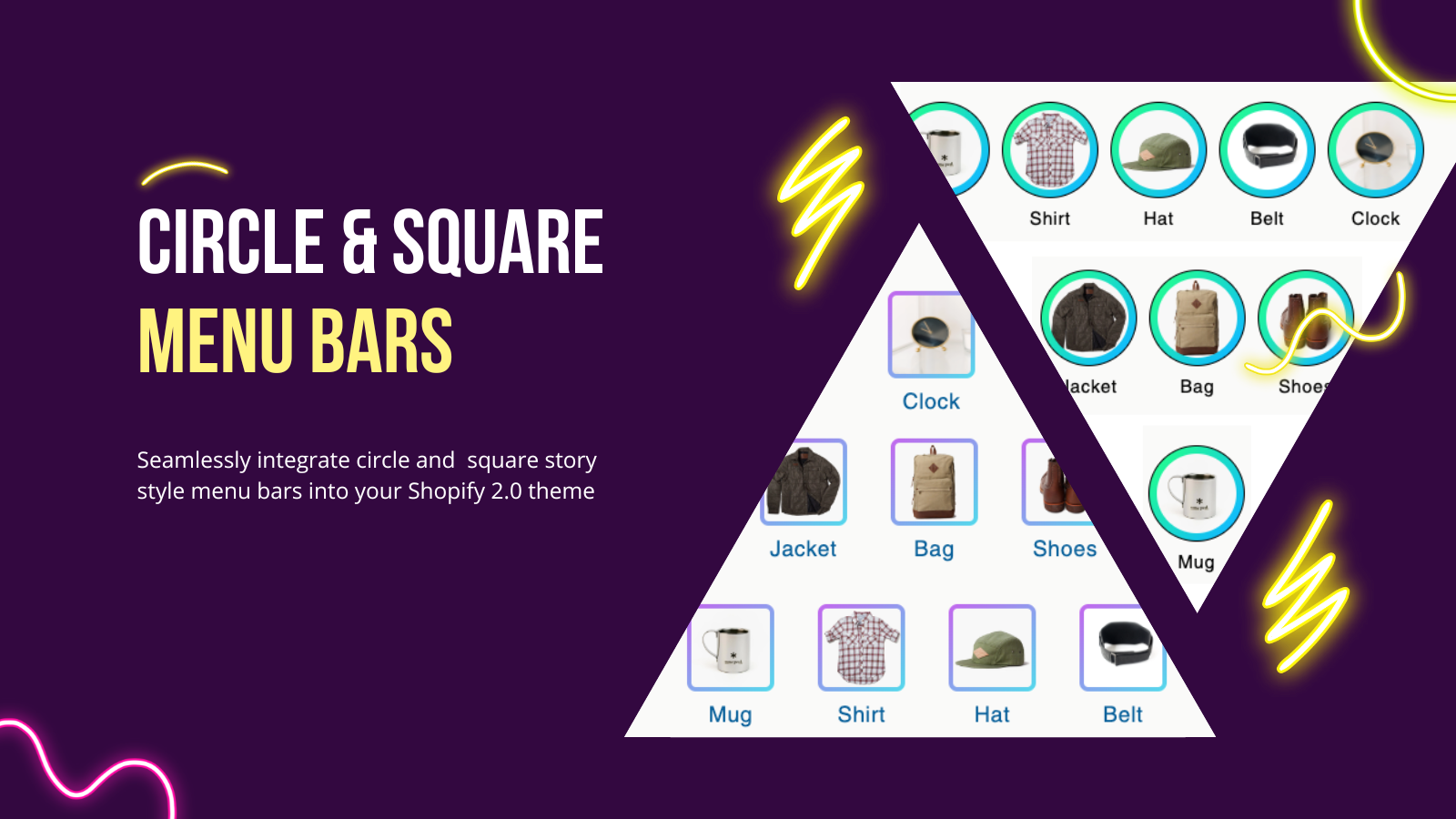
Story-Style Menu: Instagram Icon-Based Navigation for Products, Collections, and Links Perfect for stores looking to create social media story-style menus to showcase products, collections, pages, and links. Round or square thumbnail navigation menus that redirect customers from collections to specific items. A familiar product menu similar to Instagram, Facebook, or TikTok Stories that reduces bounce rates and boosts conversion rates. Create custom menu items using icons, images, GIFs, titles, and links to match your store’s design and color scheme. Place the menu anywhere on your store.
Core Functionality
- Display menus on mobile and desktop for a seamless browsing experience
- Allow visitors to browse faster, discover new collections, and boost conversion rates
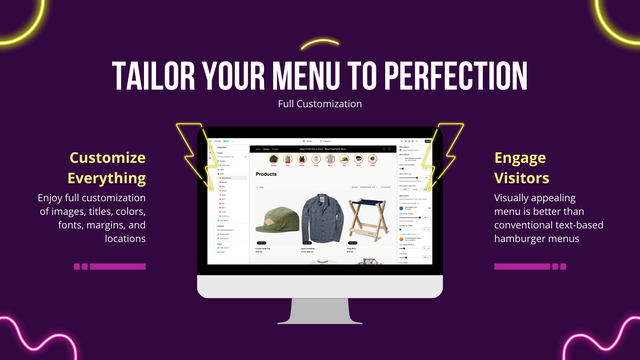
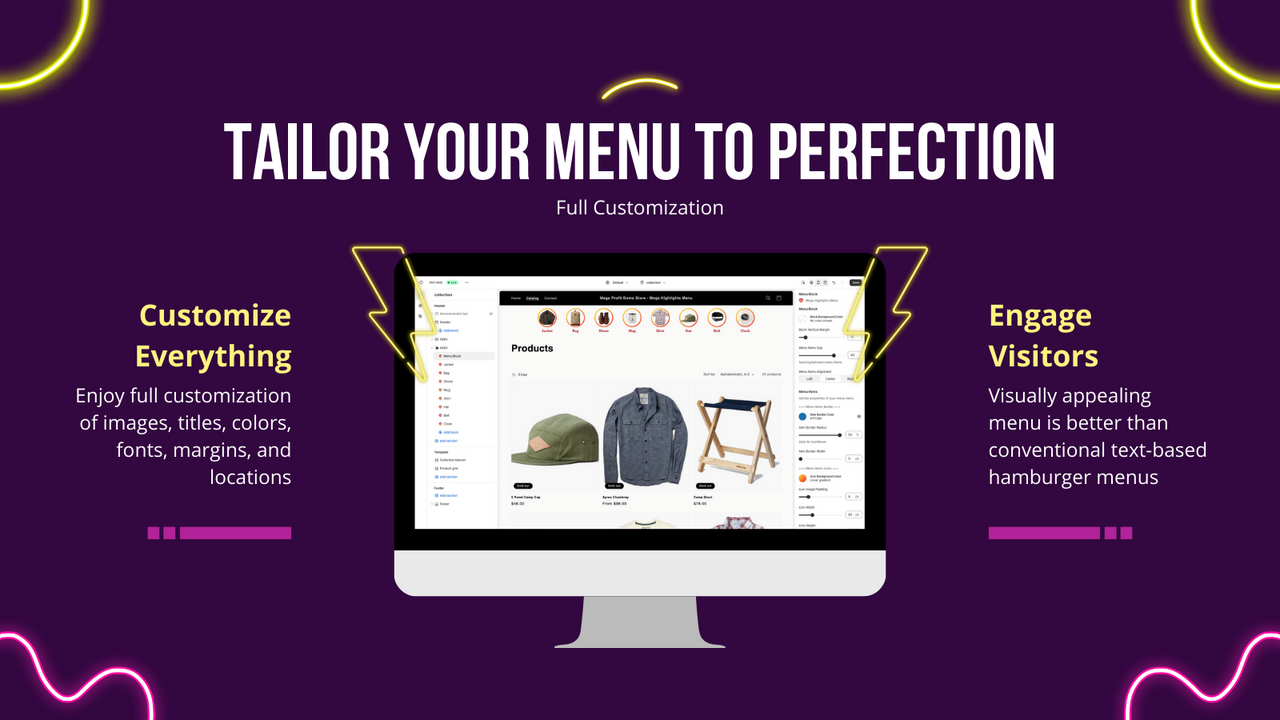
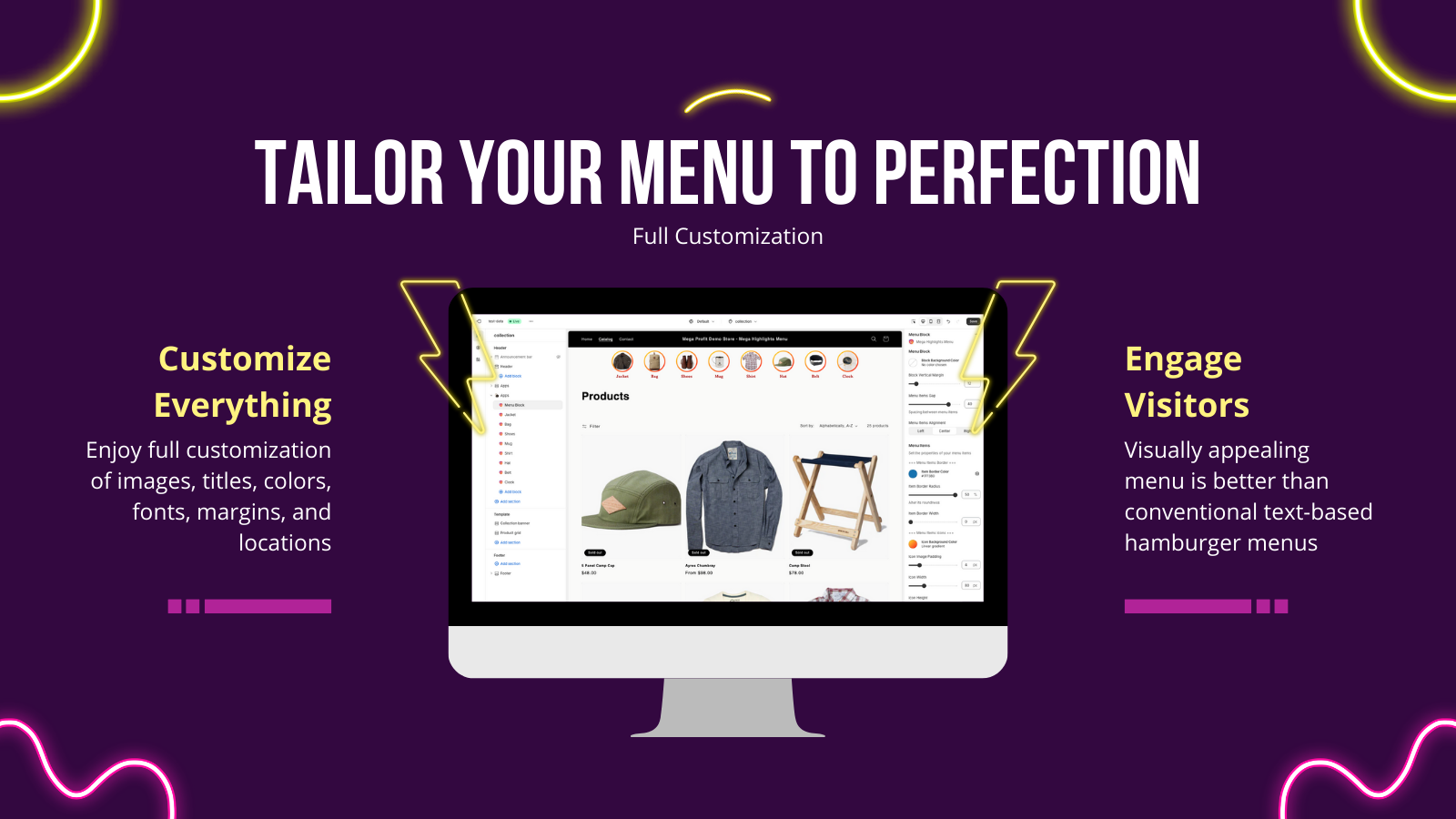
- Fully customize images, titles, colors, fonts, margins, positions, and more
- Engage visitors better than traditional text-based hamburger menus
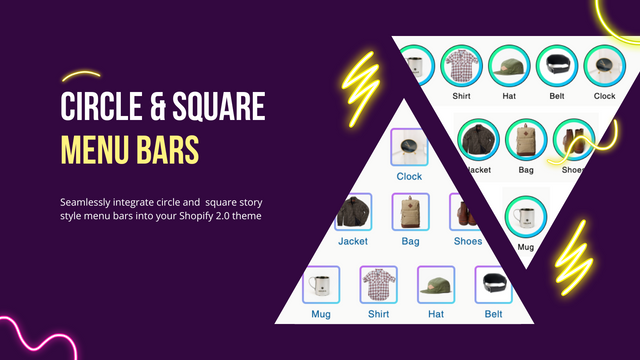
- Seamlessly integrate circular or square story menu bars into your Shopify 2.0 theme
Merchant-Friendly
- Independent Station Merchants
- Fashion & Apparel Merchants
- Home & Living Merchants
- Multi-category E-commerce
Basic Information
- Developer:Mega Profit Apps
- Address:2 New Montgomery St, SAN FRANCISCO, CA, 94105, US
- Price: Free / Free plan
- Rating:5 / 5
- Comment Count:1 comment
- Release Date:2024-3-29
- Supported languages:English
- Compatible products:Shopify
Application Screenshot
Price Plan
FREE PLAN
- All partner development stores are free.
- Test the app on a development store before publishing it
PRO ANNUAL
- Save 2 months!
- Responsive menu display
- Full design customization
- Engaging menu design
- Seamless integration
- Faster browsing experience
PRO MONTHLY
- Responsive Menu Display
- Full Design Customization
- Engaging Menu Design
- Seamless Shopify Integration
- Faster Browsing Experience
User Location & Comments
User Location
Comments
Shopify API Used
- GET /admin/api/menus.json
- POST /admin/api/menus.json
- PUT /admin/api/menus/{menu_id}.json
Permission:read_themes,write_themes,manage_menus
- GET /admin/api/menu_items.json
- POST /admin/api/menu_items.json
- PUT /admin/api/menu_items/{item_id}.json
Permission:read_themes,write_themes,manage_menus
- GET /admin/api/themes.json
- PUT /admin/api/themes/{theme_id}/assets.json
- POST /admin/api/themes/{theme_id}/assets.json
Permission:read_themes,write_themes,manage_assets