
App Introduction
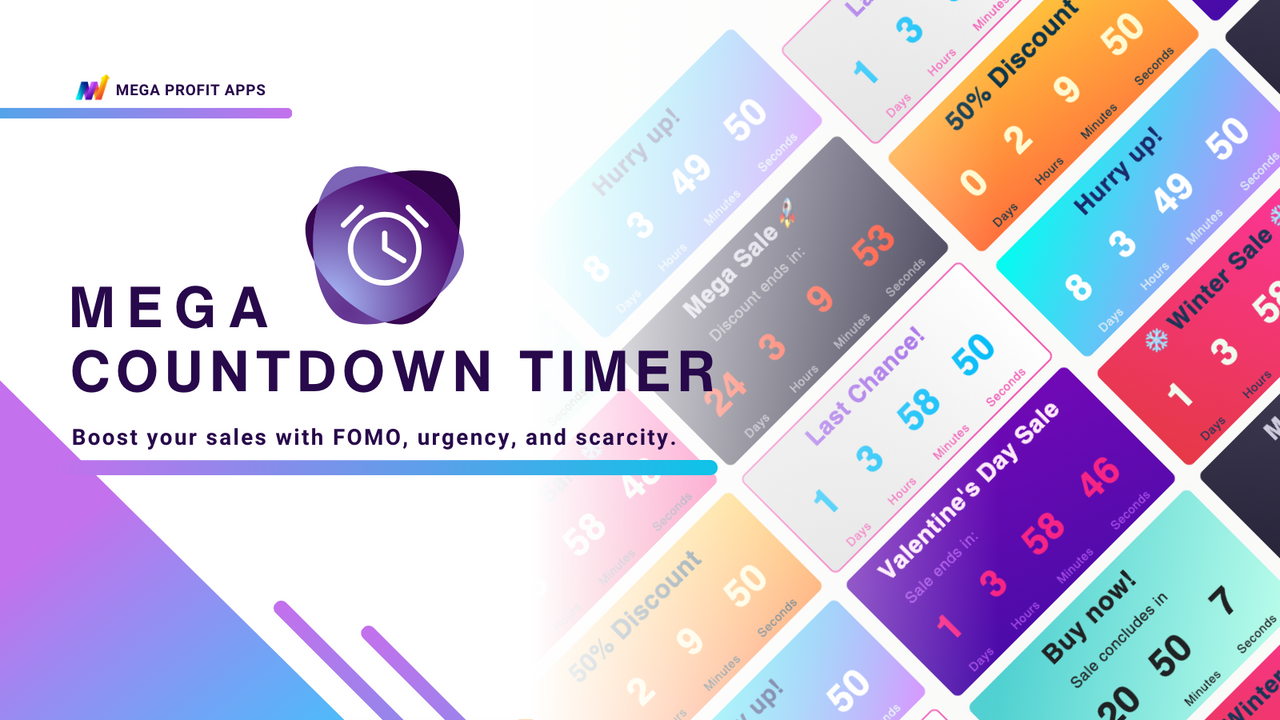
Boost Sales Effortlessly: Product Countdown Timer to Create FOMO, Urgency, and Increase Conversion Rates Create urgency, scarcity, and FOMO for sales by adding countdown widgets—including deadline trackers and stopwatches. Strategically display the timer as a top/bottom bar on product pages or collections. Choose design presets to quickly set up a theme match, and translate text to align with your store’s language. Boost conversion rates and Average Order Value (AOV) for flash sales, seasonal sales, daily deals, promotions, holiday sales, product launches, and rollouts. Perfect for Ramadan sales.
Core Functionality
- Encourage store visitors and motivate buyers to purchase immediately to avoid missing out
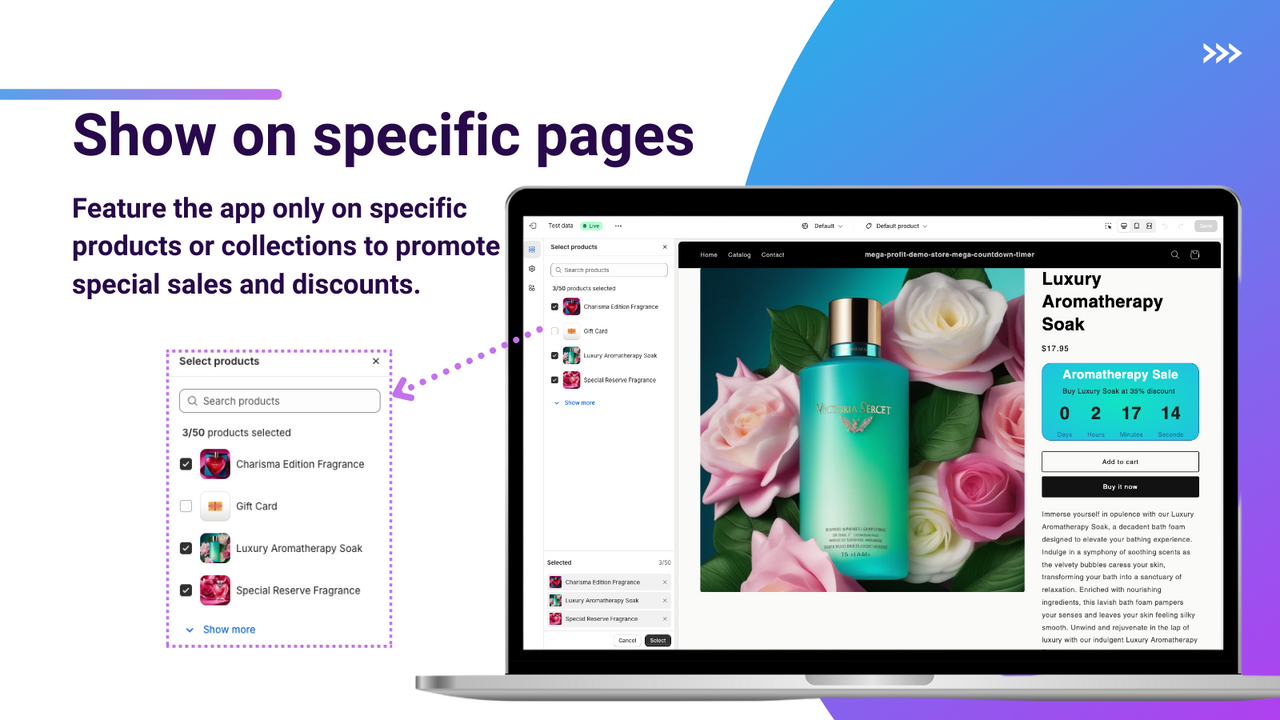
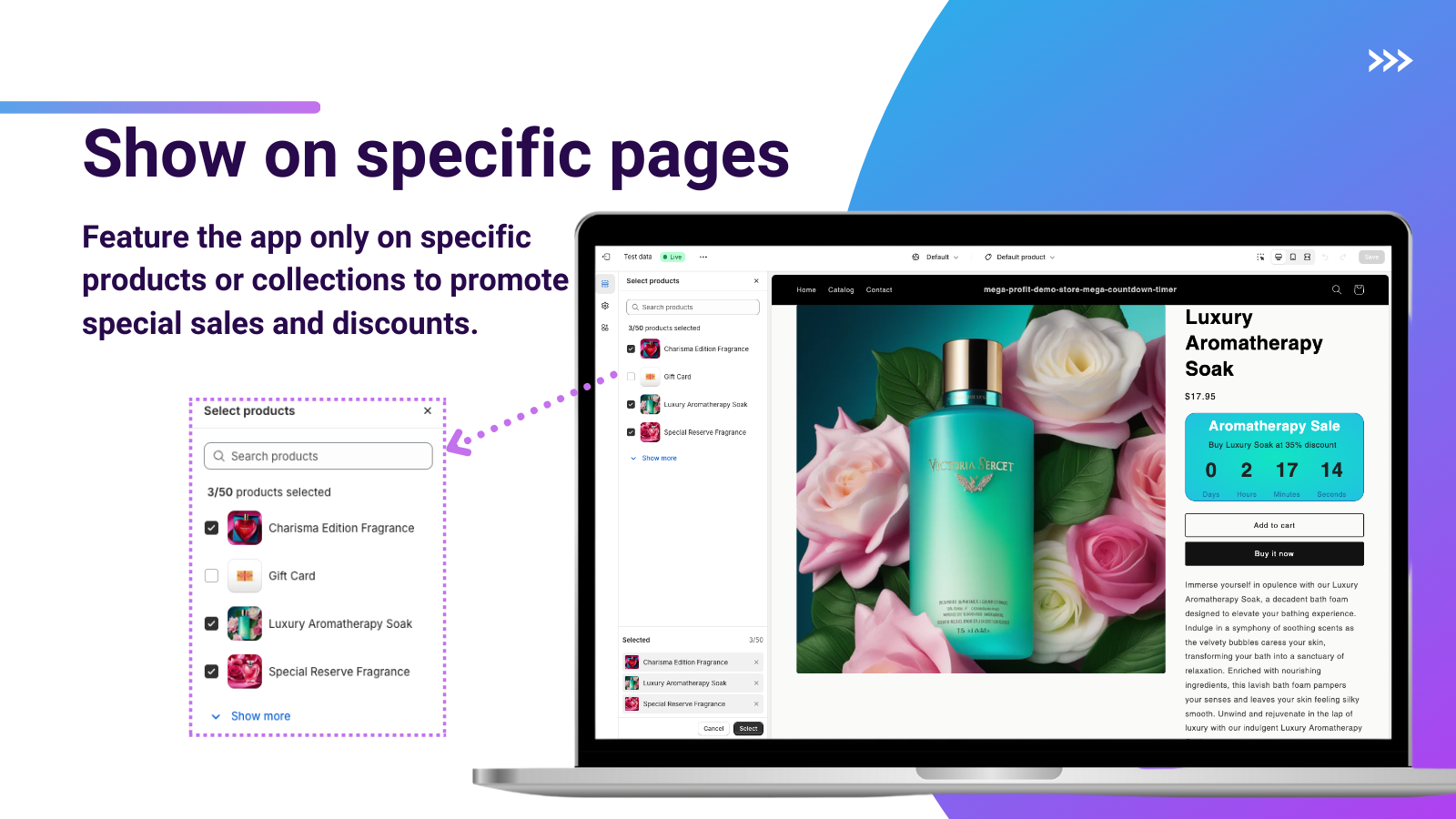
- You can make the sales countdown timer appear only on specific products
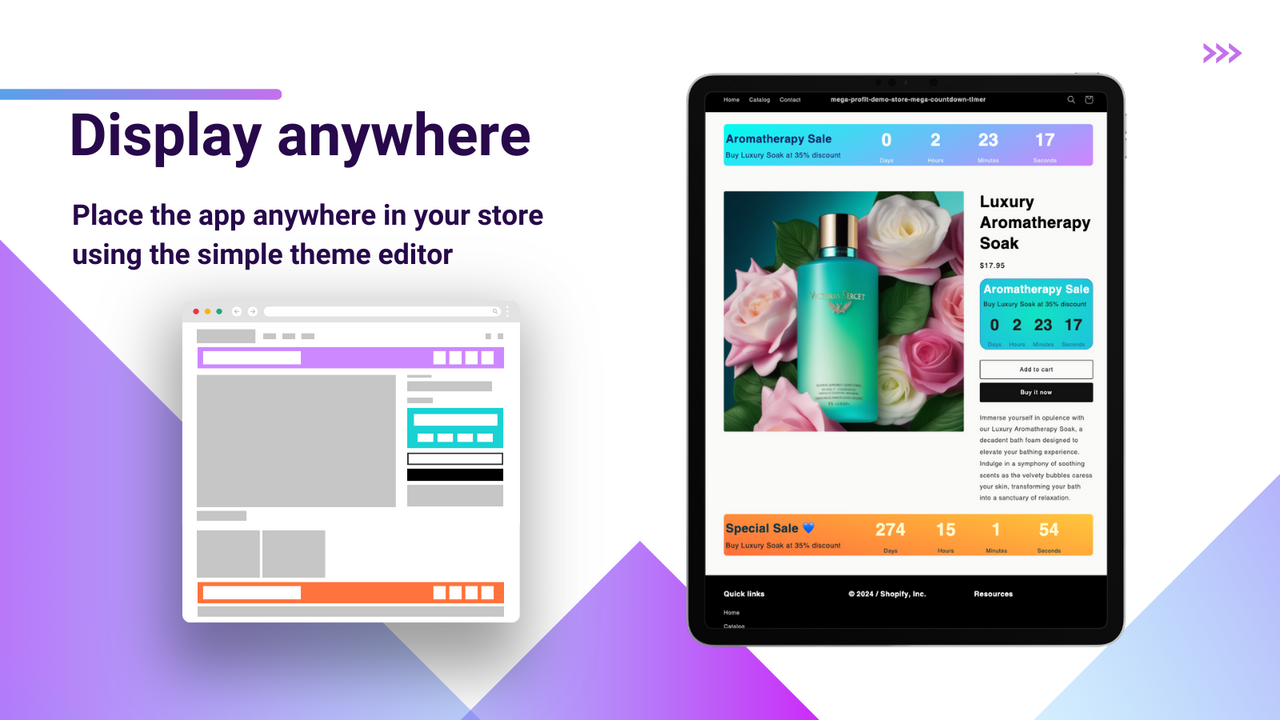
- Run storewide sales using announcement bar timers (top bar or bottom bar)
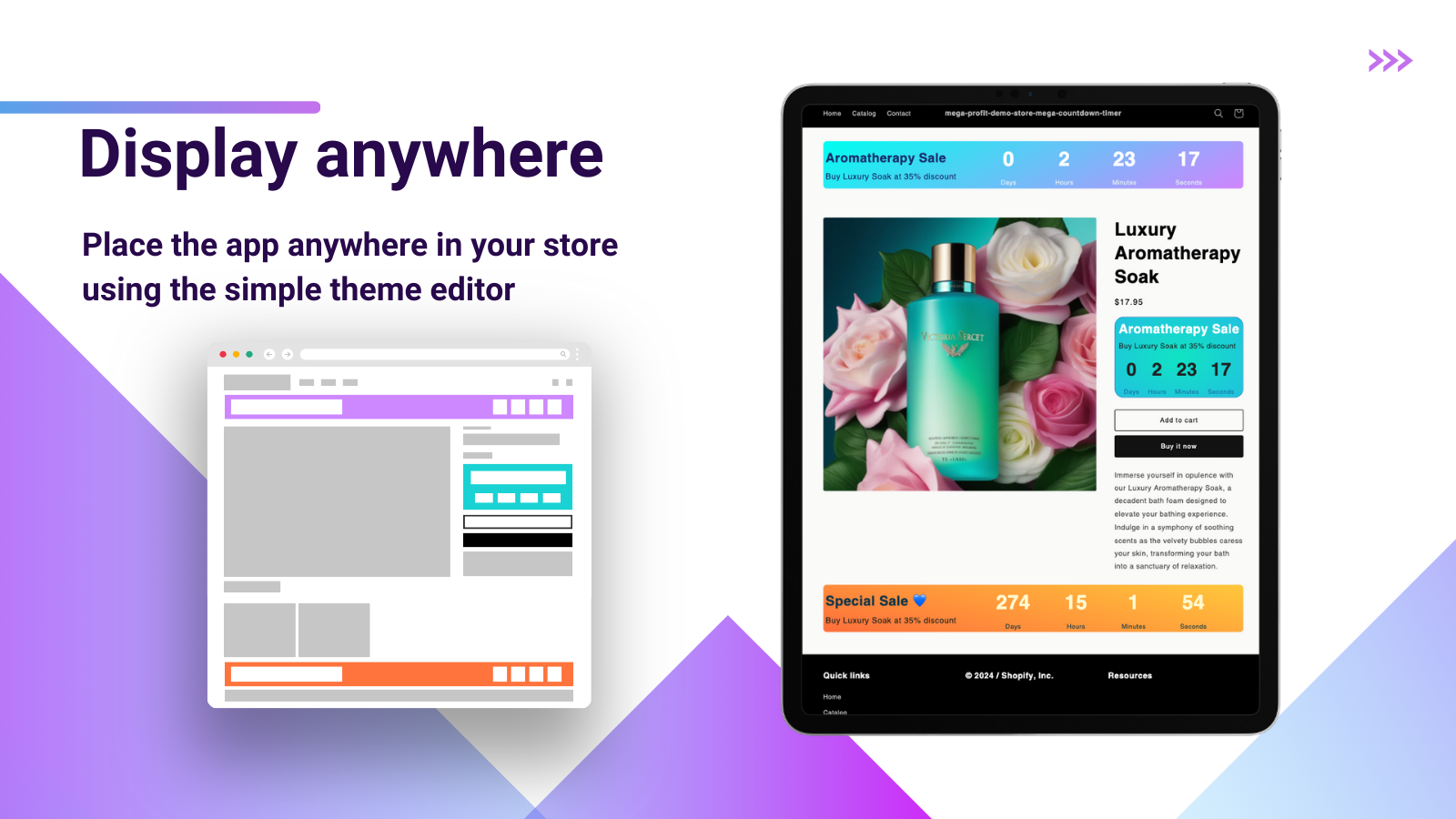
- Add countdowns in multiple places on your site to highlight limited-time offers
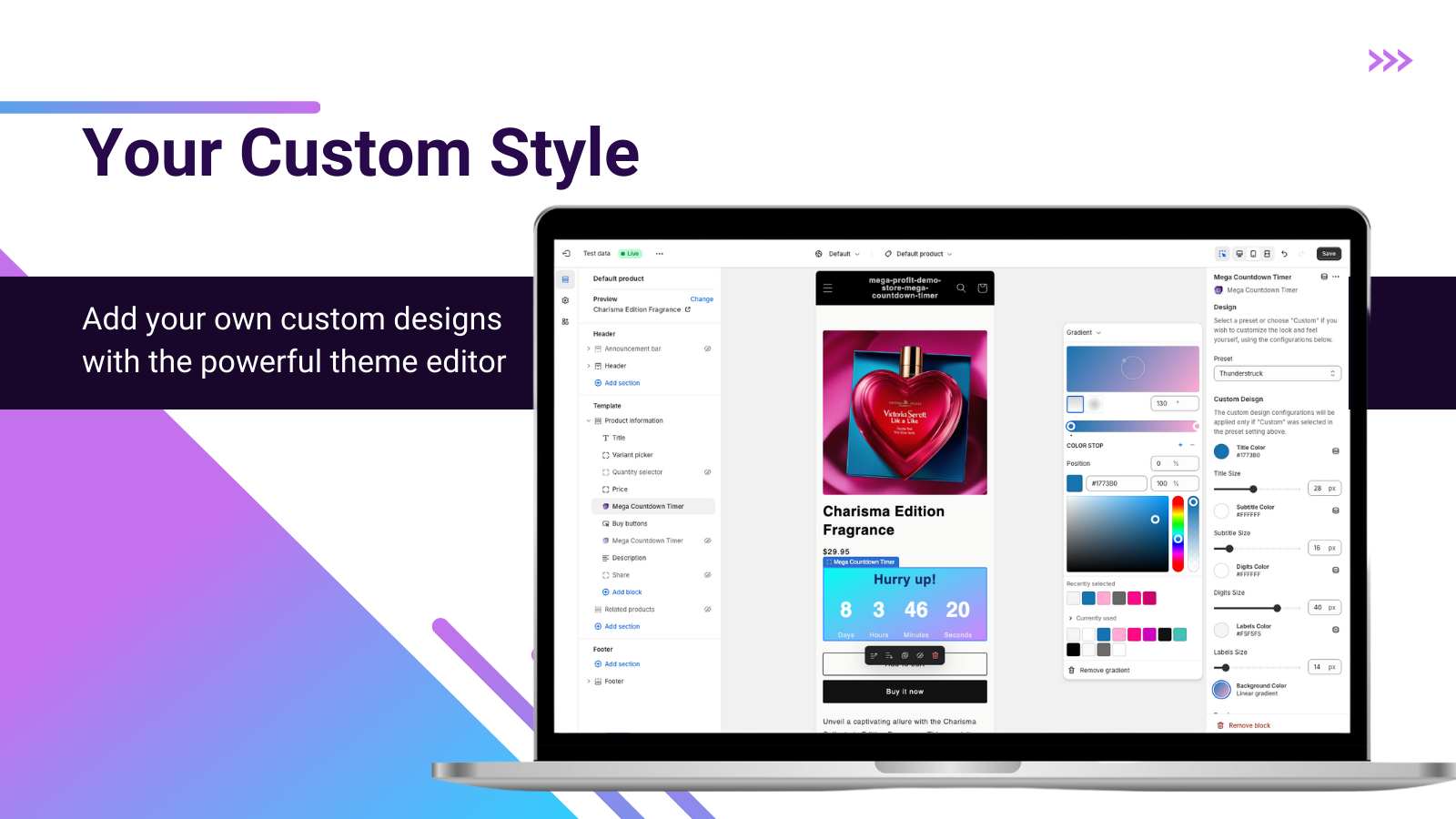
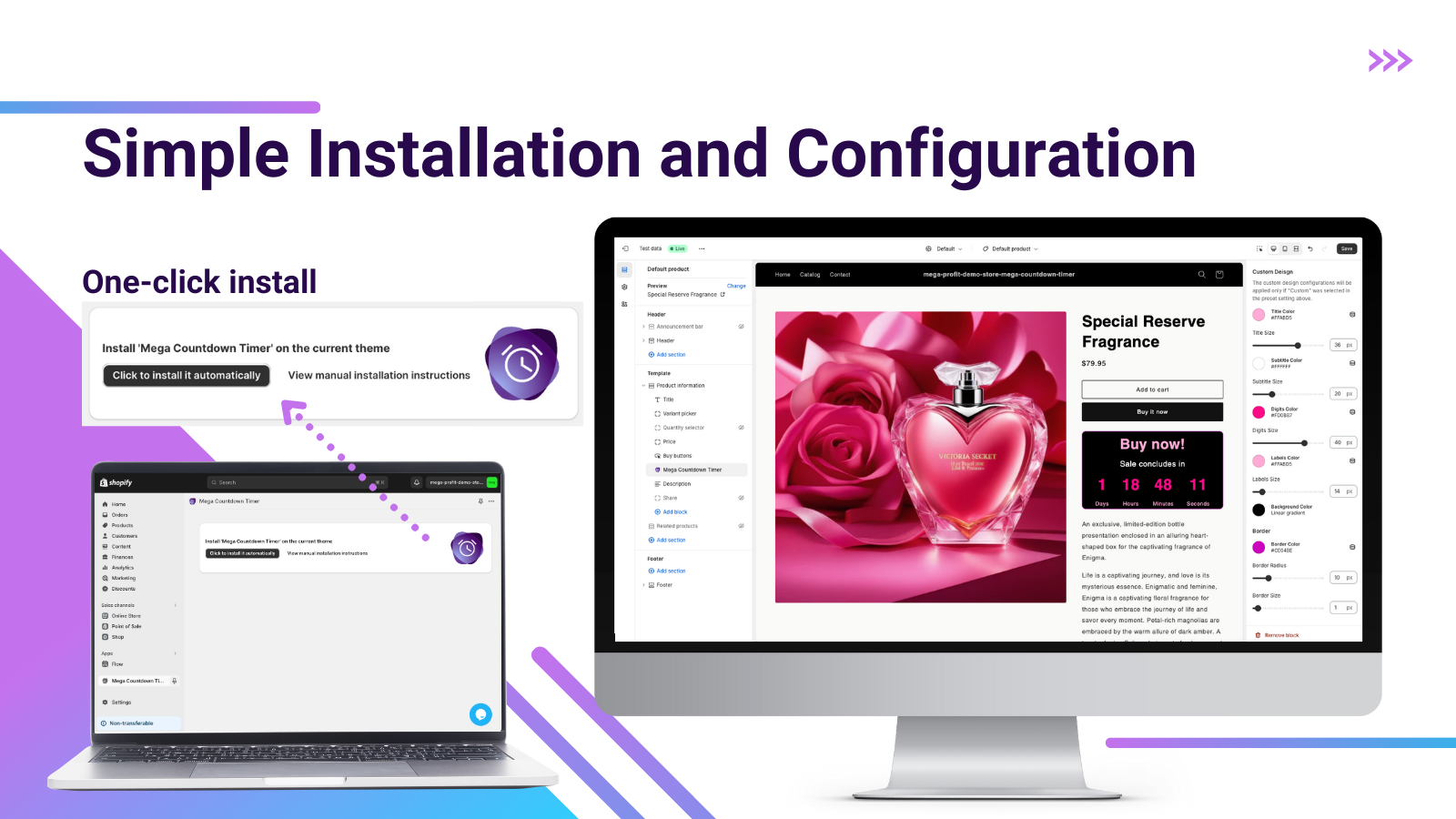
- Supports all pages, one-click setup, no coding required, and many conversion presets
Merchant-Friendly
- Independent Station Merchants
- Limited-Time Promotion Merchants
- Multi-Product E-commerce
- Conversion Optimization Merchants
Basic Information
- Developer:Mega Profit Apps
- Address:2 New Montgomery St, SAN FRANCISCO, CA, 94105, US
- Price: Free / Free plan
- Rating:0 / 5
- Comment Count:0 comment
- Release Date:2024-2-1
- Supported languages:English
- Compatible products:Shopify
Application Screenshot

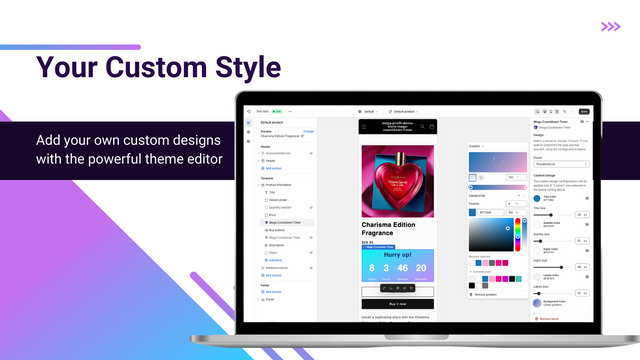
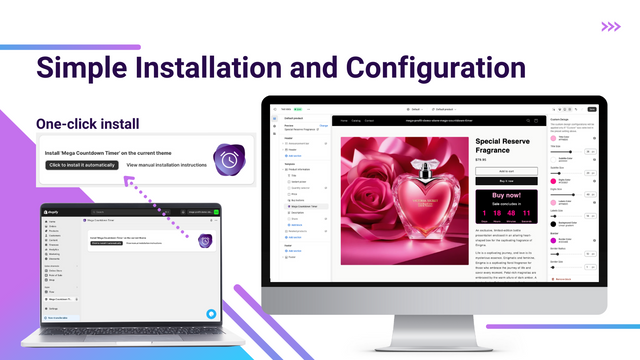

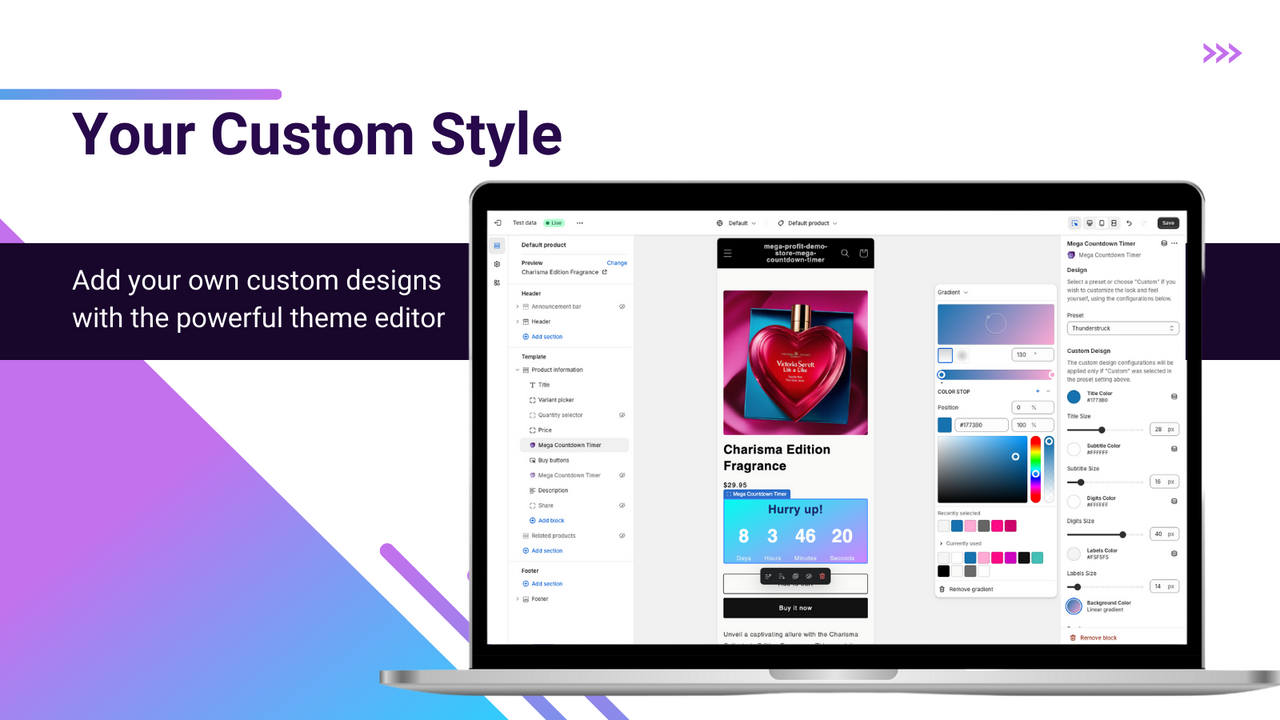
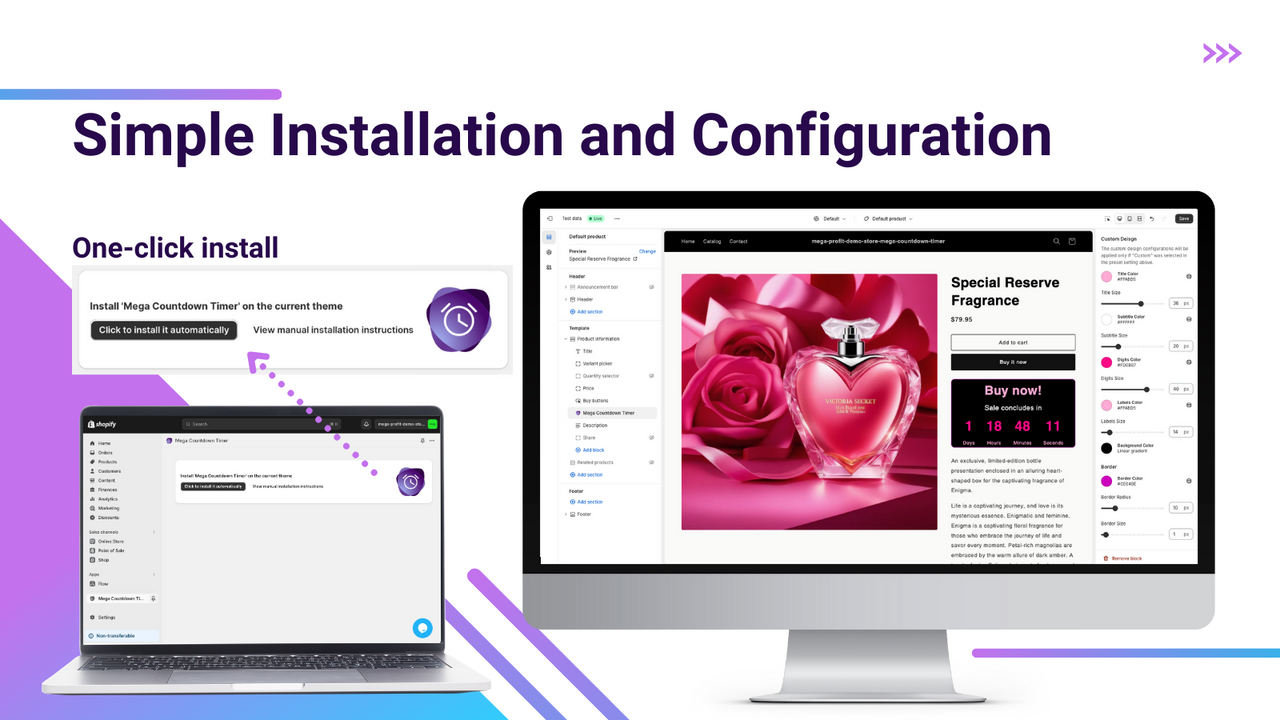


Price Plan
Free
- All partner development stores are free.
- Test the app on the development store before publishing
$0.99
- Multiple Presets
- Customizable Design
- Multi-language Support
- Flexible Placement
- Responsive Design
- Countdown Customization
- No Coding Required
User Location & Comments
User Location
Comments
Shopify API Used
- POST /admin/api/sales_timer.json
- GET /admin/api/sales_timer.json
- PUT /admin/api/sales_timer/{id}.json
Permission:write_sales_timer,read_sales_timer,manage_shop
- POST /admin/api/sales_timer/product.json
- GET /admin/api/sales_timer/product/{product_id}.json
- PUT /admin/api/sales_timer/product/{id}.json
Permission:write_sales_timer,read_sales_timer,manage_products
- POST /admin/api/sales_timer/banner.json
- GET /admin/api/sales_timer/banner.json
- PUT /admin/api/sales_timer/banner/{id}.json
Permission:write_sales_timer,read_sales_timer,manage_shop
- POST /admin/api/sales_timer/location.json
- GET /admin/api/sales_timer/location.json
- PUT /admin/api/sales_timer/location/{id}.json
Permission:write_sales_timer,read_sales_timer,manage_themes
- POST /admin/api/sales_timer/page.json
- GET /admin/api/sales_timer/page.json
- PUT /admin/api/sales_timer/page/{id}.json
Permission:write_sales_timer,read_sales_timer,manage_pages