
App Introduction
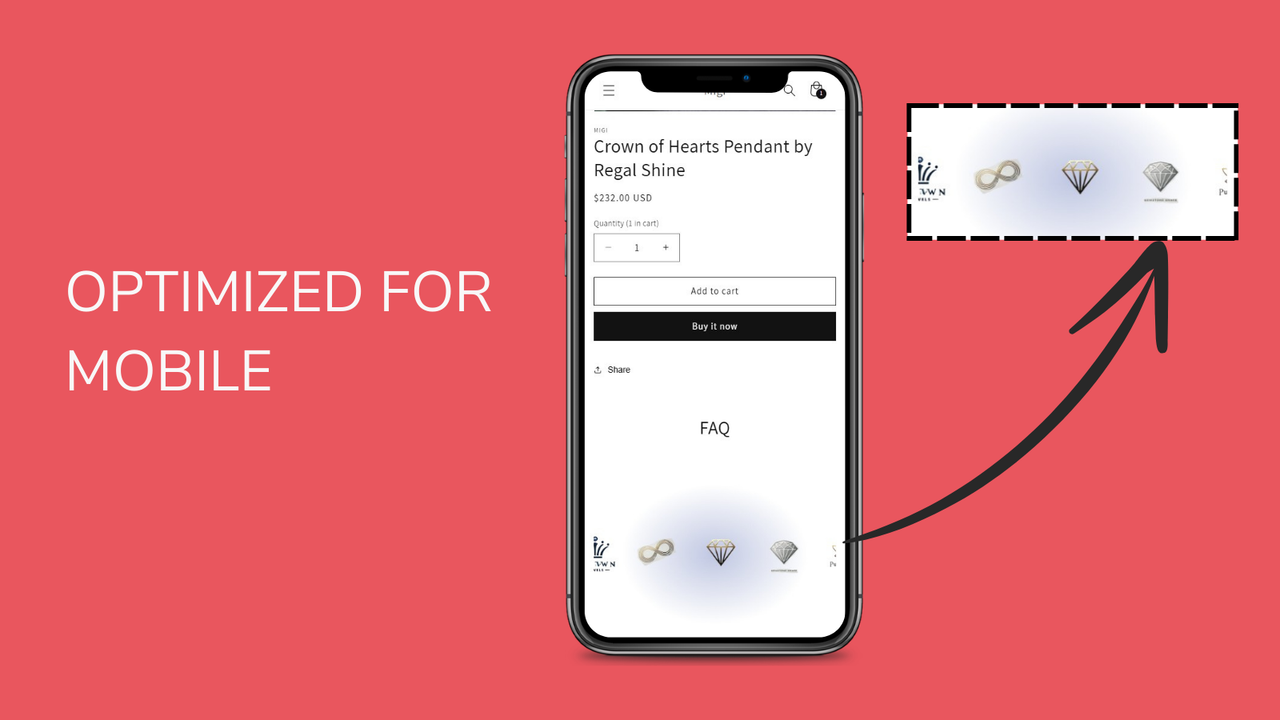
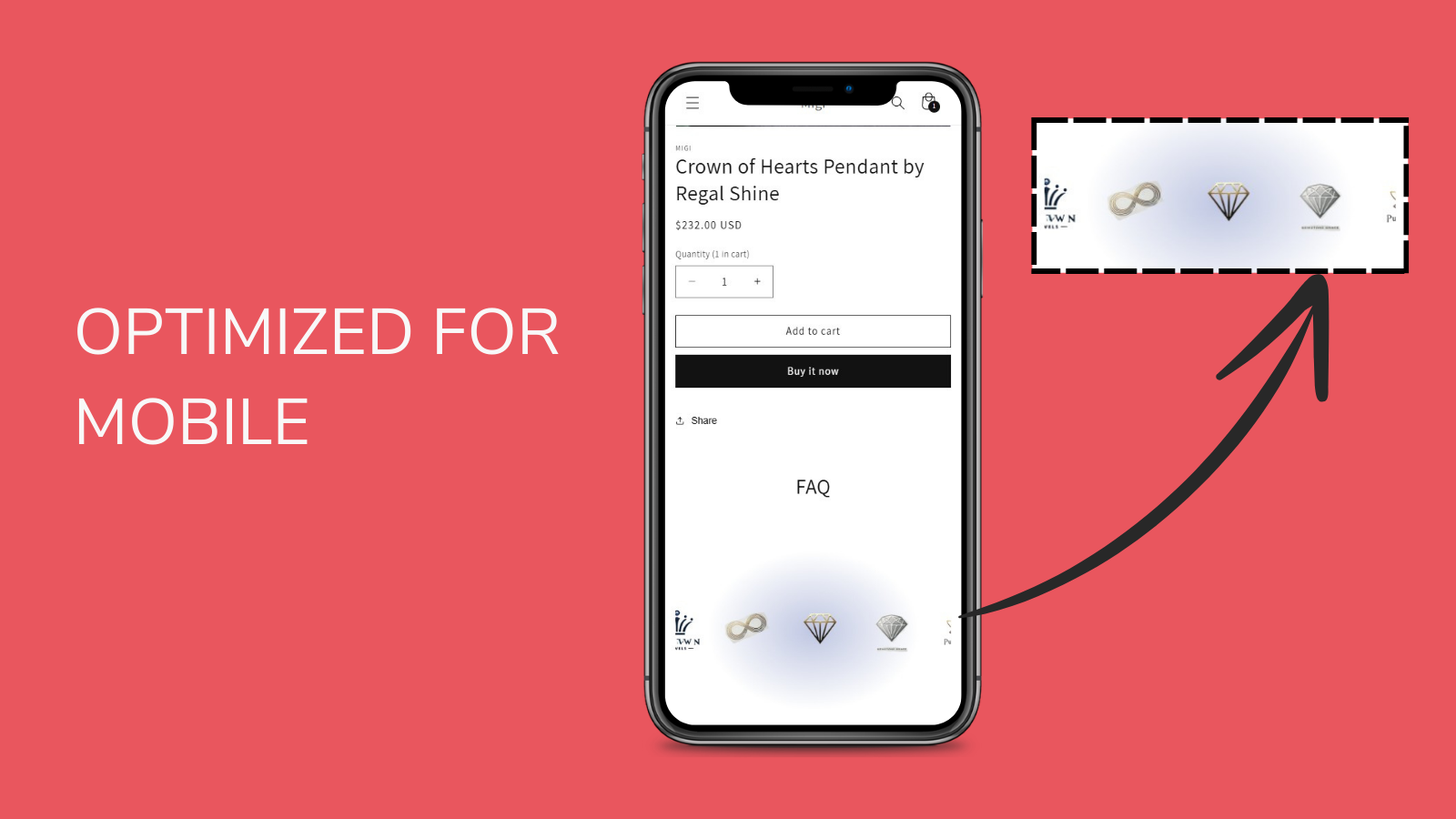
Create a scrolling logo bar with Mega Animated Scrolling Logos. Easy to learn and design. Mega Animated Scrolling Logos lets you add a scrolling logo section to your Shopify store. It’s perfect for showcasing logos of your clients, partners, or brands you collaborate with. The app is designed for ease of use, with simple setup and customization to match your store’s aesthetics. It’s lightweight and SEO-optimized, ensuring your store’s performance remains unaffected. Boost your store’s appearance and build trust with your audience by prominently displaying key logos.
Core Functionality
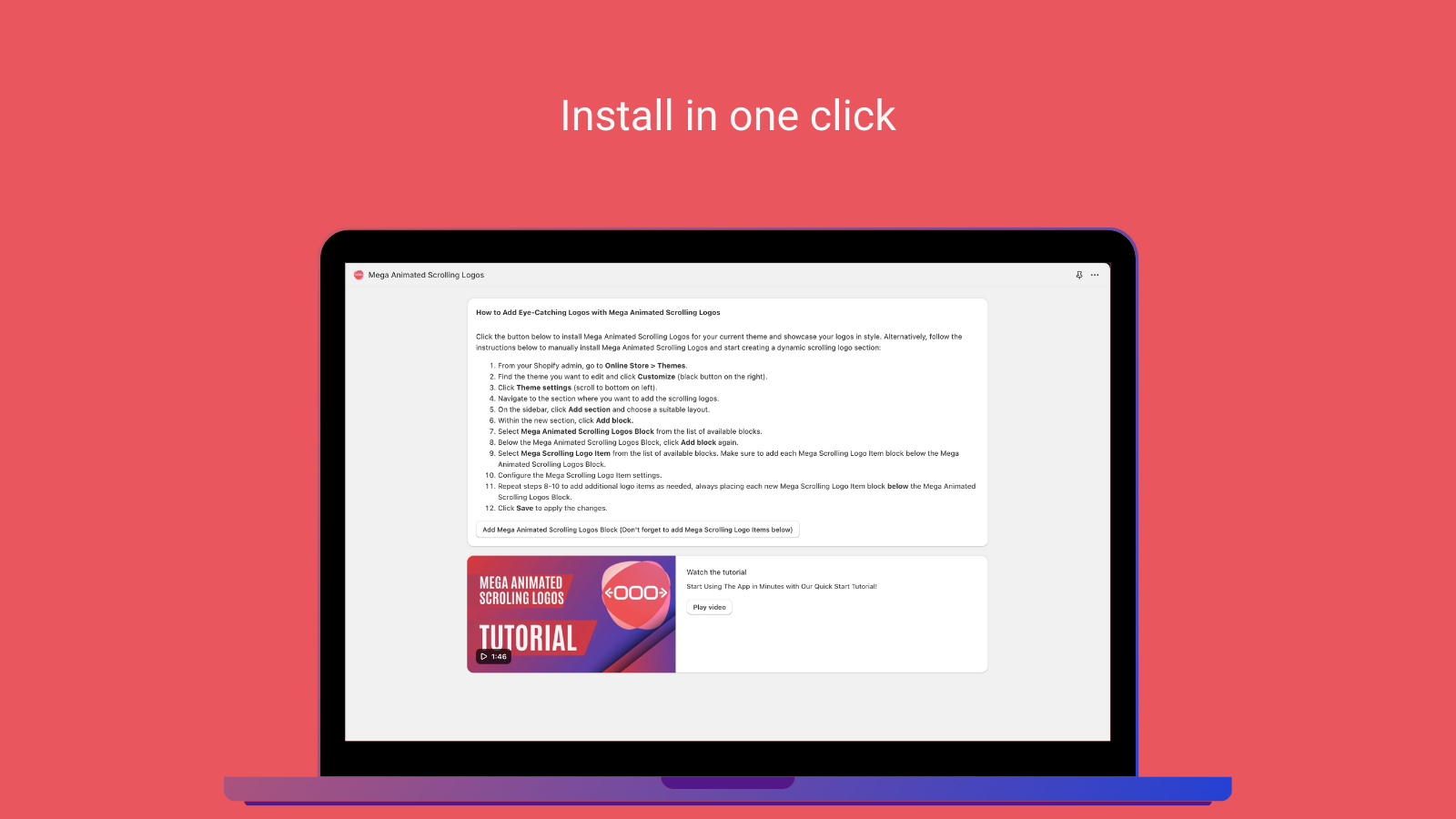
- Easy installation and setup with no technical expertise required
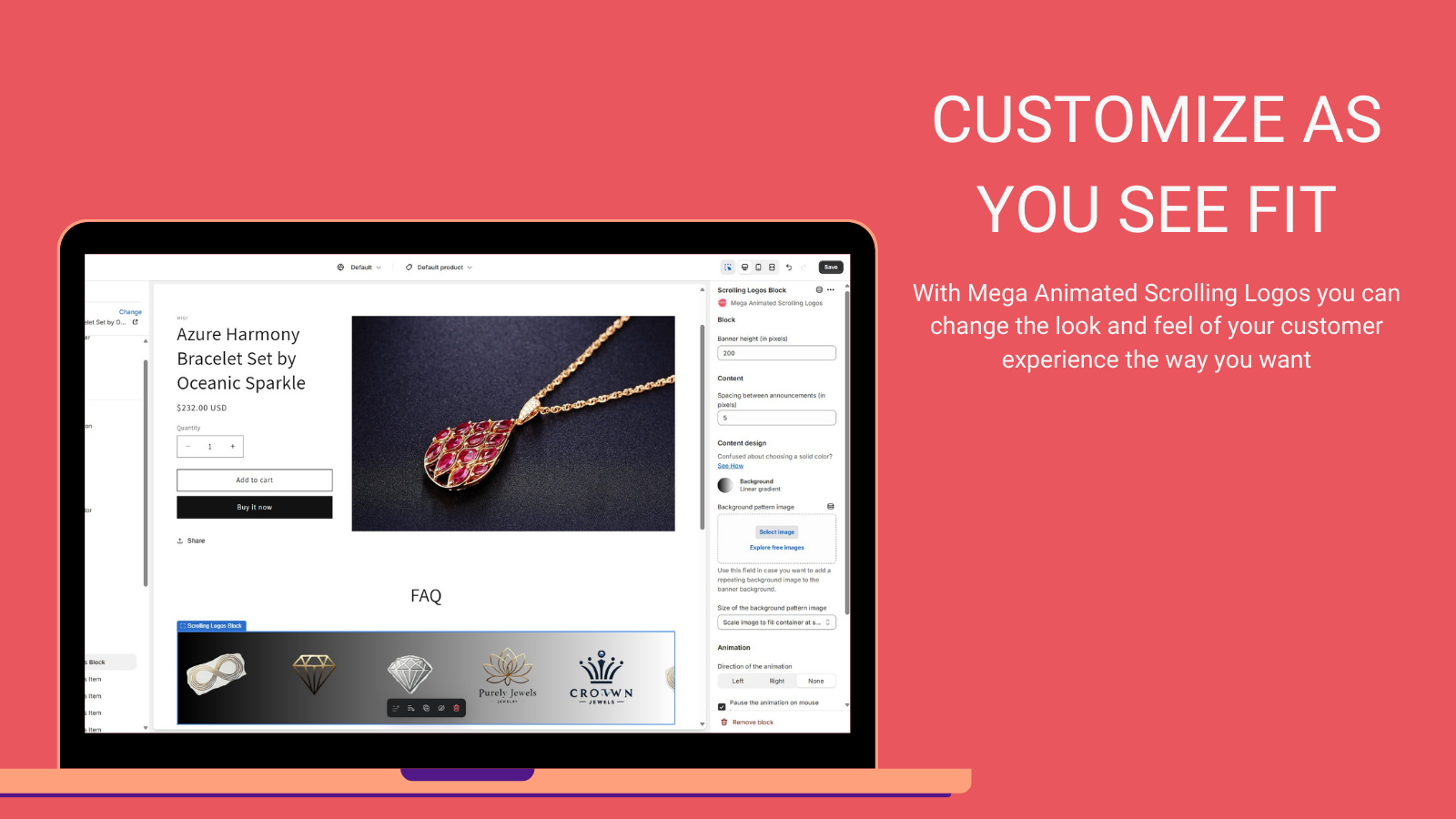
- Customizable design to perfectly match your store’s aesthetics and brand
- Continuous logo carousel to showcase your clients, partners, and brands
- Highlight customer and partner logos to boost your store’s credibility and trust
- Lightweight and SEO-friendly to ensure your store’s performance remains unaffected
Merchant-Friendly
- Brand Independent Station Merchants
- B2B Wholesale E-commerce
- Multi-category Retail Merchants
- Cross-border E-commerce Sellers
Basic Information
- Developer:Mega Profit Apps
- Address:2 New Montgomery St, SAN FRANCISCO, CA, 94105, US
- Price: Free / Free plan
- Rating:5 / 5
- Comment Count:1 comment
- Release Date:2024-8-19
- Supported languages:English
- Compatible products:Shopify
Application Screenshot

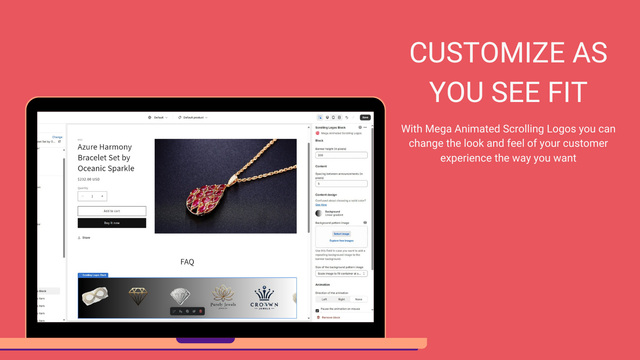

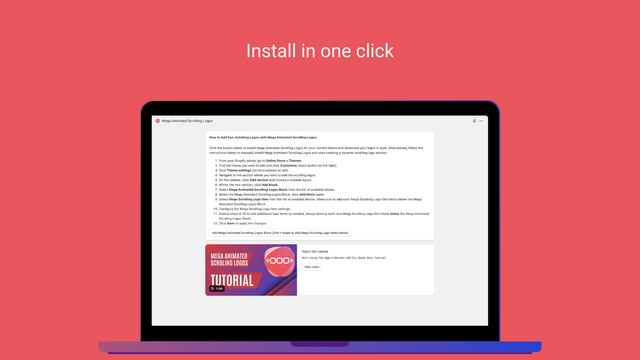
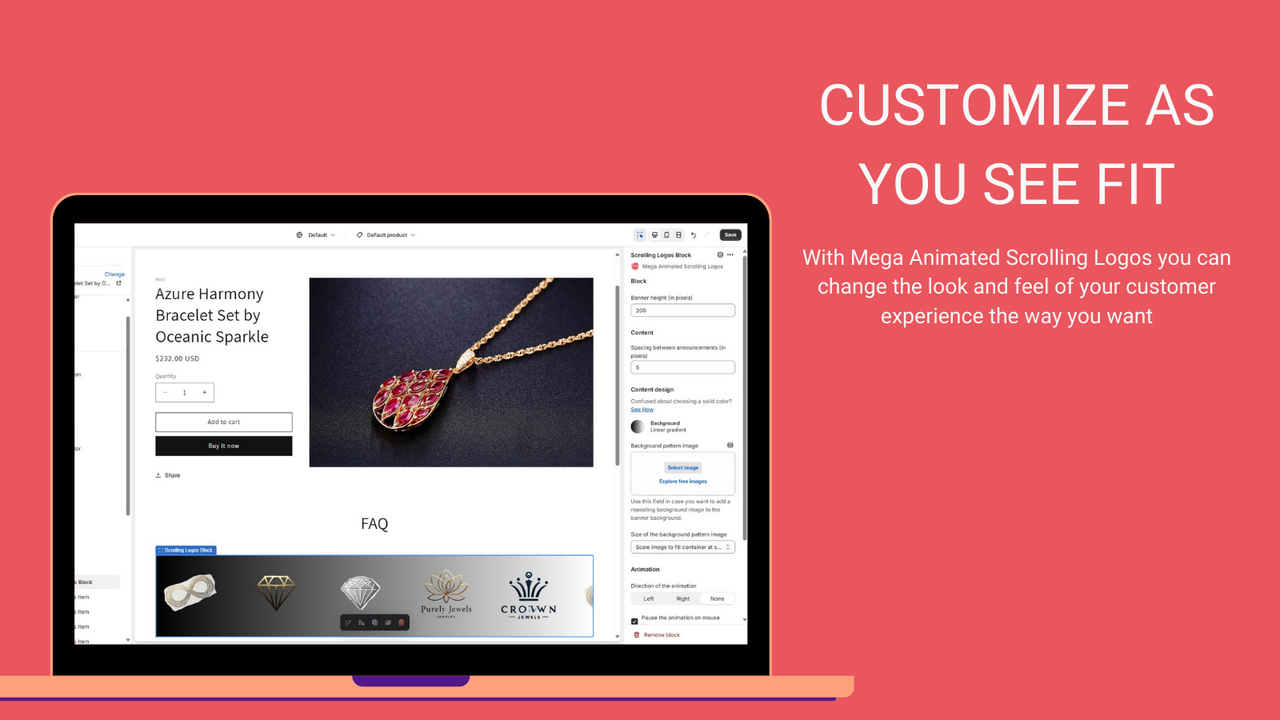

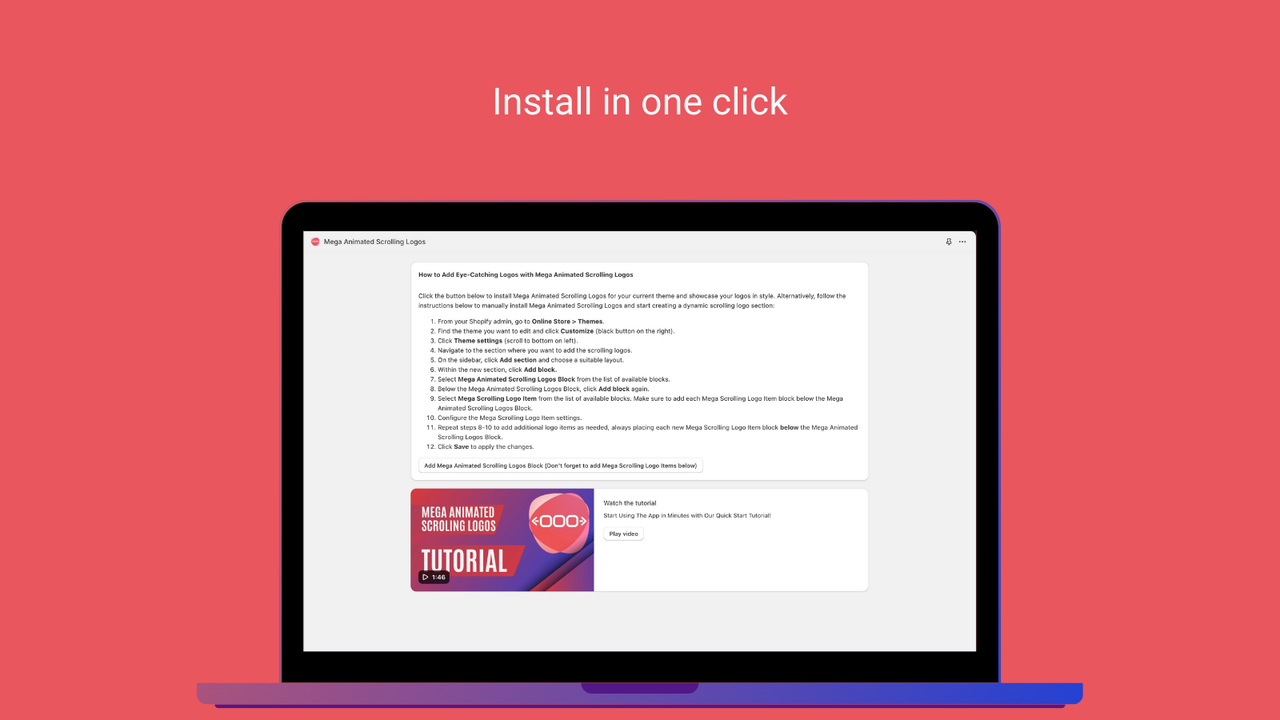




Price Plan
FREE PLAN
- All partner development stores are free.
- Test the app on the development store to prepare for launch
PRO ANNUAL
- Save 2 months.
- Unlimited logos.
- Adjustable scroll speed.
- Custom URL link for each logo.
- Easy setup.
- Compatible with Online Store 2.0.
PRO MONTHLY
- Unlimited logos.
- Adjustable scroll speed.
- Custom URL link for each logo.
- Easy setup.
- Compatible with Online Store 2.0.
User Location & Comments
User Location
Comments
Shopify API Used
- POST /admin/api/apps/{app_id}/install.json
- GET /admin/api/apps/{app_id}/settings.json
- PUT /admin/api/apps/{app_id}/settings.json
Permission:write_shop,read_shop,manage_apps
- POST /admin/api/themes/{theme_id}/assets.json
- PUT /admin/api/themes/{theme_id}/assets/{asset_key}.json
- GET /admin/api/themes/{theme_id}/assets.json
Permission:write_themes,read_themes,manage_assets
- POST /admin/api/sections/{section_id}/update.json
- PUT /admin/api/sections/{section_id}/settings.json
- GET /admin/api/sections/{section_id}.json
Permission:write_themes,read_themes,manage_sections
- POST /admin/api/pages/{page_id}/metafields.json
- PUT /admin/api/pages/{page_id}/metafields/{metafield_id}.json
- GET /admin/api/pages/{page_id}/metafields.json
Permission:write_pages,read_pages,manage_metafields



