App Introduction
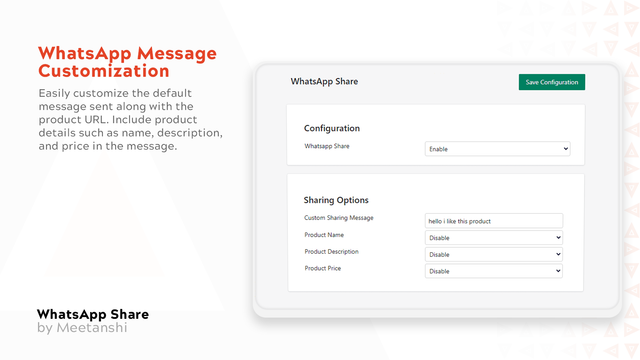
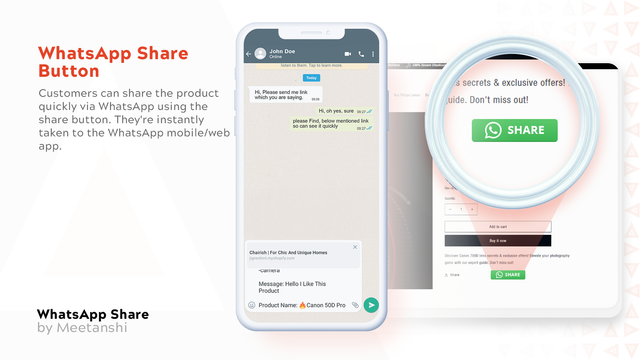
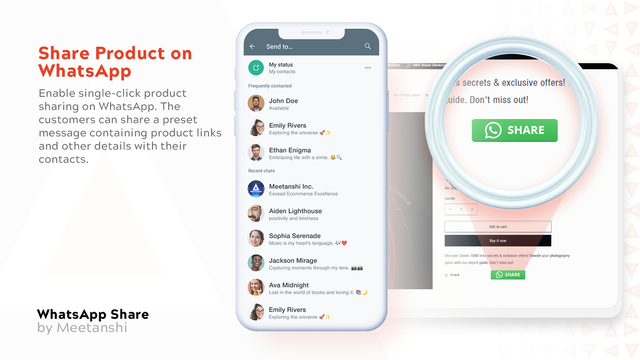
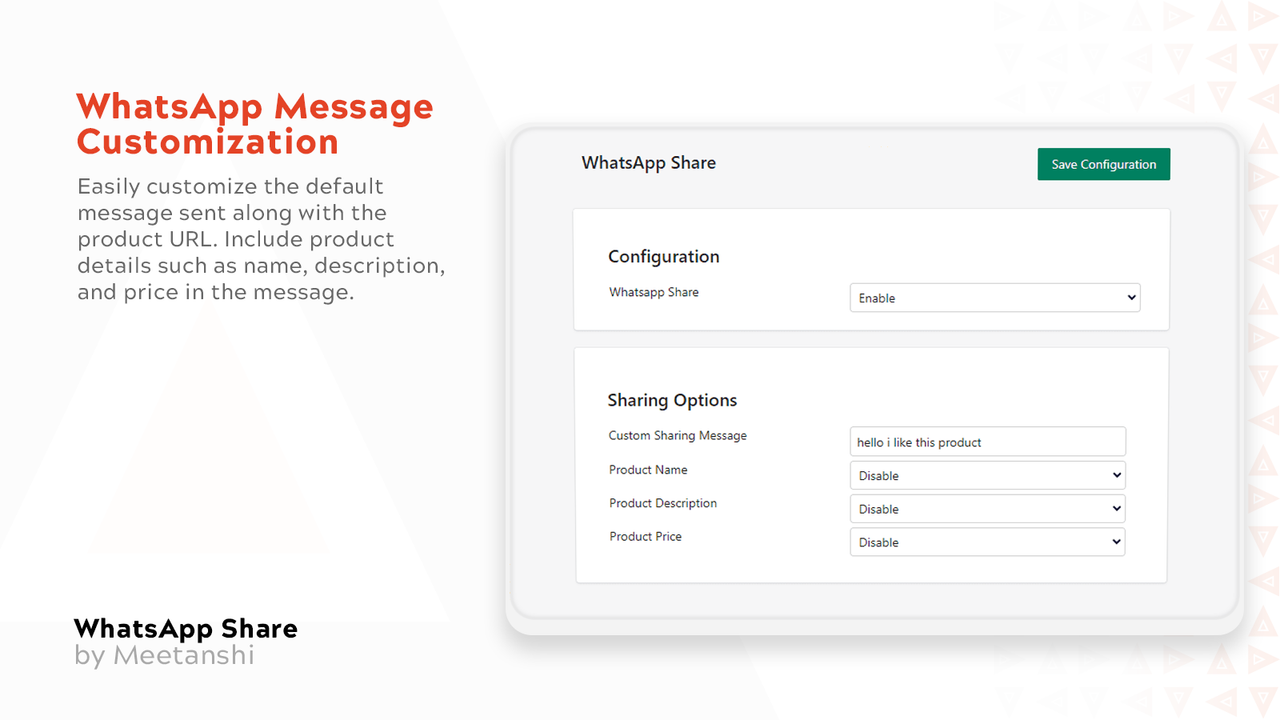
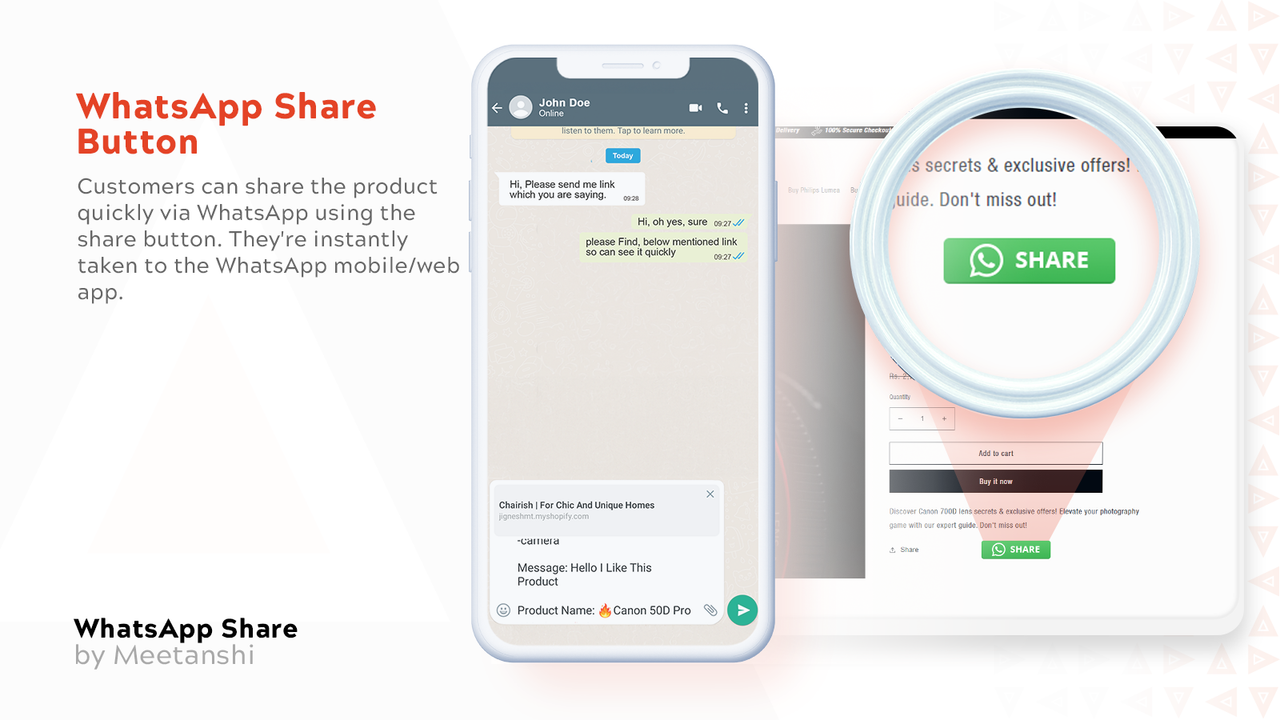
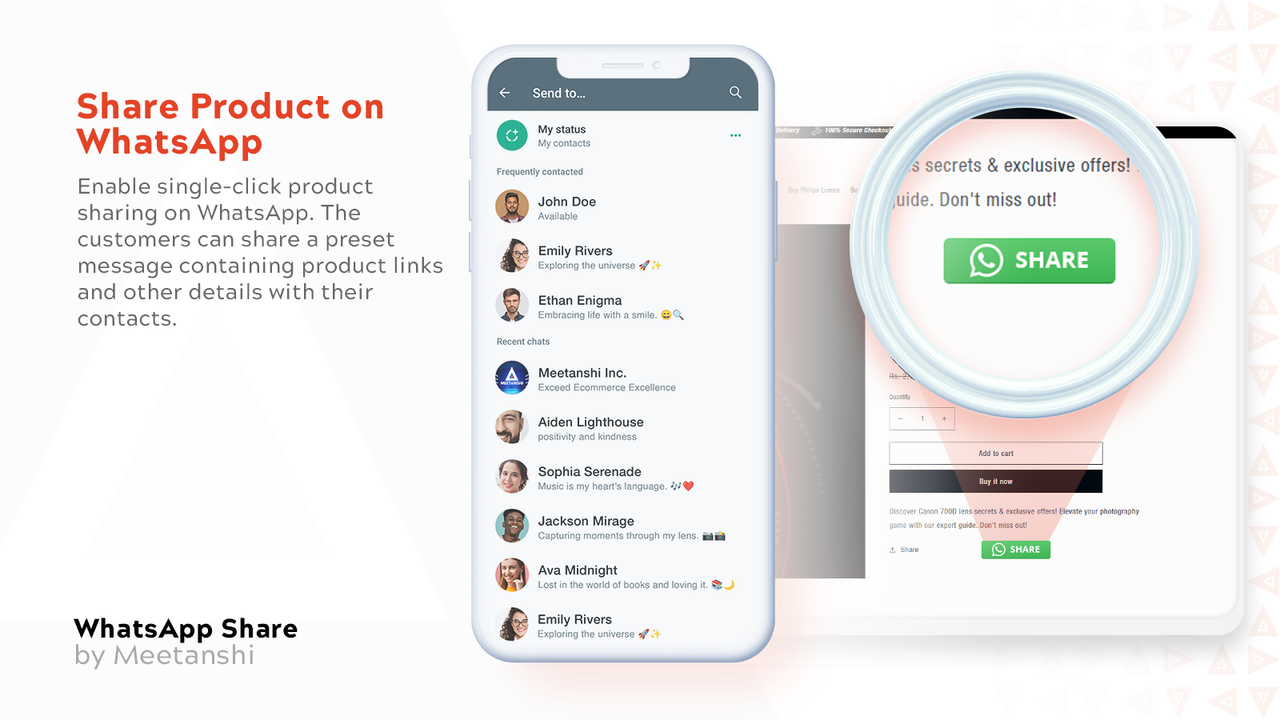
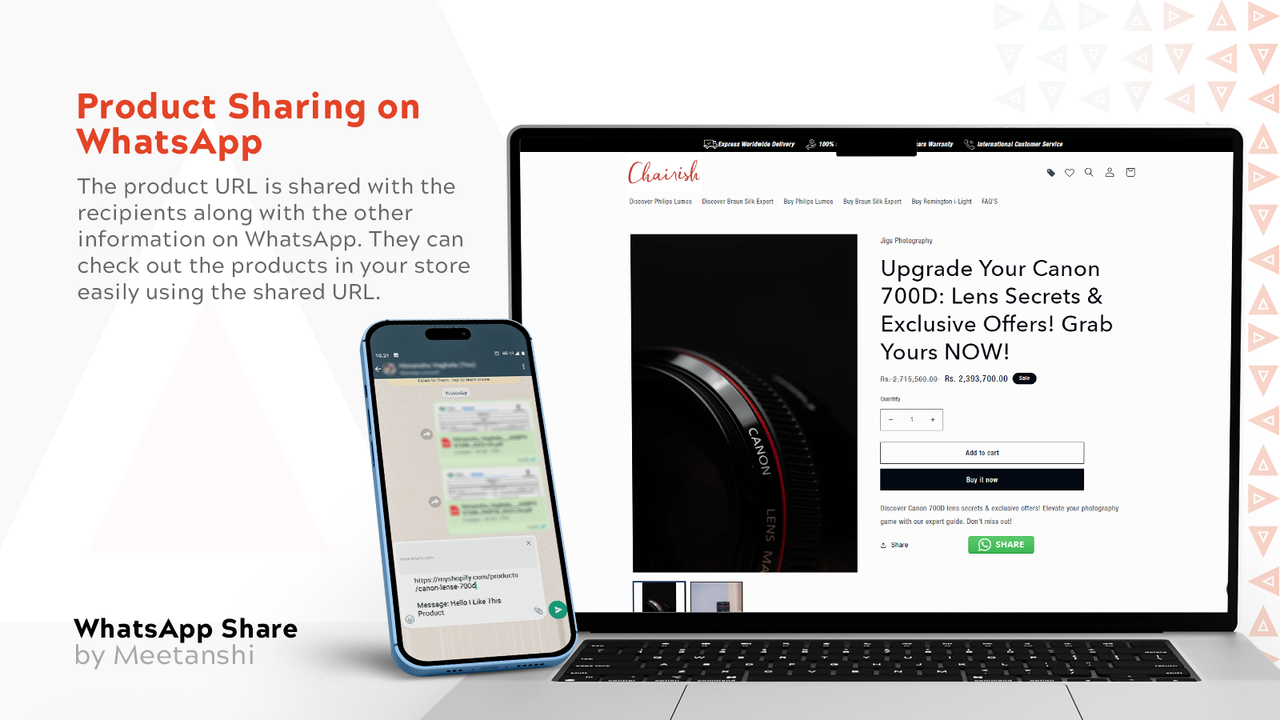
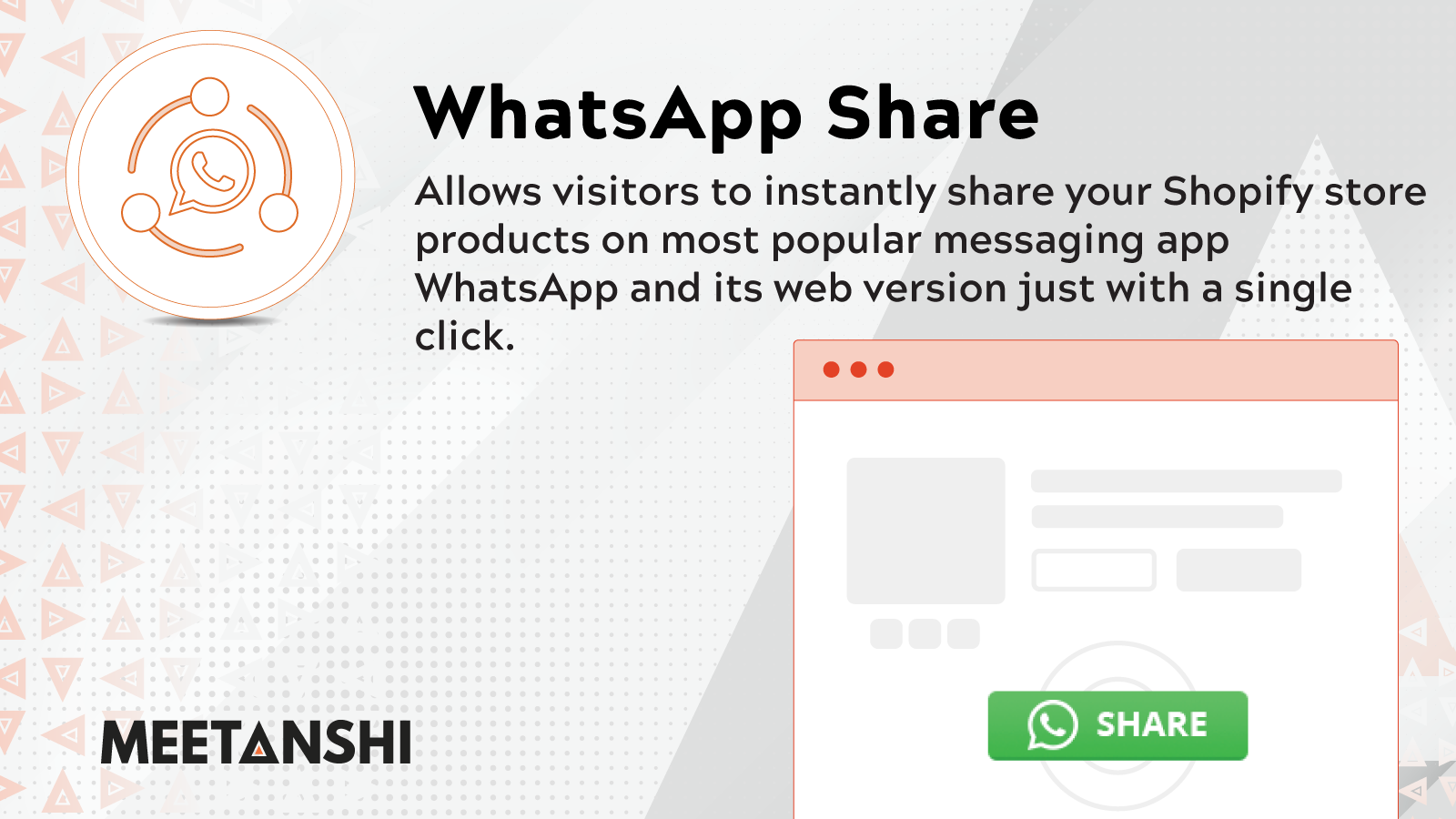
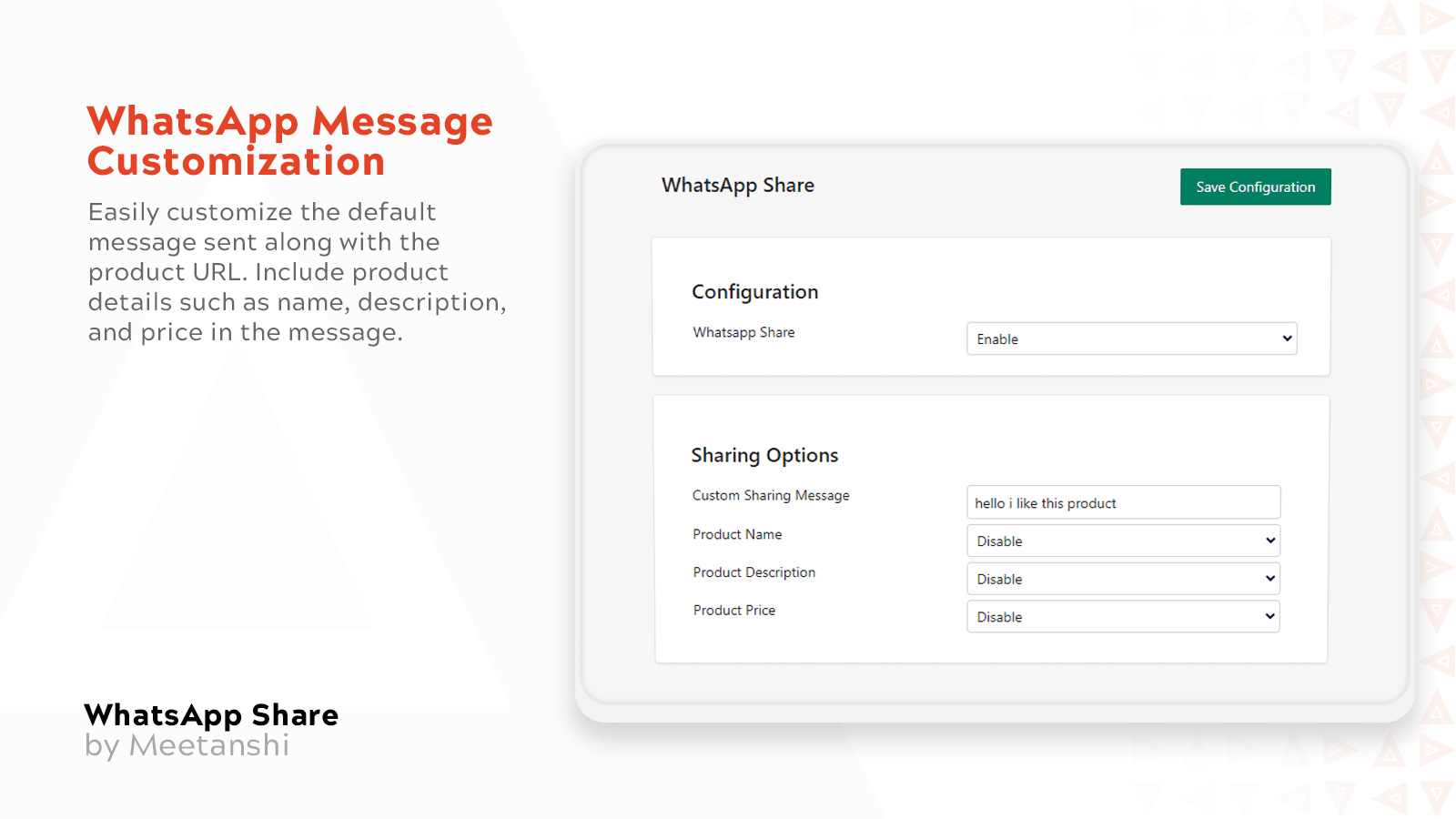
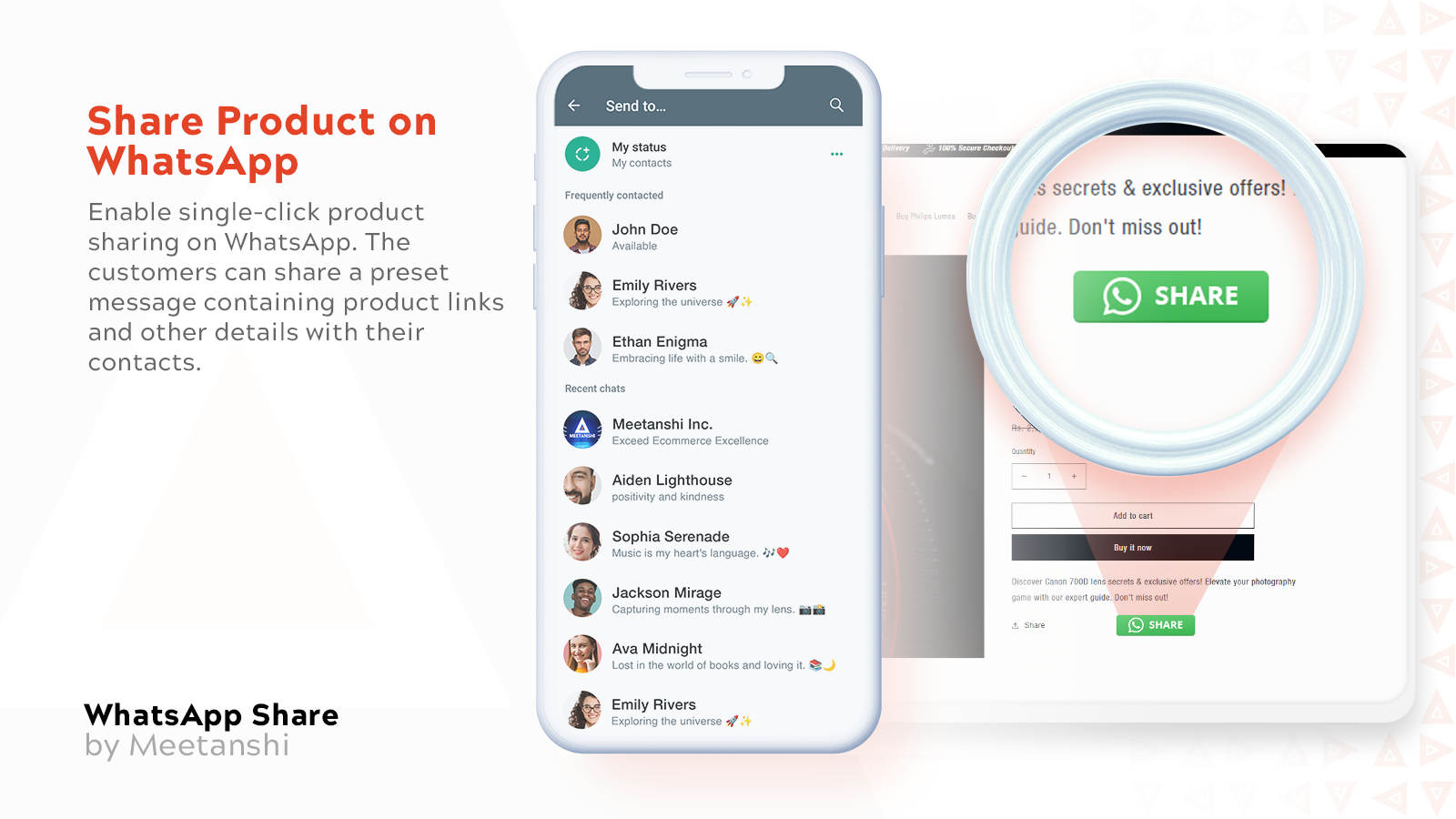
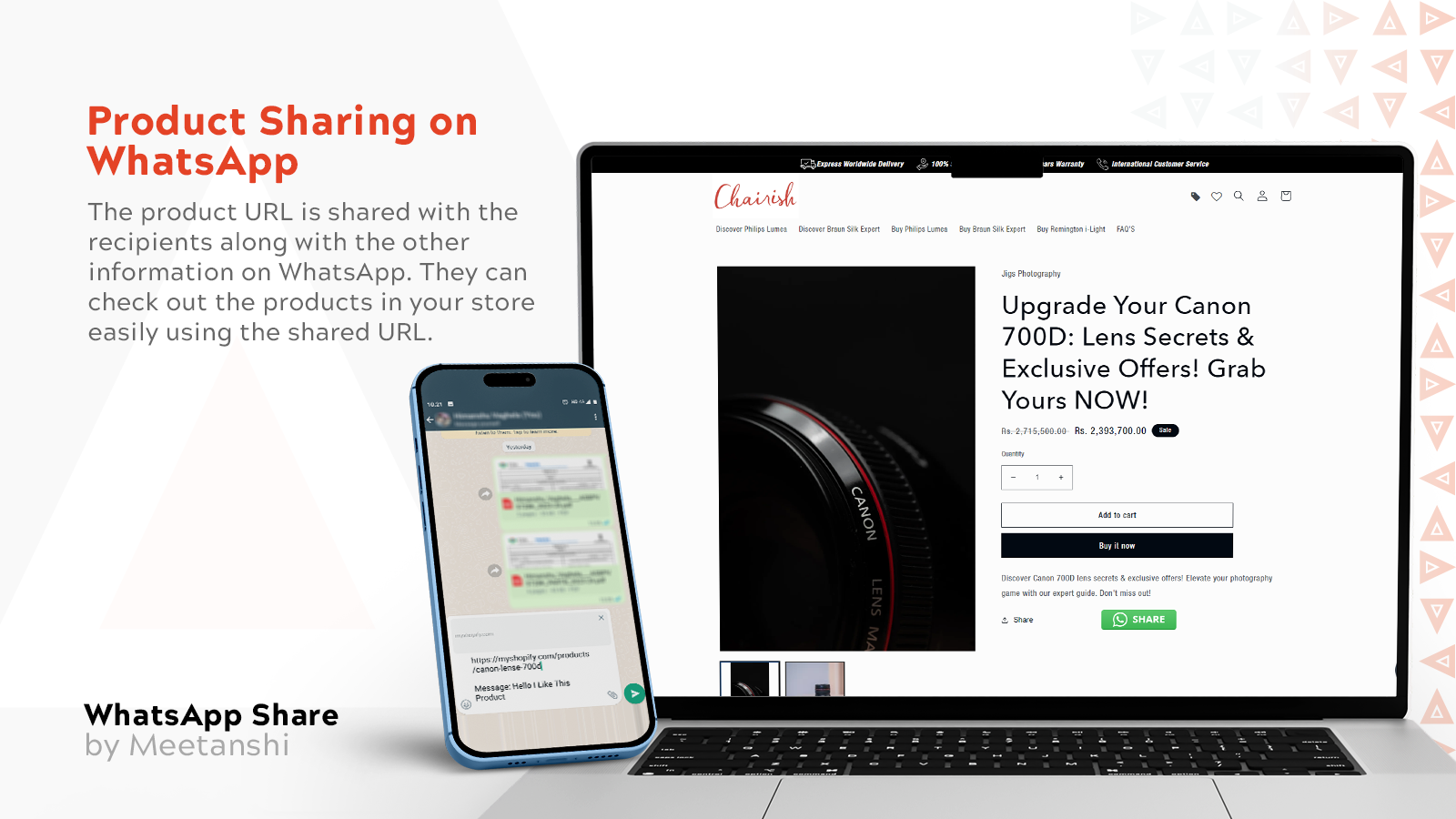
Add a WhatsApp Share Button to Your Product Pages. Encourage Customers to Share Products via WhatsApp. The WhatsApp Share Button app helps you leverage the power of the most popular messaging platform. It adds a WhatsApp share button to your product pages. When customers click the button, they can share the product URL with friends and family via WhatsApp, along with a pre-written message. You also have full control to customize the default message and the details to include—such as the product name and description. The WhatsApp Share app makes it easier for customers to share your products!
Core Functionality
- Offer customers quick WhatsApp sharing functionality.
- Customize default text and choose to include various details in messages.
- Boost direct traffic to your store via WhatsApp sharing.
Merchant-Friendly
- Social E-commerce Merchants
- Independent Store Sellers
- Mobile-friendly Merchants
- Product-sharing Merchants
Basic Information
- Developer:Meetanshi Technologies LLP
- Address:305-307, Victoria Prime, Near Water Tank, Kaliyabid, Bhavnagar, GJ, 364002, IN
- Price: Free / Free plan
- Rating:4 / 5
- Comment Count:1 comment
- Release Date:2023-8-9
- Supported languages:English
- Compatible products:Shopify
Application Screenshot

Price Plan
Free
User Location & Comments
User Location
Comments
Shopify API Used
- POST /admin/api/share_links.json
- GET /admin/api/share_links.json
- PUT /admin/api/share_links/{id}.json
Permission:write_share_links,read_share_links,manage_products
- POST /admin/api/share_settings.json
- PUT /admin/api/share_settings/{id}.json
- GET /admin/api/share_settings.json
Permission:write_share_settings,read_share_settings,manage_shop
- GET /admin/api/share_traffic.json
- POST /admin/api/share_campaigns.json
- PUT /admin/api/share_campaigns/{id}.json
Permission:read_share_traffic,write_share_campaigns,manage_traffic