
App Introduction
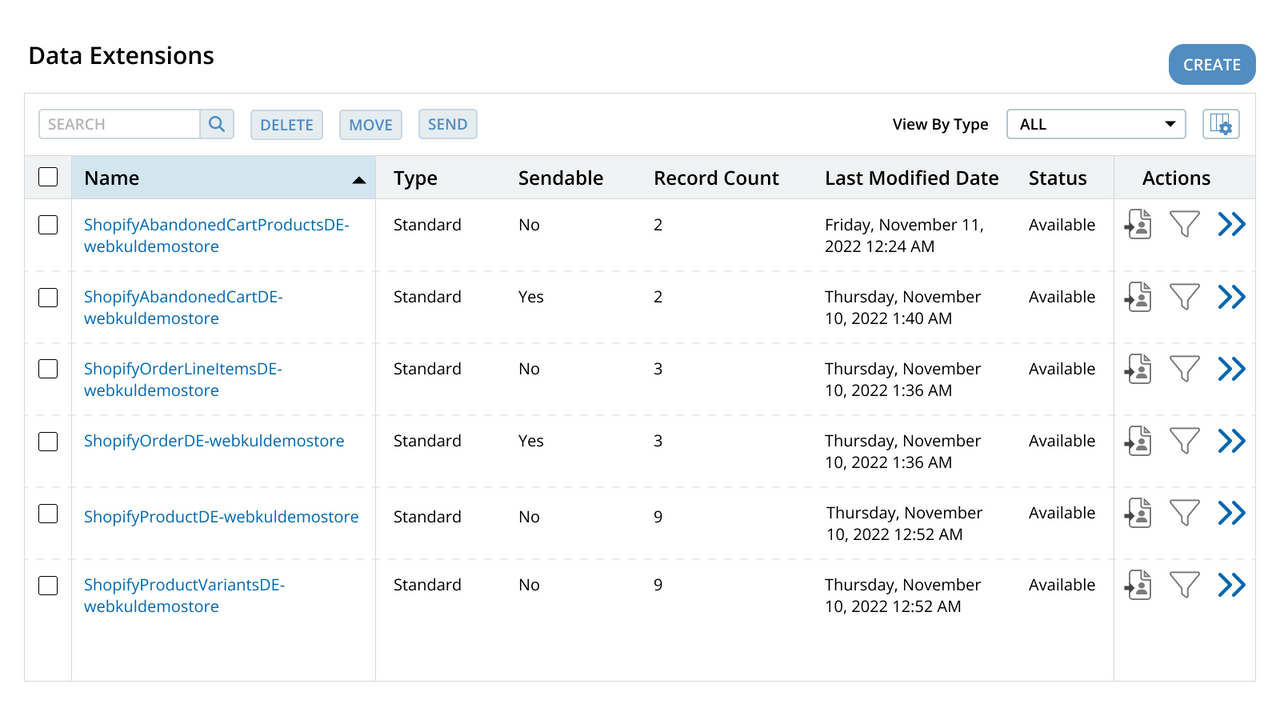
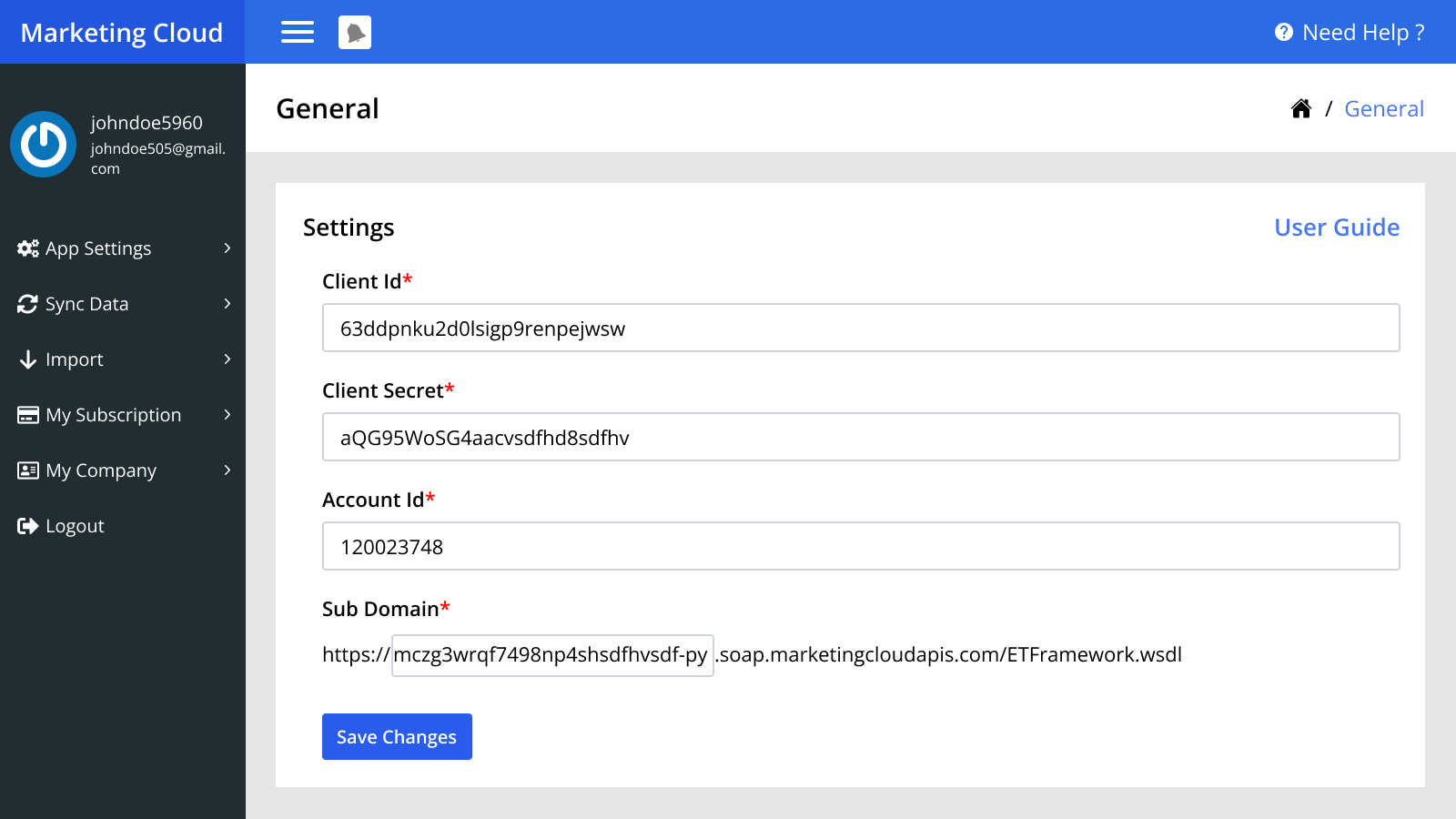
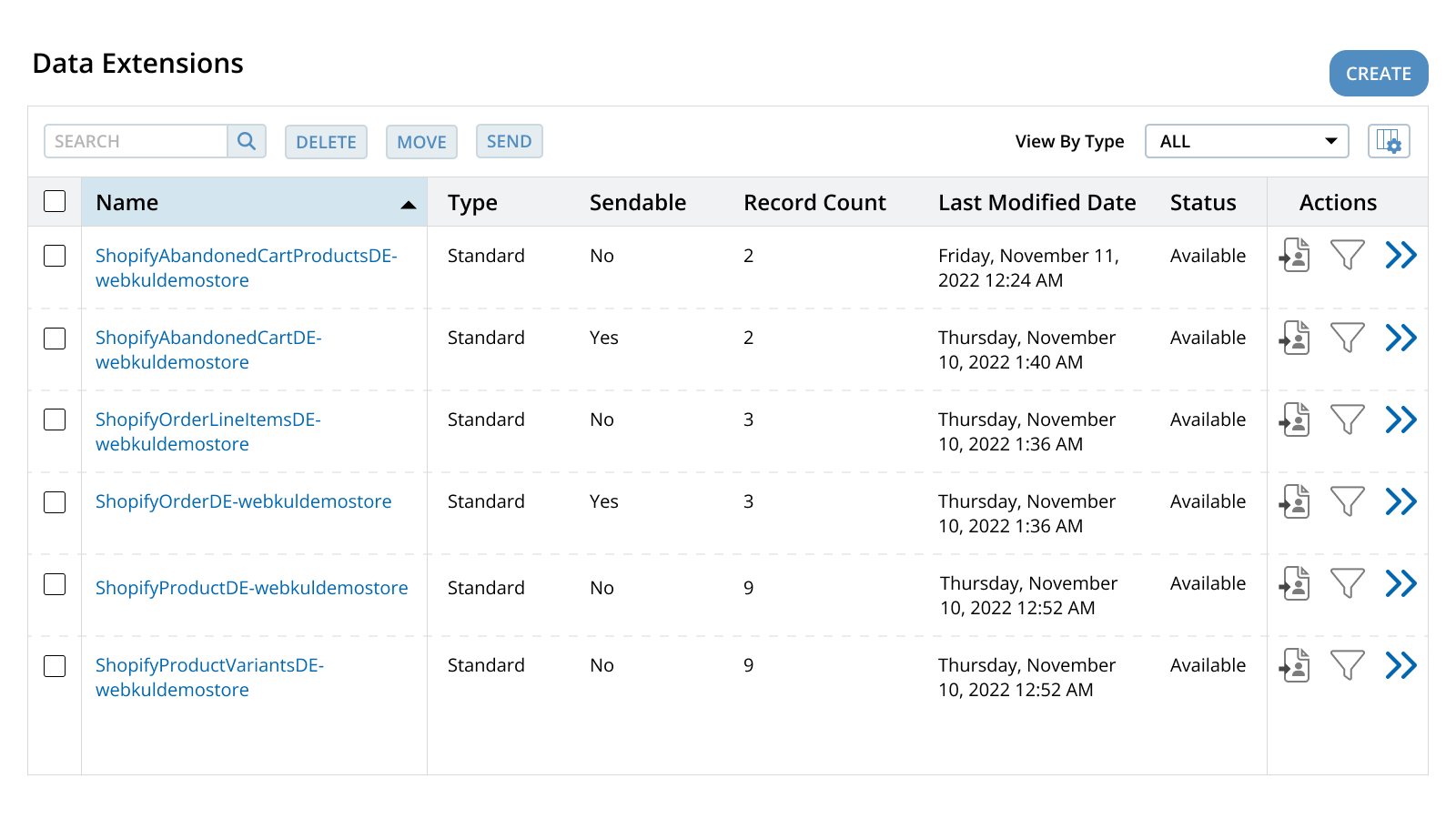
With this app, store owners can sync real-time data to their Salesforce Marketing Cloud. The Marketing Cloud Connector is unique because it provides unified synchronization between e-commerce and the Salesforce Marketing Cloud CRM platform. Additionally, it adopts a service-first approach. Data is synced to data extensions in the Marketing Cloud. It helps merchants save time and money, which they can invest back into their business. Through this app, merchants can sync both real-time and historical data.
Core Functionality
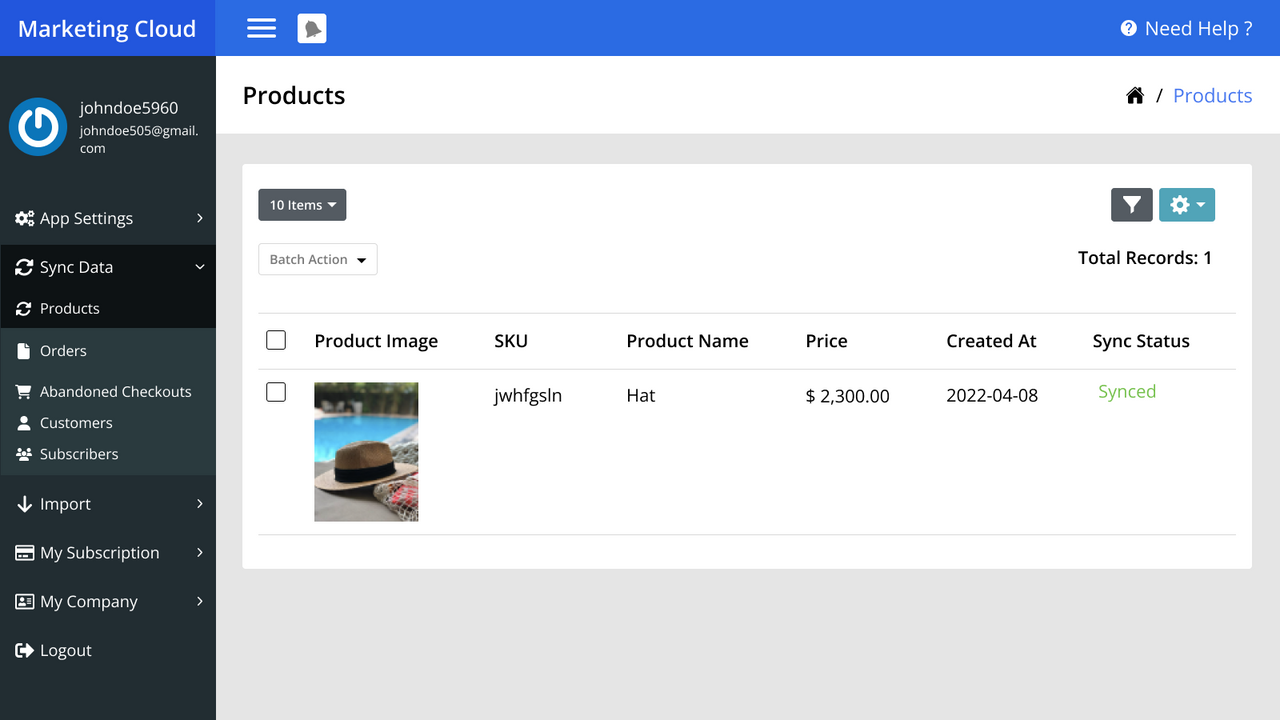
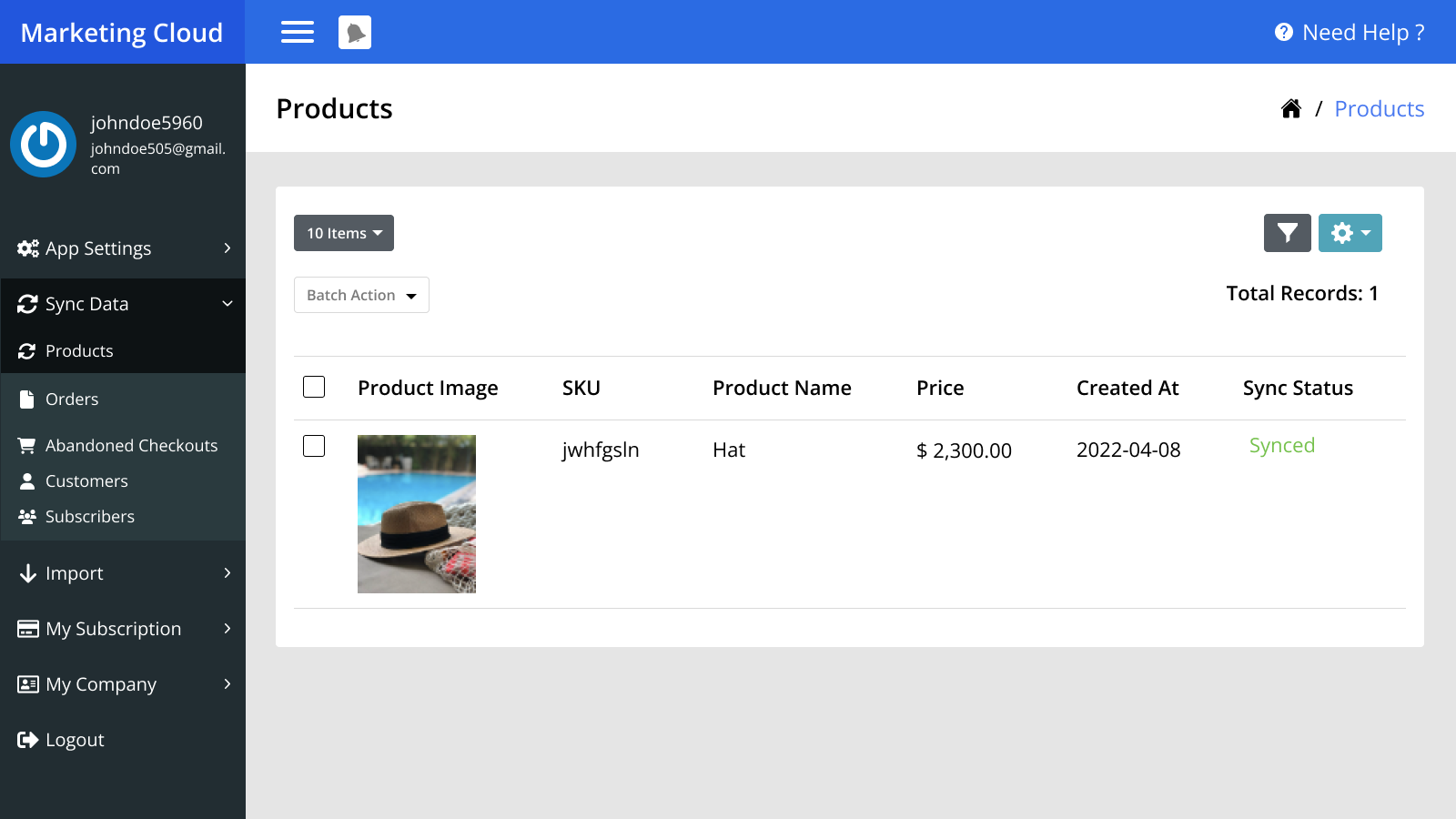
- Real-time Category & Product Sync
- Real-time Customer & Abandoned Cart Sync
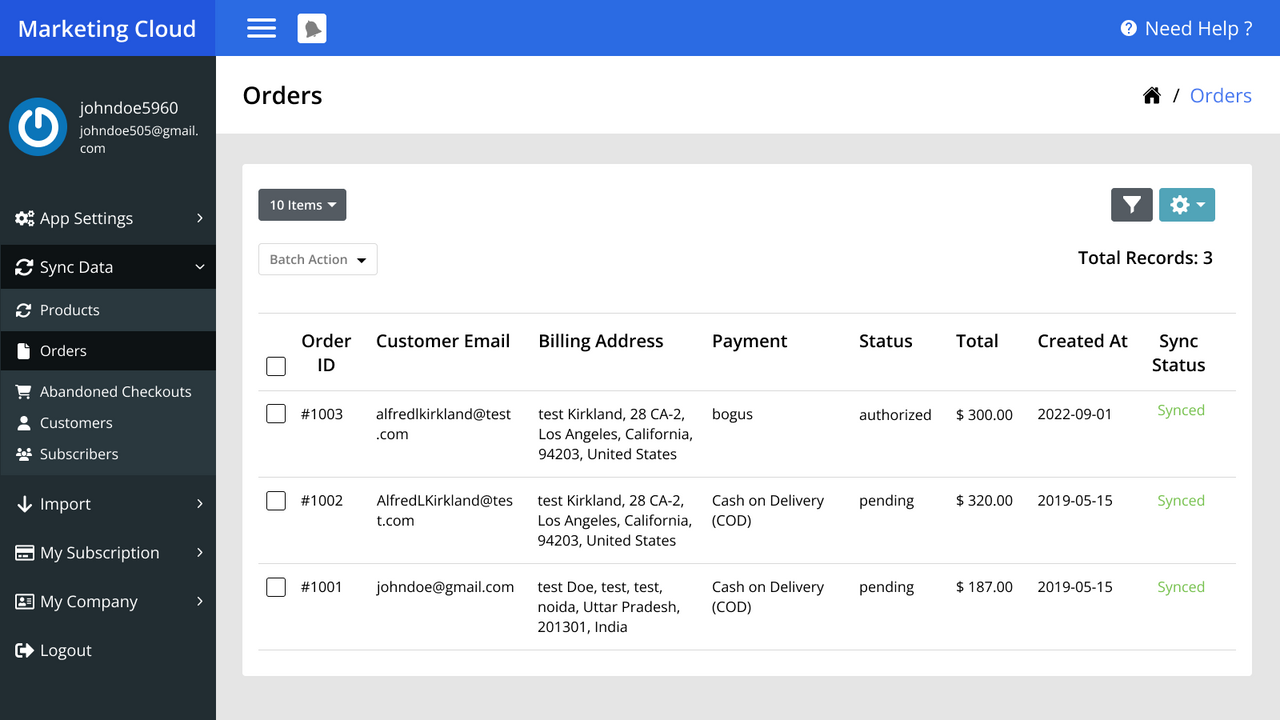
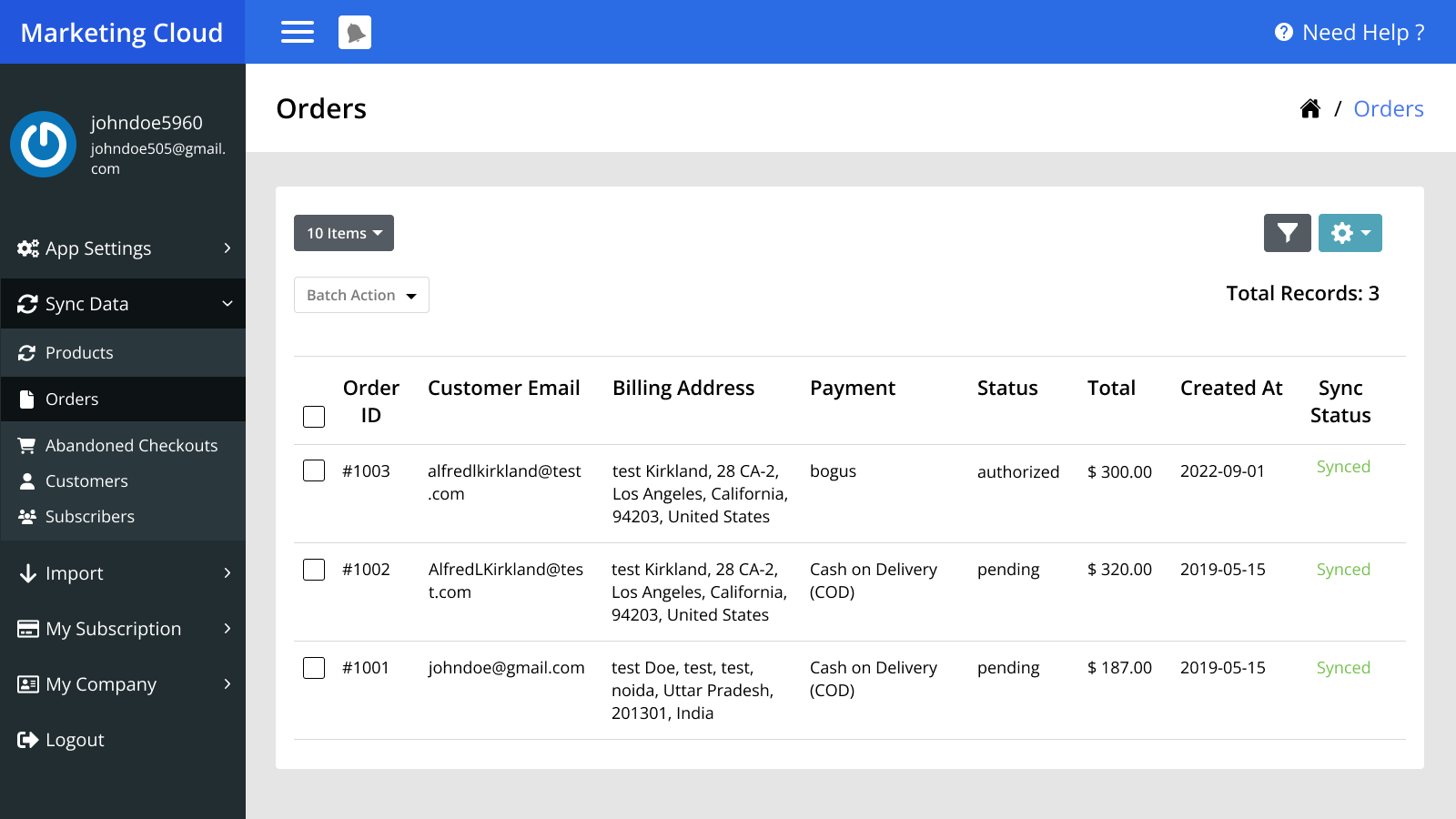
- Real-time Order Sync
Merchant-Friendly
- Independent Station Merchants
- Multi-category E-commerce
- Cross-border E-commerce Sellers
- Boutique Merchants
Basic Information
- Developer:eShopSync
- Address:H-28 ARV Park, Sector-63, Noida, UP, 201301, IN
- Price: Free / Free plan
- Rating:4.6 / 5
- Comment Count:25 comment
- Release Date:2018-8-27
- Supported languages:English
- Compatible products:Shopify
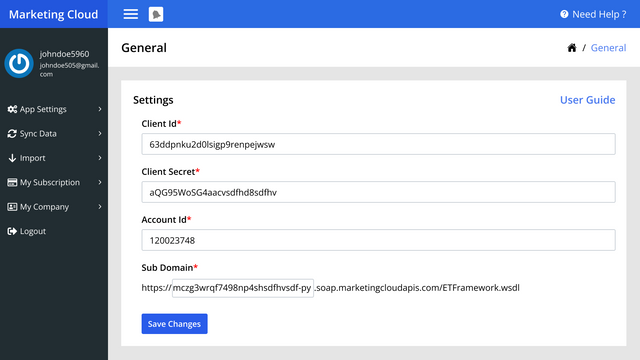
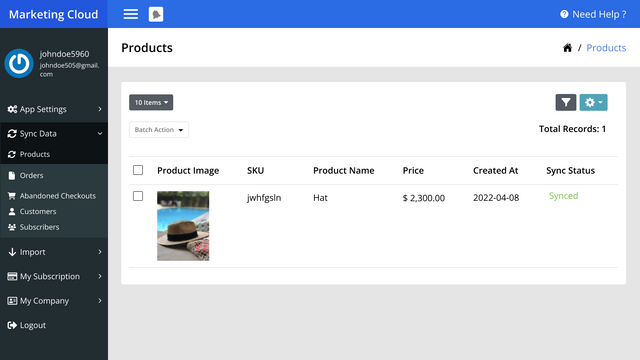
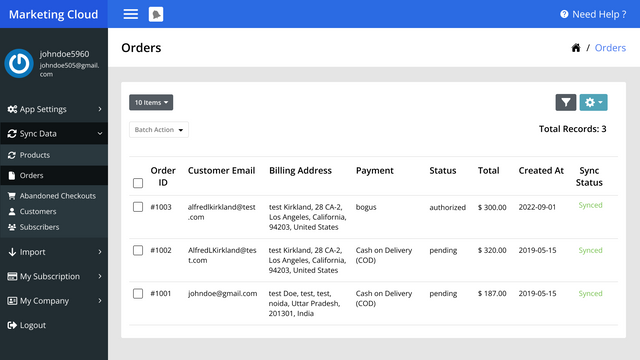
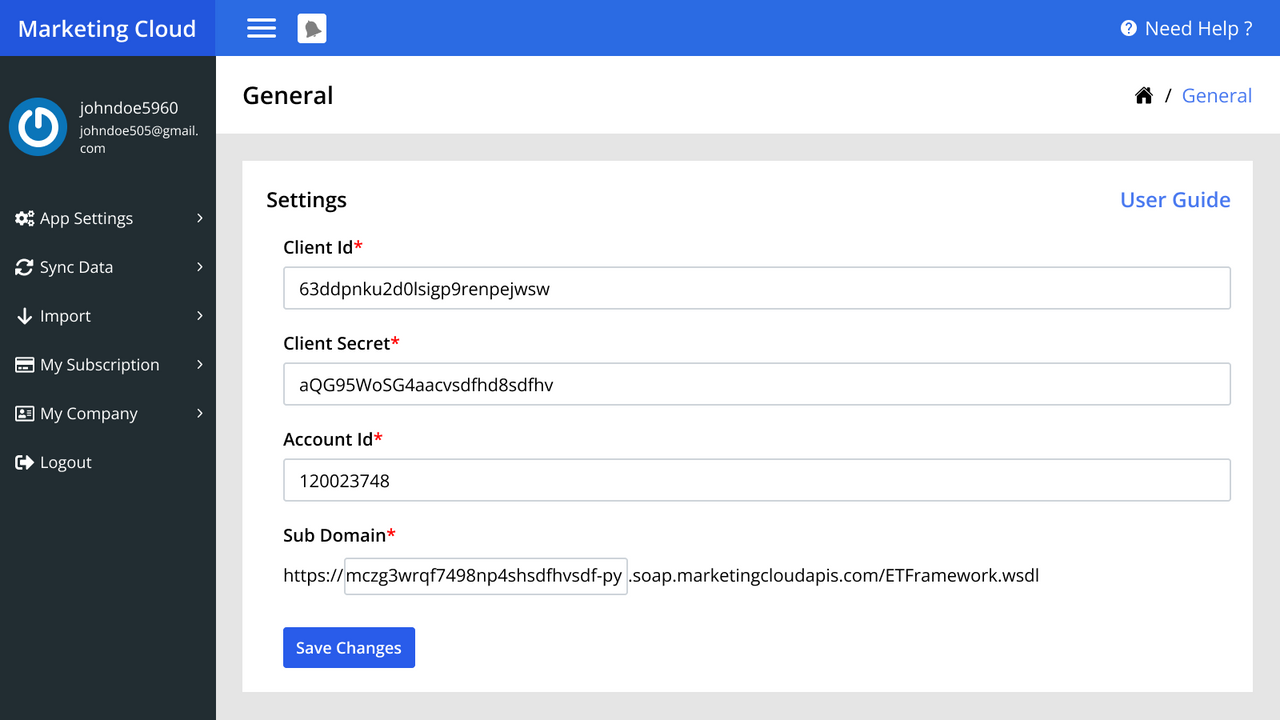
Application Screenshot
Price Plan
Basic
- Number of Subscribers - 5000
- Automatic Product Sync
- Automatic Customer Sync
- Automatic Order Sync
- Automatic Subscriber Sync
Executive
- Number of Subscribers - 20000
- Automatic Product Sync
- Automatic Customer Sync
- Automatic Order Sync
- Automatic Subscriber Sync
Business
- Product Auto-Sync
- Customer Auto-Sync
- Order Auto-Sync
- Abandoned Cart Auto-Sync
- Subscriber Auto-Sync
User Location & Comments
User Location
Comments
Shopify API Used
- POST /admin/api/custom_collections.json
- PUT /admin/api/custom_collections/{id}.json
- GET /admin/api/custom_collections.json
Permission:write_products,read_products,manage_collections
- POST /admin/api/products.json
- PUT /admin/api/products/{product_id}.json
- GET /admin/api/products.json
Permission:write_products,read_products,manage_inventory
- POST /admin/api/customers.json
- PUT /admin/api/customers/{customer_id}.json
- GET /admin/api/customers.json
Permission:write_customers,read_customers,manage_accounts
- GET /admin/api/abandoned_checkouts.json
- POST /admin/api/abandoned_checkouts/notify.json
- PUT /admin/api/abandoned_checkouts/{id}.json
Permission:read_abandoned_checkouts,write_abandoned_checkouts,manage_checkouts
- GET /admin/api/orders.json
- PUT /admin/api/orders/{order_id}.json
- POST /admin/api/orders/{order_id}/fulfillments.json
Permission:read_orders,write_orders,manage_fulfillments



