
App Introduction
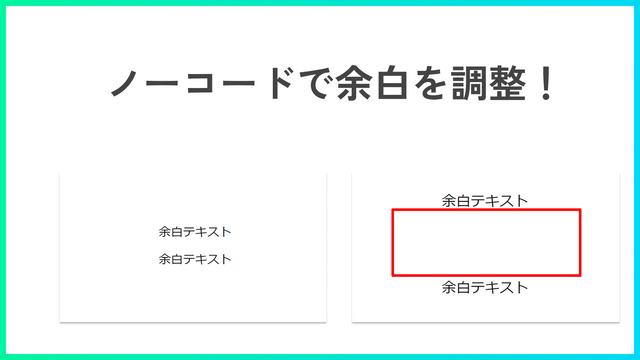
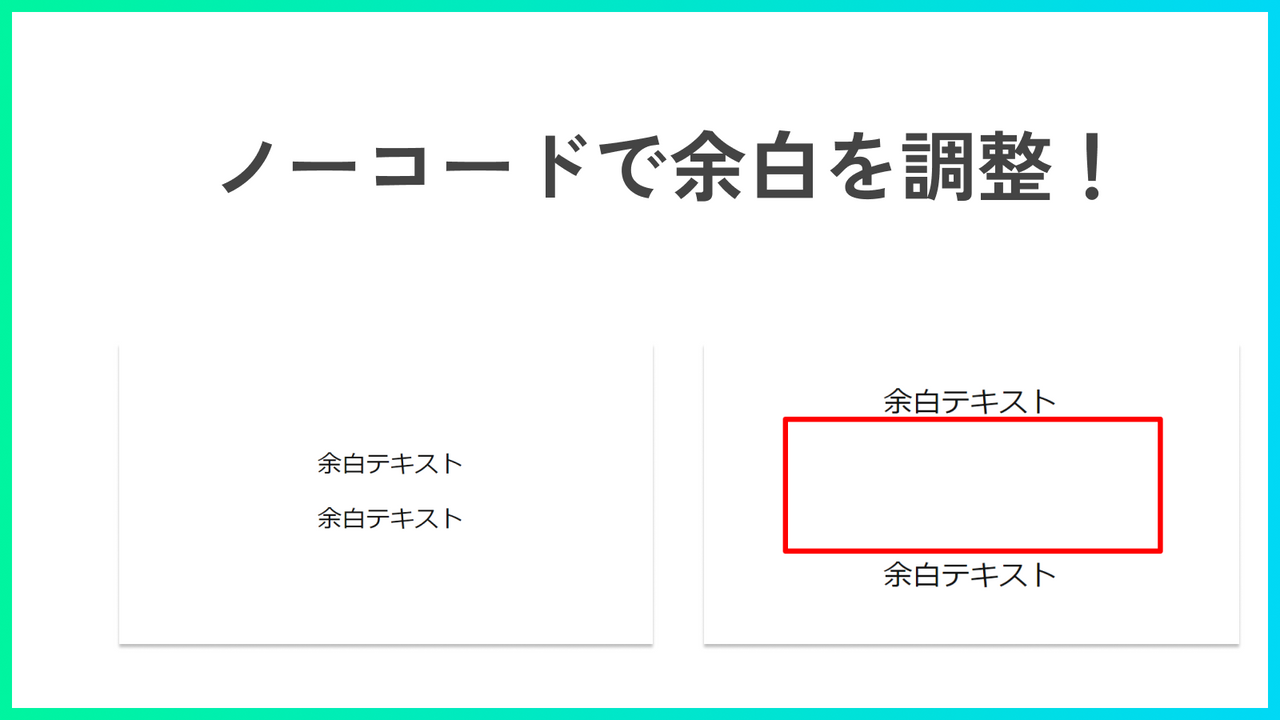
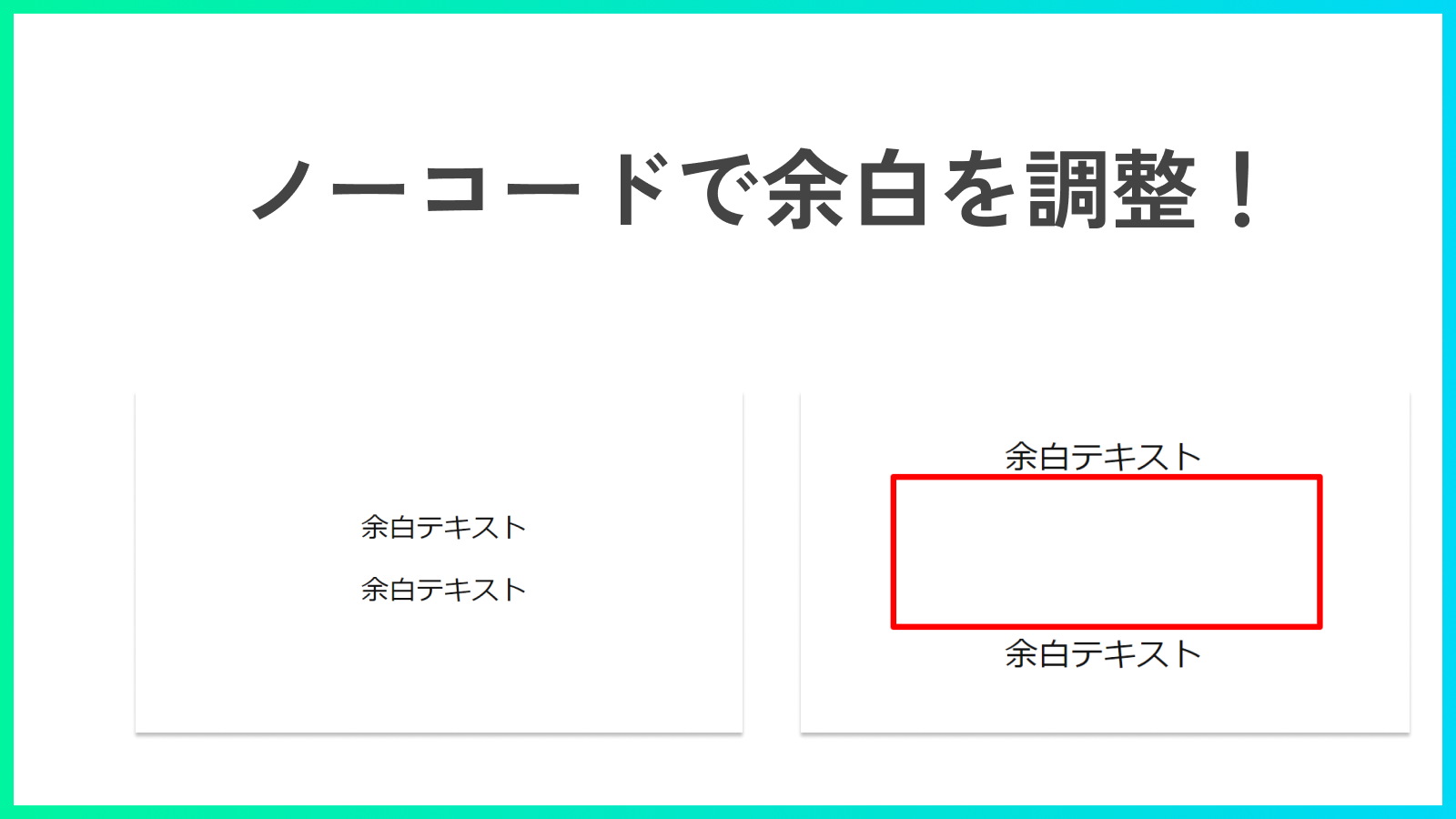
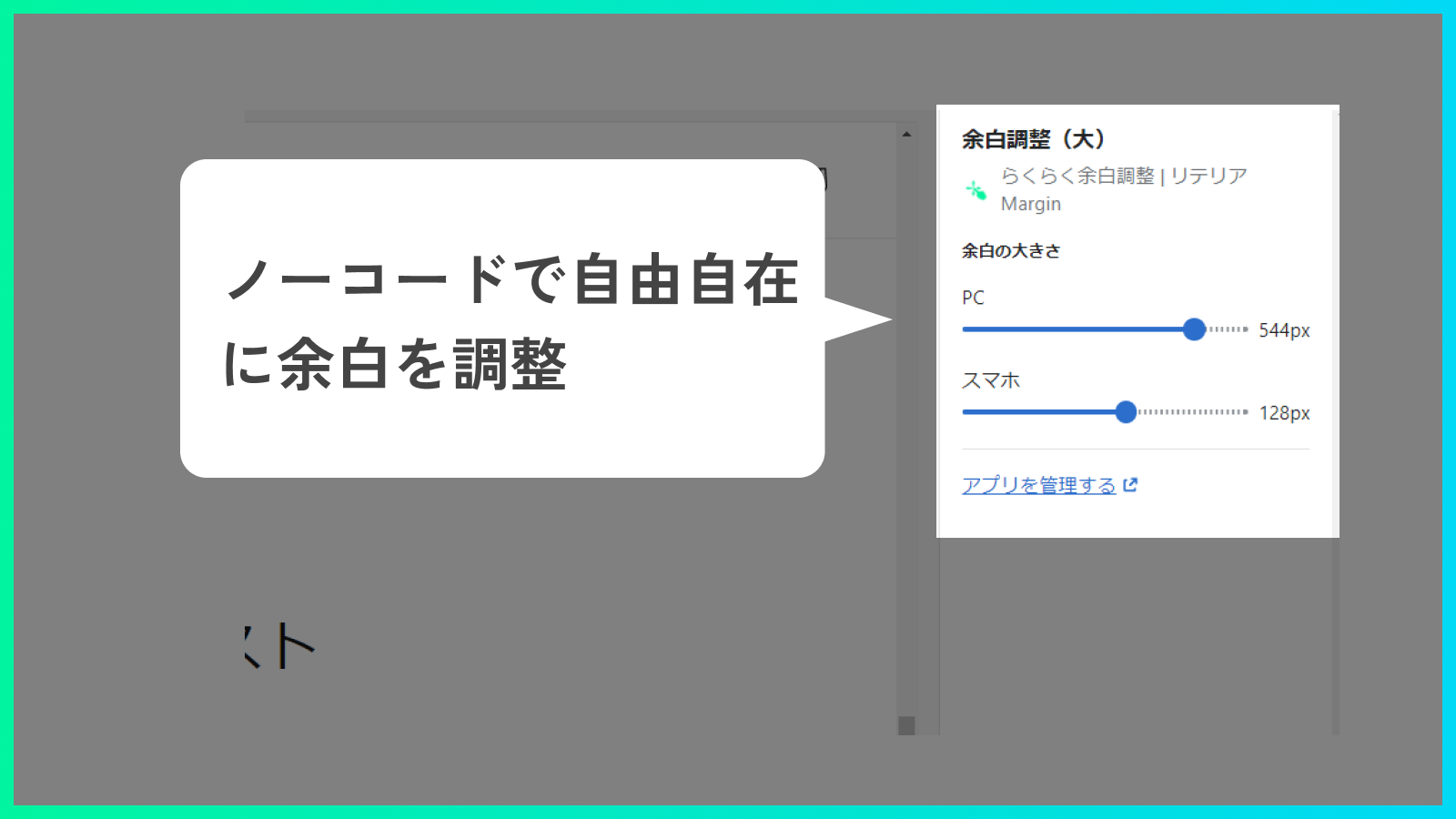
Improve Design / Boost Sales. A no-code app that lets you freely adjust spacing between sections. Adjust Spacing Freely Without Code! "Want to widen the space between these two sections a bit more..." "Wish the gap between these sections was a little narrower..." "Need to change the spacing size for mobile vs. desktop..." *Retailia Margin* solves these pain points! With this app, you can adjust spacing flexibly—no coding required. Plus, you can set separate spacing values for mobile and desktop. Create a stunning store with perfectly adjusted spacing to lift your conversion rate!
Core Functionality
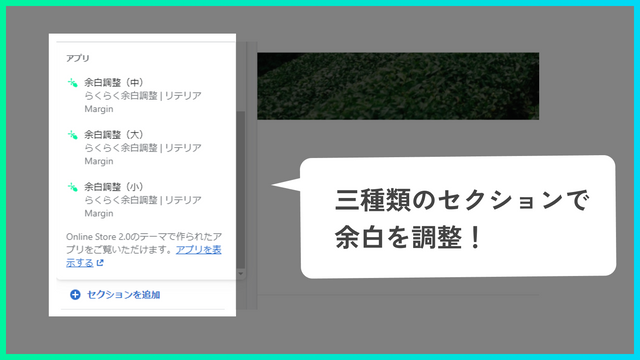
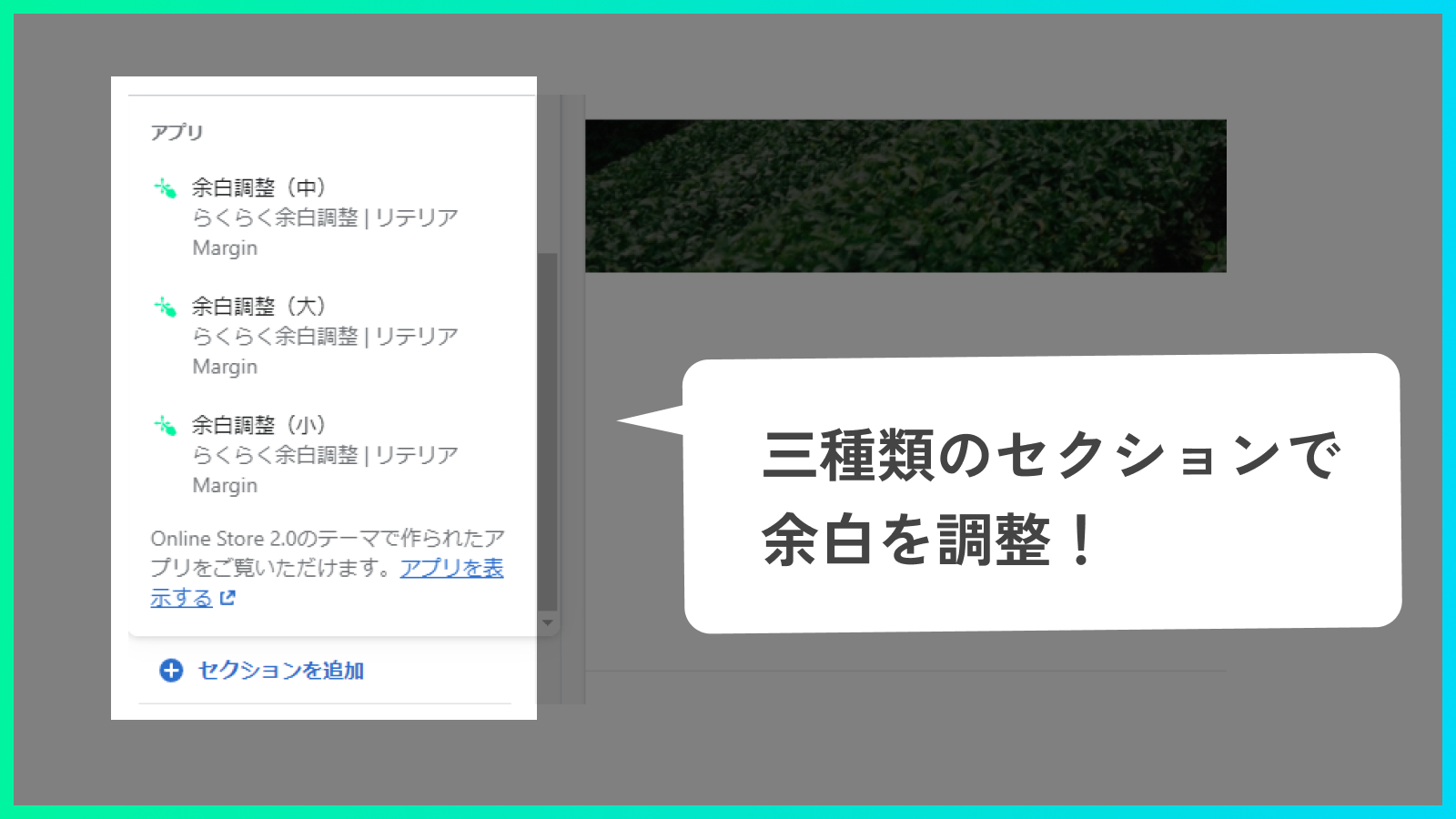
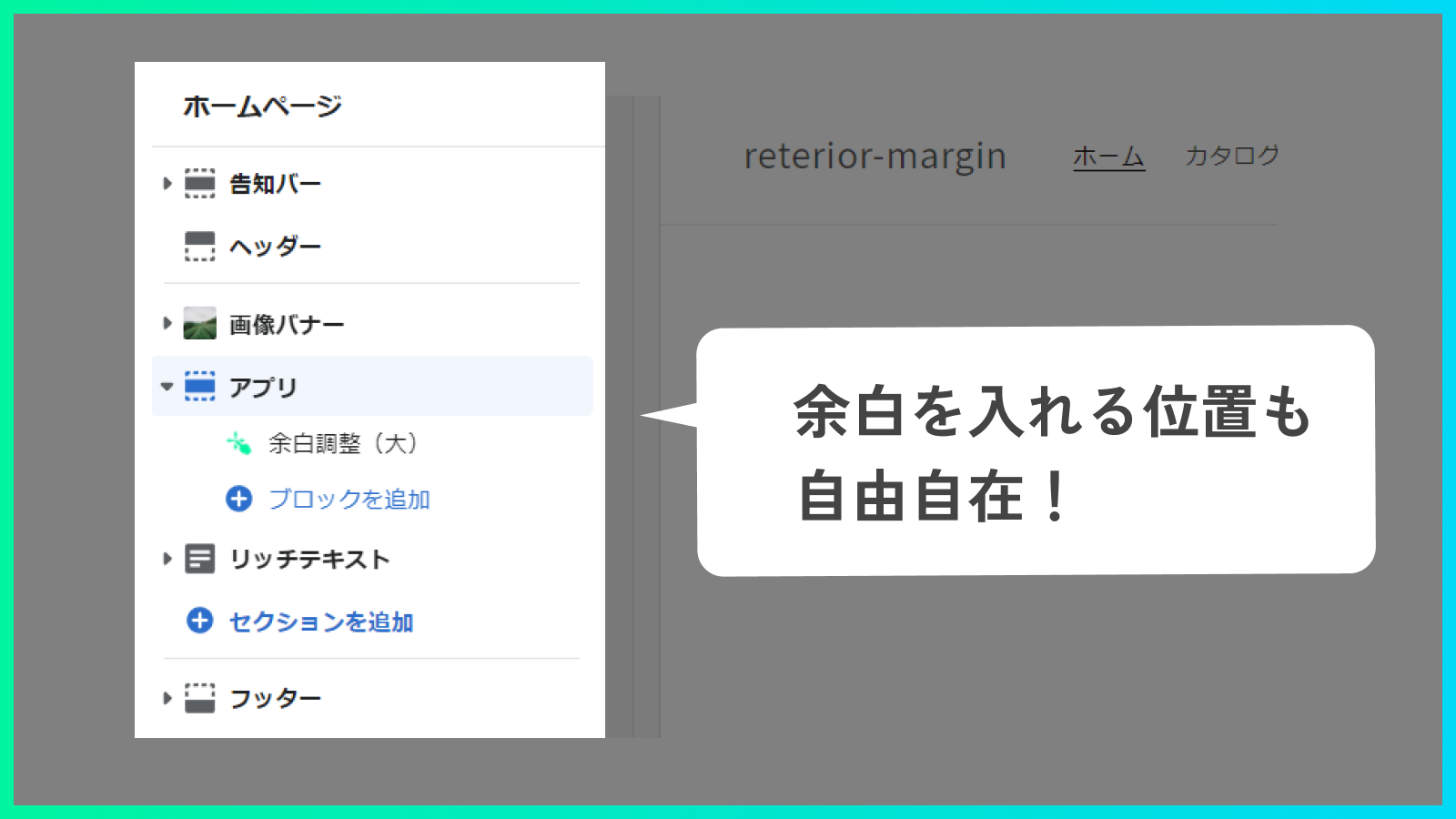
- Easily adjust spacing between sections with no code required. You can not only create spacing but also overlap sections by using negative margins.
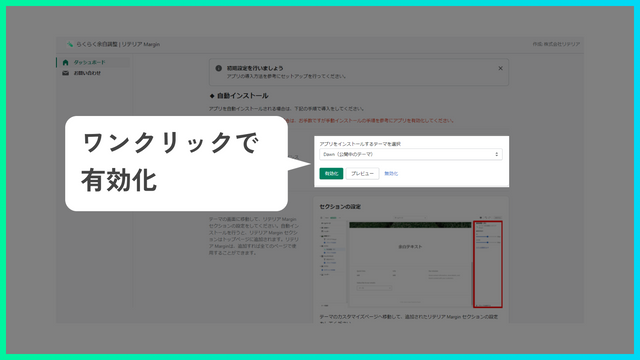
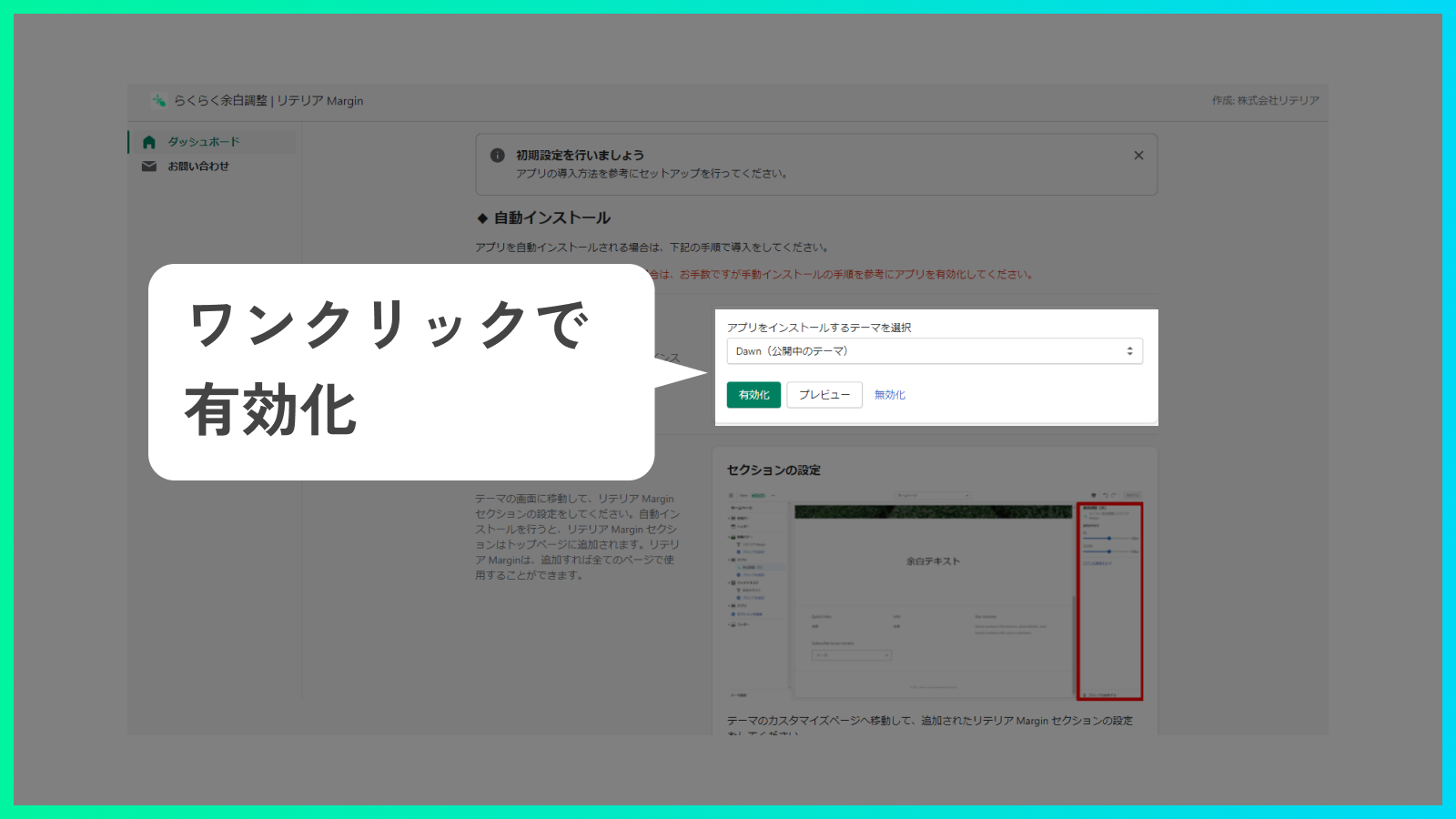
- Adjust spacing while previewing the visual results in your theme editor. Create the Shopify store you’ve been envisioning.
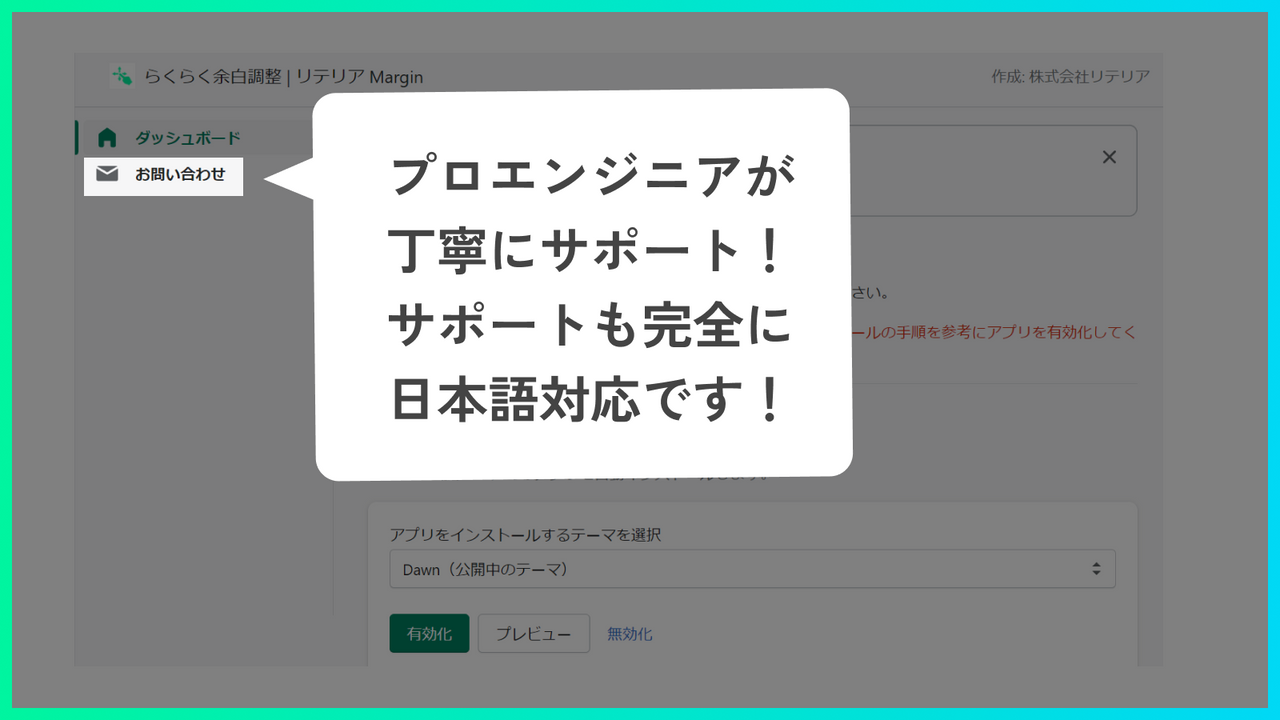
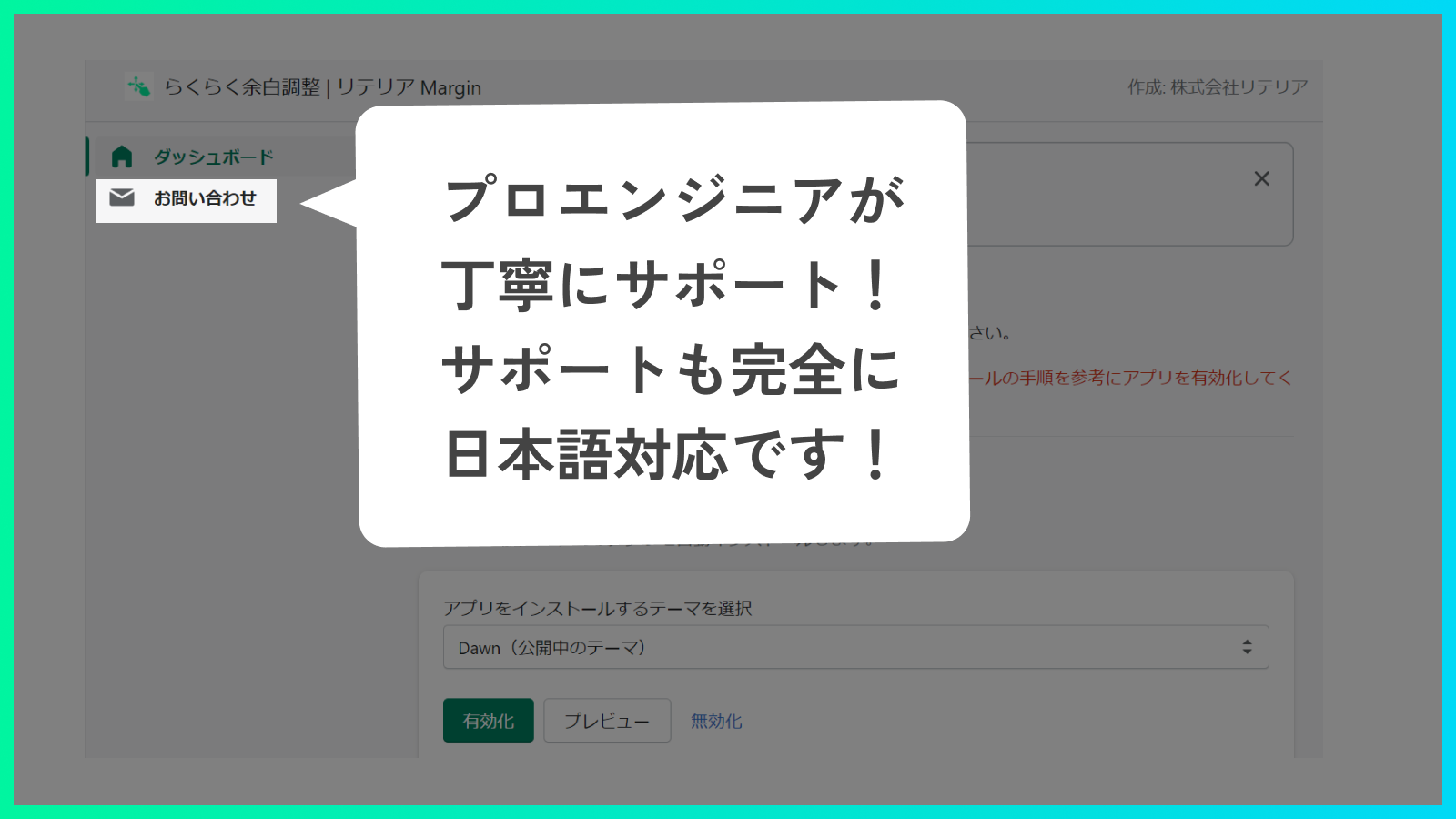
- Effortless Spacing Adjustment | Litellia Margin is a Japanese-made Shopify app. Enjoy a Japanese-language admin interface and dedicated support from professional Japanese engineers.
- This app is fully compatible with Online Store 2.0, so it works seamlessly with all themes.
Merchant-Friendly
- Japanese Independent Store Merchants
- Theme Customization Merchants
- Online Store 2.0 Merchants
Basic Information
- Developer:株式会社リテリア
- Address:三軒茶屋二丁目2番13-11-02号, 世田谷区, JP-13, 154-0024, JP
- Price: Free / Free plan
- Rating:0 / 5
- Comment Count:0 comment
- Release Date:2022-3-7
- Supported languages:Japanese
- Compatible products:Shopify
Application Screenshot

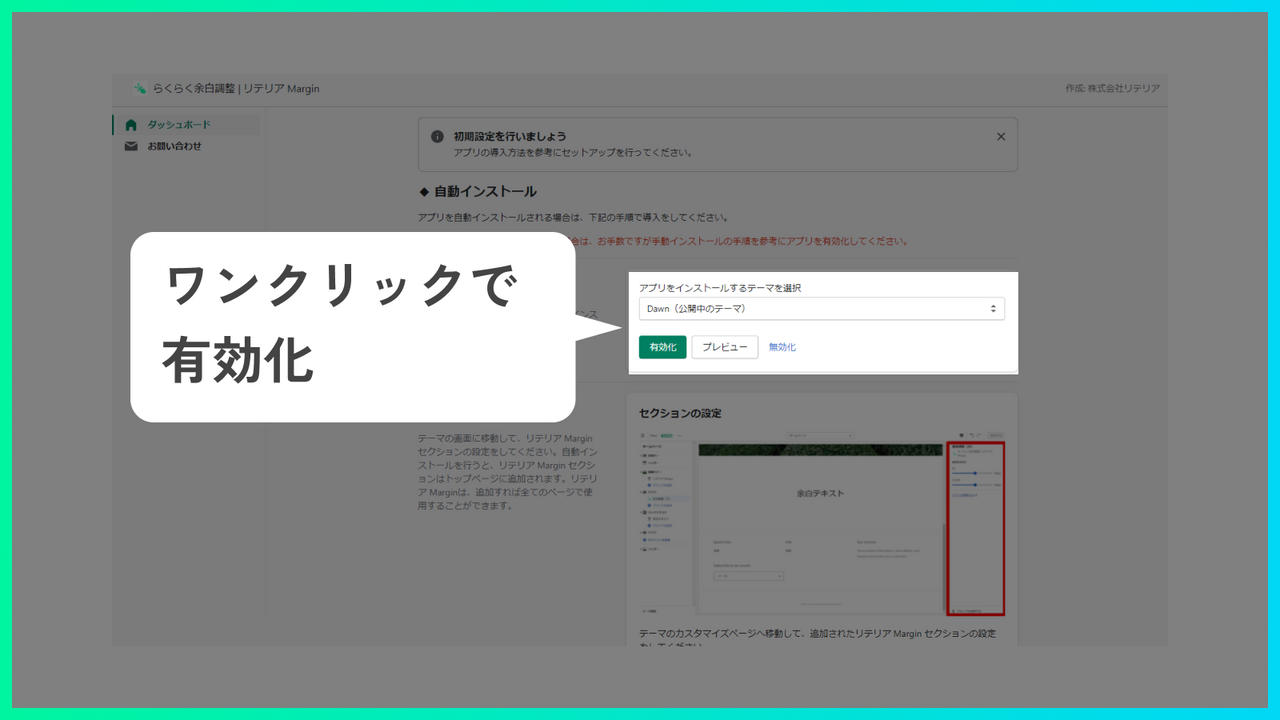
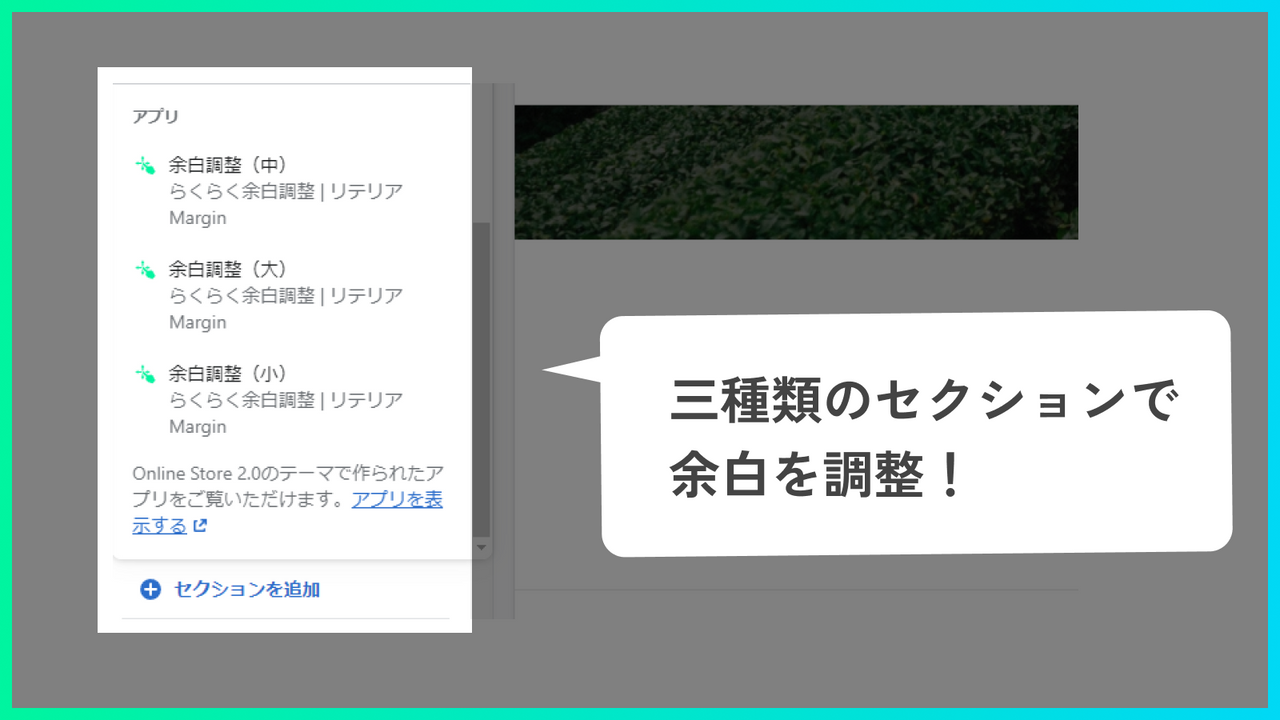

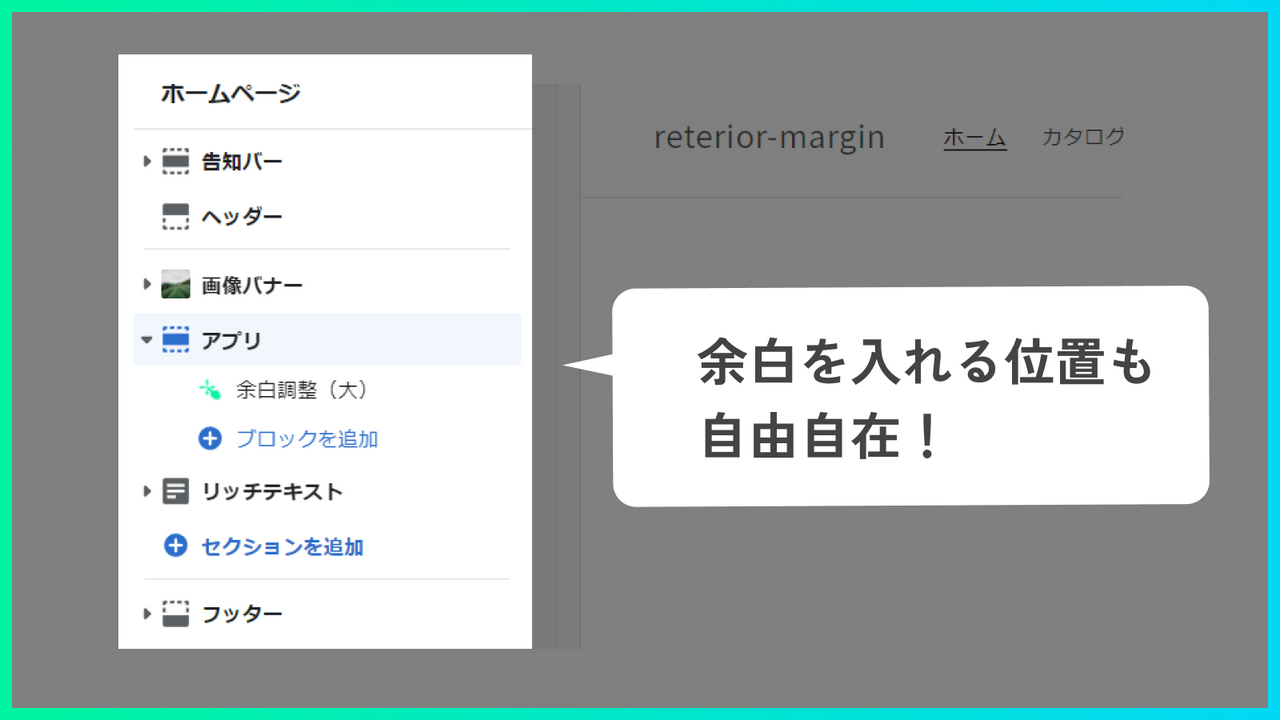

Price Plan
Basic Plan
- You can try the app for free for 7 days from the installation date.
- For development stores, you can try all features for free indefinitely and without any restrictions.
User Location & Comments
User Location
Comments
Shopify API Used
- POST /admin/api/sections/{section_id}/margin.json
- PUT /admin/api/sections/{section_id}/margin.json
- GET /admin/api/sections/{section_id}/margin.json
Permission:write_themes,read_themes,manage_online_store
- POST /admin/api/sections/{section_id}/preview_margin.json
- PUT /admin/api/sections/{section_id}/preview_margin.json
- GET /admin/api/sections/{section_id}/preview_margin.json
Permission:read_themes,manage_online_store,view_storefront
- POST /admin/api/sections/{section_id}/overlap.json
- PUT /admin/api/sections/{section_id}/overlap.json
- GET /admin/api/sections/{section_id}/overlap.json
Permission:write_themes,read_themes,manage_online_store



