
App Introduction
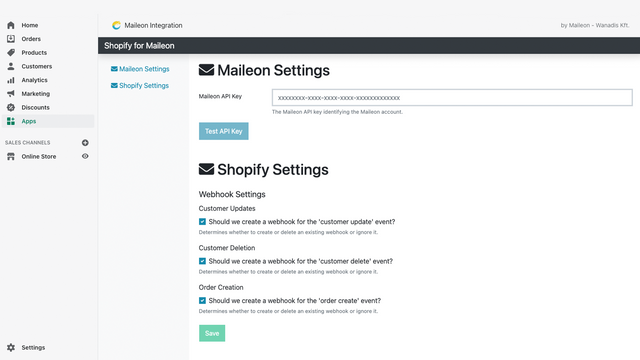
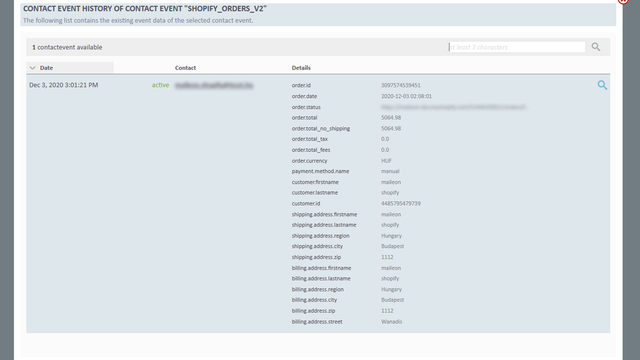
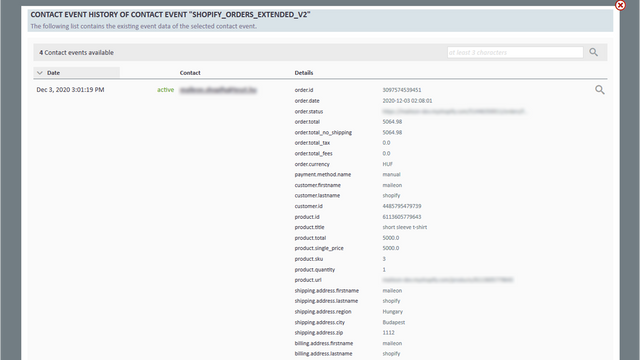
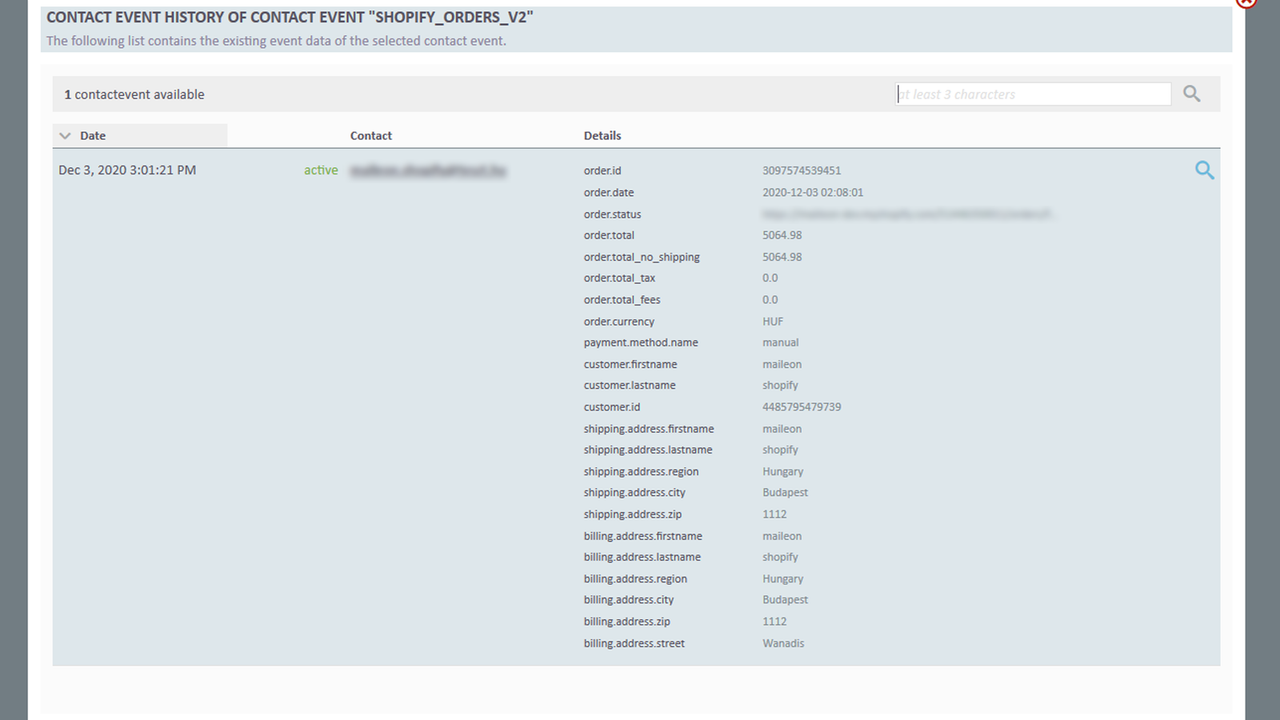
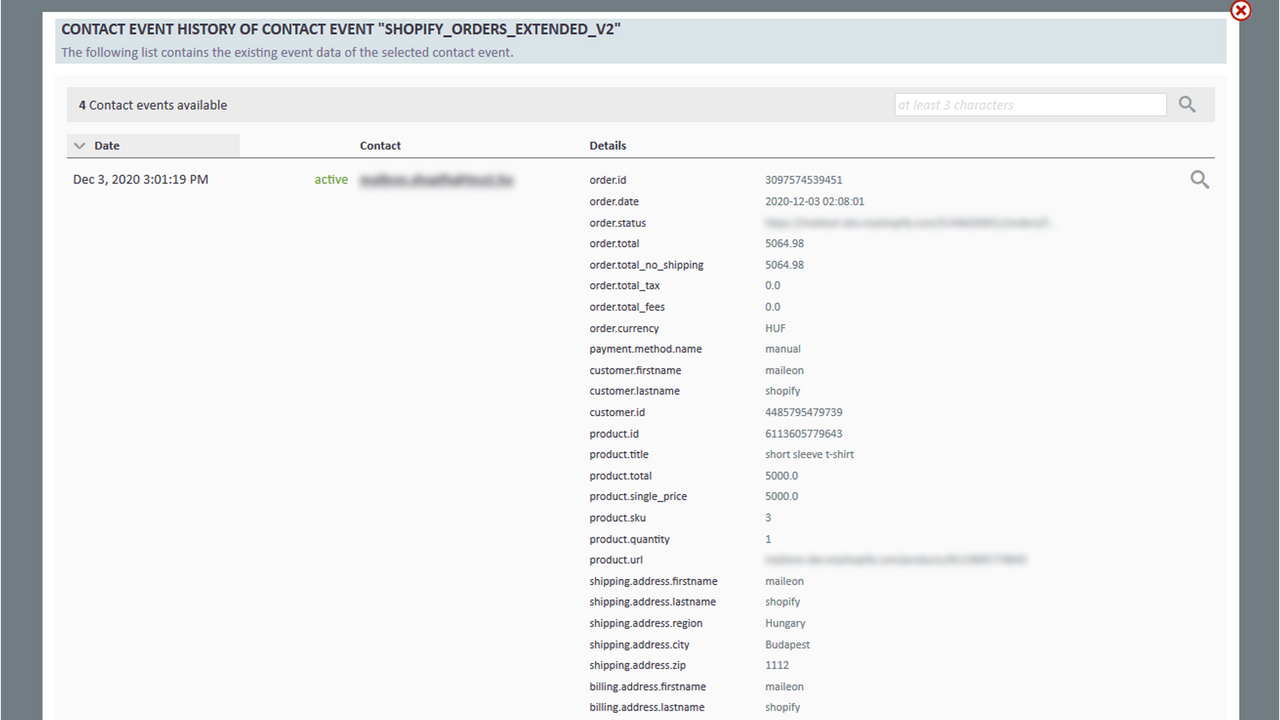
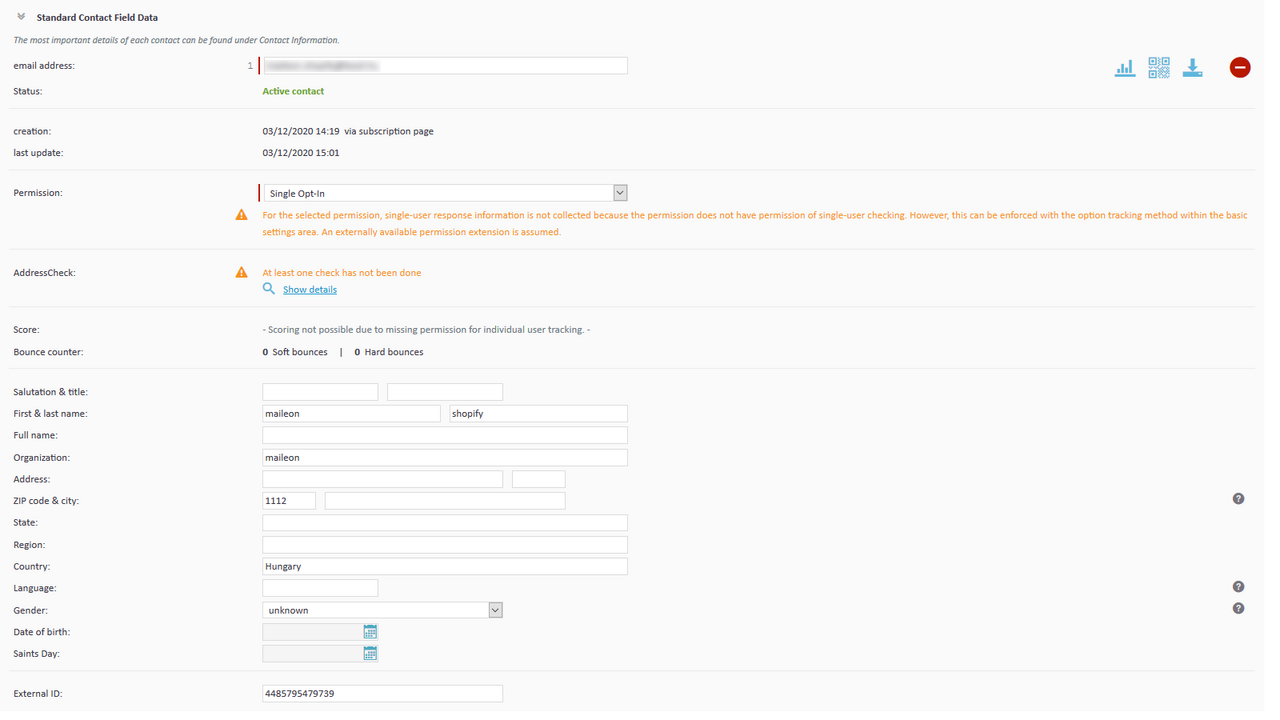
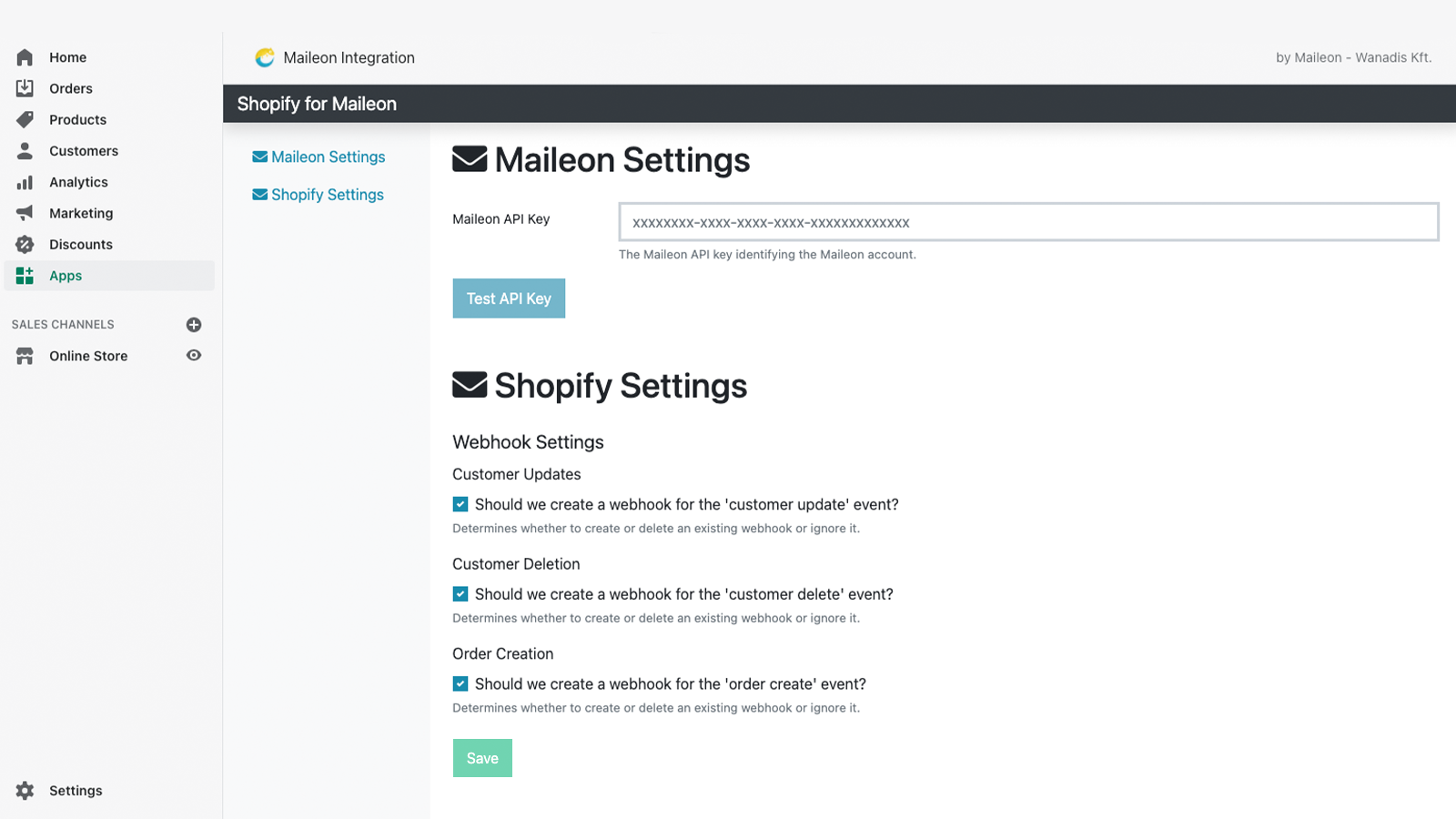
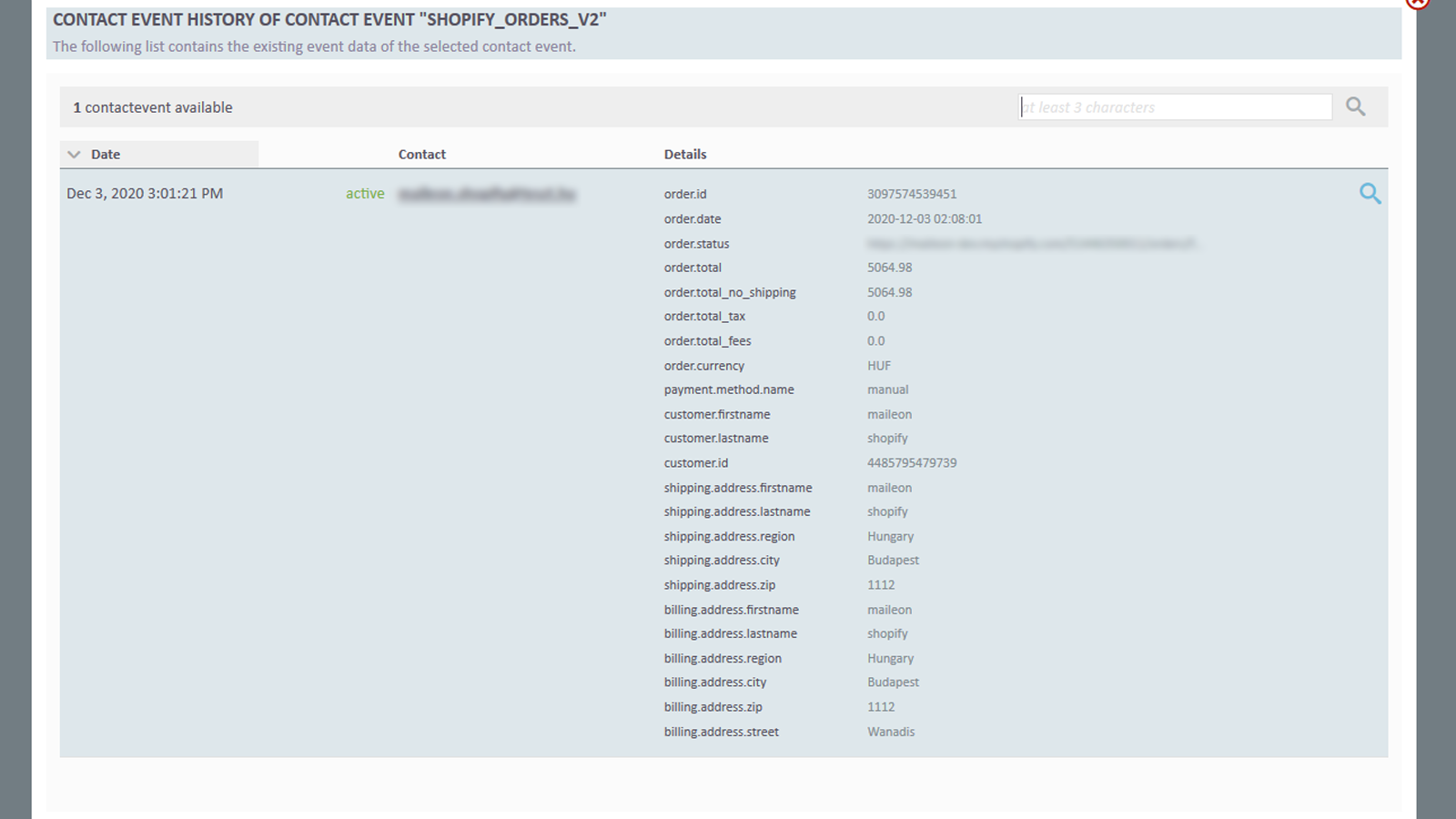
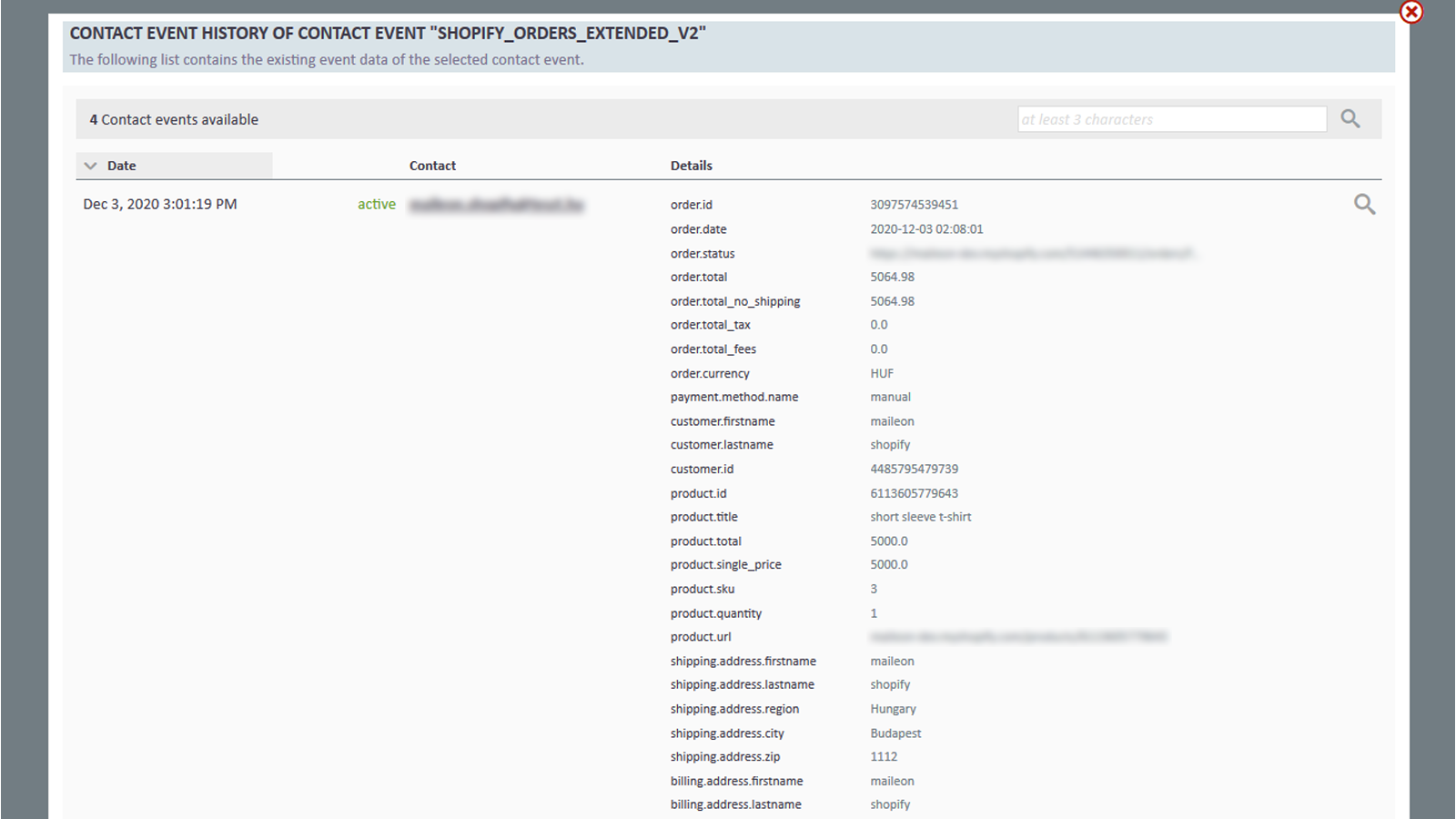
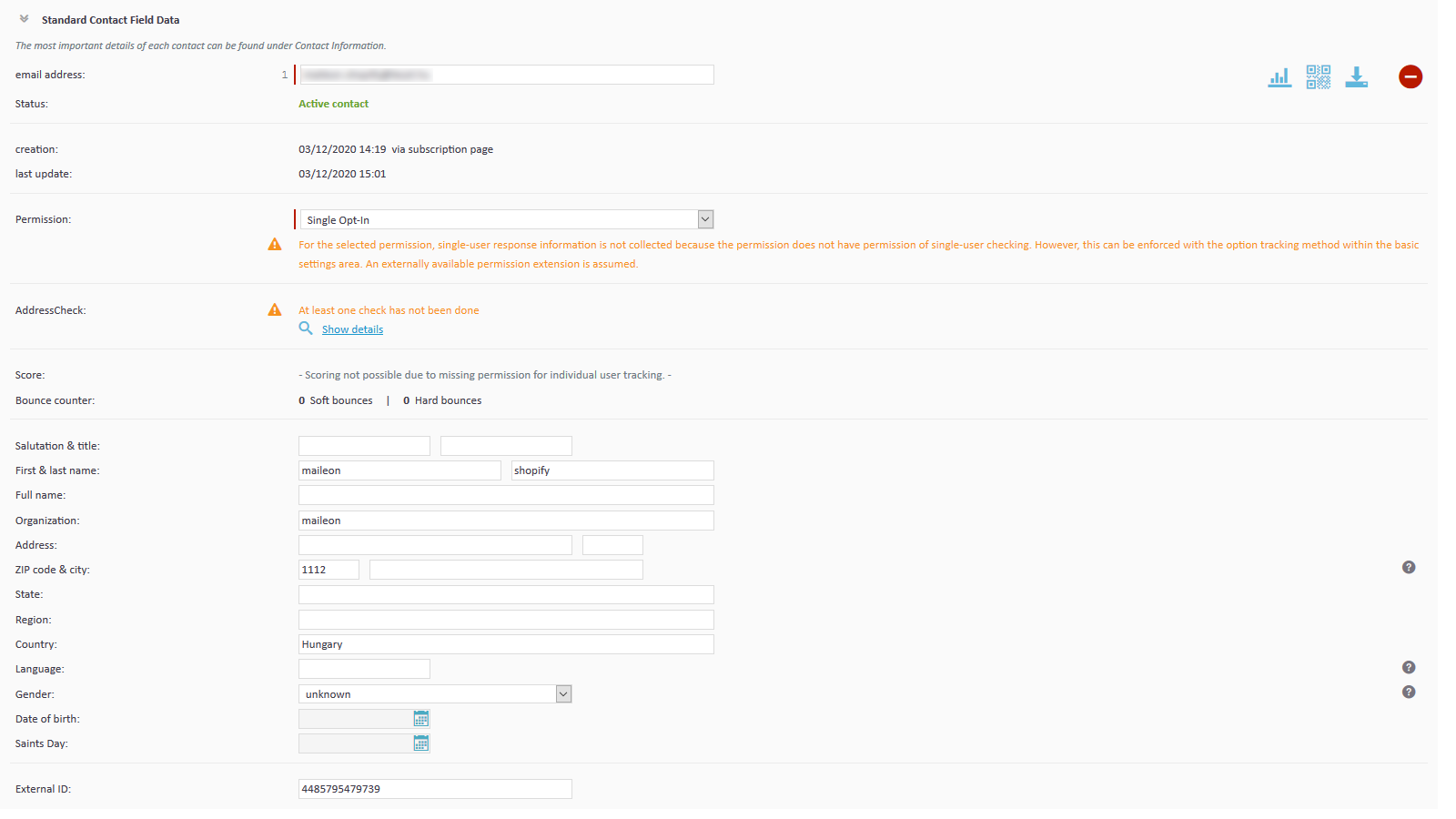
With this app, you can integrate your store with your Maileon account. This app allows you to communicate with your customers easily and automatically. Contacts will appear as new entries in your Maileon account, and orders will be logged as contact events. These contact events help you trigger post-transaction automated email workflows in your account, so you only need to manage your customers in your Shopify store—communication will be handled automatically via the app.
Core Functionality
- Real-time contact sync
- Real-time order sync
- Automated welcome email workflow
- Order-based marketing automation workflow
- Sync abandoned carts
Merchant-Friendly
- Independent Station Merchants
- DTC Brand E-commerce
- Cross-border E-commerce Sellers
- SME E-commerce Merchants
Basic Information
- Developer:XQueue GmbH
- Address:Christian-Pleß-Str. 11-13, Offenbach, 63069, DE
- Price: Free / Free plan
- Rating:0 / 5
- Comment Count:0 comment
- Release Date:2021-2-16
- Supported languages:English
- Compatible products:Shopify
Application Screenshot


Price Plan
Maileon Sync Plan
- Real-time Contact Sync
- Real-time Order Sync
- Automated Welcome Email Flow
- Order-based Marketing Automation
User Location & Comments
User Location
Comments
Shopify API Used
- POST /admin/api/customers.json
- PUT /admin/api/customers/{customer_id}.json
- GET /admin/api/customers.json
Permission:write_customers,read_customers,manage_customers
- POST /admin/api/orders.json
- PUT /admin/api/orders/{order_id}.json
- GET /admin/api/orders.json
Permission:write_orders,read_orders,manage_orders
- POST /admin/api/automations/workflows.json
- PUT /admin/api/automations/workflows/{id}.json
- GET /admin/api/automations/workflows.json
Permission:write_automations,read_automations,manage_emails
- POST /admin/api/automations/triggers.json
- PUT /admin/api/automations/triggers/{id}.json
- GET /admin/api/automations/triggers.json
Permission:write_automations,read_automations,manage_marketing
- POST /admin/api/abandoned_checkouts.json
- PUT /admin/api/abandoned_checkouts/{id}.json
- GET /admin/api/abandoned_checkouts.json
Permission:write_abandoned_checkouts,read_abandoned_checkouts,manage_checkouts



