
App Introduction
Easily customize your orders with Magic Upload – set rules to restrict files, products, and file sizes! Magic Custom Upload is a solution for businesses that require customers to attach files to orders. This feature allows your customers to upload any type of file, and you can customize rules to accept only specific types, products, or sizes. The user-friendly interface makes it simple for you to set up and manage your custom rules. With this tool, you can ensure all customer orders are completed on time and include all required files!
Core Functionality
- Ensure customer orders include all required documents
- Set up and manage custom rules to accept only specific types, products, or sizes
- User-friendly interface for easy operation
Merchant-Friendly
- Cross-border E-commerce Merchants
- Custom Product Merchants
- Compliance-required Merchants
Basic Information
- Developer:Smart Ecom Tech
- Address:7391 Pacific Circle, Mississauga, ON, L5T 2A4, CA
- Price: Free / Free plan
- Rating:0 / 5
- Comment Count:0 comment
- Release Date:2020-12-8
- Supported languages:English
- Compatible products:Shopify
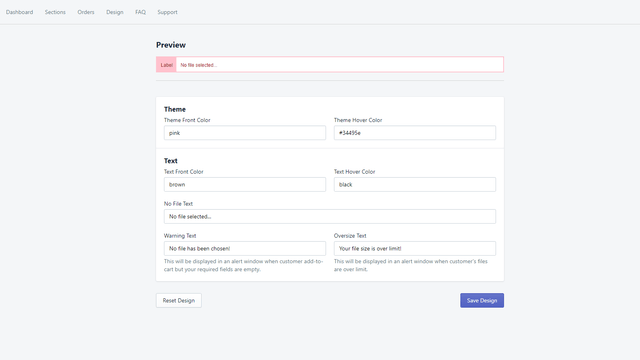
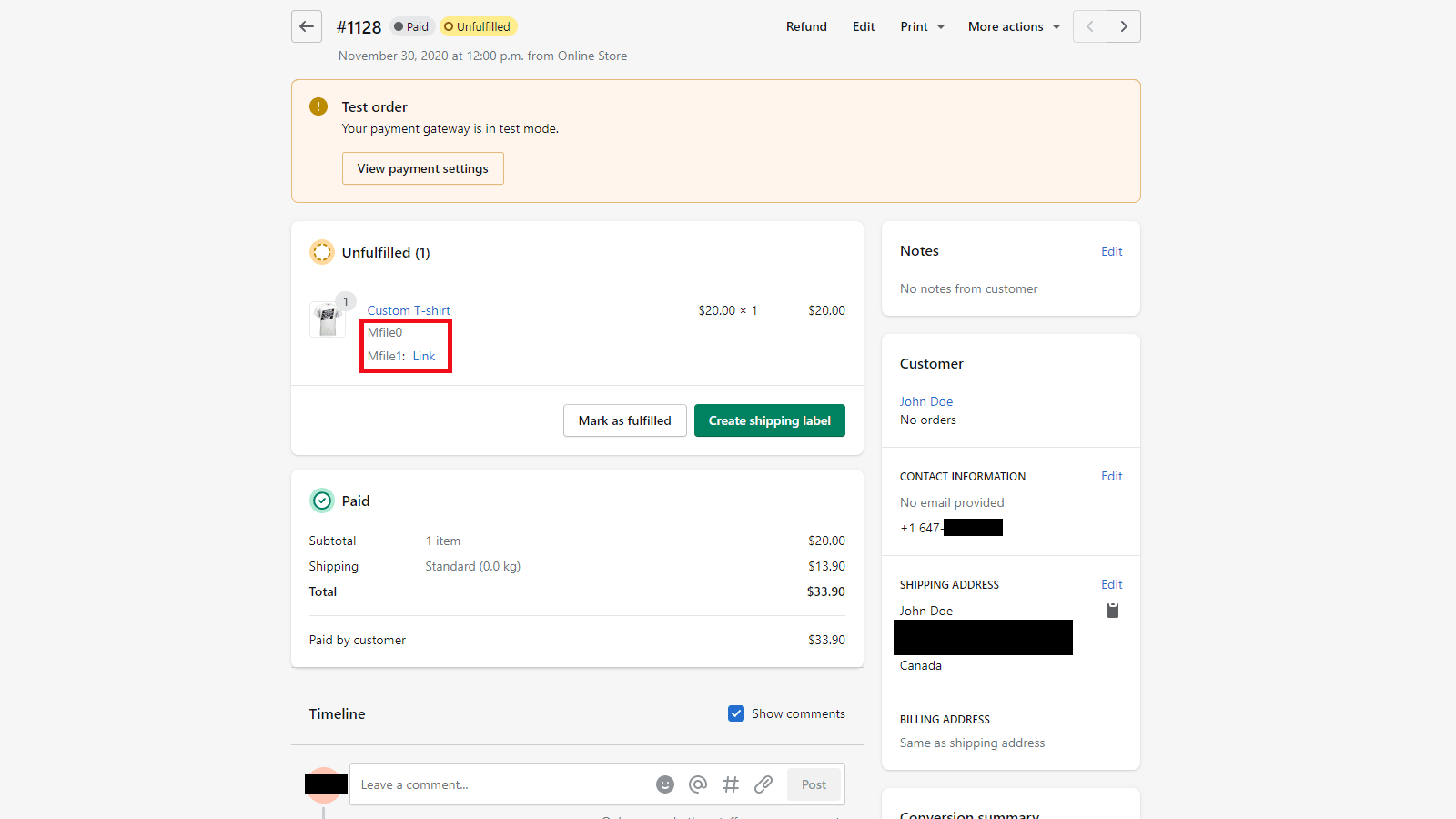
Application Screenshot




Price Plan
Free
Free Plan
User Location & Comments
User Location
Comments
Shopify API Used
- POST /admin/api/orders/{order_id}/attachments.json
- GET /admin/api/orders/{order_id}/attachments.json
- PUT /admin/api/orders/{order_id}/attachments/{attachment_id}.json
Permission:read_orders,write_orders,manage_attachments
- POST /admin/api/order_rules.json
- PUT /admin/api/order_rules/{rule_id}.json
- GET /admin/api/order_rules.json
Permission:read_orders,write_orders,manage_products
- GET /admin/api/shop/settings.json
- PUT /admin/api/shop/settings.json
- GET /admin/api/orders.json?status=any
Permission:read_shop_settings,write_shop_settings,read_orders