
App Introduction
Now you can use Magic Cart Min & Max to restrict your orders. - Set minimum and maximum quantities for each product. You may encounter situations like this: A customer buys a large quantity of your products for resale and profit. You feel frustrated because other customers are also trying to purchase the same products, but they’re sold out due to this customer’s bulk purchase. Maybe you have excess inventory of a certain product and want to clear it quickly. Don’t worry—Magic Cart Min & Max can help!
Core Functionality
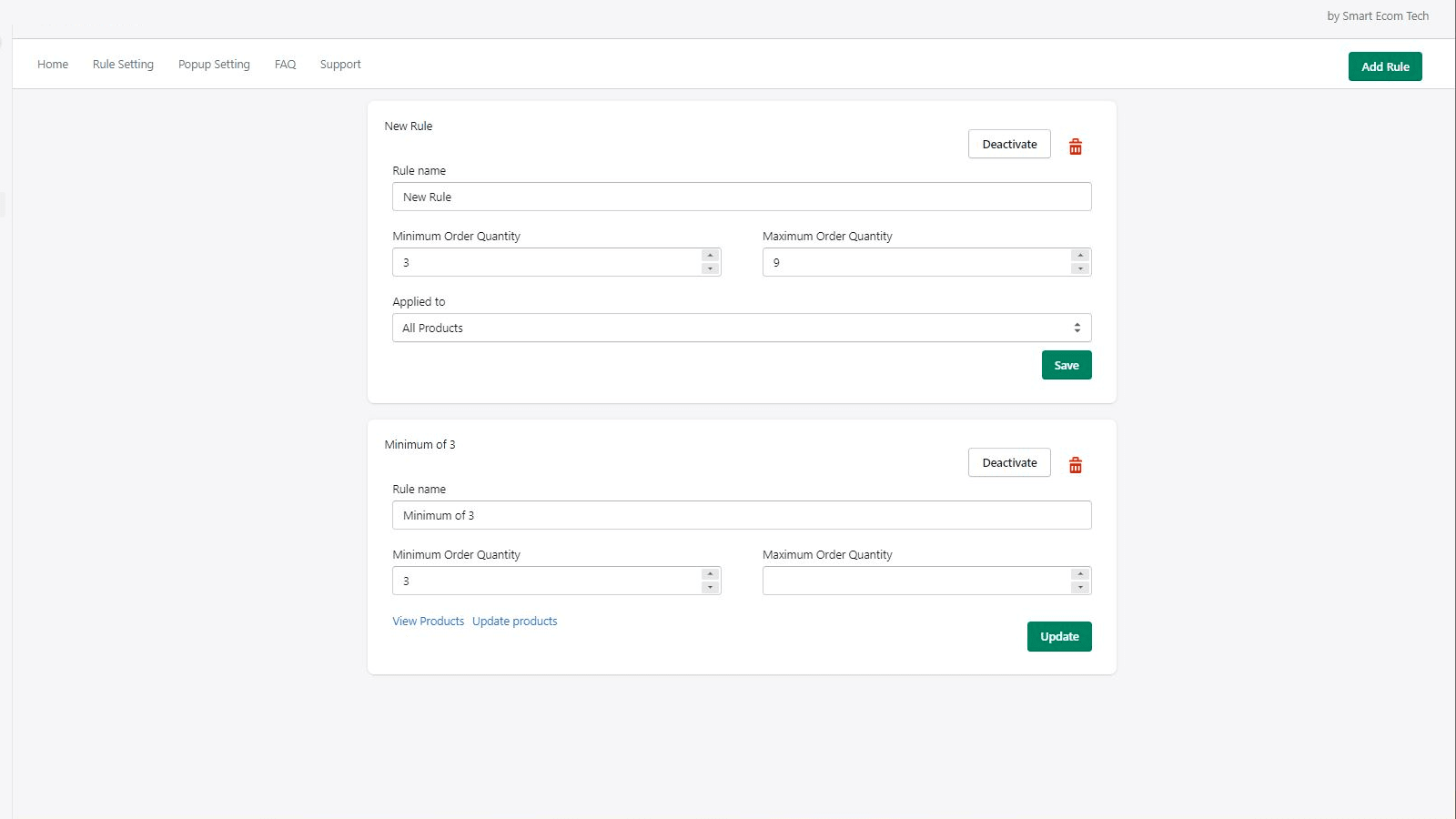
- Select your products and assign minimum and maximum quantities to each one.
- No need to install any extra code or ask for developer help. Just
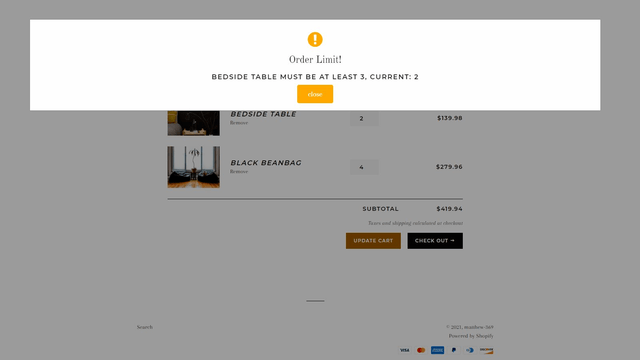
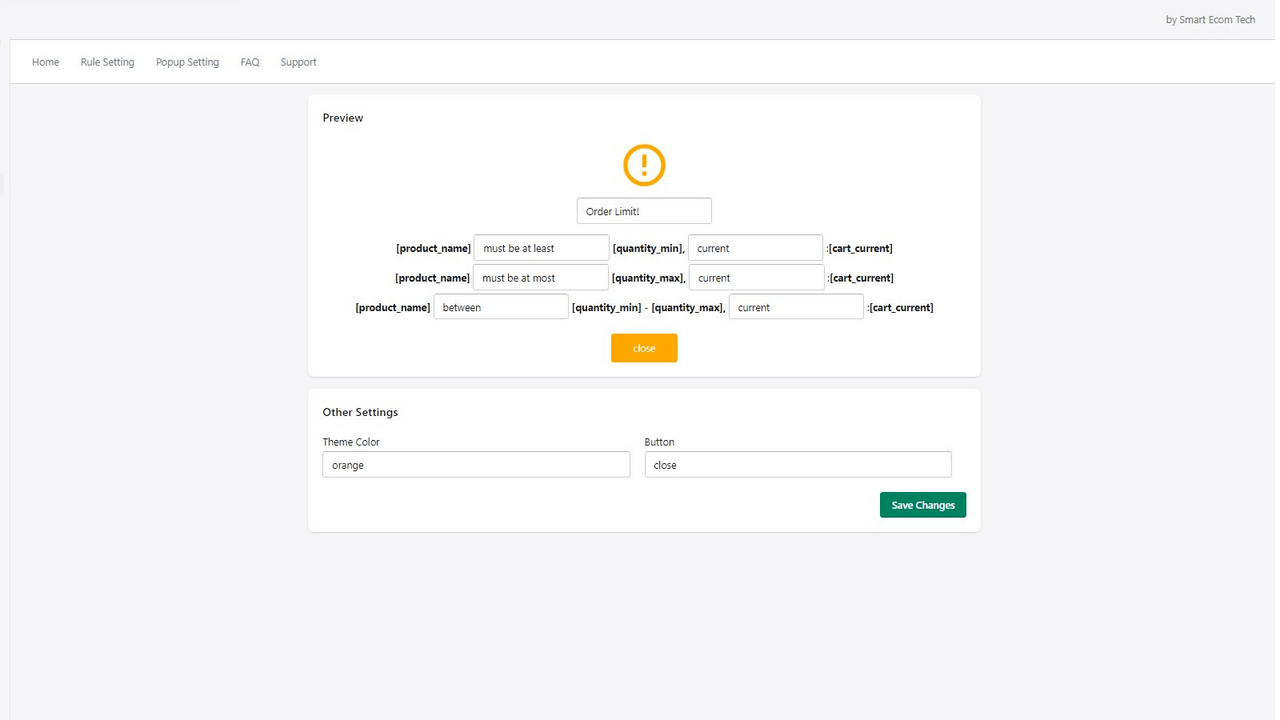
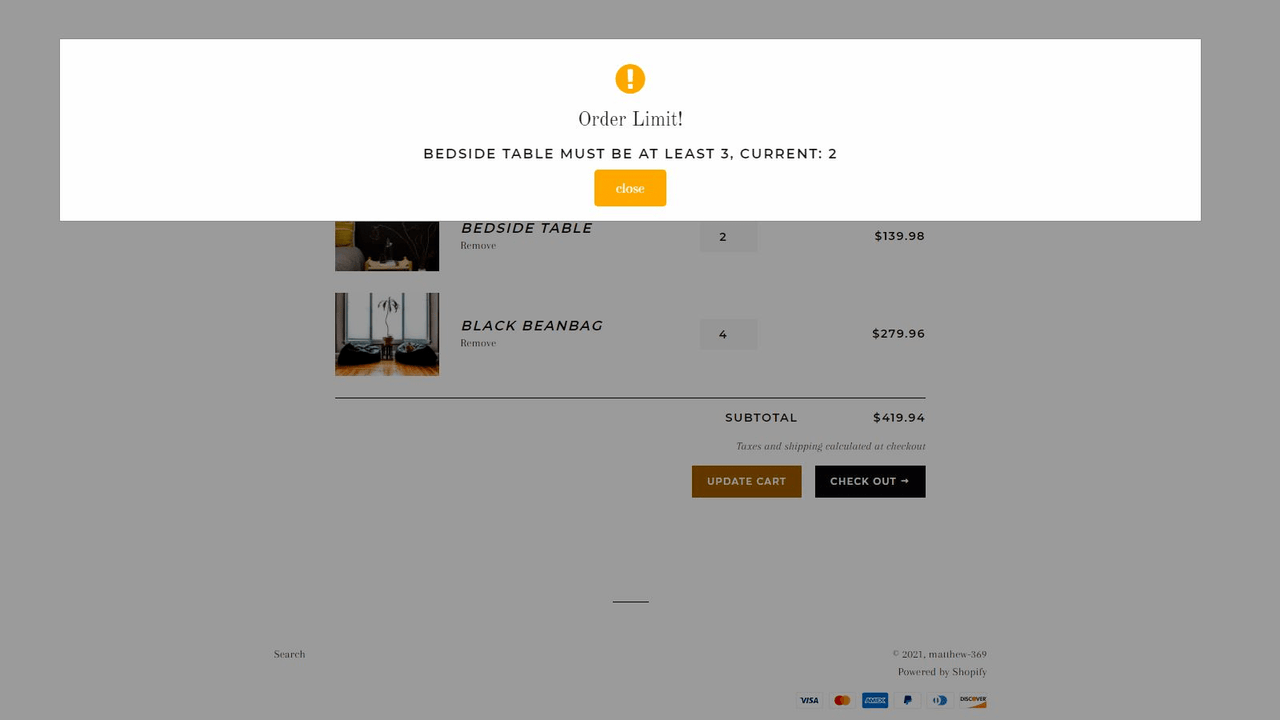
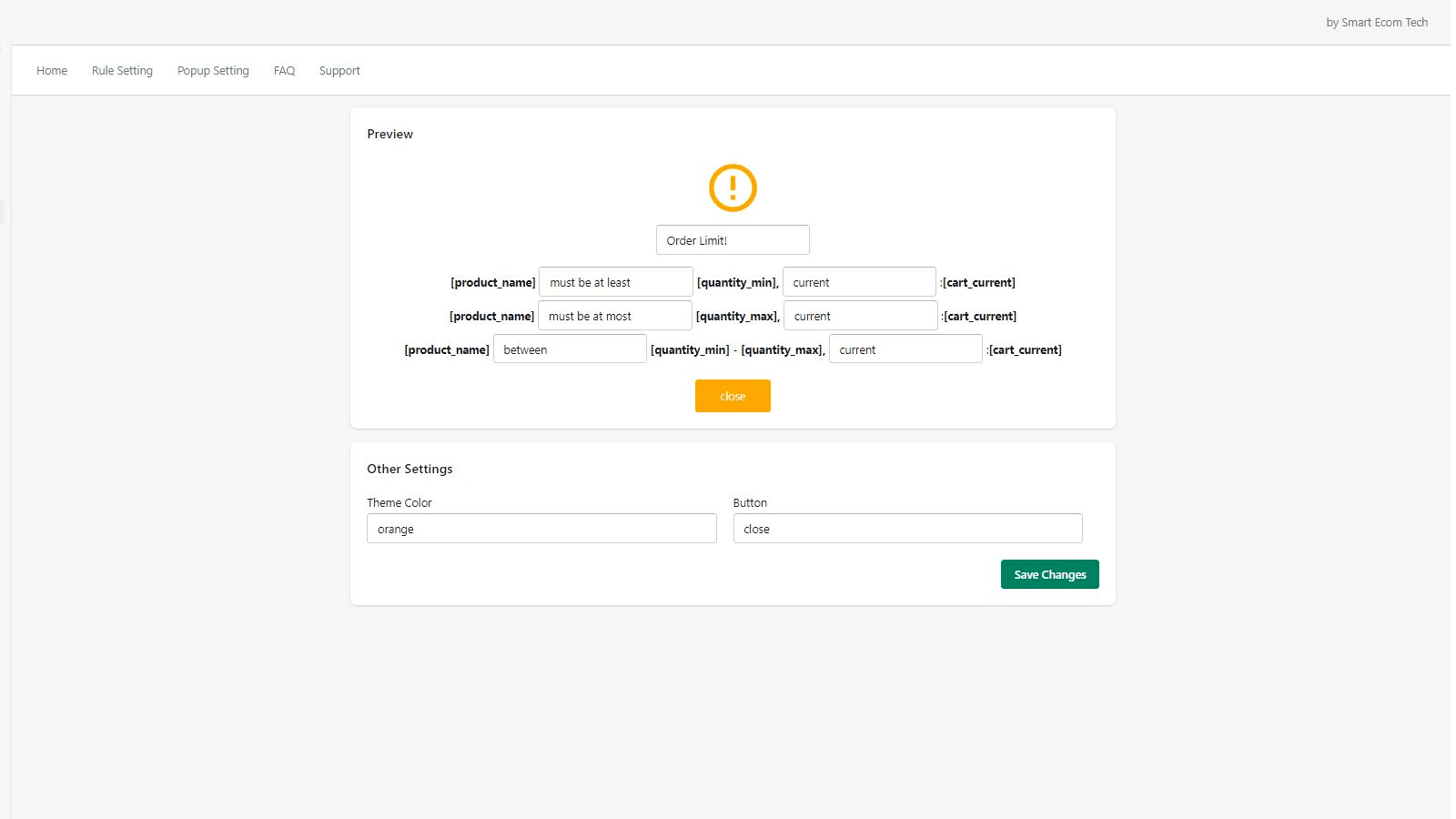
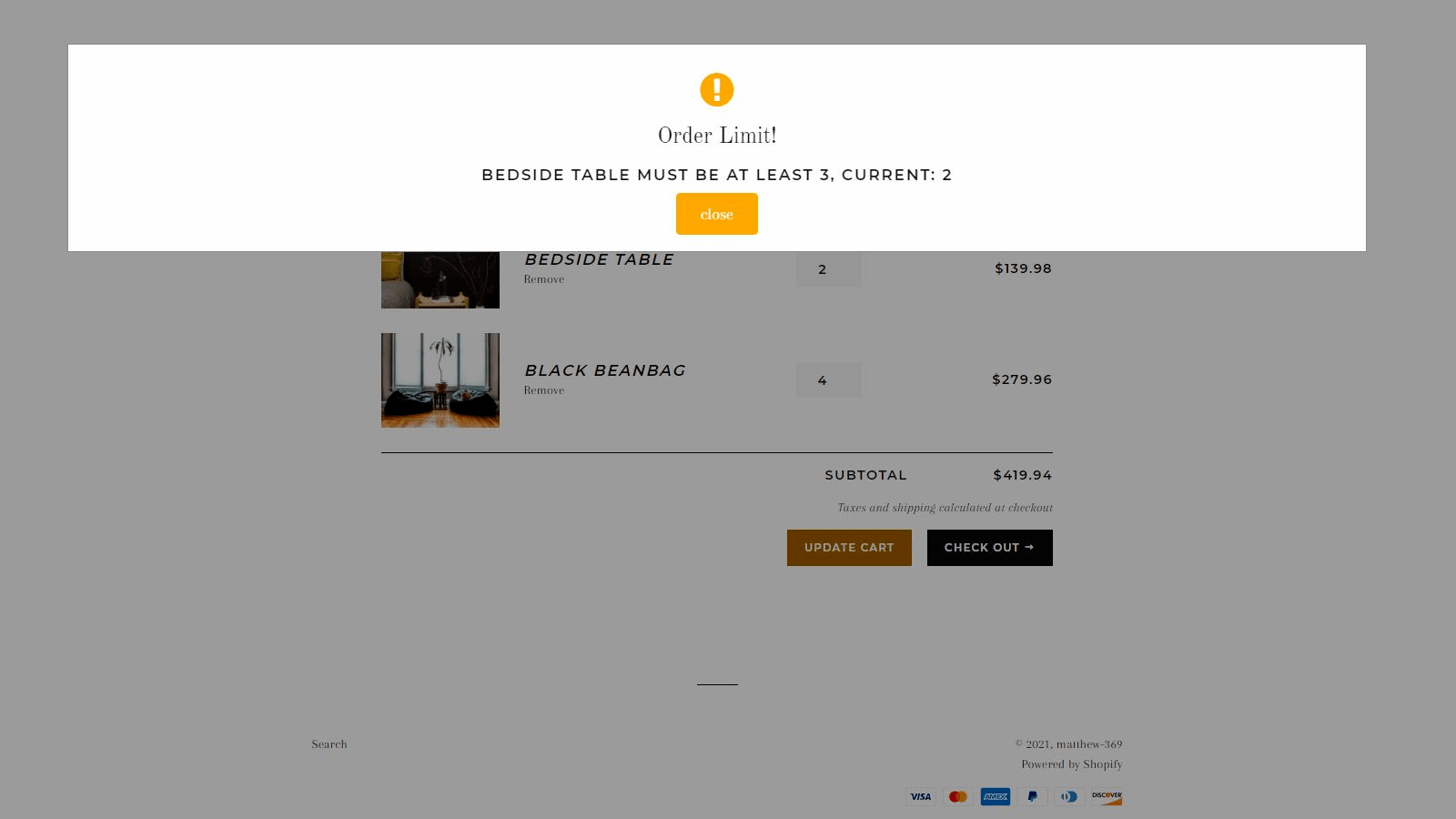
- customize the pop-up window’s content and design to match your store’s theme or language
Merchant-Friendly
- Independent Station Merchants
- Retail E-commerce Merchants
- Multilingual Cross-border Merchants
Basic Information
- Developer:Smart Ecom Tech
- Address:7391 Pacific Circle, Mississauga, ON, L5T 2A4, CA
- Price: Free / Free plan
- Rating:2 / 5
- Comment Count:4 comment
- Release Date:2021-8-2
- Supported languages:English
- Compatible products:Shopify
Application Screenshot




Price Plan
Free
Free Plan
User Location & Comments
User Location
Comments
Shopify API Used
- POST /admin/api/products/{product_id}/variants/{variant_id}.json
- PUT /admin/api/products/{product_id}/variants/{variant_id}.json
- GET /admin/api/products/{product_id}/variants.json
Permission:write_products,read_products,manage_inventory
- POST /admin/api/themes/{theme_id}/assets.json
- PUT /admin/api/themes/{theme_id}/assets.json
- GET /admin/api/themes/{theme_id}/assets.json
Permission:write_themes,read_themes,manage_shop_locale
- POST /admin/api/translations.json
- PUT /admin/api/translations/{translation_id}.json
- GET /admin/api/translations.json
Permission:write_translations,read_translations,manage_themes