
App Introduction
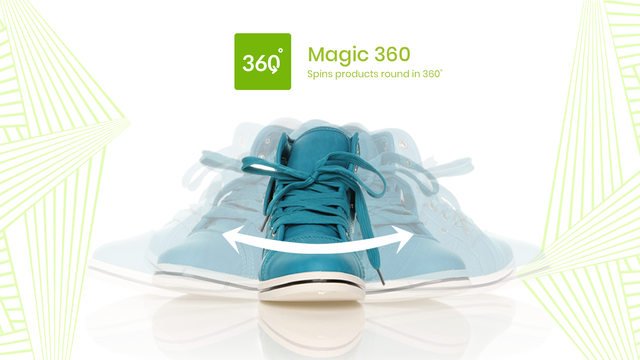
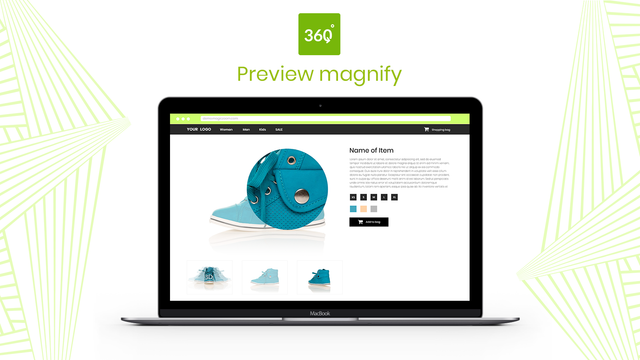
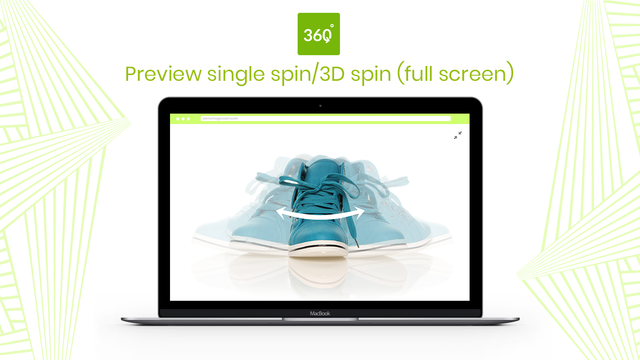
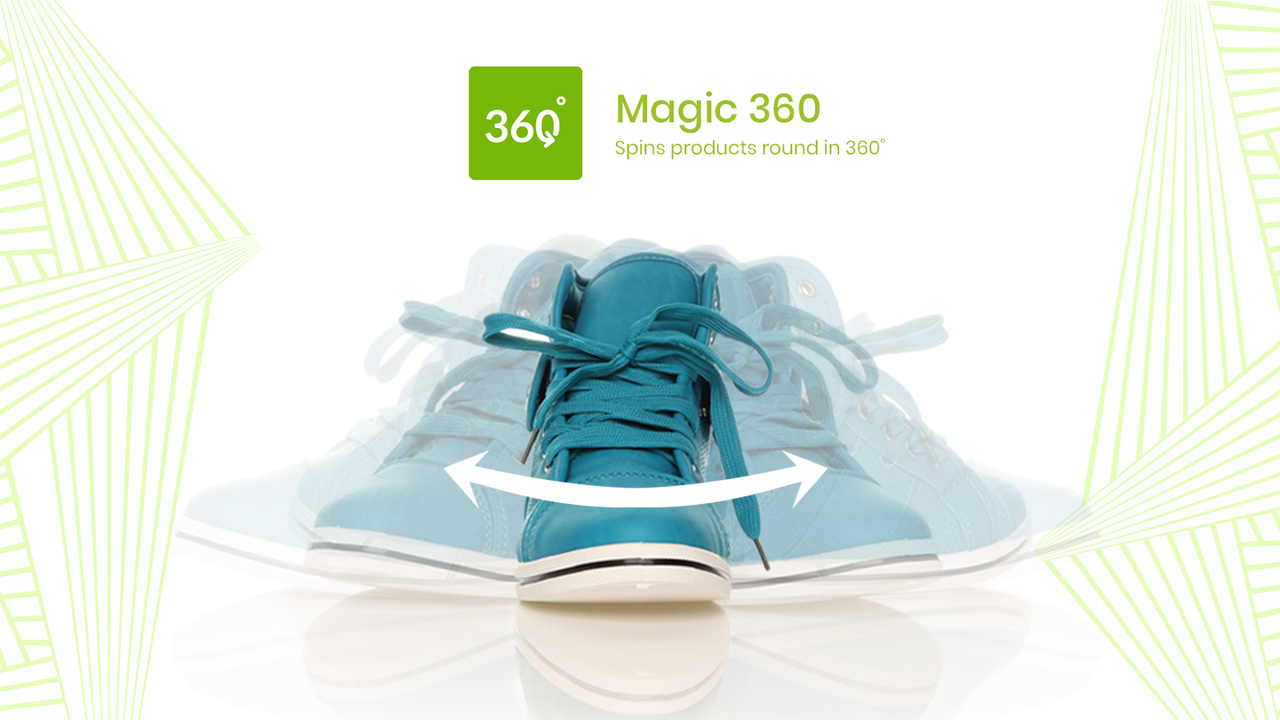
Showcase your products in 360° views. Boost customer confidence, increase sales, and reduce returns. Present every detail of your products to customers with 360° rotations. Shoppers can even zoom in and view in full screen. You’ll need a set of JPG photos capturing each angle—with your product slightly repositioned in each shot to create the 360° effect. We recommend images with a width of 1200px to 1500px; these large visuals deliver stunning rotation, zoom, and full-screen experiences. Magic 360 works seamlessly on iPads, iPhones, and most Android devices, so your customers can explore your products anytime, anywhere.
Core Functionality
- Display a static image next to the 360° rotation view.
- Magic 360 works with any Shopify theme.
- Easily customize options like speed and auto-rotation on the app settings page.
Merchant-Friendly
- Independent Station Merchants
- 3C Digital Merchants
- Home Furniture Merchants
- Fashion Apparel Merchants
Basic Information
- Developer:Magic Toolbox
- Address:9 Cowley Road, Oxford, ENG, OX4 1HP, GB
- Price: Free / Free plan
- Rating:4.3 / 5
- Comment Count:32 comment
- Release Date:2012-9-7
- Supported languages:English
- Compatible products:Shopify
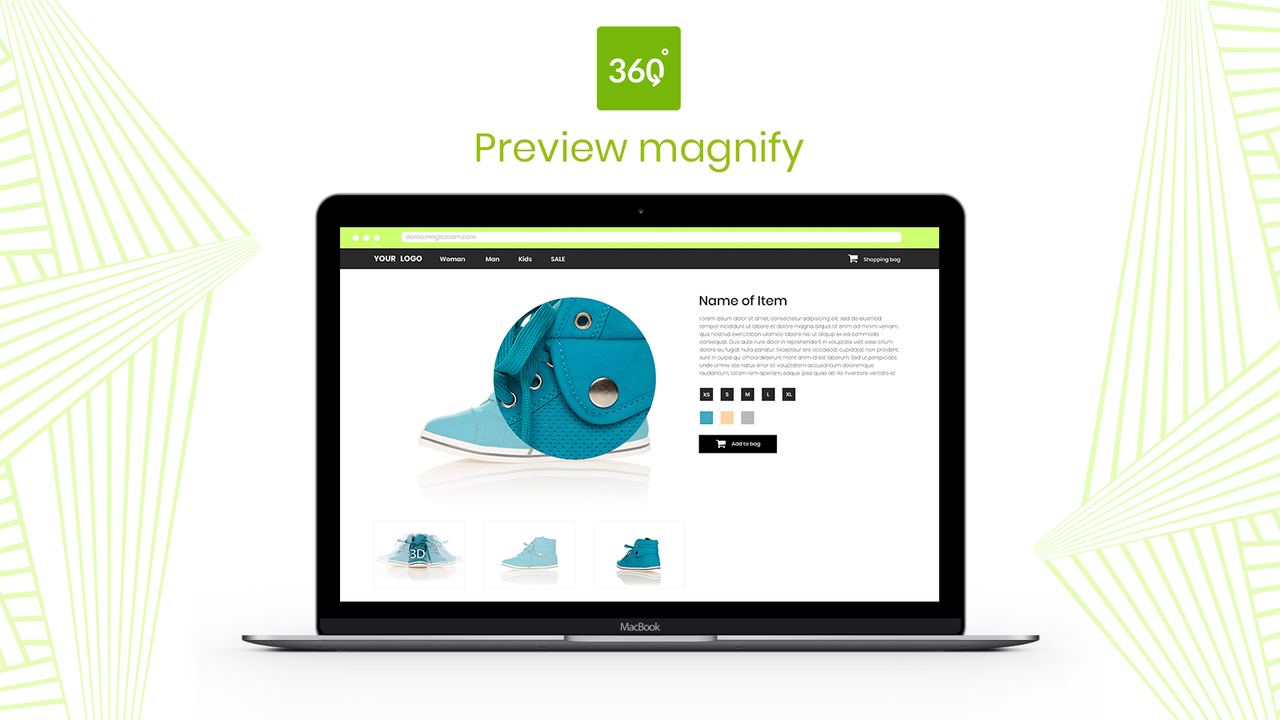
Application Screenshot


Price Plan
一次性收费
User Location & Comments
User Location
Comments
Shopify API Used
- POST /admin/api/products/{product_id}/metafields.json
- PUT /admin/api/products/{product_id}/metafields/{metafield_id}.json
- GET /admin/api/products/{product_id}/metafields.json
Permission:write_products,read_products,manage_metafields
- GET /admin/api/themes.json
- POST /admin/api/themes/{theme_id}/assets.json
- PUT /admin/api/themes/{theme_id}/assets.json
Permission:read_themes,write_themes,manage_assets
- POST /admin/api/apps/{app_id}/settings.json
- PUT /admin/api/apps/{app_id}/settings/{setting_id}.json
- GET /admin/api/apps/{app_id}/settings.json
Permission:write_apps,read_apps,manage_app_settings



