
App Introduction
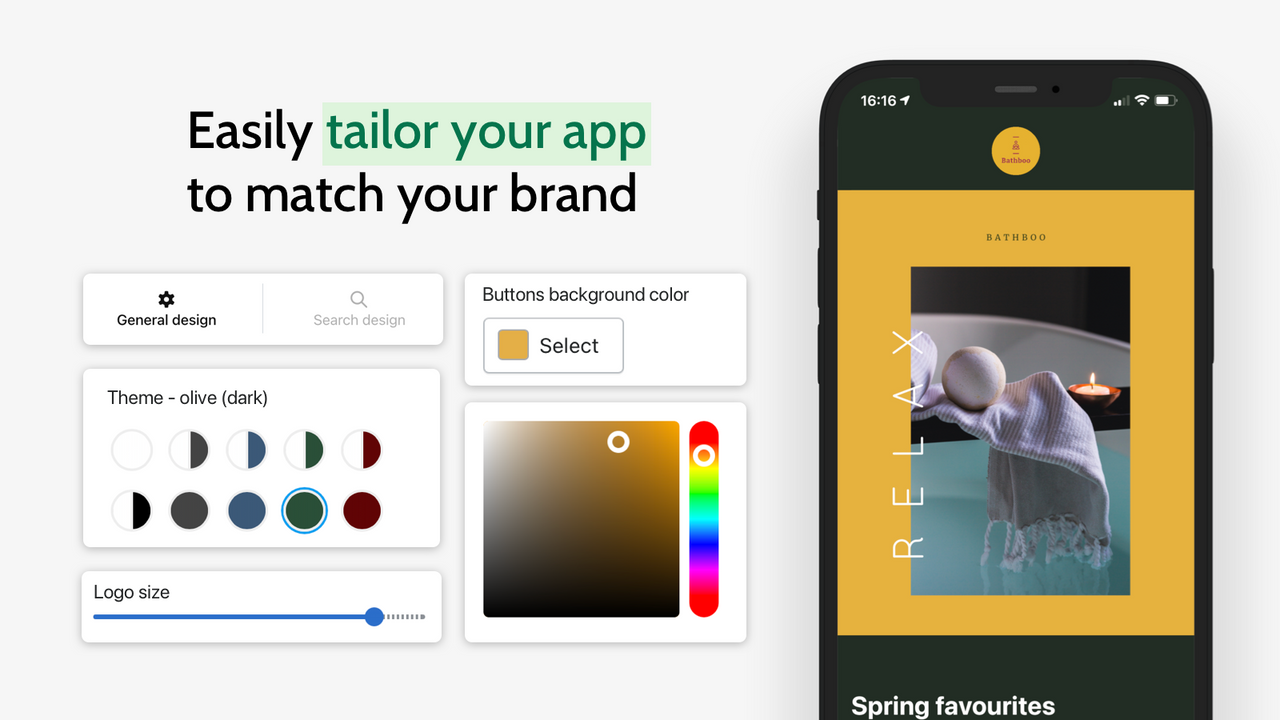
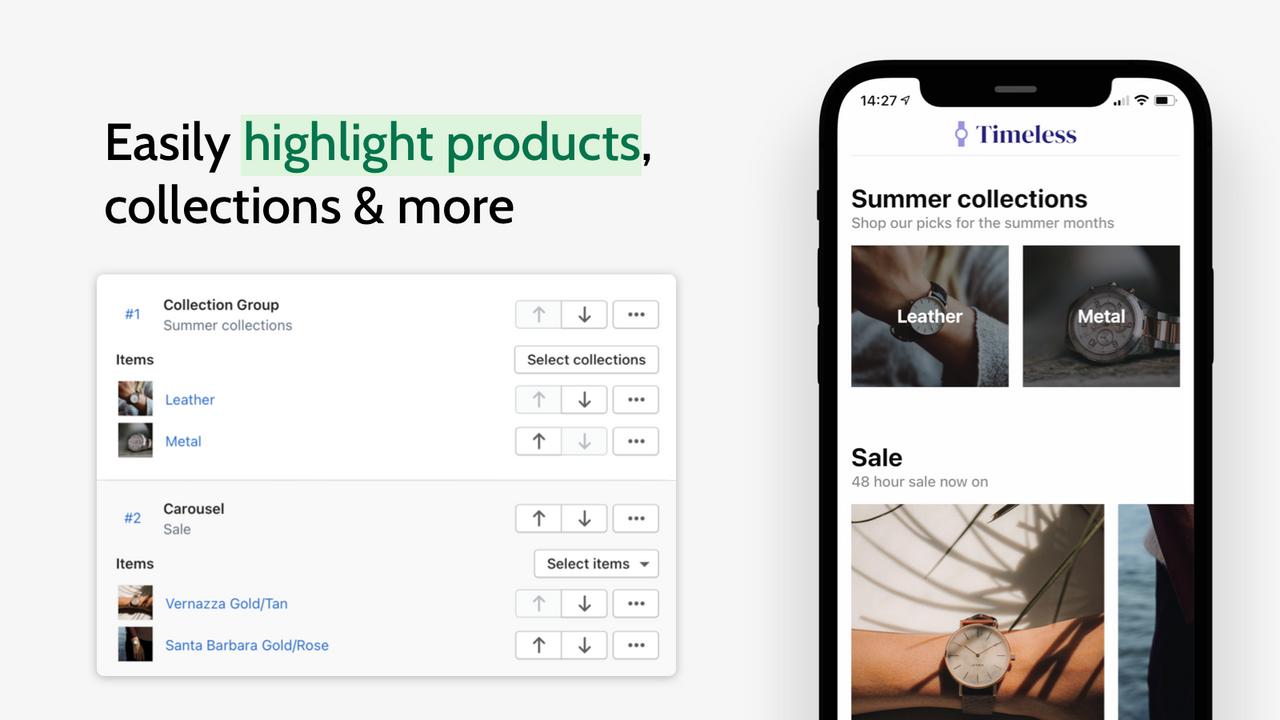
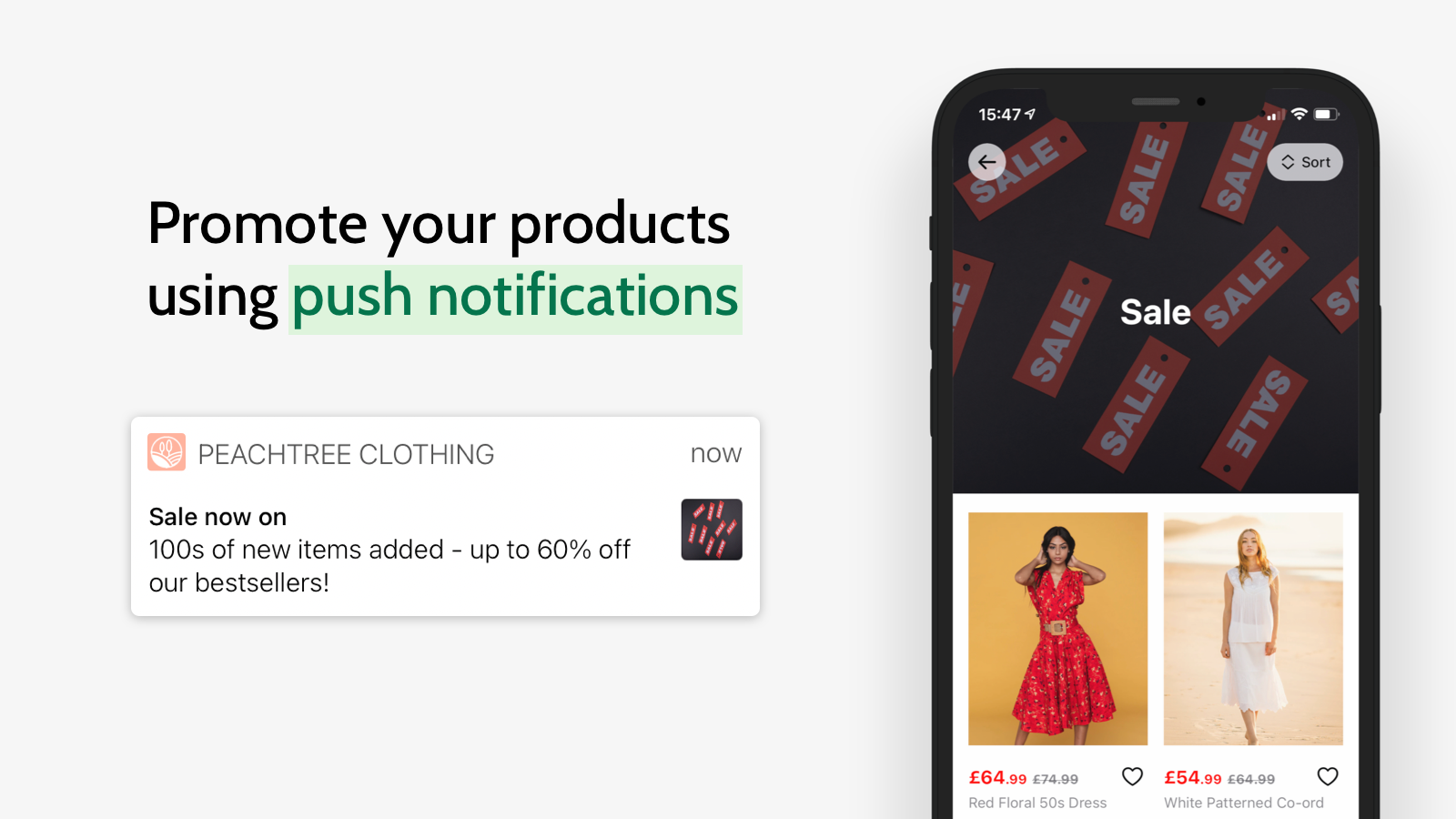
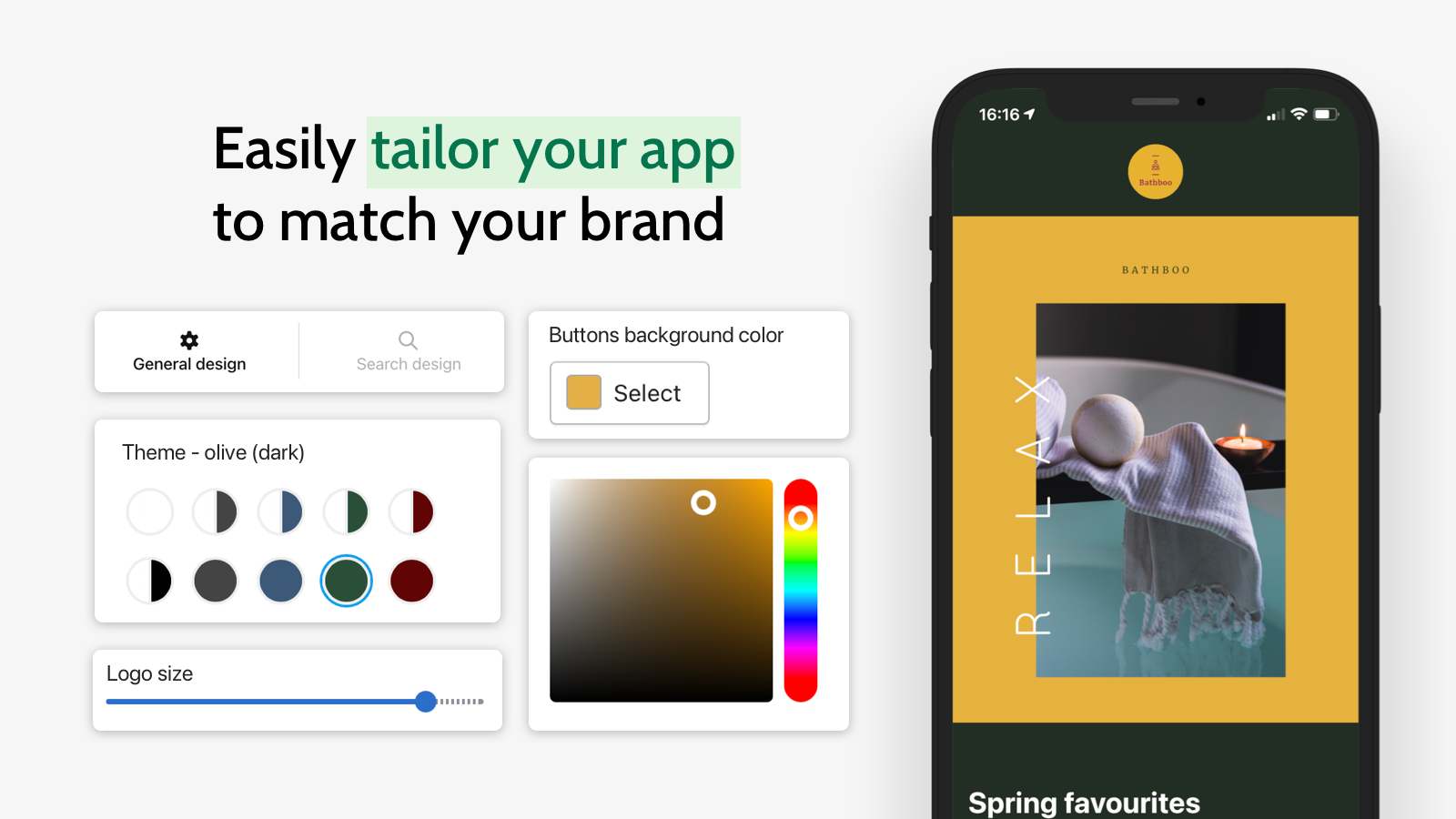
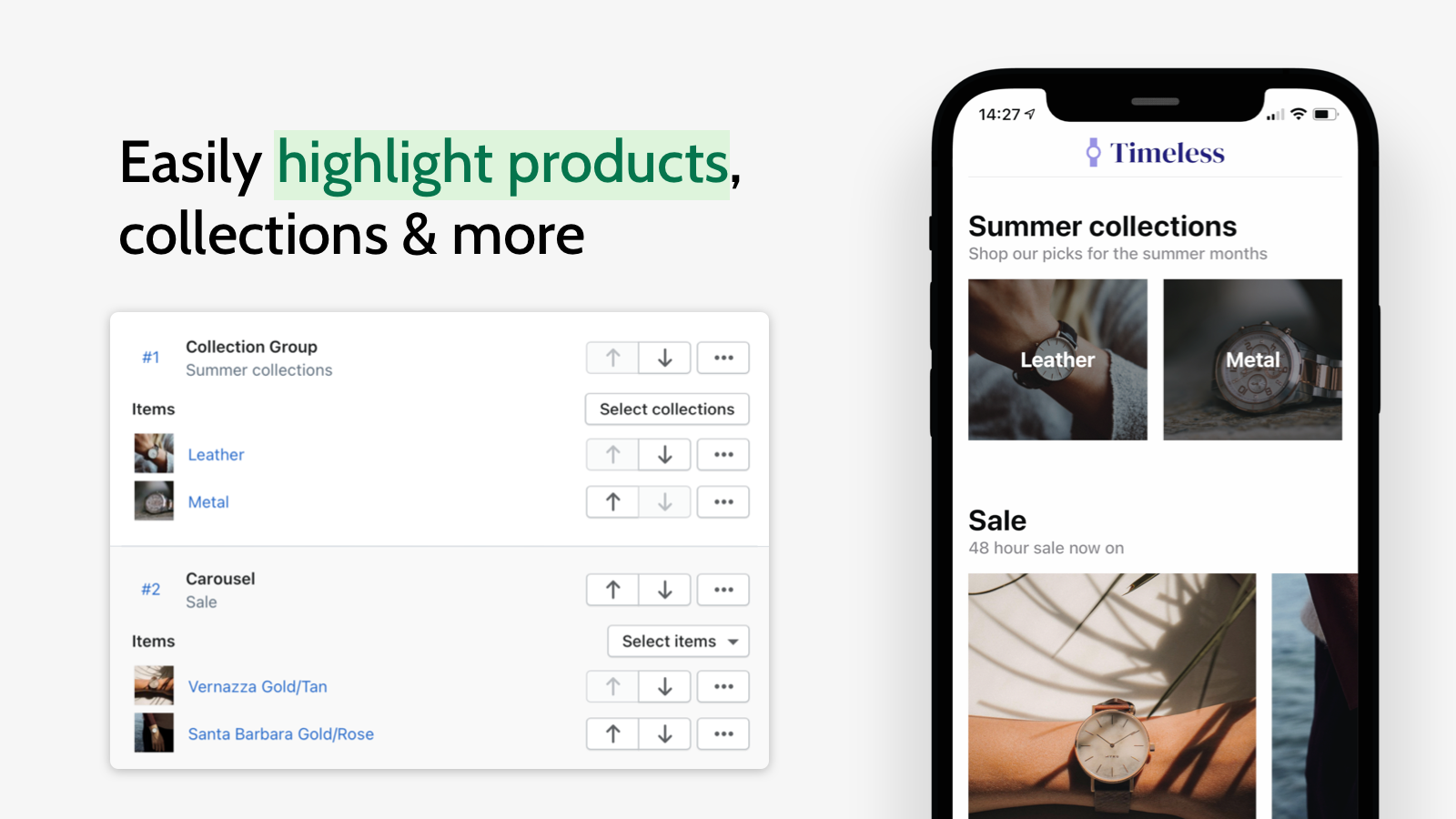
Launch your store on the HighStreet Marketplace app without writing a single line of code. Simply design your store, and HighStreet will display it instantly within the app. You can leverage all the features the mobile app offers—like reaching your customers via push notifications to maximize sales—without registering or managing your own Apple Developer Account. HighStreet makes customizing your store easy: choose a theme that matches your brand and showcase any product or collection in your store.
Core Functionality
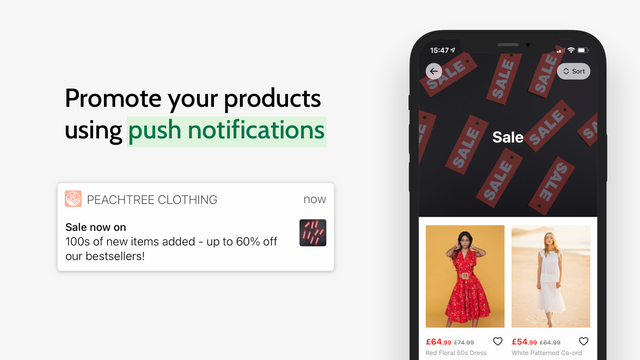
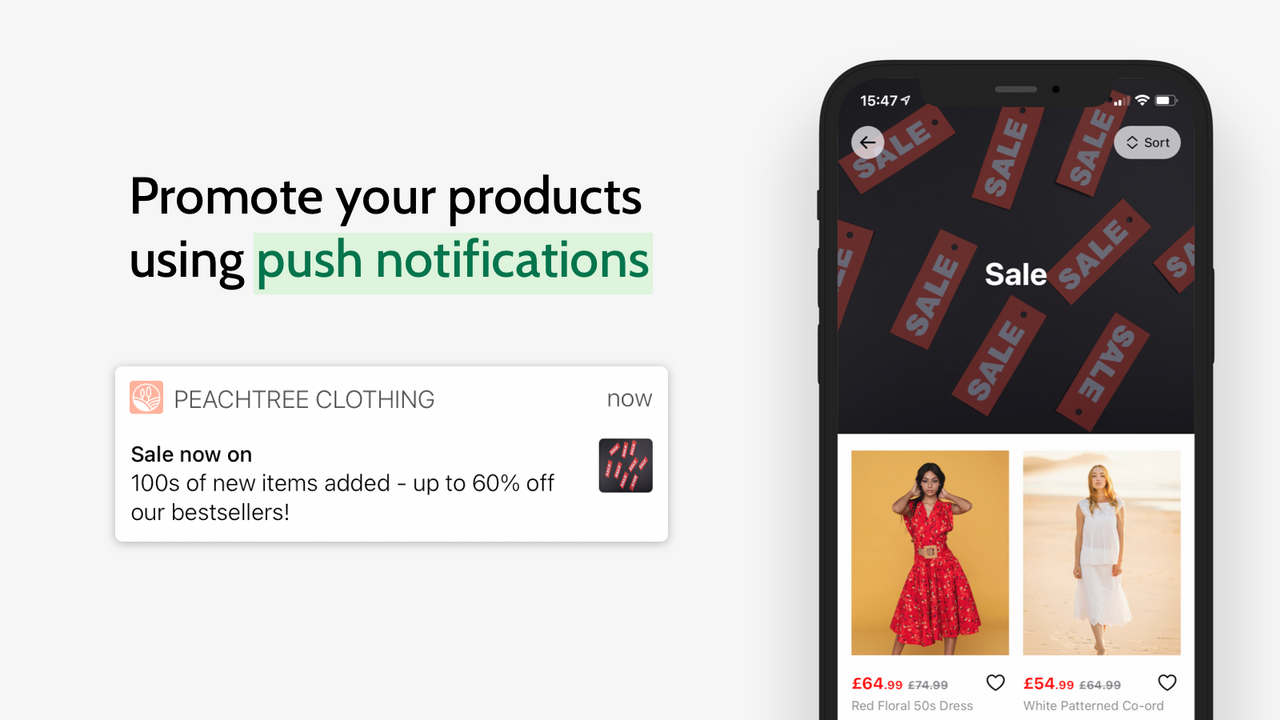
- Push Notifications - Boost sales with push notifications
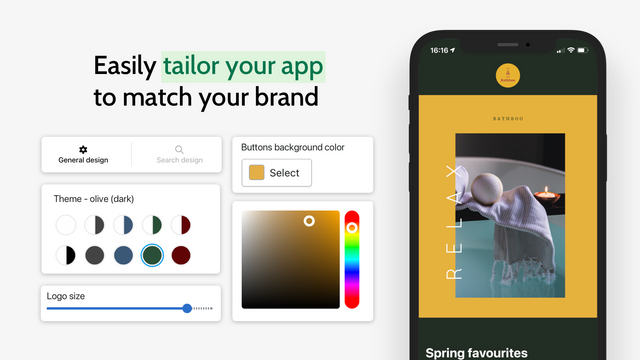
- Customize Appearance - Choose your theme and style in HighStreet
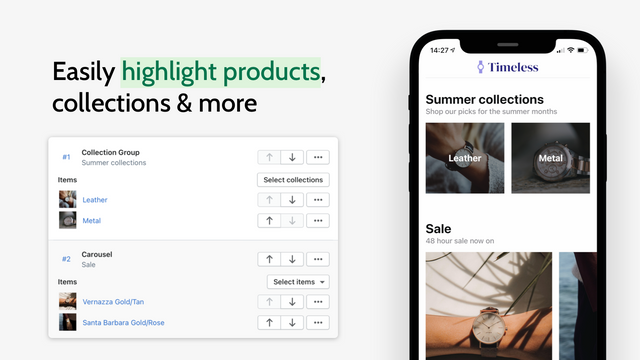
- Showcase Your Products & Collections - Promote items to increase sales
- No Apple Developer Account Required - Launch instantly in HighStreet
- Live Preview - View changes in real time as you make them
Merchant-Friendly
- Independent Station Merchants
- Retail E-commerce Merchants
- Multi-category E-commerce
- Small & Medium E-commerce
Basic Information
- Developer:Madefresh
- Address:Liverpool, ENG, GB
- Price: Free / Free plan
- Rating:0 / 5
- Comment Count:0 comment
- Release Date:2021-6-24
- Supported languages:English
- Compatible products:Shopify
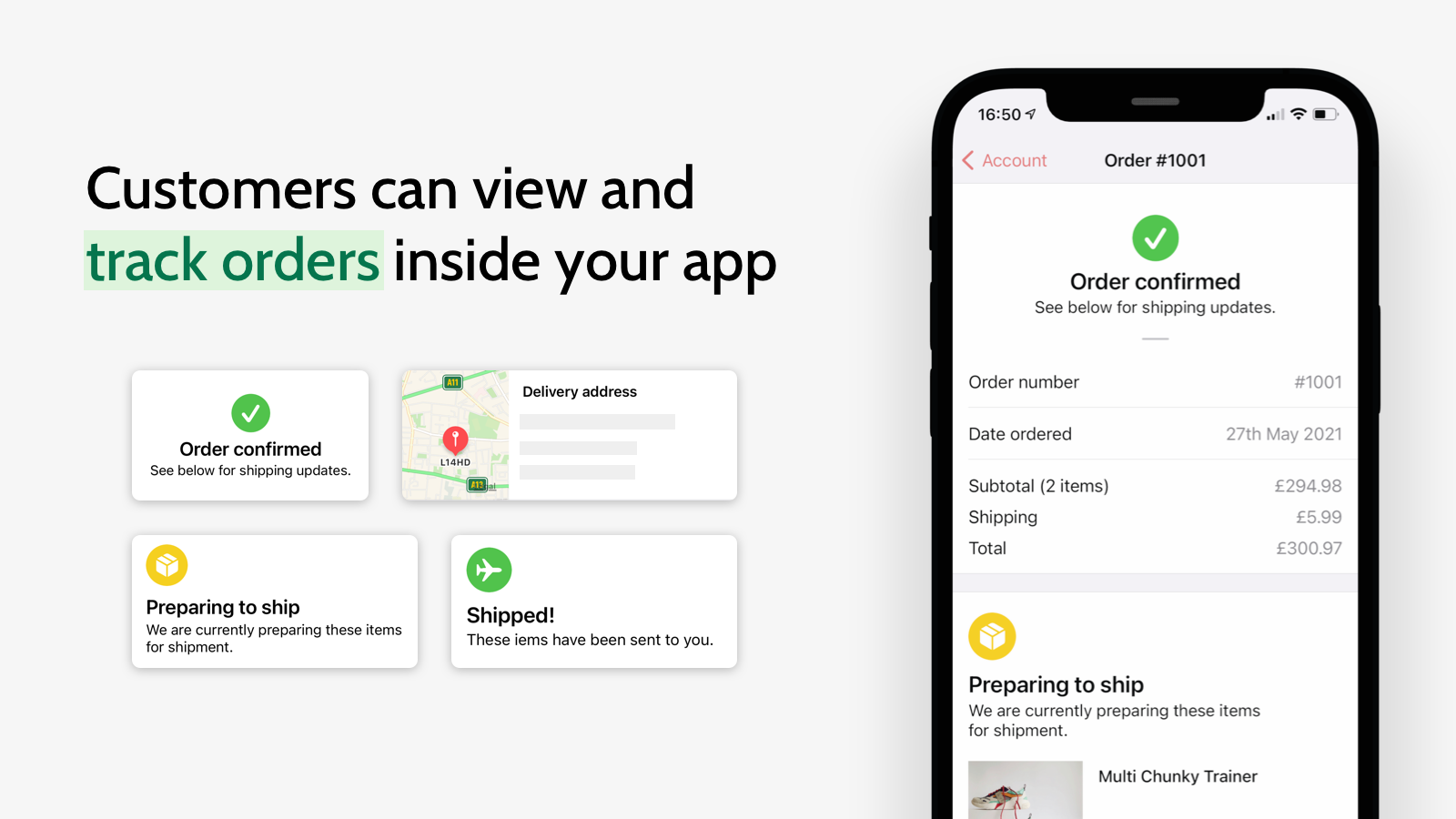
Application Screenshot


Price Plan
Basic
- Display in HighStreet iOS App
- Unlimited Push Notifications
- Instant App Updates
- Add Up to 50 Home Tab Components
- Support Liquid Glass in iOS 26
User Location & Comments
User Location
Comments
Shopify API Used
- POST /admin/api/notifications/push.json
- GET /admin/api/notifications/push.json
- PUT /admin/api/notifications/push/{id}.json
Permission:write_notifications,read_notifications,manage_shop
- POST /admin/api/themes/{theme_id}/settings.json
- GET /admin/api/themes.json
- PUT /admin/api/themes/{theme_id}/assets.json
Permission:write_themes,read_themes,manage_shop
- POST /admin/api/collections.json
- GET /admin/api/collections/{id}/products.json
- PUT /admin/api/collections/{id}.json
Permission:write_products,read_products,manage_collections
- POST /admin/api/apps/{app_id}/launch.json
- GET /admin/api/apps/installed.json
- PUT /admin/api/shop/settings/launch.json
Permission:write_shop,read_shop,manage_apps
- POST /admin/api/preview/session.json
- GET /admin/api/preview/{session_id}.json
- PUT /admin/api/preview/settings.json
Permission:read_themes,read_shop,manage_previews



