
App Introduction
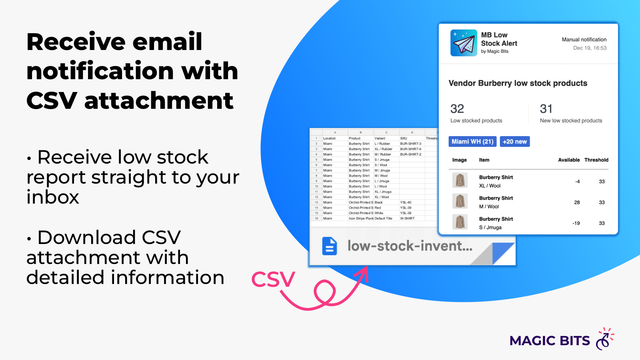
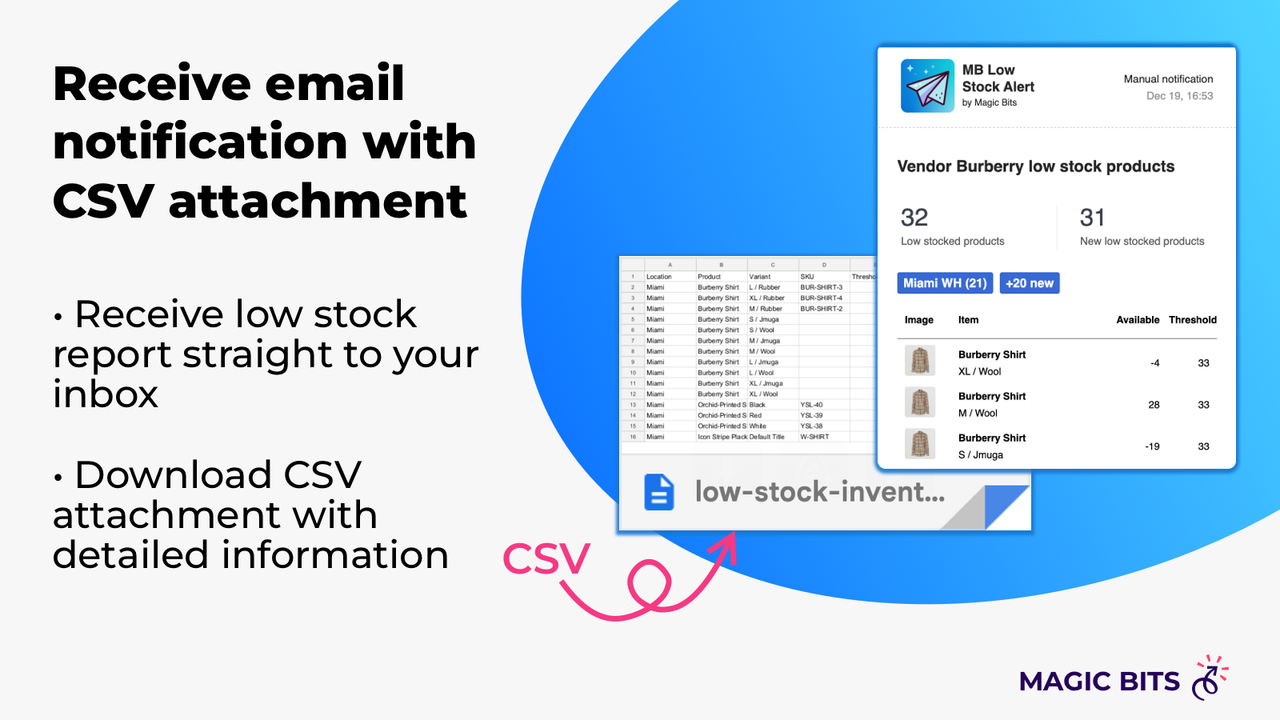
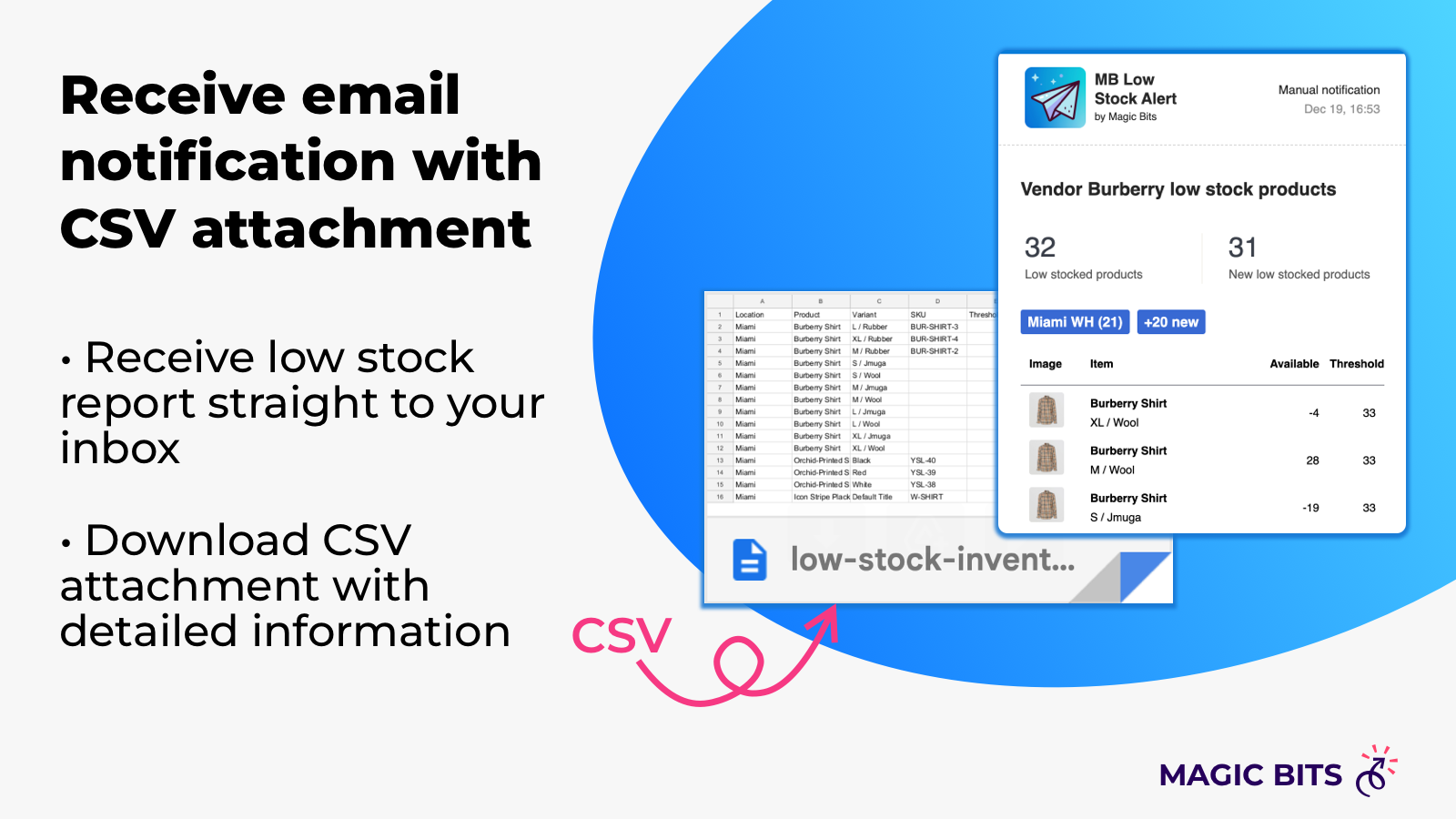
Master Low-Stock Products – Set up alerts in seconds to manage inventory more efficiently! Don’t miss sales opportunities – don’t let low-stock items slip through the cracks. This app helps merchants easily and quickly automate low-stock alerts, and keeps the entire team informed about new low-stock products via email. Receive email notifications for inventory levels at or below your selected threshold, based on your preferred schedule.
Core Functionality
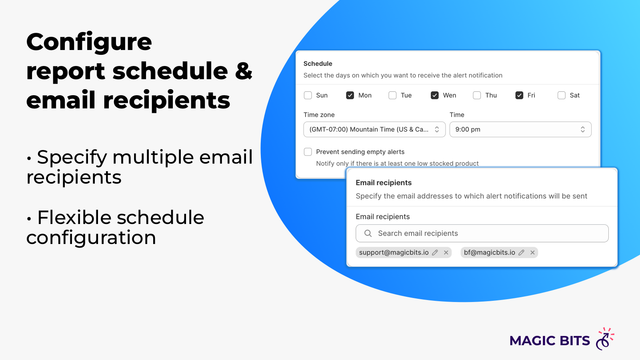
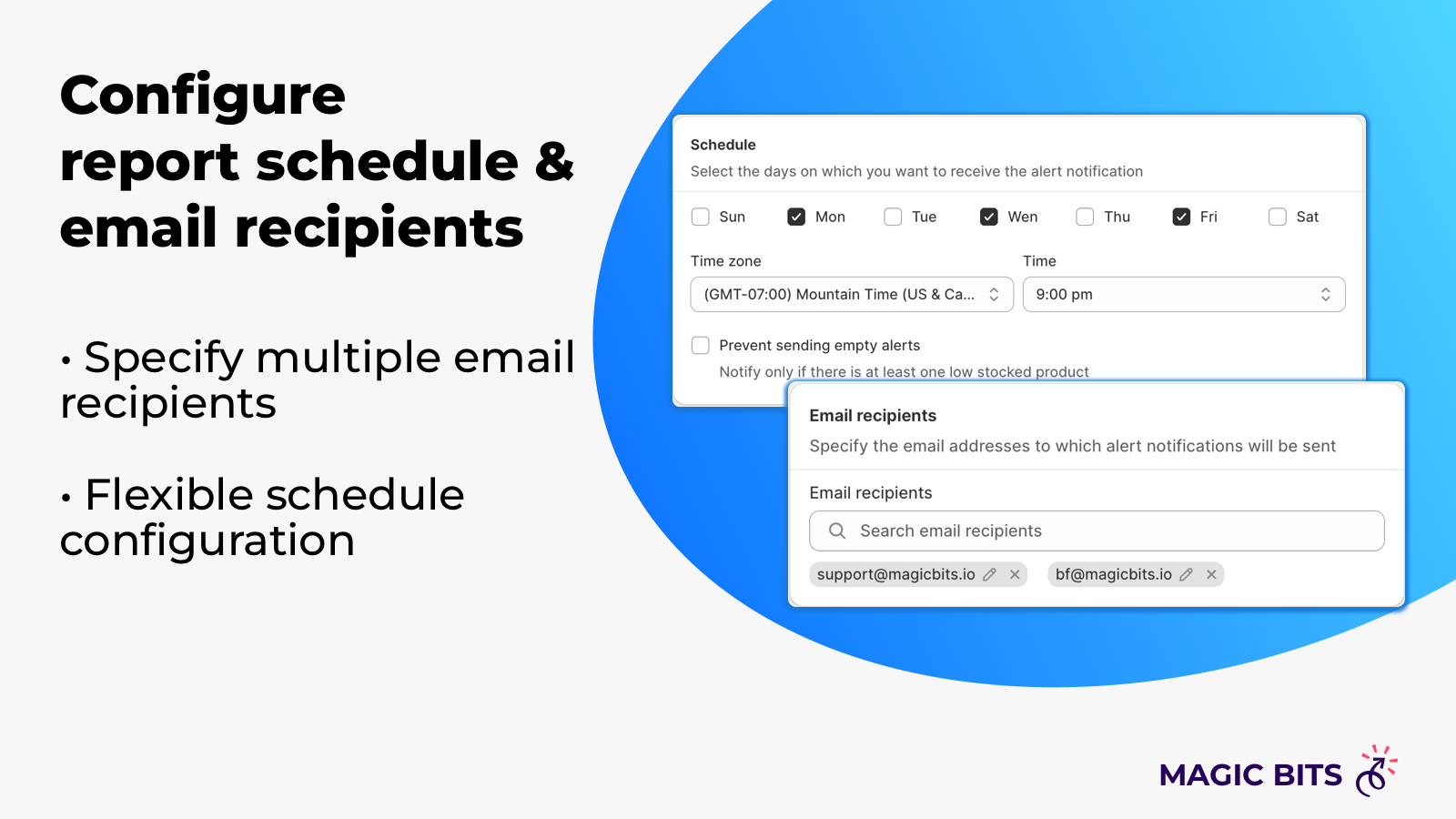
- Receive daily/weekly notifications based on your configured schedule
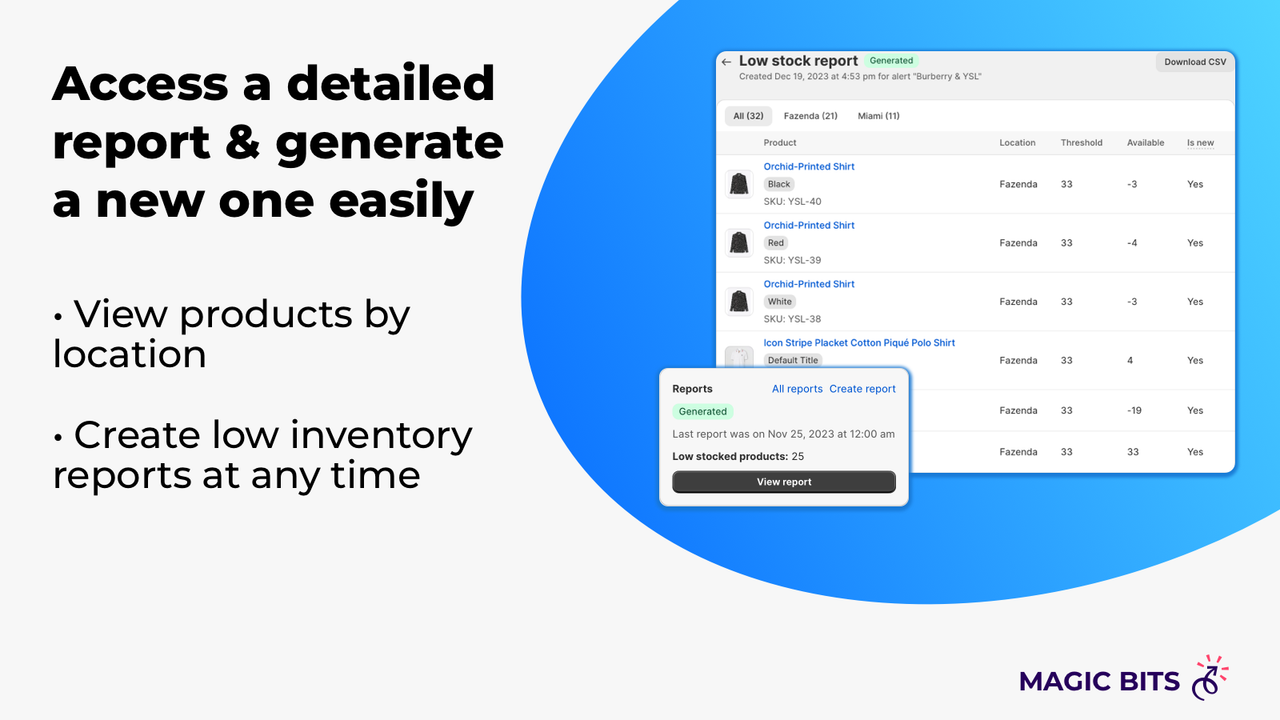
- Location-based alerts – only track low stock for specified locations
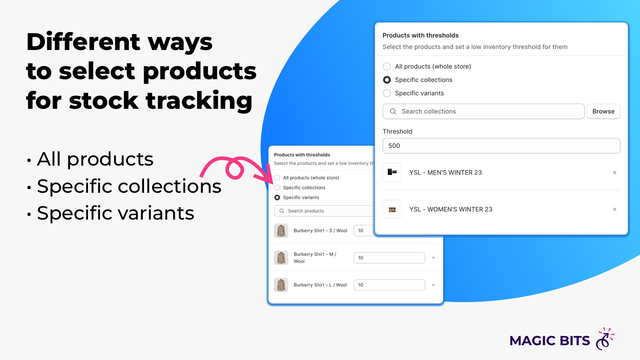
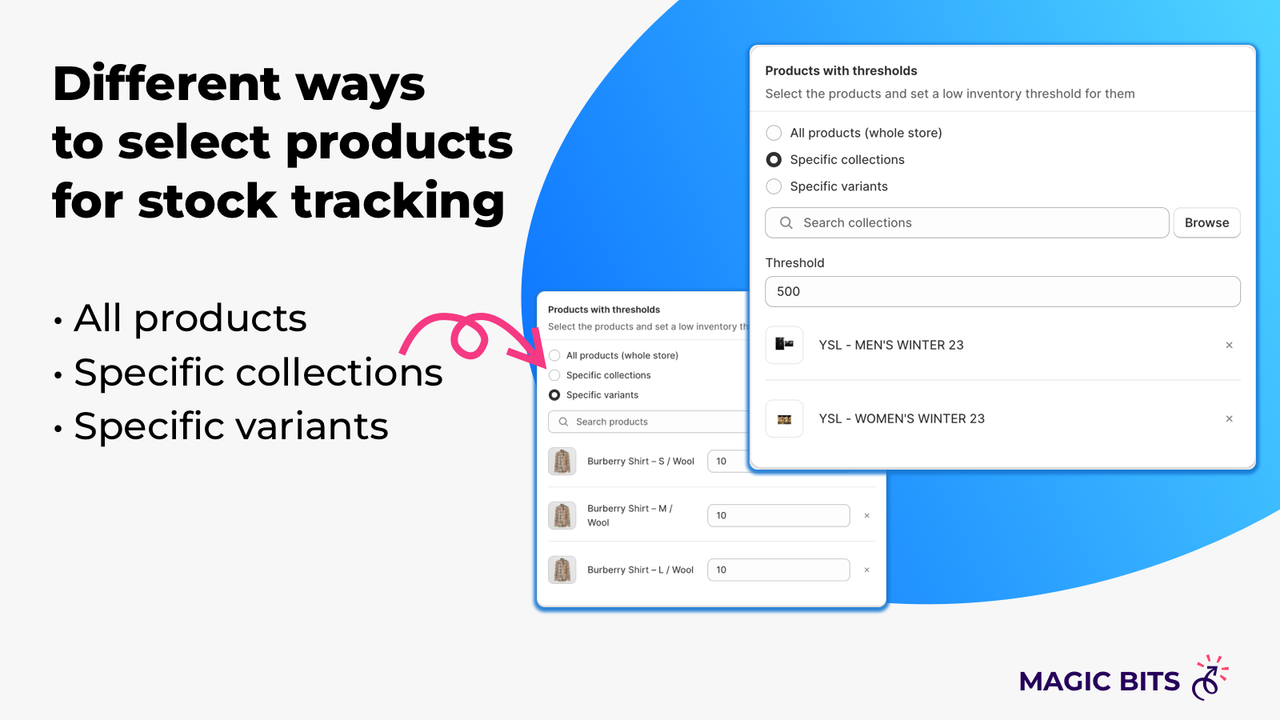
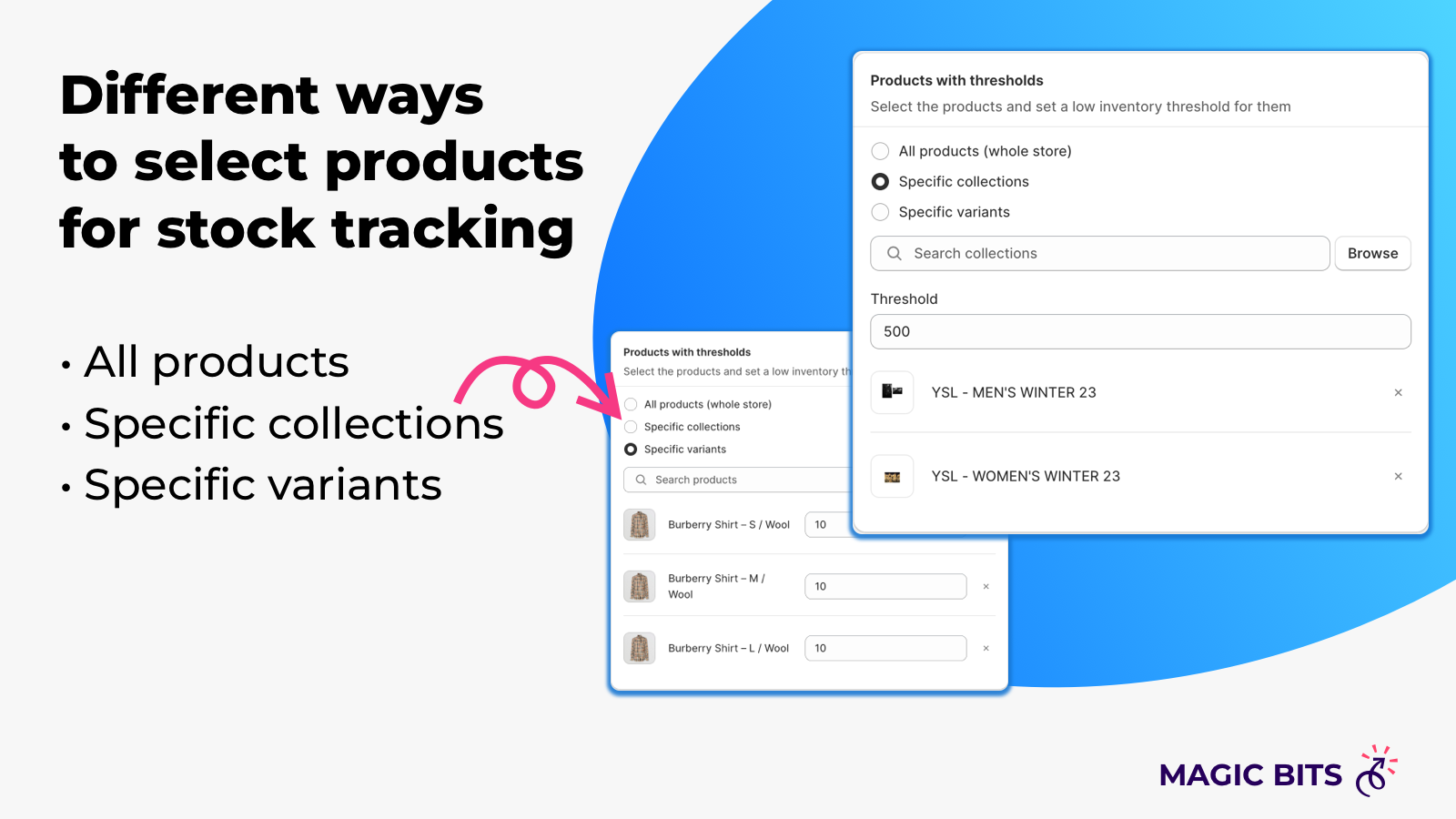
- Create alerts for variants, collections, or all products. Stock alerts
- Send alerts to multiple recipients to stay aligned with your team
- Adjust thresholds individually for each product or use convenient bulk actions
Merchant-Friendly
- Multi-category E-commerce Merchants
- Independent Retail Merchants
- Multi-location Inventory Merchants
- Team-collaborative E-commerce
Basic Information
- Developer:Magic Bits
- Address:Nairi Zaryan Street, 22A, Yerevan, 0051, AM
- Price: Free / Free plan
- Rating:5 / 5
- Comment Count:4 comment
- Release Date:2023-1-2
- Supported languages:English
- Compatible products:Shopify
Application Screenshot



Price Plan
Free
- Develop and Test Stores
Essential
- 5,00 tracked products (SKUs)
- 3 alerts
- 2 email recipients per alert
- Unlimited locations
Pro
- 10,000 tracked products (SKUs)
- 15 alerts
- 3 email recipients per alert
- Unlimited locations
- CSV reports
- Advanced alert configuration
Ultra
- 100,00 Tracked Products (SKUs)
- 50 Alerts
- 5 Email Recipients Per Alert
- Unlimited Locations
- CSV Reports
- Advanced Alert Configuration
User Location & Comments
User Location
Comments
Shopify API Used
- POST /admin/api/alert_subscription.json
- PUT /admin/api/alert_subscription/{id}.json
- GET /admin/api/alert_subscription.json
Permission:write_alert_subscription,read_alert_subscription,manage_notifications
- POST /admin/api/location_inventory_alert.json
- PUT /admin/api/location_inventory_alert/{id}.json
- GET /admin/api/location_inventory_alert.json
Permission:write_inventory,read_inventory,manage_locations
- POST /admin/api/inventory_alert.json
- PUT /admin/api/inventory_alert/{id}.json
- GET /admin/api/inventory_alert.json
Permission:write_inventory,read_inventory,manage_products
- POST /admin/api/alert_recipient.json
- PUT /admin/api/alert_recipient/{id}.json
- GET /admin/api/alert_recipient.json
Permission:write_alert_recipient,read_alert_recipient,manage_notifications
- PUT /admin/api/inventory_alert/batch.json
- POST /admin/api/inventory_alert/{id}/threshold.json
- GET /admin/api/inventory_alert/threshold.json
Permission:write_inventory,read_inventory,manage_products