
Low Inventory Alert Guru
by AppScoped · Category: Inventory Optimization
Free Plan
Built for Shopify
App Introduction
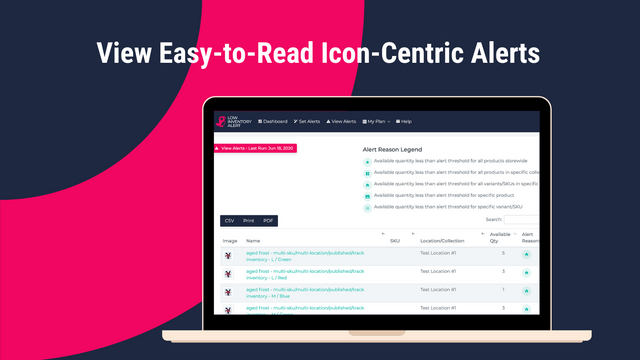
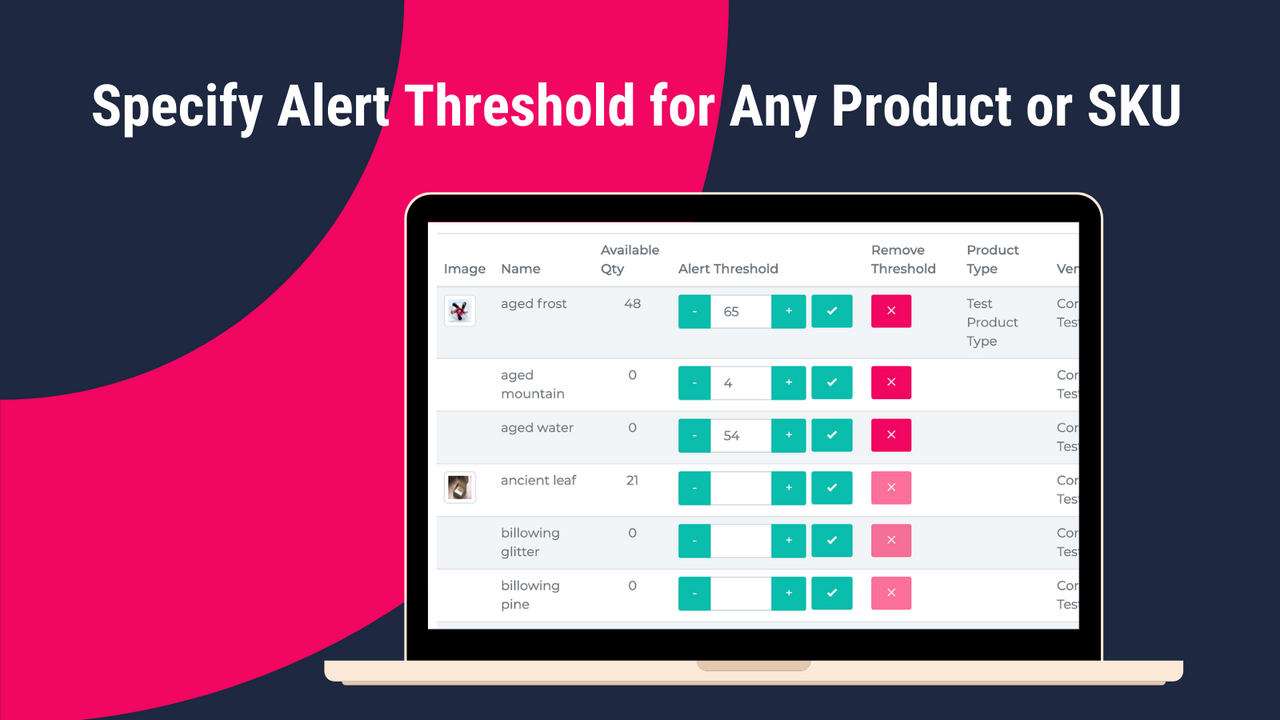
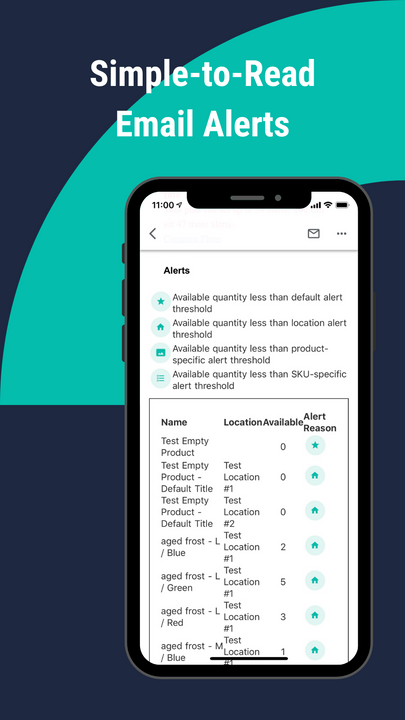
Set up low-stock alerts in seconds to manage your inventory more effectively Easy to use. No coding required. No script installation. No rule configuration. Automatically receive notifications when inventory levels drop below your set thresholds. You can send alerts to one or multiple email addresses. Emails can also include a CSV file, making it easy to identify products that need your attention.
Core Functionality
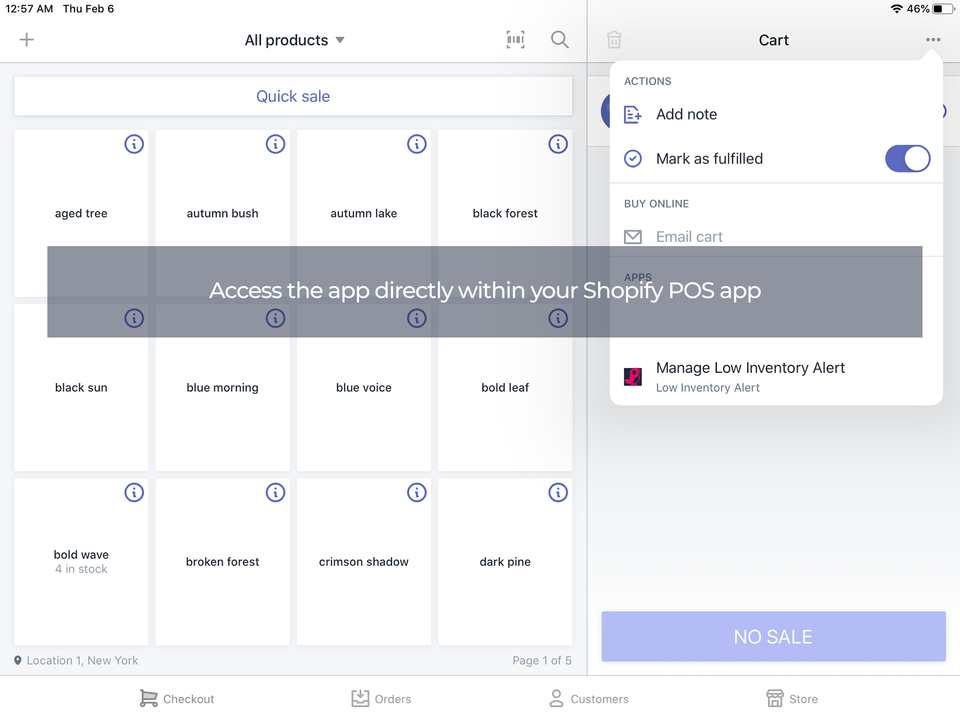
- Track low stock across all Shopify locations, including POS and warehouses
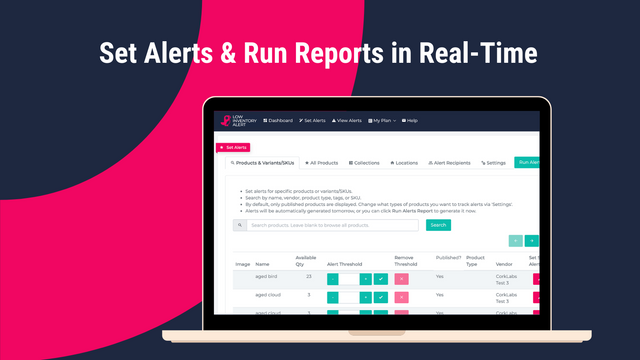
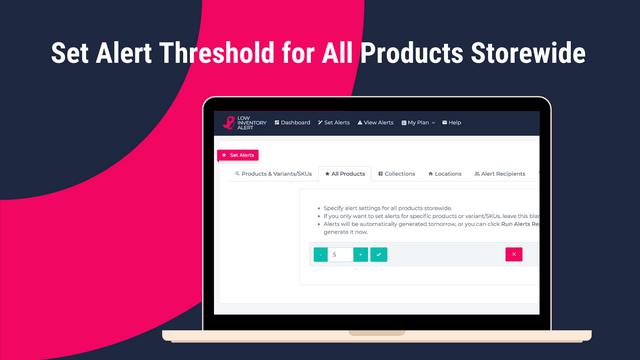
- Set up alerts by product, variant, location, or the entire store
- Create alerts without complex rules. No coding required
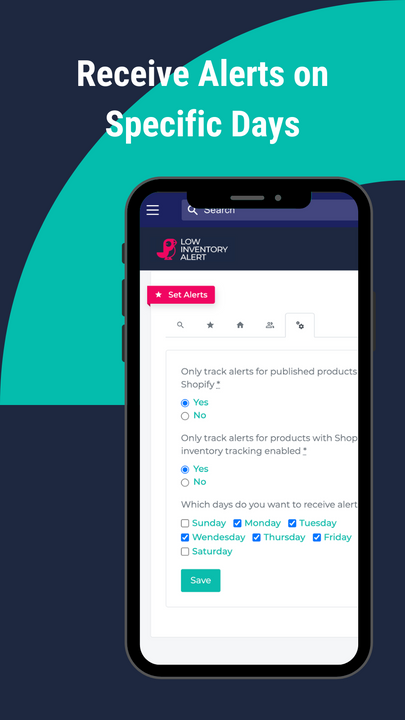
- Run reports on demand or schedule them. Set up alerts in bulk.
- Send alerts to multiple recipients whenever you need
Merchant-Friendly
- Offline Retail Merchants
- Multi-channel E-commerce
- Warehouse-based Merchants
- Small & Medium Independent Stores
Basic Information
- Developer:Cork Labs
- Address:8401 Mayland Dr, Ste A, Richmond, VA, 23294, US
- Price: Free / Free plan
- Rating:5 / 5
- Comment Count:9 comment
- Release Date:2020-2-14
- Supported languages:English
- Compatible products:Shopify
Application Screenshot



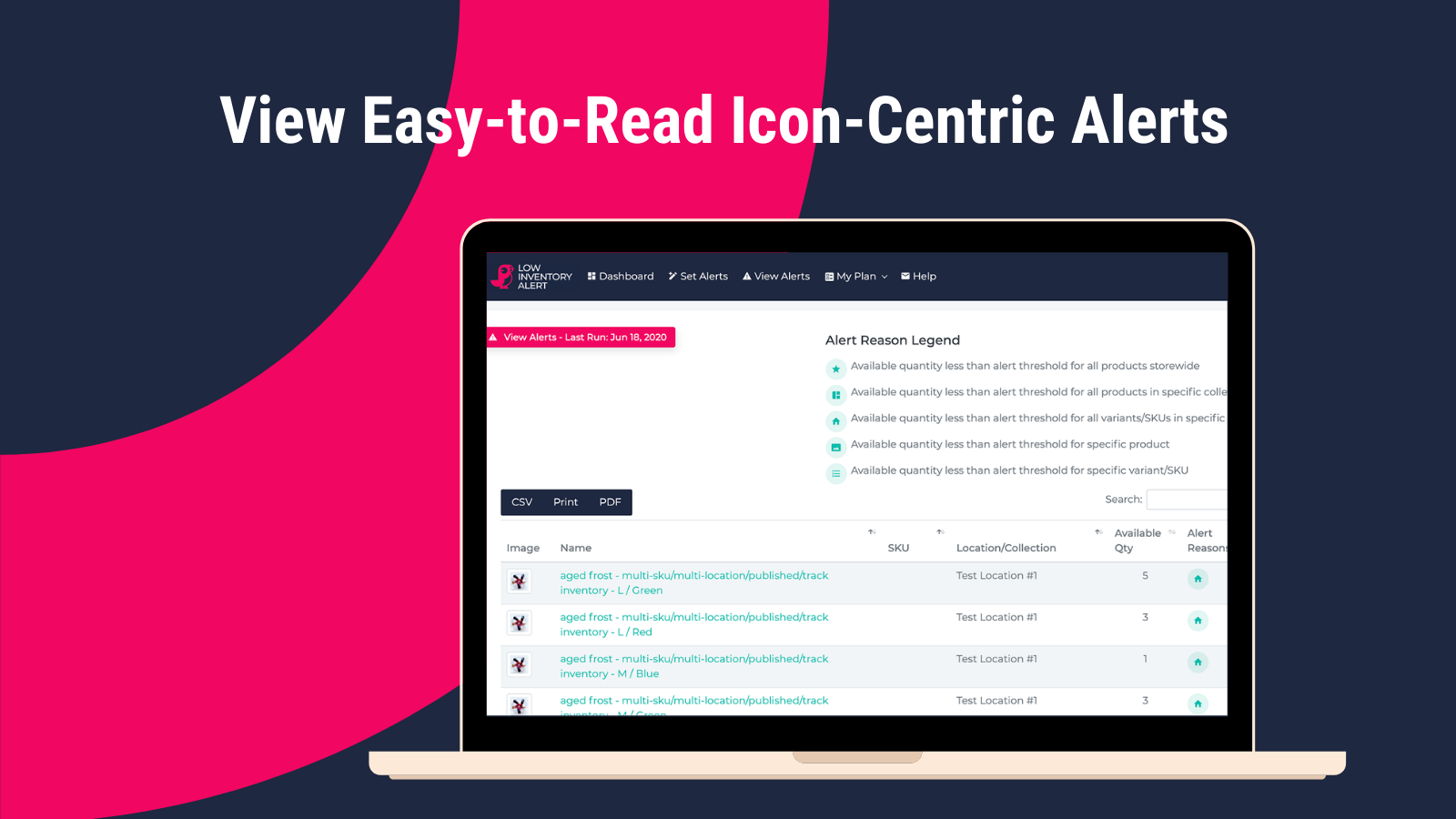
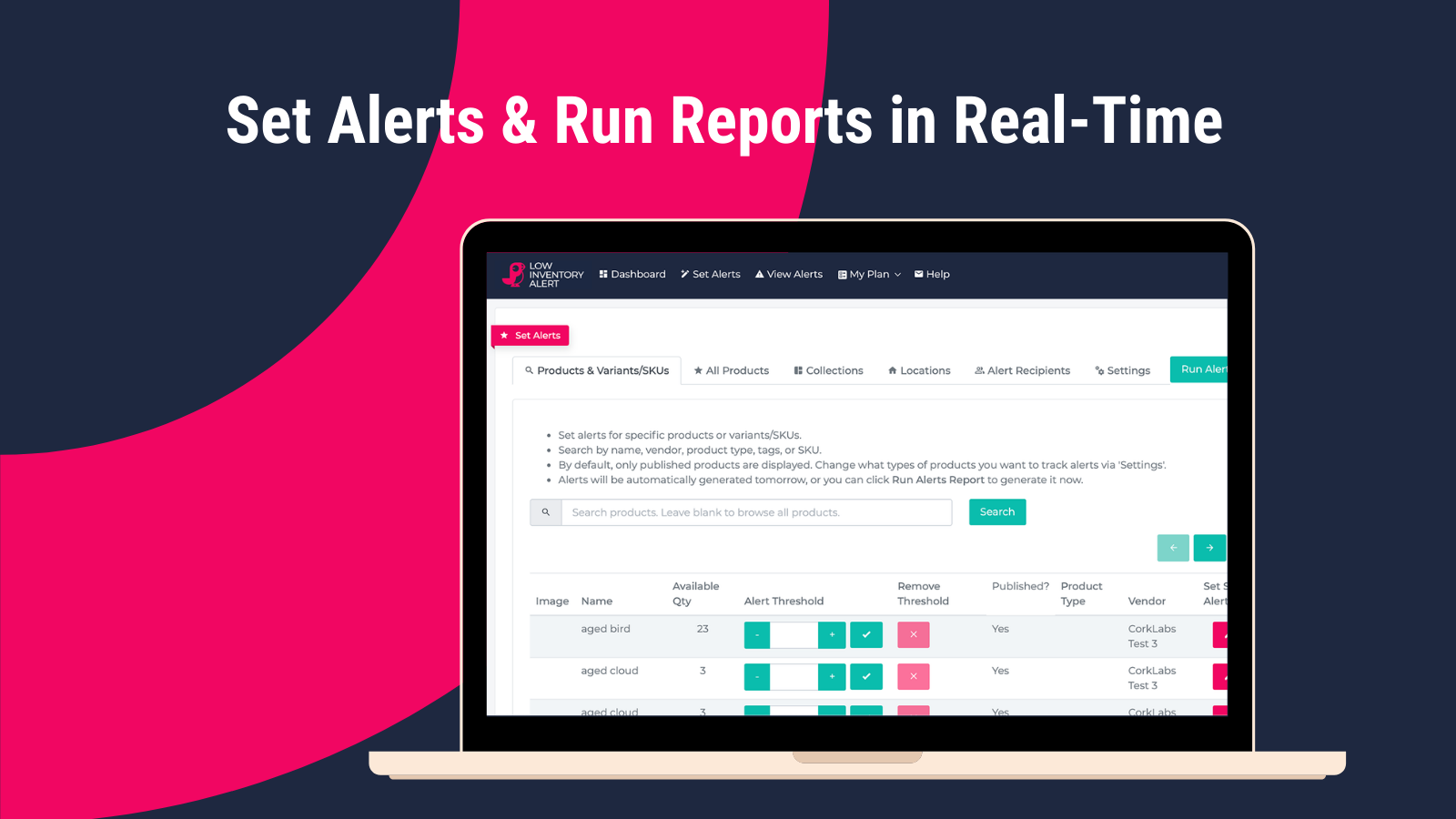
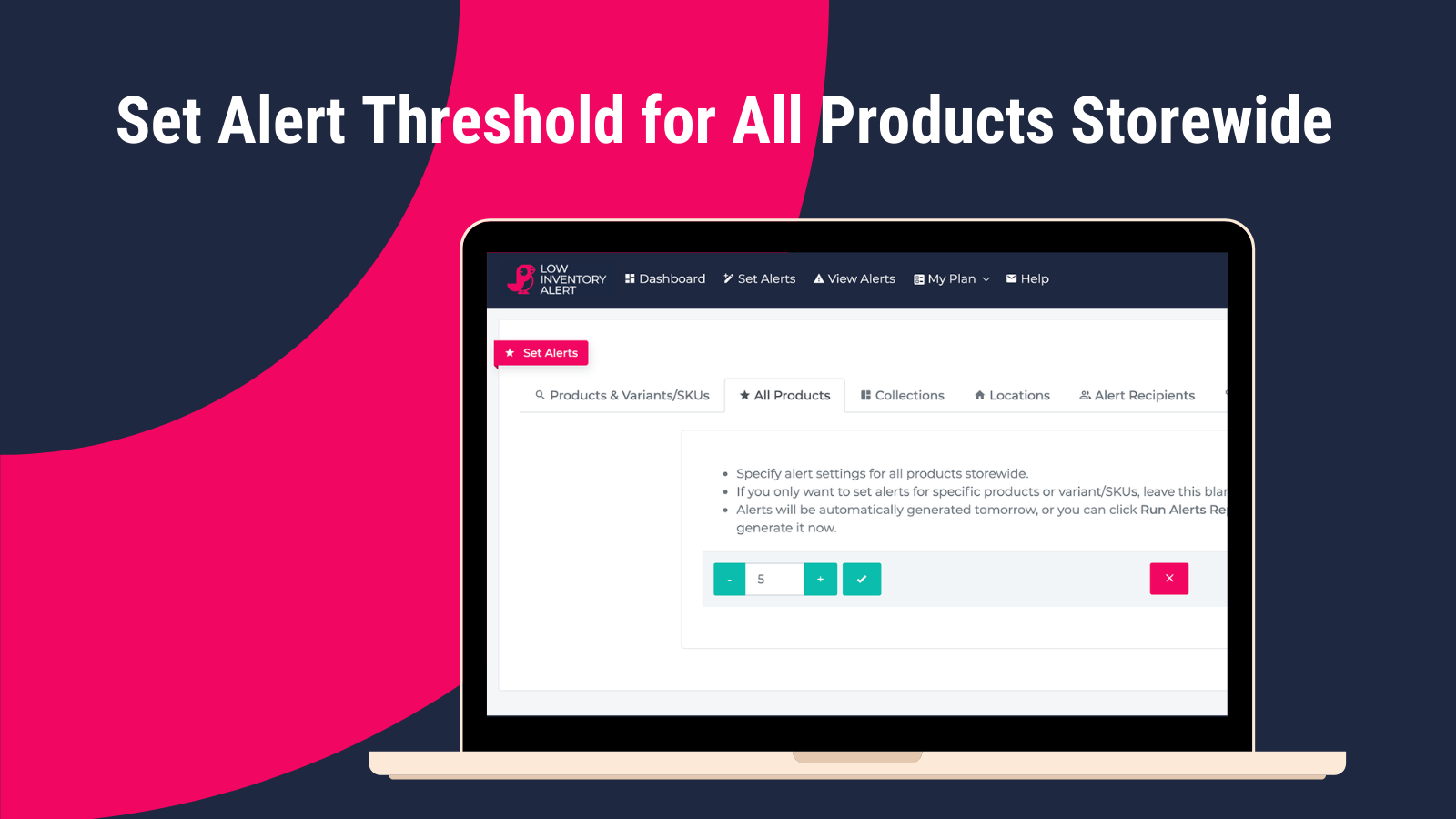
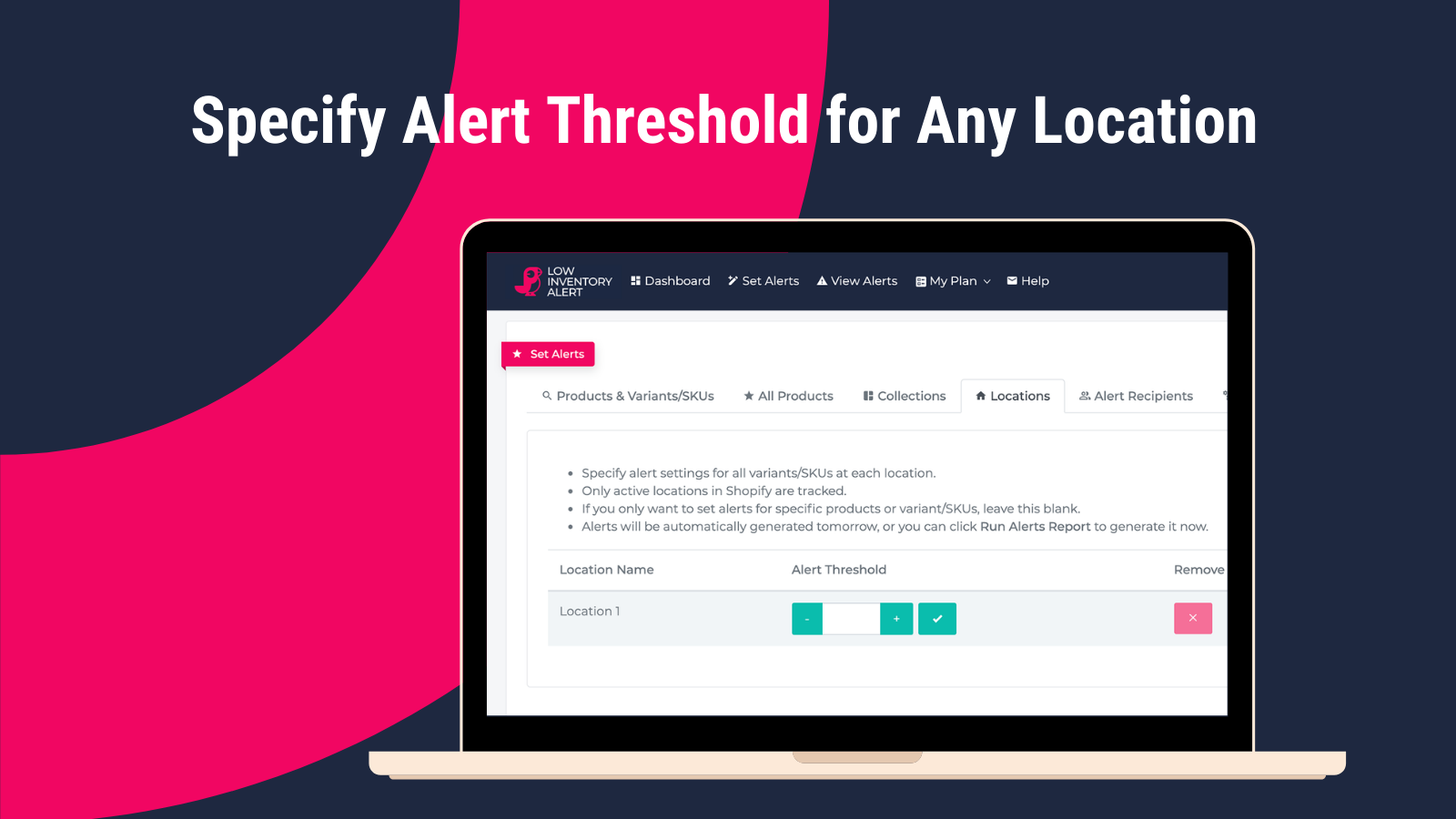


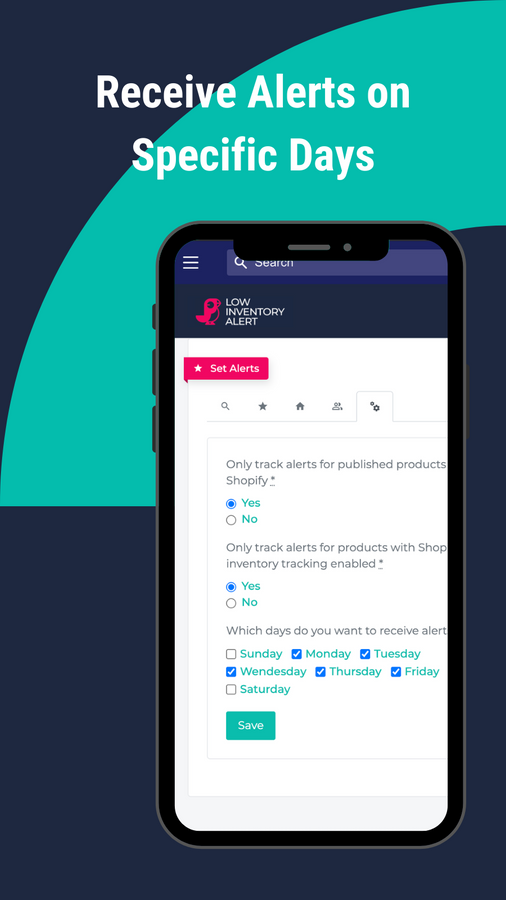
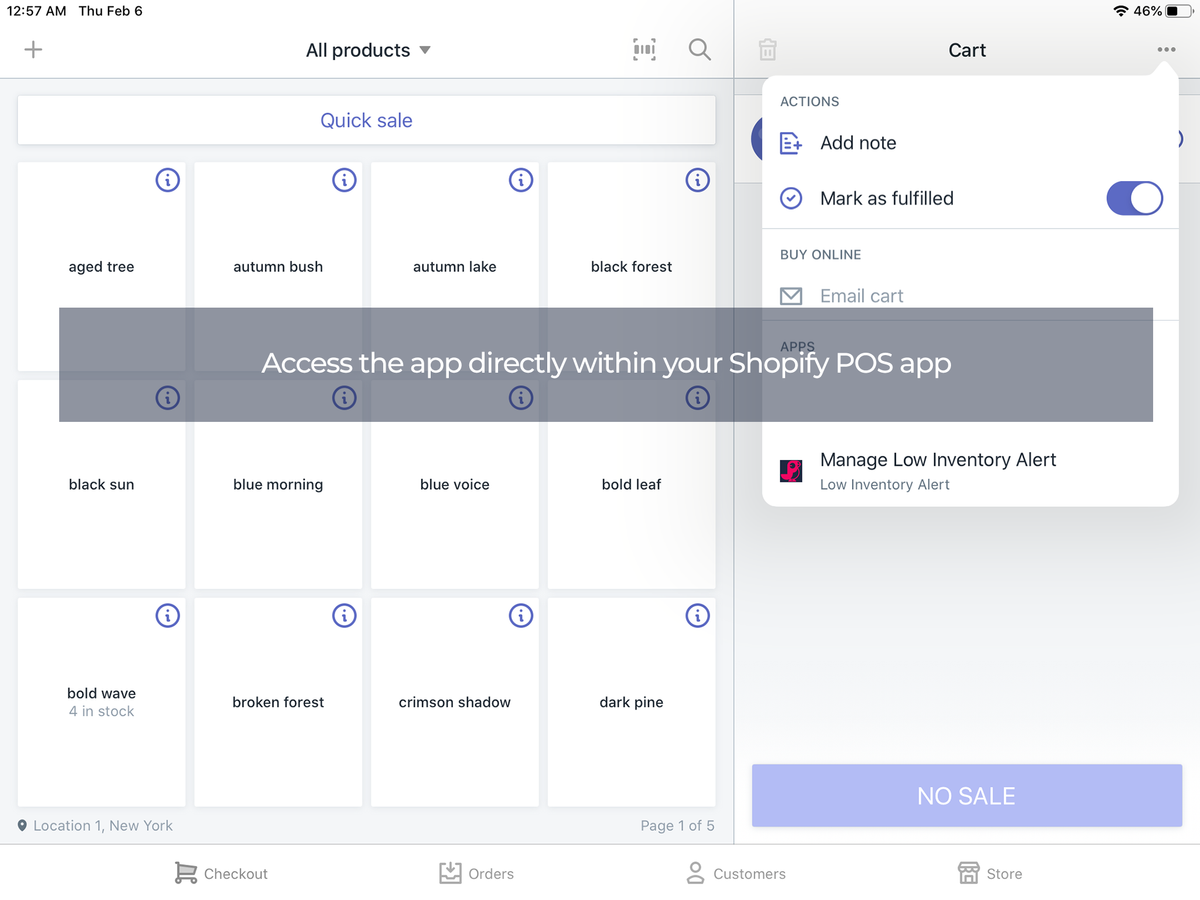
Price Plan
Starter Plan
$6.95
- Track Unlimited Products
- 10 Alerts: Set up 10 alerts of any type:
- - Storewide
- - Location
- - Product
- - Variant
- - SKU
- CSV Email
Essential Plan
$16.95
- All features in the Starter Plan
- 100 credits (set up 100 alerts of any type)
Professional Plan
$26.95
- All features in the Essential Plan
- 500 credits (set up 500 alerts of any type)
Enterprise Plan
$59.95
- Everything in the Professional Plan
- Unlimited points
- Set unlimited number of alerts of any type
User Location & Comments
User Location
Comments
Shopify API Used
- GET /admin/api/inventory_levels.json
- GET /admin/api/locations.json
- GET /admin/api/inventory_items.json
Permission:read_inventory,read_locations,read_products
- POST /admin/api/inventory_levels/alert.json
- PUT /admin/api/inventory_levels/alert/{id}.json
- GET /admin/api/inventory_levels/alert.json
Permission:write_inventory,read_inventory,manage_products
- POST /admin/api/inventory_alerts/batch.json
- PUT /admin/api/inventory_alerts/batch.json
- DELETE /admin/api/inventory_alerts/{id}.json
Permission:write_inventory,manage_products,read_inventory
- POST /admin/api/reports/inventory.json
- PUT /admin/api/reports/inventory/{id}.json
- GET /admin/api/reports/inventory.json
Permission:read_reports,write_reports,read_inventory
- POST /admin/api/alert_recipients.json
- PUT /admin/api/alert_recipients/{id}.json
- GET /admin/api/alert_recipients.json
Permission:write_inventory,manage_notifications,read_inventory