
App Introduction
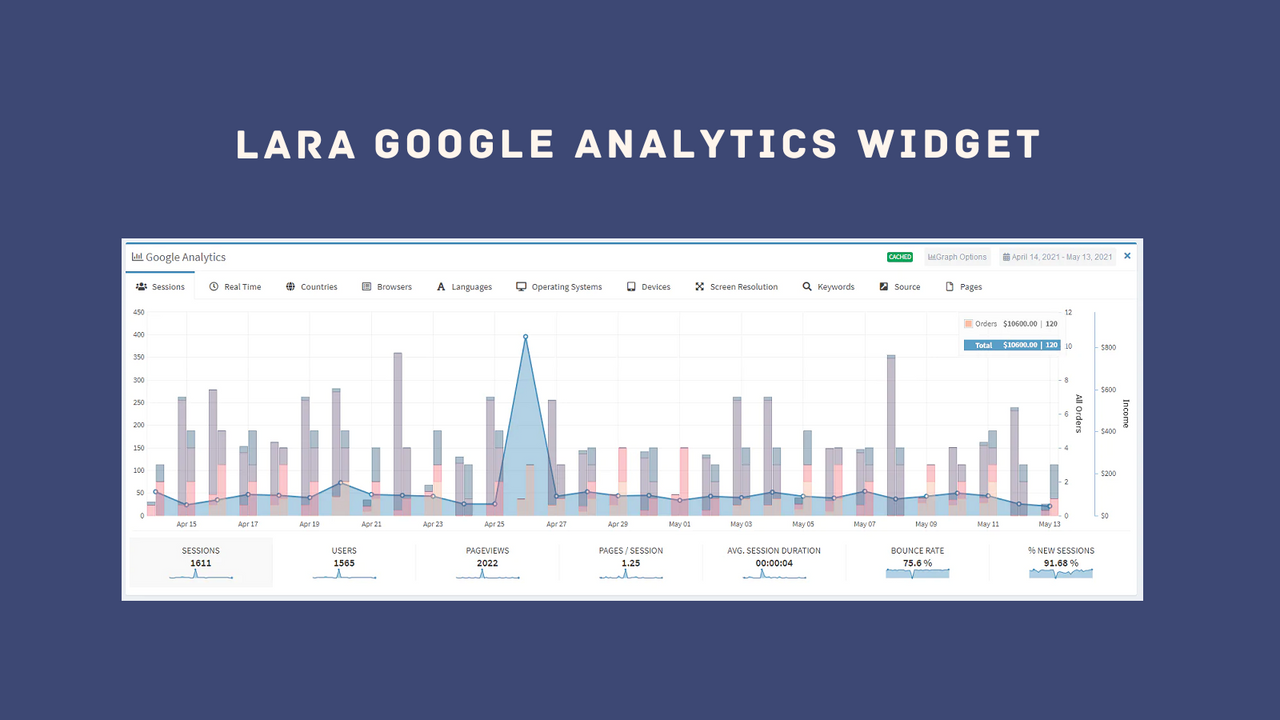
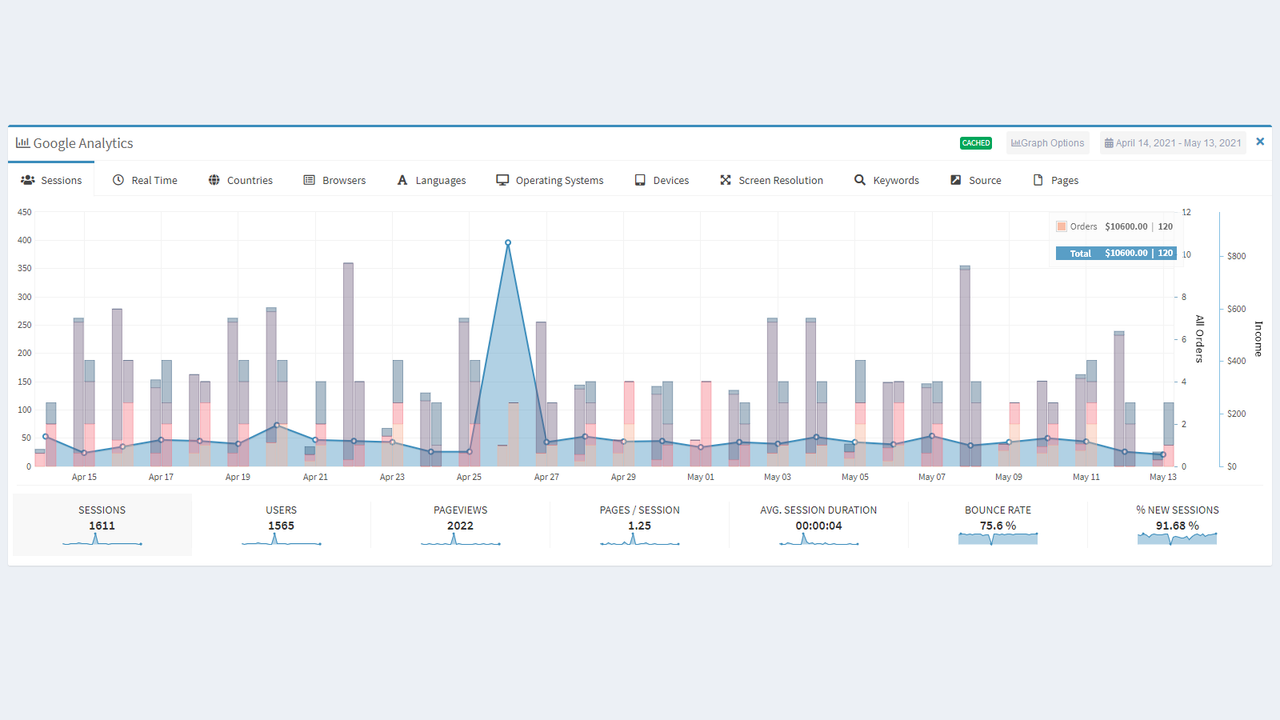
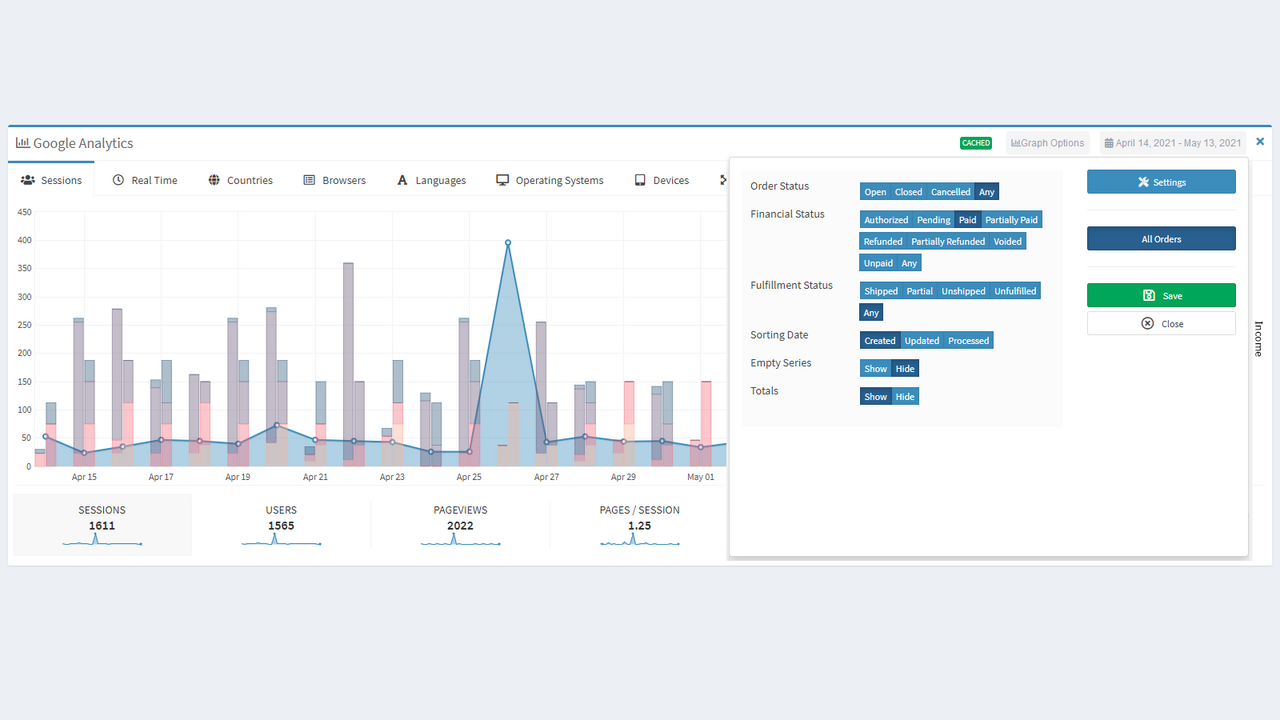
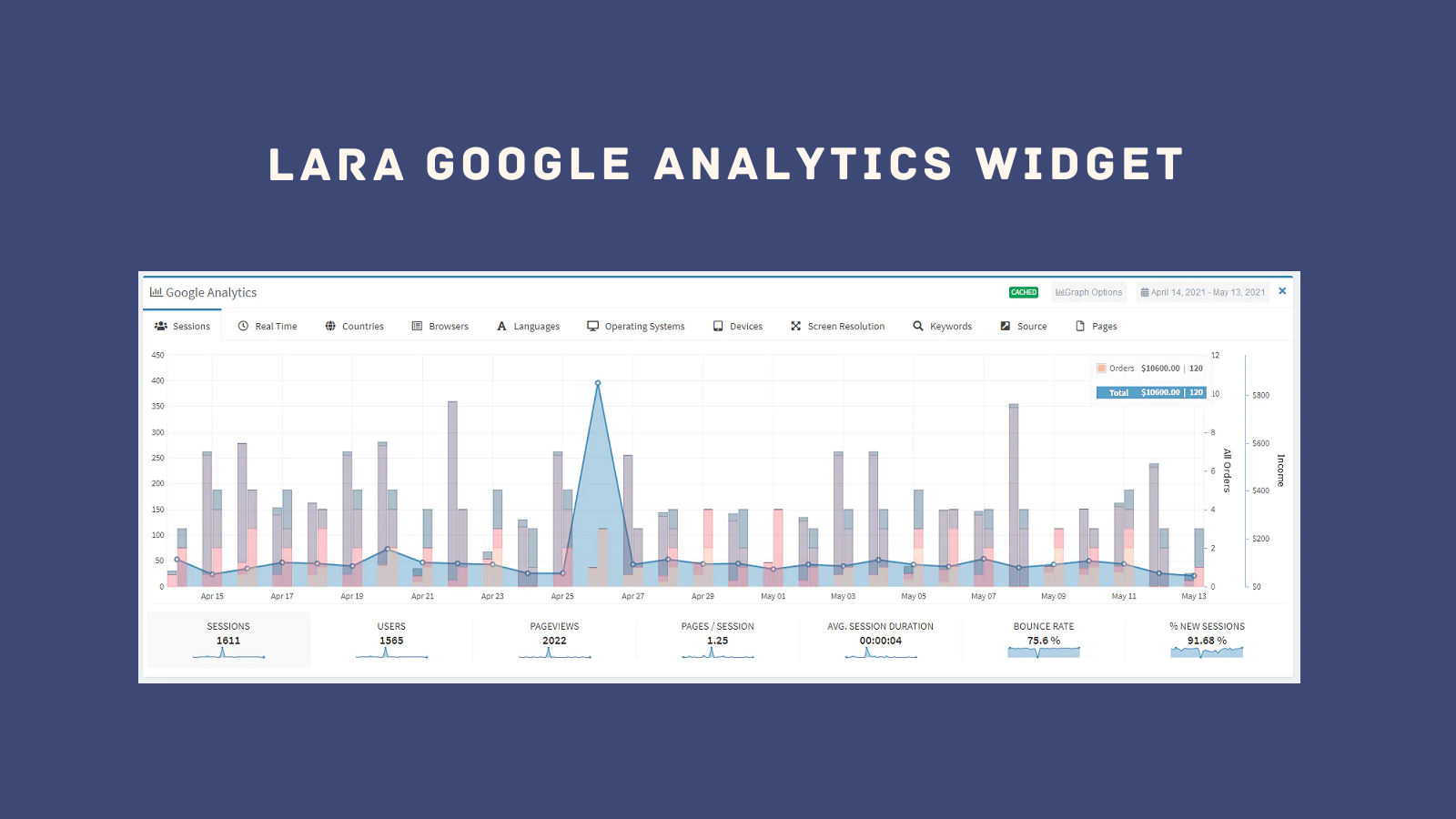
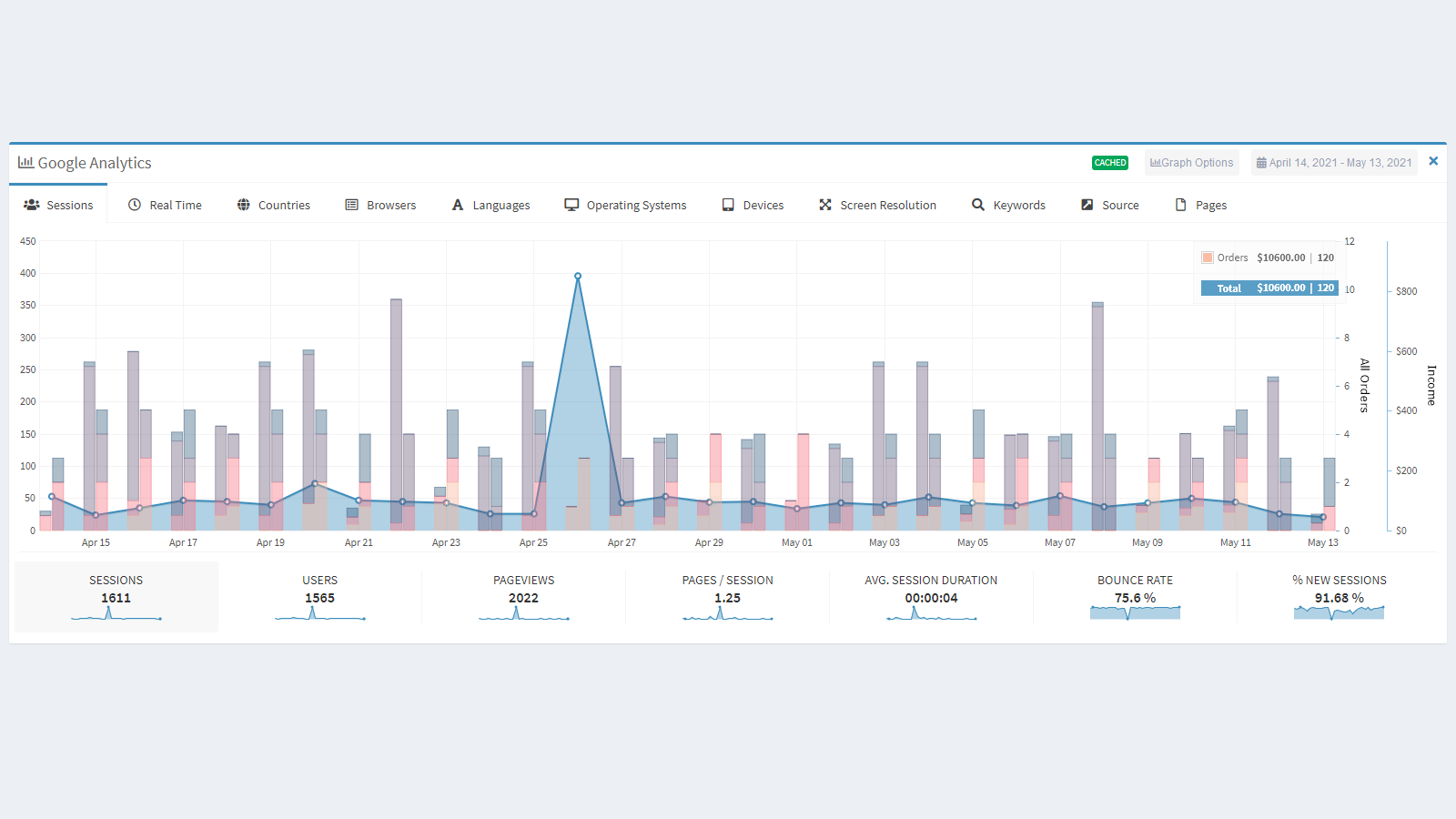
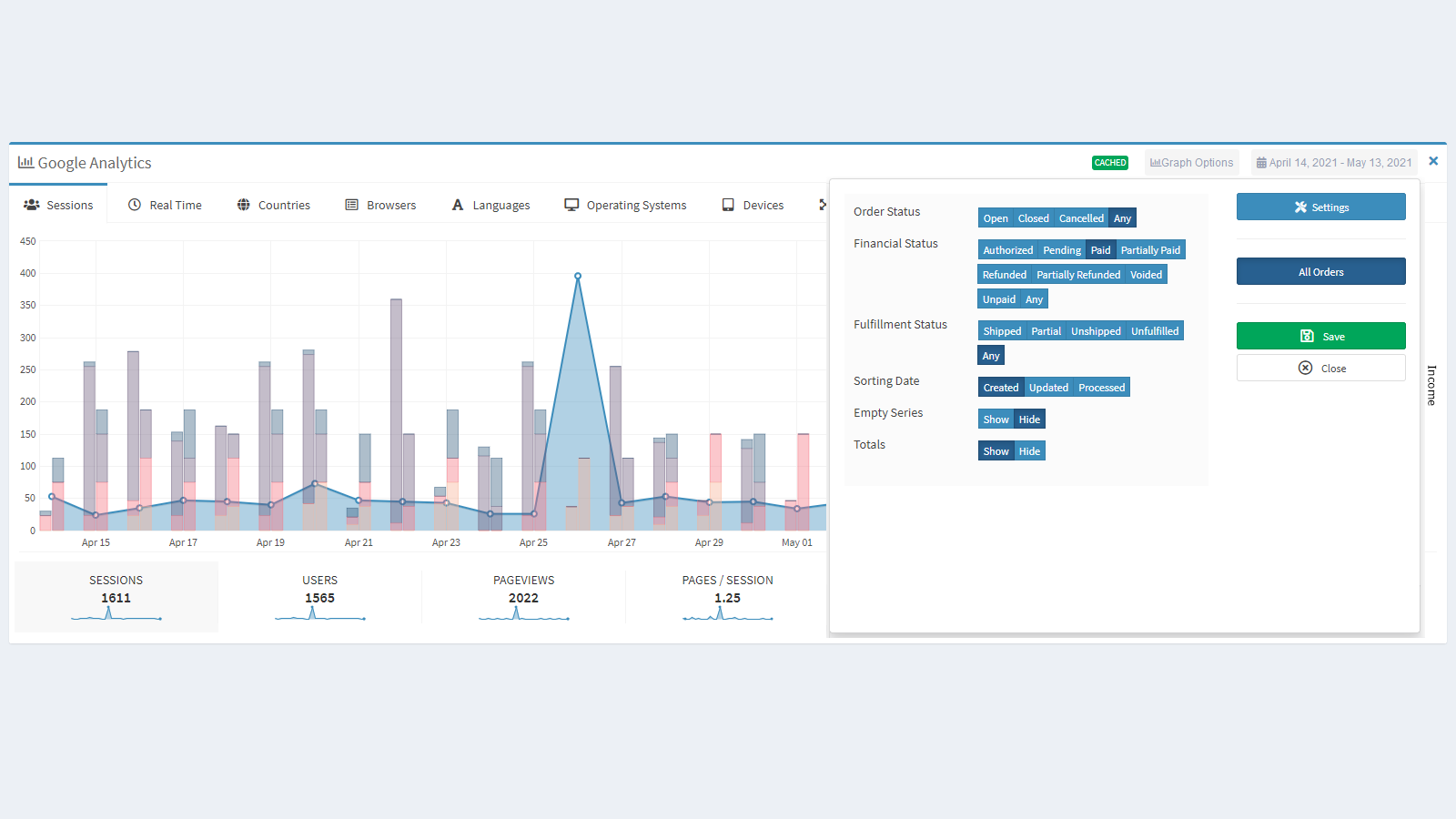
View Google Analytics (GA4) metrics and your store orders on the same chart. View visitor sessions, countries, operating systems, and other Google Analytics (GA4) metrics—along with your store orders and revenue—all on the same chart without leaving your store admin area. This gives you a complete view of your store’s performance. Simply select a date range (default: last 30 days) and the order types to track (by order status, fulfillment status, etc.), and you’ll see all your data in one easy-to-read chart.
Core Functionality
- Easy setup that automatically adds (GA4) tracking code to your store.
- Full access to the most important Google Analytics (GA4) metrics.
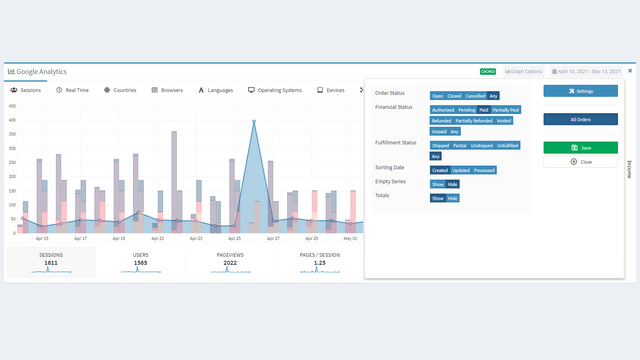
- Store orders are displayed on the same chart and can be filtered.
- Real-time monitoring of your store visitors.
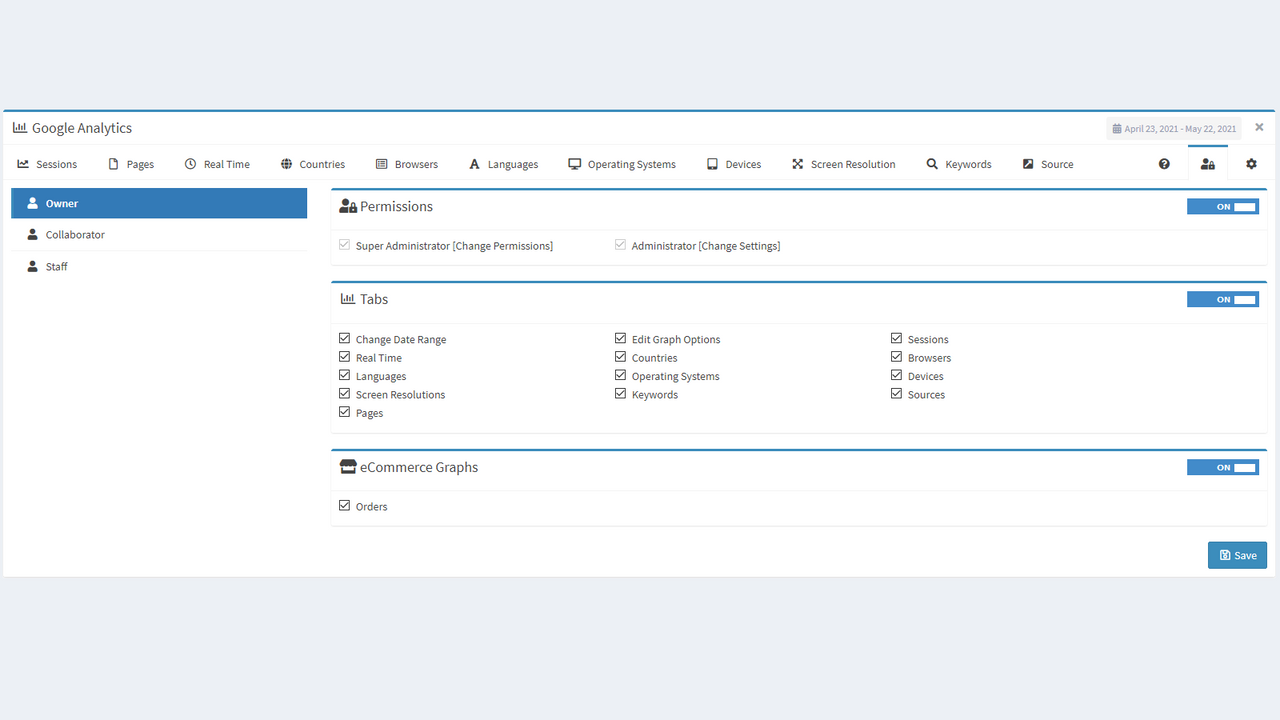
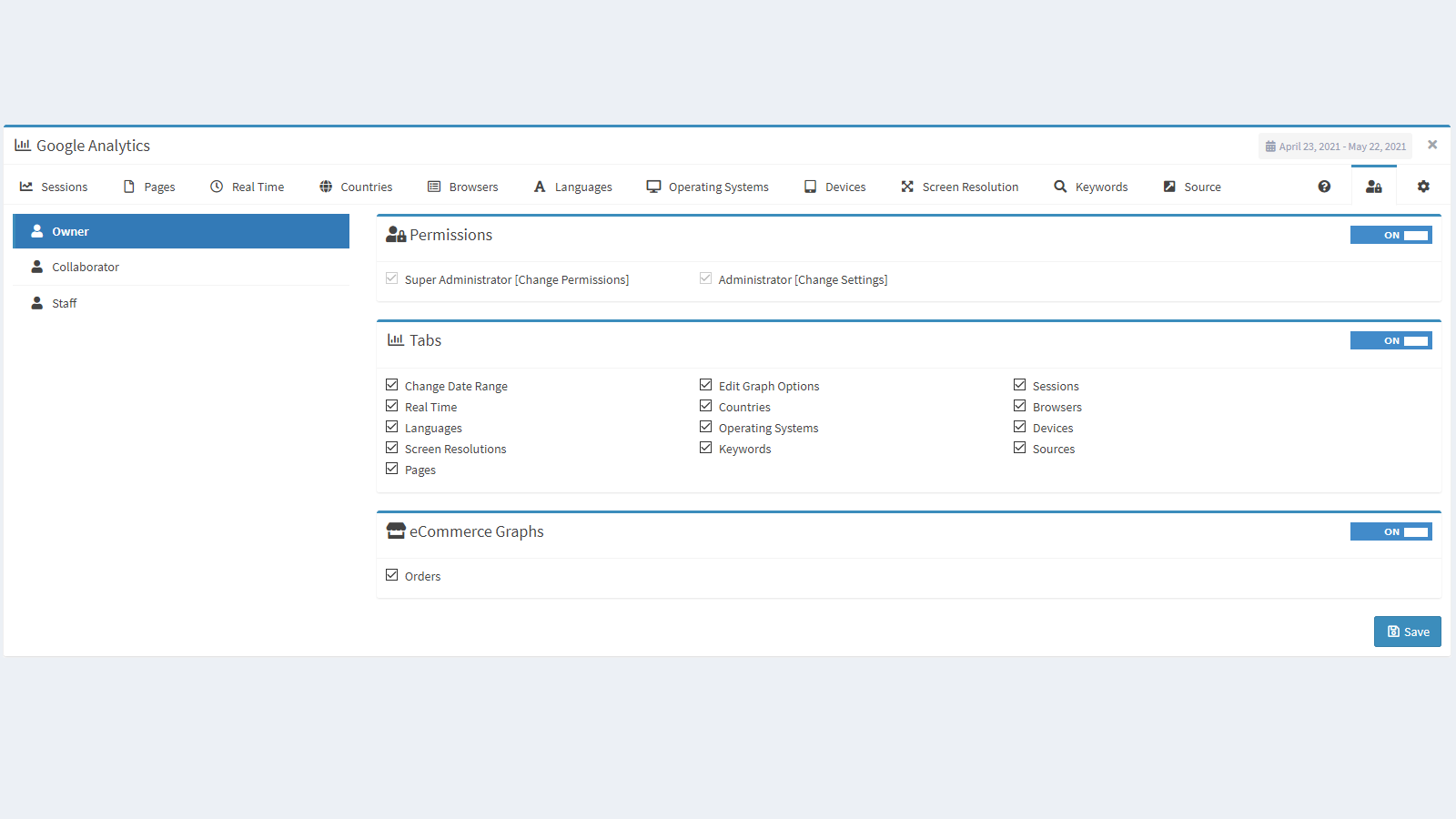
- Permission system to control widget usage and labels for each user type.
Merchant-Friendly
- Independent Station Merchants
- Small & Medium E-commerce Sellers
- Cross-border E-commerce Merchants
- Data-driven Merchants
Basic Information
- Developer:XtraOrbit Web Development
- Address:Alexandria, ALX, EG
- Price: Free / Free plan
- Rating:2.6 / 5
- Comment Count:6 comment
- Release Date:2021-5-27
- Supported languages:English
- Compatible products:Shopify
Application Screenshot
Price Plan
Analytics Free
- Automatically Add GA4 Tracking Code
- Google Analytics Metrics (Last 30 Days)
Analytics Pro
- All features of Analytics Free, plus:
- Complete GA4 metrics for any date range
- View popular pages, revenue, and sales data
- View real-time traffic and real-time visitors
- View keyword data (Search Console)
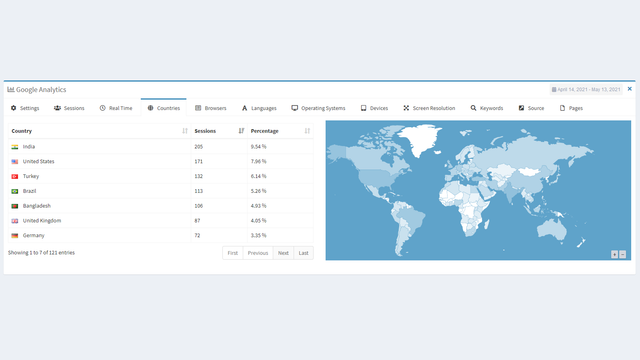
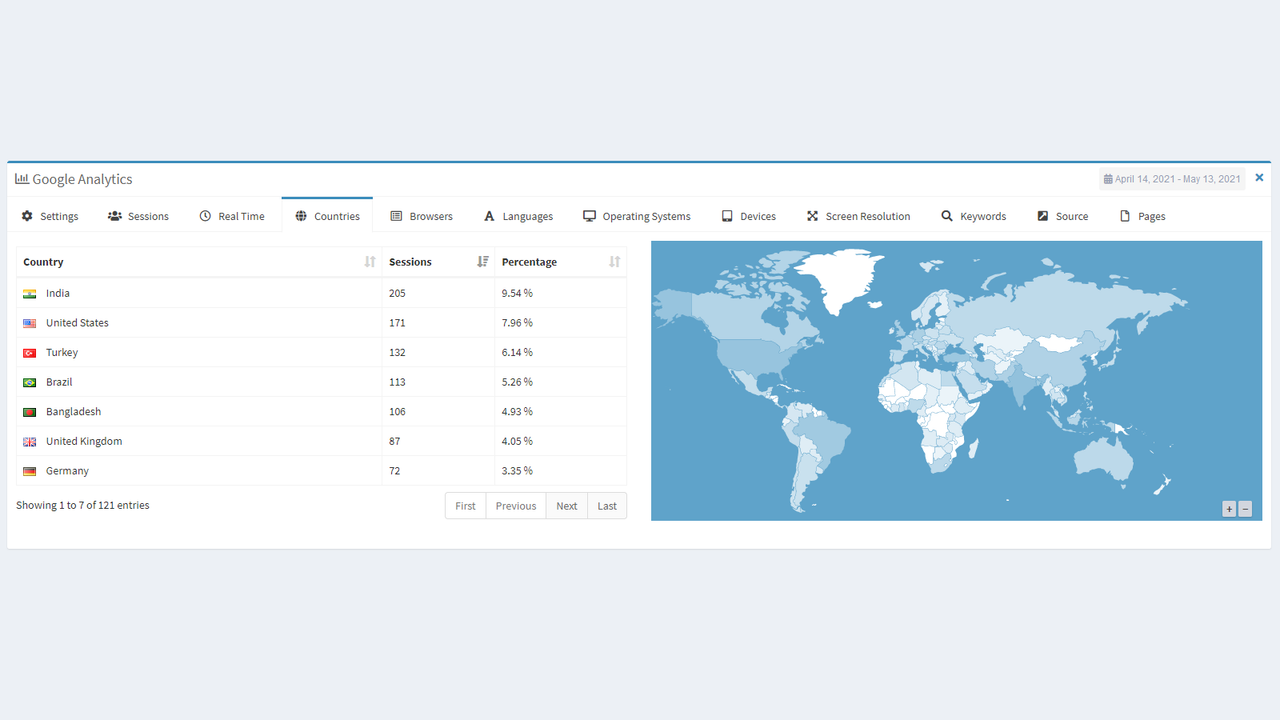
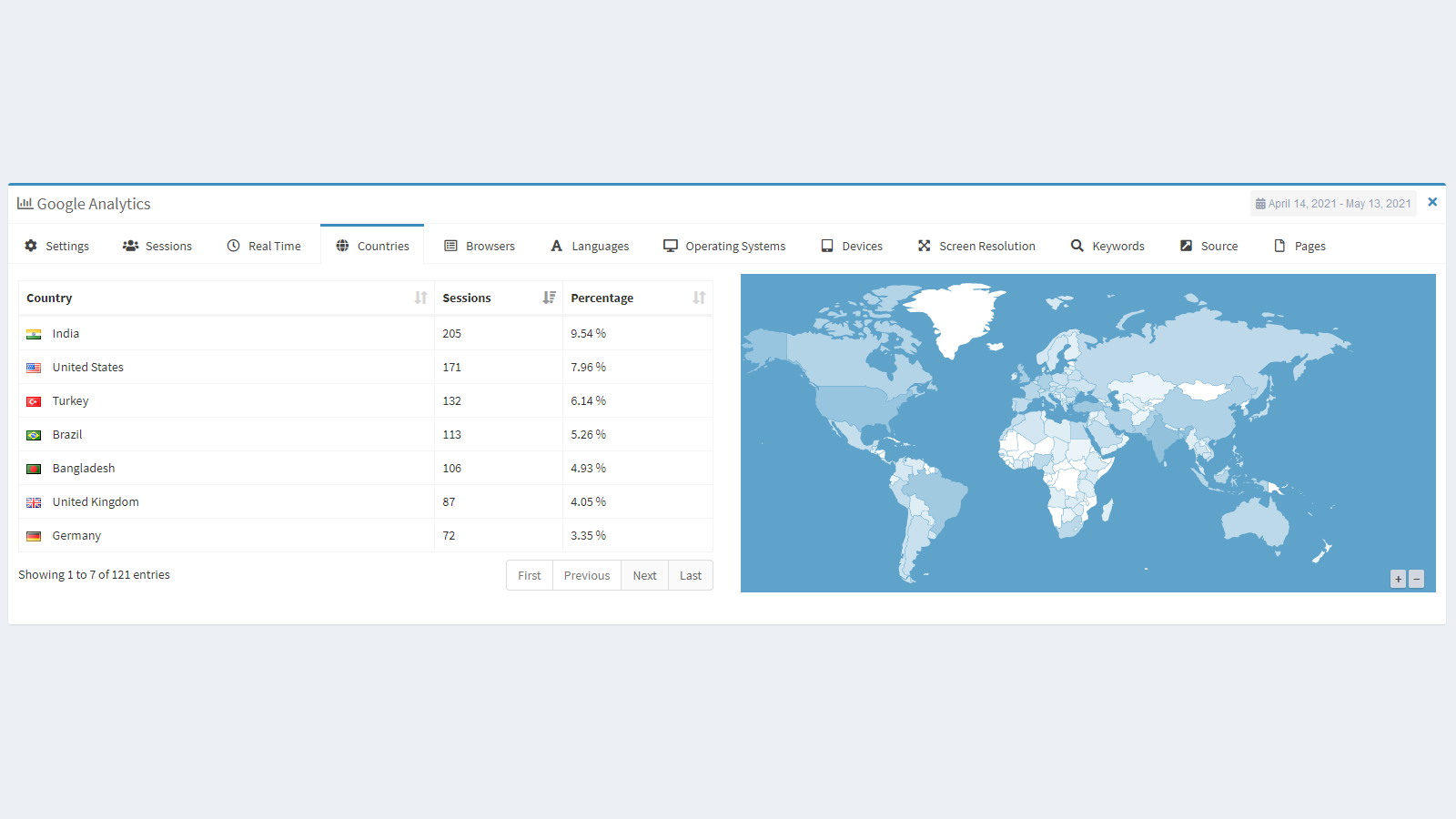
- View visitor geographic maps and country data
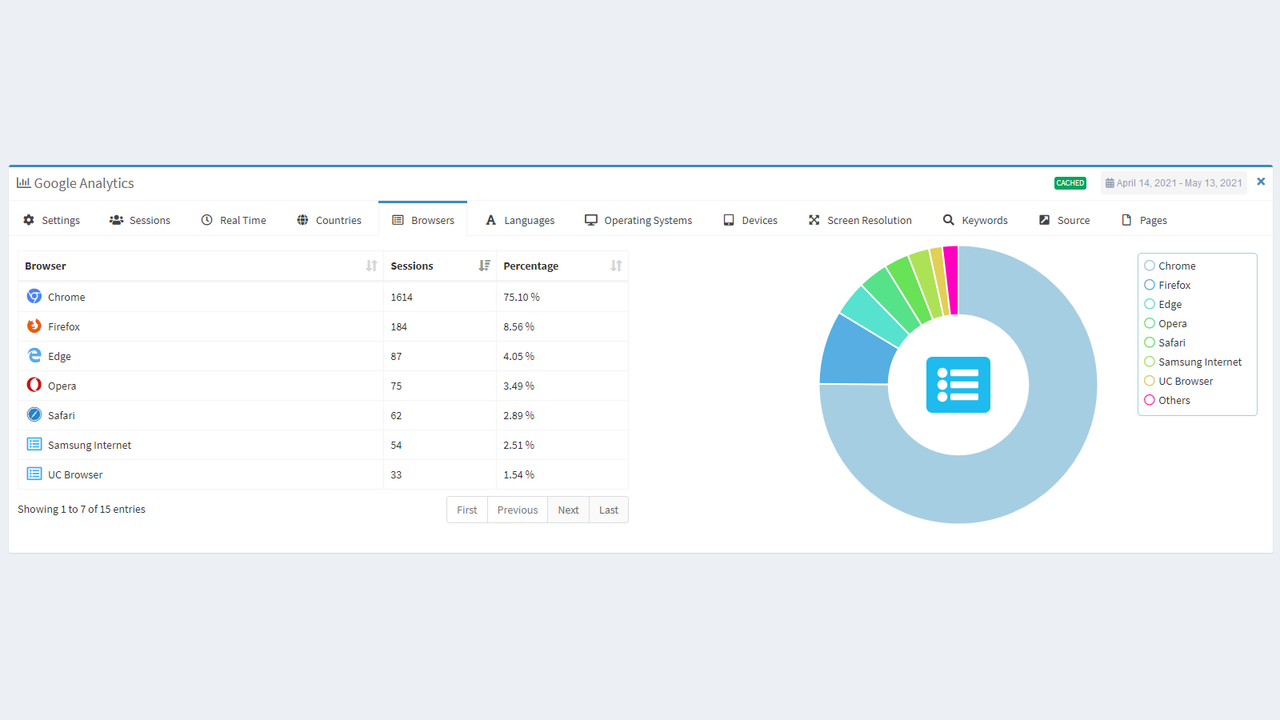
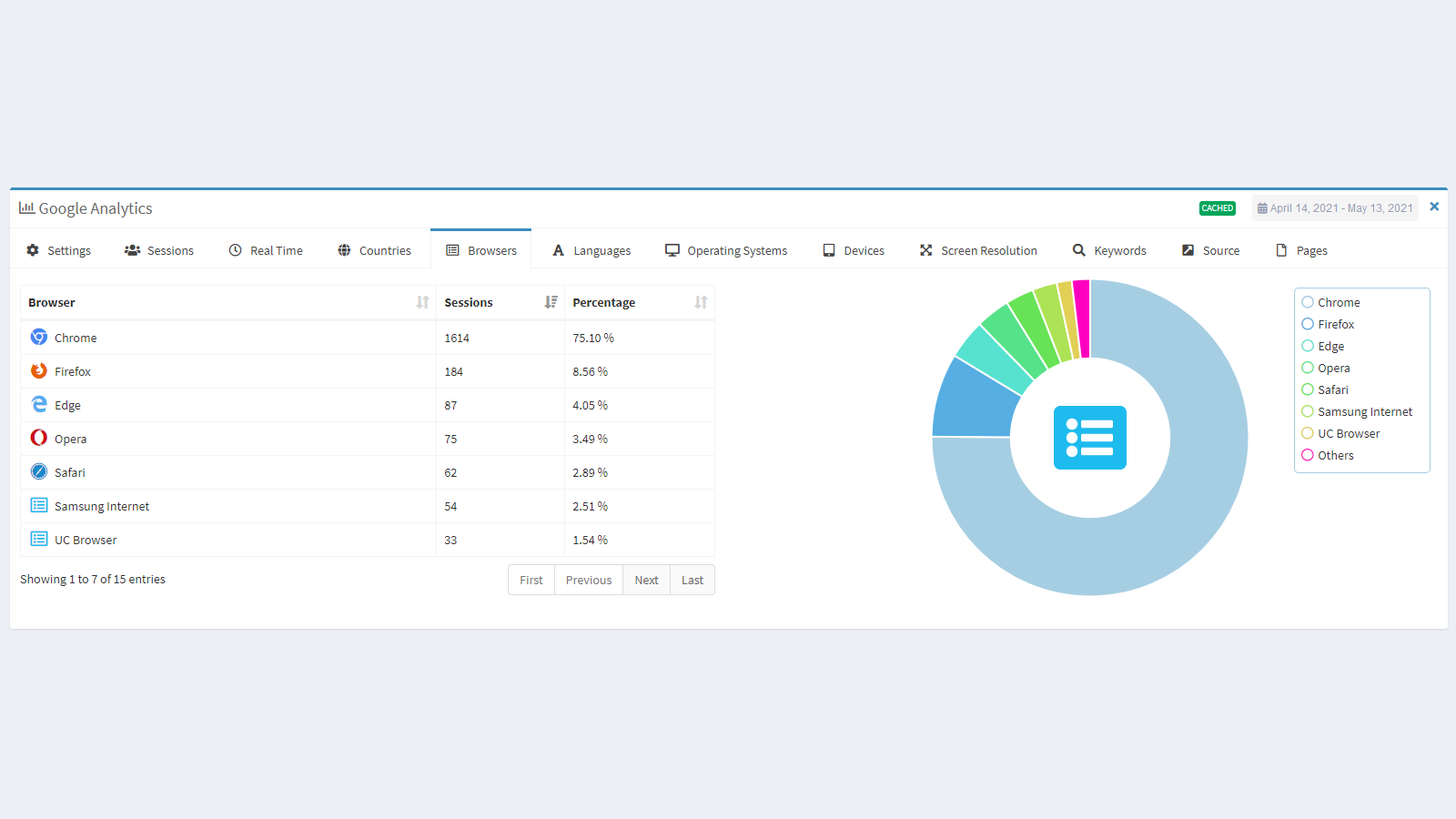
- View advanced device and OS version statistics
- User permissions, locking system, and more!
User Location & Comments
User Location
Comments
Shopify API Used
- POST /admin/api/shop/analytics.json
- PUT /admin/api/shop/analytics.json
- GET /admin/api/shop/analytics.json
Permission:write_analytics,read_analytics,manage_shop
- GET /admin/api/analytics/reports.json
- GET /admin/api/analytics/metrics.json
- GET /admin/api/analytics/dimensions.json
Permission:read_analytics,read_orders,read_products
- GET /admin/api/analytics/orders.json
- GET /admin/api/analytics/orders_chart.json
- GET /admin/api/analytics/orders_filter.json
Permission:read_analytics,read_orders,manage_shop
- GET /admin/api/analytics/visitors.json
- GET /admin/api/analytics/visitors_realtime.json
- GET /admin/api/analytics/visitor_sessions.json
Permission:read_analytics,read_shop,manage_shop
- POST /admin/api/users/analytics_permissions.json
- PUT /admin/api/users/analytics_permissions.json
- GET /admin/api/users/analytics_permissions.json
Permission:manage_users,write_analytics,read_analytics



