Uplinkly Language Translate
App Introduction
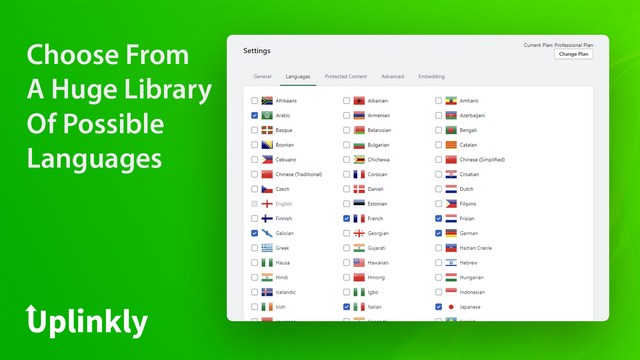
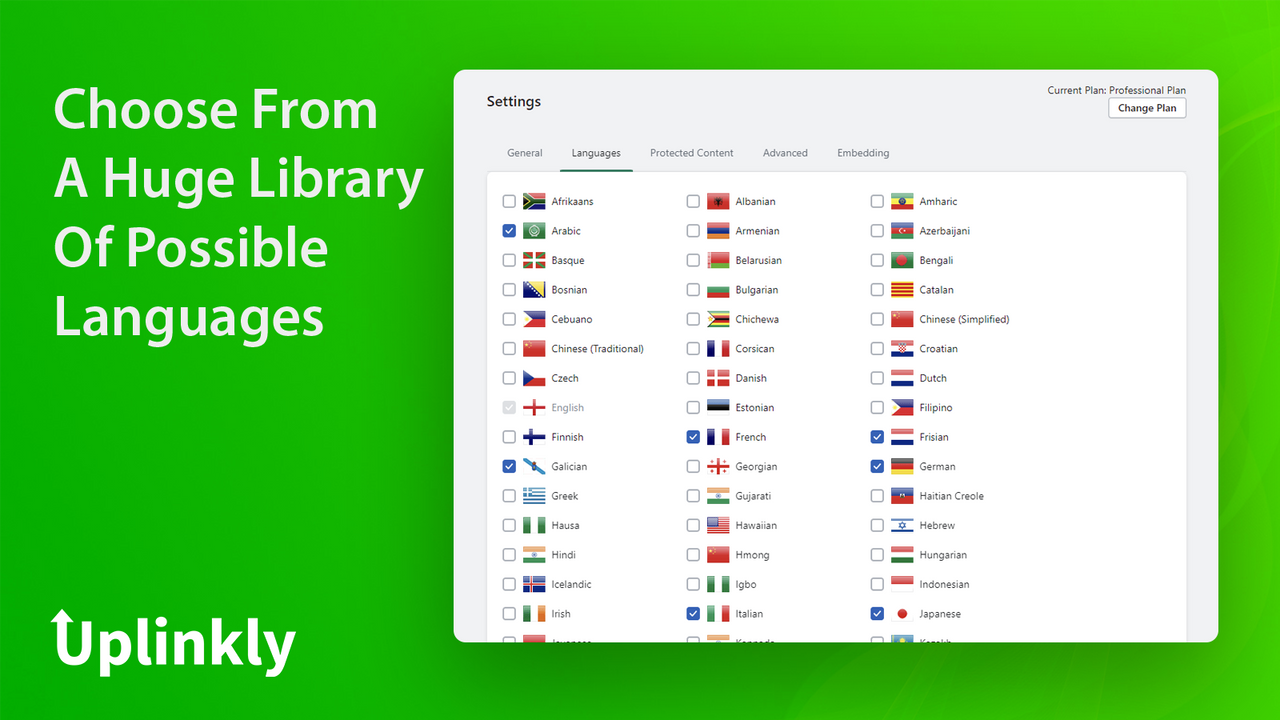
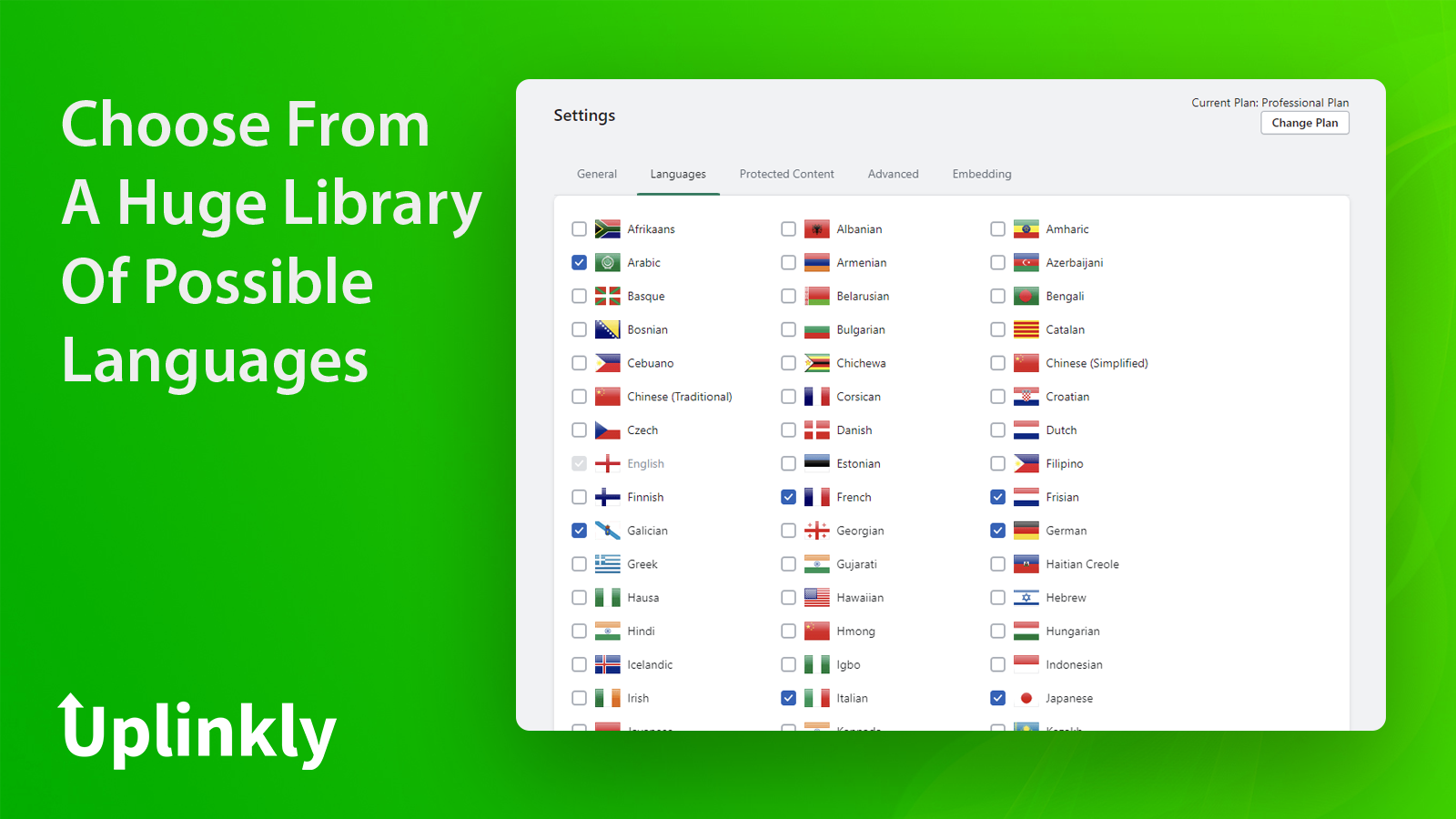
Translate Your Store Automatically with AI Language Translation. Start Selling Globally Today. Translate Your Store into Over 100 Languages Instantly with Just a Few Clicks. Install the app, simply select the languages you want your store to display, and we’ll handle the rest. Allowing your store to support multiple languages helps boost your international reach. Opening your store to new global markets can increase sales. No matter where your visitors are from, we’ve got you covered.
Core Functionality
- Automatically translate your store and boost sales
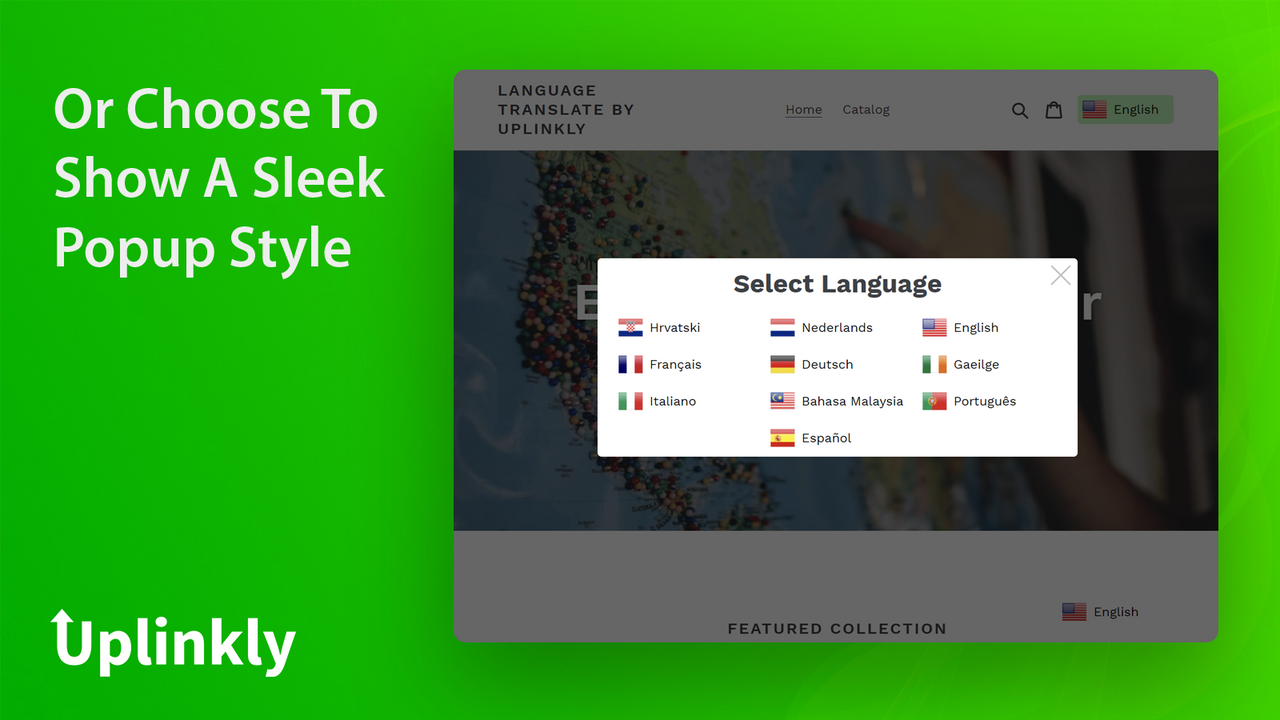
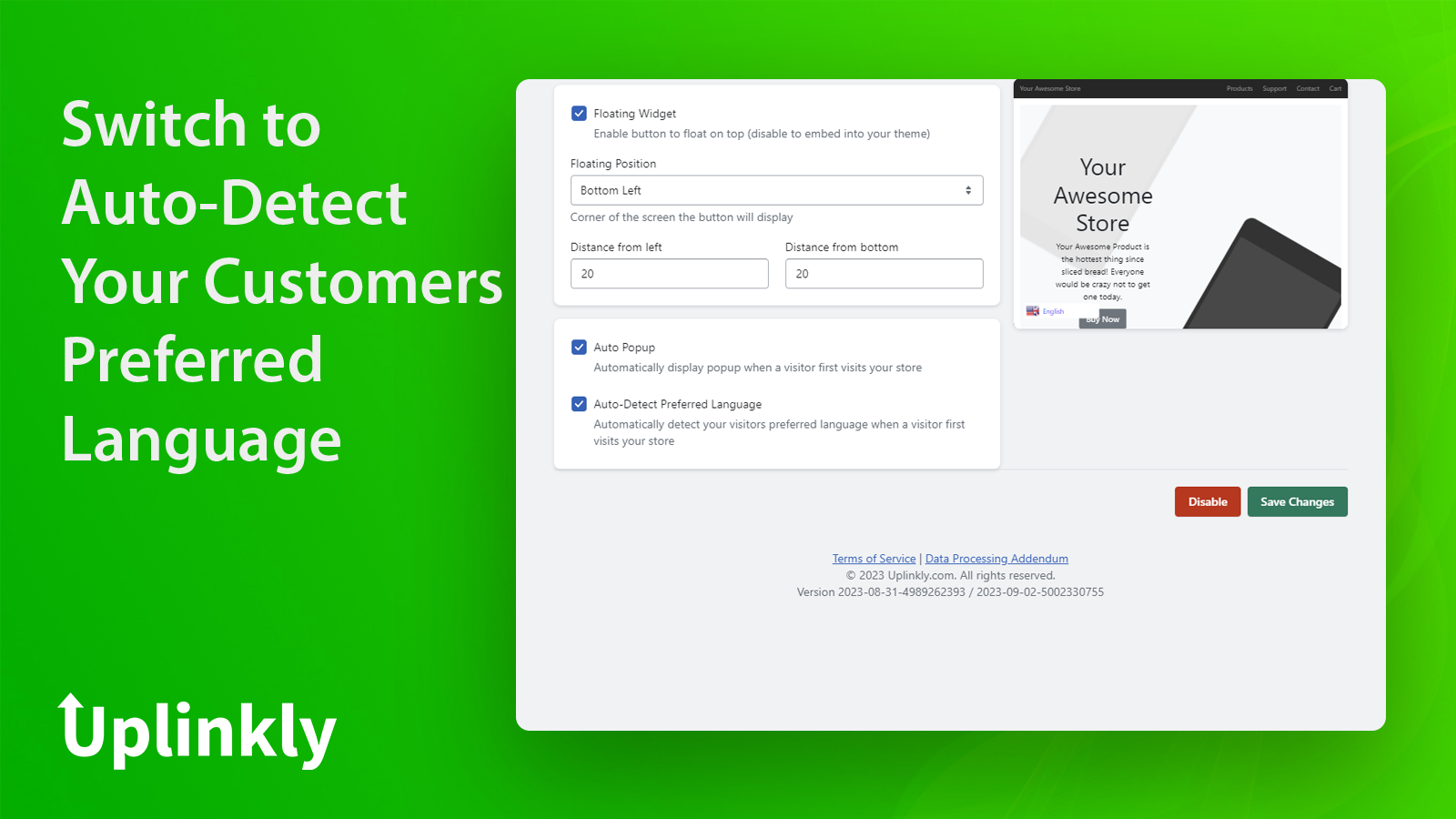
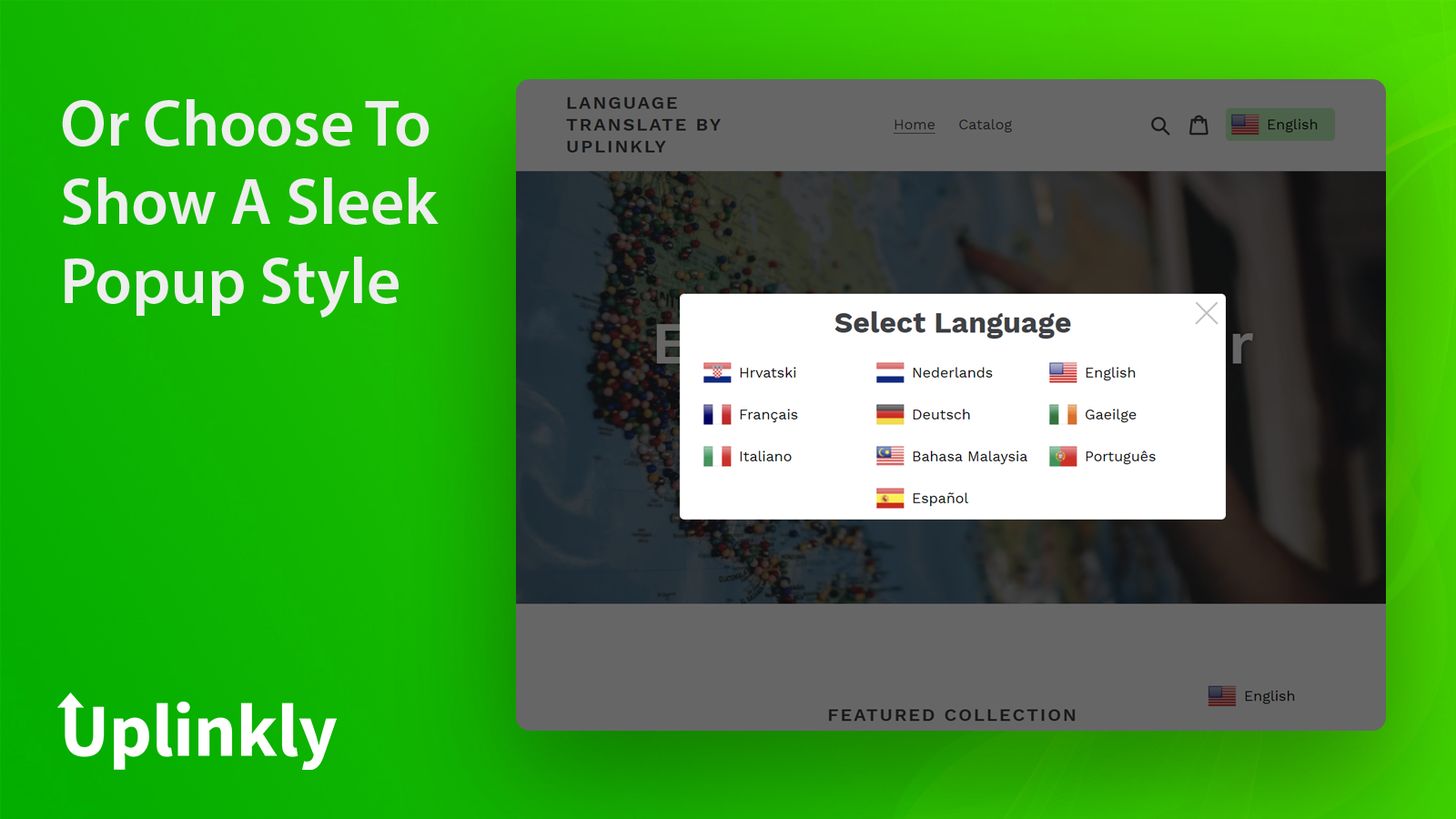
- Display an auto-popup selector for visitors to choose their language
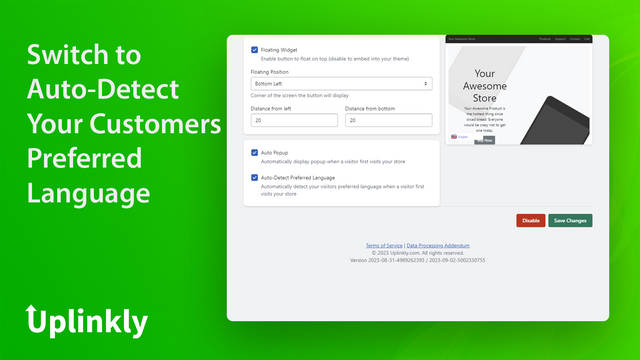
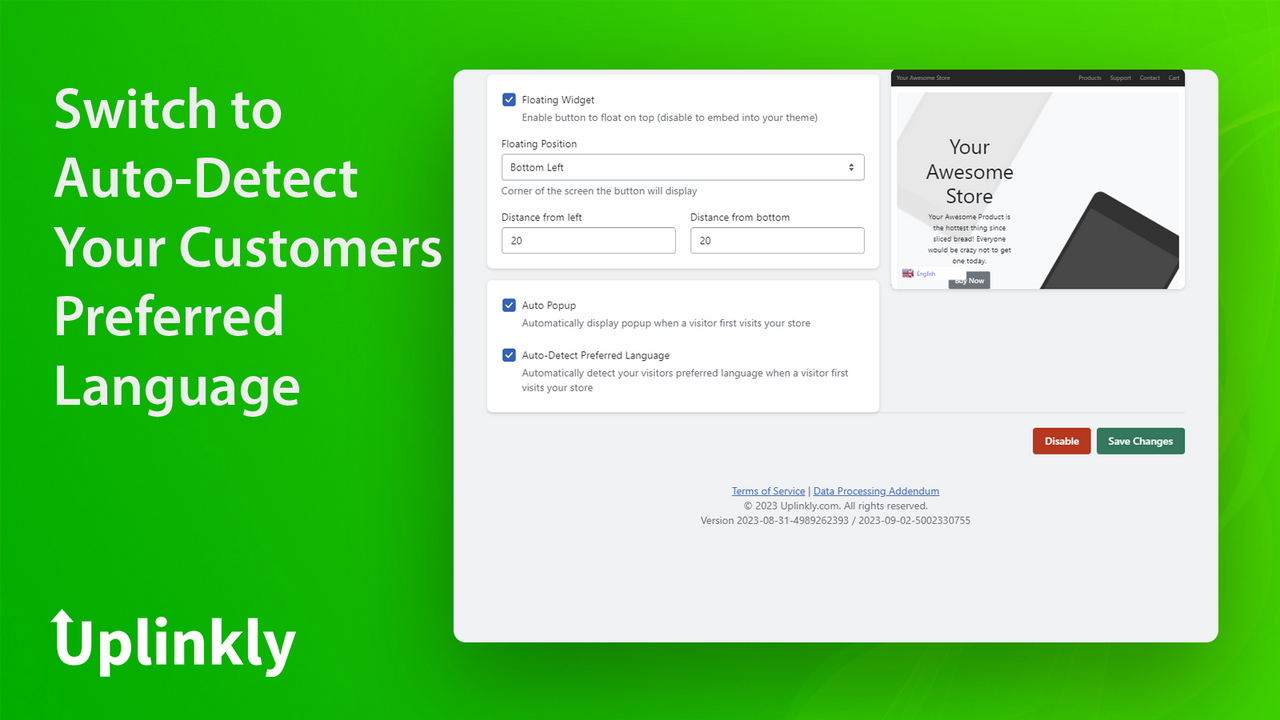
- Or use auto-detection to identify customers' language settings
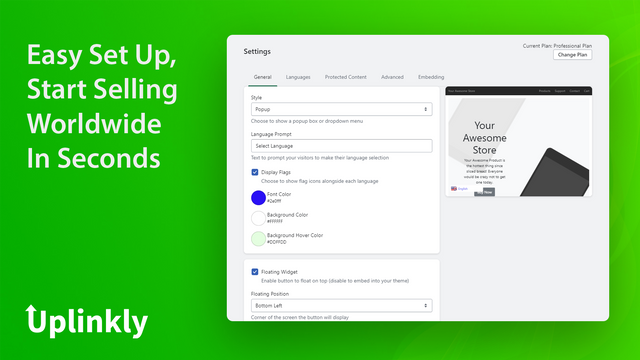
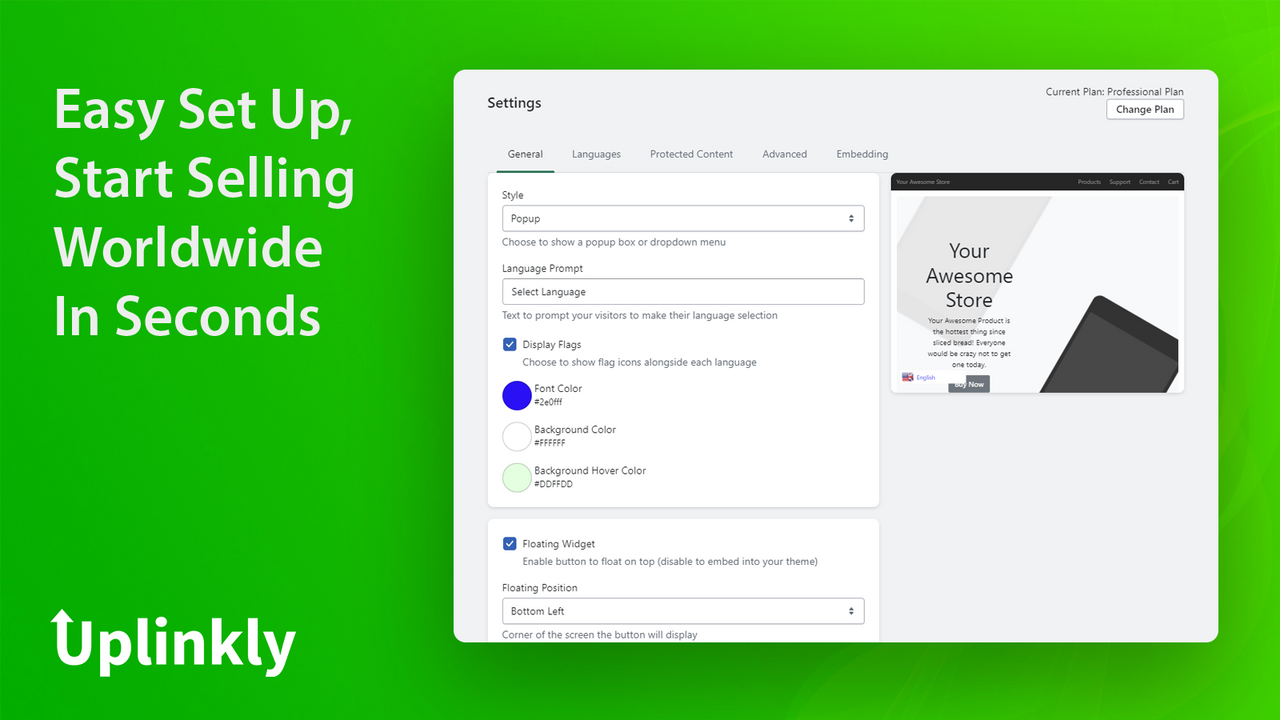
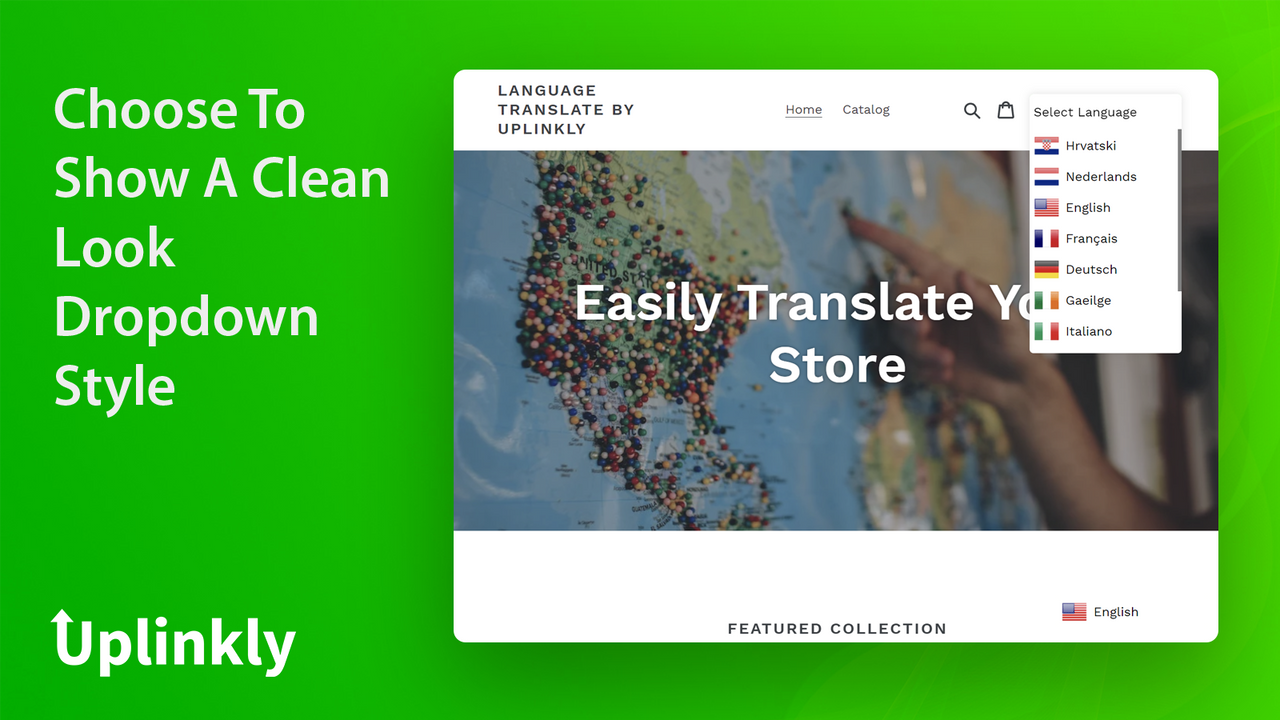
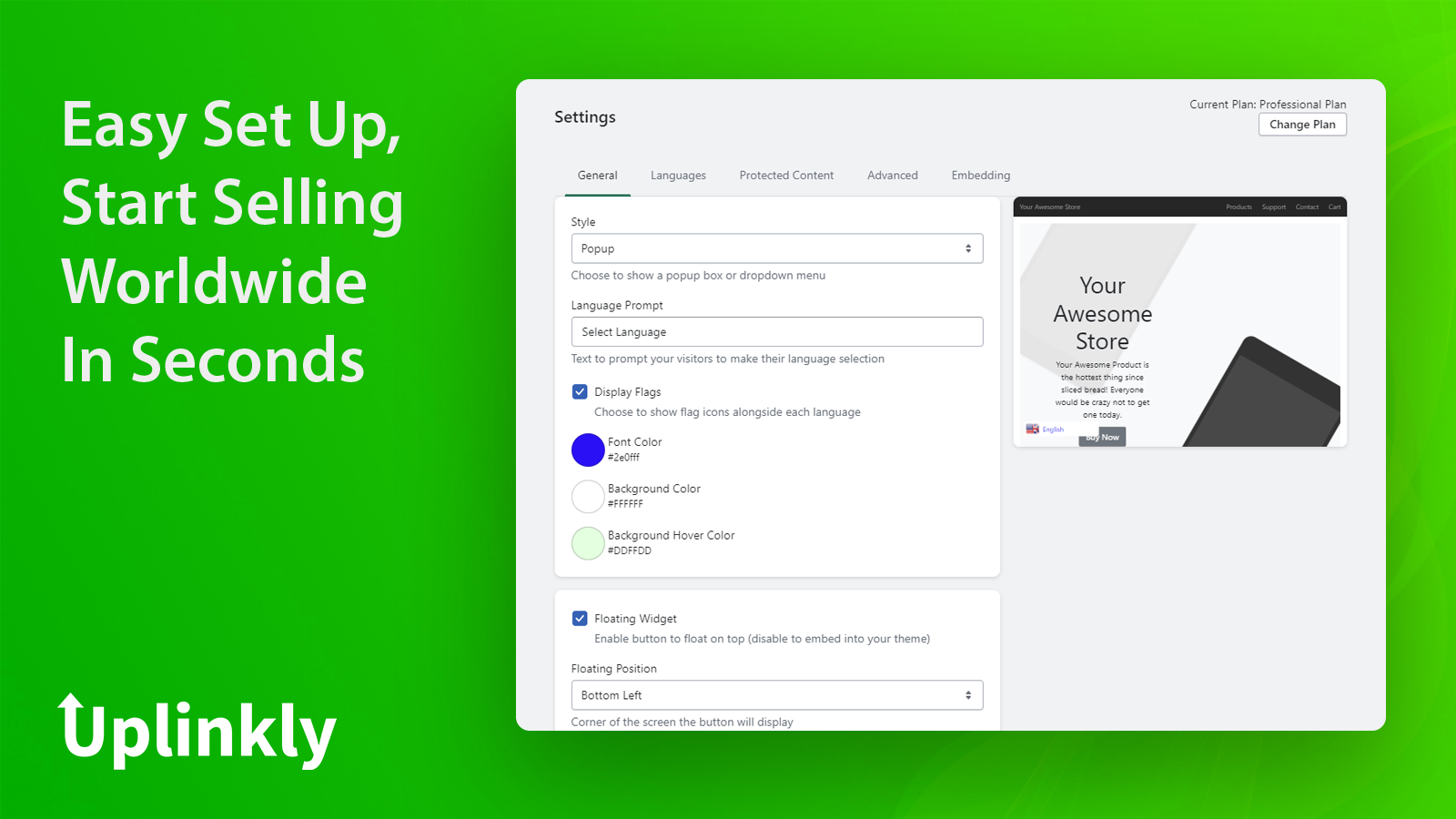
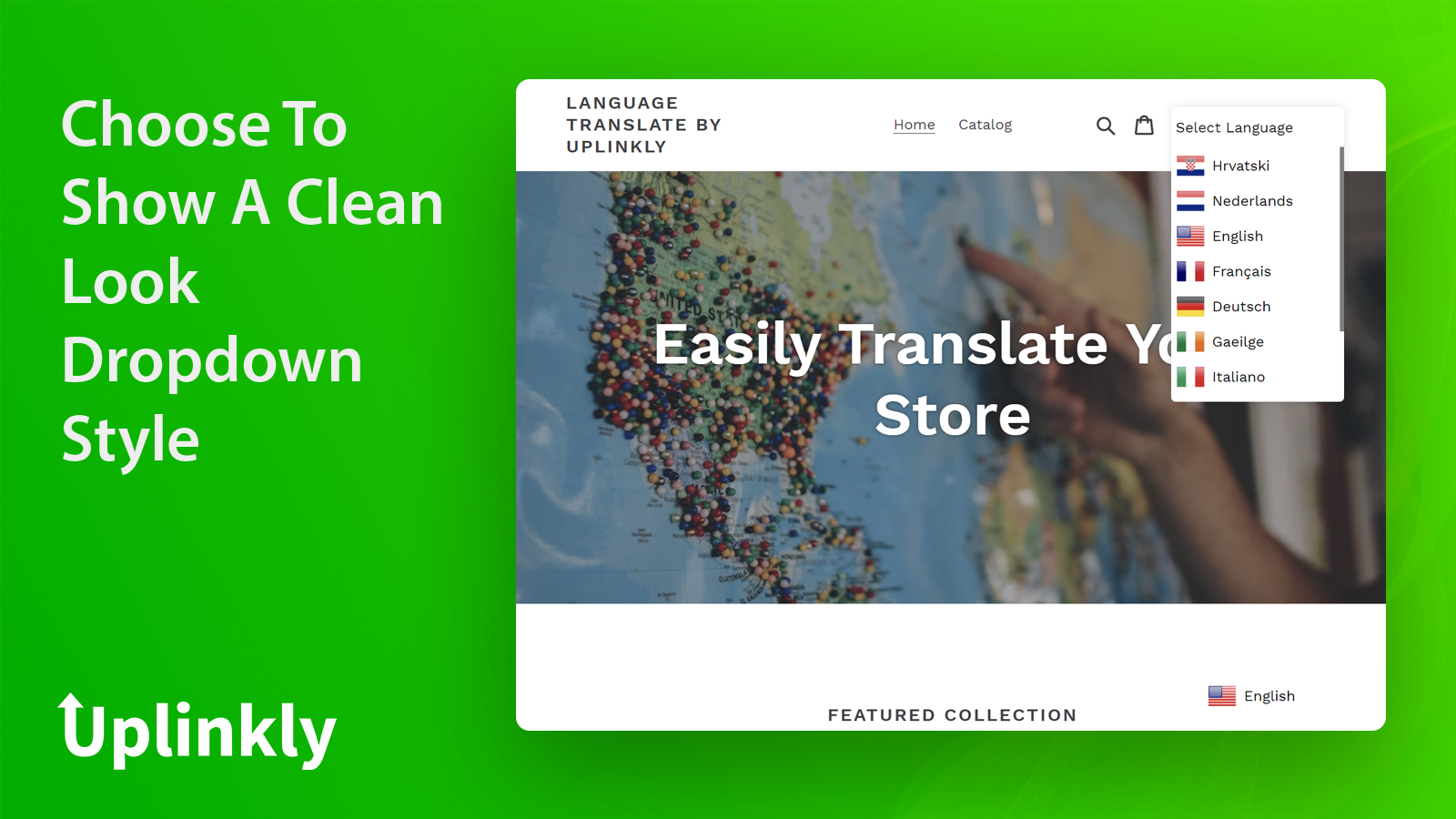
- Enable/disable flags, and choose between dropdown or popup style
- Easy integration - contact us to add the widget to your menu or footer
Merchant-Friendly
- Cross-border E-commerce Merchants
- Multilingual Independent Stations
- Foreign Trade E-commerce Stores
- Global Sales Merchants
Basic Information
- Developer:Uplinkly
- Address:20 Collyer Quay, #09-01, Singapore, 049319, SG
- Price: Free / Free plan
- Rating:4.6 / 5
- Comment Count:32 comment
- Release Date:2019-8-15
- Supported languages:English
- Compatible products:Shopify
Application Screenshot
Price Plan
Basic Plan
- Unlimited Visitors
- Mobile and Desktop Responsive
- Enable Up to 10 Languages
- Unlimited Support
Professional Plan
- All content in Basic
- Enable Unlimited Languages
- Professional Design and Implementation
- Custom Services
- Theme Integration
User Location & Comments
User Location
Comments
Shopify API Used
- POST /admin/api/translations.json
- PUT /admin/api/translations/{id}.json
- GET /admin/api/translations.json
Permission:write_translations,read_translations,manage_themes
- POST /admin/api/language_picker.json
- PUT /admin/api/language_picker/{id}.json
- GET /admin/api/language_picker.json
Permission:write_language_picker,read_language_picker,manage_themes
- POST /admin/api/language_detection.json
- PUT /admin/api/language_detection/{id}.json
- GET /admin/api/language_detection.json
Permission:write_language_detection,read_language_detection,manage_themes
- POST /admin/api/language_flag.json
- PUT /admin/api/language_flag/{id}.json
- GET /admin/api/language_flag.json
Permission:write_language_flag,read_language_flag,manage_themes
- POST /admin/api/theme/assets.json
- PUT /admin/api/theme/assets/{asset_key}.json
- GET /admin/api/theme/assets.json
Permission:write_themes,read_themes,manage_themes