App Introduction
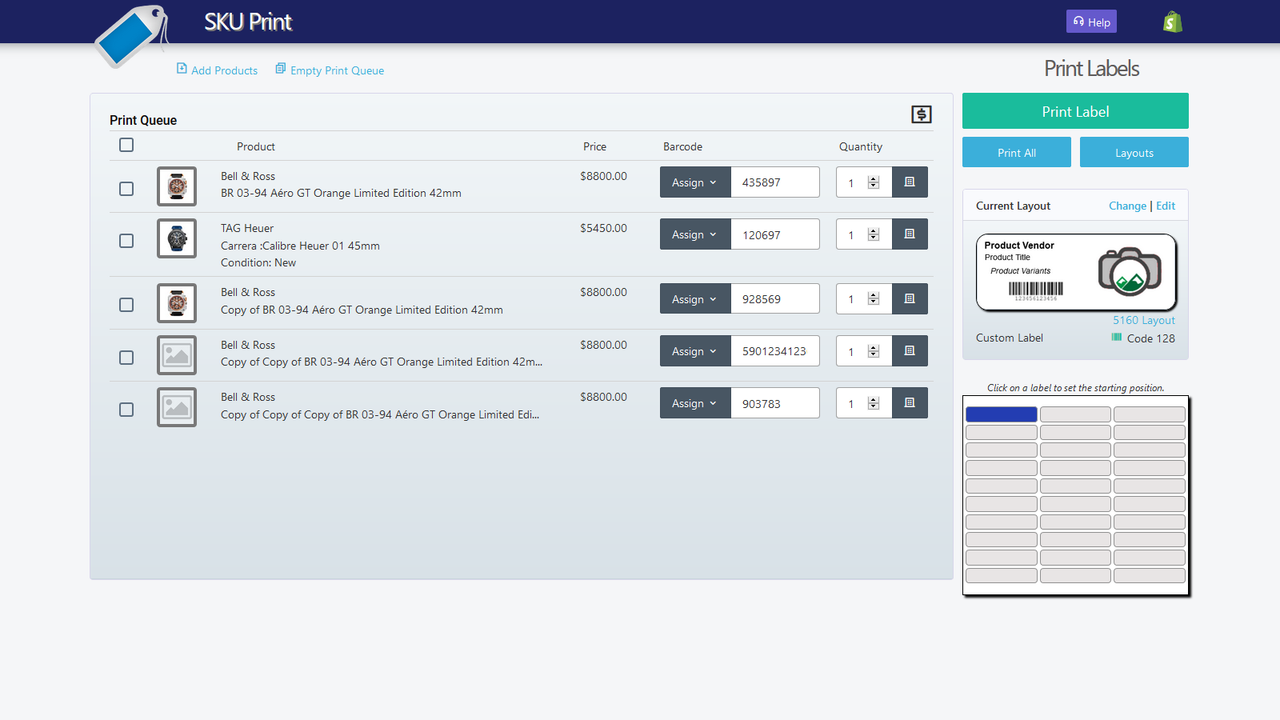
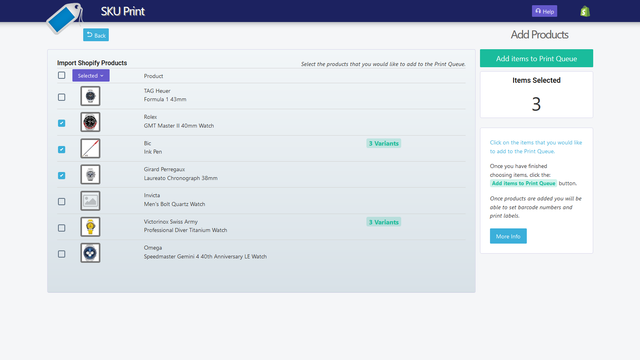
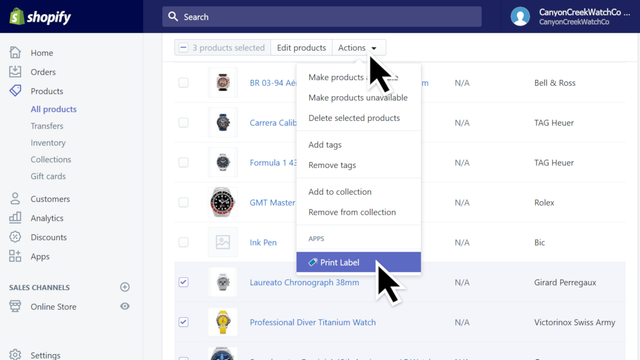
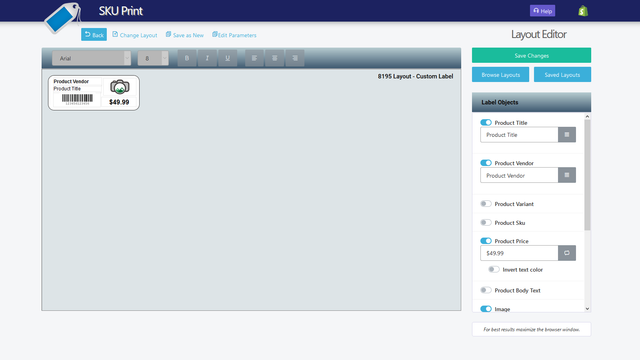
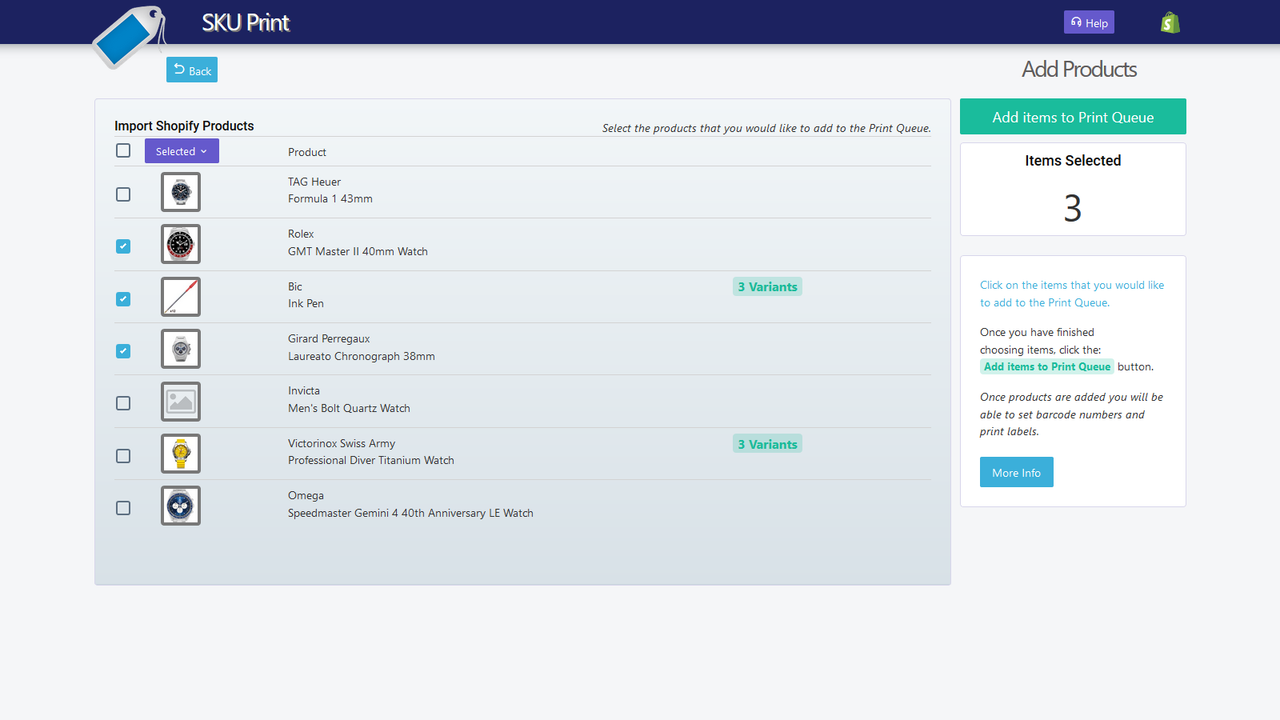
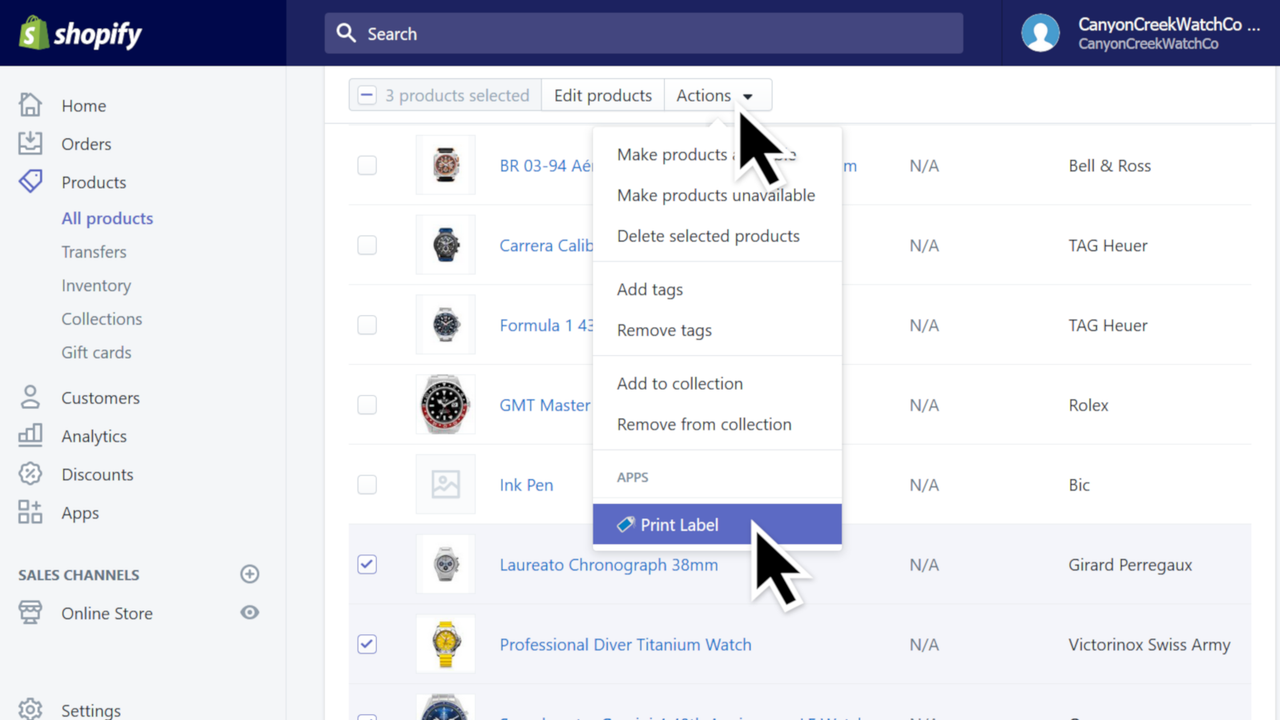
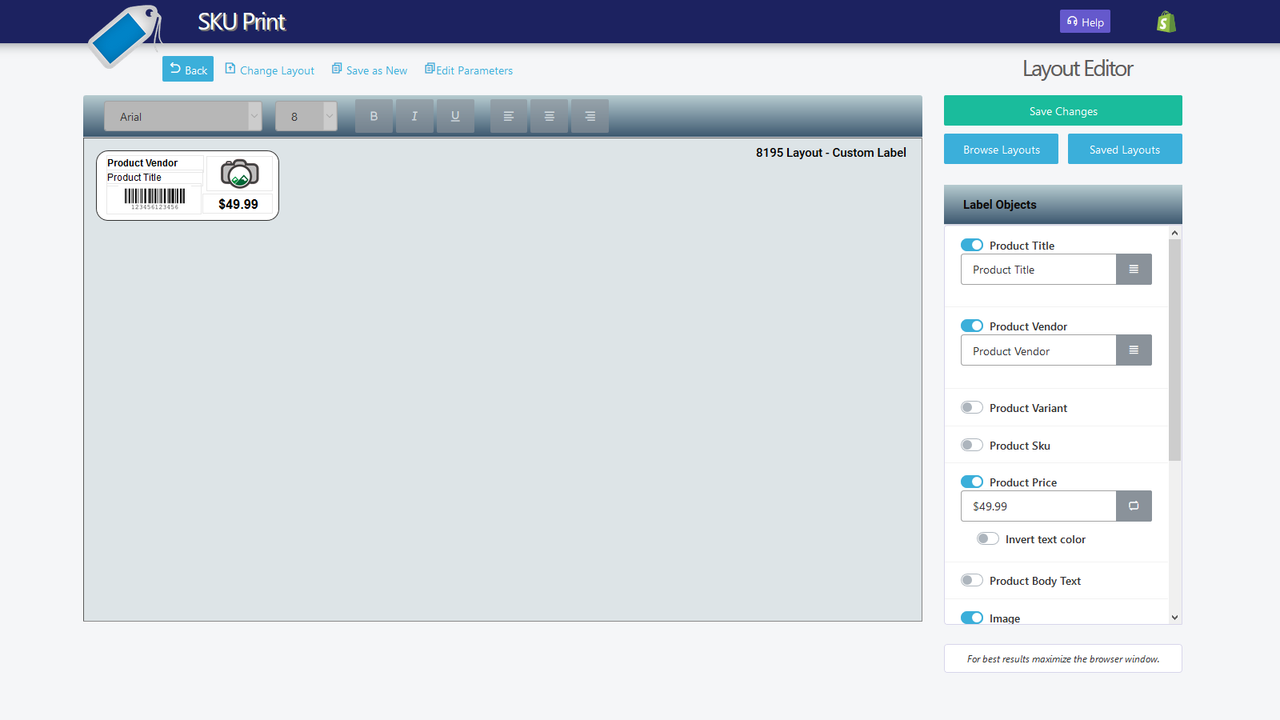
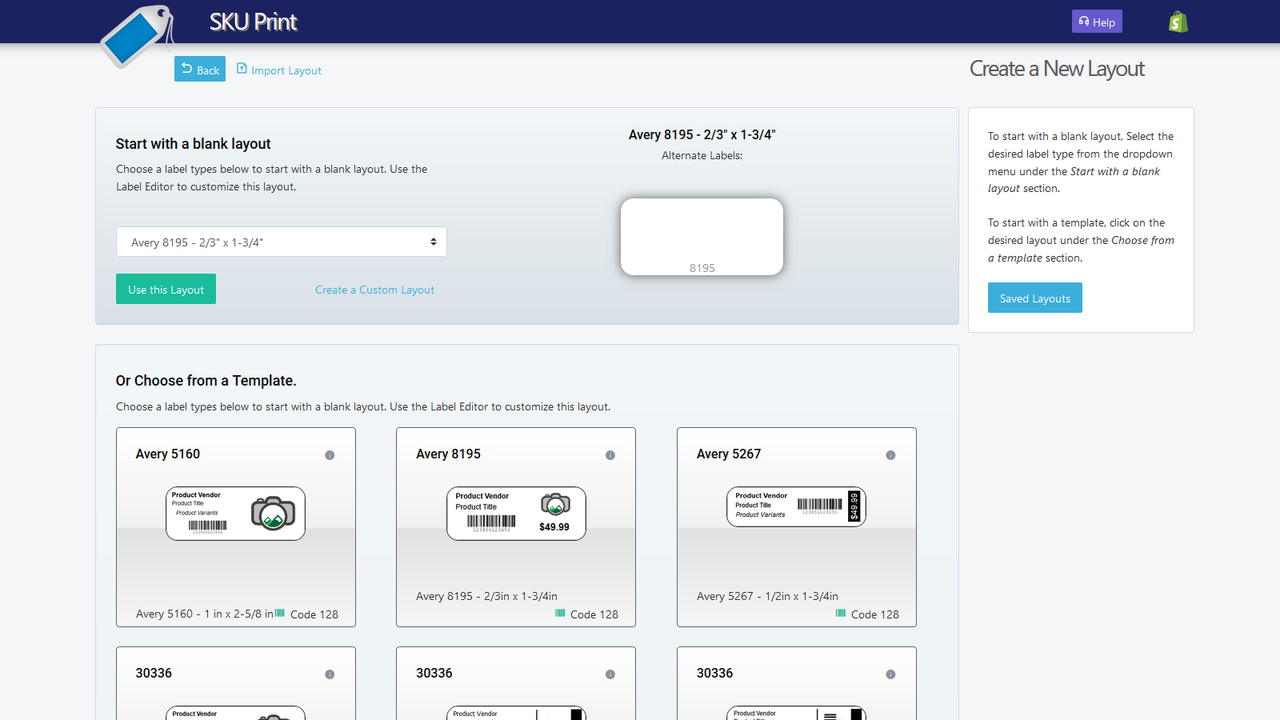
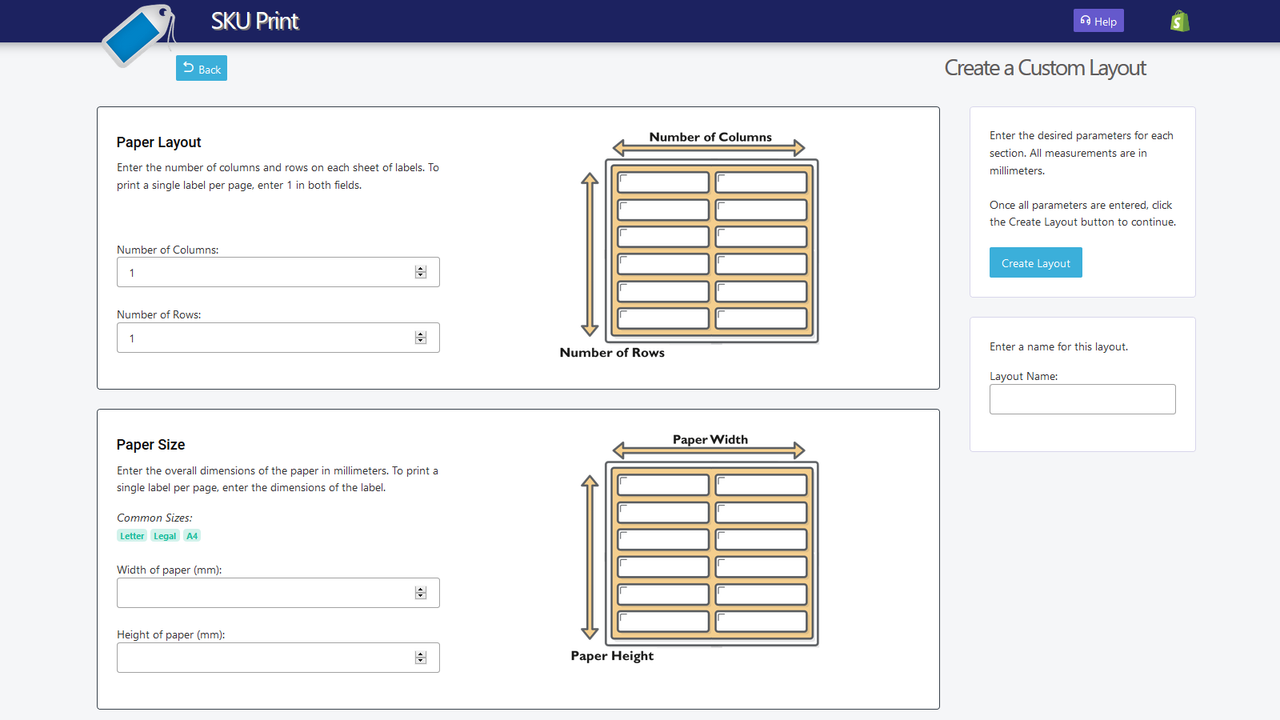
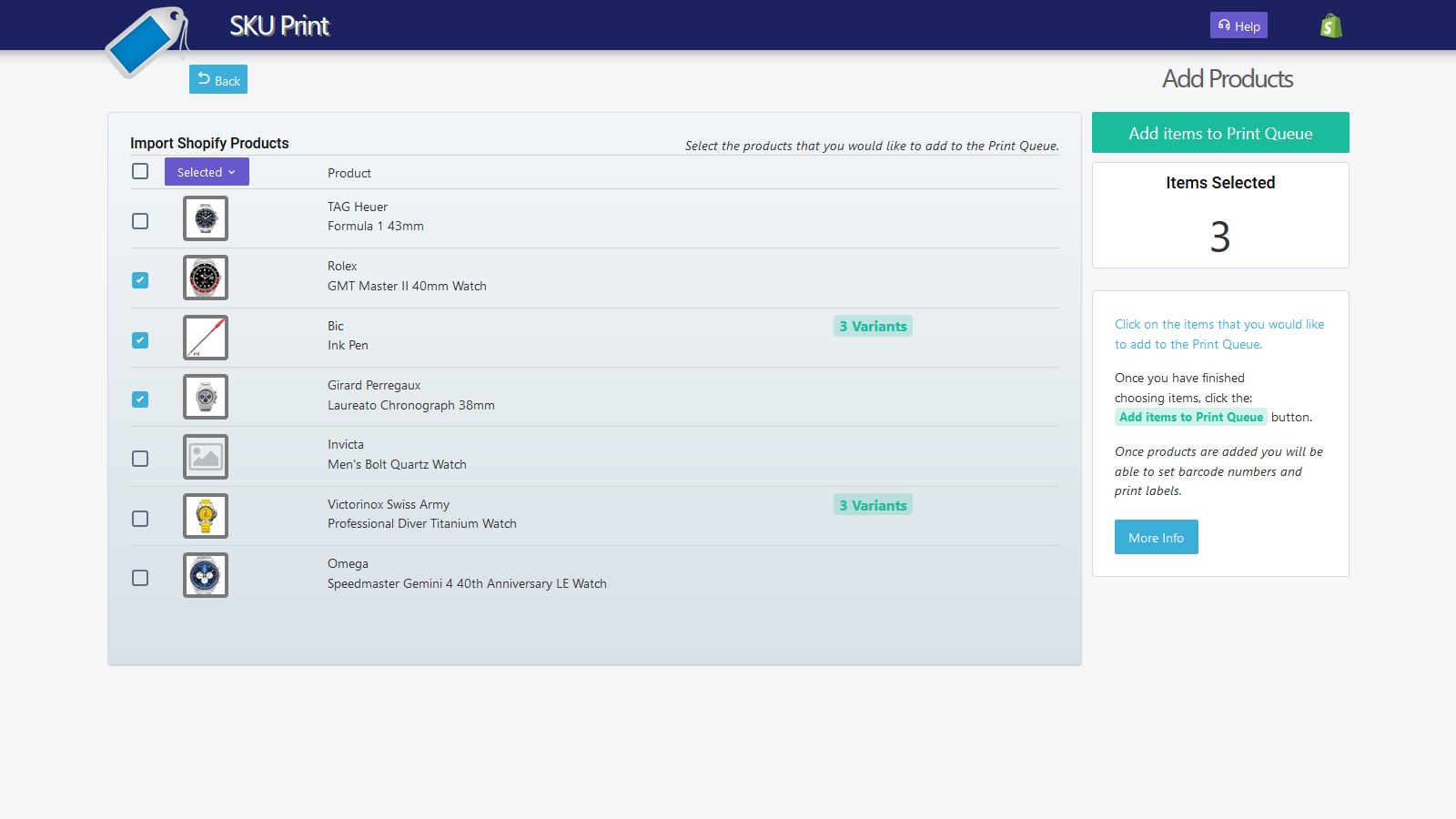
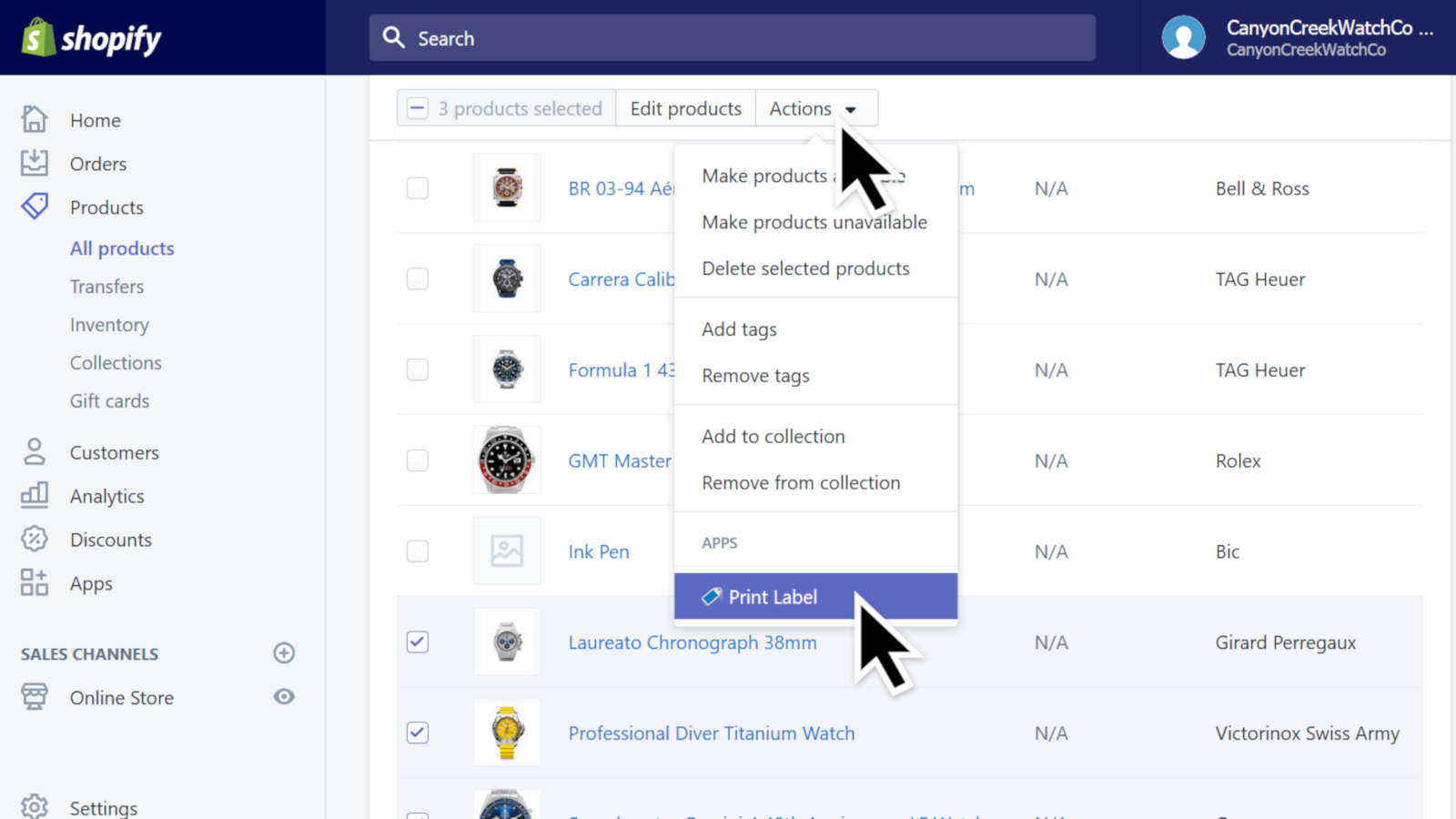
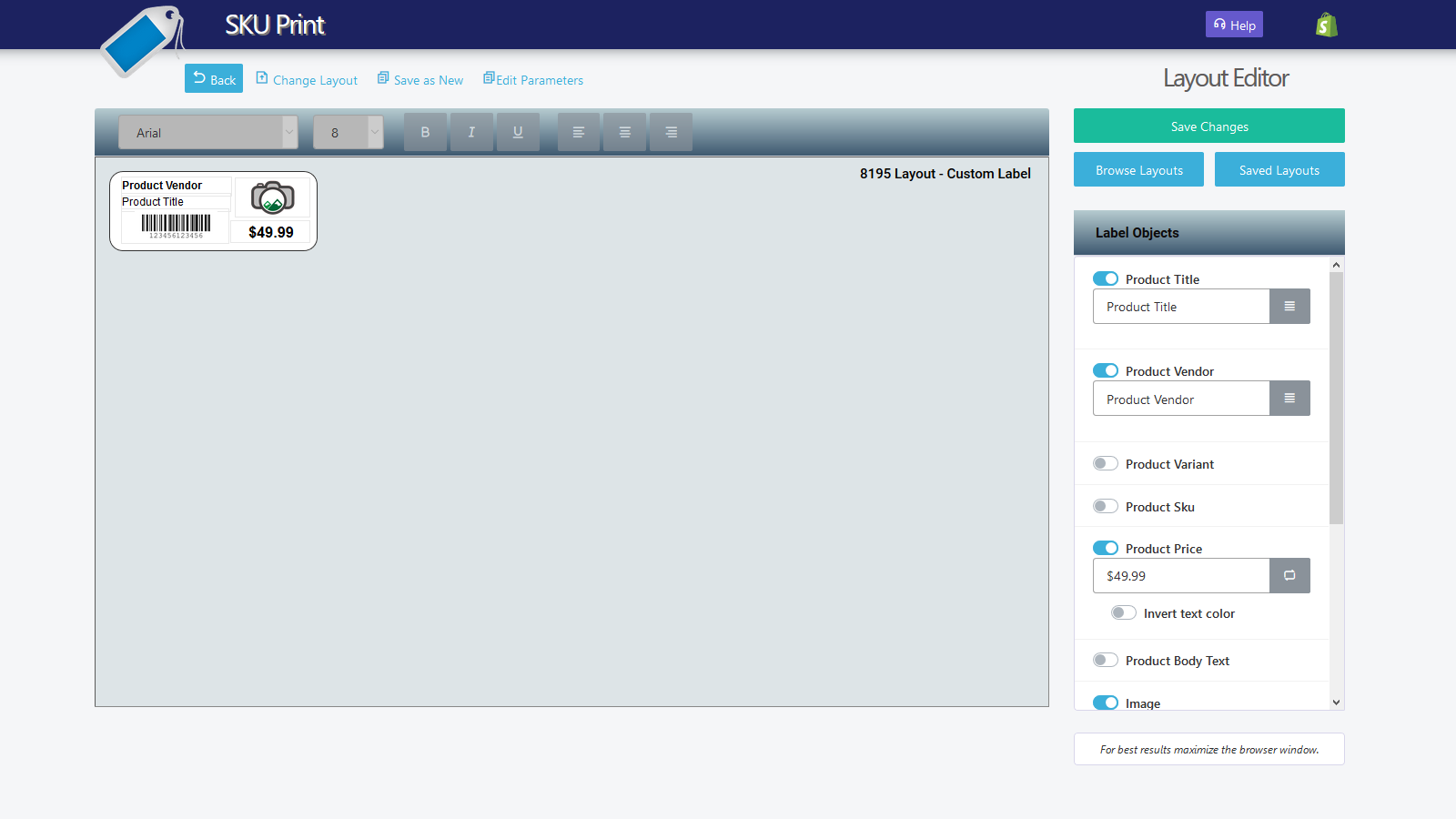
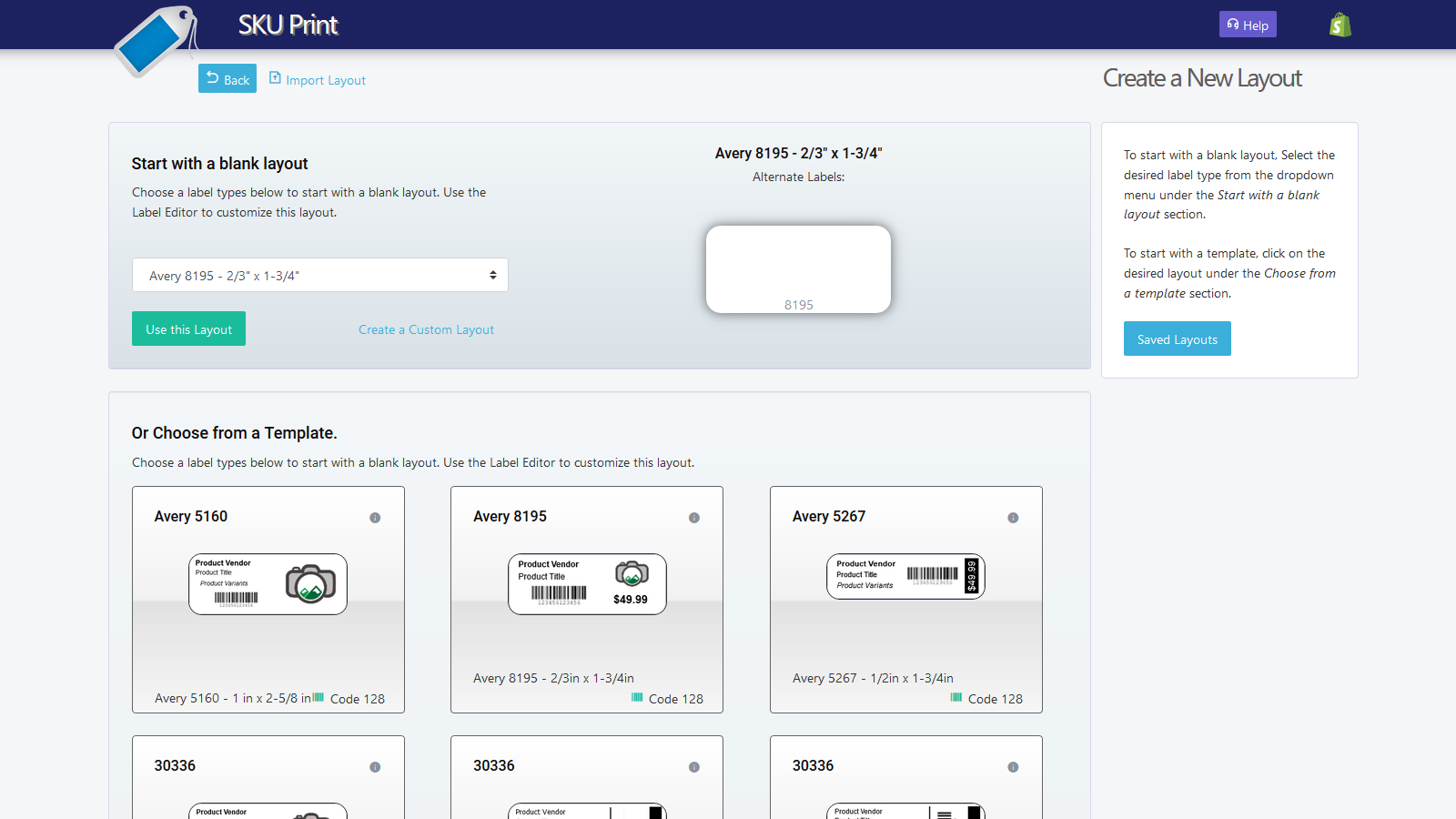
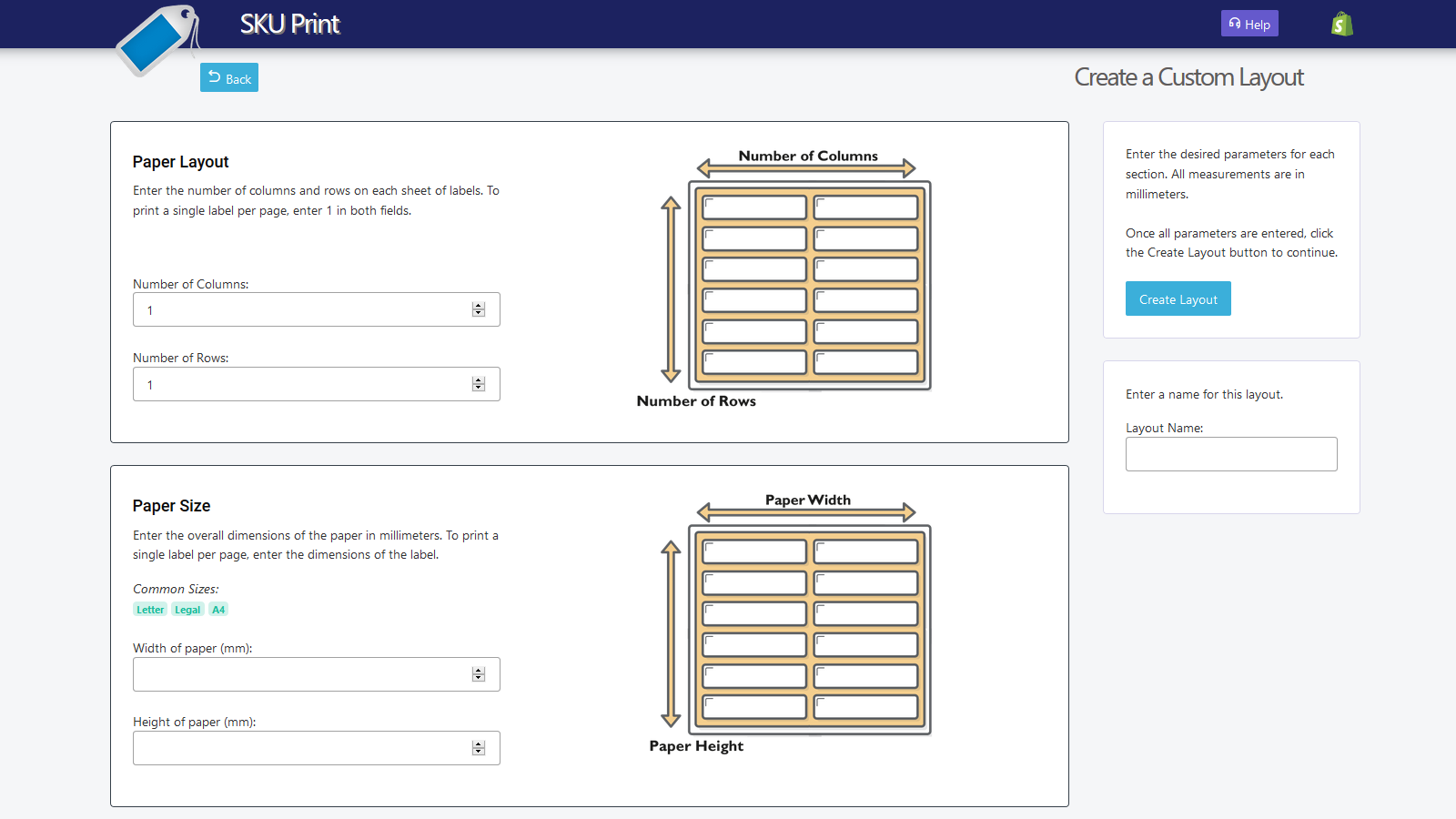
SKU Print simplifies printing custom barcode labels and price tags. Create custom layouts featuring product details (such as title, supplier, variants, price, SKU, and barcodes) along with images or logos—an aesthetic tailored exclusively for your business. Labels can be scanned directly into Shopify’s iPad POS or from the Shopify admin area. Suitable for all types of Shopify stores. #Barcode Automation SKU Print works with your existing barcode numbers or generates new ones on demand. Barcode numbers can be created or edited within the app, and bulk editing is supported to save you time. #Layout Options Choose from pre-made templates, import your own layouts, or start from scratch. After importing, use the editor to modify existing Dymo layouts. #Layout Editor The built-in layout editor provides all the tools you need to craft custom product label designs. Add or remove elements, insert images or logos, adjust font styles, and access numerous other options to personalize your product labels. #Use Your Existing Hardware This app is compatible with most printers and labels, including paper labels. The Socket CHS barcode scanner is recommended but not required. Works with browsers including Mozilla Firefox, Google Chrome, Safari, and Edge...
Core Functionality
- No core function information available at the moment
Merchant-Friendly
- There are currently no suitable merchants available
Basic Information
- Developer:Pikes Peak Digital Marketing
- Address:7115 Canyon Creek Pt, Colorado Springs, CO, 80922, US
- Price: Free / Free plan
- Rating:1.2 / 5
- Comment Count:8 comment
- Release Date:2016-8-24
- Supported languages:
- Compatible products:Shopify
Application Screenshot