
App Introduction
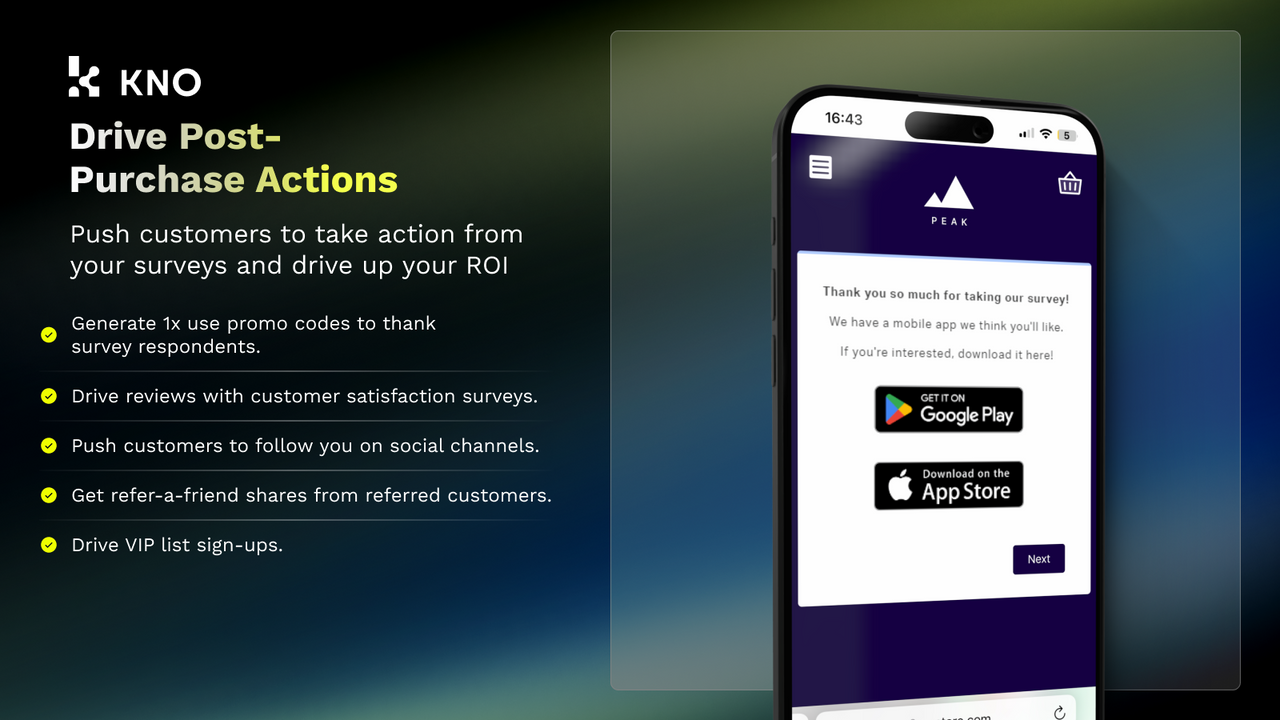
Unlock actionable insights for attribution, conversion rate optimization, customer experience, and product development through post-purchase surveys. KNO delivers user-friendly post-purchase surveys to capture attribution insights from customers. Key features include target audience targeting, pre-built templates, benchmarking, and advanced attribution models—empowering you to understand the revenue impact of channels, demographics, and purchase motivations. Leverage zero-party data to uncover customer drivers and drive deeper engagement via survey-driven actions. Our multi-question and attribution-focused surveys provide comprehensive marketing and product feedback to enable data-informed decision-making.
Core Functionality
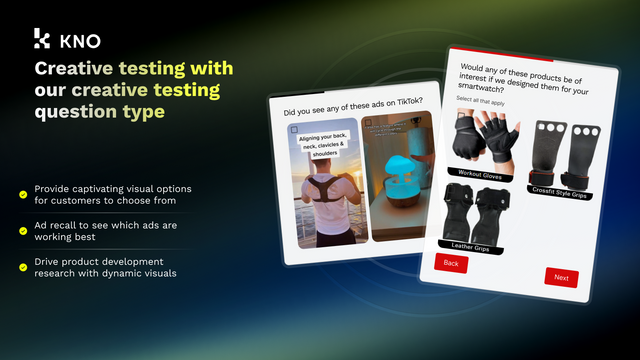
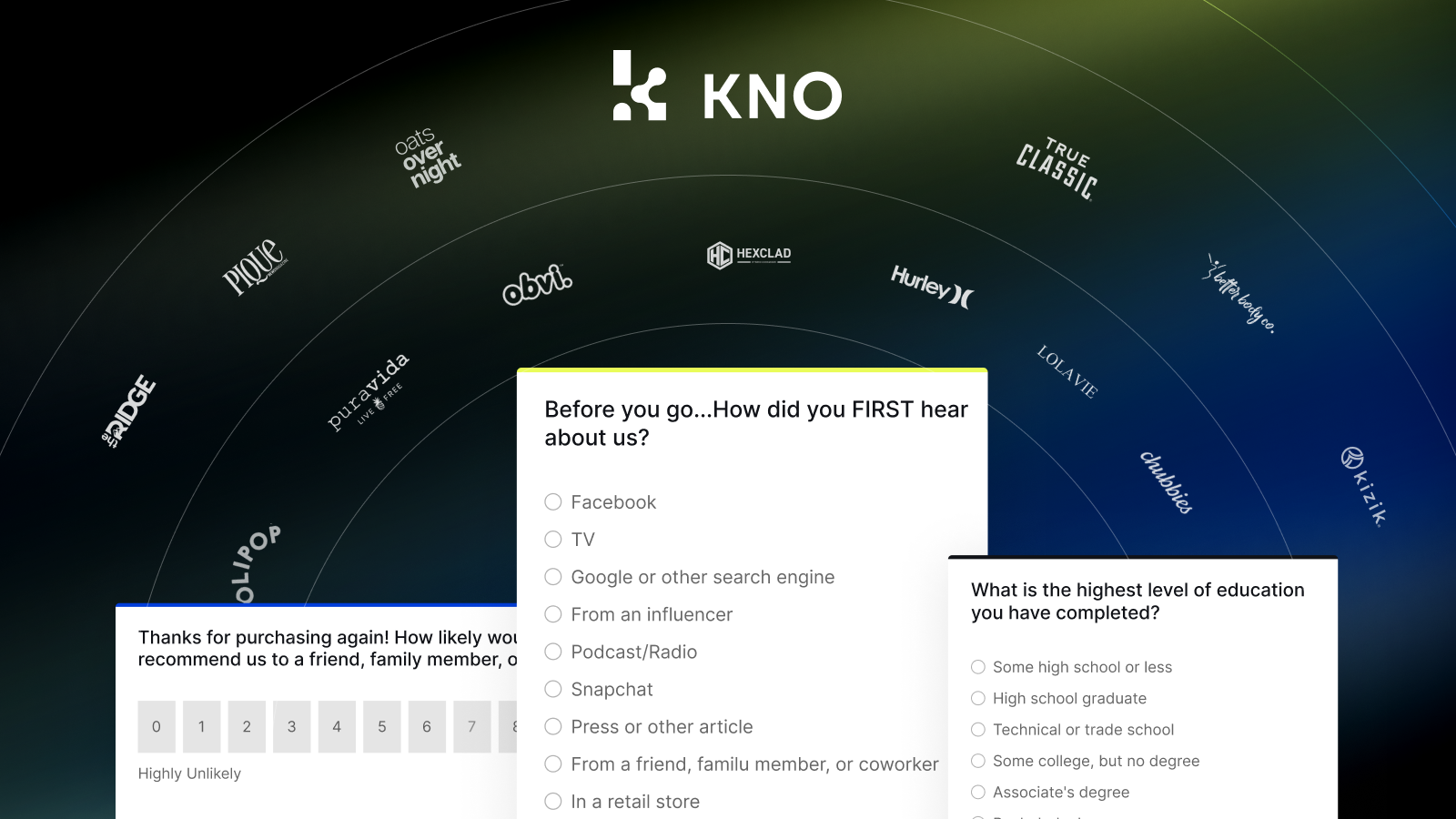
- 5-minute setup with 30+ complete survey templates and dozens of pre-built questions.
- Leverage logic flows for in-depth analysis and actions to boost customer engagement.
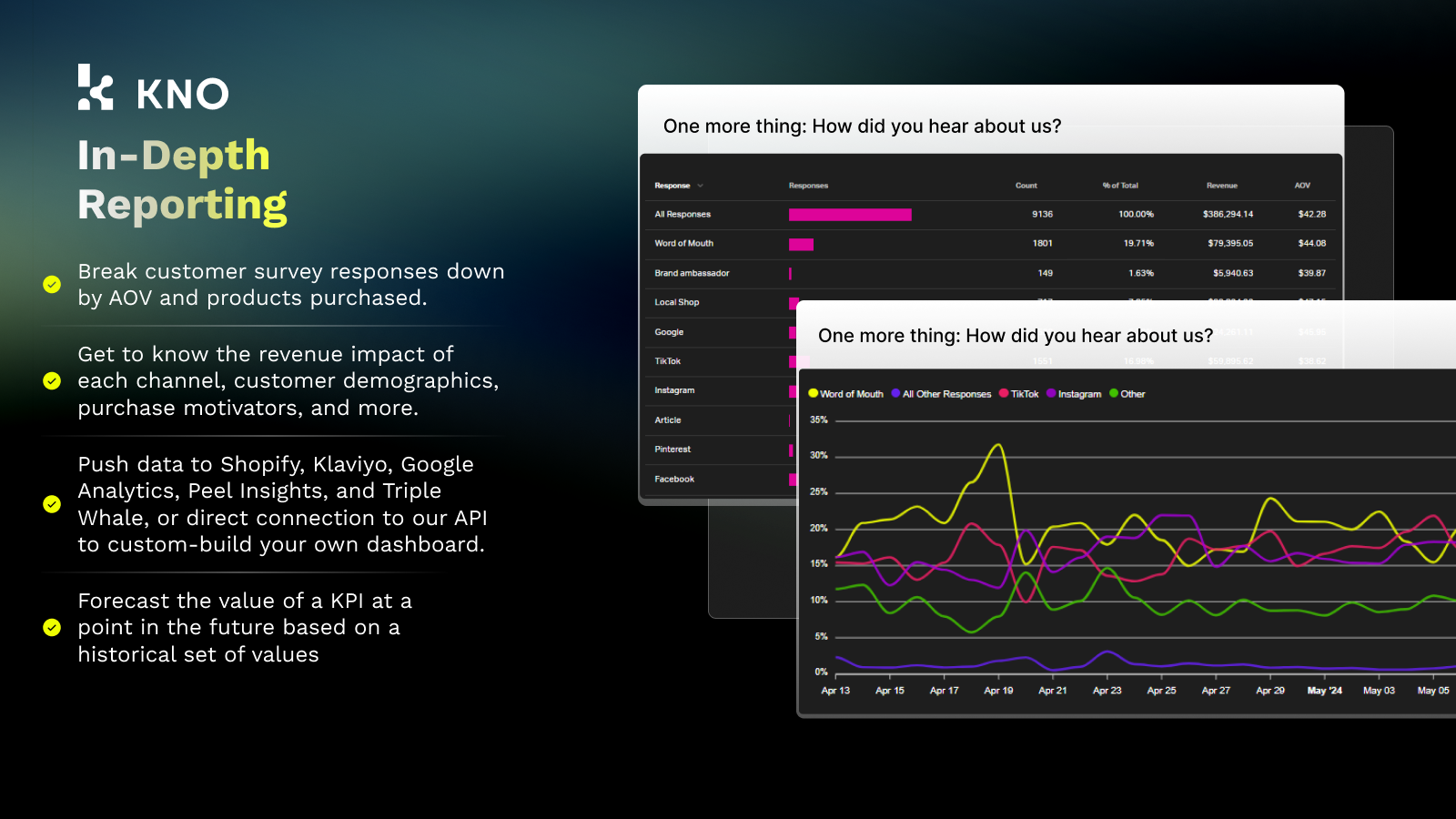
- Attribution reports and analytics to better understand ad performance.
- Target surveys to customer segments via data filters for improved analysis.
- Integrate with top platforms and enable data distribution via REST API.
Merchant-Friendly
- Independent Station Merchants
- Marketing-driven E-commerce
- Customer Experience Stores
- Data-oriented E-commerce
Basic Information
- Developer:KnoCommerce Inc
- Address:8 The Green, Ste A, Dover, DE, 19901, US
- Price: Free / Free plan
- Rating:4.7 / 5
- Comment Count:81 comment
- Release Date:2020-10-19
- Supported languages:English
- Compatible products:Shopify
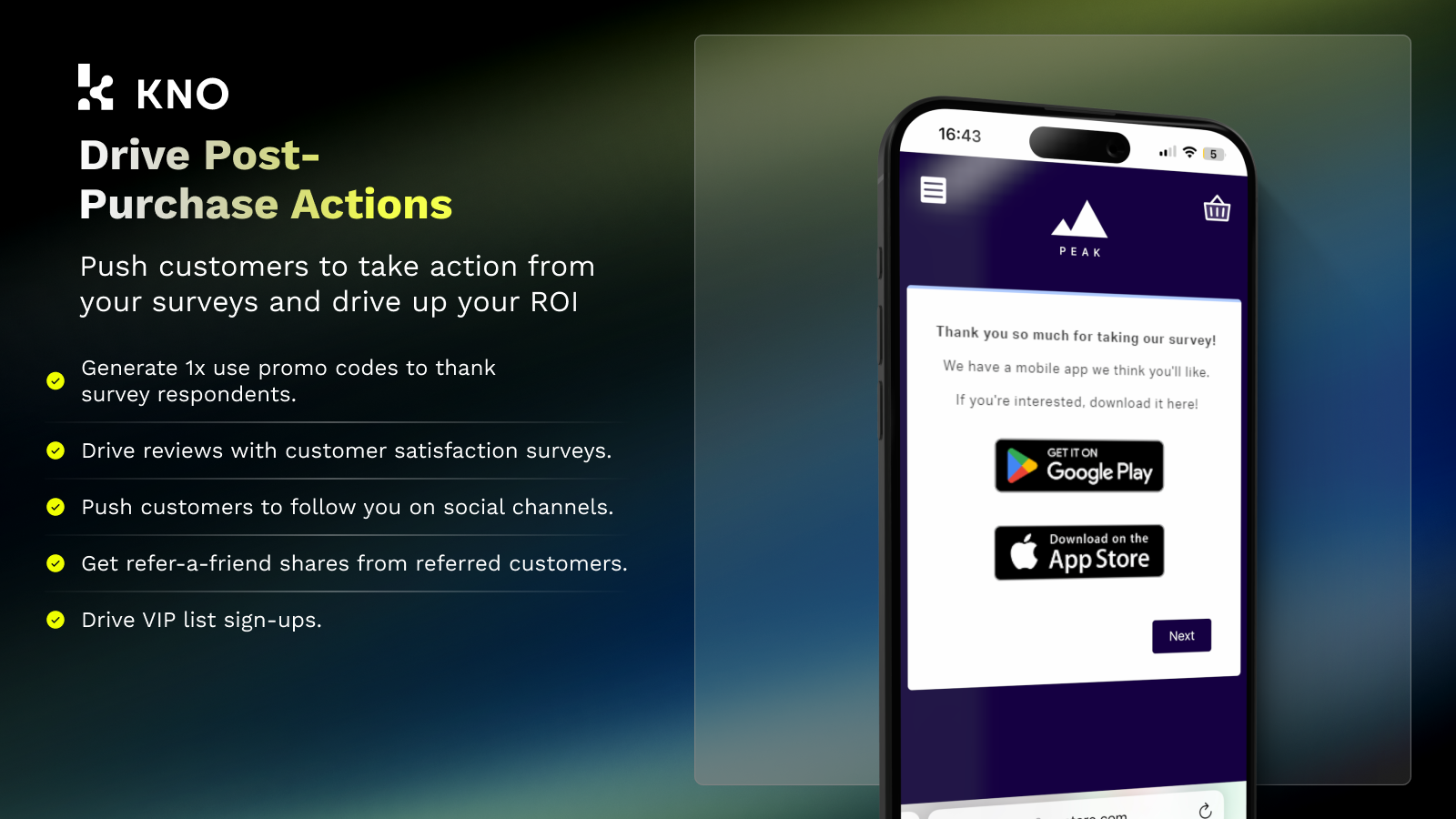
Application Screenshot







Price Plan
Starter
- 1 Survey
- 3 Questions per Survey
- 4 Question Types
- Unlimited Responses
- Export All Data
- Conditional Logic
- Custom Styles
- Templates
Analyst
- All content in STARTER...
- 2 surveys, 999 questions per survey
- 12 question types
- 4 audiences
- Actions
- Benchmarking
- Auto Insights
- 2 campaign integrations
Pro
- All content in ANALYST...
- 4 surveys
- Survey link
- Unlimited audiences
- All question/action types
- 4 campaign integrations
- Team Slack channel
User Location & Comments
User Location
Comments
Shopify API Used
- POST /admin/api/surveys.json
- GET /admin/api/survey_templates.json
- PUT /admin/api/surveys/{id}/settings.json
Permission:write_surveys,read_survey_templates,manage_surveys
- POST /admin/api/surveys/{id}/logic_flows.json
- GET /admin/api/surveys/{id}/analysis.json
- PUT /admin/api/surveys/{id}/logic_flows/{flow_id}.json
Permission:read_surveys,write_surveys,analyze_data
- GET /admin/api/reports/attribution.json
- POST /admin/api/reports/attribution/filters.json
- PUT /admin/api/reports/attribution/settings.json
Permission:read_reports,read_orders,manage_marketing
- GET /admin/api/customers/segments.json
- POST /admin/api/surveys/{id}/target_filters.json
- PUT /admin/api/surveys/{id}/target_filters/{filter_id}.json
Permission:read_customers,write_surveys,manage_segments
- GET /admin/api/surveys/{id}/data.json
- POST /admin/api/external_integrations.json
- PUT /admin/api/surveys/{id}/webhooks.json
Permission:read_surveys,write_webhooks,manage_integrations



